
Planning Guides, Style Guide
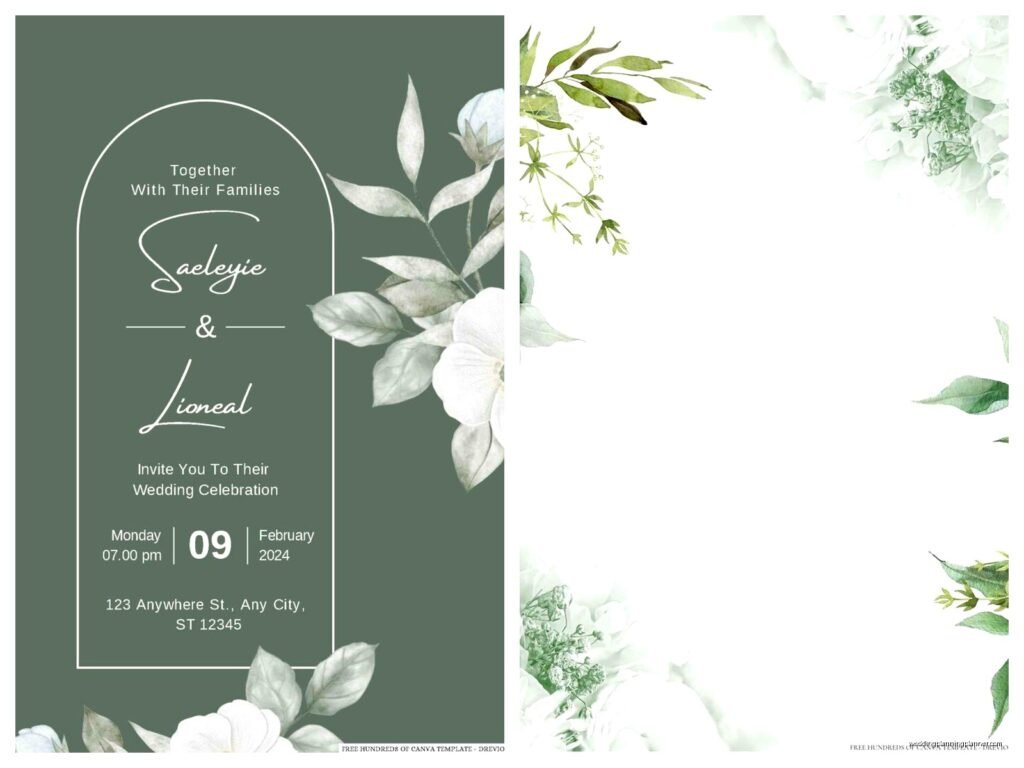
Sage Green Wedding Invitation Template: Free Download Files
Sep
Where to Actually Find Sage Green Wedding Invitation Templates
Okay so sage green invitations are having this massive moment right now and honestly it’s been going strong since like spring 2023 when literally every third bride I worked with wanted this exact color palette. The free template hunt can be kinda frustrating though because half the “free” downloads aren’t actually free or they’re terrible quality.
Your best bet is gonna be Canva first. I know everyone says Canva but seriously their free wedding invitation templates are actually usable. They have this whole sage green collection and you can customize everything without paying unless you want their premium images. The download as PDF works perfectly for most print shops.
Then there’s Template.net which has some surprisingly decent free options. You gotta watch out though because they mix free and paid templates together and it’s annoying when you click thinking something’s free and then… nope. Adobe Express also has free templates now that they’re trying to compete with Canva. The selection isn’t as good but the quality is solid.
Etsy has “free” templates sometimes but honestly most sellers there charge like $8-15 which isn’t terrible if you find the perfect one. I usually tell clients to check Etsy after they’ve exhausted the actually free options because sometimes spending ten bucks saves you three hours of frustration.
File Formats You Actually Need
This is where people get confused and I had this one bride in summer 2021 who downloaded everything in the wrong format and the printer couldn’t use any of it and we had to start over two weeks before her wedding which was just… anyway.
For printing you need either PDF (high resolution, at least 300 DPI) or sometimes printers want PNG files. Never ever use JPG for printing invitations because the quality gets weird. If you’re doing digital invitations only then JPG is fine or even better just send the PDF.
Some templates come as PSD files which is Photoshop format. If you don’t have Photoshop you can’t really use these unless you wanna pay for a subscription just for invitations which seems excessive. INDD files are InDesign and same problem.
The easiest templates are the ones that come as editable PDFs or Canva links where you just edit online and download. PowerPoint templates exist too and honestly they’re not as terrible as they sound if you know what you’re doing with PowerPoint.
Checking Resolution Before You Commit
Make sure whatever you download is at least 300 DPI. Sometimes the preview looks great but when you download it’s only 72 DPI which is screen resolution not print resolution. This will look pixelated and blurry when printed. You can usually check this by looking at the file properties or asking the seller/site before downloading.

Customizing Your Sage Green Template
So you found a template you like now what. First thing is make sure you have all your wording figured out before you start editing because changing text after you’ve messed with fonts and spacing is gonna make you want to throw your laptop.
Most sage green templates already have the color palette built in but you might want to adjust the exact shade. Sage green can range from really gray-green to more olive to almost mint. If you’re matching it to bridesmaid dresses or flowers bring a swatch or photo to your computer and compare.
For fonts stick with what the template uses unless you really know what you’re doing with typography. I’ve seen so many invitations ruined by someone switching to like… Comic Sans or something equally bizarre. If you must change fonts use Google Fonts and pick something that matches the vibe—script fonts for formal elegant weddings serif fonts for classic looks sans-serif for modern.
Text You Need to Include
The basic invitation needs your names obviously the date time and location. For formal weddings you spell out everything like “Saturday the fifteenth of June two thousand twenty-five at half past four in the afternoon” but honestly most people do “Saturday June 15 2025 at 4:30pm” now and it’s fine.
Don’t forget the RSVP deadline and how to RSVP whether that’s a separate card a website or whatever. Dress code if you have one. Registry information does NOT go on the invitation itself that’s what your wedding website is for.
My cat just knocked over my coffee cup while I’m writing this which is perfect timing because now I’m annoyed and that reminds me of what actually annoys me about free templates—the weird placeholder text that makes no sense. Like why do templates say “Join us for a day of love and laughter” when literally nobody talks like that just say “request the pleasure of your company” or “invite you to celebrate” like a normal person.
Printing Your Sage Green Invitations
You’ve got options here and they all have tradeoffs. Printing at home seems cheap until you factor in the cost of good cardstock ink and the time it takes plus most home printers can’t handle thick cardstock anyway.
Online print services like Vistaprint Minted or Shutterfly are the middle option. They’re affordable and the quality is decent. Upload your PDF choose your paper type and quantity and you’re done. Turnaround is usually like 5-7 business days plus shipping so plan accordingly.
Local print shops are more expensive but you can see paper samples in person and talk to an actual human if something goes wrong. I always recommend local shops for my clients who want letterpress or foil because those need professional equipment.
Paper Types That Work with Sage Green
Matte cardstock is your safest bet for sage green designs. It doesn’t show fingerprints and it has this really nice sophisticated feel. Glossy can look cheap unless you’re doing photo invitations.
Textured paper like linen or felt finishes look gorgeous with sage green and give it more of a luxury feel without actually costing that much more. Recycled paper is having a moment too and works really well with the natural earthy vibe of sage.
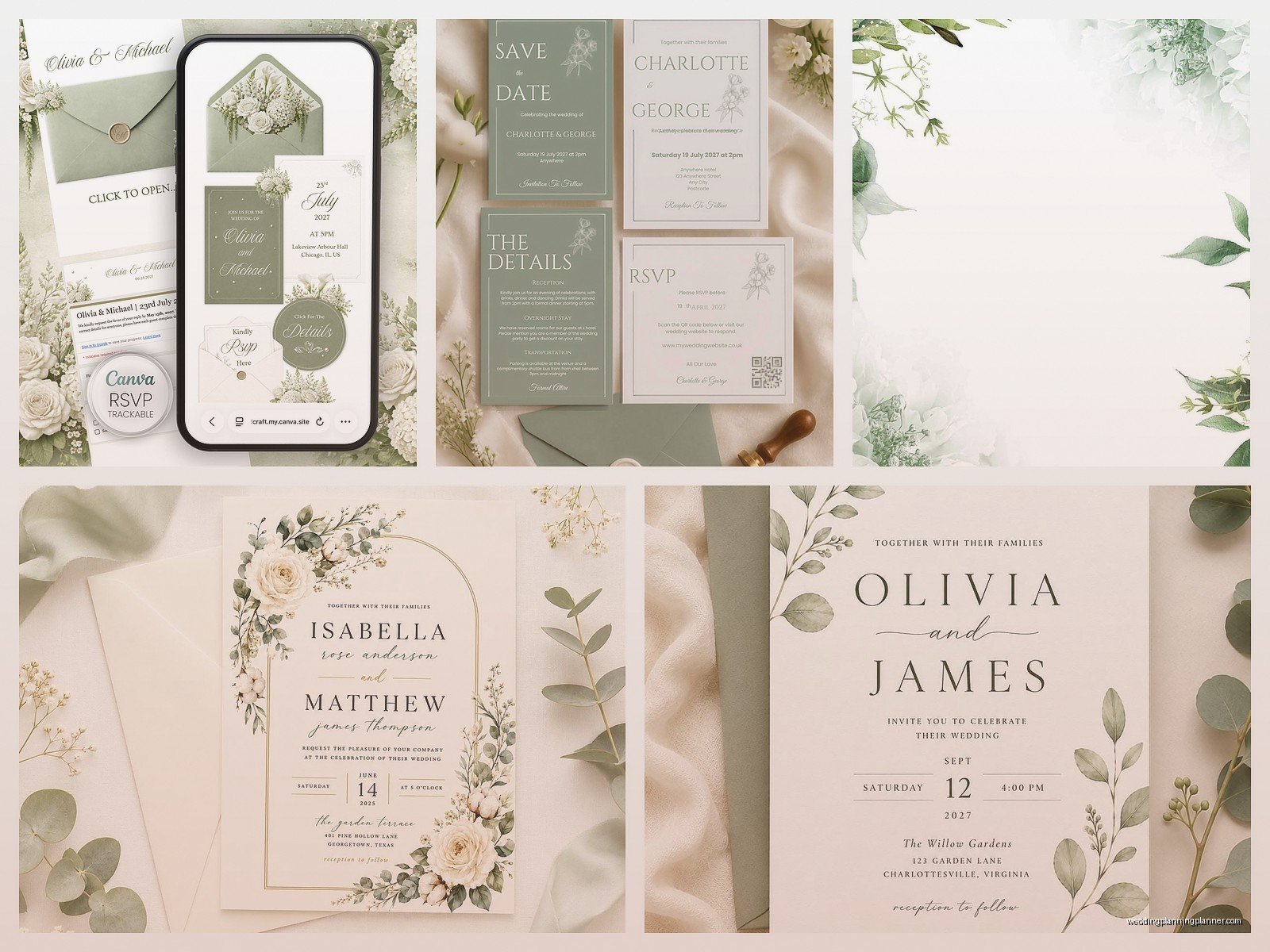
If you wanna get fancy you can do vellum overlays or belly bands in a coordinating color. Eucalyptus green cream ivory or even a soft blush all look amazing with sage.
Common Mistakes People Make
Okay so the biggest mistake is not ordering a test print before ordering 150 invitations. Colors look different on screen versus printed and you might hate the paper quality or realize there’s a typo. Always order one or two samples first.
Another thing is not accounting for envelope sizes. Your invitation might be a standard 5×7 but if you’re adding RSVP cards detail cards and a map you need a bigger envelope. A6 envelopes fit 5×7 cards but barely and stuffing them is annoying. Consider going up a size.
People also forget about postage. If your invitation is thick or oversized or has any dimension to it like a wax seal or ribbon you’re gonna need extra postage. Take one fully assembled invitation to the post office and have them weigh it before you buy stamps. I had a client who used regular Forever stamps and half her invitations came back because they were overweight and that was just a nightmare.
Timing Your Template Download and Printing
Download and customize your template at least 4 months before your wedding ideally more like 6 months. This gives you time to get samples make changes reprint if needed and still send invitations 6-8 weeks before the wedding date.
If you’re doing save-the-dates those should go out 6-8 months before (or even earlier for destination weddings) so you’ll need to find or create those templates first. A lot of template sets include matching save-the-dates invitations and thank you cards which is super convenient.
Making Your Free Template Look Expensive
Alright so you don’t wanna spend money on templates but you also don’t want your invitations to look cheap I get it. Here’s what actually works.
First upgrade your paper even if you’re using a free template. Spending an extra dollar per invitation on really nice heavy cardstock makes a bigger difference than a fancy template on cheap paper. 110lb cardstock minimum 130lb is better.
Add a liner to your envelopes. You can buy pre-made envelope liners or make your own with pretty paper and a template. This adds like 50 cents per invitation but looks so much fancier. Sage green invitations look amazing with eucalyptus or cream envelope liners.
Use real calligraphy for addressing envelopes or at least a good calligraphy font printed on the envelopes. Those printed labels from your home printer scream “we didn’t try very hard” but nice addressing says elegant even if the invitation itself is simple.
Digital Invitations as an Alternative
If you’re thinking about going fully digital with your sage green template that’s totally valid now especially after 2020 changed everyone’s minds about digital invitations. Paperless Post Greenvelope and Joy all have platforms for this.
You can also just send your PDF as an email attachment or create a wedding website and direct people there. The downside is older guests might not check email regularly and digital invitations don’t feel as special for formal weddings. But for casual weddings backyard celebrations or eco-conscious couples it works great.
Coordinating Your Whole Paper Suite
Once you have your sage green invitation template you’ll probably want matching pieces. Most couples need RSVP cards detail cards or information cards and maybe a weekend itinerary for multi-day weddings.
The easiest approach is finding a template bundle that includes everything in the same style. If you’re using Canva you can duplicate your invitation design and just change the text for each different card. Keep the same fonts colors and general layout so everything looks cohesive.
Programs menus place cards and table numbers should also match. You don’t have to use the exact same design but keep the color palette and fonts consistent. Sage green with gold accents is super popular right now or sage with white and eucalyptus for a more natural look.
Signs are another thing to think about—welcome signs seating charts bar menus. These can all coordinate with your invitation design and there are tons of free templates for these too just search “sage green wedding signs template” and you’ll find options.
What to Do If Free Templates Aren’t Cutting It
Sometimes you spend hours looking at free templates and nothing feels right and that’s okay. You’ve got a few options that aren’t breaking the bank.
Etsy templates in the $10-25 range are usually really high quality and you get instant download plus the ability to customize. Most sellers offer some support if you have questions about editing. This is probably the best value if free isn’t working.
You could hire a designer on Fiverr or Upwork to customize a free template for you or create something semi-custom. Prices range wildly but you can find decent designers for $50-150 for invitation design.
Or honestly just pick the best free template you found and make it work. Add some personal touches change the fonts slightly upgrade the paper and call it done. Your guests aren’t gonna remember your invitations as much as you think they will anyway they’re gonna remember your wedding being fun or boring not whether your invitation was custom designed.
The sage green trend isn’t going anywhere soon so at least you’ll have plenty of options to choose from. Just start with Canva spend an hour playing around and see what you can create before you decide you need to spend money on templates or hire someone
