
Planning Guides, Style Guide
Wedding Countdown Template: Free Download Files

Sep
Wedding Countdown Templates Are Literally Going To Save Your Sanity
Okay so wedding countdown templates are basically those downloadable files that help you track every single thing you need to do before the big day, and honestly I don’t know how anyone plans a wedding without one anymore. Like, I had this bride in spring 2023 who thought she could just “wing it” with her planning and then three months before her wedding she called me absolutely panicking because she hadn’t even thought about her invitations yet and—yeah, not fun for anyone involved.
The thing is, these templates come in all sorts of formats. You’ve got your Excel spreadsheets, your PDF printables, your Google Sheets versions, and even some fancy Notion templates if you’re into that whole aesthetic planning thing. I’m gonna walk you through what’s actually out there and what you should be downloading depending on how your brain works.
What’s Actually In These Templates
Most decent wedding countdown templates break things down by timeline – like 12 months out, 9 months out, 6 months, 3 months, 1 month, and then the final week. Some go all the way out to 18 months if you’re one of those super organized people (I respect it but also… who are you?).
You’ll typically find task lists that include stuff like:
- Venue booking deadlines
- Vendor deposit due dates
- Dress shopping milestones
- Invitation ordering and mailing dates
- Menu tastings and final headcounts
- Hair and makeup trial appointments
- Marriage license application windows
- Final payment schedules
The really good templates also have budget tracking built in, which is kinda essential because you need to see how your timeline decisions affect your wallet. Like, if you’re booking your florist at 4 months out instead of 8 months out, you might be paying rush fees or missing out on seasonal flower savings.
Where To Actually Download Free Templates
Alright so I’m gonna be real with you – there are SO many websites offering “free” templates that are actually just trying to get your email address so they can spam you forever. It’s annoying as hell and honestly one of my biggest pet peeves in this industry. But there are some legit sources:
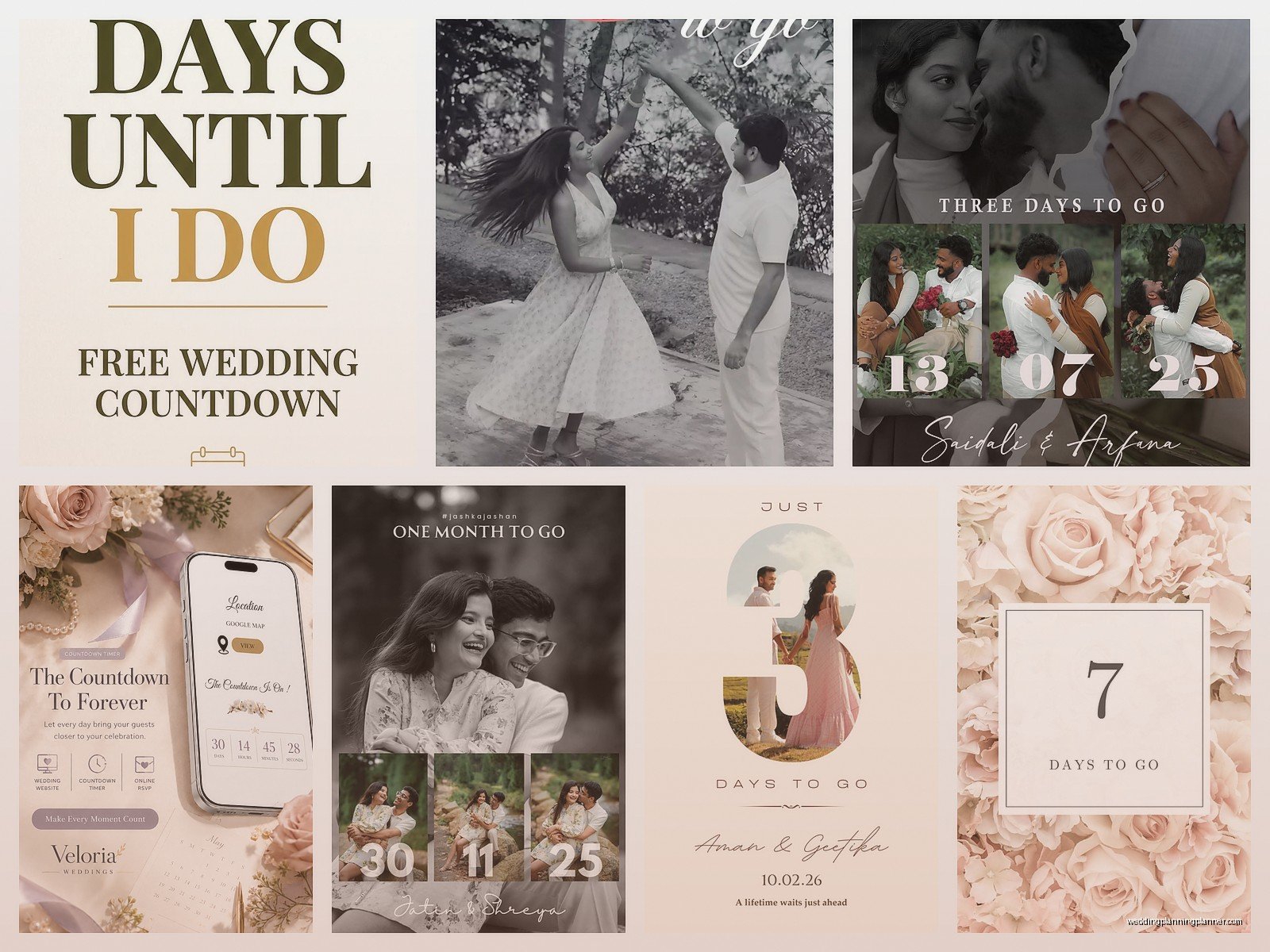
Google Sheets Templates: Just search “wedding countdown template” directly in Google Sheets when you’re creating a new sheet. Google has their own template gallery and you can find some surprisingly detailed ones. The benefit here is that you can share it with your partner or your wedding planner (hi, that’s me sometimes) and everyone can update it in real time.
Microsoft Office Templates: If you’re more of an Excel person, Microsoft has a whole library. You download them through Excel itself or from their templates website. These tend to be more formatted and pretty, but less collaborative unless you’re using Office 365.
Canva: Okay so Canva has these gorgeous printable countdown templates that you can customize with your wedding colors and fonts. They’re more visual and less functional for actual task management, but if you want something to print and stick on your fridge, these are perfect.
Wedding planning blogs: Sites like The Knot, Brides, and WeddingWire all offer free downloadable templates. You usually do have to give them your email, but at least you’re getting genuinely useful content in return. Just be prepared for the newsletter onslaught.
How To Customize Your Template Without Losing Your Mind
Here’s the thing nobody tells you – you can’t just download a template and follow it exactly. Every wedding is different and your timeline’s gonna look different from someone else’s. I learned this the hard way when I first started planning weddings and I tried to force a couple into a “standard” timeline even though they were doing a destination wedding… which obviously needs like, completely different planning milestones.
Start by looking at your actual wedding date and work backwards. If you’re getting married in 8 months versus 14 months, you’re gonna need to compress some tasks or skip others entirely. Maybe you don’t have time for multiple dress shopping appointments – you might need to order off the rack or go with a shorter lead time designer.
Delete the stuff that doesn’t apply to you. Not doing a full meal? Cross off the catering tastings. Having a courthouse wedding? You can skip like 75% of most templates honestly. My cat walked across my keyboard while I was customizing a template for a client last month and accidentally deleted an entire section, and turns out they didn’t need any of it anyway because they were doing a super intimate elopement.
The Monthly Breakdown That Actually Works
12-9 Months Out: This is your big vendor booking phase. Venue, photographer, videographer, band or DJ. These are the people who get booked up fastest, especially if you’re getting married during peak season (May through October, basically). You should also be looking at your overall budget and guest list during this time.
8-6 Months Out: Dress shopping, invitation design, booking your florist and cake person. This is also when you wanna start thinking about your wedding party – who’s in it, what they’re wearing, all that stuff. Oh and book your hotel room blocks if you have out of town guests.
5-4 Months Out: Order your invitations (seriously, don’t wait longer than this), book any rental items you need, finalize your ceremony details. If you’re doing any DIY projects, this is when you should be starting them, not finishing them – I see so many people leave DIY stuff until the last minute and then they’re literally hot gluing centerpieces at midnight the night before.
3 Months Out: Send your invitations, do your hair and makeup trial, start your menu tasting process, finalize transportation. This is also when you should be having real conversations about the ceremony script and any readings or special moments you want.
2 Months Out: Apply for your marriage license (check your state’s rules because some licenses expire after 30 days and some are good for 90 days… it’s a whole thing). Confirm all your vendors, break in your wedding shoes, finalize your seating chart as RSVPs come in.
1 Month Out: Final headcount to your caterer, final payment to most vendors, create your day-of timeline, pack for your honeymoon if you’re leaving right away. This is also when you should be doing your final dress fitting.
Final Week: Rehearsal, rehearsal dinner, getting your marriage license if you haven’t already, final vendor confirmations, packing your wedding day emergency kit. And like, trying to sleep which is basically impossible but you gotta try.
Digital Versus Printable Templates
I keep going back and forth on which is better because honestly it depends on your personality. Digital templates are great because you can access them from anywhere – your phone, your computer, your partner’s tablet when they finally decide to help with planning (kidding… sorta). You can set reminders and notifications, and if you’re using something like Google Sheets or a project management app, you can assign tasks to different people.
But printable templates? There’s something about physically checking off a box that feels so satisfying. I have brides who keep their printed countdown on their fridge or in a wedding planning binder, and they can see their progress visually. Plus you don’t have to worry about your laptop dying or forgetting your password or whatever.
My suggestion is to use both. Keep a digital master copy that you can edit and update, but print out monthly views to keep somewhere visible. That way you get the best of both worlds.
Adding Budget Tracking To Your Countdown
Most templates have some budget component but it’s usually pretty basic. You want to track estimated costs, actual costs, deposits paid, and final payments due. And here’s what nobody tells you – you need to build in a buffer of at least 10-15% because stuff ALWAYS costs more than you think.
Link your budget items to your timeline items. So when your template says “book florist by 6 months out,” you should also have a budget line that shows your estimated floral budget and when deposits are due. This way you’re not scrambling to find money for a deposit you forgot about.
I like to add a column for “actual cost” versus “budgeted cost” so you can see in real time if you’re overspending in one category. Then you can make adjustments in other areas before it becomes a problem. Had a couple last year who went way over on photography but were able to cut back on decorations because they saw the numbers early enough.
Sharing And Collaborating On Your Template
If you’re planning with a partner, you need to figure out how you’re both gonna access and update the countdown. Google Sheets is honestly the easiest for this – you can both have it open at the same time and see changes happen live. You can also add comments and tag each other with questions or reminders.
Some couples assign different sections to different people. Like maybe one person handles all the vendor communications and the other person handles the guest list and invitations. Whatever works for your relationship, just make sure you’re both actually looking at the template regularly. I’ve seen too many situations where one person is doing everything and the other person is just like “oh yeah, the wedding, right” until two weeks before.
If you’re working with a wedding planner or coordinator, they might have their own system they want you to use. That’s fine – just make sure you’re syncing information between their system and yours so nothing falls through the cracks.
Common Mistakes People Make With Templates
Biggest mistake? Downloading a template and then never looking at it again. I see this ALL the time. People get really excited, download seventeen different templates, and then just… forget about them. Pick ONE template and actually use it.
Second mistake is not updating it when things change. Your timeline will change – vendors get booked, budgets shift, you might move your date or change your venue. Your template should be a living document that you’re updating at least weekly.
Third mistake is getting too detailed too early. You don’t need to know your exact table centerpiece height 11 months before your wedding. Start with the big stuff and add details as you get closer. Otherwise you’ll just overwhelm yourself and the whole template becomes useless.
Oh and people forget to set reminders. What’s the point of having a timeline if you’re not checking it? Set calendar reminders for major milestones – like “start looking at dresses” or “order invitations” or “apply for marriage license.” Your template can’t help you if you’re not actually using it to stay on track.
Customizing For Different Wedding Types
Standard templates assume you’re doing a traditional full-day wedding with ceremony and reception, but that’s not everyone. If you’re doing a courthouse wedding followed by a dinner, your timeline is gonna be way different. Same if you’re doing a destination wedding or an elopement or a backyard wedding.
For destination weddings, you need to add in tasks like booking travel for yourself and potentially for guests, researching marriage license requirements in that location (every state and country is different and it’s honestly a nightmare sometimes), arranging welcome bags, planning group activities. Your vendor booking timeline might be different too since you’re probably working with vendors you can’t meet in person.
For intimate weddings or elopements, you can skip a lot of the traditional stuff but you might need to add in other things. Like if you’re eloping somewhere remote, you need to think about permits, officiants who will travel, how you’re getting your photos back if your photographer isn’t local.
Backyard weddings need extra tasks around rentals – you’re renting EVERYTHING from tables to chairs to probably a tent to bathrooms if you have enough guests. That’s a whole separate timeline of when to book rentals, when they’re delivered, when they’re picked up.
Making Your Template Actually Work For You
Look, the template is just a tool. It’s not gonna plan your wedding for you (that’s what I’m here for, shameless plug). But it will keep you organized and help you not forget major things. I promise you, three months from now when you’re stressed about everything, you’ll be so grateful you have this countdown telling you exactly what needs to happen next.
The best thing you can do is set aside time every week – like Sunday morning with coffee or whenever works for you – to review your template and update it. Check off what you’ve done, add new tasks that came up, adjust dates if needed. Make it part of your routine.
And honestly? Don’t stress if you fall behind on the timeline. These templates are guidelines, not rules. If you’re supposed to book your florist at 6 months out but you’re at 4 months and just getting around to it, that’s okay. Just adjust everything else accordingly and keep moving forward. I’ve seen beautiful weddings come together in 3 months and disasters that had 18 months of planning, so… timeline isn’t everything, it just helps.
