
Planning Guides, Style Guide
Wedding Day Template: Free Download Files
Sep
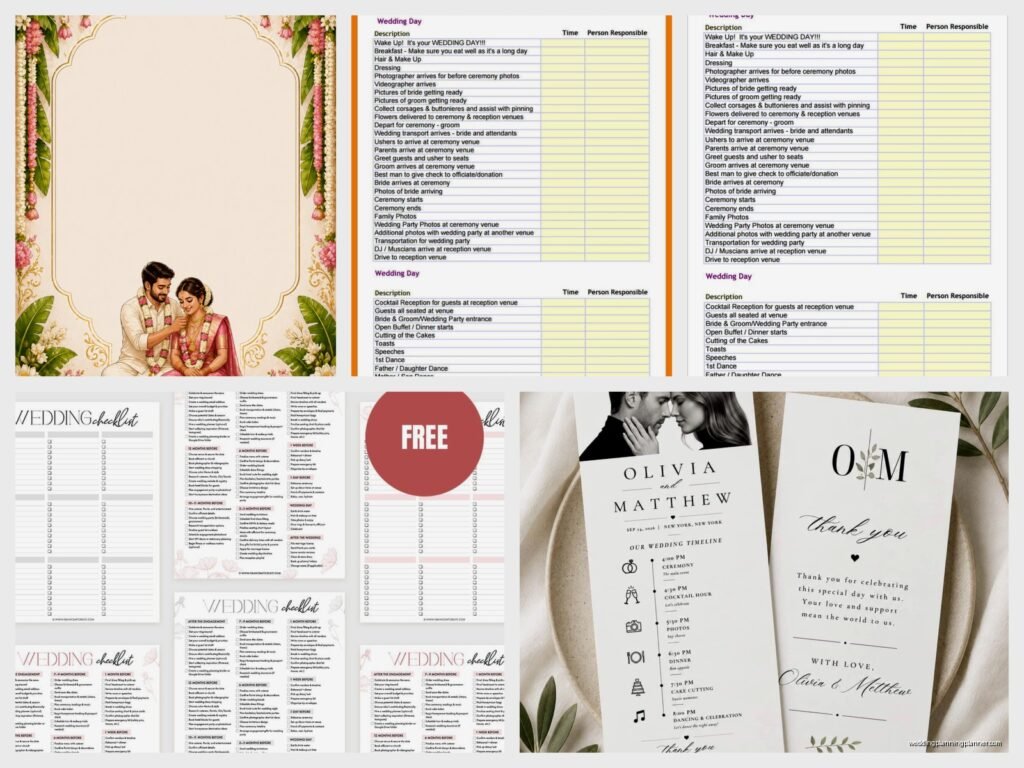
Wedding Day Template Downloads You Actually Need
So you’re looking for free wedding day templates and honestly this is gonna save your life because I’ve seen too many couples scrambling the week before their wedding trying to organize everything on scraps of paper and random Google docs. Let me just dump everything I know about this because I’ve been using these templates since like 2015 and they’ve evolved so much.
The main templates you absolutely need are the timeline template, the vendor contact sheet, the emergency kit checklist, and the shot list for your photographer. Everything else is kinda nice-to-have but these four are non-negotiable. I learned this the hard way during a wedding in spring 2023 when a bride showed up without any organized timeline and her mom was texting me every fifteen minutes asking what was happening next and I wanted to throw my phone into the cake.
Timeline Template Breakdown
Your timeline template needs to be broken into these sections: getting ready, ceremony, cocktail hour, reception, and breakdown. I use a simple Excel sheet that I’ve modified over the years but you can totally use Google Sheets if you want everyone to access it from their phones. The columns should be: time, activity, location, people involved, and notes.
Start with your ceremony time and work backwards. If you’re getting married at 4pm, you need to be dressed by 3pm latest, which means hair and makeup needs to start… see this is where people mess up because they don’t account for how long things actually take. Hair for a bridal party of six people? That’s minimum 3 hours if you have two stylists. One stylist? You’re looking at 5-6 hours easy.
The template I share with clients has 15-minute increments pre-filled from 8am to midnight. Most people don’t need to start at 8am but some do, especially if you’ve got a huge bridal party or you’re doing a first look. You can delete rows you don’t need obviously.
Where to Actually Download These Files
Okay so here’s what annoys me about “free” template sites – half of them require you to sign up for their email list, then they send you like seventeen emails before you get the actual download link, and then the template is locked in some weird format you can’t edit. Nah.

The best free resources I’ve found are Canva (they have wedding planning templates you can customize), Google Workspace template gallery (just search “wedding timeline”), and honestly Pinterest links to Etsy shops that offer free samples. Some wedding planning apps like Zola and The Knot have downloadable PDFs but you gotta create an account first.
I keep a Dropbox folder with about 20 different template variations that I’ve created over the years and I just… I probably should organize them better because half of them are named like “FINAL_timeline_template_v3_ACTUAL_FINAL.xlsx” which is embarrassing but whatever, it works.
Vendor Contact Sheet Setup
This one is SO important and people always skip it. Your vendor contact sheet needs every single vendor’s name, company name, phone number, email, arrival time, and what they’re providing. Also add their assistant’s contact info if they have one because I cannot tell you how many times I’ve needed to reach someone and the main contact isn’t answering.
Format this as a simple table – don’t get fancy with it. You need to be able to print this on one page, ideally front and back maximum. Your wedding day coordinator needs this, your maid of honor needs this, your parents probably need this. I usually create three printed copies and also text a photo of it to key people the morning of the wedding.
Include your venue coordinator’s info at the top because that’s who everyone will need to contact about logistics. Then list vendors in order of when they arrive: usually that’s hair/makeup first, then photographer, then florist, then ceremony musicians, etc.
Emergency Kit Checklist Template
This template is basically a shopping list of everything that should go in your wedding day emergency kit. I have a master list of like 60 items and then I have clients check off what’s relevant to them. Not everyone needs safety pins for a boutonniere if you’re doing boutonnieres with magnets, you know?
The categories I break it into: fashion emergencies (safety pins, double-sided tape, stain remover, extra earring backs), beauty touch-ups (lipstick, powder, tissues, bobby pins), comfort items (band-aids, pain reliever, antacids, mints), and random necessities (scissors, lighter for candles, extra phone charger, umbrella).
My cat actually knocked over my emergency kit container last month and I found like eight different lip glosses that had accumulated over the years, which made me realize I probably need to clean that thing out, but anyway—
You can download emergency kit checklists from basically any wedding blog but make sure it’s actually comprehensive. Some of them are like “bring a safety pin and some lipstick!” and that’s not gonna cut it when the best man splits his pants or someone’s heel breaks or the groom gets BBQ sauce on his shirt during lunch.
Photography Shot List Template
Your photographer might say they don’t need a shot list and honestly the good ones don’t really need one for the standard stuff, but you should still make one for family groupings and any specific shots you absolutely want. This prevents that horrible moment during family photos where everyone’s standing around trying to remember if you already did the shot with both sets of grandparents or just one.
I organize shot lists into: getting ready shots you want, first look if applicable, pre-ceremony portraits, ceremony must-haves, family formal groupings (this is the detailed section), bridal party shots, couple portraits, reception details, and reception moments.
For family groupings, be VERY specific. Don’t just write “family photos” – write out each combination. Bride with parents. Groom with parents. Bride with parents and siblings. Bride with mom. Bride with dad. You get it. During a wedding in summer 2021, we spent forty minutes on family photos because nobody had written down the groupings and the bride kept remembering different combinations she wanted and people had already wandered off to cocktail hour and it was a whole thing.
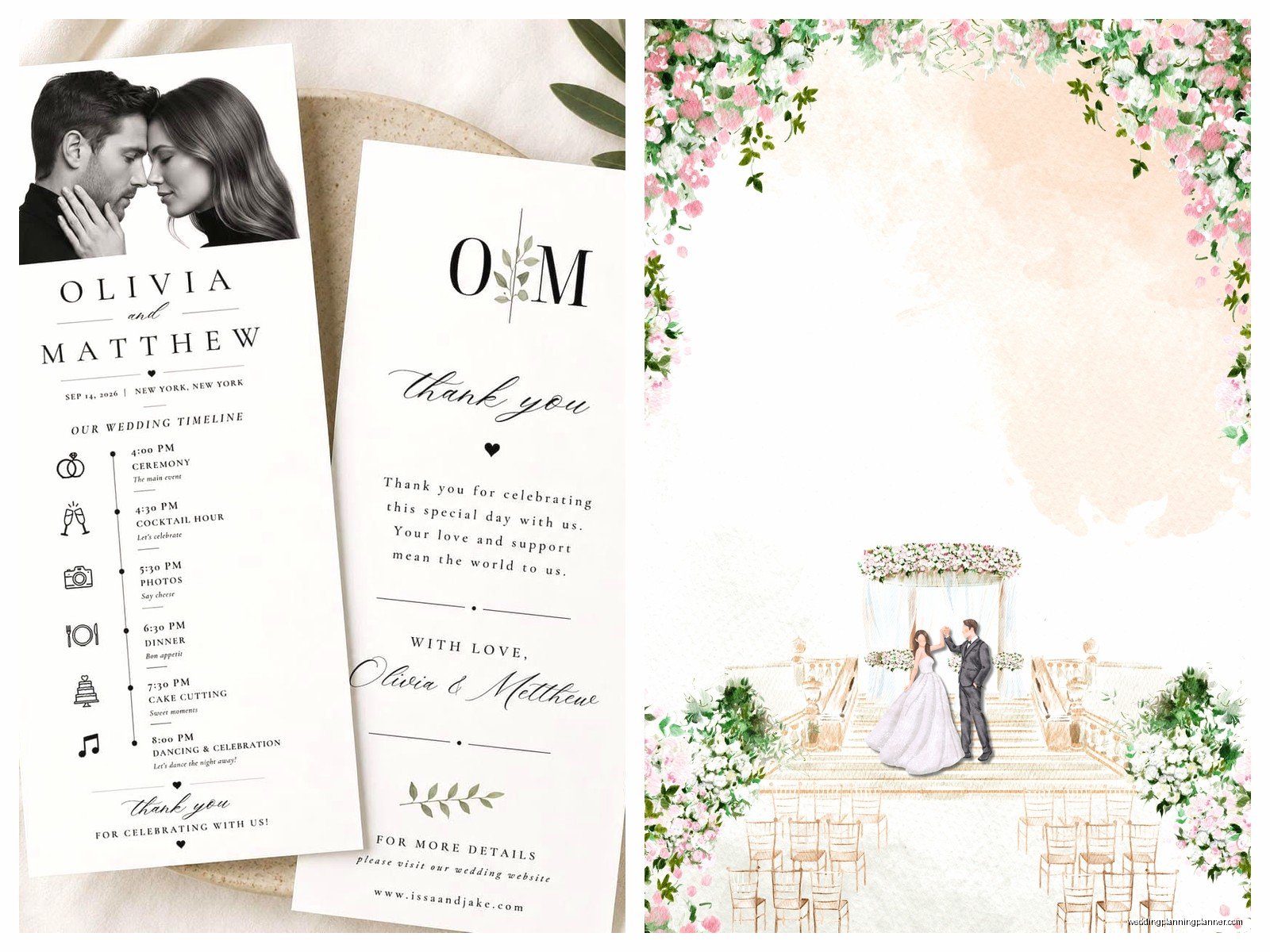
The template should have columns for: photo description, priority level (must-have vs nice-to-have), and a checkbox for when it’s completed. Your photographer’s assistant or your coordinator can check these off as you go.
Additional Templates That Are Actually Useful
Seating chart template – this one’s tricky because every venue layout is different, but you can find basic ones that let you input table numbers and guest names. I prefer the kind where you can drag and drop names between tables because you WILL change your mind seventeen times about where to put your college friends versus your work friends.
Budget tracker template – okay this isn’t specifically for the wedding day but you’re gonna want this earlier in planning. It should have categories for every expense, estimated cost, actual cost, deposit paid, balance due, and payment due date. The free ones on Google Sheets are honestly better than most paid versions I’ve seen.
Music playlist template – some couples want to plan out every single song and others just give the DJ general vibes. If you’re the planning type, create a spreadsheet with ceremony music (processional, recessional, signing), cocktail hour vibe, dinner music, special dances (first dance, parent dances, anniversary dance), and then open dancing. Include song title, artist, and when it should play.
How to Actually Use These Templates
Download them like at least 3-4 months before your wedding. Don’t wait until two weeks before because that’s when you’re gonna be stressed about other stuff. Fill them out gradually as you book vendors and make decisions.
Share the timeline template with your vendors about a month out. They’ll tell you if something doesn’t work with their schedule or if they need more time for setup than you’ve allocated. Your photographer might need 20 minutes for family formals but you’ve only budgeted 10 minutes – better to know that in advance.
Print everything a week before the wedding. I know we live in a digital world but when your phone dies or someone doesn’t have the right app or whatever, printed copies save the day. I keep everything in a binder with tabs and yes it’s very Type A but it works.
Update the templates as things change because they will change. Your hair stylist might text you that she’s running 30 minutes late, or your florist might need to deliver earlier than planned, or your ceremony musicians might need access to an outlet you didn’t know about. Just… keep everything current or the templates are useless.
Customizing Templates for Your Situation
If you’re having a micro wedding, you don’t need the full vendor contact sheet with 15 vendors. Scale it down. If you’re doing a destination wedding, add columns for flight info and hotel details and maybe local emergency contacts.
DIY weddings need different templates than fully-planned weddings. You might need a setup checklist template that breaks down who’s bringing what decorations and when everything needs to be set up. I’ve seen couples use shared Google Sheets for this where everyone claims tasks and checks them off – it’s sorta like a group project but hopefully with people you actually trust.
Also consider your venue’s specific requirements. Some venues have strict load-in times or noise ordinances or whatever, so your timeline template needs to reflect that. I had a venue once that required all vendors to be completely set up by 2pm for a 5pm ceremony, which meant the timeline had to start way earlier than normal.
Common Template Mistakes to Avoid
Don’t make your timeline too ambitious. You cannot get ready, do a first look, take bridal party photos, do family photos, AND have a private moment with your spouse all in 90 minutes. The math doesn’t math. Build in buffer time between activities – I usually add 15 minutes of padding every few hours for delays and bathroom breaks and just breathing.
Don’t forget to include travel time in your timeline. If your ceremony and reception are at different locations, factor in driving time plus traffic plus parking plus getting everyone organized. A venue that’s “15 minutes away” actually means 30 minutes when you account for loading a bridal party into cars and potential traffic.
Don’t create templates that are so complicated nobody will use them. I’ve seen budget trackers with like forty columns and formulas that would make an accountant cry. Keep it simple enough that you’ll actually maintain it.
Sharing and Organizing Your Templates
Create a shared Google Drive folder with all your templates and share it with your partner, your wedding planner if you have one, and maybe your maid of honor. Don’t share it with everyone because then you’ll have seventeen people editing the timeline at once and it’ll be chaos.
Name your files clearly – “Smith_Wedding_Timeline_2024.xlsx” not “timeline.xlsx” because you’ll have multiple versions and you need to know which is which. Date your versions too if you’re making major changes.
Back everything up. Email yourself copies, save them to Dropbox, whatever. I once had a client’s laptop die three days before her wedding and she lost all her planning documents because she only saved them locally. Don’t be that person.
The week of the wedding, compile everything into one master document or binder. Your day-of coordinator (or whoever’s helping coordinate) should have the timeline, vendor contacts, shot list, seating chart, music preferences, and emergency kit checklist all in one place. I use a 2-inch binder with sheet protectors and tabs and it’s never failed me yet, even that time I dropped it in a puddle and had to dry everything with a hair dryer but that’s a different story.
