
Planning Guides, Style Guide
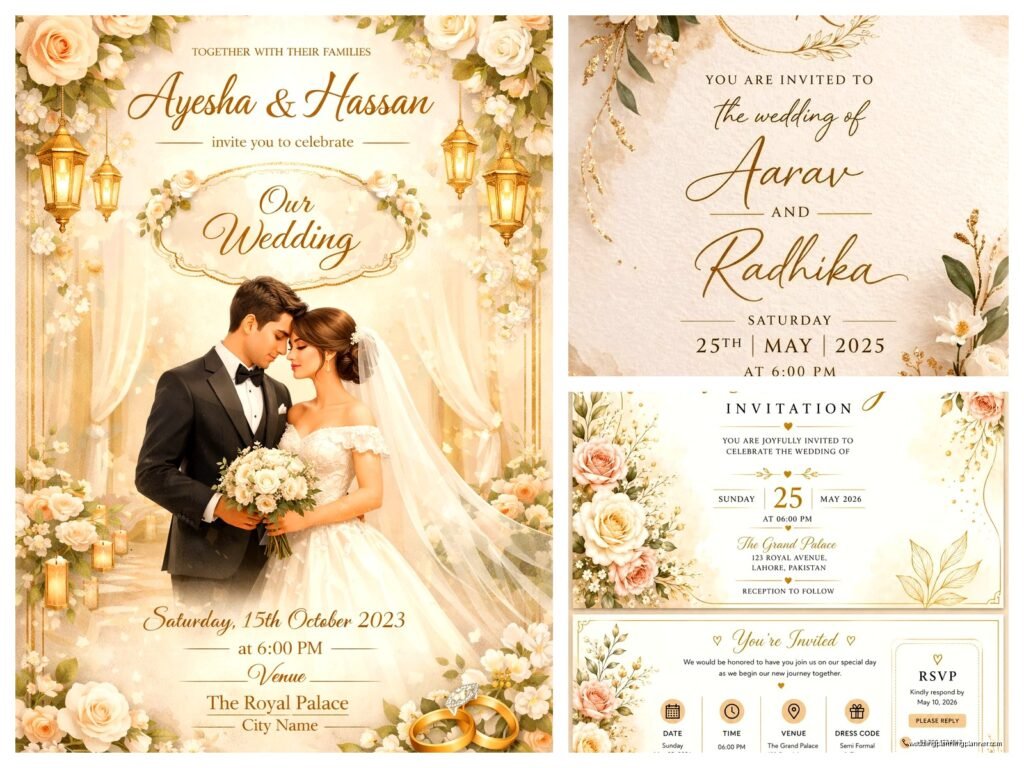
Wedding Invitation Card Design Template Free Download: Free Download Files
Sep
Okay So Free Wedding Invitation Templates
Look, I’m gonna be straight with you about free wedding invitation templates because I’ve watched too many couples waste hours scrolling through sketchy websites trying to find decent downloads. Last spring I had a bride who spent like three days downloading files that turned out to be watermarked jpegs she couldn’t even edit and I wanted to scream.
First thing you need to know is where to actually find legit free templates. Canva is honestly your best friend here – they have hundreds of wedding invitation templates and while some features are premium, you can absolutely design a gorgeous invite with just the free stuff. I use it myself for mock-ups when I’m showing clients different style directions. The download options are pretty solid too, you get PDF and sometimes PNG files depending on your account type.
Then there’s Adobe Express which used to be called Adobe Spark or something, they rebranded and honestly I can’t keep track. But they have decent templates and if you’re already paying for Adobe Creative Cloud you get even more options. For totally free though, their selection is kinda limited compared to Canva but the quality is good.
What File Types You Actually Need
This is where people get confused and honestly it annoyed me so much when I first started that nobody explains this clearly. You’re gonna see these file types:
- PDF – Best for printing, this is what you send to a print shop or use for home printing
- PNG – Good for digital invites, has transparent backgrounds sometimes
- JPG/JPEG – Also for digital but lower quality than PNG usually
- PSD – Photoshop files, only useful if you have Photoshop
- AI – Adobe Illustrator files, same deal
- SVG – Vector files that you can resize without losing quality
- DOCX – Word documents, honestly these are usually terrible for design work
What you really want for printing is a high-resolution PDF. Aim for 300 DPI minimum. I learned this the hard way back in like 2021 when a couple printed invites from a 72 DPI file and they looked pixelated and awful. The printer was like “yeah we told you this wouldn’t work” and I felt terrible because I should’ve caught it earlier.
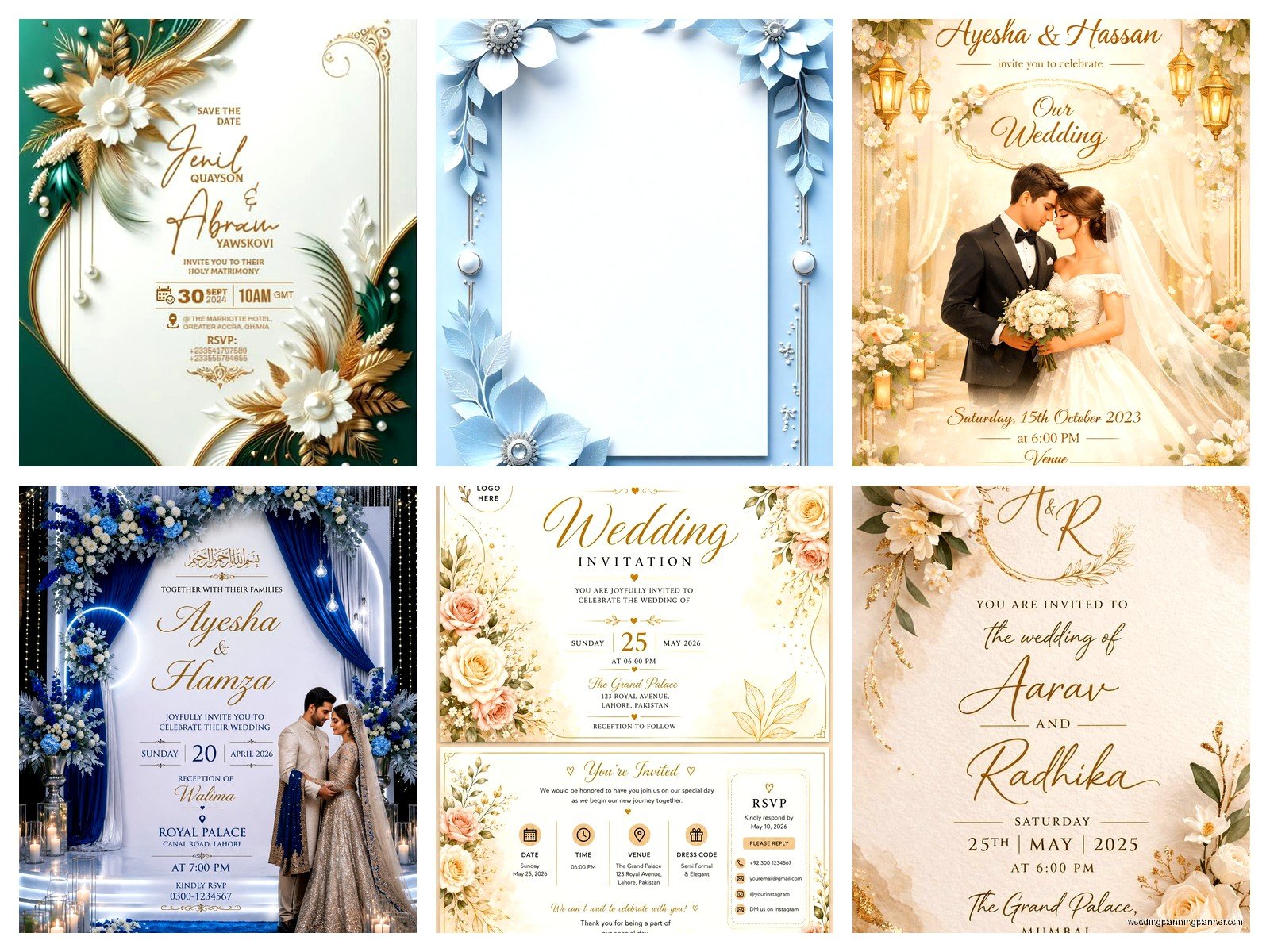
Free Download Sites That Don’t Suck
Okay so beyond Canva and Adobe Express, here’s where I actually go:
Freepik has tons of templates but you gotta watch out because some require attribution and some are premium only. Read the license info before you download or you might end up with a file you can’t legally use for commercial purposes. If you’re just doing your own wedding though, you’re usually fine.
Template.net is kinda old-school looking but they have free wedding invitation templates in various formats. The designs aren’t always super modern but if you’re going for vintage or classic, there’s good stuff there.
Greetings Island lets you customize online and then download. It’s pretty user-friendly and I’ve recommended it to budget-conscious couples. The free options are limited but decent quality.
Etsy – wait hear me out – has some designers who offer free samples or freebies. You gotta search “free wedding invitation template” specifically and filter by price (free). Sometimes designers give away older templates to promote their shop.
How To Actually Use These Templates
So you downloaded a template, now what? If it’s a Canva template, you just click and edit directly in Canva. Super straightforward. Change the text, swap out colors, maybe upload your own photo if the template has a photo placeholder.
For PSD or AI files, you’re gonna need the actual software which isn’t free. But here’s a workaround – you can sometimes open PSD files in Photopea which is basically free Photoshop in your browser. It works surprisingly well and I’ve used it when I’m not at my main computer.
PDF templates are trickier because PDFs aren’t meant to be edited. You can try Adobe Acrobat or some online PDF editors but honestly if you get a template as a PDF only… it might just be meant as a style reference and you’re supposed to recreate it in your own design software.
Customizing Without Losing Your Mind
The biggest mistake I see is people trying to change everything about a template. Like you downloaded a minimalist modern template but then you want to add floral borders and change the fonts to something super decorative and suddenly it looks like a ransom note. Pick a template that’s already close to your vision.
Stick to changing these things:
- Your names and wedding details obviously
- Colors – but keep it to 2-3 colors max
- Maybe one font if the original doesn’t match your vibe
- Add your photo if there’s a designated spot for it
Don’t change the entire layout, don’t add random clip art, don’t use 47 different fonts. Trust me on this. I had a groom in 2023 who insisted on adding these weird 3D effects to a elegant template and it looked absolutely terrible but he loved it so… sometimes you just gotta let people make their choices I guess.
The Print vs Digital Thing
Okay so are you printing these or sending them digitally? This matters for how you set up your file. Digital invites can be JPG or PNG, usually sized for email or social media. Standard is like 1080px wide or whatever looks good on a phone screen.
For printing, you need to think about actual physical dimensions. Standard invitation sizes are:
- 5×7 inches – most common
- 4×6 inches – postcard size, cheaper postage
- 5.5×8.5 inches – elegant and slim
- Square sizes like 5×5 or 6×6 – trendy but cost more to mail
Make sure your template is actually sized correctly. Some free templates are just random dimensions that don’t match standard paper sizes and then you’re stuck with weird borders or you have to resize everything which can mess up the design.
Bleed and Trim Lines (Ugh)
If you’re printing professionally, you need to understand bleed. It’s this extra space around the edges – usually 0.125 inches – that extends your background colors or images past where the paper will be cut. This prevents white edges if the cutting isn’t perfectly precise.
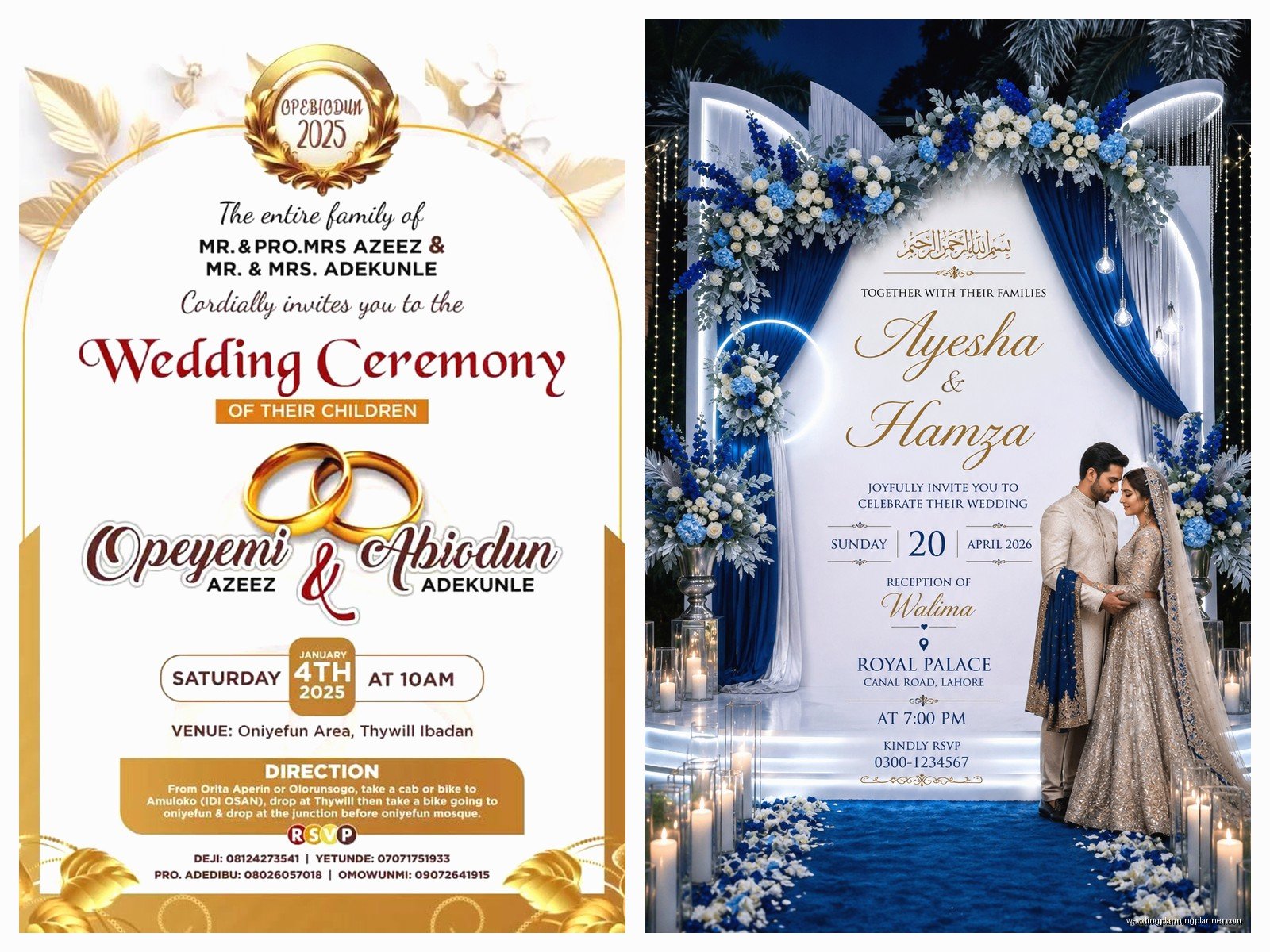
Most free templates don’t include proper bleed which is honestly so annoying. You might need to extend your backgrounds manually or just accept that you’ll have a white border. For home printing, you don’t really need to worry about bleed as much.
My cat just knocked over my coffee while I’m writing this and I’m trying not to freak out about my keyboard… anyway.
Fonts and Licensing Issues
Here’s something that trips people up – fonts. That gorgeous template you downloaded might use a premium font that you don’t have installed. When you open the file, the software will substitute a different font and suddenly your invitation looks wrong.
Check what fonts the template uses. Google Fonts are free and safe to use. Fonts that come with your computer are usually fine for personal use. But if the template uses some fancy commercial font, you either need to buy it or find a similar free alternative.
Websites like DaFont and Font Squirrel have free fonts but always read the license. Some are free for personal use only, not commercial. Since wedding invitations for your own wedding count as personal use, you’re usually okay, but if you’re a planner making invites for clients, that’s commercial use.
Color Modes RGB vs CMYK
This is technical but important if you’re printing. Computer screens use RGB color mode. Printers use CMYK. Colors look different between the two. That bright blue on your screen might print as dull purple.
Professional templates should be in CMYK if they’re meant for printing. Free templates… might not be. You can convert RGB to CMYK in Photoshop or Illustrator but the colors will shift. Test print on your home printer first to see how colors actually look on paper.
I once had a bride who designed her invites in bright coral and when we printed them they came out like salmon pink and she was so upset but like, that’s what happens when you design in RGB and print in CMYK without testing.
Envelope Printing and Addressing
Some free template sites include envelope templates too which is great. Standard envelope sizes match invitation sizes – like an A7 envelope for a 5×7 invite. You want about a quarter inch of space around the invitation when it’s inside the envelope.
For addressing envelopes, you can hand write them which looks personal and nice. Or you can design address labels using the same template style. Or if you’re fancy, print directly on envelopes but that requires either a printer that can handle thick envelopes or… you’re gonna have feeding issues and waste a bunch of envelopes finding the right settings.
There are also free envelope addressing templates on sites like Canva where you can type in all your guest addresses and it formats them nicely for printing on labels.
What About Matching Suite Items
If you find a free invitation template you love, you probably want matching RSVP cards, details cards, maybe a program or menu for the reception. Some template sets include multiple pieces which is ideal. But if your freebie is just the invitation, you’ll need to either find matching templates or create your own using the same fonts and colors.
This is where having everything in Canva is helpful because you can duplicate your invitation design and then modify it for different card types. Keep your color palette and fonts consistent and everything will look cohesive even if the layouts are different.
Common Problems You’re Gonna Run Into
The template file won’t open – you probably don’t have the right software or the file is corrupted. Try redownloading or finding a different format.
The design looks different than the preview – missing fonts, wrong color mode, or your software version is different than what the designer used.
You can’t edit certain elements – they might be locked layers or flattened images. If it’s a layered file, check if layers are locked. If it’s a flat image… you’re kinda stuck unless you have serious Photoshop skills to recreate parts of it.
File size is huge – high resolution images make big files which is actually good for print quality but annoying for emailing or uploading. You can compress PDFs or export at lower quality for digital use.
Printer won’t accept your file – some online print services have specific requirements. They might need PDF/X-1a format or specific color profiles. Check their specs before uploading.
My Actual Recommendations
For most couples doing DIY invitations, just use Canva. It’s the easiest learning curve, tons of free options, and you can design everything in your browser without installing software. The free account lets you download PDFs and PNGs which is all you really need.
If you want more design control and have some experience with design software, grab PSD or AI files from Freepik and edit them in Photopea or the actual Adobe programs if you have access.
For super simple text-based invitations, even Google Docs or Microsoft Word can work with the right template. They’re not gonna be as pretty but if you’re going for minimalist and modern, sometimes simple is better.
Test print everything before you print 150 copies. I cannot stress this enough. Print one at home or get a single proof from your print shop. Check the colors, the sizing, the text clarity. Make sure there are no typos because once I had a couple print 200 invitations before noticing they spelled the venue name wrong and that was an expensive mistake.
Actually Downloading Files Safely
Be careful with free download sites because some are sketchy. If a site is making you download an .exe file or asking for your credit card for a “free” template, nah, get out of there. Legitimate template files are gonna be PDF, PNG, JPG, PSD, AI, SVG, or similar design formats.
Use sites with good reputations. Stick to Canva, Adobe Express, Freepik, Template.net, Greetings Island. If you’re on some random site you found on page 5 of Google, it’s probably not worth the risk of malware or whatever.
Read the licensing terms. Most free templates are fine for personal use but not for resale or mass commercial use. If you’re a bride using it for your wedding, you’re good. If you’re a planner who wants to use the same template for multiple clients, that’s usually not allowed with free licenses.
Some sites require you to create an account to download which is annoying but usually safe if it’s a reputable site. Just use a separate email if you’re worried about spam.
When Free Templates Aren’t Worth It
Sometimes the free options just aren’t cutting it and you need to spend money. If you’ve searched for hours and can’t find anything close to your vision, it might be worth buying a premium template for like $15-30. Or hiring a designer to create something custom, though that obviously costs more.
If your wedding has very specific branding or you’re doing something unusual like a themed wedding that needs custom illustrations, free templates probably won’t work. I had a couple doing a Star Wars wedding and yeah, there aren’t gonna be free templates for that, they had to commission custom work.
Also if you’re not comfortable with design software at all and the learning curve is too frustrating, sometimes it’s better to just pay someone. Your time and stress levels are worth something too. I’ve seen couples spend 20 hours trying to make a free template work when they could’ve just paid a designer $200 and been done in a week.
But for most people wanting classic, modern, rustic, floral, or minimalist designs, there are totally good free options out there. You just gotta know where to look and how to use them properly which is basically what I’ve been rambling about here for like way too many words probably but whatever, now you know the actual practical stuff about finding and using free wedding invitation templates without losing your mind or downloading viruses or ending up with pixelated garbage prints
