
Planning Guides, Style Guide
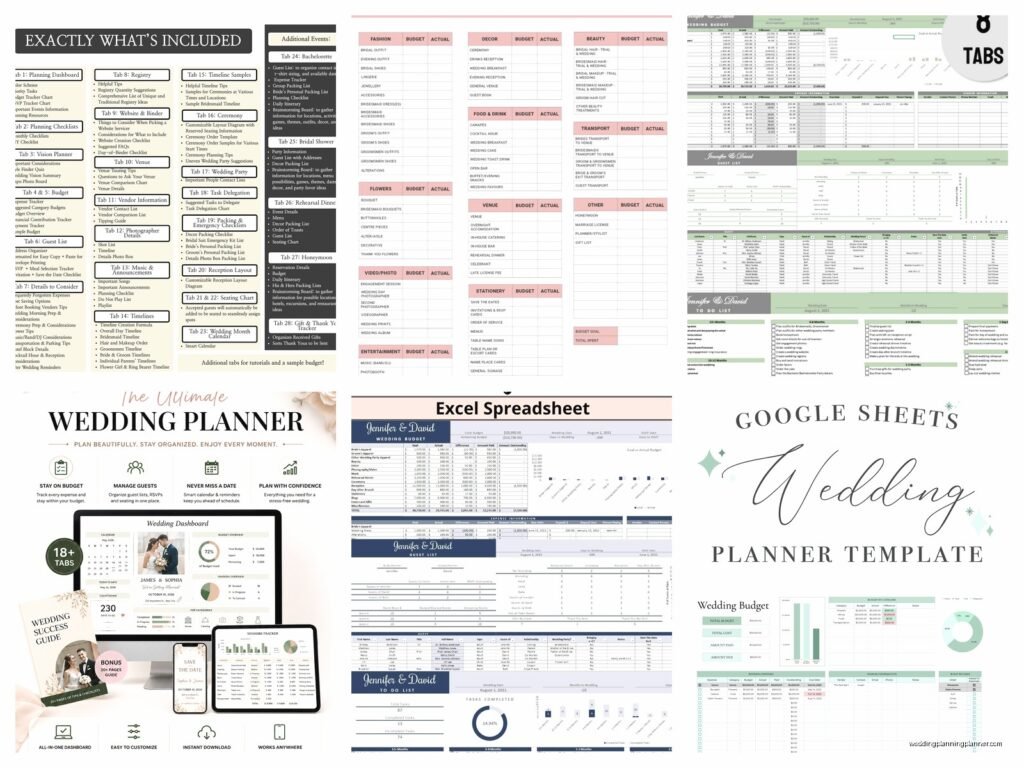
Wedding Planning Spreadsheet Template: Free Download Files
Aug
Okay So Spreadsheets Are Actually Your Best Friend
Look I’m gonna be real with you – the best wedding planning tool isn’t some fancy app that costs $15/month, it’s literally a spreadsheet. I know that sounds boring but hear me out because summer 2021 I had this bride who showed up to our second meeting with literally zero organization and we had to rebuild her entire planning system from scratch six months before the wedding and it was… a lot.
The thing about spreadsheets is they’re flexible. You can customize them however you want, share them with your partner or your mom or whoever keeps asking about details, and you don’t need wifi to access them if you download the file. Plus they’re free which is kinda important when you’re dropping thousands on flowers and a photographer.
What Actually Needs To Go In Your Wedding Spreadsheet
Alright so the main tabs you’re gonna want are Budget, Guest List, Vendor Contacts, Timeline, and Task List. Some people add more but those five are non-negotiable. I’ve seen people try to do everything in one tab and it turns into this nightmare scrolling situation where you can’t find anything.
Budget Tab Setup
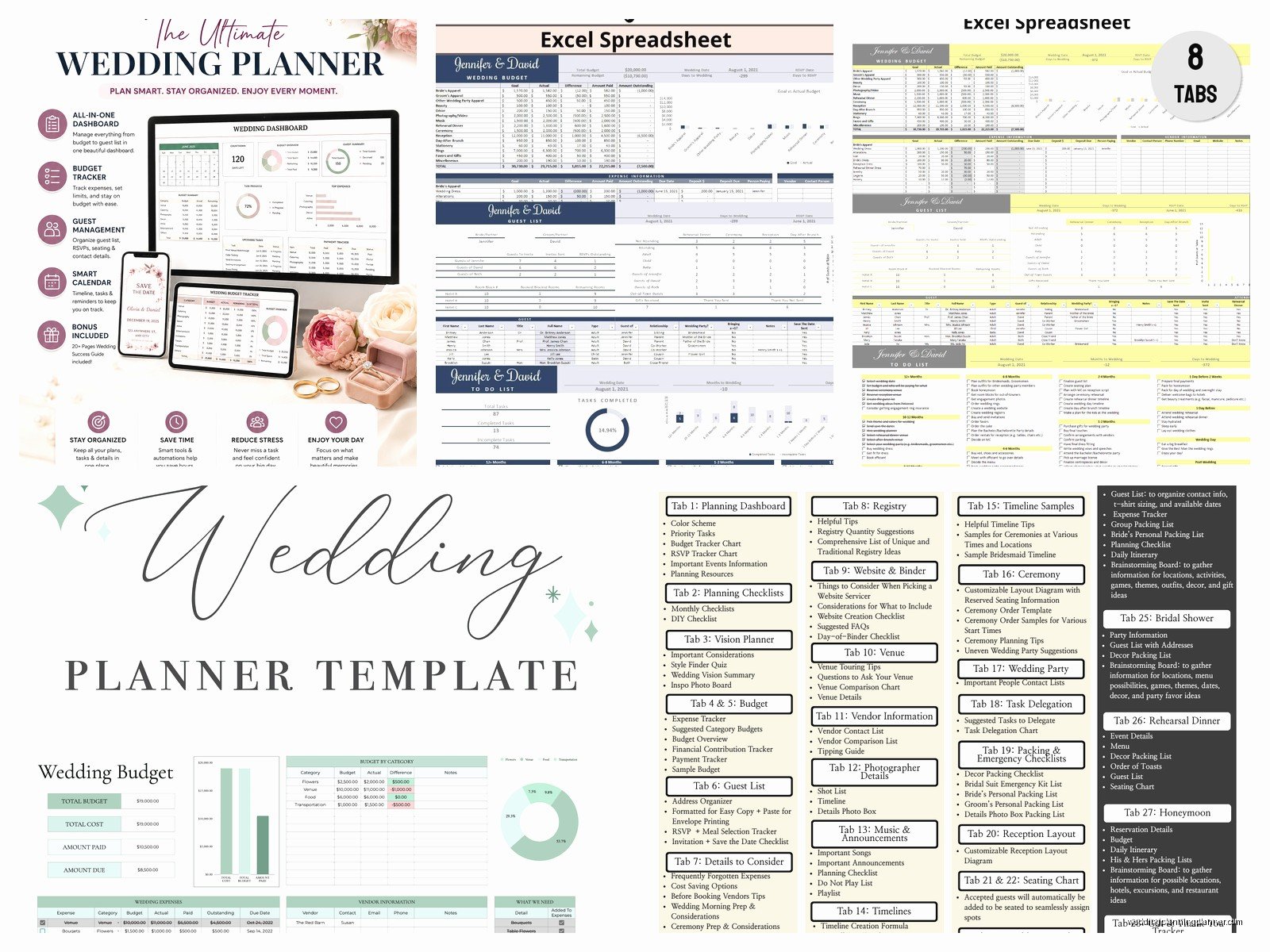
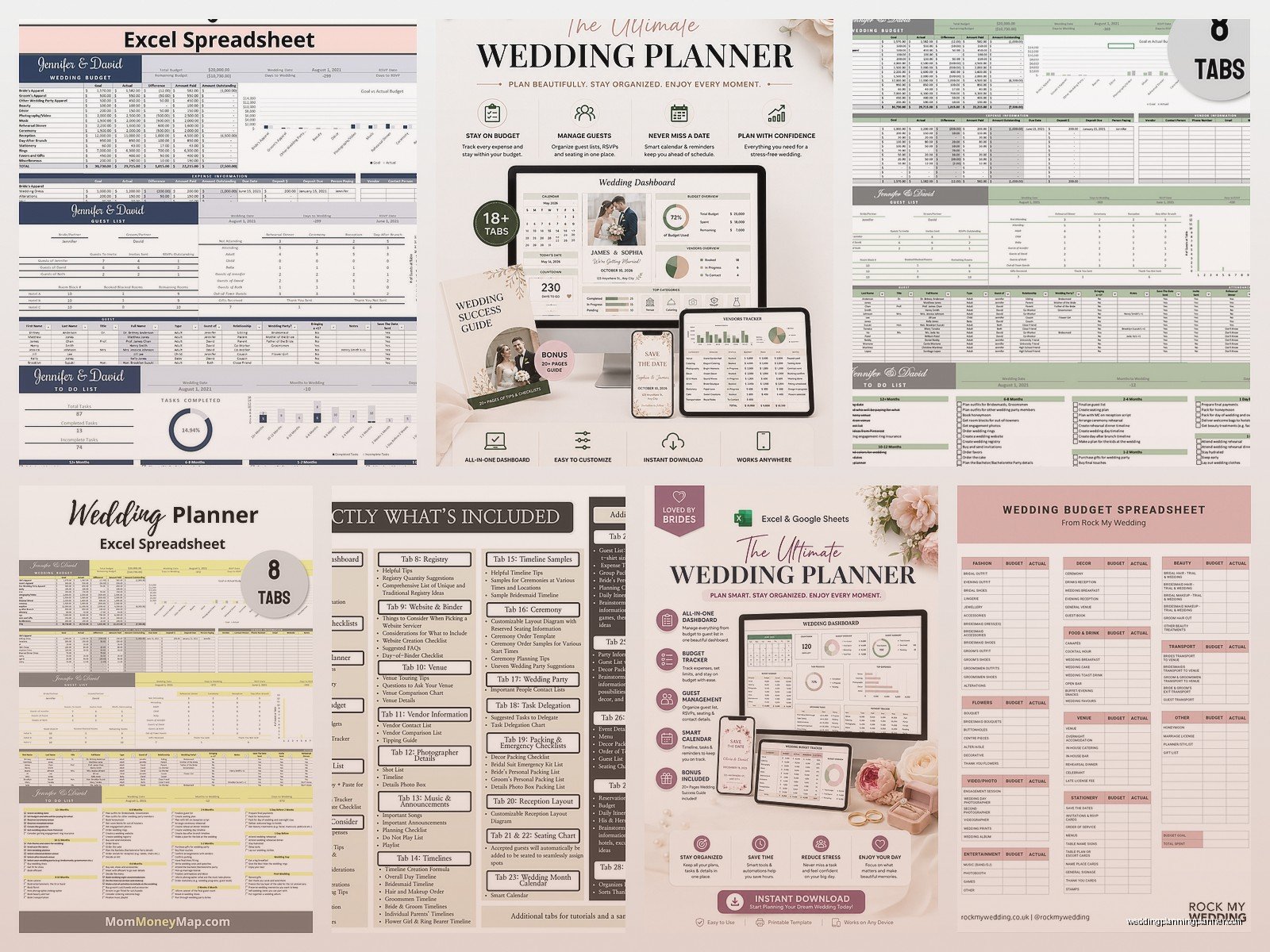
This is the one that matters most honestly. Set up columns for: Category, Estimated Cost, Actual Cost, Deposit Paid, Amount Due, Due Date, and Notes. The categories should be like Venue, Catering, Photography, Videography, Flowers, Dress, Suit/Tux, Hair & Makeup, Music/DJ, Invitations, Favors, Transportation, Rings, Officiant, Cake, Alcohol, Rentals, Decor, and Miscellaneous because trust me there’s always miscellaneous.
Put a total row at the bottom that auto-sums everything. You need to see that number staring at you. Also add a column that calculates the difference between estimated and actual because that’s where reality hits and it’s not always pretty.
Guest List Tab
This one gets messy fast. You want columns for: Name, Address, Phone, Email, Invited To (ceremony and reception vs just reception), RSVP Status, Number of Guests, Meal Choice, Dietary Restrictions, Gift Received, Thank You Sent, and Plus One Allowed.
The Plus One Allowed column saves so many awkward conversations I can’t even tell you. Just mark it yes or no upfront so when cousin Jake asks if he can bring his girlfriend of three weeks you can check your spreadsheet and be like nah sorry we’re keeping it intimate or whatever.
Group your guests by “side” too – like add a column for Bride’s Side or Groom’s Side because when you’re dividing up the guest count between families this becomes important. Some couples also add a Priority column with A-list, B-list, C-list which sounds harsh but it’s practical when you’re working with venue capacity limits.
Vendor Contact Info
I cannot stress this enough – you need everything in one place. Columns should include: Vendor Type, Company Name, Contact Person, Phone, Email, Website, Contract Signed (yes/no), Deposit Amount, Balance Due, Final Payment Date, and Arrival Time on Wedding Day.
That last one is crucial. Day-of coordination becomes so much easier when you can just look at one sheet and see that your florist arrives at 2pm, photographer at 3pm, DJ at 5pm, whatever. Spring 2023 I had a wedding where the bride didn’t track arrival times and the cake showed up four hours early and we had nowhere temperature-controlled to store it and it was a buttercream nightmare.
Free Templates You Can Actually Download Right Now
So here’s where I tell you about the free options because I know you’re not trying to spend money on a template when you can make your own or download something that already exists.
Google Sheets Templates
Google has a built-in wedding planning template in their template gallery. Just go to Google Sheets, click on Template Gallery, and look for the wedding one. It’s pretty basic but it works and it’s free and it auto-saves to your Google Drive which is honestly more than you can say for Excel if you forget to save.
The thing that annoyed me about Google’s template though is that it’s weirdly focused on the timeline and doesn’t give enough space for budget tracking. Like they have this whole Gantt chart situation happening but only one tab for expenses which seems backwards to me since budget is usually everyone’s biggest stressor.
Microsoft Excel Templates
If you’ve got Office 365 or Excel, they have wedding templates too. Search “wedding planner” in the template search and you’ll get like 20 options. Some are super detailed with built-in formulas and conditional formatting that highlights overbudget categories in red which is either helpful or depressing depending on your situation.
The Excel ones tend to be more robust than Google Sheets ones in my experience. They have better formulas and the budget tracking is usually more sophisticated. You can download them and customize them however you want.
Other Free Download Sites
Websites like Vertex42 and Template.net have free wedding spreadsheet templates. Vertex42 especially has a really comprehensive one that I’ve recommended to clients before. It’s got everything – budget, guest list, vendor tracking, gift tracker, the whole thing. You just download it and start filling it in.
WeddingWire and The Knot also offer free planning tools but they’re more app-based than spreadsheet-based which… I mean if that works for you great but I prefer having a actual file I can manipulate.
How To Actually Use The Thing
Downloading a template is one thing but actually maintaining it is where people fall off. You gotta update it regularly or it becomes useless.
Set A Weekly Update Time
Pick one day a week – I usually tell couples Sunday evening works well – and spend 20 minutes updating everything. New vendor quotes go in, RSVP changes get recorded, budget adjustments happen, tasks get marked complete. If you let it go for three weeks you’ll forget stuff and then you’re recreating information you already had which is just annoying.
My cat literally walked across my keyboard while I was updating a client spreadsheet once and somehow deleted an entire tab and I hadn’t backed it up in a week so that was a fun recovery process, but anyway the point is update regularly AND make backup copies.
Share It Strategically
Don’t give editing access to everyone. Seriously. Give your partner editing access obviously, maybe your planner if you hired one, and that’s kinda it. Your mom can have view-only access. Your bridesmaids don’t need access to your budget honestly that’s none of their business.
If you’re using Google Sheets the sharing options are pretty straightforward. You can set it so people can view, comment, or edit. Use those settings wisely because you don’t want someone accidentally deleting your guest list or messing up your formulas.
Color Code Everything
This might sound extra but color coding makes scanning your spreadsheet so much faster. I usually do green for completed/paid, yellow for in progress, red for overdue/urgent, and gray for not applicable. Your brain processes colors faster than reading text so when you’re stressed and need to find information quickly it helps.
You can also use conditional formatting to automatically change colors based on dates or amounts which is pretty satisfying once you figure out how to set it up.
Tabs People Forget But Actually Need
Beyond the basic five I mentioned earlier, there are some tabs that don’t seem important until you need them and then you’re scrambling.
Day-Of Timeline
This is separate from your planning timeline. This is literally hour-by-hour or even minute-by-minute for your wedding day. What time does hair start, what time do you need to be dressed, what time are photos, what time is the ceremony, cocktail hour, reception entrance, first dance, cake cutting, all of it.
You’ll share this with your vendors, your wedding party, your parents, basically everyone involved. Having it in spreadsheet form means you can easily update it and re-send it as things change because things WILL change or… they usually do anyway.
Gift Tracker
I know thank you notes seem far away when you’re in planning mode but you’re gonna want a system for tracking who gave you what. Columns for: Guest Name, Gift Description, Date Received, Thank You Sent Date. Some people add a column for where it was purchased if they need to do returns or exchanges.
This saved me personally when I got married because we received like 8 serving platters and I could not for the life of me remember who gave us which one and the gift tracker spreadsheet was the only reason I didn’t send my aunt a thank you note for the platter my coworker actually gave us.
Seating Chart
If you’re doing assigned seating – and honestly even if you’re just doing assigned tables – you need a spreadsheet for this. List every table, how many seats at each table, and who’s sitting where. You can also note any people who should NOT sit together which is important for family drama situations.
I usually set this up with the table name/number in one column and then guest names filling across the row. Makes it visual and easy to see if you’ve got uneven tables or if you’ve accidentally put someone at two different tables.
Common Spreadsheet Mistakes
People mess up their spreadsheets in predictable ways so let me just tell you what NOT to do.
Don’t overthink the categories. You don’t need 47 budget categories. Keep it broad and use the notes section for specifics. Don’t merge cells unless you absolutely have to because it screws up sorting and filtering. Don’t forget to freeze your header row so when you scroll down you can still see what each column is – that’s like spreadsheet basics but so many people skip it and then get confused.
Also don’t try to make it pretty at the expense of functionality. Yeah colored headers are nice but if you’re spending more time formatting than actually planning you’ve lost the plot. The spreadsheet is a tool not a craft project.
And please for the love of all that is holy, don’t keep everything in your head thinking you’ll add it to the spreadsheet later. You won’t remember. I’ve watched so many couples swear they’ll remember which vendor quoted what price and then two weeks later they’re texting me asking if I remember and like… no I don’t that’s why we have spreadsheets.
Mobile Access Situation
You’re gonna want to access your spreadsheet on your phone at some point – like when you’re at a venue tour and need to check your budget or whatever. Google Sheets has a pretty decent mobile app. Excel mobile is fine too but the Google one tends to work better for collaborative editing on phones.
Just know that editing complex spreadsheets on a phone screen is kind of terrible so I’d use mobile more for viewing and quick updates rather than major reorganization. Save the heavy lifting for when you’re on a computer with a real screen and keyboard.
Backing Up Your Files
This seems obvious but back up your spreadsheet regularly. If it’s in Google Sheets it’s automatically backed up to the cloud which is great. If you’re using Excel make sure you’re saving it to OneDrive or Dropbox or Google Drive, somewhere cloud-based. Also keep a downloaded copy on your computer just in case.
I had a situation once where a client’s laptop died completely like three months before their wedding and they hadn’t backed up their Excel file anywhere and we lost everything. Had to rebuild from emails and memory and it was absolutely not fun. Don’t be that person. Auto-save and cloud storage are your friends.
