
Planning Guides, Style Guide
Wedding Seating Chart Template Free: Layout Downloads
Jul
Okay So Free Seating Chart Templates Are Actually Everywhere But Most Suck
You need a seating chart template and you don’t wanna pay for fancy software. I get it. I’ve been planning weddings since 2008 and honestly the amount of money couples waste on tools they’ll use literally once drives me insane. So let me just tell you where to actually find decent free templates and how to use them without losing your mind.
First thing—Excel or Google Sheets templates are gonna be your most practical option. I know they’re not pretty but they work. You can find basic seating chart templates on Microsoft’s template library if you have Office, or just search “wedding seating chart template” in Google Sheets templates. The Google ones are better because you can share them with your partner or wedding planner and everyone can edit in real time. Spring 2023 I had this couple who kept emailing me different versions of their seating chart and I wanted to scream until I just made them a shared Google Sheet.
The Spreadsheet Approach That Actually Makes Sense
What you want is a simple grid. Column A is guest name, Column B is table number, Column C is meal choice if you’re doing plated dinner, Column D is any notes like “keep away from Uncle Jerry” or whatever. Super basic but it lets you sort and filter.
Here’s what I do: color-code the cells by family group. Like all your dad’s relatives in light blue, all your partner’s work friends in yellow. Makes it way easier to see at a glance if you’ve accidentally put all the bride’s college friends at one table and isolated someone. You can also add a column for RSVP status so you’re not planning seats for people who haven’t even confirmed yet which… okay that’s something that annoyed me SO much early in my career. Couples would spend hours perfecting a chart for 150 people when only 80 had RSVP’d.
The actual template downloads I recommend: Vertex42 has a free Excel template that’s pretty clean. It includes both the list view I just described AND a visual floor plan view on a second tab. The visual part is kinda clunky but it’s free so.
Visual Drag and Drop Options
If you need something more visual because your brain works that way (same honestly), AllSeated has a free tier. It’s technically a paid service but the basic version is free and lets you create a floor plan and drag guest names to tables. The interface is pretty intuitive. You put in your venue dimensions, add your table shapes—rounds, rectangles, whatever—and then assign guests.
Wedding Wire also has a free tool built into their website. You don’t even need to download anything, it’s browser-based. I’ve used it for smaller weddings under 100 people and it works fine. For bigger weddings it starts to feel cramped on the screen but it’ll do the job.
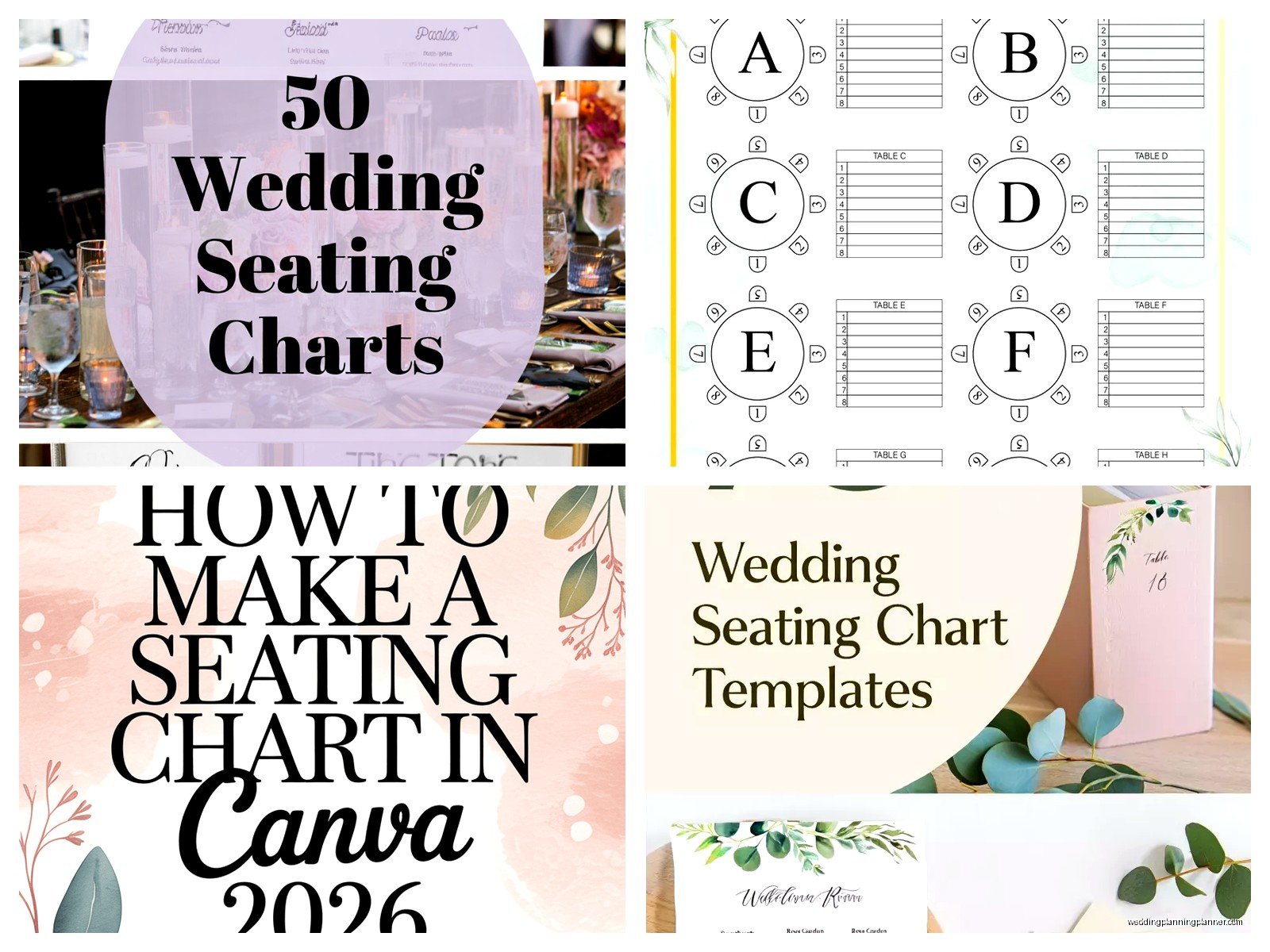
Canva has seating chart templates too but those are more for the actual printed display chart, not the planning process. Though I guess you could use their table planning elements to drag and drop… I haven’t really tried that because I’m usually working in spreadsheets until the very end when we design the pretty version.
How to Actually Build Your Chart Without Drama
Okay so you’ve got your template. Now what. Here’s my process that I’ve refined over like a hundred weddings.
Start With Your VIPs
Put your immediate family and wedding party first. They get the tables closest to you. Parents at one table, grandparents nearby, siblings and their families. Wedding party can be all together or split by couple if they’re bringing dates—your call. Just get these locked in first because they’re non-negotiable.
Then do your “must sit together” groups. Like your college friend group that all knows each other, your partner’s work team, whatever. These are easy wins because you’re filling whole tables with people who actually want to sit together.
The Middle Section Is Where It Gets Messy
You’re gonna have random cousins, your parents’ friends, coworkers you invited out of obligation, plus-ones who don’t know anyone. This is where I see couples get stuck for HOURS. My advice is to think about common interests or life stages, not just “how do I know them.”
Put the young professionals together even if some are from your side and some from your partner’s. Put the parents-with-young-kids together so they can commiserate and their kids can… I don’t know, throw food at each other or whatever kids do. Put your single friends together—they’ll either hit it off or bond over bad wedding DJ music.
One thing that helped me figure this out was in summer 2021, I had a wedding where the couple insisted on segregating “his side” and “her side” super strictly and it made the reception feel like a middle school dance. People barely mingled. So now I always push couples to mix it up more than feels comfortable.
The Actual Table Layout Part
Your template should let you indicate table shapes and sizes. Standard rounds are 60-inch diameter (seats 8-10) or 72-inch (seats 10-12). Rectangles vary but an 8-foot table seats 8-10 depending on if you put people on the ends.
Leave space between tables for traffic flow. You need like 5-6 feet between table edges for chairs to pull out and servers to get through. Most templates don’t make this super clear which is annoying but just keep it in mind when you’re arranging things.
Put the dance floor central but not blocking the path to the bar or bathrooms. Learned that one the hard way. Also your sweetheart table or head table should have a clear view of the whole room but not be so far away that you feel like you’re on a stage. Unless you want that, then go for it.
Free Downloadable PDFs and Printables
If you literally just want a PDF to print and write on with a pen like it’s 1995, there are options for that too. The Knot has free printable seating chart worksheets. It’s just blank tables in circles where you write names. Very analog but honestly sometimes that’s less stressful than learning new software.
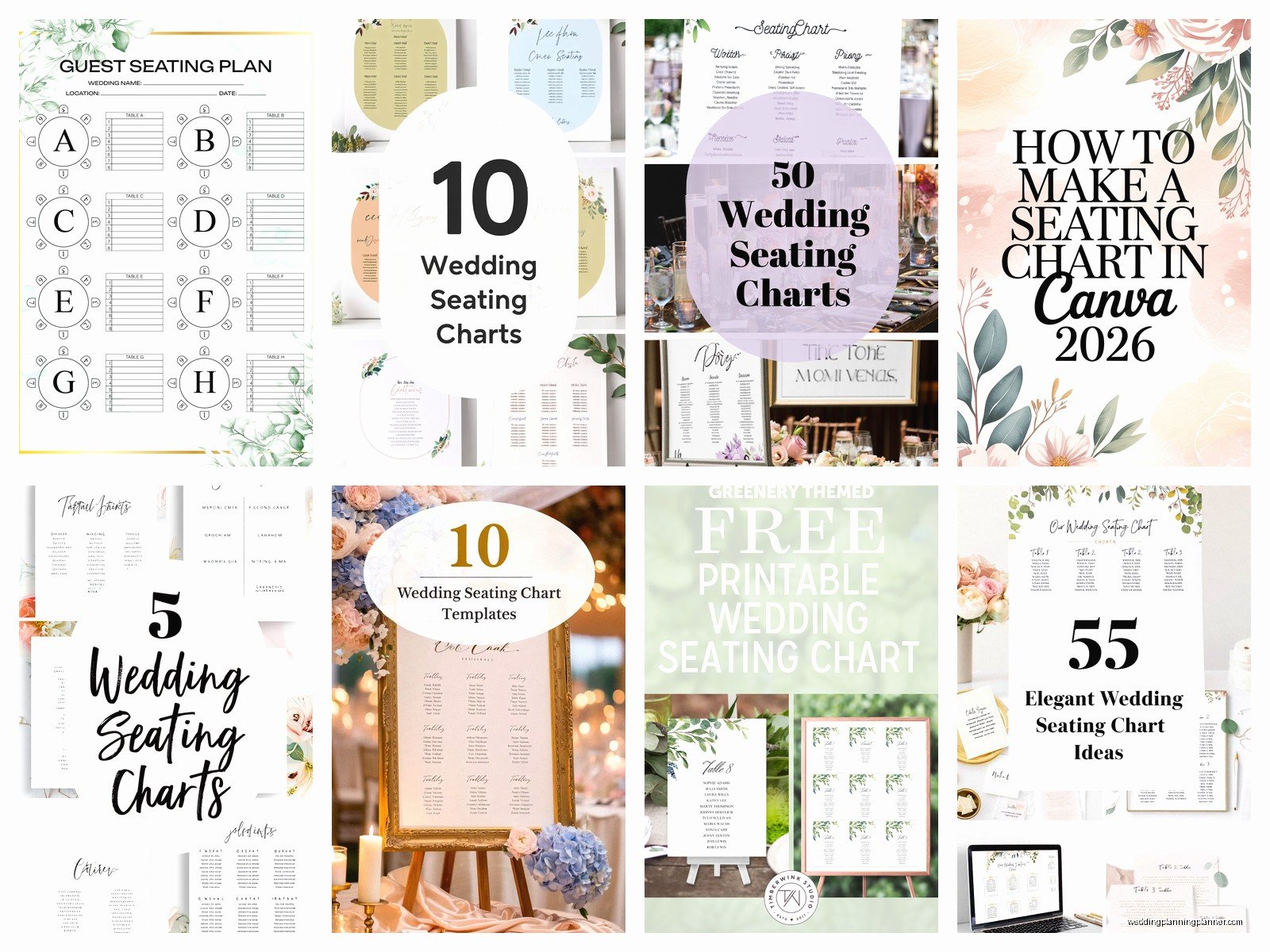
Pinterest has a million free templates you can download but you gotta be careful because half of them are actually links to paid products or they’re such low resolution they’ll look pixelated when you print them. Look for ones that specifically say “free printable PDF” and check the file size—anything under 500kb is probably gonna look bad printed.
Etsy has “free” templates too but a lot of sellers use those as loss leaders to get you to buy their premium stuff. Which, fine, but just know what you’re getting into. The free ones are usually pretty basic.
What About the Display Chart For the Actual Wedding Day
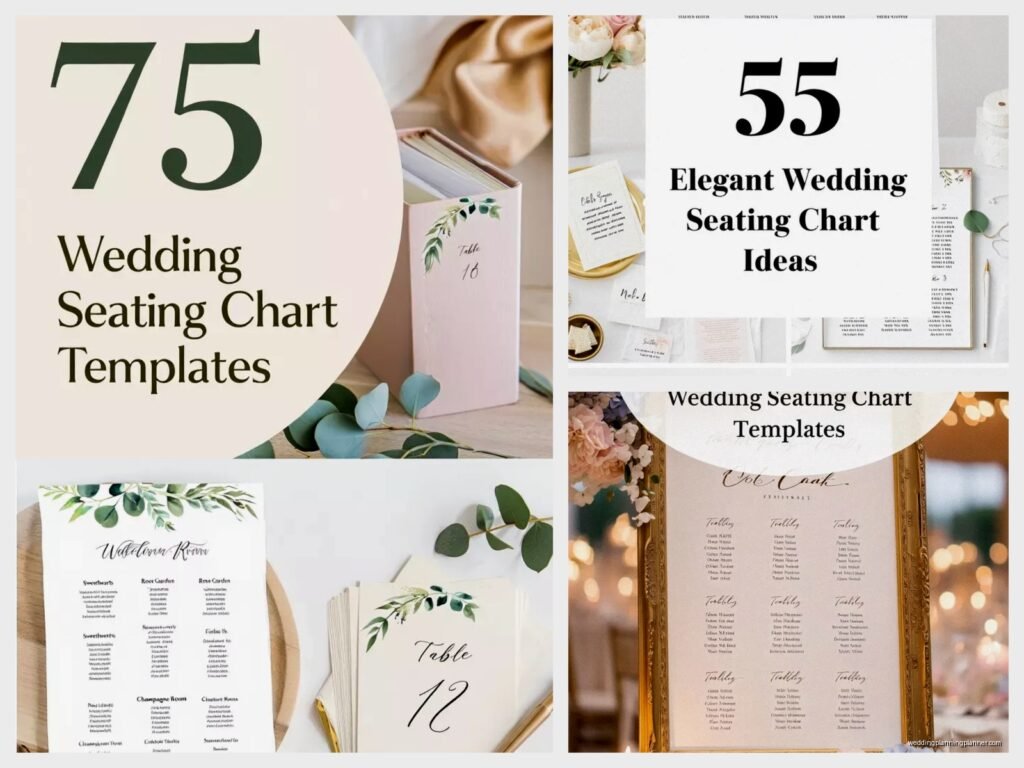
Oh right so you also need the thing guests look at when they arrive to find their table. That’s different from your planning template. Once you’ve finalized your seating plan, you can design the display chart in Canva using one of their wedding templates. They have free options that look decent—alphabetical list of names with table numbers, or organized by table number with names under each.
Print it as a big poster at like Staples or FedEx Office. Size depends on your guest count but 24×36 inches works for up to 150 people usually. Put it on an easel near the entrance. Done.
Or if you wanna be extra you can do individual escort cards but that’s more work and money so… probably not if you’re looking for free templates in the first place.
Common Mistakes I See All the Time
People forget to account for the band or DJ setup when they’re planning their layout. That equipment takes up space and creates a dead zone where you can’t put tables. Your template should let you add those elements.
Putting all the older relatives far from the speakers seems considerate but then they feel exiled. Mix up the ages throughout the room.
Creating a “kids table” sounds good in theory but if the kids are under 8 they need to be near their parents or you’ll have children wandering around crying. Ask me how I know. Actually don’t, it was a disaster and my cat was so stressed when I got home that night because I was stressed and she can always tell.
Not having a “table 13” if you have superstitious guests. Just skip from 12 to 14. Saves you potential drama.
Forgetting that rectangular tables seat different amounts depending on orientation. An 8-foot table can seat 8 people comfortably, 10 if you squeeze, but make sure your template reflects what you’re actually doing.
The Spreadsheet Trick That’ll Save Your Life
Make a second tab in your spreadsheet that’s just table numbers with a count of confirmed guests per table. This way you can see at a glance if Table 7 only has 6 people and Table 9 has 11 people crammed in. You want relatively balanced numbers so no one feels like they got the reject table.
Also create a “parking lot” section in your spreadsheet for people you haven’t placed yet. As you work through the chart, you’ll have stragglers who don’t fit anywhere obvious. Put them in the parking lot and come back to them instead of forcing them somewhere weird.
Software That’s Free But Has Catches
Social Tables offers a free trial but it’s only 14 days and then they hit you with a subscription cost. If you’re organized enough to do your entire seating chart in two weeks, go for it. The software is actually really good, super professional, and that’s what a lot of venue coordinators use. But realistically most couples take like a month or more to finalize seating so…
TopTablePlanner is free for up to 50 guests. If your wedding is smaller than that, it’s perfect. More than 50 and you gotta pay. The interface is a little dated looking but it works fine.
Wedding Mapper is another one that has a free version with limitations. I think it’s like 2 events or something? So you could use it for your wedding and then that’s it. But again, you’re only planning one wedding (probably) so that’s fine.
My Honest Opinion on What Works Best
For most people, a Google Sheets template plus Canva for the display chart is gonna be your best bet. It’s actually free, no trials or limits, you can share it easily, and you probably already know how to use both tools. The fancy seating chart software is nice but unless you’re planning a 300-person wedding with complex requirements, it’s overkill.
I use a customized Google Sheets template for all my clients now. Started doing that around 2019 and it’s made my life so much easier. I have formulas built in that count guests per table automatically and flag if anyone’s missing a meal choice. Took me a few hours to set up initially but now I just duplicate it for each wedding.
If you want something visual and you’re good with design software, you could even create your own template in PowerPoint or Keynote. Just make shapes for tables, add text boxes for names, and drag them around. It’s not as sophisticated as purpose-built software but it’s free and you have total control.
Dealing With Last-Minute Changes
Because there WILL be last-minute changes. Someone cancels, someone adds a plus-one you didn’t know about, two guests who were supposed to sit together have a fight and now can’t be near each other. This is why I always tell couples to keep their seating chart flexible until like a week before the wedding.
With a digital template, changes are easy. With a printed one you’ve already sent to the venue… not so much. So keep it digital as long as possible and have a plan for communicating final numbers to your venue coordinator and caterer.
I usually finalize seating charts about 5 days before the wedding, send it to the venue, and then print the display chart 2-3 days before. Any changes after that get handled with handwritten cards or a small printed addendum.
Random Tips That Don’t Fit Anywhere Else
Number your tables in a way that makes sense for your room layout. Don’t just randomly assign numbers. Usually you start with Table 1 closest to the head table and work outward, but some people do odds on one side and evens on the other. Whatever helps guests find their seats without wandering around confused.
Consider doing table names instead of numbers if you want to be quirky. Like your favorite travel destinations or movies or whatever. Just make sure the names are clear on both your planning template and the display chart so there’s no confusion.
Leave one or two seats open at a few tables if you can. Gives you flexibility for last-minute additions without completely redoing everything. I learned this trick from a venue coordinator who’d been doing weddings for like 30 years and she said always plan for chaos because chaos will happen.
If you’re doing a very small wedding under 30 people, you might not even need assigned seating. Just let people sit where they want. But that only works if everyone knows each other reasonably well.
Alright so that’s basically everything I know about free seating chart templates and how to actually use them without wanting to throw your laptop across the room. The main thing is just to start early, keep it digital until the last possible moment, and remember that no seating chart is perfect so don’t stress about getting it exactly right because someone’s gonna complain no matter what you do.
