
Planning Guides, Style Guide
Wedding Templates for Free: Download Printable Designs
Jul
Where to Actually Find Free Wedding Templates That Don’t Suck
So I’m gonna start with Canva because honestly it’s the first place you should look and I had this bride in spring 2023 who was convinced she needed to hire a graphic designer for like $800 and I was like nah, let me show you Canva real quick. They have literally thousands of free wedding templates – invitations, programs, menus, place cards, everything. You just sign up with your email (free account works fine) and search “wedding” and boom. The free ones have a little “Free” tag on them. Some require Canva Pro but you can filter those out.
The thing about Canva is you can customize everything. Colors, fonts, add your own photos, change the wording. I’ve used it for my own blog graphics too and my cat walked across my keyboard once and somehow made the design better? Anyway. Download as PDF for printing or PNG if you’re doing digital stuff. Just make sure you select “print” quality when downloading because standard quality looks pixelated when you actually print it out and that annoyed the hell out of me the first time I tried it.
Template Junkie and The Budget Savvy Bride
Template Junkie is this website that specifically does free printables and their wedding section is pretty solid. They have save the dates, invitations, RSVP cards, thank you cards. Everything comes as a PDF you can edit in Adobe Reader which is free. The designs are kinda… they’re not super trendy but they’re clean and classic which actually works for a lot of couples.
The Budget Savvy Bride has a whole section of freebies. I stumbled on this site years ago when I was looking for something for a client and now I check it regularly. They have templates but also planning checklists and timeline templates which aren’t design-related but super helpful. Their invitation templates are mostly Word documents which means you can edit them easily but also means the design options are more limited than Canva.
Microsoft Office Templates (Yes Really)
Okay so this sounds boring but Microsoft Word and PowerPoint actually have wedding templates built in. If you have Office already you’re set. Open Word, go to File > New, search “wedding invitation” or whatever you need. They pop up and you can just… edit them. Same with PowerPoint which I know sounds weird for wedding stuff but some of the templates are actually really nice for programs or signage.
Publisher is even better if you have access to it but most people don’t. The templates in Word are surprisingly not terrible though. I used one for a client’s rehearsal dinner menu in summer 2021 when her designer flaked three days before the wedding and we needed something FAST. Printed them at FedEx Office and they looked totally fine.
What to Download and What to Skip
You definitely want invitation templates, RSVP cards, and thank you cards as your basics. After that it depends on your wedding style and budget. Programs are nice if you’re having a ceremony with lots of elements people might not understand (looking at you, Catholic mass with 47 different parts). Menus if you’re doing a plated dinner. Place cards if you have assigned seating.
Table numbers are easy to DIY with templates. Same with signs – welcome signs, bar menus, that “pick a seat not a side” thing that everyone does now. Favor tags if you’re doing favors. Envelope liners if you wanna get fancy. Address labels to save your hand from cramping while addressing 150 envelopes.
Skip templates for things that are too specific to your venue or need exact measurements. Like seating charts – those usually need to be custom based on your space. Or anything that requires professional printing techniques you can’t do at home or at a print shop.
How to Actually Use These Things
Download the template in the format it comes in – usually PDF, Word doc, or Canva format. Open it in the right program. This seems obvious but you’d be surprised how many people try to open a Canva link in Word or whatever and then email me confused.
Customize the text first. Your names, date, venue, time, all that info. Then mess with colors and fonts if you want. Most templates let you change these pretty easily. Canva is the most flexible for this. Word is more limited but still doable. Make sure everything is spelled correctly because I cannot tell you how many times I’ve seen “Saterday” or the wrong date on printed invitations.
Print a test copy on regular paper first. Check the sizing, make sure nothing is cut off, verify all the info is right. This saves you from wasting expensive cardstock on a mistake. I learned this the hard way with a client’s programs where we didn’t test print and the margins were off and we had to reprint 200 of them the night before.
Paper and Printing Tips
For invitations you want cardstock, not regular paper. At least 80lb, preferably 100lb or 110lb. You can get this at any office supply store or online. White, cream, or whatever color matches your template. Some templates look better on textured paper – linen or felt finish.
You can print at home if you have a decent printer but honestly most home printers can’t handle thick cardstock well. FedEx Office, Staples, or local print shops are your friends. It costs more than home printing but way less than ordering custom printed invitations. Usually like $1-2 per page depending on paper quality.
For things like programs or menus where you need more quantity, home printing makes more sense if your printer can handle it. Or if you’re doing simple designs on regular cardstock. Just make sure you have enough ink cartridges before you start because running out halfway through printing 200 programs is a special kind of stress.
The Etsy Free Section That Nobody Knows About
This is gonna sound counterintuitive but Etsy actually has free templates. Search “free wedding template” and filter by price ($0-$0). Designers put free versions of their templates up as samples or to build their email list. The selection isn’t huge but the quality is usually better than random free sites because these are professional designers.
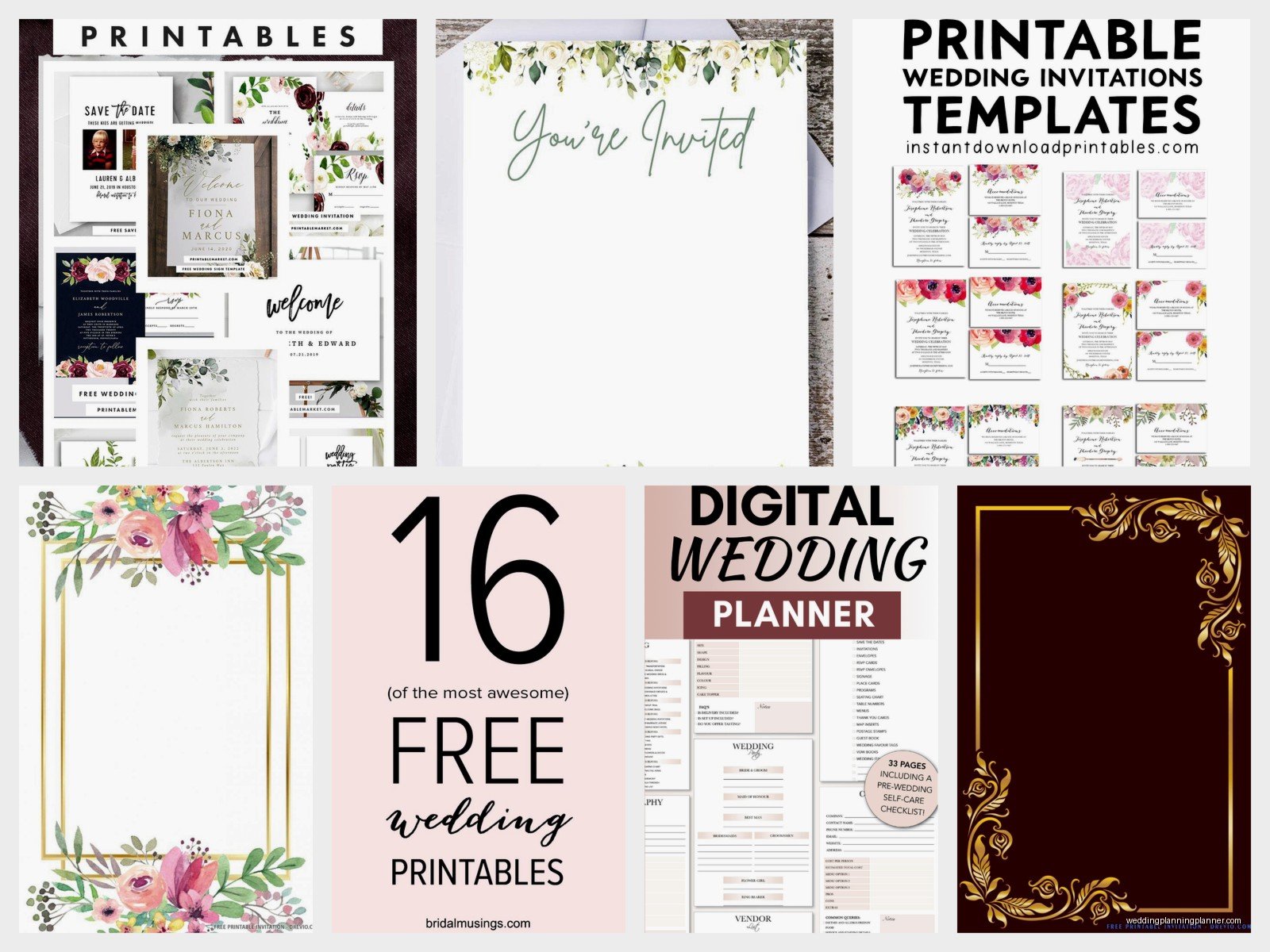
You usually have to sign up for their email list to get the download link but you can always unsubscribe later. The templates are typically in Canva, Word, or sometimes as blank designs you customize yourself. I found a really nice save the date template this way once that my client loved and she ended up buying the matching invitation suite from that designer.
Pinterest Is Actually Useful Here
I know Pinterest can be overwhelming but search “free printable wedding templates” and you’ll find tons. The trick is making sure they’re actually free and not just pins linking to paid products. Click through to the actual source before getting excited about a design.
A lot of bloggers and designers share free templates on their websites and pin them on Pinterest. So you might find stuff that doesn’t show up in Google searches. Just be prepared to give your email address because most free downloads require that for the designer’s email list.
What Actually Looks Good Versus What Looks Homemade
Simple designs almost always look more professional than complicated ones when you’re DIYing. Clean fonts, lots of white space, maybe one decorative element. This looks intentional and elegant. Templates with tons of colors, multiple fonts, clip art flowers everywhere – these look homemade and kinda cheap unless you really know what you’re doing with design.
Stick to 2 fonts max. One for headings, one for body text. Make sure they’re readable. That fancy script font might look pretty but if your guests can’t read your ceremony time you’re gonna have problems. I had a bride once who used this extremely ornate font and half her guests showed up an hour late because they couldn’t read the time on the invitation and this still annoys me.
Match your template style to your wedding vibe. Rustic wedding? Look for templates with kraft paper backgrounds or woodgrain. Formal wedding? Classic serif fonts and simple borders. Beach wedding? Light colors and maybe some subtle wave or shell designs. Modern wedding? Clean lines, sans serif fonts, minimalist layouts.
File Formats and What They Mean
PDF is the most common and usually the easiest to work with for printing. You can open it in Adobe Reader (free) and sometimes edit it there or just print as-is. PDFs keep formatting consistent across different computers which is important.
Word docs (.doc or .docx) are easy to edit but formatting can get weird between different versions of Word. Still pretty user-friendly though. PowerPoint is similar – easy editing but sometimes formatting shifts.
Canva templates stay in Canva and you edit them there. This is actually the most reliable for keeping your design looking right. PNG and JPEG are image files – you can’t really edit these except in photo editing software but they’re good for printing if the template comes ready-made.
Some designers offer templates in Adobe InDesign or Illustrator format which… unless you have those programs and know how to use them, skip these. They’re professional design software and not beginner-friendly at all.
Organizing Your Template Downloads
Create a folder on your computer specifically for wedding templates. Inside that, make subfolders for different categories – invitations, programs, signage, etc. This sounds super organized and not like me at all but trust me it helps when you’re looking for that one template you downloaded three weeks ago.
Rename files with something descriptive when you download them. “FloralInvitation_Draft1” is way more helpful than “template_final_v3” or whatever random name it came with. Date your drafts too if you’re making multiple versions.
Keep a separate folder for your final, print-ready versions. These should be the files you’ve proofread, tested, and are 100% ready to send to the printer. Keep them separate from your drafts so you don’t accidentally print the wrong version.
The Timeline Thing Nobody Tells You
Start looking for templates like 8-10 months before your wedding if you’re doing save the dates. You want time to customize, test print, and actually mail them. Invitations need to go out 6-8 weeks before the wedding so start working on those at least 3 months out to give yourself buffer time.
Programs and menus can wait until closer – maybe 2-3 weeks before since you might have last minute changes to the ceremony order or menu. Signage and place cards are usually last minute too, like 1-2 weeks out when you have final guest counts.
Don’t try to do everything at once or you’ll burn out. I space it out with my clients – work on save the dates first, then invitations after those go out, then detail stuff later. Your brain will thank you and you’re less likely to make mistakes when you’re not rushing through everything.
When Free Templates Aren’t Enough
Sometimes you really do need to pay for a template or hire someone. If your wedding has super specific branding or you want something really unique that you can’t find in free options. If you need matching designs across like 15 different items and free templates don’t have that consistency. Or if you’re just not comfortable with design stuff and would rather pay someone to handle it.
Paid templates on Etsy usually run $5-30 and give you way more customization options than free ones. Still cheaper than custom design work which starts around $200-500 for a full suite. Just know your limits and your budget and decide what makes sense for you. There’s no shame in paying for help if it saves your sanity or gets you the look you really want.
