
Planning Guides, Style Guide
Zola Wedding Invitations: Registry Platform Design Guide
Mar
okay so Zola invitations and their whole platform thing
Right so you’re probably looking at Zola because everyone and their mother has been using it for registries and then you realize oh wait they do invitations too. I had this bride in spring 2022 who came to me with literally 47 browser tabs open and Zola was in like 15 of them and she was losing her mind trying to figure out if she should do everything through one platform or mix and match.
The thing about Zola is they really want you in their ecosystem right? Like they started as a registry platform and then were like hey why not add invitations and wedding websites and literally everything else. Which is smart from a business perspective but as someone who’s been doing this for years it can get kinda overwhelming to navigate all their features.
The Zola Registry Integration Thing
So the main appeal here is that your wedding website, registry, and invitations all live in one place. When you create a Zola account you automatically get a wedding website with your registry attached. Then if you order invitations through them, they can include your website URL on the invitation suite which sounds basic but the integration is actually pretty smooth.
Here’s what actually happens – you set up your registry first usually, then you build out your website with all your wedding details, and THEN you design your invitations. The invitations can include a QR code or URL that goes directly to your Zola website where guests can RSVP, view your registry, see hotel info, whatever.
The guest management system pulls from one database so when someone RSVPs on your website, that information feeds into your guest list. You’re not manually updating spreadsheets in three different places. I had a groom last year who was SO excited about this feature because he’s like a data analyst or something and the thought of duplicate data entry made him break out in hives.
Getting Started With The Design Platform
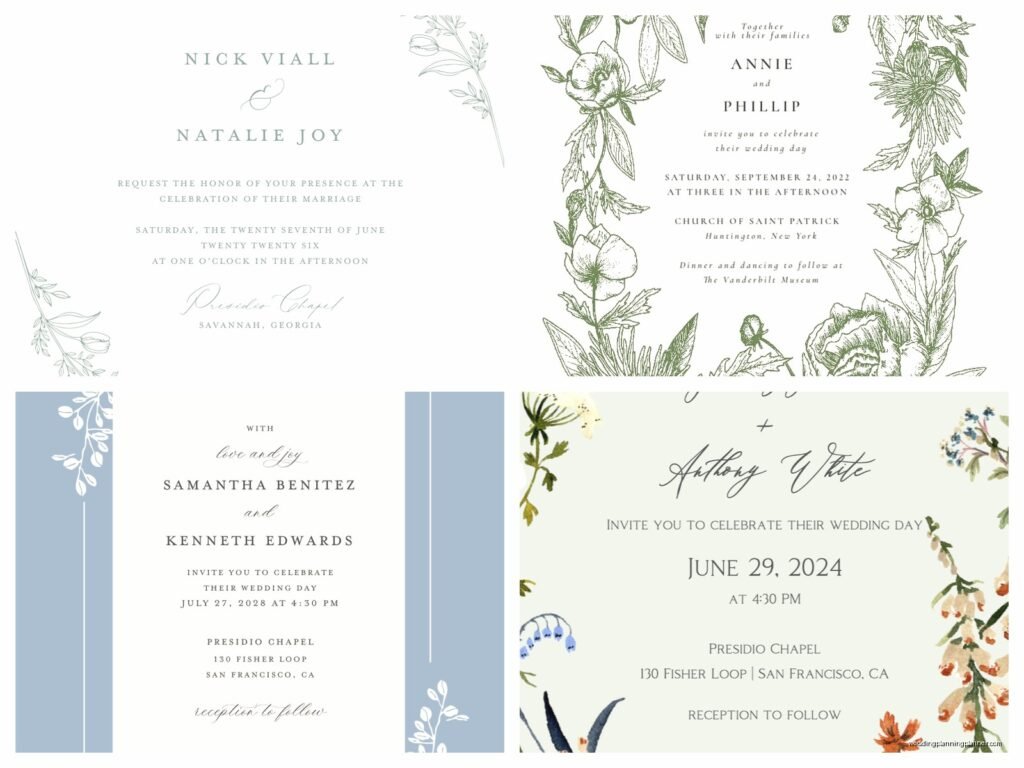
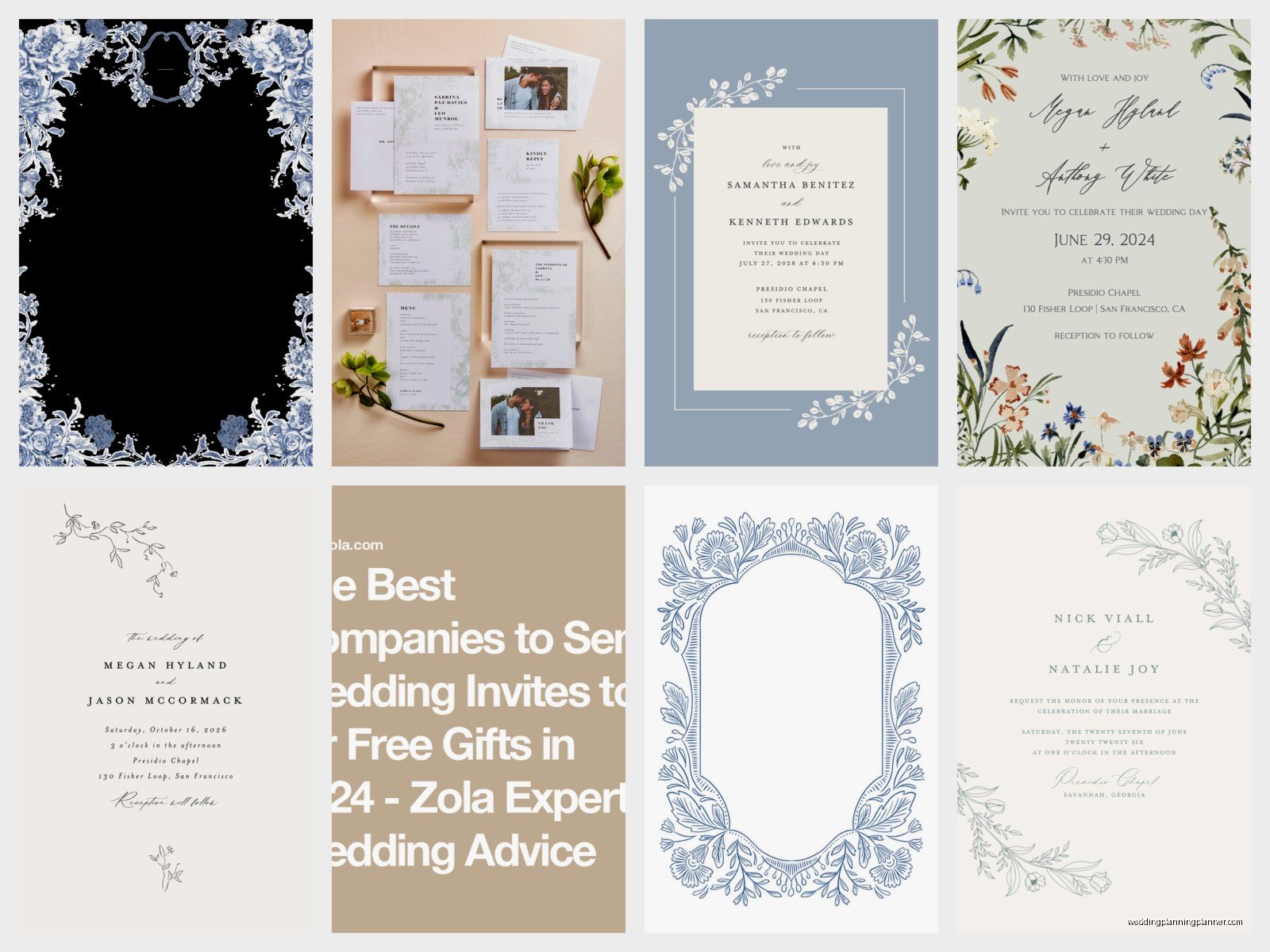
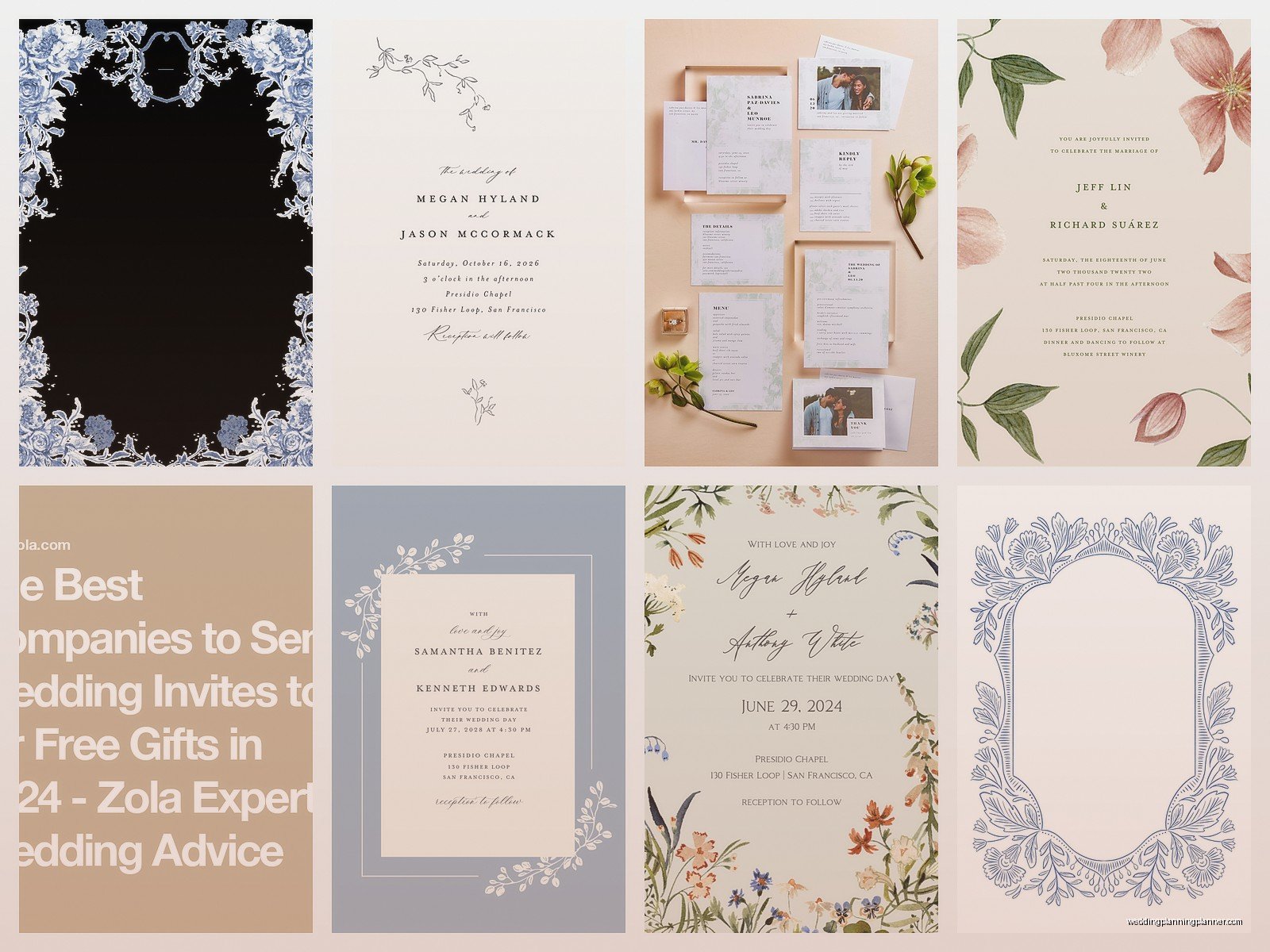
Alright so when you log into Zola and click on the invitations section, you’ll see they have like hundreds of templates. They categorize them by style – modern, rustic, elegant, floral, minimalist, all that stuff. Each template is customizable to different degrees.
Some templates let you change literally everything – colors, fonts, layout, wording. Others are more restrictive where you can really only change the text and maybe one accent color. This annoyed me SO MUCH when I first started recommending Zola to clients because it’s not immediately obvious which templates are fully customizable until you click into them and start playing around.
You’ll want to filter by what you actually need in your suite. Are you doing:
- Just invitation cards
- Invitation plus RSVP cards
- Full suite with details cards, reception cards, accommodation cards
- Save the dates separately
- Day-of stationery like programs or menus
Zola lets you build packages but their pricing structure is… well we’ll get to that in a minute.
Design Customization Options
Once you pick a template you like, you’re taken into their design studio. It’s browser-based so no downloading software which is nice. The interface has your invitation preview in the center and editing tools on the sides.
You can customize:
- Text content obviously – names, dates, venue info, wording
- Fonts from their font library which has maybe 50-60 options
- Colors using their color picker or entering hex codes
- Upload your own photos for designs that include photos
- Envelope liners if you’re fancy
- Envelope printing – return address and guest addressing
The font library is decent but not amazing. If you’re a font snob you might be disappointed. They’ve got the basics covered – some nice serif options, clean sans serifs, a handful of script fonts. But if you’re looking for that one specific trendy font you saw on Pinterest, it probably won’t be there.
My cat just knocked over my coffee cup on my desk which is just perfect timing, anyway where was I…
Photo Upload Quality
If you’re doing a design with photos – like your engagement photos or a picture of your venue – you need to pay attention to image quality. Zola will tell you if your image resolution is too low but in my experience their threshold is pretty forgiving, maybe too forgiving.
I always tell clients to upload the highest resolution images they have. Your photographer should give you high-res files specifically for print. If you’re pulling images from your phone, make sure they’re the original files not ones that have been texted or posted to Instagram and compressed.
The design studio will show you a preview but it’s on a screen obviously. What looks sharp on your laptop might print slightly fuzzy if the resolution isn’t good enough. Order a sample before you order 150 invitations. Just trust me on this.
Template Categories Breakdown
Let me walk through what they actually offer because their website kind of throws everything at you at once.
Modern Minimalist
These are your clean lines, lots of white space, simple typography. Usually one or two colors max. Very popular right now especially for city weddings or couples who want something sophisticated without being too formal. The customization on these is usually pretty extensive because there’s less going on design-wise.
Floral and Botanical
This is probably their biggest category. Everything from watercolor flowers to pressed botanical illustrations to bold tropical prints. The floral designs range from super romantic and soft to modern and graphic.
One thing to watch with floral templates – if you’re changing the color scheme, some of the florals are illustrated in specific colors and you can’t always change the actual flower colors, just the accent colors or backgrounds. I learned this the hard way with a bride who wanted everything in coral and burgundy but the template she fell in love with had permanent pink and purple flowers.
Rustic and Vintage
Wood textures, kraft paper options, vintage stamps, lace patterns. Good for barn weddings or vineyard weddings. These tend to be a bit more restrictive in customization because the aesthetic is pretty specific.
Classic and Traditional
Your traditional wedding invitation looks – formal borders, classic typography, elegant and timeless. These are great if you’re having a black tie wedding or your parents are traditional and you want something that won’t make your grandmother clutch her pearls.
Fun and Whimsical
Bright colors, playful fonts, quirky illustrations. Less common but good if your wedding has a specific fun theme or you’re just not formal people.
Building Your Suite
Okay so this is where it gets into the actual logistics. Zola lets you create a cohesive suite where all your pieces match. Your save the dates, invitations, RSVP cards, details cards, thank you cards – they can all have the same design aesthetic.
Here’s how I usually recommend building it out:
Step 1: Start with your invitation
The invitation is your main piece so design that first. Get the wording right, pick your colors and fonts, make sure you love it. Everything else will coordinate with this.
Step 2: Add your RSVP approach
This is where Zola gets interesting. You can do traditional RSVP cards that guests mail back, or you can skip physical RSVP cards entirely and just direct people to RSVP on your wedding website. A lot of couples are going website-only for RSVPs now which saves money and is honestly easier to track.
If you do want physical RSVP cards, Zola will design them to match your invitation. You’ll need to order envelopes and stamps for those. If you’re going website-only, your invitation should include your wedding website URL where guests can RSVP online.
Step 3: Details cards
These are the extra cards that include info like:
- Hotel accommodations
- Wedding weekend events
- Dress code
- Registry information (though I personally find this a bit tacky on the invitation itself, but lots of couples do it)
- Transportation details
- Website URL
You don’t need all of these. Most couples need maybe one or two details cards max. Don’t go overboard – your guests don’t want a novel in their invitation envelope.
Step 4: Envelopes and addressing
Zola offers envelope printing which is a lifesaver. You can get your return address printed on the envelope flaps and your guests’ addresses printed on the front. This eliminates hand-addressing 150 envelopes which is nobody’s idea of a good time.
They have different styles for addressing – formal calligraphy fonts, modern fonts, traditional fonts. The calligraphy printing is nice but it’s not actual hand calligraphy obviously, it’s digitally printed in a calligraphy style font.
You’ll need to have your guest list finalized with proper addresses before you can order envelope printing. Zola has a guest list manager where you input all this information.
The Guest List Manager Integration
So this is actually one of the better features. Zola’s guest list manager is where you input all your guests’ names and addresses. You can organize them by groups (family, friends, coworkers, his side, her side, whatever makes sense).
For each guest you can note:
- Mailing address
- Email address
- Phone number
- Whether they’re invited to certain events
- Meal choices
- Plus one status
- Guest count per household
When someone RSVPs through your wedding website, it automatically updates in your guest list manager. You can see at a glance who’s responded, who hasn’t, meal choices, total guest count, all of it.
If you ordered envelope printing, Zola pulls the addresses directly from your guest list manager. So you enter the info once and it populates everything. In theory this is seamless but umm you really need to proofread your guest list carefully because if you have a typo in someone’s address, it’s gonna print that way on 150 envelopes.
I had a client in summer 2024 who didn’t proofread and accidentally sent 30 invitations to “Steet” instead of “Street” and didn’t notice until guests started texting her asking if their address was right. Zola won’t reprint for user error so just… proofread everything twice.
Pricing Structure and What Actually Costs Money
Okay so let’s talk money because this is where people get surprised. Zola isn’t necessarily cheap but they’re competitive. The pricing depends on what you’re ordering and how many customizations you want.
Save the dates run anywhere from like $0.99 to $3.50 per card depending on the design, paper quality, and whether you want any special finishes. Wedding invitations are more expensive, usually $2 to $5+ per invitation suite.
Here’s what affects the price:
- Paper type – standard, premium, or luxury cardstock
- Special finishes – foil stamping, letterpress, raised printing
- How many cards are in your suite
- Envelope liners
- Envelope printing
- Rush production
The foil stamping is actually really nice if you want some metallic elements. It’s real foil, not just metallic ink. Options are usually gold, rose gold, silver, and copper. This adds a decent amount to the cost though.
Letterpress is their premium option and honestly it’s beautiful if you have the budget. It’s actual letterpress printing with that nice debossed impression in the paper. But you’re gonna pay for it.
Envelope printing for return addresses is usually around $0.50 per envelope. Guest addressing is more, maybe $1+ per envelope.
Here’s the thing that annoyed me – and still annoys me honestly – Zola doesn’t show you the full price until you’re pretty far into the design process. You’ll pick a template, customize everything, fall in love with it, and THEN when you go to add it to your cart you see that with all your customizations and the quantity you need, you’re at like $800 for invitations when you budgeted $400.
My advice is to use their pricing calculator early. Don’t get attached to a design before you know if it fits your budget.
Sample Ordering Process
Always always always order samples. Zola lets you order a sample of your customized design for like $5 or something. It comes in an envelope just like your real invitations would.
Order your sample at least a month before you need to send invitations so you have time to make changes if needed. Things to check on your sample:
- Color accuracy – does it look like what you saw on screen?
- Print quality – is everything crisp and clear?
- Paper weight and texture – does it feel good?
- Text accuracy – any typos you missed?
- Size and proportions – does everything fit properly in the envelope?
I’ve had samples come back where the color was way different than the screen showed. Monitors display colors differently than how they print, especially with certain shades of blue and purple. If your wedding colors are specific, you might need to adjust.
Also weigh your full suite at the post office. If your invitation with all the cards and envelope liners weighs more than one ounce, you need extra postage. This catches people by surprise constantly.
Timeline For Ordering
Zola’s production time varies depending on what you’re ordering and if you pay for rush. Standard production is usually 2-3 weeks. Then you gotta account for shipping time.
Here’s a realistic timeline:
Save the dates: Order 6-8 months before your wedding, mail them 4-6 months before.
Invitations: Order 4 months before your wedding, mail them 6-8 weeks before for local weddings or 8-12 weeks before for destination weddings.
This gives you time to design, order a sample, make any changes, place your final order, receive them, assemble everything if needed, address envelopes if you’re not doing printed addressing, and mail them.
If you’re ordering during busy season – basically spring and early summer when everyone gets married – add extra time. Production can take longer when they’re slammed.
The Wedding Website Integration Details
So one of Zola’s main selling points is how the invitations work with your wedding website. When you create your Zola wedding website, you get a custom URL like ZolaWeddingSite.com/YourNames or whatever.
Your website can include:
- Your love story
- Wedding party bios
- Event schedule
- Travel and accommodations
- Registry
- RSVP system
- Photos
- FAQ section
The website templates are separate from invitation templates but they do have coordinating designs. So you can pick an invitation design and then choose a website theme that matches the aesthetic.
When guests receive your invitation with your website URL, they can go online and RSVP right there. The system will show them their names (based on how you entered them in the guest list) and ask for their response, meal choices, any guests in their party, whatever questions you set up.
This is honestly so much better than collecting physical RSVP cards. You can see in real-time who’s responded, send reminders to people who haven’t, and all the data is already digital for your venue and caterer.
QR Codes on Invitations
Zola lets you add a QR code to your invitations that links directly to your wedding website. Guests scan it with their phone and boom, they’re on your site ready to RSVP.
This is super convenient but also kinda depends on your guest demographic. If you’re inviting a lot of older relatives who aren’t smartphone savvy, the QR code might confuse them. I usually recommend including both the QR code AND the written URL so people can choose.
You can customize where the QR code appears on your invitation – on the main invitation card, on a details card, on the back of the invitation. Some designs have it integrated into the layout more elegantly than others.
Wording Your Invitations
Zola provides wording templates which is helpful if you’re not sure what to write. Traditional invitation wording follows specific formats depending on who’s hosting (parents, couple, both sets of parents together).
Traditional format when bride’s parents host:
Mr. and Mrs. Parent Names request the honor of your presence at the marriage of their daughter Bride Name to Groom Name, son of Mr. and Mrs. Groom’s Parents…
Modern format when couple hosts:
Bride Name and Groom Name invite you to celebrate their wedding…
You can customize this however you want obviously. Lots of couples are doing less formal wording now. I’ve seen invitations that say “Let’s party!” and “Join us for tacos and dancing” and all sorts of casual stuff.
Just make sure you include the essential information:
- Who’s getting married
- Date and time
- Venue name and location
- Dress code if relevant
- Where to RSVP
Reception details can go on the main invitation if it’s at the same location or on a separate reception card if it’s different venue.
Addressing Etiquette and Options
If you’re doing printed addressing through Zola, you’ll need to format your guest names properly in the guest list manager. This is where etiquette gets kind of involved.
Married couple with same last name: Mr. and Mrs. John Smith or Mr. John Smith and Mrs. Jane Smith
Married couple with different last names: Ms. Jane Jones and Mr. John Smith
Unmarried couple living together: Ms. Jane Jones and Mr. John Smith (on two lines)
Single person with plus one: Ms. Jane Jones and Guest
Family with kids: Mr. and Mrs. John Smith and Family or list out the kids’ names
The formal etiquette is way more complicated than this but honestly most people don’t care anymore. I do have some clients with very traditional families where this stuff matters and we spend like an hour getting the addressing format perfect.
Inner envelopes vs outer envelopes – traditionally wedding invitations came in two envelopes but most people skip the inner envelope now. Zola’s designs are set up for single envelopes.
