
Planning Guides, Style Guide
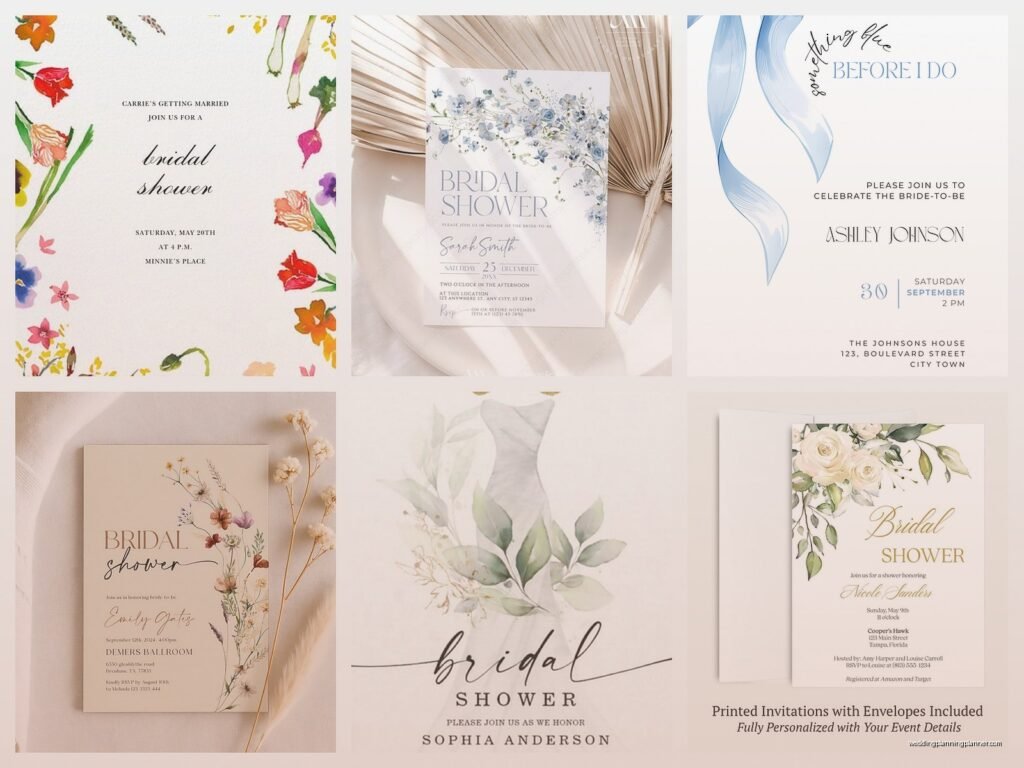
Evites for Bridal Shower: Digital Party Invitations
May
So You’re Doing Digital Invites for a Bridal Shower
Okay so evites are honestly where most bridal showers are headed now and I get why you’re considering them. They’re fast, they’re cheaper than printed invites, and you can track RSVPs without chasing people down via text three days before the event. I’ve been planning weddings and showers since 2015 and the shift to digital has been wild to watch.
First thing – pick your platform and don’t overthink it. There’s like a million options now: Paperless Post, Evite, Greenvelope, Canva, even just making something in Canva and texting it out or using a Google Form. Each one has different vibes and price points. Paperless Post is gonna be the fanciest looking – they have these digital “papers” that actually look textured and premium, but you pay per invite sent which can add up fast if you’ve got a big guest list. Evite is free for basic designs but the ads are kinda tacky. Greenvelope is the middle ground, good designs, reasonable pricing.
I had this bride in spring 2023 whose mom absolutely refused to do digital invites at first because she thought they were “impersonal” and we went back and forth for like two weeks. Then she actually saw what Paperless Post looked like on her phone and completely changed her tune because some of those designs are honestly prettier than half the printed invites I’ve worked with.
Timing Your Send
Send your evites 4-6 weeks before the shower. I know everyone says this but it’s true. Too early and people forget or their plans change, too late and you’re competing with everyone’s already-booked weekends. The nice thing about digital is you can send them exactly 6 weeks out on like a Tuesday morning when people are checking their email anyway.
One thing that annoys me SO much is when people send evites but don’t set an RSVP deadline. Like you need to know headcount for food and seating, right? Set your RSVP deadline for 10-14 days before the event. And here’s the thing – even with a deadline, you’re still gonna have to chase people down because humans are terrible at responding to anything, but at least you have a date to point to.
What Info Actually Needs to Be on There
This seems obvious but I’ve seen people mess it up constantly. Your evite needs:
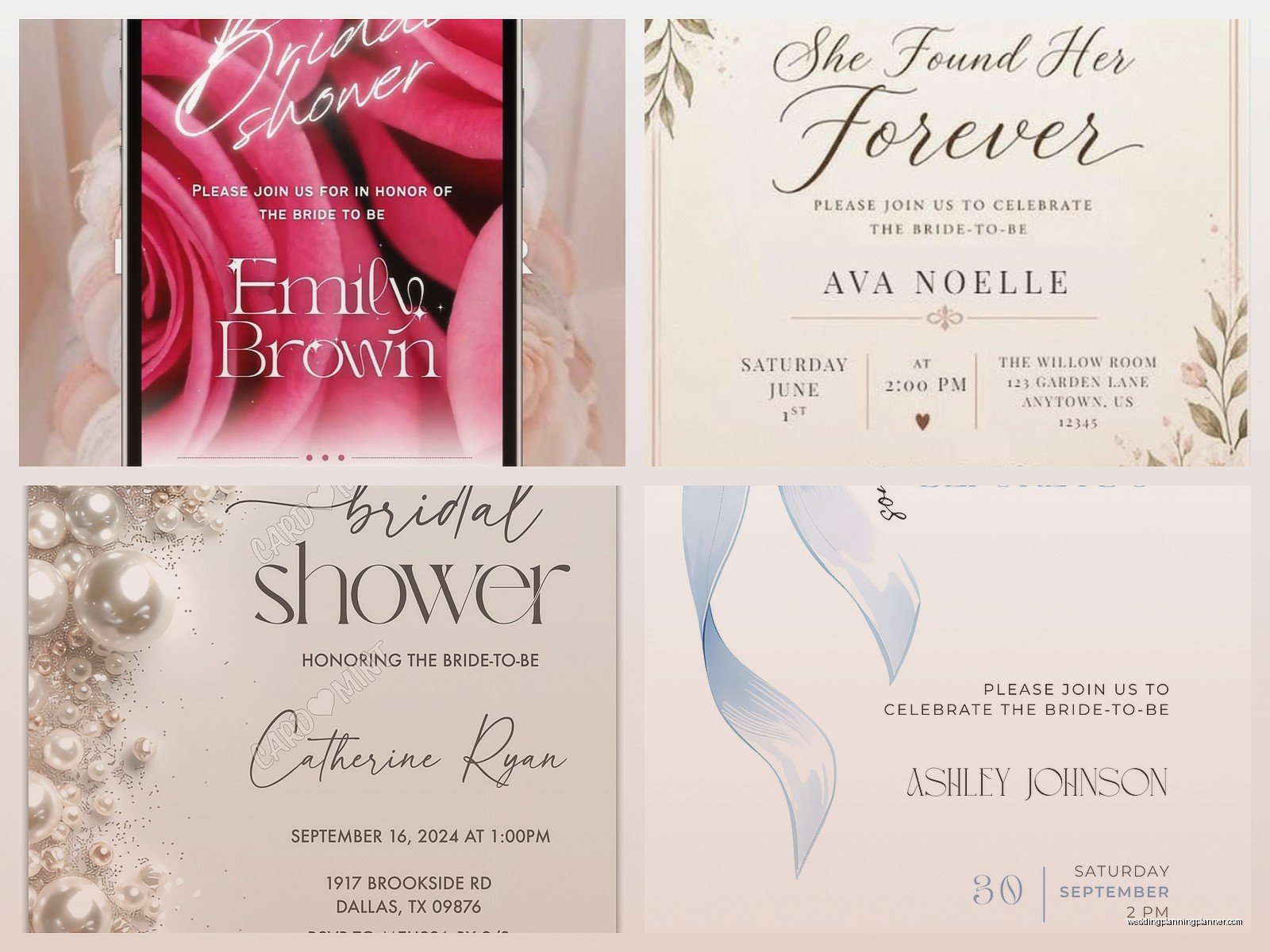
- Bride’s name (full name, not just “Sarah” because your aunt might know three Sarahs)
- Date and time (include start AND end time so people know if it’s a 2-hour thing or an all-day event)
- Location with full address – and if it’s someone’s home, maybe add “street parking available” or “park in the driveway” because people stress about this
- Host names (who’s throwing this thing)
- Registry information or “no gifts please” if that’s the situation
- Dress code if there is one
- Your contact info for questions
- RSVP deadline
Some people also add the wedding date so guests can contextualize when the actual wedding is. Like if the shower is in March and the wedding’s in October, that’s different than shower in September and wedding in October.
Design Stuff That Matters
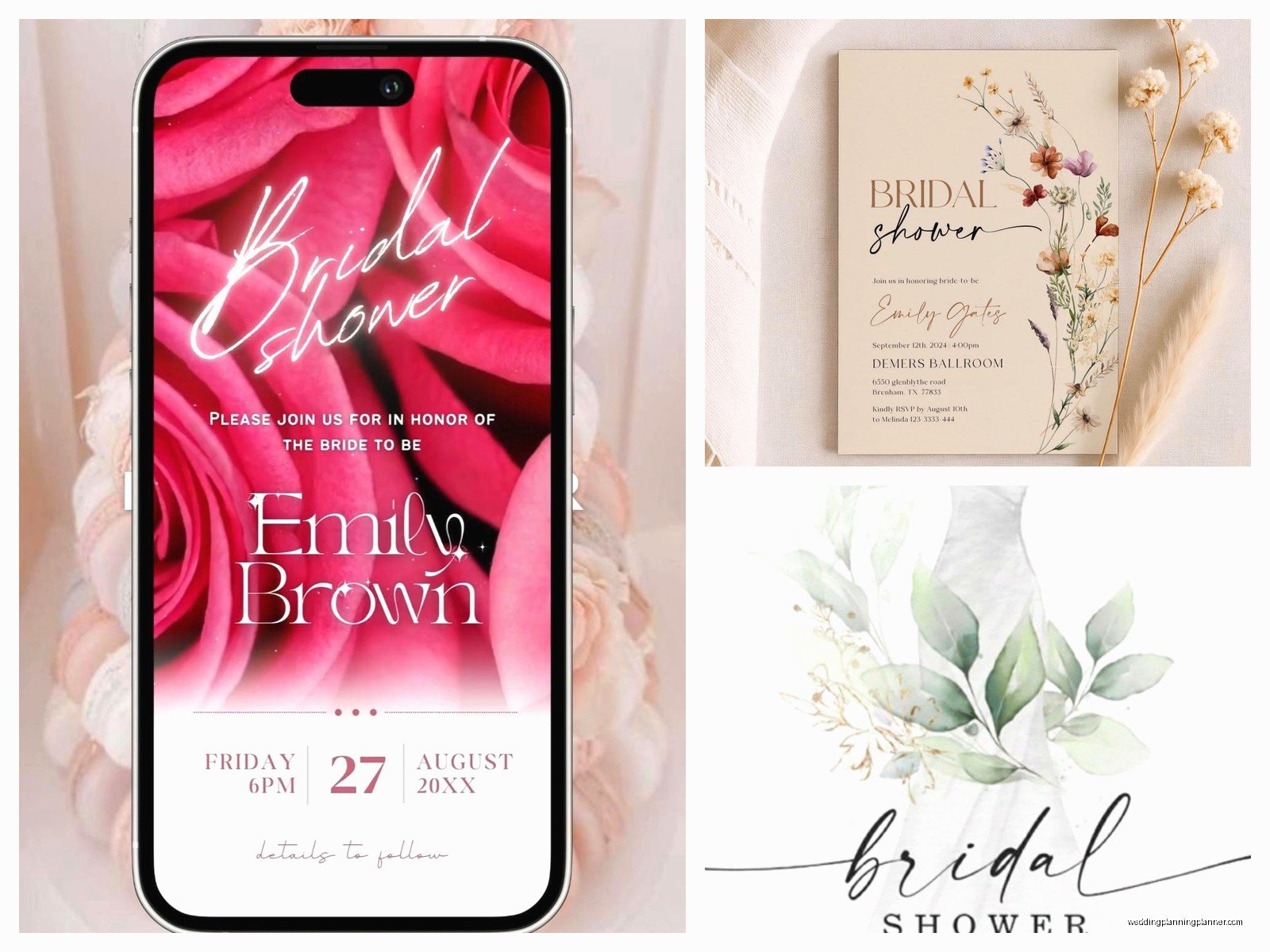
Match the vibe to the shower theme but don’t go overboard. If it’s a garden party theme, sure, use florals. If it’s a lingerie shower, maybe something a bit more playful. But you don’t need animations and music and… actually I take that back, please don’t add music to your evite. I opened one once while sitting in a coffee shop and it started blaring “Here Comes the Bride” at full volume and I wanted to disappear.
Keep text readable. This sounds basic but I see people choose these fancy script fonts that are completely illegible on a phone screen. Your grandma’s gonna be reading this on her iPhone 8, probably without her reading glasses, so make sure the important info is in a clear font.
Colors should complement each other but also be accessible – high contrast between text and background. Light pink text on white background? Nah. Navy on cream? Perfect.
The Registry Question
Okay so traditionally you’re not supposed to put registry info on wedding invites but bridal shower invites are different – gifts are kinda the point of the shower, so it’s totally fine to include where the bride is registered. Most evite platforms have a spot for this. Just add the store names and links. Makes everyone’s life easier.
If the bride isn’t registered anywhere or prefers contributions to like a honeymoon fund or whatever, you can say something like “Sarah is registered at Target and Crate & Barrel” or “In lieu of gifts, Sarah would love contributions to her honeymoon fund” with a link. Just be clear so people aren’t scrambling trying to figure out what to bring.
Managing RSVPs and Follow-Ups
This is where digital actually saves your sanity. Most platforms let you see who’s opened the invite, who’s responded, who’s ignored it completely. Two weeks before your RSVP deadline, send a reminder to people who haven’t responded. The platforms usually have a built-in reminder feature.
Then after your deadline passes, you gotta text or call the stragglers. I usually draft a message like “Hey! Just finalizing headcount for Sarah’s shower – are you able to make it on the 15th?” Keep it light, not accusatory, even though you’re internally screaming because WHY DO PEOPLE NOT RESPOND TO INVITATIONS.
One trick I learned – if you have someone’s phone number, send them a text right after you send the evite saying “Just sent you the evite for Sarah’s shower, check your email!” People are way more likely to actually open it if they get that heads up.
The Plus-One Situation
Be specific about whether guests can bring someone. Either address it to “Jane Smith” or “Jane Smith and Guest” – don’t leave it ambiguous. Bridal showers are usually more intimate than weddings so plus-ones aren’t always a given, but you need to be clear. I’ve had situations where someone brought their boyfriend to a 15-person shower because the invite wasn’t specific and it threw off the whole seating arrangement and food count.
If kids are or aren’t invited, mention that too. “Adults only celebration” or “Kids welcome!” Just make it clear so parents know whether they need to arrange childcare.
What About Older Guests Who Aren’t Tech-Savvy
Real talk – some people don’t do email regularly or don’t have smartphones. For those guests, you’ve got options. You can mail them a printed version of the same design (most evite platforms let you download a PDF), or you can call them directly with the details and just mark them as “responded via phone” in your system.
I usually ask the bride upfront “Is there anyone on the list who’s gonna struggle with a digital invite?” and we make a plan for those specific people. It’s usually like three or four older relatives and it’s easier to just handle them separately than force everyone into a printed invite situation.
Group Messaging and Coordination
Some evite platforms let you message all guests at once which is clutch for updates. Like if the weather’s bad and you need to move from the patio to inside, or if the time changes, you can send one message to everyone. Way better than trying to text 30 people individually… or worse, starting a group chat that spirals into chaos.
Speaking of which, my cat walked across my keyboard while I was sending shower updates once and somehow managed to send “jjjjjjjjjjjj” to 40 people. Professional moment right there.
Cost Breakdown
Since you’re probably wondering about budget – free options like Evite or Canva templates cost literally nothing but might look more basic. Paperless Post runs anywhere from $1-4 per invite depending on the design, so for 30 people that’s $30-120. Greenvelope is usually around $30-50 for a full event. Compare that to printed invites which run $3-8 per invite PLUS envelopes PLUS stamps and you’re saving significant money with digital.
Etiquette Things People Stress About
Is it rude to send evites instead of printed? Not anymore, honestly. Like 10 years ago maybe it was questionable but now it’s completely standard. I’d say 60% of the showers I work on use digital invites at this point.
Should you send save-the-dates for a shower? Eh, usually not necessary unless it’s a destination shower or you’re planning really far in advance. The evite itself is enough notice if you send it 4-6 weeks out.
Can you send evites for the wedding itself? That’s different – weddings are still mostly printed invites because they’re more formal, but showers are totally fine for digital.
My Actual Recommendations Based on Different Scenarios
If you’ve got a small shower, under 20 people, and you want it to look really nice – use Paperless Post and splurge on one of their premium designs. It’ll cost you maybe $50 total and it’ll look gorgeous.
If you’ve got a bigger list and need to keep costs down – Canva has free templates that you can customize, then you can either upload to a free Evite account or just text/email the image directly with a Google Form for RSVPs.
If you’re somewhere in the middle and want good design plus tracking – Greenvelope is your sweet spot.
For super casual showers, honestly a cute Canva design sent via text with “RSVP by replying to this text” works fine. I’ve done this for backyard BBQ style showers and it’s perfect for that vibe.
Common Mistakes I See All The Time
Sending the invite to the bride’s email and forgetting she’ll see all the RSVPs and responses – if you’re planning a surprise element or don’t want her to see who’s coming, make sure the responses go to YOUR email, not hers.
Not proofreading – typos happen (clearly I’m not immune) but read through everything twice before sending because you can’t exactly recall a digital invite once 50 people have opened it. Well, you can send a correction but it’s awkward.
Making the RSVP process complicated – one click to respond yes or no is ideal. Don’t make people create an account or fill out a huge questionnaire. The easier you make it, the more likely they are to actually respond.
Forgetting to include your contact info for questions – someone’s gonna need to ask about parking or dietary restrictions or whatever, give them a way to reach you.
The Thank You Note Connection
One thing to keep in mind – even though you’re sending digital invites, thank you notes after the shower should still be handwritten and mailed. That’s the one place where you can’t really go digital without it feeling weird or impersonal. Just something to remember when you’re planning the whole shower timeline, you’ll need addresses for thank yous even if you didn’t need them for invites.
Technical Stuff to Double-Check
Before you send, open the preview on both a phone and a computer. Sometimes designs look perfect on desktop but get all wonky on mobile. Since most people will open it on their phone first, that’s your priority view.
Make sure all your links work – registry links, Google Maps link for the address, RSVP button, everything. Click through each one.
Check that the time zone is correct if you’re sending to people in different areas. Most platforms auto-adjust but some don’t and you don’t want confusion about whether it starts at 2pm Eastern or Pacific.
Send yourself a test first. Seriously, send the whole thing to your own email and go through the RSVP process like you’re a guest. You’ll catch things you wouldn’t notice otherwise.
Actual Real-World Tips from Someone Who’s Done This Too Many Times
The week before the shower, send a reminder message to everyone who RSVP’d yes. Just a quick “Looking forward to seeing you Saturday at 2pm! Here’s the address again…” because people forget things they confirmed months ago. I learned this after having a bride’s aunt show up a week late because she got the date confused and nobody reminded her.
Keep a spreadsheet separate from the evite platform with everyone’s names, RSVP status, dietary restrictions if relevant, and gift tracking for thank you notes later. The evite platform might crash or you might lose access – having your own backup is smart.
If you’re doing any sort of surprise element or games that require preparation, you can sometimes add a little questionnaire to the RSVP like “Share your favorite memory of Sarah” or “What’s your advice for the bride?” and then use those responses during the shower. People usually think that’s fun and it gives you content for decorations or a game.
Don’t stress too much about making it perfect – the invite is just the invitation, not the actual event. As long as people know when and where to show up and what to bring, you’ve done your job. I’ve seen people spend hours agonizing over invite wording when that time would be better spent planning the actual shower activities or you know, taking a nap because shower planning is exhausting.
