
Planning Guides, Style Guide
Sims 4 Wedding Planning: Complete Guide
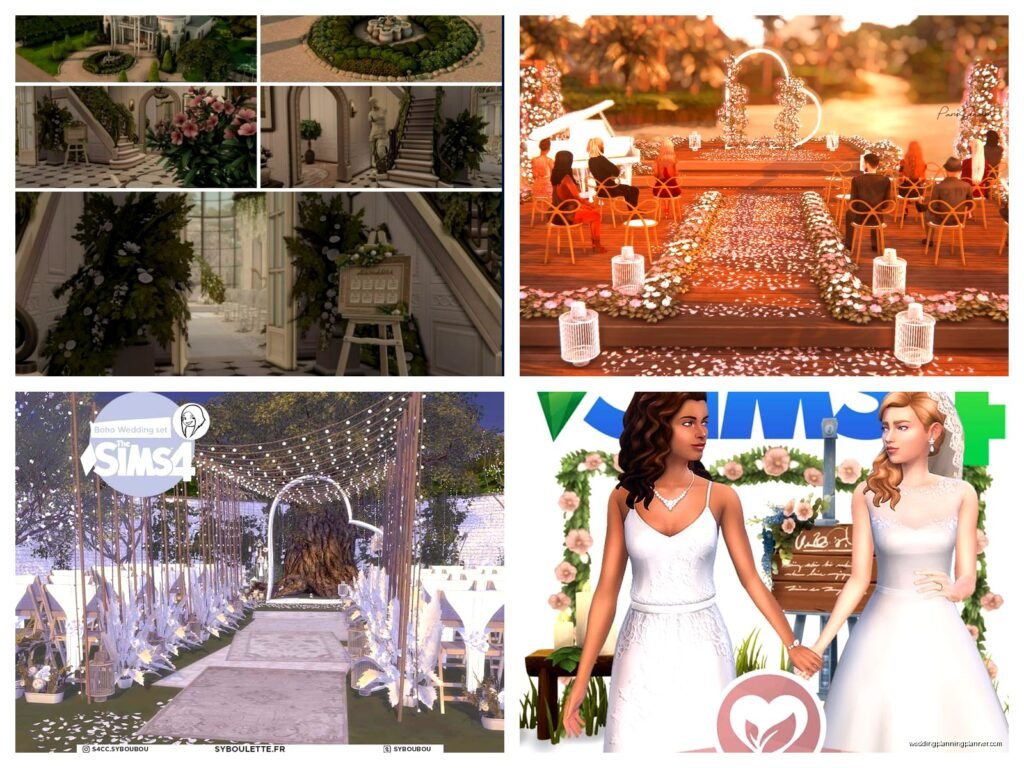
May
Getting Started with Sims 4 Wedding Planning
So you wanna throw a wedding in Sims 4 and you’re probably thinking it’s gonna be simple but oh boy, there’s actually way more to it than just clicking “get married” and calling it a day. I spent like three hours last summer—August 2021 specifically—trying to plan my Sim couple’s dream wedding and it turned into this whole production that honestly taught me more about the game mechanics than I expected.
First thing you gotta know is whether you have the My Wedding Stories game pack or not because that completely changes everything. If you don’t have it, you’re working with the base game wedding event which is… fine? It’s functional. But if you DO have My Wedding Stories, buckle up because there’s a whole wedding planning system that’s actually pretty detailed.
Base Game Weddings (The Simple Route)
Let me start with base game stuff since not everyone has the pack. You can throw a wedding event through your Sim’s phone or computer under the “Plan a Social Event” option. Pick Wedding, choose your Sims who are getting married (they need to be engaged first, obviously), select guests, set the time and lot, and you’re basically done with planning.
The goals for base game weddings are pretty straightforward: get married, have the couple kiss, maybe cut a cake, talk to guests. You’ll want to place a wedding arch somewhere on the lot before the event starts—you can find these in Build/Buy mode under Activities and Skills or just search “wedding.” The actual ceremony happens when you click on the arch and select “Get Married.”
One thing that really annoyed me about base game weddings is that guests just… wander off and do random stuff? Like I had a wedding where half the guests decided to go play on the computer in the middle of the ceremony and I’m there trying to get a nice screenshot for my save file and there’s just chaos everywhere.
My Wedding Stories Game Pack Planning
Okay so if you have My Wedding Stories, everything gets more complex but also more fun. There’s an actual wedding planner career that comes with it but that’s separate from just planning your own Sim’s wedding, so don’t get confused.
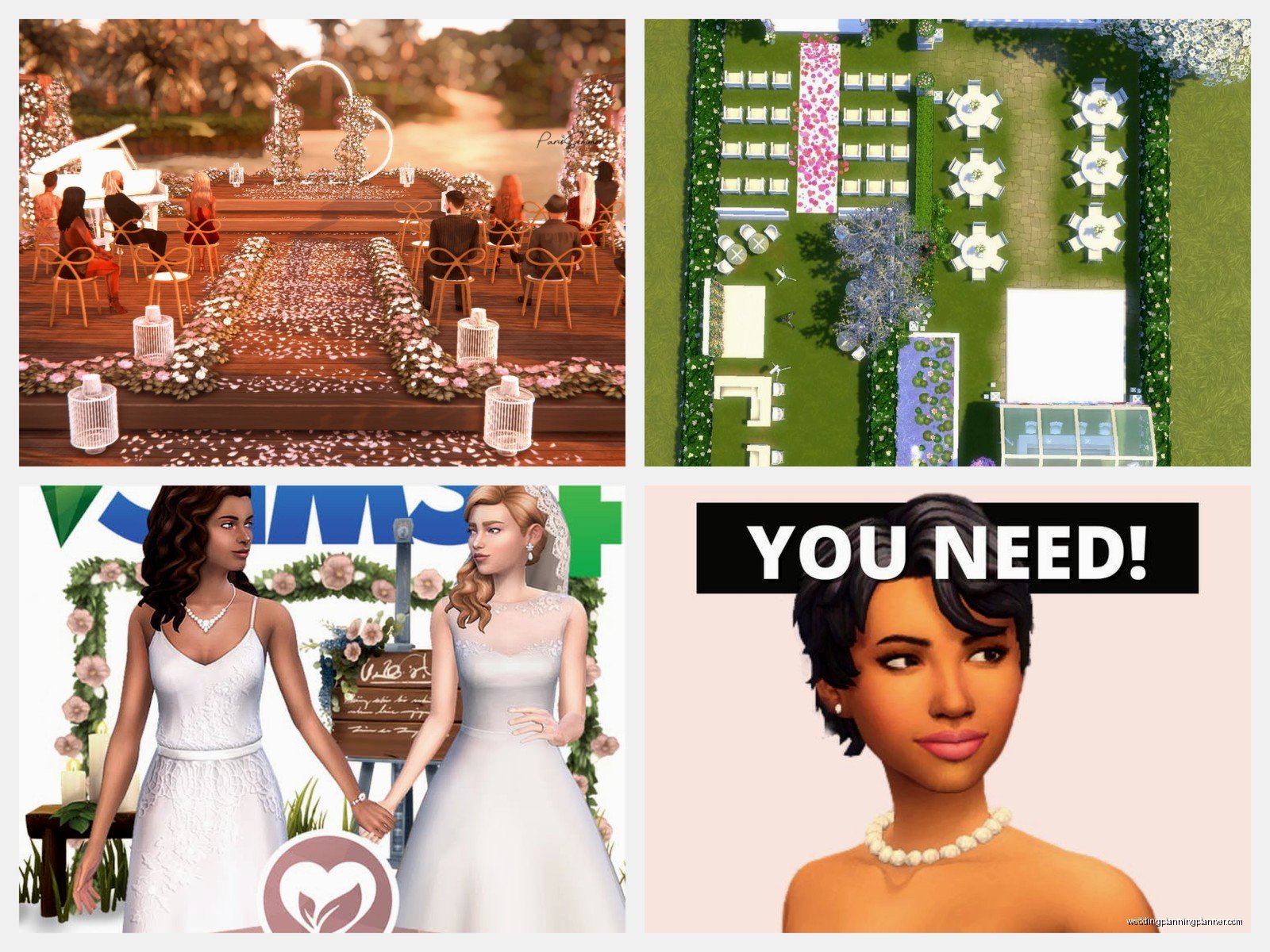
You start wedding planning by having your engaged Sim use their phone or computer and select “Plan Wedding Event.” This opens up this whole planning interface that’s kinda overwhelming at first. You’ll see tabs for Guest List, Ceremony, Reception, Rehearsal Dinner, and Bachelor/Bachelorette parties.
The Guest List Situation
Guest list is pretty self-explanatory—add people you want there. But here’s something I learned the hard way: invited guests will show up in formal wear automatically which is great, but if you have specific outfit ideas, you might want to plan their looks ahead of time in CAS. I use a mod for this but you can also just… hope for the best?
You can assign roles to guests too, which is actually super helpful. Flower Pal (that’s what they call it instead of flower girl/boy), Ring Bearer, Officiant, and you can have people give toasts. The Officiant role is important because someone needs to actually perform the ceremony. If you don’t assign one, the game will pick someone randomly and it might be your Sim’s weird uncle who nobody likes.
Ceremony Planning Details
The Ceremony tab lets you customize SO many things. You pick the wedding arch style, aisle decorations, seating arrangements, flower arrangements, and even what the couple wears. There’s also options for cultural traditions which is actually pretty cool—you can include things like jumping the broom or a tea ceremony.
My cat jumped on my keyboard once while I was setting up ceremony details and somehow changed all the colors to this bright orange scheme that I didn’t notice until the actual wedding and… yeah, always double-check your selections before confirming.
You can choose between different ceremony types: traditional, non-traditional, or elopement. Traditional has all the classic elements, non-traditional lets you skip stuff or rearrange it, and elopement is just the couple basically. The ceremony length matters too—short ceremonies are like 2 Sim hours, long ones can be 4+ hours.
Reception Planning
Reception planning is where you pick the cake (finally, a wedding cake that matters!), the first dance song, catering options, and bar setup. The cake thing is actually functional now—your Sims will cut it together and guests can eat slices. In base game the cake was just… decoration mostly? Or you had to manually direct Sims to cut it and it was awkward.
For catering, you’ve got options like buffet tables, servers who walk around with trays, or a full bar. I usually go with buffet because otherwise Sims complain about being hungry and it tanks your wedding score. Oh yeah, there’s a scoring system for weddings that grades how well everything went, which is both helpful and stressful.
First dance is cute but you need to make sure there’s space for it. The game will try to auto-place a dance floor area but sometimes it puts it in the weirdest spots. I had one wedding where the dance floor ended up in the bathroom hallway and guests kept walking through the couple’s romantic moment.
Pre-Wedding Events
So this is where things get really detailed—you can plan a Rehearsal Dinner and Bachelor/Bachelorette parties as separate events before the main wedding. These are optional but they’re kinda fun?
Rehearsal Dinner
Rehearsal dinner is basically a smaller, more intimate gathering the night before. You pick a venue, guest list (usually just close family and wedding party), and activities. The goals are usually about bonding with guests, giving toasts, and making sure everyone’s comfortable. It’s less stressful than the actual wedding and you can use it to build up relationships before the big day.
I actually use rehearsal dinners to make sure all my Sim relationships are in good shape because if the bride and groom’s families hate each other, the wedding can get… dramatic. Which is entertaining but not if you’re going for that perfect gold medal wedding.
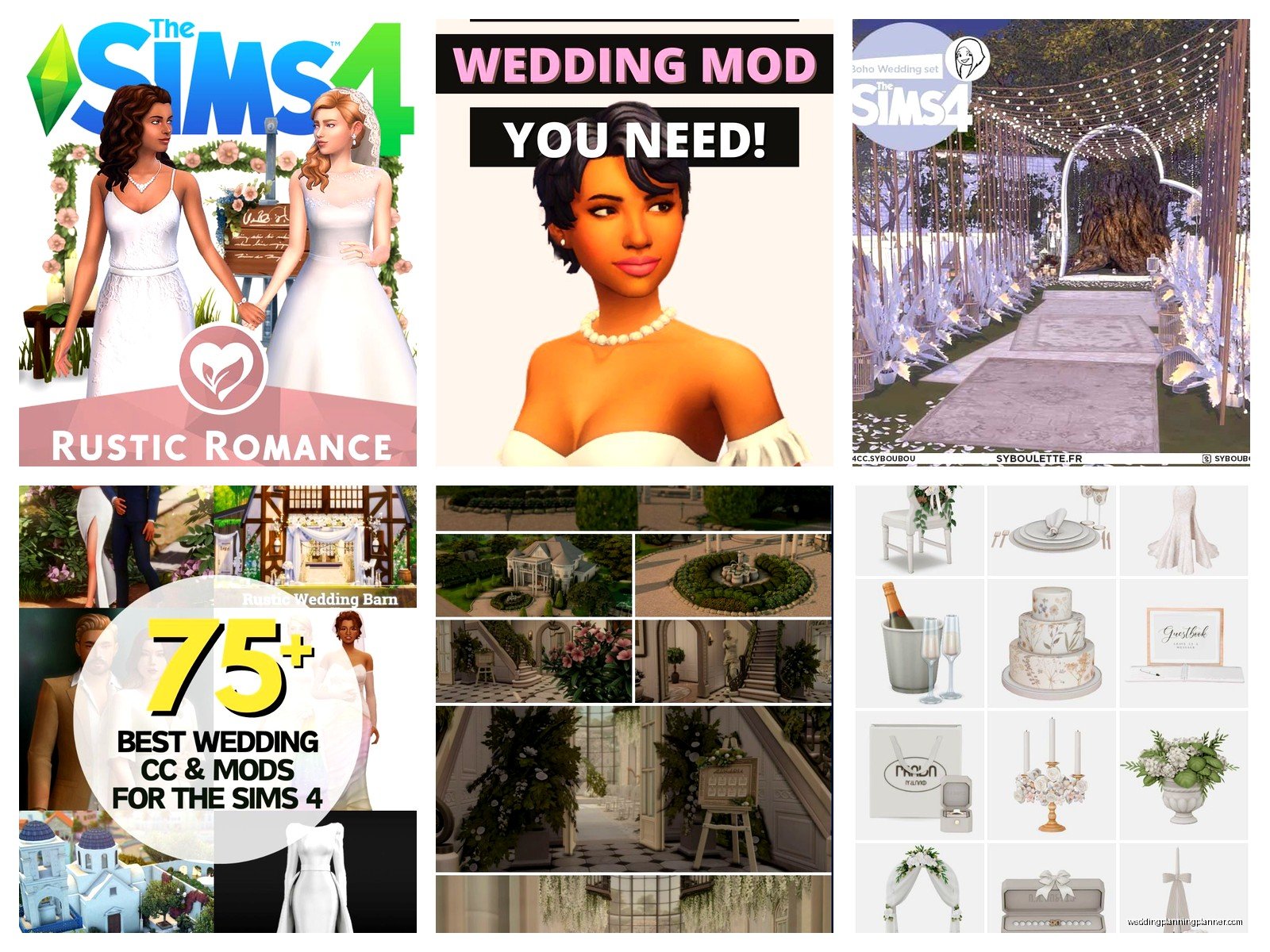
Bachelor and Bachelorette Parties
These are separate events for each Sim getting married. You invite their friends, pick activities (dancing, drinking, games, pranks), and basically just have a last night of freedom thing. The goals are pretty loose—mostly just have fun and complete some activities.
I’ll be honest, I usually skip these unless I’m doing like a legacy challenge or storytelling playthrough because they’re time-consuming and don’t really affect the wedding itself. But they’re there if you want that full wedding experience.
Venue Selection and Setup
Picking where to have your wedding matters more than you’d think. You can do it at home, at a community lot, or in Tartosa if you have the pack (Tartosa is the world that comes with My Wedding Stories and it’s gorgeous, very Mediterranean vibes).
If you’re using a community lot, make sure it has enough space and bathrooms. Seriously, the bathroom thing—I cannot stress this enough. Sims will get uncomfortable and leave if there aren’t enough bathrooms. I learned this during spring 2023 when I planned this elaborate wedding at a rental venue and realized too late there was ONE bathroom for 20+ Sims.
For home weddings, you’ll want to set up beforehand. Place the wedding arch, seating (those white folding chairs work great), maybe a dance floor area, tables for the reception, and decorations. The game will auto-populate some stuff during the event but it’s better if you have control over placement.
There are some beautiful pre-made wedding venues in the Gallery if you don’t wanna build your own. Just search “wedding venue” and you’ll find tons of options. I usually download one and then customize it to match my Sims’ style.
Decorating Tips That Actually Matter
Use the wedding decoration items from My Wedding Stories because they give off special moodlets. Flower arrangements, paper lanterns, those fabric draping things—they all contribute to a romantic atmosphere that affects your Sims’ emotions during the event.
Lighting is huge too. String lights, candles, and romantic lighting fixtures make everything look better in screenshots and also give positive moodlets. I always place way too many candles and then worry about fire hazards even though it’s a video game and… anyway.
Color coordination is in the planning menu but you can also manually place items that match. If you picked a blue and gold theme, swap out default decorations for things in those colors. It doesn’t affect gameplay but it looks way better.
The Actual Wedding Day
When the wedding event starts, your invited guests should start arriving. They’ll change into their formal wear automatically which is still amazing to me because in Sims 3 you had to manually—okay I’m getting off track.
You’ll get notifications about wedding tasks that need completing: start the ceremony, exchange rings, say vows, first kiss as married couple, cut the cake, first dance, etc. These are your event goals and completing them affects your medal score.
One major tip: pause frequently. Seriously, pause the game and direct your Sims through actions because if you let autonomy take over, chaos happens. The bride will decide to go swimming, the groom will start fixing a broken sink, guests will leave early because they got bored.
Ceremony Execution
When you’re ready to start, click on the wedding arch and select “Begin Ceremony.” Everyone should gather around—if they don’t, you might need to manually direct key people to sit down or watch. The Officiant will come up, the couple stands at the arch, and then you go through ceremony interactions.
You’ll have options like Exchange Rings, Recite Vows, Object to Wedding (don’t click this unless you want drama), and Complete Ceremony. Follow the prompts and click through the interactions. It’s pretty guided so you can’t really mess it up unless you just… don’t do anything.
Some Sims might autonomously object to the wedding if they have negative relationships with the couple or if they’re romantic interests. This can actually happen and it’s hilarious but also will tank your wedding score if you’re achievement hunting.
Reception Flow
After the ceremony, the reception portion starts automatically. This is when you do the cake cutting, first dance, toasts, and general celebrating. Make sure your couple is in the right location for these activities.
For the cake, click on it and select “Cut Wedding Cake Together” with your Sim’s spouse. They’ll do this cute animation and then guests can grab slices. The first dance requires a dance floor area—click on your spouse and select “First Dance” and they’ll do a special romantic slow dance.
Toasts are automatic if you assigned people to give them during planning, but other Sims can also autonomously give toasts which is sweet. You can also manually have Sims propose toasts by clicking on them.
Common Problems and Fixes
Guests leaving early is probably the most common issue. This happens when their needs get too low or they’re bored. Solutions: make sure there’s food available, bathrooms accessible, and enough seating. You can also use the “Encourage to Stay” social interaction on guests who are trying to leave.
The wedding planner NPC (if you hired one) sometimes just… doesn’t show up? Or shows up and does nothing? This is apparently a known bug and it’s super frustrating. If this happens, you basically have to direct everything yourself which defeats the purpose of hiring help.
Sims getting stuck or not following ceremony cues is another issue—there’s something about pathfinding that gets weird during events. Try resetting Sims using testingcheats (shift-click and “Reset Object”) if they’re frozen or acting strange.
If your wedding score is terrible and you don’t know why, check the event goals in the top left corner. You might’ve missed a required task like cutting the cake or having the first dance. Some goals are optional but others are required for gold medal.
Mods and CC Recommendations
Okay so I know not everyone uses mods but if you do, there are some that make wedding planning way better. MC Command Center lets you control so many aspects of events including extending time limits. The wedding event in-game has a timer and sometimes you run out before completing everything, which is realistic I guess but also annoying when you’re trying to get good screenshots.
There’s also tons of custom content for wedding stuff—dresses, tuxedos, decorations, venues. The Sims Resource and Patreon creators have amazing options if you want more variety than what’s in-game. I probably spend too much time downloading CC wedding dresses for Sims who aren’t even engaged yet but that’s just how I play.
Making It Your Own
The cool thing about Sims 4 weddings is you can really customize them to tell whatever story you want. Want a spooky Halloween wedding? Do it. Beach wedding at sunset? Absolutely. Chaotic wedding where everything goes wrong? Just let autonomy run wild and don’t complete any goals.
I’ve done themed weddings based on TV shows I’m watching—had a whole Bridgerton-style wedding once with historical CC and it was gorgeous. You can also do destination weddings if you have other packs, like a winter wedding in Mt. Komorebi from Snowy Escape or a jungle wedding in Selvadorada.
For same-sex weddings or non-traditional setups, everything works exactly the same way. The game is pretty inclusive with this stuff which is nice—you just plan it like any other wedding and pick whatever options fit your Sims’ story.
Don’t stress too much about getting everything perfect on the first try, honestly I’ve restarted wedding events multiple times because something went wrong or I didn’t like how it looked and that’s totally fine, it’s your game and you can play however you want even if that means throwing the same wedding five times until you get the screenshots you envisioned
