
Planning Guides, Style Guide
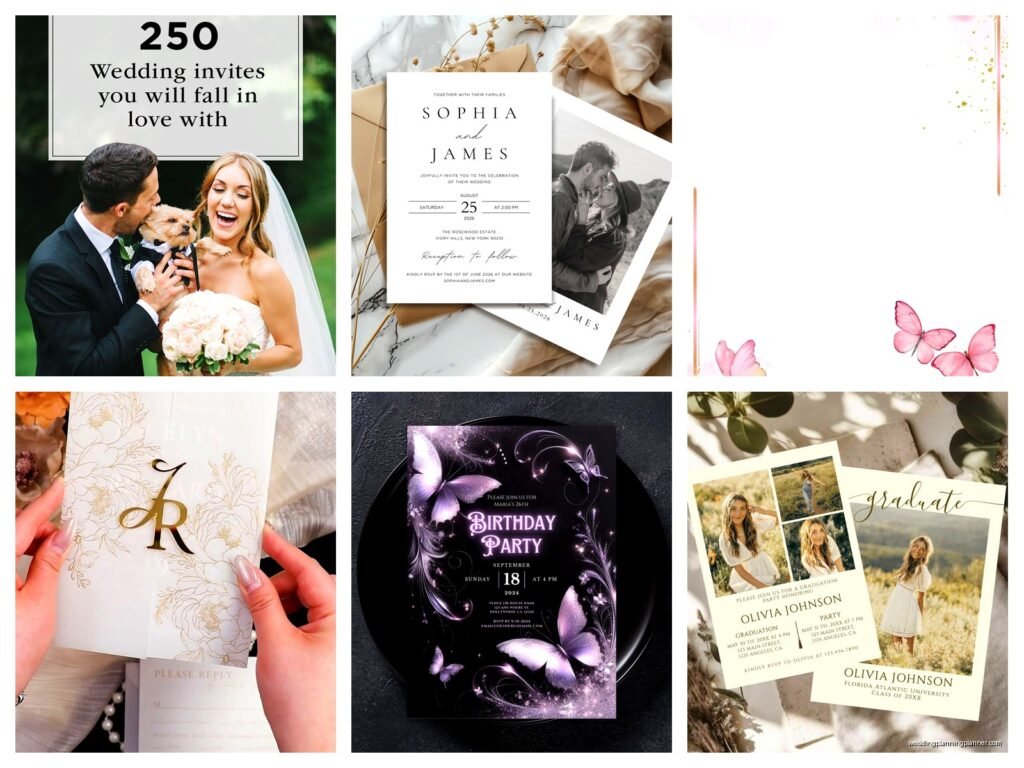
Shutterfly Invitations: Photo Card Printing Service
Mar
Okay so Shutterfly invitations – I’ve been using them since like 2019 for clients who want something decent without spending a fortune on letterpress or custom design work. Let me just walk you through what actually matters when you’re ordering from them.
The Paper Quality Thing Everyone Asks About
First off, their standard cardstock is fine. It’s not gonna blow anyone away but it’s solid enough that grandma won’t think you printed it at home on your inkjet. The premium cardstock is where I usually steer people – it’s like 130lb if I remember right, and it just feels more substantial when someone pulls it out of the envelope. Spring 2023 I had this bride who insisted on the standard because she wanted to save $40 across 150 invites and honestly, they looked kinda thin next to the velvet ribbon she’d bought. We ended up reordering with premium and yeah, it made a difference.
The photo printing quality is actually really good. Like genuinely good. Their color matching is pretty accurate if you’re uploading photos – I always tell clients to use images that are at least 300 dpi though because Shutterfly will let you upload basically anything and then it prints all pixelated and people get mad.
Design Templates and Customization
They have hundreds of templates which sounds great until you realize you’re scrolling forever trying to find something that doesn’t look like every other wedding invitation ever. Here’s what I do – use their filters by color first, then style. Saves time.
The customization editor is… it works. It’s not InDesign or anything but you can move text boxes around, change fonts (they have a decent selection actually), swap photos. One thing that really annoyed me is that you can’t adjust the spacing between lines of text as precisely as I want. Like you get three options basically – normal, loose, or tight – and sometimes none of them look quite right but you just gotta pick one and move on.
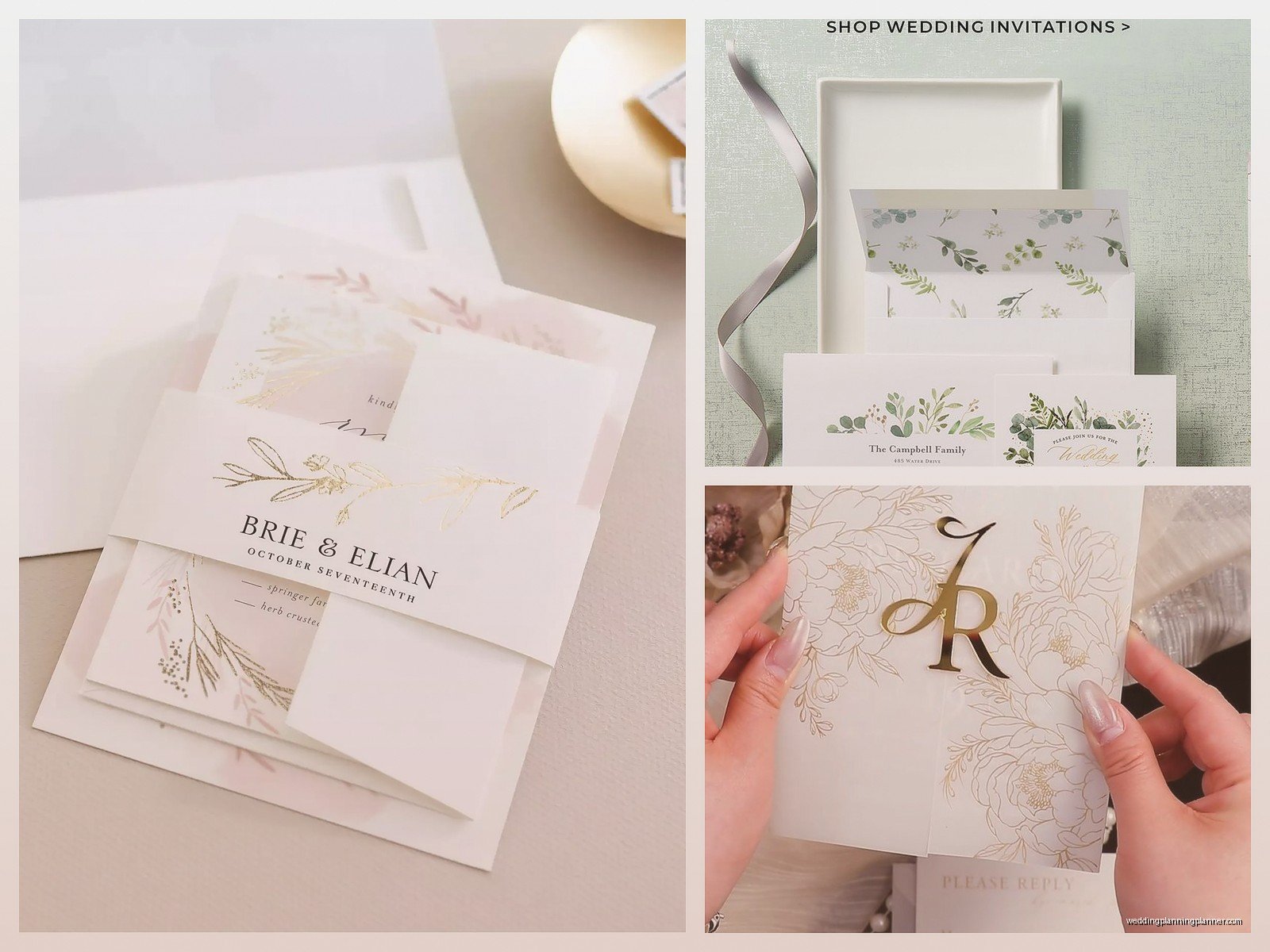
You can upload your own graphics which is clutch if you have a custom monogram or logo. Make sure they’re PNG files with transparent backgrounds. I learned that the hard way when a white box printed around a clients floral graphic because she sent me a jpeg.
Photo Cards vs Traditional Invitations
So Shutterfly really shines with photo cards obviously. Engagement photos on save the dates? Perfect for their platform. Holiday cards with wedding pics? Great. But if you’re doing a formal wedding invitation with no photos, I’d honestly consider… wait no, they’re still fine for that too, just maybe not as cost-effective as some other options.
Their photo uploads can handle most formats. I usually upload JPGs because they process faster. The editor shows you a preview of how the colors will print which is helpful, though it’s never 100% accurate because you’re looking at a screen versus actual ink on paper.
Pricing and When Sales Actually Matter
Never pay full price. Like literally never. Shutterfly runs sales constantly – 30% off, 40% off, sometimes 50% off. Around holidays you’ll see bigger discounts. I keep a spreadsheet of sale patterns and umm… okay I don’t really but I should because I do notice Black Friday and early January are good times.
For wedding invitations you’re usually looking at like $1.50 to $3.00 per invite depending on size and paper quality when there’s a sale going on. Add envelopes – their envelope printing is extra but worth it if you have more than like 75 invitations because hand addressing that many will make you want to quit weddings forever.
They do bulk discounts automatically which is nice. The more you order the cheaper per unit.
Ordering Samples First
Always order samples. Always. They let you order a single proof for a few bucks and yeah it delays your timeline by a week but finding out your color scheme looks weird in print AFTER you ordered 200 invitations is worse. During summer 2021 I had a client approve a design online and then when we got the sample she hated how the navy blue printed – it looked almost black. We switched to a lighter blue and reordered. Would’ve been a disaster if we’d gone straight to the full order.
The sample arrives in like 5-7 business days usually. Check for color accuracy, make sure names are spelled right (you’d be surprised), verify the date and venue address, look at the back if you did a double-sided design.
Envelope Options and Addressing
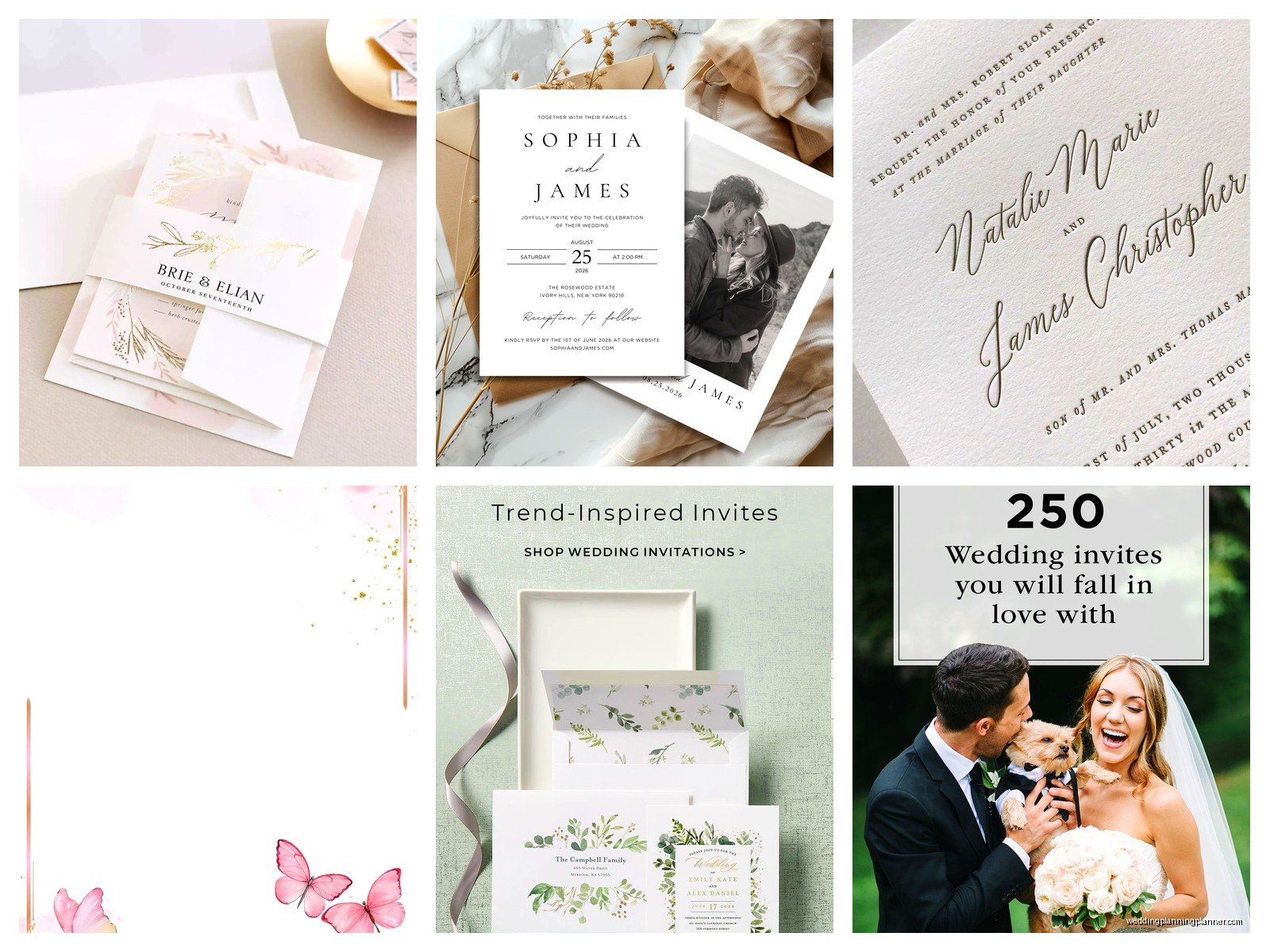
You can get plain envelopes included or upgrade to different colors. Their envelope liners are pretty – they’re like patterned inserts that slide into the envelope and make everything look fancier. Adds maybe 50 cents per invite but some clients love that detail.
Envelope printing – you upload a spreadsheet with addresses and they print directly on the envelopes. The font selection for this is more limited than the invitation itself which is annoying. You get like maybe 15 fonts and half of them are pretty casual. For formal weddings I usually use the “Refined” or “Elegant” font options.
Guest addressing goes on the front, return addressing on the back flap. You can add recipient names to the inside of the envelope too if you really want but that feels like overkill to me.
Formatting Your Address Spreadsheet
This is where people mess up. You need separate columns for first names, last names, address line 1, address line 2, city, state, zip. Don’t try to put everything in one cell because their system can’t parse it correctly and you’ll end up with weird line breaks.
Double check spelling. Then check again. Then have someone else check. I once let a typo through on 120 invitations where we spelled “Street” as “Sreet” and my cat knocked over my coffee while I was trying to figure out if we could fix it with a label or needed to reorder and honestly the whole morning was a mess.
Turnaround Times
Standard production is like 7-10 business days, then shipping on top of that. You can rush it for extra money – they have 2-day and next-day options but they’re expensive. For wedding invitations I tell clients to order at least 3 months before they need to mail them out. That gives time for samples, corrections, production, and then you still have breathing room.
Their production time estimates are usually accurate in my experience. Maybe add an extra day or two during busy season – like April and May when everyone’s ordering wedding stuff.
Promo Codes and Stacking Discounts
Sometimes you can stack a sale with a promo code but usually their system only lets you use one discount. I’m signed up for their email list on like three different email addresses because they send different codes to different customer segments – new customers get better deals sometimes than existing ones which is backwards but whatever.
RetailMeNot usually has current codes listed. Also if you add stuff to your cart and abandon it, they’ll sometimes email you a discount to complete the purchase.
What to Watch Out For
The editor doesn’t always show you actual size. Like you think text is readable and then the physical card arrives and it’s tiny. Use their size guide and when in doubt go bigger with font sizes – nothing smaller than 9pt for body text.
Color shifts happen. Greens sometimes print more yellow than they look on screen. Purples can go too blue or too red. If color matching is critical order a sample first or choose designs that aren’t dependent on one specific shade being perfect.
Their customer service is hit or miss. I’ve had reps who were super helpful and others who just read scripts and couldn’t actually solve problems. If you get someone unhelpful, hang up and call back to get someone different.
Matching Suite Items
If you’re doing save the dates, invitations, programs, thank you cards – Shutterfly lets you coordinate designs across products which is convenient. They save your design elements so you can reuse photos, colors, fonts. This is honestly one of the better reasons to stick with them for multiple items rather than mixing vendors.
Their thank you cards are solid. Same paper quality options as invitations. You can add wedding photos inside which couples love.
File Formats and Upload Issues
If you’re uploading your own complete design (like you made it in Canva or whatever), save it as a high-res PDF or PNG. Their system can be weird about accepting files sometimes – I’ve had PDFs rejected for no clear reason and then the same file as a PNG uploads fine.
Make sure your design dimensions match exactly what Shutterfly specifies for each product. They list it on the product page. If your file is even a little off, it’ll get cropped weird or have white borders where you don’t want them.
Tracking and Shipping
They ship via UPS or FedEx usually. You get tracking info. The packaging is pretty secure – I’ve never had invitations arrive damaged which is important because there’s nothing worse than needing to rush reorder because the box got crushed.
If you’re shipping directly to your client or the bride, give them a heads up when it’s supposed to arrive so they’re watching for it. I had one package sit on a porch in the rain once because nobody knew it was coming and the box got soaked through.
Comparing to Other Services
Look, Minted is prettier, Paperless Post is more modern, local letterpress is more unique – but Shutterfly hits a sweet spot of affordable, reliable, and accessible for people who aren’t design-savvy. I use them probably for 40% of my clients who want printed invitations. The other 60% either have bigger budgets or more specific aesthetic needs.
For photo-heavy designs or casual events, Shutterfly is honestly hard to beat on value. For black-tie weddings at fancy venues… you might want to look elsewhere or at least really carefully select one of their more formal templates.
Account Management
Create an account before you start designing – it saves your work automatically which is crucial. I’ve lost designs before when my browser crashed because I was working as a guest. Also your order history stays in your account so you can reference past orders or reorder easily.
They store your photos in the account too which means if you’re doing save the dates and then invitations later, the engagement photos are already uploaded.
The Fine Print Stuff
Check their return policy before ordering. Generally you can return for issues with printing quality but not if you just changed your mind about the design. Keep your sample – if your full order doesn’t match the approved sample you have grounds for a reprint.
Read reviews of specific invitation designs if they have them. Sometimes a template photographs well but actual users say the layout is weird or text gets cut off and that feedback is valuable.
