
Planning Guides, Style Guide
Zola Invitations: Registry Platform Stationery Guide
Mar
So Zola invitations – I get asked about these constantly because everyone already has their registry there and figures why not just do everything in one place right? And honestly that logic makes sense but lemme walk you through what you’re actually getting into because it’s not quite as seamless as they make it look on their homepage.
First thing you gotta know is that Zola started as a registry platform and the stationery came later. You can tell. The interface for designing invitations feels like it was built by people who understand gifting really well but maybe didn’t spend years in the paper goods world. I had this bride in spring 2023 who called me literally crying because she’d spent three hours trying to customize her RSVP card and the system kept reverting her changes and she thought she was losing her mind. Turned out it was a browser cache issue but like…that shouldn’t happen on a major platform.
Anyway here’s what actually works well about their system:
The Registry Integration Thing Everyone Talks About
Yeah so the big selling point is that your invites link directly to your registry and wedding website. Which IS convenient I’m not gonna lie. Your guests get the invite and there’s a QR code or URL that takes them straight to everything. One ecosystem. The tracking is pretty decent too – you can see who viewed your website, who RSVPed, who looked at registry items. Kinda creepy when you think about it but also super useful when you’re chasing down that one uncle who never responds to anything.
The wedding website templates are…fine? They’re not going to win design awards but they’re clean and they work on mobile which is honestly more than I can say for some custom sites I’ve seen couples waste money on. You get your own custom URL which is cute for putting on save the dates.
Design Options And Customization Limits
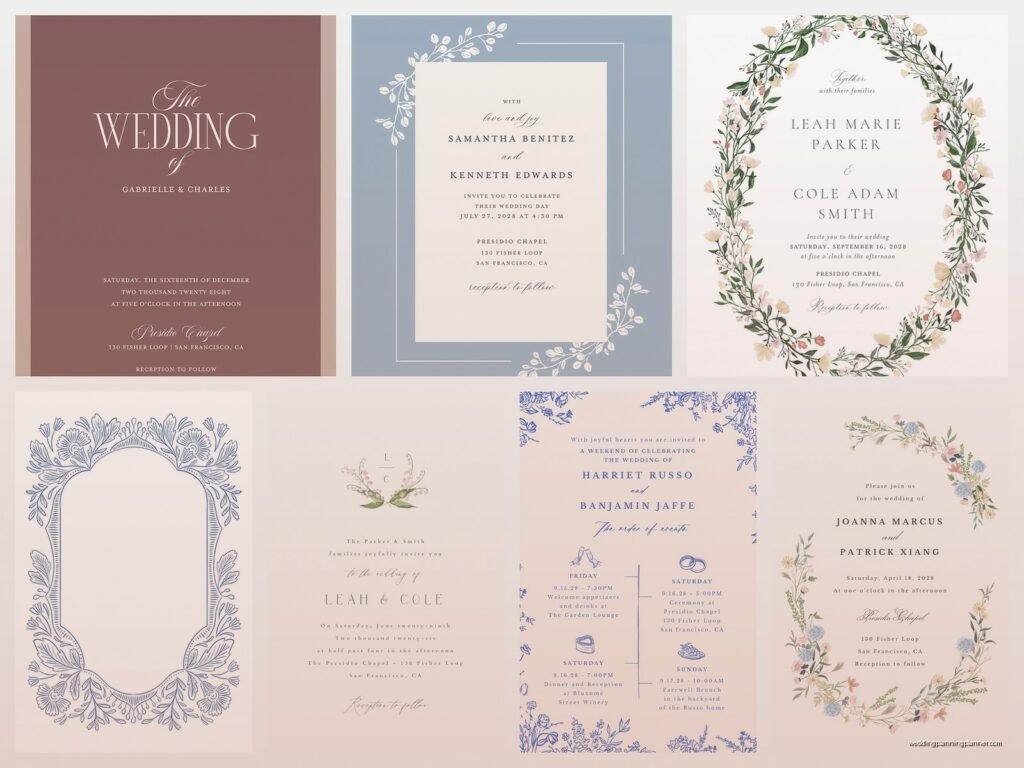
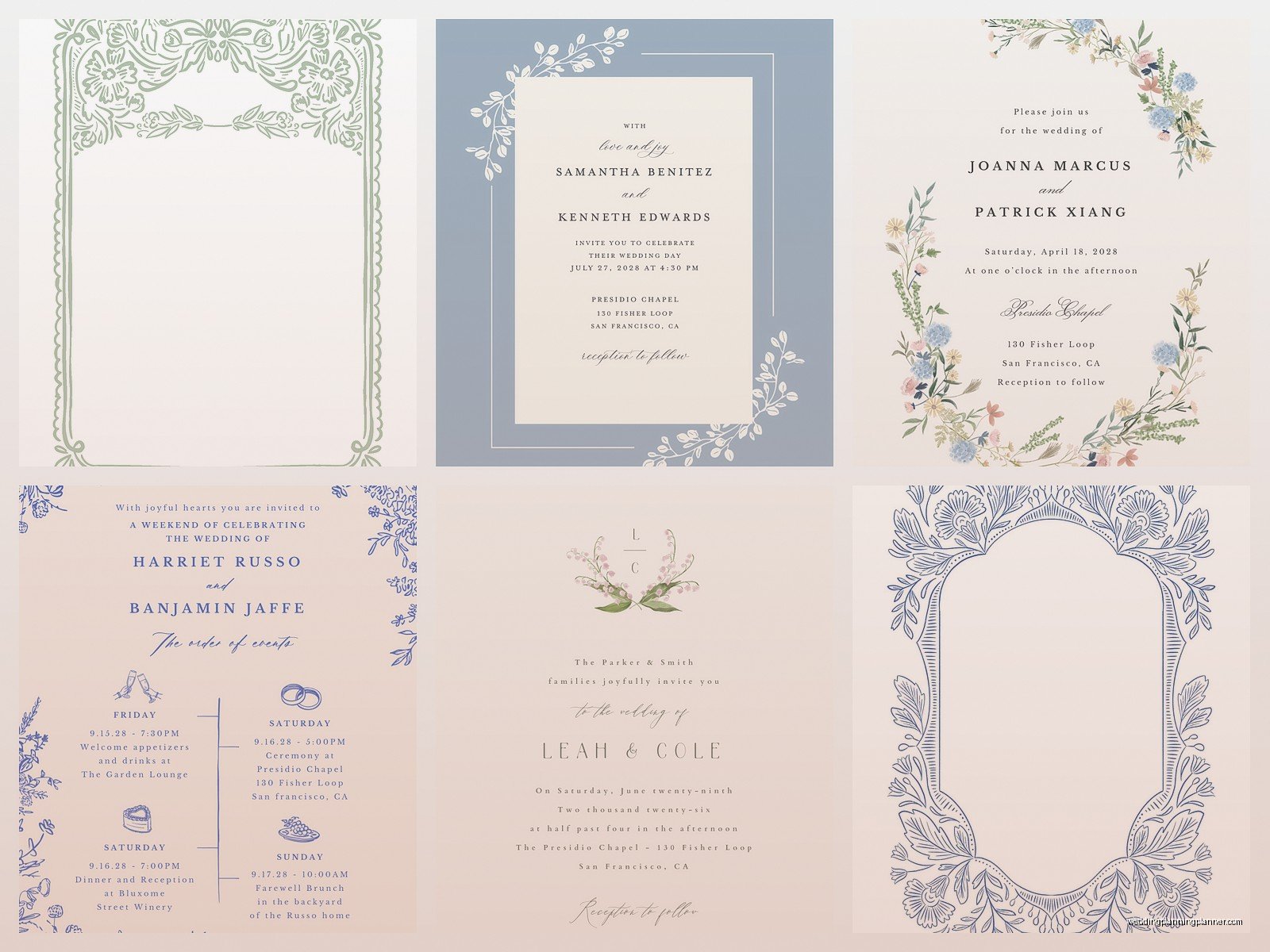
Okay so they have maybe 400+ designs last time I counted. Range from super traditional to modern minimalist to kind of trendy boho stuff. The problem is – and this is what annoyed me most about Zola – you can’t actually customize as much as you think you can. The preview shows you all these layout options but once you pick a design you’re pretty locked into their template structure.
Like you can change colors within their preset palette. You can swap fonts but only from their font menu which has maybe 20 options? You cannot adjust spacing, you cannot move design elements around, you cannot upload your own graphics in most templates. Some of the premium designs let you add a custom monogram but that’s about it.
I had a client who wanted to match her invitations to her bridesmaid dresses which were this specific shade of dusty rose and we spent literally an hour trying to color-match and the closest Zola had was either too pink or too mauve and she ended up going with Minted instead because they let you enter hex codes for custom colors. Still uses Zola for registry though.
Paper Quality Real Talk
Their standard paper is 120lb cardstock which is…okay. It’s not flimsy but it’s not luxe either. If you’re doing a backyard wedding or casual venue it’s totally fine. For a ballroom wedding at a Four Seasons maybe spend the extra for their premium paper.
Premium options include:
- Double-thick paper (feels way more substantial)
- Pearl shimmer (adds a subtle sheen, photographs really well actually)
- Letterpress (this is where they’re competitive with specialty stationers honestly)
- Foil stamping in gold, silver, rose gold, or copper
The foil stamping is pretty good quality. I was skeptical at first but I’ve seen enough samples now that I recommend it if you want that elevated look without going to a boutique stationer. The letterpress though…umm it’s real letterpress not digital which surprised me. You can feel the impression. It costs more obviously but it’s actual letterpress printing.
Pricing Breakdown Because That’s What You Really Want To Know
Here’s the thing about Zola pricing – it looks cheaper than it is. They advertise invitations starting at like $1.39 each or whatever but that’s for literally the most basic design, standard paper, no customization, and you’re ordering like 200+.
Reality check for what most couples actually end up paying:
Basic invite suite (invitation + details card + RSVP card with envelope): Around $3-4 per set
Mid-range with some upgrades (better design, premium paper, maybe foil on one element): $5-7 per set
Full custom with letterpress or multiple foil elements: $8-12 per set
Then you gotta add in addressing services if you want that which is like $0.75-1.25 per envelope depending on if you want printed or hand-lettered style. Oh and they charge for sample kits which is annoying but also standard across the industry so whatever.
The Hidden Costs Nobody Mentions
Okay so what they don’t tell you upfront is that rush fees are STEEP. Like if you need your order in less than two weeks you’re paying 35% extra. During peak wedding season (May through October) their production times get longer so factor that in.
Also postage. I know that sounds obvious but I’ve had so many couples forget to budget for stamps. A standard invitation suite usually weighs enough that you need extra postage – not forever stamps, you need like $0.87 or whatever the current rate is for 2oz. If you add belly bands or wax seals or ribbons you might need even more postage. Zola doesn’t handle mailing for you, you gotta do that yourself.
Comparing To Other Registry Platform Stationery
Since we’re talking about Zola might as well mention how it stacks up against competitors doing the same registry-plus-invites thing.
The Knot (owned by same parent company as Zola actually): Very similar platform, slightly different design aesthetic trends toward more traditional. Pricing is nearly identical. Integration with The Knot wedding planning tools is the main differentiator.
Minted: Better customization options, can do custom colors, independent artist designs so more unique. Usually more expensive though. Doesn’t have the registry integration which matters to some couples.
Paperless Post: If you’re doing digital invitations they’re way better than Zola’s digital options. But for physical paper Zola wins.
I was watching The Bear the other night – have you seen it? Anyway there’s this scene about consistency and systems and it made me think about why couples pick Zola even when it’s not necessarily the BEST at any one thing. It’s because having everything in one place reduces decision fatigue and— sorry got distracted.
Actual Workflow For Ordering Through Zola
Let me walk you through what the process actually looks like because their website makes it seem simpler than it is:
- Browse designs and add favorites to your idea board (this part is actually well done)
- Order sample kit with your top 3-5 designs – costs around $10-15, takes about a week to arrive
- Pick your final design and start customizing wording
- This is where it gets tedious – you’ll go back and forth adjusting names, dates, venue info, and their editor is kinda clunky
- Choose your paper upgrade if you want one
- Add RSVP cards, details cards, reception cards, whatever inserts you need
- Review digital proof (check this CAREFULLY, I’ve seen couples miss typos)
- Approve and pay
- Wait 2-4 weeks depending on season and whether you paid for rush
- Address envelopes yourself or pay for their addressing service
- Assemble everything and mail
Timeline You Should Actually Follow
Even though Zola has faster turnaround than traditional stationers, don’t cut it too close. Here’s what I tell clients:
Order samples: 6 months before wedding
Finalize design and place order: 4-5 months before
Receive invitations: 3-4 months before
Mail invitations: 8-10 weeks before wedding date (12 weeks if destination wedding)
RSVP deadline: 3-4 weeks before wedding
Summer 2021 was chaos for wedding stationery across the board because of supply chain stuff and all the postponed 2020 weddings happening at once. I had a bride who ordered Zola invites thinking the 2-week turnaround would work and it ended up taking 5 weeks and her invites went out only 6 weeks before her wedding. Everything worked out but she was stressed and some out-of-town guests couldn’t make it because of the short notice.
What Works Best On Their Platform
Certain wedding styles just work better with Zola’s offerings. If you’re planning:
Modern minimalist wedding: Their clean designs with simple typography are perfect, and you won’t feel limited by customization restrictions
Garden or outdoor wedding: They have good floral designs and the pearl shimmer paper looks nice for this vibe
Classic traditional wedding: Solid options, letterpress is good here
What doesn’t work as well:
Highly themed weddings: If you’re doing like a vintage travel theme or art deco speakeasy vibe, you’ll probably feel constrained by their templates
Super luxury formal weddings: The quality is good but not extraordinary, and serious stationery people will notice
Unique color schemes: Already mentioned this but yeah the limited color customization is real
Customer Service Experience
I’ve dealt with their customer service on behalf of clients maybe a dozen times and it’s…inconsistent? Sometimes you get someone really helpful who knows the platform well. Other times you get someone reading from a script who can’t actually solve your problem. They have chat, email, and phone support which is good.
One time my cat walked across my keyboard while I was in a chat with Zola support and sent like “jjjjjjjkkkkkk” and the rep just responded “I understand your frustration” which made me laugh.
They’re usually pretty good about reprints if there’s a legitimate error on their end. If YOU approved a proof with a typo though, you’re paying for the reprint. Which is fair but also painful when it happens.
The Digital Invitation Option
Zola offers digital invitations too which honestly most couples use for things like bridal shower or rehearsal dinner rather than the main wedding invite. They’re fine? Nothing special. You get basically an animated or static design that goes out via email or text.
The tracking on digital is actually better than physical – you can see who opened it, who clicked through, all that data. For events where you need a quick headcount this works really well.
Price point is way lower obviously, like $15-30 for unlimited sends depending on design. But most couples still want physical invitations for the main wedding because their parents expect it and also it’s one of the few keepsakes from the day.
Suite Coordination Across Events
One thing Zola does make easy is keeping your paper goods consistent across multiple events. Once you pick your main invitation design, you can usually find matching or coordinating designs for:
- Save the dates
- Bridal shower invites
- Rehearsal dinner invites
- Programs
- Menus
- Table numbers
- Place cards
- Thank you cards
The matching is pretty seamless which saves you from having to work with multiple vendors or try to coordinate designs yourself. Everything pulls from your wedding website color scheme and style automatically.
Programs and menus and day-of paper goods are decent quality. Not as nice as what you’d get from a specialty printer but totally serviceable and way easier since it’s all in one place. I usually recommend couples do their invitations through Zola if they’re already using the platform, but consider upgrading to a specialty printer for day-of signage if they want something really custom.
Real Problems You’ll Run Into
Let me just be straight about what actually goes wrong because the marketing makes it seem foolproof:
Proofing mistakes: Their proof viewer doesn’t always show exactly what the final product looks like especially with foil colors. Order a physical sample if you’re doing foil.
Address formatting: If you use their addressing service and import addresses from a spreadsheet, double-check the formatting because sometimes it gets weird with apartment numbers or long street names.
RSVP tracking delays: When guests RSVP online through your Zola website it’s instant, but if they mail back physical RSVP cards you have to manually enter that data which defeats some of the convenience factor.
Design limitations: Already harped on this but it bears repeating – if you have a specific vision you might get frustrated.
Print color variation: Like any print service, colors can look different on screen versus physical paper. This is just reality of printing but some couples are surprised by it.
