
Planning Guides, Style Guide
Zazzle Invitation: Custom Design Marketplace Platform
Mar
So Zazzle invitations, right? I’ve been using this platform since like summer 2019 and honestly it’s become this weird go-to resource that I recommend to about half my clients even though it kinda drives me crazy sometimes. Let me just dump everything I know about working with their system because you’re gonna need the real details if you’re thinking about using it for your events or recommending it to couples.
What You’re Actually Getting Into
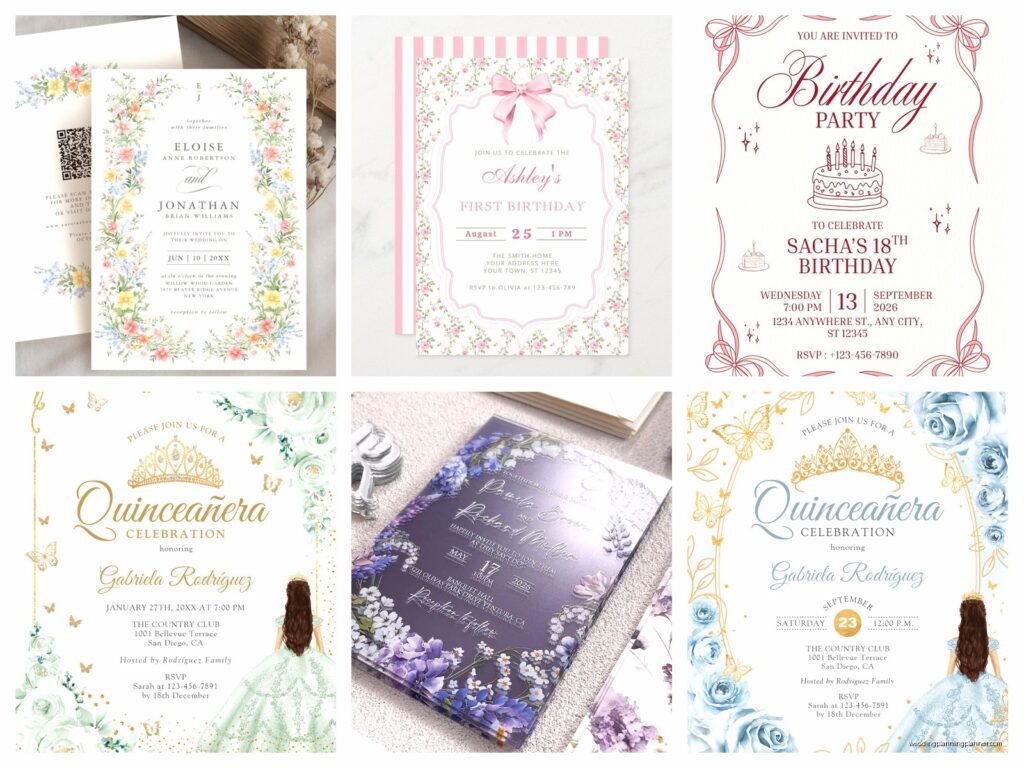
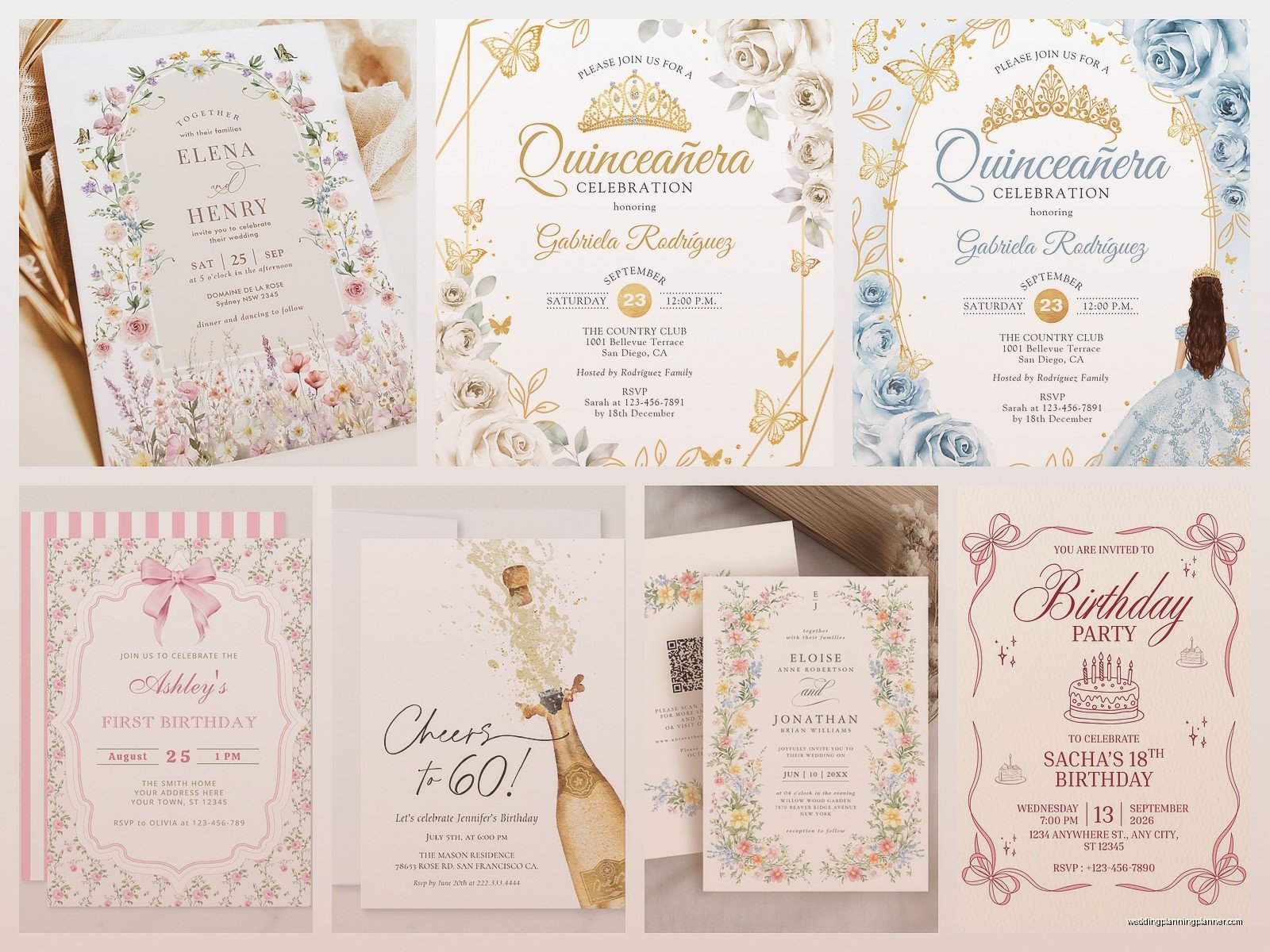
Zazzle is basically this massive marketplace where independent designers upload invitation templates and you can customize them. It’s not like Minted or Paperless Post where there’s more curation. This is more like Etsy met a print-on-demand service and they had a baby. You’ve got thousands of designs, which sounds amazing until you’re scrolling through page 47 trying to find something that doesn’t have clipart from 2008.
The platform lets you change text, colors, sometimes layouts depending on what the designer allows. Then Zazzle prints and ships directly to you or your client. They handle everything from printing to fulfillment which is honestly the main selling point.
The Designer Marketplace Thing
Here’s what took me forever to understand – you’re not buying from Zazzle directly most of the time. You’re buying from independent designers who use Zazzle’s platform. This means quality is all over the place. Some designers are incredibly professional and update their templates regularly. Others uploaded something in 2015 and haven’t touched it since.
I learned this the hard way in spring 2022 when I had a bride who wanted to customize a template and the designer had literally disabled every customization option except the names. Like we couldn’t even change the date format. It was set to European style and my client needed American format and we just… couldn’t. I spent an hour trying to contact the designer through Zazzle’s messaging system and never heard back.
How to Find Decent Designers
Look at their profile before you commit to anything. Click on the designer name and see how many products they have and when they last updated something. If someone has 50,000 products, they’re probably running a template farm and don’t really care about individual designs. If they have like 30 really cohesive products, you’re probably dealing with someone who actually designs.
Check the reviews but also read them. People leave five stars for literally everything, so you gotta read the actual words. “It arrived” with five stars doesn’t tell you anything about quality.
Customization Options Are Weird
Okay so this is the part that annoyed me most about Zazzle and I’m just gonna be straight with you. The customization interface is clunky as hell. It feels like it was designed in 2012 and they just kept adding features without updating the actual user experience.
You click “customize” and you get this editor that shows you the invitation. You can usually click on text boxes to edit them. But sometimes what looks like it should be editable isn’t. And sometimes there are hidden text boxes that you don’t see until you accidentally click on them. I was watching The Great British Baking Show one night trying to help a client customize her invitations remotely over Zoom and we spent twenty minutes looking for where to add the reception details before realizing there was a text box in white text on the white background that we had to highlight to find.
What You Can Actually Change
It depends entirely on what the designer allows. Most templates let you change:
- Text content obviously
- Font choices from Zazzle’s font library which is actually pretty decent
- Colors using their color picker
- Sometimes layout elements
- Sometimes you can upload your own photos or graphics
But here’s the thing – some designers lock everything down. They’ll let you change the names and date and that’s it. Others give you full control. There’s no way to know until you click into the customization tool.
Paper Quality and Printing
Alright so the actual physical product. Zazzle offers different paper stocks and finishes. The standard paper is fine for casual events but it’s definitely budget-friendly quality. If you’ve got clients who want something premium, you gotta upgrade to their heavier cardstock options.
I usually recommend the 110lb cardstock as the minimum for weddings. The 130lb is better if budget allows. They also do pearlescent and linen finishes which can elevate a simple design.
The printing quality is generally good. Not amazing, but good. Colors are usually pretty accurate to what you see on screen, though I always tell clients that screens vary and there might be slight differences. I haven’t had major color disasters, just occasional “hmm that’s slightly more purple than I expected” situations.
Samples Are Essential
You can order single samples of anything which is crucial. I never let a client order 150 invitations without seeing a physical sample first. The sample costs the same as one invitation plus shipping, so it’s not cheap exactly, but it’s necessary.
Order the sample, check for typos, check the colors, check the paper quality. Then if you need to make changes, go back and adjust. My dog ate a sample once and I had to order another one which was just annoying but also my fault for leaving it on the coffee table.
Pricing Structure
This is where Zazzle gets interesting. The pricing varies wildly by designer. Each designer sets their own commission rate on top of Zazzle’s base production cost. So similar invitations can have totally different prices depending on who designed them.
You’ll see invitations ranging from like $1.50 to $8.00 each for basically the same product. Sometimes you’re paying for better design work, sometimes you’re just paying because that designer set higher margins.
They run sales constantly. I’m talking like every week there’s a sale code. Never pay full price. Just wait two days and there’ll be a 40% off code or 50% off or whatever. Sign up for their email list if you can handle the volume because that’s where the codes show up.
Bulk Ordering
There are quantity discounts but they’re not as steep as you’d get from a traditional printer. Ordering 100 vs 150 doesn’t save you that much per piece. This isn’t the platform for couples who need 300 invitations and want significant wholesale pricing.
Where Zazzle makes sense is for smaller weddings or when you need moderate quantities without the upfront costs of traditional printing. No setup fees, no plate charges, no minimum quantities beyond like… one.
Timeline Considerations
Production time is usually 3-5 business days, then shipping time on top of that. If you select standard shipping you’re looking at another week probably. So total turnaround is about two weeks from order to delivery, maybe a bit less if you’re lucky.
They offer expedited production and shipping if you’re in a rush, but it gets expensive fast. I had a client in November 2022 who needed invitations rushed because her original stationer went out of business suddenly, and we used Zazzle with expedited everything. It cost nearly double but we got invitations in like 5 days total which saved her wedding timeline.
During busy wedding season (like spring 2023 was insane) the production times can stretch a bit. I’d add buffer time if you’re ordering March through June.
Return Policy Reality
Here’s something important – Zazzle’s return policy for customized products is limited. If there’s a production error, they’ll reprint. If you made a typo in your customization, that’s on you. Read your proof carefully before ordering because you’re probably stuck with what you approve.
I’ve had good luck contacting customer service when there were actual printing problems. They reprinted without hassle. But don’t expect to return invitations just because you changed your mind about the color.
Design Quality Assessment
Umm so how do you know if a design is actually good? I look at several things:
- Resolution of graphics – zoom in and see if things look pixelated
- Typography choices – are the fonts appropriate for the event style
- Layout balance – does it look professionally composed or cluttered
- Customization flexibility shown in the preview
- Whether the designer has matching pieces like RSVP cards, details cards, etc
A lot of designs on Zazzle are created by people who aren’t professional stationery designers, and it shows. You’ll see invitations with 6 different fonts, weird spacing, graphics that don’t match the formality level of the text. I scroll past probably 90% of what’s on there.
But that other 10%? Actually really solid. There are talented designers using Zazzle as a platform and their work is legitimately beautiful.
Matching Suites
If you find a design you like, check if the designer created a full suite. Good designers will have the invitation, RSVP card, details card, thank you cards, programs, menus, place cards, etc all in matching designs.
This is where Zazzle actually shines compared to buying from multiple sources or trying to DIY match things yourself. You can get a cohesive look across all your stationery without custom design costs.
Just make sure before you order 100 invitations that the matching RSVP cards actually exist and are still available. I’ve seen designers discontinue parts of collections which leaves you stuck.
Coordinating vs Matching
Sometimes you can’t find everything in one collection and that’s fine. Look for pieces that coordinate – similar color palettes, similar style even if not identical designs. Zazzle’s search function is sorta terrible for this but if you search by color and style terms you can usually find pieces that work together.
When Zazzle Makes Sense
I recommend Zazzle for specific situations, not as a universal solution. It’s great for:
- Smaller weddings under 100 guests
- Casual to semi-formal events
- Clients with limited budgets who still want customization
- Quick turnarounds when you can’t wait for traditional printing
- Non-wedding events like bridal showers, rehearsal dinners, birthday parties
- Clients who want to handle ordering themselves without going through you
It doesn’t make sense for:
- Very formal black-tie weddings where premium quality is expected
- Large guest counts where traditional printing becomes cost-competitive
- Couples who want truly custom design work, not templates
- Situations requiring specific paper types or printing techniques that Zazzle doesn’t offer
Working With Clients on Zazzle
When I’m helping a client use Zazzle, I usually pre-screen designs for them. I’ll search based on their style preferences, narrow it down to maybe 10-15 options that meet quality standards, then send them that curated selection. Otherwise they get overwhelmed by the thousands of choices.
I also offer to handle the customization for them if they’re not comfortable with it. I charge a small coordination fee and then I place the order using their credit card or they Venmo me. This way I can catch typos and formatting issues before anything goes to print.
Some clients want to do it themselves completely and that’s fine too. I just make sure they understand the timeline, the sample ordering process, and the importance of proofreading like their wedding depends on it because it kinda does.
Technical Tips Nobody Tells You
If you’re customizing a design and the colors aren’t working, try using the hex color codes instead of the color picker. You’ll get more accurate matches especially if you’re trying to coordinate with specific wedding colors.
The preview you see on screen is usually pretty accurate but it’s showing you the front only until you click around. Always check both sides of cards, all panels of folded invitations, and the back of postcards if applicable.
You can usually swap between different product formats within a design. Like take an invitation design and apply it to thank you cards or vice versa. Not every designer enables this but many do and it’s hidden in a dropdown menu that’s easy to miss.
File Upload Features
Some templates let you upload your own photos or graphics. This is great for adding engagement photos or custom monograms. But pay attention to the image requirements – they’ll tell you the resolution needed and if you upload something too small it’ll look terrible printed.
I’ve had clients try to use images saved from Instagram and then wonder why they look pixelated. You need high resolution files for print quality, like 300 dpi minimum.
Customer Service Experience
I’ve had to contact Zazzle customer service maybe a dozen times over the years. It’s hit or miss honestly. Sometimes you get someone helpful who resolves your issue quickly. Sometimes you get someone reading from a script who can’t actually help with anything outside standard procedures.
The chat function is faster than email usually. Phone support exists but I’ve never used it because by the time I realize I need help it’s always like 11pm and I’m still working on client stuff.
They’ve always reprinted when there were legitimate production errors. The one time they printed the wrong quantity they sent the missing pieces at no charge pretty quickly.
Comparing to Other Platforms
People always ask me how Zazzle compares to Minted, Shutterfly, Vistaprint, etc. They’re all serving slightly different needs honestly.
