
Planning Guides, Style Guide
Snapfish Wedding Invitations: Photo Card Printing Service
Mar
Snapfish Wedding Invitations Breakdown
So Snapfish is one of those photo printing services that’s been around forever, like since the early 2000s, and they’ve got this whole wedding invitation section that honestly flies under the radar compared to Minted or Paperless Post. But here’s the thing—if you’ve got couples on a tight budget or they’re really into DIY vibes, Snapfish can actually work pretty well.
The main draw is that they’re primarily a photo service, right? So if your couple wants their engagement photos plastered all over their invites, this is kinda the natural fit. They’ve got templates that are specifically designed to showcase photos rather than fancy calligraphy or letterpress textures.
What You’re Actually Getting
Okay so the platform itself is… it’s functional. Not gorgeous, not intuitive like some of the newer platforms, but it gets the job done. You’re looking at basically photo cards that can be customized for weddings. They have:
- Flat cards in various sizes (5×7 is the most popular for invites)
- Folded cards if you want that traditional feel
- Postcards which honestly I think work better for save-the-dates
- Magnets (same deal, better for save-the-dates)
The paper quality is standard photo paper—it’s got that slight sheen to it. Not matte cardstock like you’d get from a traditional stationer, but not super glossy either. It’s somewhere in the middle and honestly for the price point, it’s decent enough that guests aren’t gonna complain.
The Design Process Is Where It Gets Messy
Alright so here’s where I gotta be real with you. The design interface is not great. Back in summer 2021, I had this couple, really sweet, tight budget because they were both grad students, and they wanted to use their engagement photos. We decided on Snapfish because the price was right—I think we got like 100 invitations for under $80 or something.
But oh my god, the editor. It’s this clunky drag-and-drop thing that doesn’t always snap to where you want it. You’ll move text and it’ll be like 2 pixels off and you can’t get it centered properly. My cat literally walked across my keyboard at one point and somehow made the layout better than what I’d been struggling with for twenty minutes.
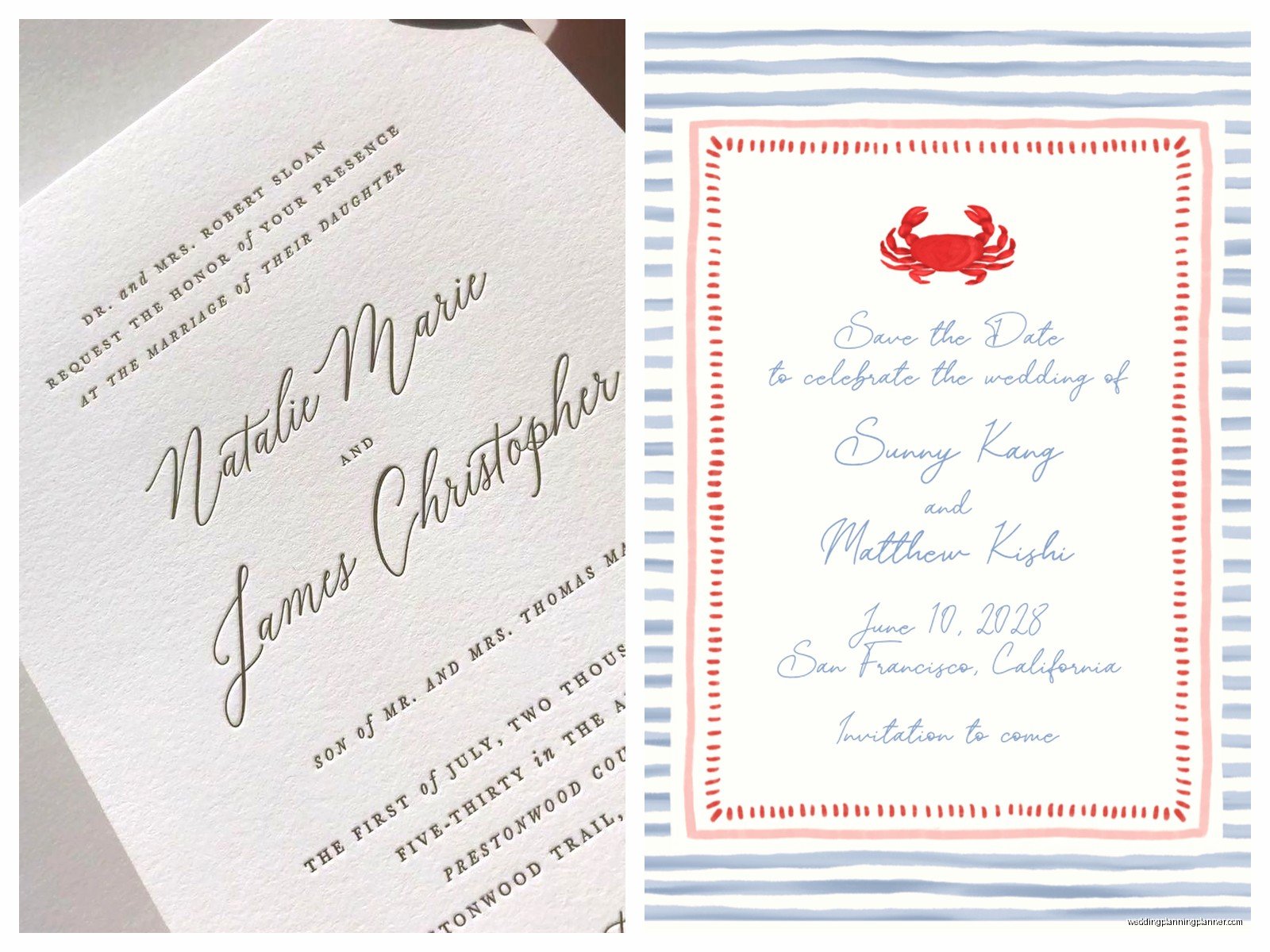
The templates are… look, they’re dated. Some of them look like they haven’t been updated since 2015. Lots of swirly fonts, some weird clip art vibes, very “Microsoft Word default templates” energy. BUT—and this is important—if you ignore most of their templates and just start with a blank canvas, you can upload your own designs.
The Workaround I Use
So what I do now is design everything in Canva first. Get it exactly how you want it, download as a high-res PNG or PDF, then upload that as the full image to Snapfish. You’re basically using them as just a printing service at that point, which is honestly what they’re best at anyway.
Just make sure your image is the exact dimensions they need—they have specs listed for each card size. Usually it’s like 5.25×7.25 for a 5×7 card to account for bleed. If you don’t get this right, they’ll either reject it or it’ll print with weird white borders.
Pricing Structure
This is where Snapfish actually shines. They’re constantly running sales—like constantly. I don’t think I’ve ever paid full price for anything from them. You gotta wait for the 40% off deals or the bulk pricing kicks in.
Rough estimates when things are on sale:
- 50 invitations: around $40-60
- 100 invitations: $70-90
- 150 invitations: $95-120
Envelopes are included which is nice. They’re basic white or cream, nothing fancy, but they’re free so whatever. You can’t get colored envelopes or envelope liners through them, so if couples want that, you’re sourcing separately.
Shipping Times and Costs
Standard shipping is usually like 7-10 business days, and it’s pretty reliable. I’ve ordered from them probably fifteen times over the years and only once did something arrive late, and that was during the 2020 holiday season when everything was a mess anyway.
Shipping costs vary based on how much you’re ordering but usually it’s between $6-15 for standard. They offer rush options but honestly the pricing jumps significantly and at that point you might as well… I dunno, there’s probably better options if you’re in a rush.
Quality Check Real Talk
The print quality is good for photos. Like actually good. Colors come through vibrant, faces are clear, landscapes look nice. This is their bread and butter so they do it well.
Where it falls apart is if you’re trying to do anything text-heavy or you want crisp graphic design elements. Remember, it’s photo paper, so really fine lines or small text can look a little soft. I learned this the hard way with a spring 2023 wedding where the couple insisted on this elaborate monogram with really thin lines and it just didn’t print sharp. You could tell what it was but it wasn’t crisp.
One thing that really annoyed me is that their color proofing online is not accurate. Like at all. What you see on screen is gonna be different when it prints, especially if you’re using specific brand colors. I had a bride who wanted this specific shade of sage green and it came out way more blue-toned than the preview showed. We had to reorder and adjust, which was a whole thing.
The Actual Ordering Process
So once you’ve got your design sorted—whether you used their templates or uploaded your own—you select quantity, add to cart, then definitely go hunting for a promo code. Seriously, Google “Snapfish promo code” before checking out. RetailMeNot usually has current ones.
They’ll ask if you want to add other products, which is kinda pushy but just decline and move on. Then you enter shipping info and that’s pretty much it.
Pro tip: order samples first. Like always. They let you order single cards to proof, and even though it costs a few bucks, it’s worth it to see the actual paper quality and color accuracy before you commit to 150 invitations.
What Works Best on Snapfish
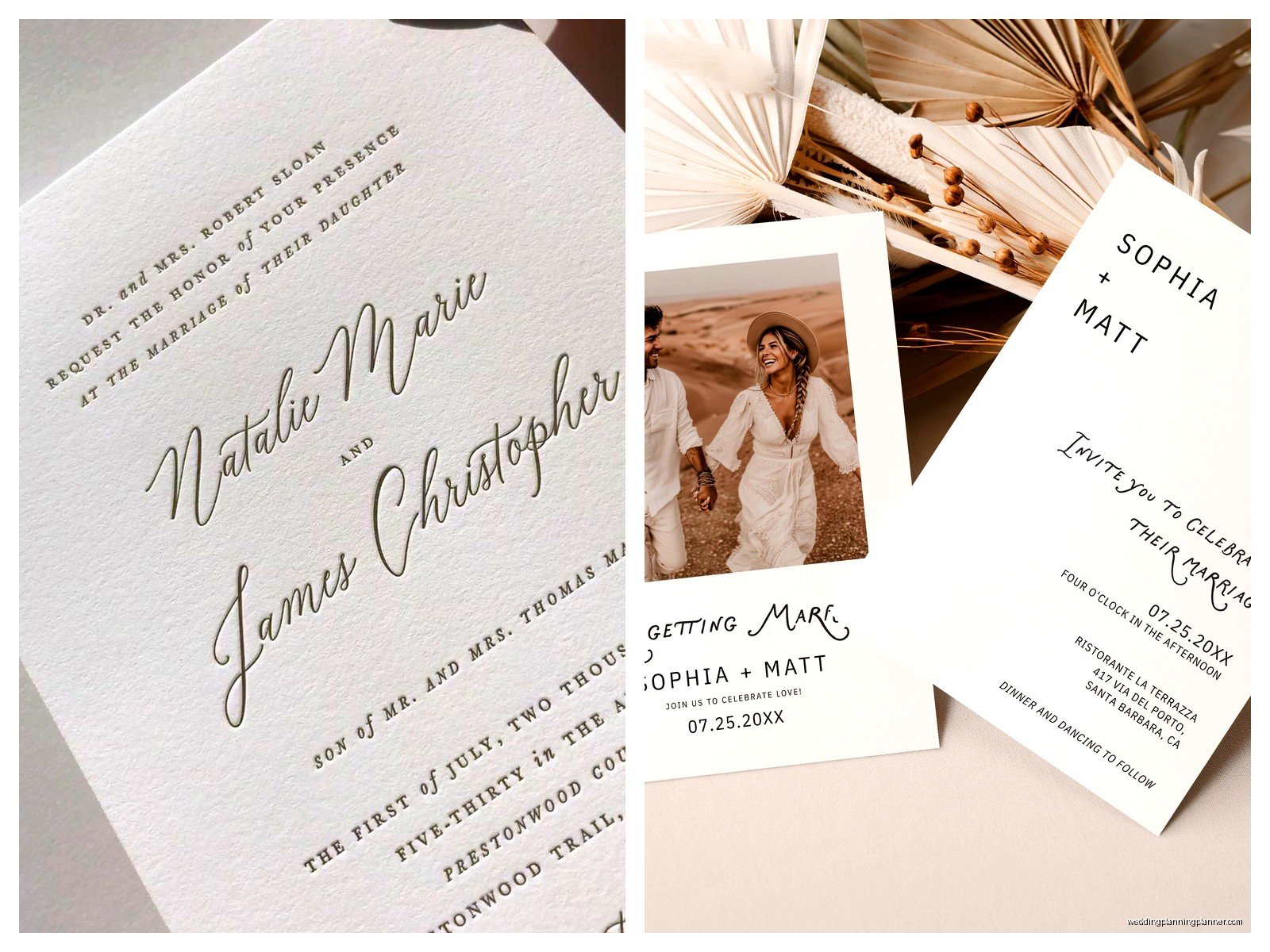
From my experience, these types of invitations work really well on their platform:
- Full-bleed photo backgrounds with text overlay
- Engagement photo showcases with minimal text
- Casual wedding vibes (think backyard, beach, laid-back venues)
- Save-the-dates more than formal invitations honestly
- Elopement announcements
- Post-wedding reception invitations
What doesn’t work as well:
- Black tie formal weddings—the paper just doesn’t have that weight or texture
- Intricate designs with lots of fine details
- Anything where you need exact Pantone color matching
- Designs that rely on texture or specialty finishes
Customization Limitations
You can’t do foil stamping, you can’t do letterpress, you can’t do embossing. It’s flat photo printing and that’s it. No rounded corners, no die-cut shapes, no nothing fancy. This is straight-up digital printing on photo paper in standard rectangles.
The paper weight is probably around 100lb cover if I had to guess? It’s not flimsy but it’s not luxury thick cardstock either. It feels like… a nice photo print. Which is exactly what it is.
Customer Service Experience
I’ve had to contact them maybe three times over the years. Umm… it’s fine? Not amazing, not terrible. Once I had an order that got damaged in shipping and they reprinted it for free pretty quickly. Another time I had a question about file formats and the chat person was helpful enough.
They don’t have dedicated wedding consultants or anything like that. You’re kinda on your own to figure things out, which is fine if you know what you’re doing but might be overwhelming for couples trying to DIY without any guidance.
Comparing to Alternatives Real Quick
So if budget is the main concern, Snapfish is definitely cheaper than Minted, Paperless Post’s printed options, Artifact Uprising, or any independent stationer. You’re probably saving 40-60% compared to those options.
Vistaprint is comparable in price and they have similar quality for basic invitations. I’ve used both and honestly it’s kinda a toss-up. Vistaprint has slightly better design tools but Snapfish has better photo printing quality.
Shutterfly is probably Snapfish’s closest competitor—same business model, similar pricing, similar product. I slightly prefer Shutterfly’s interface but Snapfish often has better sales, so I end up bouncing between them depending on who’s got the better deal that week.
The Envelope Situation
So the included envelopes are basic but they do the job. They’re not self-seal, you’re gonna need moisture or envelope glue. They’re standard white wove or cream, nothing textured or fancy.
You can’t print return addresses directly through Snapfish on the envelopes, which is annoying. You’ll need to either hand-write them, print labels separately, or use a return address stamp. I always recommend the stamp route for my couples because it looks more polished than labels but way less time-consuming than hand-writing 150 envelopes.
For guest addresses, you’re in the same boat—gotta do that separately. Some couples do calligraphy, some print labels, some use digital calligraphy services. That’s all outside of what Snapfish provides.
Timeline Recommendations
If you’re using Snapfish, here’s the timeline I tell couples:
- 8-10 weeks before you need to mail: finalize your design
- 7-8 weeks out: order samples, wait for them to arrive, review
- 6 weeks out: place final order (with a promo code!)
- 5 weeks out: invites arrive, start addressing envelopes
- 4 weeks out: everything assembled and ready to mail
This builds in buffer time for reprints if needed and for any addressing delays. I always pad timelines because something always takes longer than you think it will.
Technical Specs You Need to Know
If you’re designing externally and uploading, here’s what you need:
- File format: JPG or PNG work best, they accept PDF but sometimes it’s weird
- Resolution: minimum 300 DPI, honestly go higher if you can
- Color mode: RGB (not CMYK, even though that seems counterintuitive for printing)
- Bleed: add 0.125 inches on all sides
- Safe zone: keep important text and elements at least 0.25 inches from edges
Their system will tell you if your resolution is too low, which is helpful. It won’t let you proceed with a pixelated image, which saves you from a terrible print job.
Real Wedding Example
I had this couple in fall 2022—they were having a casual outdoor wedding at a winery and they had these gorgeous golden hour engagement photos. We used Snapfish and made a simple design with one full-photo background and white text overlay with their info. Cost was like $85 for 120 invitations including shipping with a promo code.
They looked great, totally matched the vibe of their wedding, and several guests actually commented on how pretty the invitations were. No one knew they were budget-friendly, they just looked like nice photo cards. Which is the goal, right?
What to Watch Out For
The promo codes sometimes have weird exclusions, so read the fine print. Some codes don’t work on wedding stuff specifically or have minimum purchase requirements.
If you’re ordering multiple products—like save-the-dates and invitations at different times—the color might not match exactly between batches. It’s usually close but not identical, so keep that in mind if color consistency is super important.
Their website can be glitchy sometimes, especially if you’re using Safari apparently? I’ve had better luck with Chrome. And save your project frequently because I’ve had it lose my work before and that was… yeah, not fun.
Extra Products Worth Considering
Snapfish also does thank you cards, which is convenient if you want everything to match. Same quality, same pricing structure, same process.
They have programs too, like ceremony programs, which could work for casual weddings but again—it’s photo paper, so it’s gonna look and feel like a photo card not a traditional program. Some couples don’t care about that, some do.
Table numbers, menus, place cards—they offer these but honestly I usually steer couples toward Etsy templates and home printing for that stuff because it ends up being cheaper and you have more control over last-minute changes.
