
Planning Guides, Style Guide
WithJoy Invitations: Wedding Website Platform Guide
Mar
WithJoy Setup That Actually Works
So I was working with this couple back in spring 2023 and they were completely overwhelmed by all the wedding website options and honestly WithJoy came up because the bride’s sister used it and I was like, okay let me actually dig into this platform because I’d only used it maybe twice before that point.
First thing you gotta know is that WithJoy is free. Like actually free, not the annoying “free trial then we charge you” situation. They make money through their registry partnerships and some premium add-ons but the core website and invitation stuff won’t cost you anything which is pretty solid.
Getting Your Site Up
The signup process is straightforward enough. You’ll need an email and then you pick your URL – it’s gonna be something like withjoy.com/yournames. You can’t do a fully custom domain unless you pay for premium but honestly most guests don’t care about that detail.
Once you’re in, there’s a setup wizard thing that walks you through the basics. Your names, wedding date, location. Pretty standard stuff. The interface is cleaner than some other platforms I’ve used – I’m looking at you, Zola, with your seventeen navigation menus.
Design Options Are Limited But Clean
Here’s where it gets interesting. WithJoy has maybe 15-20 templates and that’s it. When I first realized this I was actually annoyed because I had a client who wanted something super bohemian and vintage and the templates were all pretty… modern minimalist? Like everything had this clean San Francisco tech vibe to it.
But then you can customize colors and fonts and upload your own photos for headers. The photo situation is actually really good – you can create these galleries that don’t look terrible on mobile which is harder than it sounds. I was watching The Bear while setting up a test site once and got completely distracted, came back three hours later and had to start over because I forgot to save, so umm… remember to hit save constantly.
The RSVP System Thing
This is probably WithJoy’s strongest feature honestly. The RSVP setup lets you create custom questions beyond just “will you attend” – you can ask about meal preferences, dietary restrictions, song requests, whether they’ll bring a plus one, all that.
You set up your guest list by entering names and email addresses. It’ll generate unique RSVP links for each guest or household. When they click their link, it takes them to a personalized RSVP page with their names already filled in. Cuts down on the “wait who is this RSVP from” confusion.
Guest List Management
You can organize guests into groups – like “bride’s family” or “college friends” or whatever makes sense. This helps when you’re doing things like Save the Dates in phases or if you have an A-list and B-list situation (which we don’t talk about but everyone does).
The dashboard shows you in real-time who’s viewed their invitation, who’s RSVP’d yes or no, who hasn’t responded yet. There’s even this feature where you can send reminder emails to people who haven’t responded which is incredibly useful for those people who just… never reply to anything.
My cat knocked over my coffee right onto a printed guest list once and I was SO glad everything was already in WithJoy’s system because otherwise that would’ve been a disaster.
Digital Invitations Through WithJoy
So this is where the name “WithJoy Invitations” really comes in. You can design and send your actual wedding invitations through the platform – digitally, not printed.
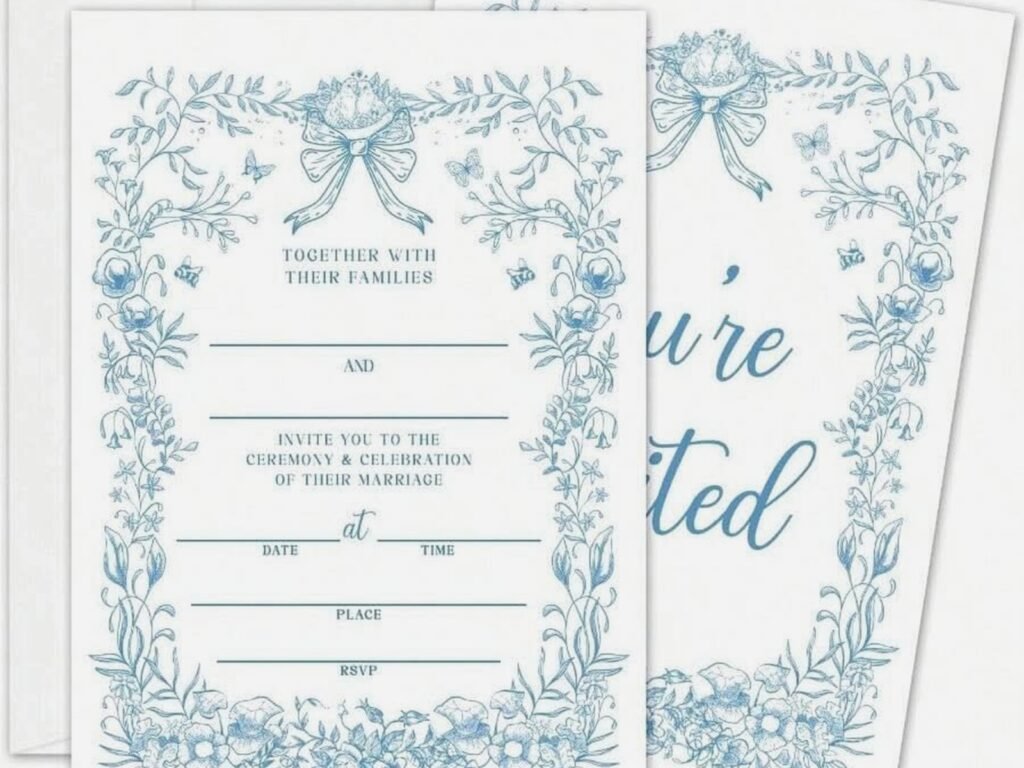
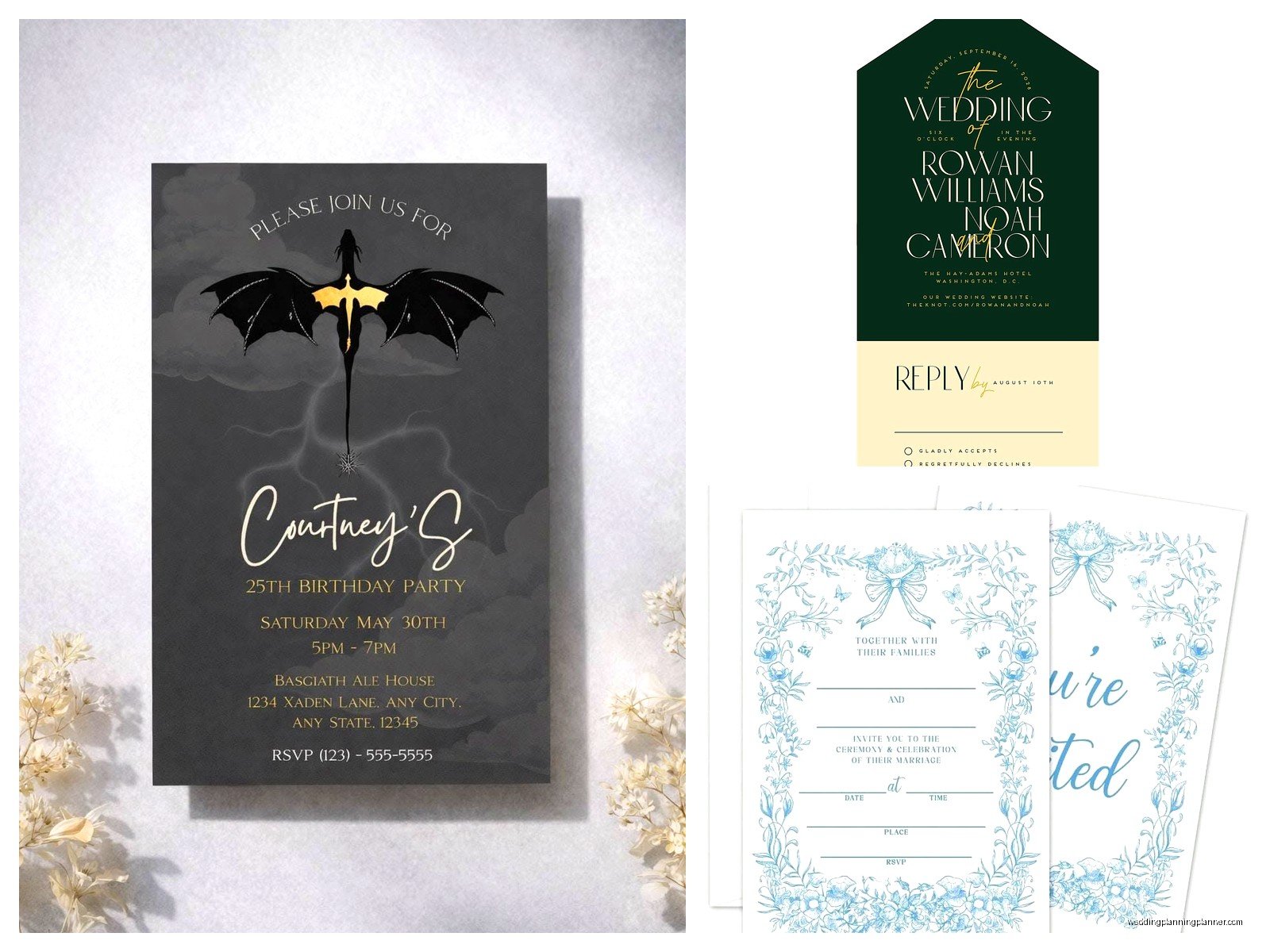
They have templates that match your website design which is nice for cohesion. You pick a template, customize the text and colors, add details like dress code and accommodation info. Then you can email these directly to your guest list from the platform.
The thing that’s kinda genius is that the invitation email includes that personalized RSVP link I mentioned earlier. So guests get the invite and can immediately respond. It tracks opens and clicks too if you’re into that data.
What About Paper Invitations Though
If you’re doing traditional paper invitations – which like 70% of my clients still want – WithJoy works as a companion. You send paper invites with your website URL on them, and the website handles RSVPs instead of including those little response cards.
Some older guests get confused by this setup, not gonna lie. I usually recommend including a phone number they can call if they can’t figure out the website. Or you can still do paper RSVP cards and manually enter responses into WithJoy yourself, which defeats some of the purpose but whatever works.
Registry Integration
WithJoy lets you link to external registries – Amazon, Crate & Barrel, Zola, Target, whatever. You just paste in the URLs and they show up on your registry page.
They also have their own registry system where guests can contribute money toward specific things like your honeymoon or a down payment fund. It’s handled through a payment processor and there’s a small fee (I think 2.5% or something) but it’s pretty seamless from the guest perspective.
One couple I worked with had seven different registries linked and it looked overwhelming but they wanted options for every price point which I guess makes sense when your guest list is super diverse financially.
The Schedule and Events Section
You can add multiple events – rehearsal dinner, ceremony, reception, day-after brunch, whatever your weekend looks like. Each event gets its own page with time, location, attire suggestions, and you can specify which guests are invited to which events.
The location feature integrates with Google Maps which sounds basic but I’ve used platforms where this doesn’t work properly and guests end up at the wrong venue so… yeah, this matters.
Accommodations and Travel Info
There’s a dedicated section for hotel blocks and travel information. You can list multiple hotel options with booking links and any group codes. There’s space for airport information, parking details, all that logistical stuff that guests actually need.
I usually tell couples to be super specific here – like don’t just say “park in the main lot” when there are four lots and only one is actually for wedding guests, you know?
Photo Sharing Features
WithJoy has a photo gallery where you can upload engagement photos or photos of the two of you. Guests can view these which is nice for people who haven’t met the couple or haven’t seen them in years.
There’s also a feature where guests can upload their own photos during or after the wedding. This is kind of hit or miss – sometimes you get tons of great candid shots, sometimes you get three blurry photos of someone’s shoes. But it’s a nice option to have.
The photo quality stays pretty good which isn’t always the case with these sharing features… some platforms compress everything until it looks like it’s from 2008.
The Annoying Parts
Okay so here’s what actually bothered me about WithJoy and still does sometimes. The customization is limited if you have a client with a really specific vision. You can’t edit the actual layout structure, only colors and fonts and content. So if a template has a certain section order and you want it different, you’re kind of stuck.
Also the font options are decent but not extensive. I had a client whose whole wedding theme was based on this specific vintage font and we couldn’t use it on WithJoy without paying for premium and even then it was complicated.
The mobile app exists but it’s not as full-featured as the desktop site. You can check RSVPs and stuff but doing actual setup and design work is frustrating on mobile.
Premium Features Worth Mentioning
So there’s a premium tier that costs… I wanna say $60-80? Something in that range. It’s a one-time fee, not monthly which is good.
Premium gets you a custom domain, more design flexibility, ad-free experience (there are small WithJoy branding elements on free sites), and some other features. Most couples don’t need it honestly. The free version does everything essential.
I’ve had exactly two couples upgrade to premium in the past two years and both times it was because they wanted the custom domain to match their wedding hashtag or something.
Compared to Other Platforms Because You’re Probably Wondering
Against The Knot – WithJoy is cleaner and less overwhelming but The Knot has more design options. The Knot also tries to sell you on everything which gets exhausting.
Against Zola – Zola has better registry features but their website builder feels clunkier to me, or maybe I just… I don’t know, I’ve never loved their interface.
Against Minted – Minted is gorgeous if you’re doing paper invitations but their digital tools are more limited. WithJoy is stronger as an all-digital solution.
Against a custom website – obviously a custom site can do anything you want but you need technical skills or money to hire someone. WithJoy is the practical choice for normal people who don’t code.
Tips From Actually Using This Thing
Set it up early. Like right after you get engaged if you’re organized about it. You don’t have to publish it immediately but having the structure ready makes everything easier later.
Use the guest groups feature from the start. Don’t just dump everyone in one list and try to organize later. Trust me on this.
Write your content in a Google Doc first then copy it over. The WithJoy editor is fine but you’ll want to proofread and edit somewhere with better tools.
Upload high-resolution photos. The platform can handle them and they’ll look so much better than grainy compressed images.
Test the RSVP process yourself before sending it to guests. Create a fake guest, send yourself an invite, go through the whole flow. You’ll catch confusing wording or weird question setups.
The Guest Experience Side
From what I’ve seen guests find WithJoy sites pretty easy to navigate. Everything loads quickly, it works on phones without weird formatting issues, the RSVP process doesn’t have seventeen steps.
The automated confirmation emails guests get after RSVP-ing are clear and include all the details they submitted which is helpful for their records.
Older guests sometimes struggle with any digital platform but WithJoy isn’t worse than others in that regard. Just make sure your site has very clear instructions and maybe do a paper insert with step-by-step directions for the technologically challenged folks.
Managing Updates and Changes
You can edit your site anytime which is crucial because wedding details change constantly. Updated timeline, new venue for the rehearsal dinner, whatever.
There’s a notification feature where you can send updates to your guest list through email. Use this sparingly – guests don’t need seventeen emails about minor changes – but it’s there for important stuff like venue changes or significant timeline shifts.
After the Wedding
Your WithJoy site stays active indefinitely on the free plan which is nice. Some couples keep them up as a memory, some take them down right away. You can download your guest list data and RSVP information as a spreadsheet for your records.
