
Planning Guides, Style Guide
Paperless Post Wedding Invitations: Digital Luxury Platform
Mar
So You’re Looking at Paperless Post for Wedding Invites
Okay so Paperless Post is basically the place you go when you want your wedding invitations to look expensive and elegant but you don’t wanna deal with printing companies or licking envelopes or any of that stuff. It’s this digital platform that’s been around since like 2009 and honestly it’s come a long way from those early online invites that looked kinda… cheap?
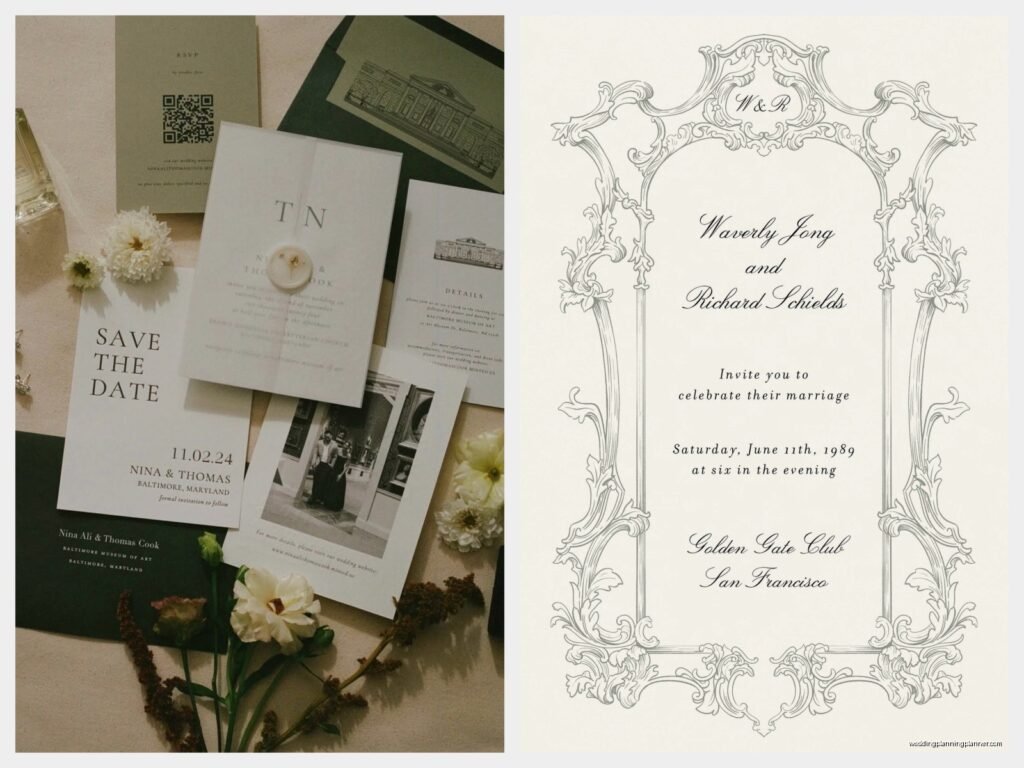
The whole vibe is luxury stationery but make it digital. They’ve partnered with actual designers—like Oscar de la Renta, Kate Spade, Rifle Paper Co.—so you’re getting designs that would cost you hundreds of dollars per suite if you printed them traditionally. But here’s the thing, you’re paying per “coin” on their platform and it gets confusing fast if you’re not paying attention.
The Coin System That’ll Make Your Head Spin
Alright so this is the part that annoyed me so much back in spring 2023 when I had a bride completely lose it on me because she didn’t understand the pricing. Paperless Post uses this coin system instead of just telling you straight up what things cost in real money. You buy coins in packages and then spend them on premium designs and features.
Basic free cards exist but let’s be real—nobody’s using those for their wedding. The good designs cost anywhere from 3 to 15 coins per invitation. Then you gotta add coins for envelope liners (yep, digital envelope liners), custom stamps, premium fonts, all that stuff. One coin equals roughly one dollar but the packages give you bulk discounts so like 50 coins might cost $40 or whatever.
I always tell couples to budget around $1.50 to $3.00 per invite when you factor in all the premium features you’re gonna want. For a 150-person wedding that’s like $225 to $450 which is still way cheaper than printed invites but it’s not free like some people think digital should be.
What Actually Makes It Feel Luxurious
The designs are gorgeous, I’ll give them that. They have this thing called “Floral” designs and another collection called “Paperless Post Occasions” and honestly the attention to detail is what you’re paying for. The way the digital envelope opens on screen, the little animations, the way your guest’s name appears in elegant script when they open it—it feels personal and fancy.
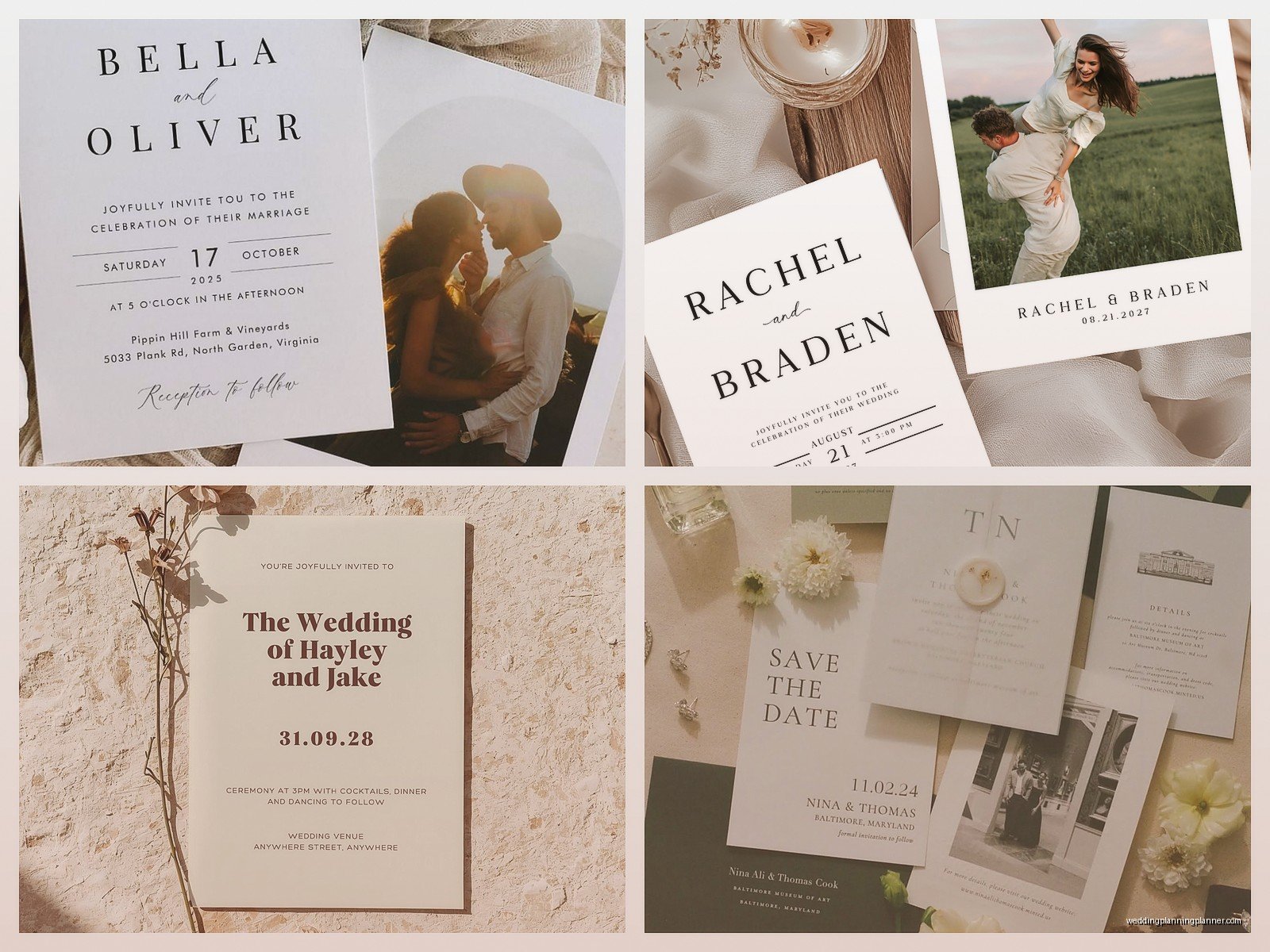
You can customize basically everything. Colors, fonts, wording, layout. Some designs let you add photos which is nice for save-the-dates. The editor is pretty intuitive once you get used to it, though I spent an embarrassing amount of time in summer 2021 trying to figure out how to change the envelope liner color before realizing it was a separate purchase entirely.
They also have this feature where the invitation tracks RSVPs automatically and sends reminders to people who haven’t responded. As someone who’s chased down RSVPs for more weddings than I can count, this is actually worth the money by itself.
The Branded Designer Collections
If you’re going for a specific aesthetic, the designer partnerships are where Paperless Post really shines. The Rifle Paper Co. florals are stunning if you’re doing garden or botanical theme. Kate Spade has these modern geometric designs that work great for city weddings or contemporary vibes. Oscar de la Renta is all about classic elegance and… okay I’m gonna be honest, those are my favorites even though they’re usually the most expensive coin-wise.
You can filter by designer, by color palette, by style (modern, classic, floral, etc.). I usually have clients start by picking their wedding colors and then filtering to see what’s available because there’s literally hundreds of options and you’ll drown otherwise.
Setting Up Your Invitation Suite
So here’s how you actually do this. First you need separate cards for different events—your save-the-date, your actual invitation, maybe a shower invite, rehearsal dinner, whatever. Each one is its own card and costs its own coins, which is something people don’t realize.
For the main wedding invitation, you’re gonna want to include:
- The actual invite with ceremony and reception details
- RSVP tracking built into the card
- Event website link (they integrate with most wedding website platforms or you can link to their own free site builder)
- Accommodations info or a separate details card
- Registry information if you want, though some people find this tacky on the invite itself
The platform lets you create what they call a “card chain” where guests can see multiple cards in sequence—like they open the main invite, then swipe to see accommodations, then swipe again for the rehearsal dinner details. It’s pretty slick honestly.
Addressing and Guest Management
This is where digital actually becomes easier than print. You upload your guest list as a spreadsheet—they have a template—and it automatically addresses everything. No handwriting envelopes, no printing labels, none of that.
But here’s where you gotta be careful: double-check those email addresses. I had a wedding where we sent 200 invitations and like 30 bounced back because the couple had old email addresses or typos. Unlike with mail where it just goes to the wrong house, digital invites just fail completely if the email is wrong.
You can also send invites via text message which is kinda genius for younger guests who never check email. That costs extra coins though, because of course it does.
The RSVP System and Tracking
Okay so this is honestly the best part of the whole platform. Guests click a button to RSVP yes or no, they can select their meal choices if you set that up, they can add their dietary restrictions in a text box, they can tell you if they’re bringing a plus-one. All of this information goes into a dashboard that you can access anytime.
You can export the data to Excel which is crucial for giving your caterer final counts. You can see who’s opened the invitation but hasn’t responded yet (perfect for knowing who to nudge). You can send reminder messages to non-responders with literally one click.
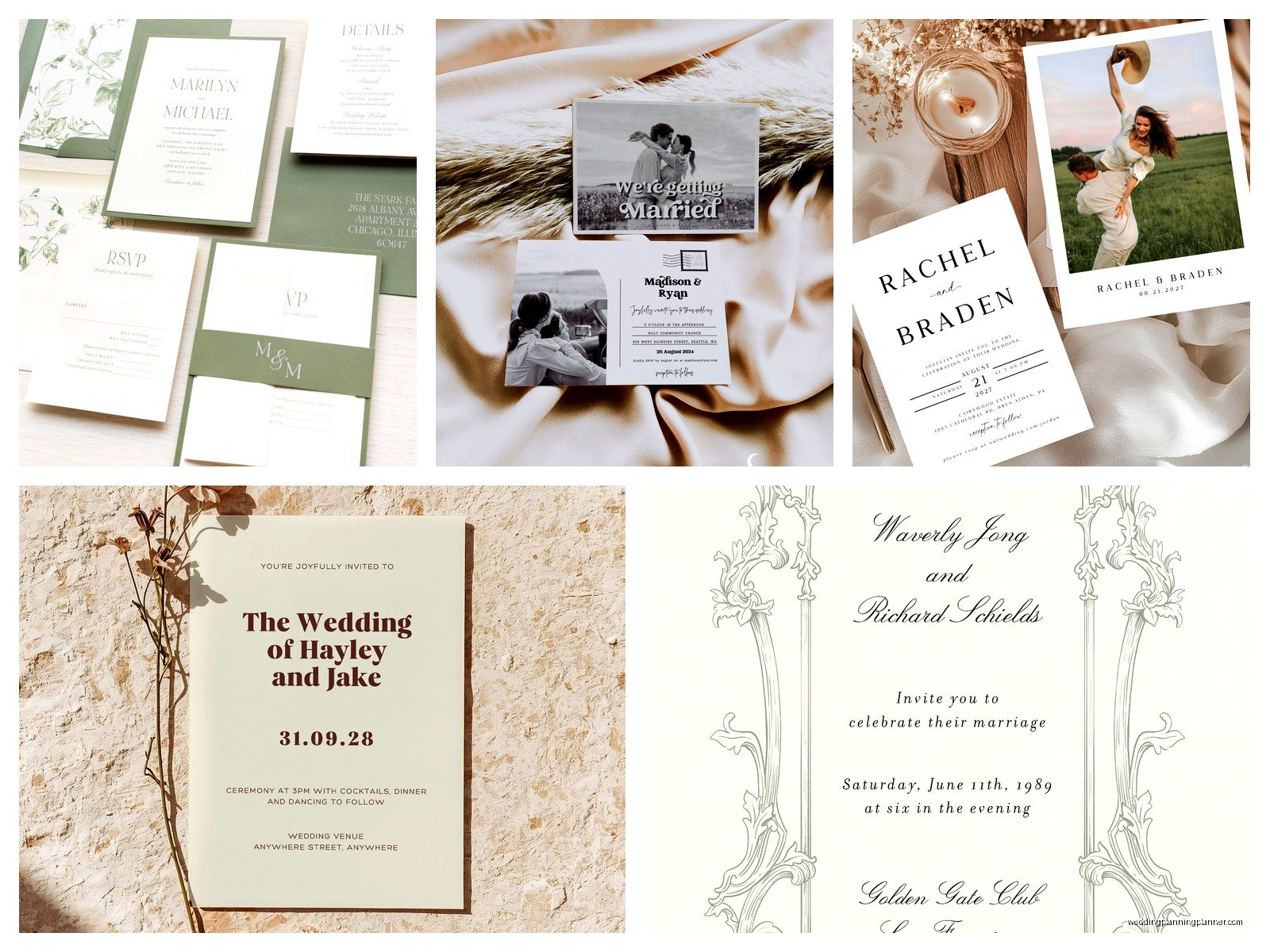
The system also lets you set an RSVP deadline and it’ll automatically remind people as that date approaches. I cannot stress enough how much time this saves compared to tracking paper RSVP cards that get lost in the mail or forgotten on someone’s counter for three weeks.
Customizing RSVP Questions
You can add custom questions beyond the standard yes/no. Like:
- Song requests for the DJ
- Dietary restrictions and allergies
- Shuttle service needs
- Kid attendance for child-free weddings
- Plus-one names so you know who’s actually coming
One bride I worked with asked guests to share their favorite memory of the couple and then used those responses in the reception decor which was actually really sweet, though I’m not usually into that sentimental stuff.
What Doesn’t Work As Well
Alright real talk—older guests hate this. Like genuinely despise it. I’ve had multiple situations where the couple sends beautiful Paperless Post invites and then has to print and mail physical invites to all the grandparents and great-aunts who either don’t have email or don’t trust “computer invitations.”
So you gotta budget for some printed invites anyway if you have guests over like 65 or 70. Paperless Post does offer a print service where they’ll print and mail your digital design but then you’re paying print prices anyway and kinda defeating the purpose.
Also the platform doesn’t work great for super formal traditional weddings. If your family expects engraved invitations on letterpress cotton paper with tissue inserts and all that formal stuff, digital isn’t gonna cut it regardless of how expensive the design looks on screen.
The Mobile Experience Is Weird Sometimes
Most guests will open their invite on their phone and sometimes the formatting gets wonky. Text that looked perfectly spaced on desktop will wrap weird on mobile. Photos might load slowly if someone has bad service. The envelope opening animation sometimes glitches on older phones.
You can preview what it looks like on mobile before sending but honestly you should send yourself a test invite and open it on your actual phone to see what guests will experience. I learned this the hard way when a couple’s beautiful invitation looked completely broken on iPhone SE screens because the text was too small.
Integrating With Your Wedding Website
Paperless Post has its own free wedding website builder that integrates directly with your invitations. It’s pretty basic—you get your event details, registry links, photo gallery, travel info, that sort of thing. The design automatically matches your invitation which is nice for brand consistency.
But honestly? Most couples use external wedding websites like Zola or The Knot or Minted because those platforms have better features and more customization. You can still link to those from your Paperless Post invite, it just takes an extra click for guests.
The benefit of using Paperless Post’s website is that your RSVP data syncs automatically. With external sites you have to manually match up who responded where, which gets messy if guests RSVP through different channels.
Sending Strategy and Timing
Digital invites should go out at the same time as traditional ones would—like 6 to 8 weeks before the wedding for the actual invitation, 4 to 6 months out for save-the-dates. Don’t make the mistake of thinking “oh it’s digital so we can send it later.” People still need time to plan.
Here’s what I tell couples about timing:
- Save-the-dates: 6 to 8 months before, especially for destination weddings
- Formal invitations: 8 weeks before the wedding
- First RSVP reminder: 3 weeks before your RSVP deadline
- Second reminder: 1 week before RSVP deadline
- Final nudge to non-responders: The day after your deadline
Paperless Post lets you schedule these reminders in advance which is clutch because you’re not gonna remember to do it manually when you’re in the middle of final vendor payments and seating charts and all that chaos.
What Time of Day to Send
This is gonna sound weirdly specific but send your invitations on a Tuesday or Wednesday evening around 7 or 8pm. That’s when people are actually checking their personal email and have time to look at something fun. Monday mornings get buried in work email. Friday afternoons people are checked out. Weekend sends get lost in people doing weekend stuff.
I had a couple send their invites at 6am on a Monday and they got like a 40% open rate in the first week compared to the usual 70-80%. Timing matters more than you’d think with digital.
Design Tips From Someone Who’s Seen It All
Okay so after doing this for years here’s what actually works. First, less is more with the text. Digital invites get read on small screens so you can’t cram in paragraphs of information like you might on a printed suite. Keep your wording concise.
Use the envelope liner and stamp features even though they cost extra coins. It sounds stupid but that’s what makes it feel premium instead of just like… an evite. The little details of choosing a liner color that matches your wedding palette and adding a custom monogram stamp make the whole experience feel intentional.
If you’re doing photos, use high-resolution images. Paperless Post supports pretty large file sizes and blurry photos look terrible on nice monitors and phone screens. This isn’t Instagram where you can hide behind a filter.
Match your fonts to your wedding aesthetic but don’t go crazy with like five different fonts. Pick one script font and one clean font for readability. I see couples use these elaborate calligraphy fonts for everything and then guests can’t actually read the address or time, which defeats the entire purpose.
Color Considerations for Digital
Colors look different on screens than they do in print. That navy blue might look almost black on some monitors and bright blue on others. If you’re super particular about your wedding colors matching exactly, this might drive you nuts.
Also consider that some people still have their phone brightness turned way down or have night mode enabled. Really light text on white backgrounds becomes completely unreadable. Make sure there’s enough contrast.
My cat just knocked over my coffee which is very on-brand for her timing, but anyway—where was I… oh yeah, colors.
The preview function shows you what your invite looks like in light mode and dark mode which is actually really helpful. Test both before finalizing.
The Guest Experience Walkthrough
So your guest receives an email with a subject line like “You’re Invited to Sarah and Mike’s Wedding” or whatever you customize it to say. They click to open it and see this digital envelope on their screen with their name handwritten (digitally) on the front.
They click the envelope and it opens with a little animation—the flap lifts up, you see the liner, the card slides out. It’s actually kinda satisfying? Like more engaging than just opening an email with text.
The invitation displays with all your details. They scroll down and hit the RSVP button. A form pops up where they select yes or no, answer any custom questions you included, maybe select a meal choice. They submit it and get a confirmation message.
That’s it. The whole thing takes maybe 60 seconds compared to finding a stamp, filling out a response card, remembering to mail it… you see why the response rates are so much higher with digital.
