
Planning Guides, Style Guide
MagnetStreet Wedding Invitations: Online Design Platform
Mar
MagnetStreet’s Design Platform Is Actually Pretty Straightforward Once You Get It
So MagnetStreet is one of those online invitation platforms that tries to make designing your own wedding invites less painful, and honestly it does a decent job if you know what you’re getting into. I first started recommending it to clients back in spring 2019 when I had this bride who absolutely refused to pay more than $300 for invitations but also wanted something that didn’t look like it came from a box store. MagnetStreet saved that project.
The whole platform works on templates—they’ve got hundreds of them, organized by style, color, theme, all that. You pick one you like, then customize it with your own text, colors, and photos if the template allows for photos. It’s drag and drop for the most part, which sounds simple but there are definitely some quirks I’ll get into.
Getting Started With Their Template Library
When you first land on their site you’re gonna see categories like “Rustic,” “Modern,” “Floral,” “Photo Invitations”—pretty standard stuff. What I tell clients is to filter by color first if they already know their wedding colors, because that cuts down the decision paralysis significantly. There are literally over 500 templates and scrolling through all of them is a nightmare.
One thing that annoyed me initially was that their search function isn’t great. Like you can’t search for “geometric gold” and get all the geometric designs with gold accents. You kinda have to browse through categories and hope you find what resonates. I’ve learned to just set aside 20 minutes and click through systematically rather than expecting to find the perfect one in five minutes.
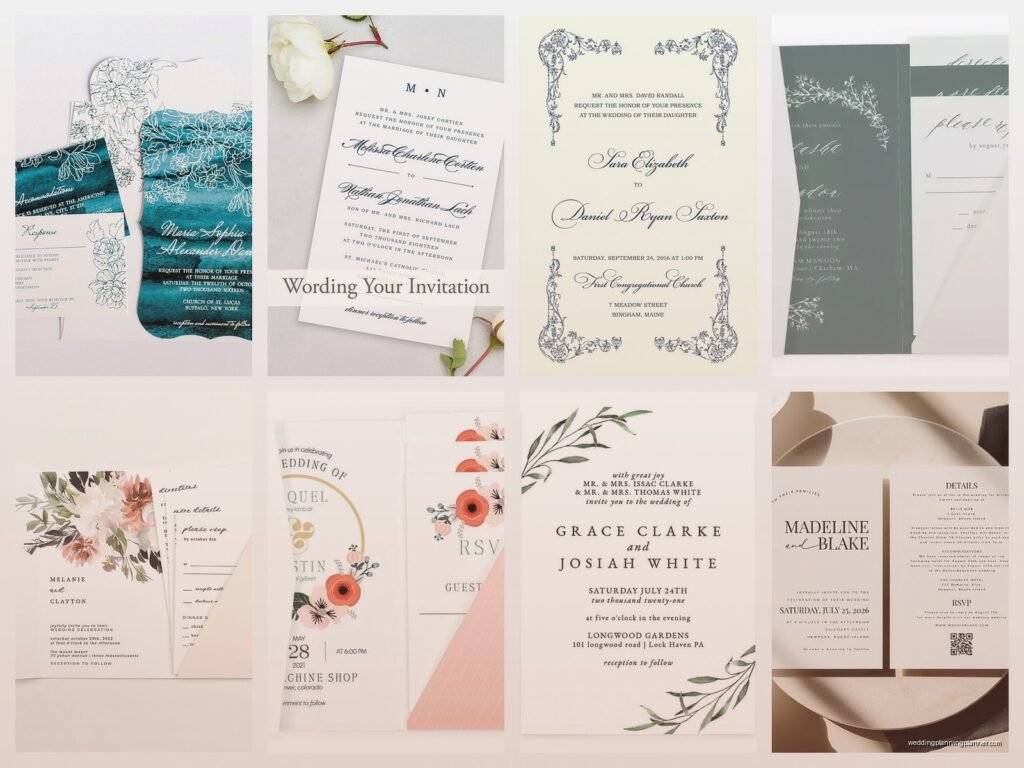
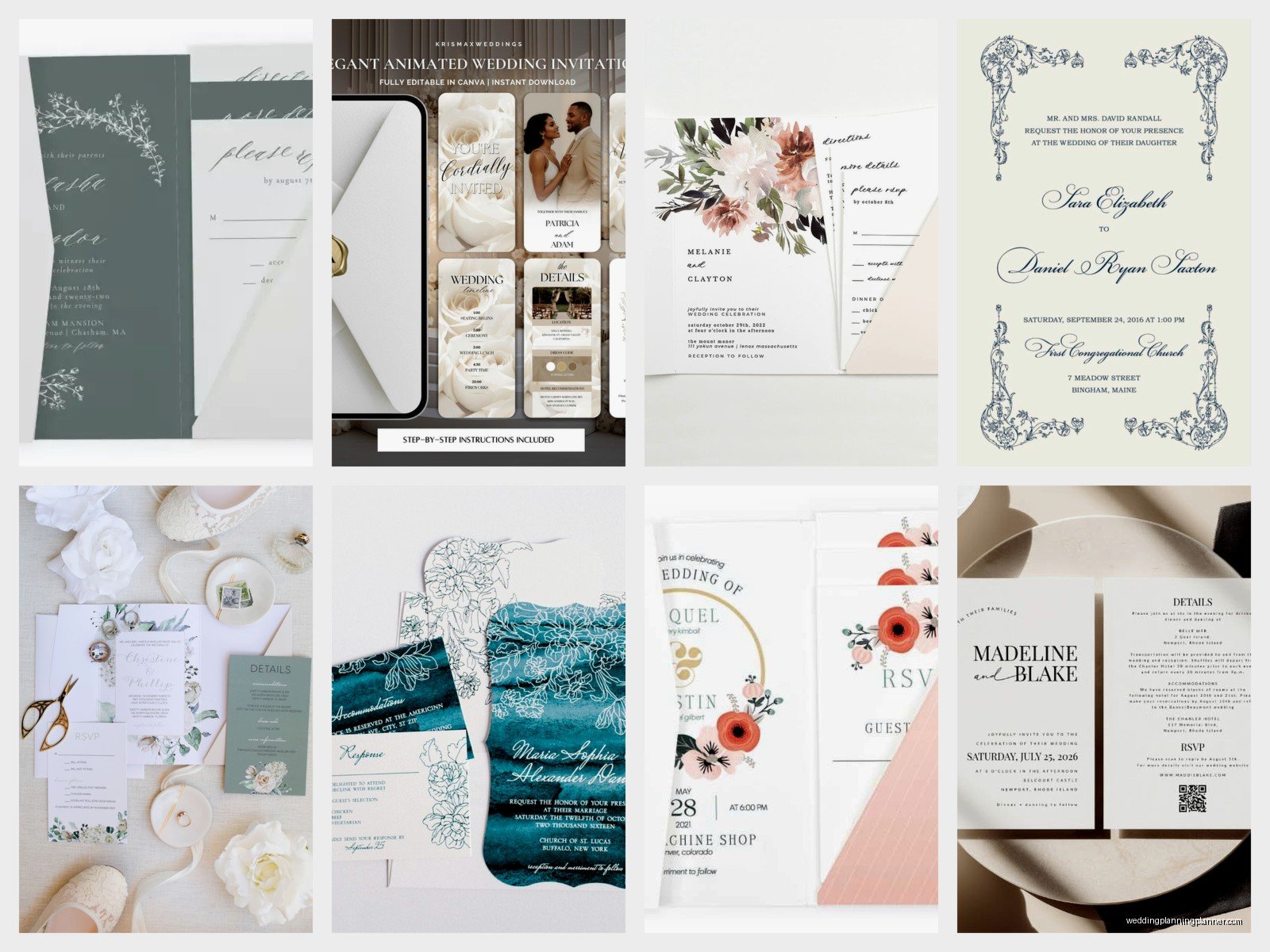
The templates themselves range from pretty basic text-only designs to elaborate multi-layer things with foil stamping options and custom envelope liners. Price varies wildly depending on what you pick—anywhere from like $1.20 per invite to $4+ for the fancy foil ones.
The Actual Design Interface
Once you select a template you get taken to their design studio which is… look, it’s functional but not as intuitive as say Canva or some of the other platforms. The left sidebar shows all your text boxes and design elements. You click on each element to edit it.
For text you can change the font (they have a decent selection but not unlimited), size, color, and alignment. Some templates lock certain design elements which I actually think is smart because it prevents people from accidentally destroying the whole layout, but it can be frustrating if you want to move something just a little bit to the left and the platform won’t let you.
Colors are adjustable on most templates. You’ll see swatches for the main design colors and you can click to change them. The color picker is pretty standard—you can enter hex codes if you know your exact wedding colors or just slide around until something looks right. I always tell brides to have their hex codes ready because matching colors by eye on a screen is basically impossible and you’ll drive yourself crazy.
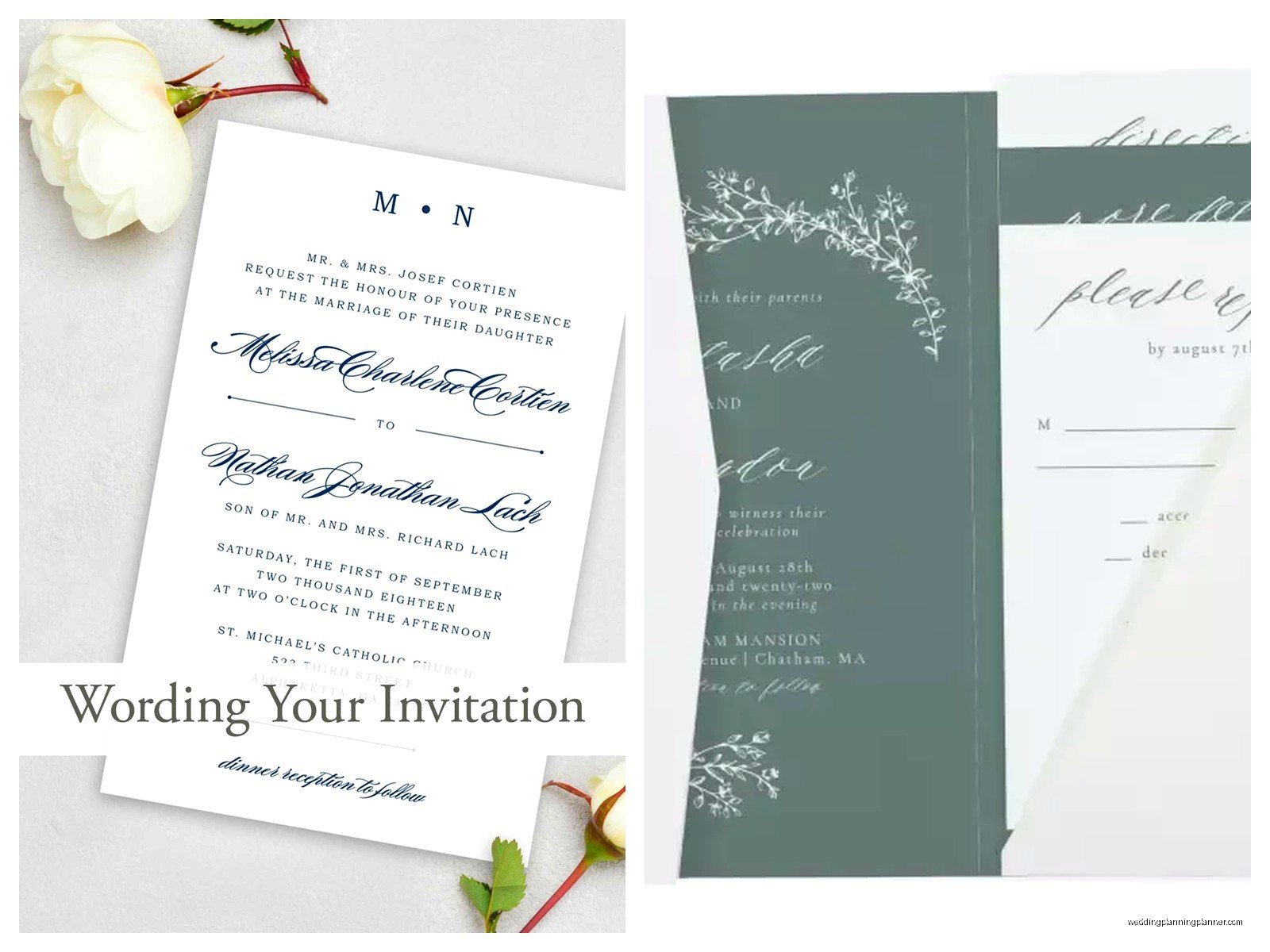
Photo Upload Situations
If you’re doing a photo invitation the upload process is straightforward—you just click the photo placeholder and upload from your computer. But here’s what they don’t tell you upfront: the photo quality matters SO much. I had a client in summer 2021 who wanted to use this cute engagement photo but it was from Instagram, so low resolution, and when we uploaded it to MagnetStreet it looked pixelated and terrible in the preview.
MagnetStreet will actually warn you if your photo resolution is too low, which is helpful, but then you’re stuck finding a better quality image. The platform recommends at least 300 DPI for printing which is standard but a lot of people don’t have their photos at that resolution unless they got them from a professional photographer.
You can crop and adjust positioning within the design studio but the tools are pretty basic. There’s no filters or editing features so if your photo needs color correction or anything you gotta do that before uploading.
Text Formatting and Wording
This is where I see people spend the most time honestly. The templates come with placeholder text that follows traditional invitation wording, but most couples want to customize it to sound more like them or to fit their specific family situations.
You can edit any text box—delete lines you don’t need, add new ones, change the wording completely. The tricky part is keeping everything balanced visually. If you delete three lines of text suddenly there’s this huge white gap, or if you add a bunch of extra info the text gets tiny and cramped.
MagnetStreet doesn’t have an auto-resize feature that works well, so you’re manually adjusting font sizes to make things fit. I usually recommend keeping the original text structure as much as possible and just swapping out names and details rather than rewriting the whole thing, because that maintains the designer’s intended layout.
Oh and one random thing—my cat literally walked across my keyboard last week while I was working on a client’s MagnetStreet design and somehow managed to change all the text to Comic Sans, which I didn’t even know was an option on there. Had to undo like fifteen times to get back to the original font.
Envelope Addressing and Add-Ons
So beyond just the invitation itself MagnetStreet offers envelope addressing which is actually one of their better features. You can upload a spreadsheet with all your guest addresses and they’ll print them directly on the envelopes. Saves SO much time compared to hand addressing or dealing with labels.
The addressing comes in different styles—you can match the invitation font, use calligraphy styles, or go with something simple and modern. It’s an extra cost per envelope but usually worth it for larger weddings. I think it’s around 30-40 cents per envelope for basic printing, more for fancy calligraphy styles.
They also offer envelope liners, belly bands, wax seals, and other embellishments. You can see all the options while you’re designing and add them to your order. The preview tool shows you what everything looks like together which is helpful for visualizing the final product.
Proofing and Revisions
Before you finalize your order MagnetStreet shows you a detailed proof of your design. Read this carefully because once you approve it they’re printing exactly what you see. I’ve had clients miss typos in their own names (yes really) because they were rushing through the proofing stage.
You can save your design and come back to it later which is clutch when you need to get approval from parents or your partner or whoever. The design saves to your account automatically. Just don’t wait too long because I think they might delete saved projects after like six months of inactivity or something… not totally sure on that timeline but I know I’ve had a client lose a saved design once.
If you need to make changes after you’ve already ordered, that’s where it gets complicated. Small text changes might be possible if you catch them immediately and contact customer service, but major design overhauls mean starting a new order. So really take your time with that initial proof.
Paper Stock and Printing Quality
MagnetStreet uses decent quality cardstock for their standard invitations—it’s got some weight to it, doesn’t feel flimsy. Not as thick as letterpress or some of the ultra-premium options but totally appropriate for most weddings. They offer different paper finishes like matte, glossy, and textured depending on the template.
The printing itself is digital which means colors are vibrant and text is crisp. I’ve never had issues with smudging or poor print quality. The foil stamping (available on select designs) is actually real foil, not just shiny ink, which makes those designs feel more elevated.
One thing about the foil though—it adds production time. Standard invitations ship pretty quick but foil stamped ones can take an extra week or two. Plan accordingly if you’re on a tight timeline.
Pricing and Quantities
You gotta order in quantities that match their tiers—usually starting at 25 invitations and going up from there. The per-unit price drops as you order more which is standard. For most templates you’re looking at somewhere between $150-400 for 100 invitations including envelopes, but that varies a lot based on design complexity.
They run sales pretty frequently—I’ve seen 30% off promotions, free envelope addressing, that kind of thing. If you’re not in a rush it’s worth waiting for a sale. Sign up for their email list and you’ll get notified.
Shipping costs extra and depends on how fast you need them. Standard shipping is usually reasonable but if you need rush production and expedited shipping you’re gonna pay significantly more. I had a client once who forgot about invitations until 10 weeks before the wedding (which is already cutting it close) and then wanted rush everything… the shipping alone was like $80.
Matching Suite Items
If you want your whole paper suite to match—save the dates, invitations, programs, menus, thank you cards—MagnetStreet makes that pretty easy. Most templates have coordinating designs across different pieces. You can order everything at once or come back later and reorder using the same design.
The nice thing is your design saves so you don’t have to recreate everything from scratch for each item. Just select “programs” instead of “invitations” and your color scheme and fonts carry over. Then you just swap in the appropriate text.
I usually recommend ordering save the dates and invitations at the same time if you’re sure about your design, because it guarantees color consistency. Printing batches can vary slightly in color even with digital printing, so items printed together will match better than items printed months apart.
Customer Service Experience
I’ve had to contact their customer service maybe a dozen times over the years for various client issues. Response time is usually within 24 hours via email. They have phone support too but I’ve never used it because email creates a paper trail which is better for keeping track of design approvals and changes.
The reps are generally helpful though they can’t work miracles. If you approved a proof with an error they’re not gonna reprint for free—that’s on you. But if there’s an actual printing error on their end they’ll fix it. I had one order where the envelopes came in the wrong color and they reshipped correct ones at no charge.
Actual Timeline Stuff You Need To Know
From design to delivery you’re looking at probably 2-3 weeks minimum for standard production and shipping, longer if you’re doing foil or other specialty finishes. I always tell clients to add a buffer week because stuff happens—production delays, shipping delays, whatever.
Wedding invitations should go out 6-8 weeks before the wedding traditionally, which means you need to start the design process at least 10-12 weeks out to be safe. That gives you time to design, proof, order, receive, and then assemble and mail everything.
If you’re doing save the dates those typically go out 6-8 months before the wedding, so you’d start designing maybe 8-9 months out. Same platform, same process, just different timeline.
Random Tips That’ll Save You Headaches
Order samples before you commit to 150 invitations. MagnetStreet lets you order single samples of most designs for just a few bucks. The colors and paper quality can look different in person than on screen, and it’s way better to spend $10 on a sample than to receive 150 invitations you hate.
Double and triple check your date and venue information. I know that sounds obvious but you’d be shocked how many people get the ceremony time wrong or spell the venue name incorrectly. Have multiple people proof it.
If you’re including RSVP cards, make sure your response date is actually before your final headcount is due to the caterer. I see people set response dates like 2 weeks before the wedding which doesn’t leave enough time to track down the people who inevitably don’t respond and still get final numbers to vendors.
Consider your assembly time. If you’re ordering belly bands, envelope liners, wax seals, and all the fancy extras, each invitation is gonna take like 5 minutes to assemble. For 100 invitations that’s over 8 hours of work. Recruit help or keep the design simpler if you don’t wanna spend a whole weekend stuffing envelopes.
The design platform works better on desktop than mobile. Technically you can design on your phone but the interface is cramped and it’s harder to see details. Use a computer with a decent sized screen if possible.
Save your design under a name you’ll remember. MagnetStreet auto-saves but if you’re working on multiple projects or coming back months later you’ll want to be able to find the right file quickly. Name it something like “Smith-Wedding-Invites-Final” not just “Design 1.”
