
Planning Guides, Style Guide
Free Printable Wedding Invitations: Download & Print Templates
Jun
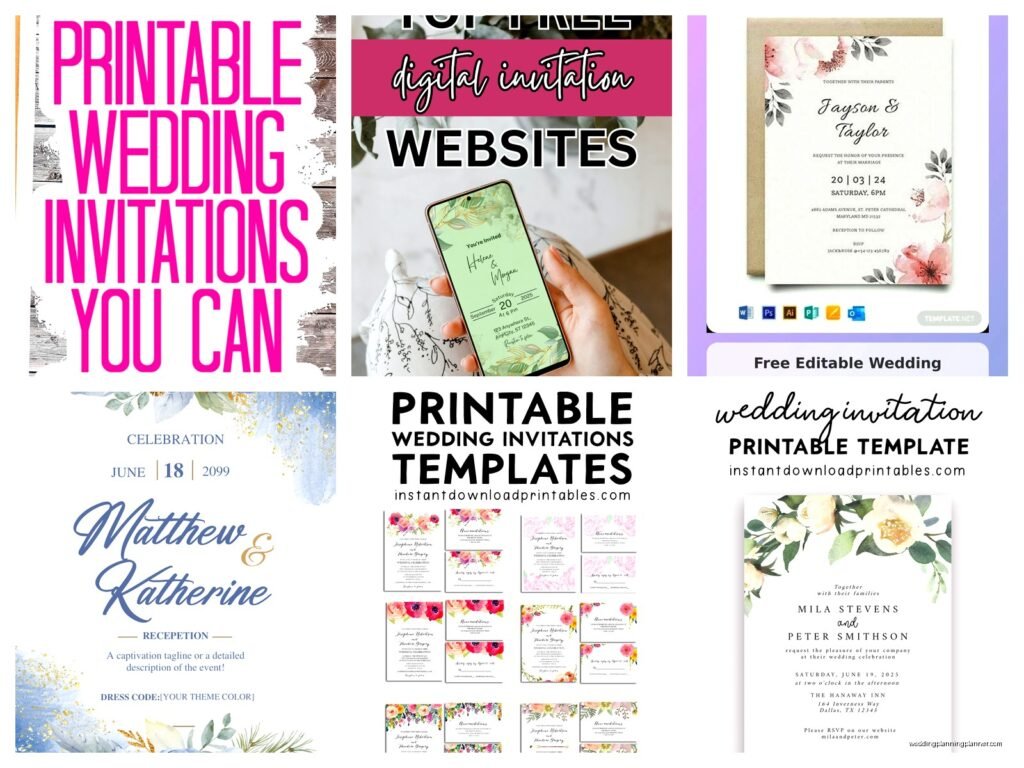
Okay So Free Printable Wedding Invitations Are Actually Pretty Great
Look I’m just gonna say it upfront – free printable wedding invitations have come such a long way from those clipart disasters we used to see back in like 2010. I had this couple in spring 2023 who came to me with a $12,000 budget for their entire wedding and honestly when we sat down and looked at numbers, spending $800 on invitations just didn’t make sense for them. So we went the printable route and they looked absolutely gorgeous.
The thing is you gotta know where to look and what you’re actually downloading because not all free templates are created equal. Some of them are secretly trials or they have watermarks or the file format is completely wrong for printing and then you’re stuck.
Where To Actually Find Good Free Templates
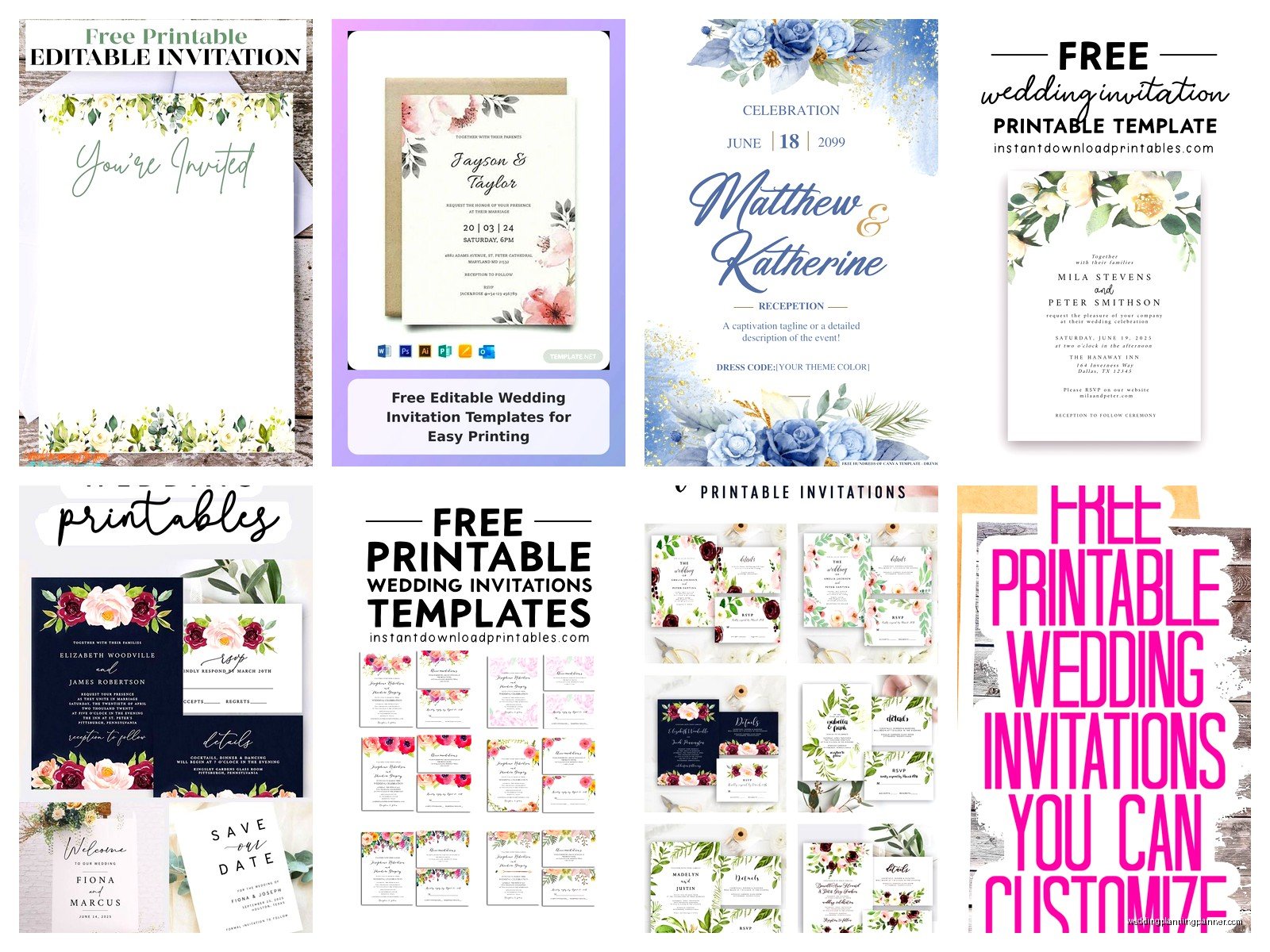
Canva is probably your best bet honestly. They have a free tier that gives you access to tons of wedding invitation templates. Yeah some of the fancy elements are locked behind their Pro subscription but you can work around that. I use Canva for client mood boards all the time so I’m pretty familiar with what’s actually free versus what just looks free until you click on it.
Greenvelope has some free printable options but their main thing is digital invitations. Template.net has a massive collection but you gotta be careful because some require attribution or have usage restrictions. Adobe Express (used to be called Adobe Spark) also has free templates if you have an Adobe account.
Pinterest is where everyone goes first but here’s the annoying thing that drives me absolutely crazy – half the pins link to dead websites or Etsy shops that are charging money even though the pin says “free.” I spent like 45 minutes one time following a pin that promised free rustic invitations and it just looped me through three different blogs before asking for my email address. So frustrating.
What To Look For In A Template
You want something that’s editable obviously. PDFs are fine if they have form fields but ideally you want something you can customize in Canva, Word, or Photoshop. The resolution needs to be at least 300 DPI for printing – this is super important and a lot of people don’t check this until they’ve already printed 100 invitations that look blurry.
Check the dimensions too. Standard invitation size is 5×7 inches but some templates are weird sizes that’ll cost you more to print or require custom envelopes. A2 envelopes (4.375 x 5.75 inches) are the cheapest and easiest to find if you’re going with a smaller invitation.
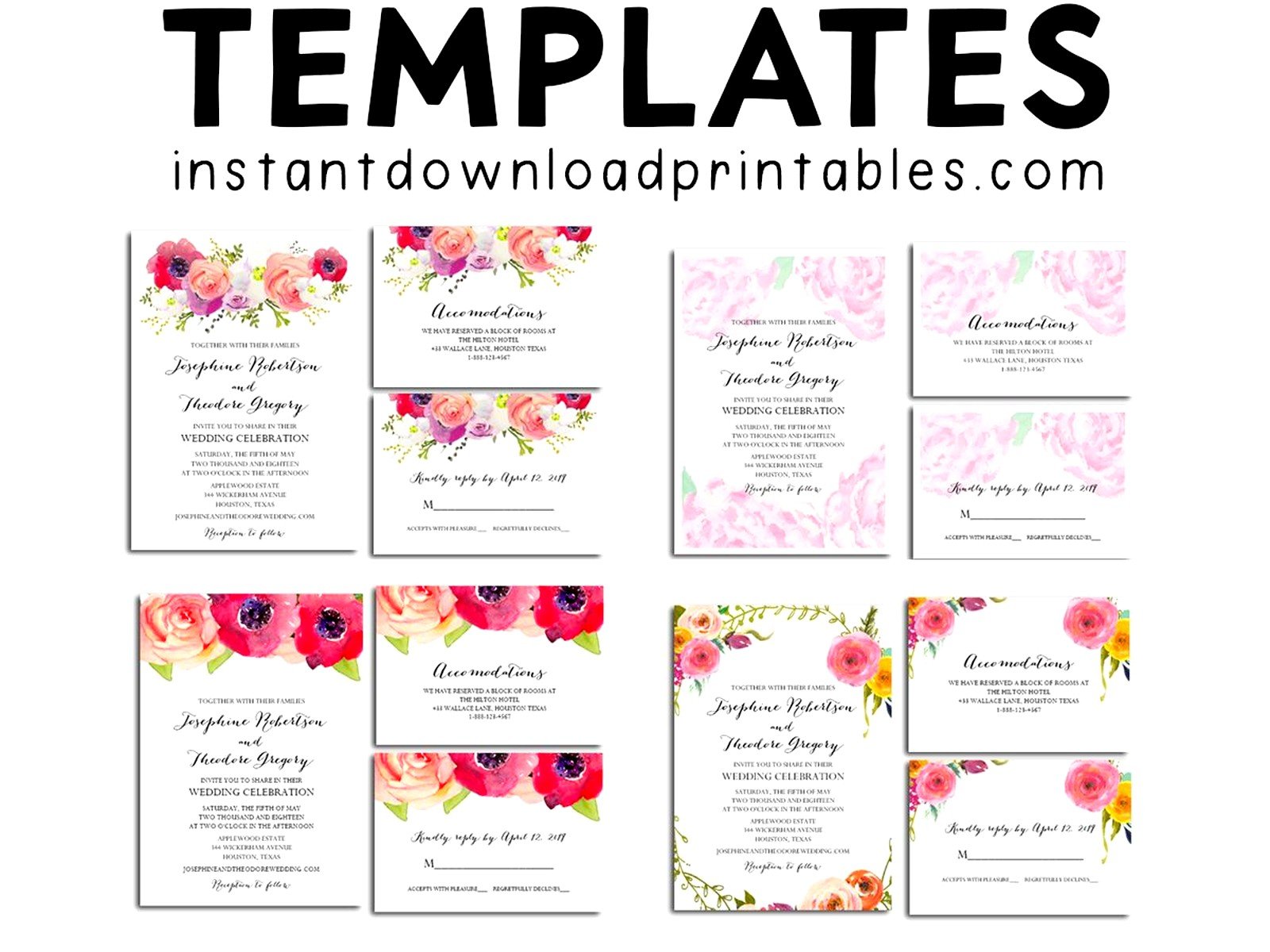
Make sure the template has all the pieces you need – the main invitation, RSVP card, details card if you want one, and maybe an envelope liner template. Some free downloads only give you the main invite and then you’re scrambling to create matching pieces.
Customizing Your Template
Okay so you’ve downloaded something you like. Now you gotta make it yours. Change the names obviously but also think about your color scheme. Most templates let you swap colors pretty easily. In Canva you just click on an element and change the color – it’s pretty intuitive even if you’re not super design-savvy.
Fonts are where people get tripped up. If you’re using a template in Word or a design program, make sure you have the fonts installed on your computer. Some templates use fancy script fonts that you’ll need to download separately. Google Fonts is free and has tons of options. My go-to combinations are usually a script font for names and a clean sans-serif for the details because you want people to actually be able to read the information, you know?
Don’t go crazy with customization though. I’ve seen people add so many elements and colors that the invitation becomes completely unreadable. Less is more. You want it to look elegant not like a scrapbook page threw up on it.
Adding Your Wording
Traditional wording follows a specific format but honestly nobody really cares anymore if you follow the old rules. You can say “together with their families” instead of listing parents’ names. You can be casual or formal depending on your vibe.
Make sure you include the actual important information though – who’s getting married, where, when, what time, and how to RSVP. I’ve seen invitations that were so focused on being artsy that they forgot to include the year or the full address. Your aunt Martha shouldn’t have to text you asking what time the ceremony starts.
Proofread everything like three times. Then have someone else proofread it. Then proofread it again. I had a bride in summer 2021 who printed 150 invitations before realizing she’d spelled the venue name wrong. We caught it but only because her mom noticed.
Printing Options And Paper
You’ve got a few routes here. You can print at home if you have a decent printer, you can go to a print shop like FedEx or Staples, or you can use an online printing service like Vistaprint or Catprint.
Home printing is the cheapest but your printer needs to handle cardstock. Regular printer paper looks cheap and flimsy for wedding invitations. Get 80lb or 100lb cardstock – you can find it at any office supply store or on Amazon. White is classic but cream or ivory looks more expensive. I keep a stash of cardstock in my office for mock-ups and my cat knocked over an entire ream last week which was… fun to clean up.
Print Shop Versus Online Services
Local print shops give you more control and you can see paper samples in person. They’re usually more expensive than online services but turnaround is faster. You can literally walk in with your file on a USB drive and walk out with printed invitations the same day sometimes.
Online printing services are cheaper especially for larger quantities. Catprint has really good quality for the price. Vistaprint is hit or miss – sometimes the color comes out darker than expected. Always always always order a sample or proof before printing your full quantity. Spend the extra $15 to see what it actually looks like.
Paper weight matters more than you think. 80lb cover stock is the minimum for invitations. 100lb or 110lb feels more substantial and expensive. Matte finish is easier to write on if you’re hand-addressing envelopes. Glossy looks pretty but pen smears on it.
Cutting And Assembly
If you’re printing multiple invitations per page you’ll need to cut them. You can use scissors but honestly get a paper trimmer. They’re like $20 on Amazon and they make everything look so much cleaner and professional. Those little guillotine ones work great.
Some people print on pre-cut cardstock which eliminates this step but it’s usually more expensive. Depends on whether you value your time or your money more I guess.
For RSVP cards you can print them as postcards to save on postage – postcards cost less to mail than envelopes. Just make sure you include your address on the back and leave space for a stamp. Or honestly just skip physical RSVPs entirely and use a wedding website. It’s 2024, most people prefer to RSVP online anyway.
Envelopes And Addressing
You can buy envelopes separately or some office supply stores sell cardstock with matching envelopes. Make sure you get the right size – there’s nothing worse than printing 100 invitations that don’t fit in your envelopes. Measure twice, order once.
Hand addressing looks the most personal and elegant. If your handwriting is terrible (no judgment, mine’s not great either) you can print addresses on labels or directly on envelopes. Some printers can feed envelopes through but it’s kinda finicky and jams happen.
Calligraphy addressing is having a moment but hiring a calligrapher is expensive. There are printable envelope templates you can use with a regular printer that look pretty good. Or you can find a friend with nice handwriting and bribe them with wine.
What Actually Costs Money Even With Free Templates
So the template is free but you’re still gonna spend money on paper, ink, envelopes, and postage. For 100 invitations with RSVP cards you’re probably looking at:
- Cardstock: $20-40 depending on quality
- Ink/toner or printing costs: $30-100
- Envelopes: $15-30
- Postage: $66-100 depending on weight
- Extras like envelope liners, belly bands, wax seals: $20-50
So you’re still spending probably $150-250 total but that’s way less than ordering from a stationer where you’d spend $500-1500 easily. The trade-off is your time – expect to spend several hours on this project between customizing, printing, cutting, and assembling.
Common Mistakes To Avoid
Don’t forget to account for bleeds if your design goes to the edge of the paper. You need to print slightly larger and then trim. Most templates handle this automatically but if you’re creating something from scratch or modifying heavily, bleeds matter.
Test print on regular paper first before committing to expensive cardstock. I can’t tell you how many times I’ve seen people waste good paper because they didn’t check their printer settings or margins first.
Don’t wait until the last minute. Give yourself at least 6-8 weeks before you need to mail them. Things go wrong – printers jam, you run out of ink, the color looks weird, you need to reorder supplies. Buffer time is your friend.
Make sure your printer can handle the paper weight you’re using. Some home printers can’t feed thick cardstock and you’ll just end up with jams and frustration. Check your printer specs before buying supplies.
File Formats And Technical Stuff
PDF is usually the safest format for printing. If you’re customizing in Canva, download as PDF for print, not PDF standard. The print version has higher resolution. For print shops, they usually want PDFs with fonts embedded or outlined.
RGB versus CMYK matters if you’re using a professional print service. RGB is for screens, CMYK is for print. Colors can look different between the two. Most online print services accept RGB and convert it but sometimes colors shift. Navy blue becomes purple, red becomes orange-ish… it’s annoying but that’s why you order samples.
Keep your files organized. Name them clearly – “Wedding_Invitation_FINAL_v2” is better than “untitled_design_copy_3” when you’re trying to find the right file at FedEx at 7pm on a Thursday. Trust me on this.
Alternatives If Free Isn’t Working
Sometimes free templates just don’t have the vibe you’re going for. If you’ve got a little budget, Etsy has templates for like $8-20 that are usually higher quality and more unique than free options. You download them instantly and they’re still way cheaper than custom stationery.
Minted and Paperless Post have affordable options too if you decide printed invitations are too much hassle. Minted starts around $1.50 per invitation which includes printing. Digital invitations are even cheaper and honestly really convenient for guests.
Or mix it – use free printable invitations for most guests and splurge on fancy ones for like your immediate family or VIPs. Nobody’s comparing their invitations to other guests’ invitations anyway.
