
Planning Guides, Style Guide
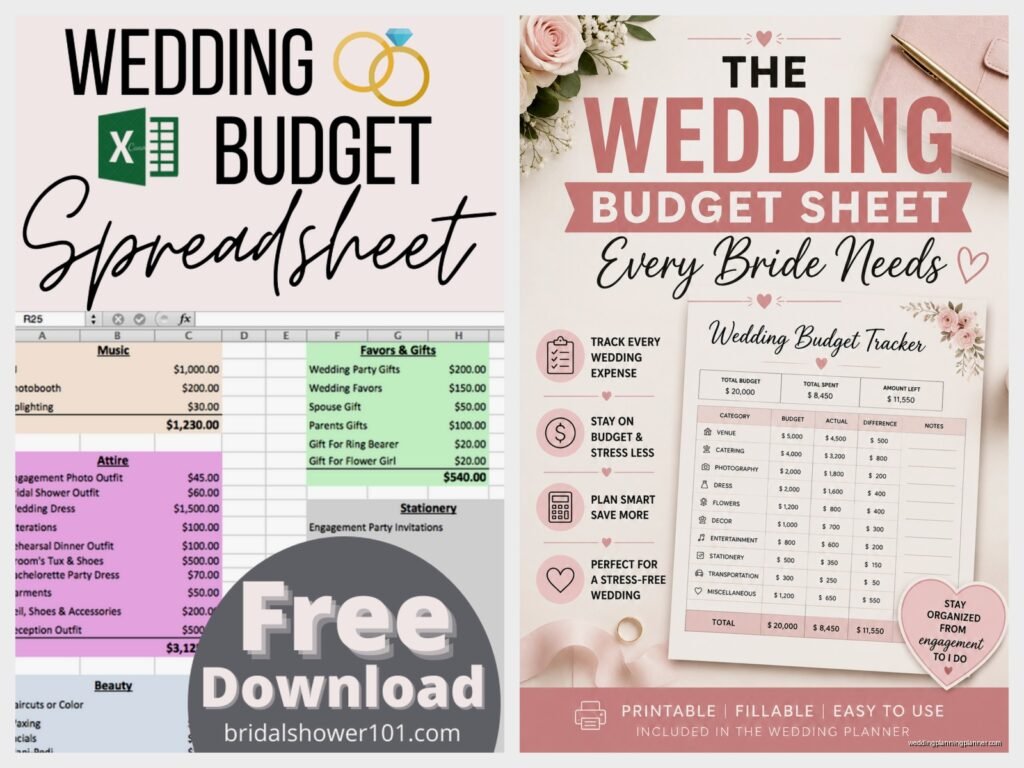
Wedding Planning Budget Template: Cost Tracker Downloads
Jul
Why You Actually Need a Budget Tracker (Not Just a Pinterest Board)
So the first thing people do when they get engaged is look at pretty wedding photos and then immediately panic about money. I had this couple in spring 2023 who showed me their “budget” which was literally just a list of vendors they liked on Instagram with no actual numbers attached and I was like… okay we need to fix this immediately.
A budget template is basically your financial lifeline for wedding planning. You’re gonna track what you planned to spend versus what you actually spend because trust me those numbers are never the same. Ever. I’ve been doing this for 15 years and I think I’ve seen maybe three weddings that came in under budget and two of those were because someone’s aunt randomly paid for the flowers as a surprise gift.
The Basic Categories You Need to Track
Your template needs to have these main categories or you’re gonna miss something important. I usually set mine up with these sections and you can adjust based on what matters for your wedding:
- Venue and catering (this is usually 40-50% of your total budget)
- Photography and videography
- Flowers and decorations
- Attire for everyone in the wedding party
- Stationery (invites, save the dates, programs, menus, place cards)
- Entertainment (DJ, band, ceremony musicians)
- Hair and makeup
- Transportation
- Wedding rings
- Favors and gifts
- Miscellaneous because there’s ALWAYS miscellaneous
The miscellaneous category is where things get real. That’s where you track the marriage license fee, the tips for vendors, the emergency sewing kit you bought the day before, the extra boutonniere because someone’s cousin decided last minute he wanted to be in photos… it adds up so fast.
What Annoys Me About Most Budget Templates
Okay so this really bugs me – most free budget templates you download don’t have a column for deposits versus final payments. Like they just have one number column and that’s it. But you’re paying deposits months in advance and then final payments at different times and if you don’t track this separately you’re gonna think you have more money left than you actually do. I’ve seen people accidentally book an extra vendor because they forgot they still owed their photographer $2000 and it’s just… it’s stressful for everyone.
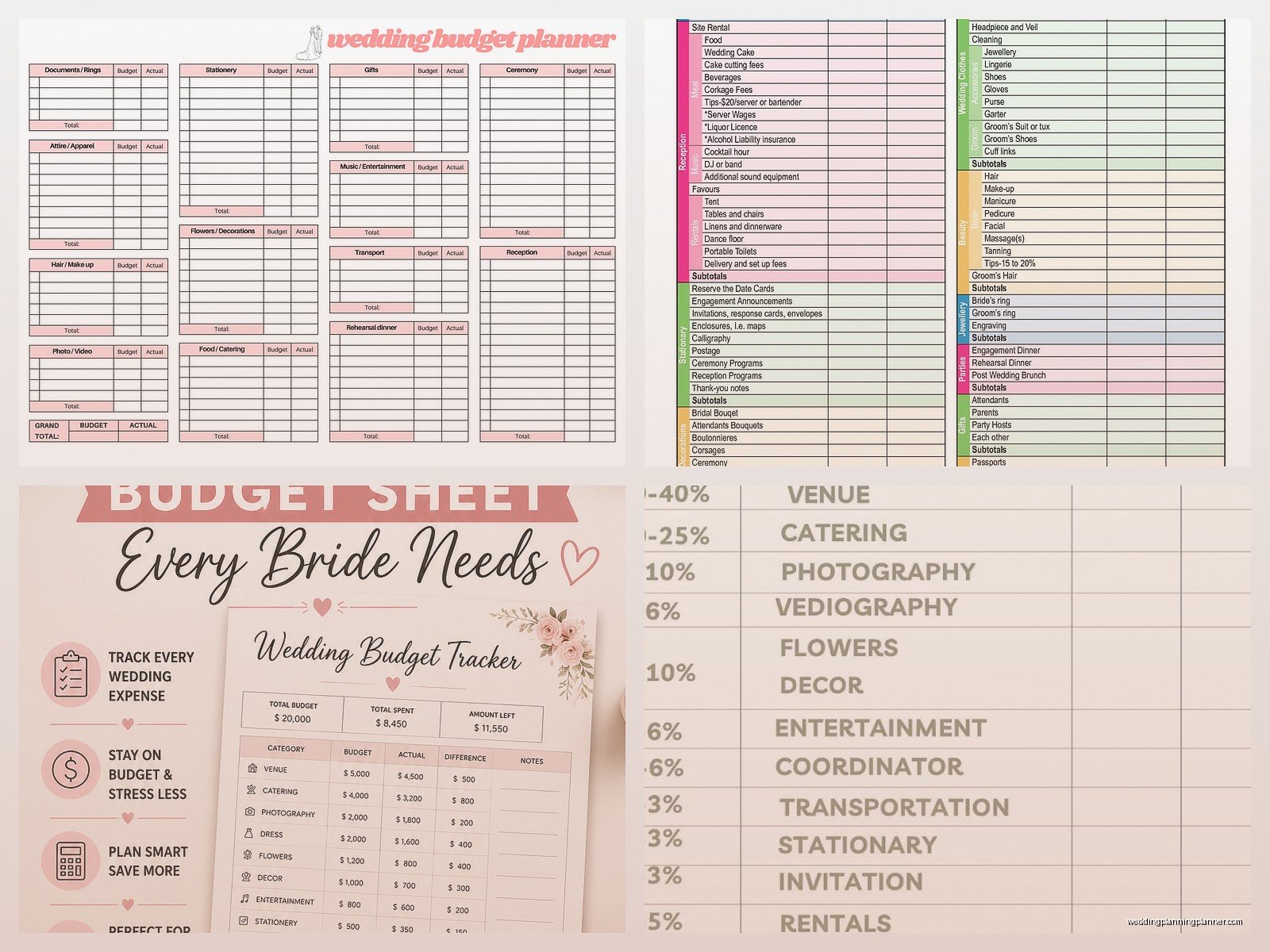
Also a lot of templates don’t include a “paid date” column which seems obvious but you need to know WHEN you paid things for your own records. Your caterer isn’t gonna remember if you paid that deposit in March or April and if there’s ever a dispute you want documentation.
Excel vs Google Sheets vs Apps
I’m gonna be honest I still use Excel for most of my client budgets because I’m old school and I like having full control over formulas. But Google Sheets is actually better for couples because you can both access it from anywhere and update it in real time. Nothing worse than finding out your partner booked a videographer when you thought you were skipping video because nobody communicated.
There are apps too like WeddingWire and The Knot have budget trackers built in. They’re fine I guess? They’re kinda limiting though because you can’t customize categories as much. And some of them try to push you toward their preferred vendors which… nah. I want my couples making decisions based on who’s actually right for them not who paid for app placement.
My cat just jumped on my keyboard sorry – anyway the benefit of a spreadsheet is you can make it do whatever you need. You want to color code by payment status? Done. You want to add a column tracking which vendors still need their contracts signed? Easy. You want to calculate what percentage of budget each category is taking? Just add a formula.
Setting Up Your Columns
Here’s what I put in my budget tracker columns and this has evolved over the years based on what info actually matters:
- Category (venue, flowers, etc)
- Item/Vendor Name
- Estimated Cost (what you THINK it’ll cost)
- Actual Cost (what it REALLY costs once you get quotes)
- Deposit Amount
- Deposit Paid Date
- Balance Due
- Final Payment Date
- Payment Method (helps with credit card tracking)
- Contract Signed (yes/no checkbox)
- Notes
The notes column is clutch because that’s where you write stuff like “includes setup and breakdown” or “need to provide vendor meal” or “price increases if guest count goes over 150” – those little details that you’ll forget by the time the wedding rolls around.
How to Actually Use the Thing
Making the template is the easy part. Using it consistently is where people fall apart. You gotta update it every single time money moves. Every deposit paid, every quote received, every time you decide to upgrade from basic linens to fancy ones – it goes in the tracker immediately.
I had this moment in summer 2021 where a bride called me crying because she thought she was $5000 under budget but when we sat down and actually went through everything she’d spent she was actually $2000 OVER. She just hadn’t been tracking the small stuff. The bridesmaid dress alterations, the extra invitation suite for her mom to keep, the rush fee on the programs because we changed the ceremony order last minute, the gift for her flower girl… it all added up and she had no idea because she wasn’t writing it down.
Set a reminder on your phone maybe? Like every Sunday night you and your partner sit down for 15 minutes and update the budget together. Make it a thing. Pour some wine, pull up the spreadsheet, make sure everything’s current.
The Contingency Fund Reality
Put 10-15% of your total budget aside as contingency. Just do it. I don’t care if you think you’ve accounted for everything you haven’t. There will be surprise costs. The venue might require you to rent extra heaters because it’s colder than expected. Your dress might need more alterations than anticipated. You might decide three months out that you actually DO want a videographer after saying you didn’t.
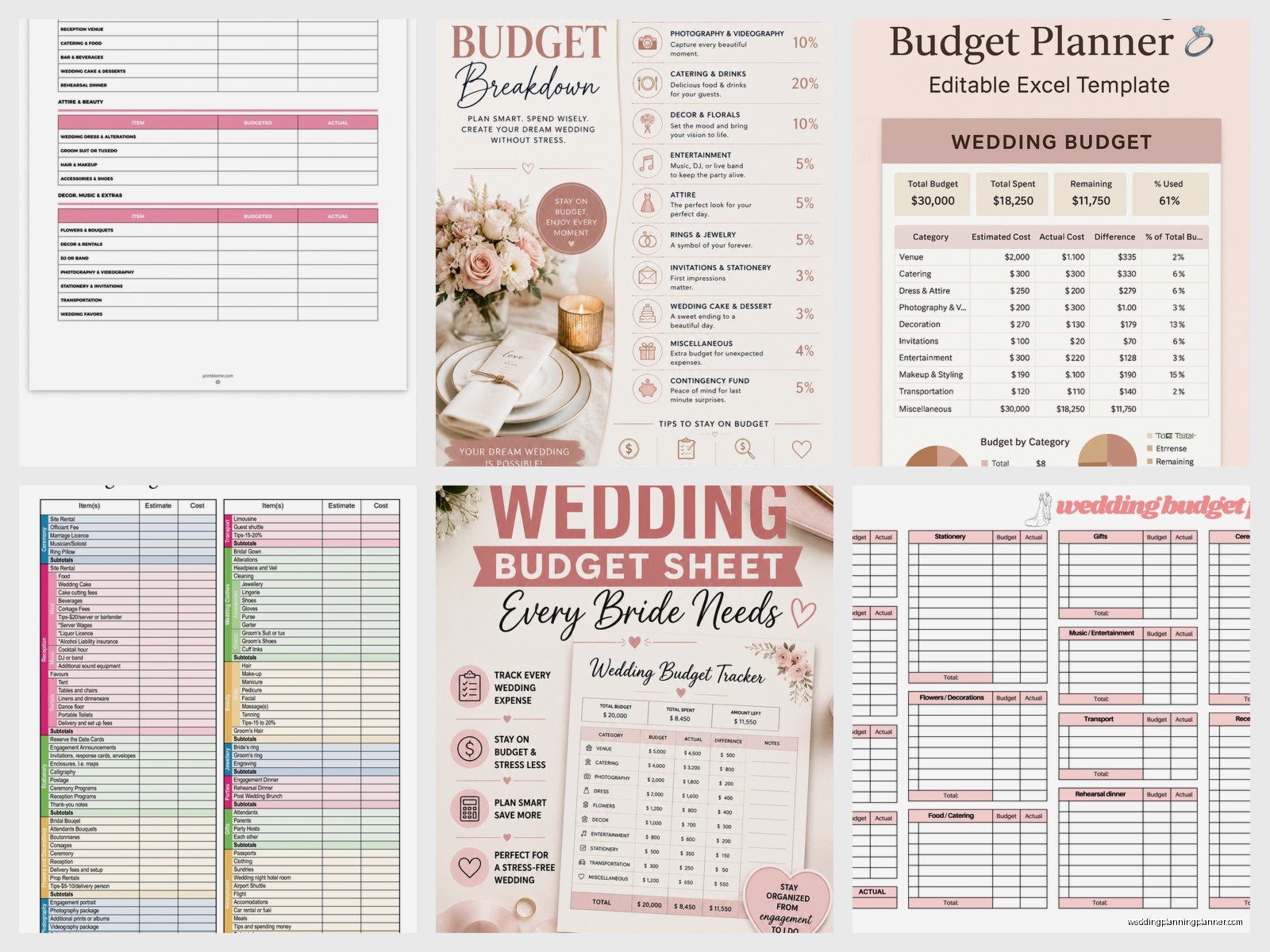
This contingency money isn’t for upgrading to a better band or adding fancy lighting because you saw it at your friend’s wedding. It’s for the unexpected necessary expenses that WILL happen. And if by some miracle you don’t need it then congrats you have honeymoon spending money.
Free Templates vs Paid Templates
There are approximately eight million free wedding budget templates on the internet. Google “free wedding budget template” and you’ll get overwhelmed fast. I usually point people toward the ones from major wedding sites because they’re pretty comprehensive and actually work.
Some people sell fancy budget templates on Etsy for like $15-30 and honestly… they’re not that different from free ones? They might be prettier with better formatting and maybe some cute graphics but functionally they do the same thing. If you want something that feels more personalized and matches your wedding aesthetic then sure go for it but it’s not necessary.
The best template is the one you’ll actually use consistently. If a basic Excel spreadsheet with no formatting works for you then that’s perfect. If you need something pretty to motivate you to open it then get the cute Etsy one.
Tracking Payment Methods
This is something people don’t think about until tax time or when they’re trying to get credit card points. Track HOW you’re paying for things. Some couples put everything on one credit card to get rewards points for their honeymoon which is smart. Some split it between cards to manage cash flow. Some pay certain vendors with checks or Venmo.
You need to know this information because when you’re trying to reconcile everything later or if there’s a disputed charge you need to know which card or account to check. Also if you’re getting married in a different state there might be sales tax implications you need to track for… actually I’m not a tax accountant so maybe just ask your accountant about that but anyway write down how you paid.
Who Paid for What (When Parents Are Contributing)
This gets messy fast. If your parents or your partner’s parents are contributing money you NEED to track that separately. I recommend having columns for:
- Couple’s contribution
- Bride’s family contribution
- Groom’s family contribution
- Other contributions (friends, crowdfunding, whatever)
Sometimes parents want to pay for specific things like traditionally the bride’s family pays for flowers or whatever. Sometimes they just give you a lump sum. Either way track it because family dynamics around money are already weird and weddings make them weirder. Having clear documentation prevents arguments later about who paid for what.
I’ve seen families get into actual fights over this stuff. “We paid for the venue!” “No you gave us money toward the venue but we covered half!” Just… write it down. Make it clear. Save yourself the drama.
The Stationery Budget Breakdown
Since I consult on stationery I’m gonna break this down more specifically because people always underestimate this cost. You need to track:
- Save the dates (printing and postage)
- Invitations (printing and postage – and invitation postage is more expensive than regular mail)
- RSVP cards and envelopes
- Ceremony programs
- Cocktail hour signage
- Reception menus
- Place cards and escort cards
- Table numbers
- Welcome sign
- Thank you cards
See how that adds up? And that’s just paper goods. If you want calligraphy that’s extra. If you want custom designs that’s extra. If you realize two weeks before the wedding that you forgot to order cocktail napkins with your names on them… actually you don’t need those nobody cares about cocktail napkins but people buy them anyway.
Updating Estimates to Actuals
In the beginning your budget is gonna be mostly estimates based on research and what you’ve heard venues cost in your area. As you start getting actual quotes you need to update those estimated numbers to actual numbers. This is where reality hits and you realize that no the photographer you want is not $2000 they’re actually $4500.
Don’t leave old estimated numbers in there once you have real numbers because you’ll lose track of what’s real and what’s hopeful thinking. I color code mine – estimates are in gray and actual quotes are in black so you can see at a glance what’s confirmed.
When actual costs come in higher than estimates you have to make decisions. Do you cut something else? Do you increase your overall budget? Do you find a less expensive alternative? This is the hard part of wedding planning that nobody shows on Instagram but it’s the reality for like 99% of couples.
Vendor Payment Schedules
Every vendor has different payment terms. Your venue might want 25% deposit when you book, another 25% six months out, and the final 50% two weeks before the wedding. Your photographer might want 50% at booking and 50% on the wedding day. Your florist might want it all two weeks in advance.
You need a separate view in your tracker – I usually make a second tab – that shows all your payment due dates in chronological order. This way you can see that in March you have to pay the venue balance AND the photographer balance AND the florist deposit and that’s $8000 in one month so maybe you should plan for that financially.
I watched a couple almost lose their venue in 2022 because they missed a payment deadline. They had the money they just weren’t tracking when things were due and they thought they had another month. The venue was gonna release their date. We fixed it but it was stressful and could’ve been avoided with better tracking.
Tips and Gratuities Line Item
Add a separate line item for tips and gratuities because you’re gonna tip your vendors day-of and it’s usually 15-20% for certain vendors. Caterers, bartenders, delivery people, musicians, hair and makeup artists – they all typically get tips. Some vendors include gratuity in their contract, some don’t. You need to know which is which and budget accordingly.
I usually estimate about $1000-1500 for tips for an average wedding but it depends on your vendor team size. Put this in your budget from the start though don’t just hope you’ll have money left over because you probably won’t.
The Excel Formulas You Actually Need
If you’re using Excel or Google Sheets you want these formulas working for you. At the bottom of each column you want:
- SUM of all estimated costs
- SUM of all actual costs
- SUM of all deposits paid
- SUM of all balances due
Then you want a formula that shows you the difference between your total budget and your actual costs so you can see if you’re over or under. Use conditional formatting to make it turn red if you’re over budget – visual cues help when you’re stressed and just glancing at numbers.
You can also add percentage calculations to show what portion of your budget each category is taking. If flowers are eating up 25% of your budget and you originally planned for 10% that’s good information to have so you can decide if you wanna adjust.
Sharing Access and Permissions
If you’re using Google Sheets decide who needs access. Obviously both partners should have full editing access. Maybe your wedding planner if you have one. Maybe your parents if they’re heavily involved in planning or contributing money.
Be careful about giving too many people access though because then you get the thing where someone’s mom starts adding vendors she likes without discussing it or changing numbers around. I’ve seen it happen. Set clear boundaries about who can edit versus who can just view.
Also make sure you’re backing up your spreadsheet regularly. Google Sheets auto-saves which is great but if you’re using Excel save it to cloud storage not just your laptop. I had a groom’s laptop die three months before the wedding with their only copy of the budget on it and we had to reconstruct everything from emails and memory and it was a nightmare.
Weekly Check-ins Make a Difference
I know I mentioned this before but seriously schedule it. Sunday nights, Wednesday evenings, Saturday mornings, whatever works for you but make it consistent. Fifteen minutes a week keeps you from having that panic moment six weeks before the wedding where you realize you’ve lost track of everything.
Use that time to update any new expenses, check upcoming payment deadlines, discuss any budget concerns, and make sure you’re both on the same page. Wedding planning causes fights about money for a lot of couples and regular check-ins help prevent that because you’re communicating consistently instead of letting things build up until someone’s stressed and angry.
Honestly some of my favorite client meetings are just sitting with couples while they update their budget because we catch problems early and fix them before they become actual crises. It’s not glamorous but it’s gotta be done and doing it together makes it less boring I think
