
Planning Guides, Style Guide
Bridal Shower Templates: Party Planning Downloads
Jul
Why Templates Are Gonna Save Your Life (Trust Me)
So you’re planning a bridal shower and you’re staring at a blank screen thinking “where do I even start” and honestly? Templates are the answer. I’ve been doing this for like 15 years now and the number of times I’ve watched someone reinvent the wheel when a perfectly good template exists is… it’s a lot. It’s too many times.
Back in spring 2023 I had this client who insisted she wanted to create everything from scratch because it would be “more personal” and I respect that, I really do, but three weeks before the shower she called me at 11pm literally crying because she’d spent six hours trying to make a timeline in Canva and it looked like a ransom note. That’s when I introduced her to party planning templates and suddenly everything clicked into place.
What Templates You Actually Need
Okay so here’s the thing about bridal shower templates – you don’t need everything, but you need the right things. I’m gonna break this down by category because otherwise it gets overwhelming really fast.
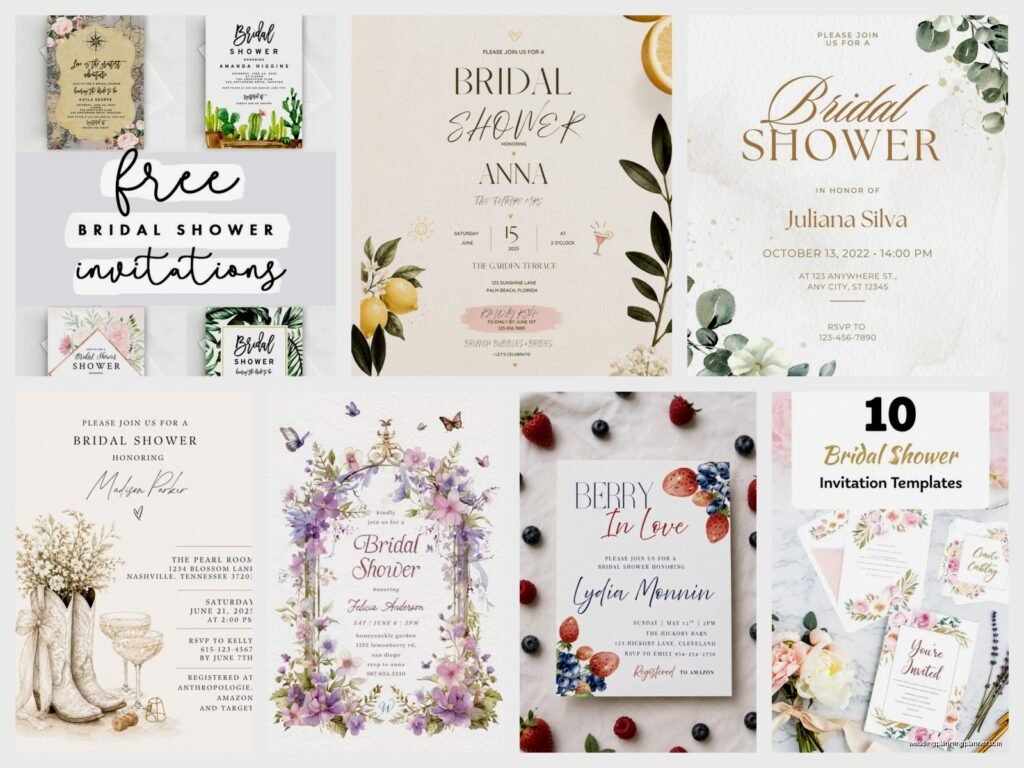
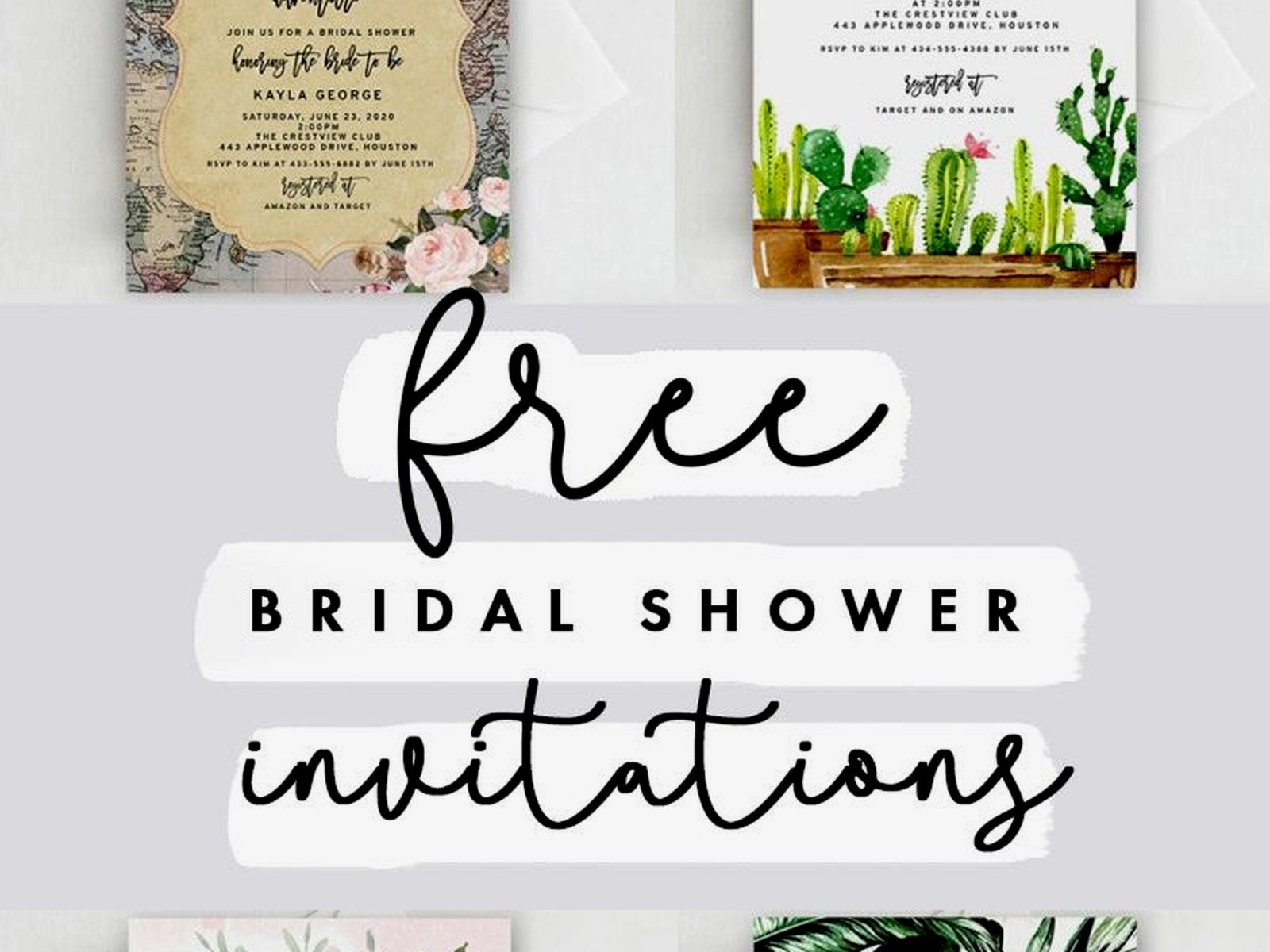
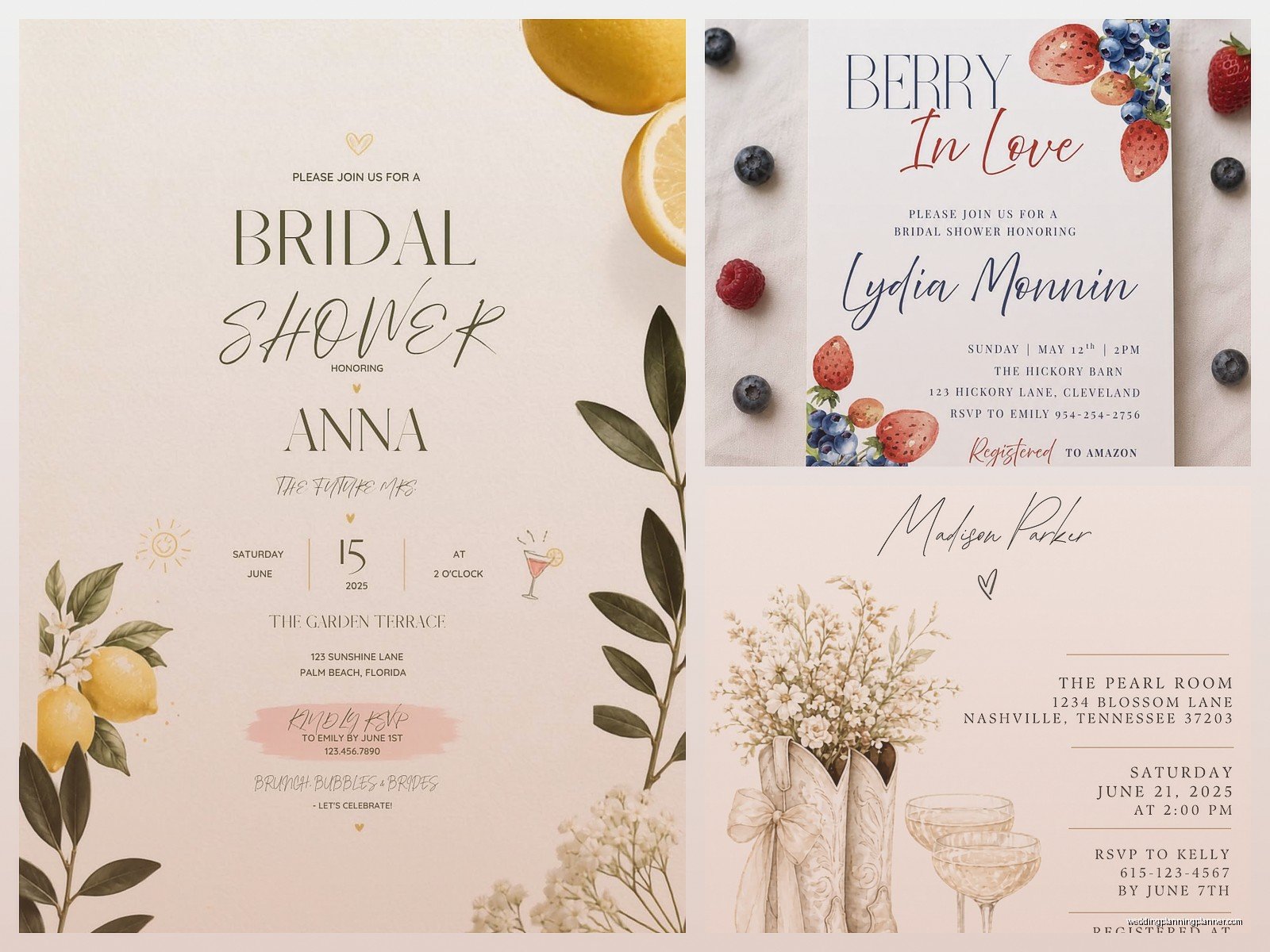
Invitation Templates: This is obvious but you’d be surprised how many people skip this. You can find digital invitation templates on Etsy, Creative Market, or even Canva. Look for ones that let you customize colors and fonts because the bride’s aesthetic matters. I usually download three different styles and let the host committee vote because group decisions are… well they’re something but at least everyone feels included.
Guest List Tracker: This sounds boring but it’s literally the backbone of everything. You need columns for name, email, phone, mailed invitation date, RSVP status, dietary restrictions, and plus-one status. Excel works fine but Google Sheets is better because multiple people can update it. I learned this the hard way when my cat stepped on my keyboard and deleted an entire guest list in 2019 and I wanted to die.
Budget Spreadsheet: Look, money is weird and uncomfortable to talk about but you gotta track it. Template should have categories for venue, food, drinks, decorations, favors, games, and a miscellaneous category because there’s ALWAYS miscellaneous stuff. I like templates that automatically calculate percentages so you can see where your money’s actually going.
The Timeline Template That Changed Everything
This is the one that saves the most stress, I swear. A good timeline template breaks down tasks by weeks before the event. Like 8 weeks out you’re booking the venue and sending invites, 6 weeks out you’re finalizing the menu, 4 weeks out you’re buying decorations, 2 weeks out you’re confirming RSVPs and having a mild panic attack (just me?).
What really annoys me is when timeline templates don’t include buffer time. Everything takes longer than you think it will. Ordering custom cookies takes 2-3 weeks not “a few days” and if your template doesn’t account for that you’re gonna be scrambling. I always add an extra week to any vendor deadline just to be safe.
Menu Planning and Food Templates
Food is where people spend the most money and also where things go wrong most often, so having a solid template here is crucial. You want something that tracks:
- Number of guests and their dietary needs
- Type of meal (brunch, lunch, afternoon tea, whatever)
- Quantities needed per person
- Vendor contact info and delivery times
- Backup options in case something falls through
I use a template that has a separate tab for calculating quantities because I am not doing that math in my head. If you’re serving appetizers you need like 6-8 pieces per person for a 2-hour party, but if it’s a meal replacement situation you need way more. The template does this automatically and it’s beautiful.
There’s also templates specifically for potluck coordination if you’re going that route. They let people claim dishes so you don’t end up with seven pasta salads and no dessert. Been there, it’s awkward.
Decoration Checklists and Setup Guides
Decoration templates are kinda underrated honestly. A good one lists everything you need by room or area – entrance, gift table, food table, seating area, bathroom (yes the bathroom, people notice). It should have columns for item description, quantity needed, where to buy it, cost, and whether you already own it or need to purchase.
What I do is download a basic checklist template and then customize it for each shower theme. Garden party needs different stuff than a wine tasting theme or a spa day vibe. I keep all my old customized versions in a folder so if someone wants a similar theme I can just pull it up instead of starting over.
The setup guide part is separate – that’s your day-of document that tells you what goes where and in what order. Like you’re not setting up the dessert table before you set up the chairs, that’s just inefficient. This template saved me during a venue crisis in summer 2021 when we had to move everything indoors last minute because of a thunderstorm and I needed to reorganize the entire layout in 45 minutes.
Games and Activity Templates
Okay so bridal shower games are either loved or hated, there’s no in between, but if you’re doing them you need templates for the actual game cards and also for tracking winners and prizes.
Printable game cards: These are templates you can download, customize with the bride’s info, and print at home or send to a print shop. Bingo cards, trivia questions, advice cards, prediction cards – all of these exist as templates. I usually buy a bundle because it’s cheaper than individual downloads and then I have options.
The thing about game templates is you want ones that are easy to edit. Some are locked PDFs and you can’t change anything which is super annoying when the bride’s fiancé’s name is spelled weird or you need to adjust the color scheme. Editable PowerPoint or Canva templates are your friends here.
Prize tracker: Simple spreadsheet that lists each game, the winner, and what prize they got. This seems unnecessary until you’re three games in and can’t remember who won the bridal bingo and accidentally give someone two prizes while someone else gets nothing. Not a good look.
Gift Registry and Thank You Card Templates
Most brides have online registries now but you still need a way to track who gave what at the shower so she can write thank you notes. The template I use has columns for guest name, gift description, and a checkbox for when the thank you card gets sent. Some people add a column for the bride’s notes about the gift which can be helpful.
There’s also templates for the actual thank you cards if you’re making them yourself. I usually don’t recommend this because it’s time-consuming and pre-made cards are pretty affordable, but some brides are crafty and want to do it. Just… make sure you download the template early and test print it because paper sizes are weird and what looks good on screen might look terrible printed.
Where to Actually Find These Templates
Alright so where do you get all this stuff? I have opinions about this because I’ve wasted money on bad templates and I don’t want you to do the same.
Etsy: This is my go-to for printable decorations and game templates. Search for “bridal shower template bundle” and you’ll find tons of options. Read the reviews before buying and make sure it says what program you need to edit it. Some sellers offer free samples so you can test before committing to a whole bundle.
Canva: Has free and paid templates for invitations, signs, games, basically everything visual. The free ones are fine but the paid ones have more customization options. You can edit everything in your browser which is convenient. I have Canva Pro and it’s worth it if you’re planning multiple events but not necessary for just one shower.
Microsoft Office Templates: If you have Office you already have access to tons of free templates through Word, Excel, and PowerPoint. They’re more basic than Etsy stuff but totally functional for checklists, budgets, and timelines. Good for behind-the-scenes planning stuff that guests won’t see.
Google Workspace: Similar to Microsoft but everything’s cloud-based. Great for collaborative planning when multiple people need access. The template gallery has decent options for spreadsheets and documents.
Creative Market: More expensive than Etsy but higher quality designs usually. Good if you want something really polished and unique. They have sales pretty regularly so wait for those.
How to Customize Without Losing Your Mind
Downloading a template is the easy part. Customizing it without breaking everything is… well it’s a skill. Here’s what I’ve learned from many many mistakes:
Start with one template and get it perfect before moving to the next one. Don’t try to customize everything in one sitting because you’ll get decision fatigue and everything will start looking the same. I usually do invitations first since those go out earliest, then move to day-of stuff closer to the event.
Keep your color palette consistent across all templates. Pick 2-3 colors and stick with them. I keep a document with the exact hex codes so I can match colors perfectly across different programs. Nothing looks more amateur than slightly different shades of pink on everything.
Don’t over-customize. Sometimes you download a gorgeous template and then you start changing fonts and moving things around and suddenly it looks worse than when you started. If something already looks good, leave it alone. I have to remind myself of this constantly because I always think I can make it better and usually I cannot.
Test print everything before you print 50 copies. Paper looks different than screens and what seems readable on your computer might be tiny in real life. I learned this with place cards that were basically illegible from more than two feet away. Had to reprint everything the day before the shower which was super fun (it was not fun).
The Actual Planning Process With Templates
So you’ve got your templates downloaded, now what? Here’s my actual process that I use for every shower:
Week 1: Set up the guest list tracker and budget spreadsheet. These are foundational and everything else builds on them. Get the host committee to fill in guest info and agree on a budget range. This is also when I download the timeline template and start plugging in the shower date and working backwards.
Week 2-3: Customize and send invitations. Whether you’re doing digital or printed, get these out early. Use your guest list tracker to mark when each invite goes out and set up a system for tracking RSVPs. I use a Google Form linked to the spreadsheet so responses automatically populate.
Week 4-5: Menu planning and vendor booking. Pull up that food template and start making decisions. This is also when you’re customizing any printable decorations or game cards. Order anything that needs shipping because stuff takes forever sometimes.
Week 6: Finalize the setup guide and make your shopping list for any last-minute supplies. Print game cards, place cards, signs, whatever you need. Check your printer ink levels before you start because running out halfway through is the worst.
Week 7-8: Final details and confirmation. Use your timeline template to make sure nothing’s falling through the cracks. Confirm vendor deliveries, finalize the playlist (different template but still important), and do a final headcount.
The week of the shower I print out everything – timeline, setup guide, vendor contact list, emergency backup plans – and put it all in a binder. Yes a physical binder because phones die and you don’t wanna be scrolling through Google Drive when you’re trying to set up tables.
Templates for Different Shower Styles
Garden party templates are usually floral and soft. Tea party templates have vintage vibes. Stock the bar showers need cocktail recipe cards. Wine tasting needs tasting notes templates. I keep different template sets organized by theme in my computer because trying to adapt a rustic template to a modern minimalist shower is more work than just finding the right template from the start.
Co-ed showers are becoming more common and those need slightly different templates – games that work for mixed groups, less bride-specific wording on invitations. I had to scramble for these templates when the trend first started but now there’s tons of options.
Common Template Mistakes
Using too many different design styles is probably the biggest one. Your invitations are modern geometric, your games are rustic floral, your signs are elegant script – it looks chaotic. Pick one aesthetic and stick with it or at least make sure everything coordinates.
Not checking file formats before buying. Some templates only work in specific programs and if you don’t have that program you’re stuck. Always check whether you need Photoshop or Illustrator or whatever before purchasing.
Forgetting to save customized versions with new file names. I’ve accidentally overwritten a blank template with a customized one and then couldn’t use it for another client. Now I immediately “save as” with the bride’s name and date as soon as I open any template.
Printing on the wrong paper. Cardstock for anything guests will handle like game cards or place cards. Regular paper for planning documents you’re keeping behind the scenes. Fancy paper for stuff like advice cards that the bride keeps. Using regular printer paper for everything looks cheap even if the template is gorgeous.
The other thing that drives me crazy is when people don’t read the template instructions. Most good templates come with a how-to document or video and people skip it and then message the seller with questions that are literally answered in the instructions. Just… read the instructions. It saves time.
I probably sound scattered here but honestly that’s what planning a bridal shower feels like – jumping between different tasks and trying to keep everything coordinated and not forget important details. Templates help organize the chaos but you still gotta stay on top of everything. My system works for me after years of trial and error and dozens of showers but you might need to adjust based on your planning style and the specific shower you’re organizing
