
Planning Guides, Style Guide
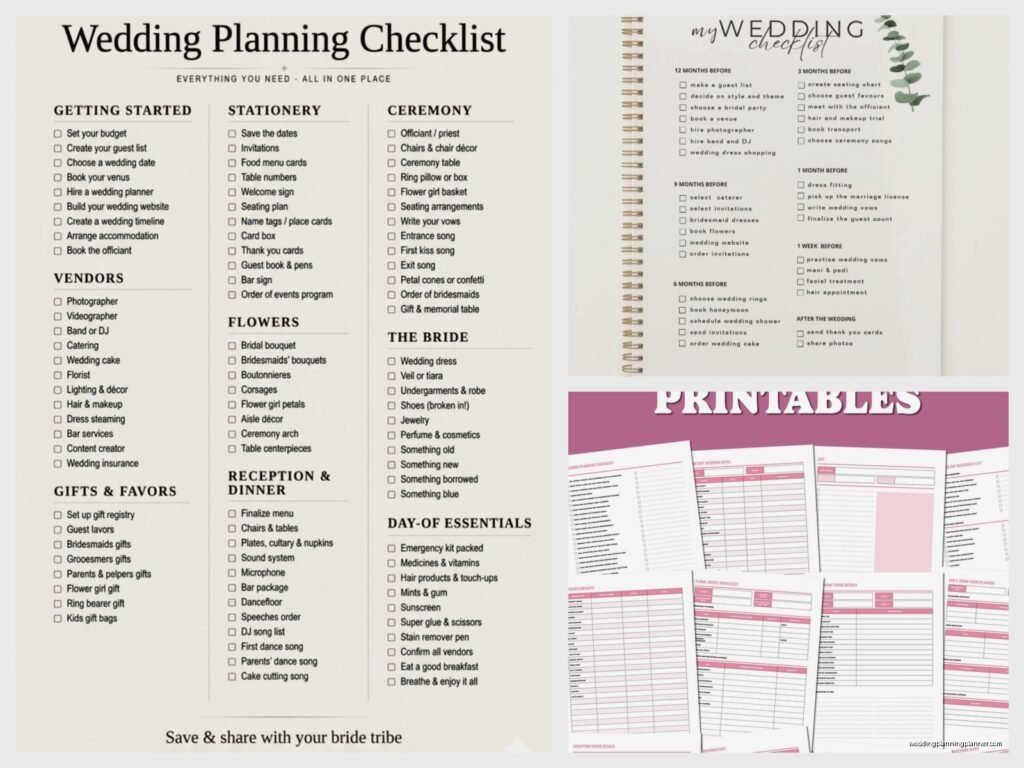
Wedding Planning List Template: Task Checklist Downloads
Jul
Getting Your Wedding Planning Checklist Sorted
So here’s the thing about wedding planning checklists – you absolutely need one but like half the templates you’ll find online are either way too basic or they’re stuffed with tasks that don’t apply to anyone’s actual wedding. I learned this the hard way back in spring 2023 when I had three brides email me in the same week completely overwhelmed because they’d downloaded these “comprehensive” templates that had them booking ice sculptors and hiring calligraphers for escort cards when they were planning backyard BBQ weddings with 50 guests.
Why Downloaded Templates Are Honestly Your Best Friend
Look, I know some planners will tell you to create everything from scratch, but that’s kinda ridiculous unless you’ve got unlimited time. A good template gives you the structure so you’re not sitting there at 11pm three months before your wedding suddenly remembering you never booked transportation or ordered a guest book or whatever.
The key is finding templates that you can actually customize. You want something in Excel or Google Sheets or even a printable PDF that lets you cross stuff out. Because trust me, not everyone needs a “rehearsal dinner cruise” or “custom cocktail napkin design session” on their list.
What Should Actually Be On Your Master Checklist
Okay so the timeline thing – this is where it gets tricky because every template organizes it differently. Some go by months (12 months out, 9 months out, etc.) and others do it by categories (venue, catering, flowers). Honestly? You probably want both.
Here’s what I typically include when I’m building out a checklist for clients:
- Venue booking and contracts (this should be like first or second thing)
- Vendor research and booking – caterer, photographer, videographer, DJ or band, florist, cake baker
- Dress shopping and alterations timeline
- Invitation design, printing, addressing, mailing with actual dates
- Guest list management with RSVP tracking
- Registry setup
- Hotel blocks for out-of-town guests
- Transportation logistics
- Wedding party gifts
- Ceremony details – readings, music, officiant meetings
- Reception details – seating chart, timeline, special dances
- Marriage license application
- Final payments and gratuities breakdown
- Day-of timeline
But then you gotta add your specific stuff. Like if you’re doing a destination wedding, you need passport checks and travel booking. If you’re having a religious ceremony, there might be premarital counseling requirements or specific church paperwork.
The Best Free Template Downloads I Actually Recommend
I’m gonna be real with you – I’ve probably downloaded like 200 different wedding planning templates over the years. Most of them are trash or they’re just lead magnets for wedding vendors trying to get your email address (which, fair, but still annoying).
The Knot has a pretty solid checklist that’s organized by timeline. It’s maybe a bit traditional and assumes you’re doing a somewhat standard wedding, but you can adapt it. They have it as a printable PDF and also as an interactive online tool if you create an account.
WeddingWire has one too that’s similar. What I actually like about theirs is they have budget tracking built into the same template, so you can see your tasks alongside what you’re spending. Super helpful when you’re trying to figure out if you can afford to add something or if you need to cut back.
For Google Sheets users, there are some really good community-made templates. Just search “wedding planning checklist Google Sheets template” and you’ll find ones that people have shared publicly. The advantage here is you can make a copy and then customize everything – add columns, delete rows, change the categories entirely.
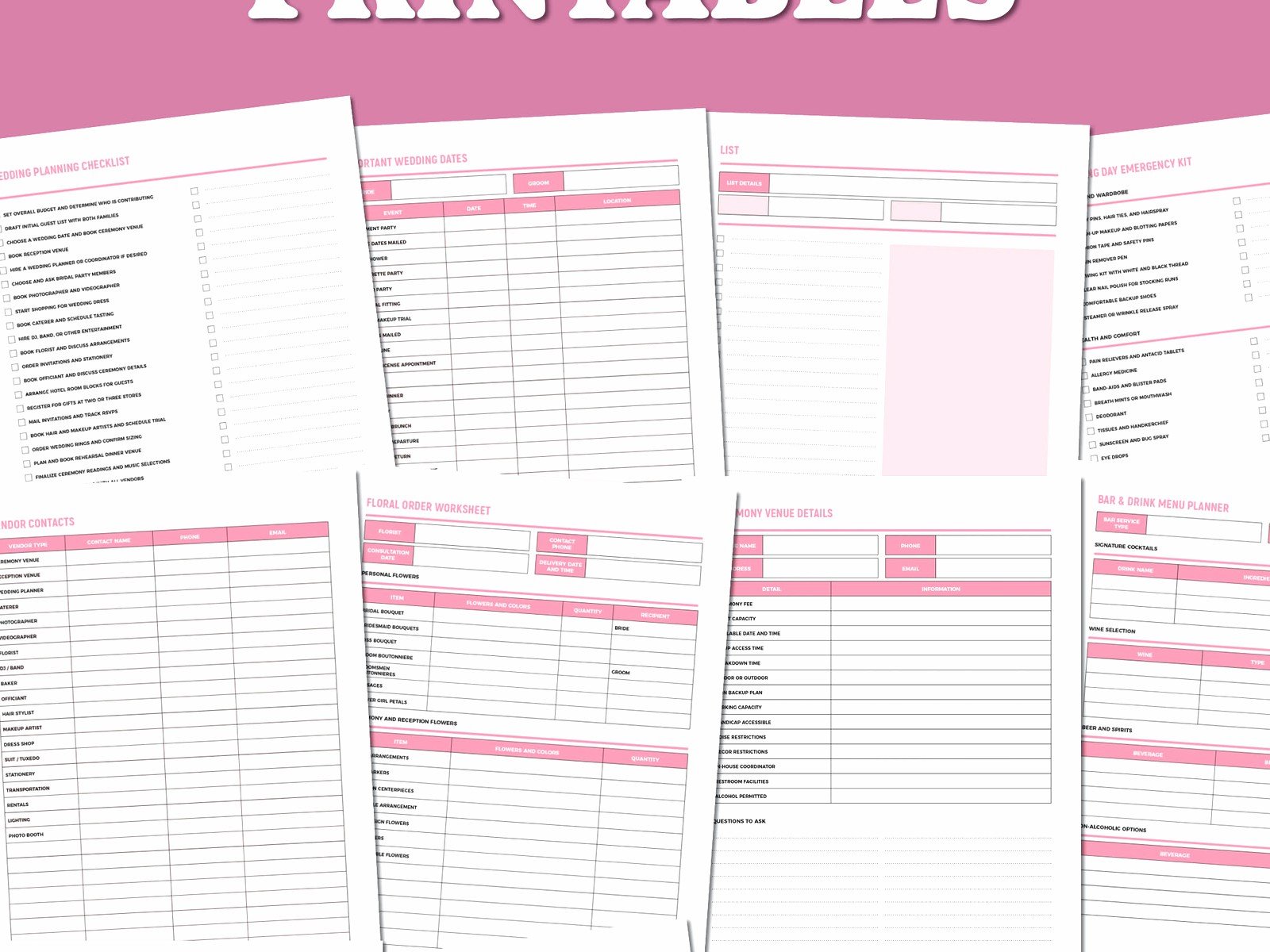
Etsy has a million printable templates if you want something prettier. I usually don’t recommend spending money on a checklist when free ones exist, but if you’re someone who needs things to look nice to actually use them… I get it. My cat knocked over my coffee on a client’s printed checklist once and I had to reprint the whole thing, so maybe stick with digital if you have pets.
How To Actually Use The Template Without Getting Overwhelmed
This is where everyone messes up. You download this massive checklist with 847 tasks and then you just… stare at it and feel paralyzed. Been there.
What you need to do first is go through and delete or mark N/A on anything that doesn’t apply. Not having a bridal party? Delete all those tasks. Not doing favors? Cross it off. Having a courthouse wedding? You can eliminate like 60% of the traditional checklist.
Then prioritize the big stuff. Circle or highlight the things that need to happen first – venue, date confirmation, booking major vendors. These are your dependencies because you can’t really do other stuff until these are locked in.
I like to work backwards from the wedding date actually. So if you’re getting married September 15th, you put that at the top and then work backwards with deadlines. Invitations should mail 8 weeks before. Which means they need to be at the printer 10-11 weeks before. Which means you need to finalize the design 12-13 weeks before. And so on.
Making Your Own Custom Sections
The templates are starting points but you’re gonna need to add your own stuff. Like I had a bride in summer 2021 who was incorporating a traditional Nigerian ceremony and a Western ceremony, so her checklist needed a whole separate section for the cultural elements – the attire changes, the specific music, the ceremony structure, coordinating with her family overseas.
Common sections people add:
- DIY project tracker if you’re making centerpieces or signage or whatever
- Honeymoon planning tasks
- Beauty and wellness timeline (hair trial, makeup trial, skincare routine, etc.)
- Legal name change checklist if that’s happening
- Thank you card tracking
- Vendor contact sheet with everyone’s info in one place
Oh and here’s something that really annoyed me – so many templates don’t include a section for contingency planning. Like what’s your backup if it rains? What if a vendor cancels? What if someone gets sick? You need a spot in your planning docs for Plan B stuff, especially post-2020 when we all learned that yeah, things can go sideways.
Digital vs. Printable Checklists
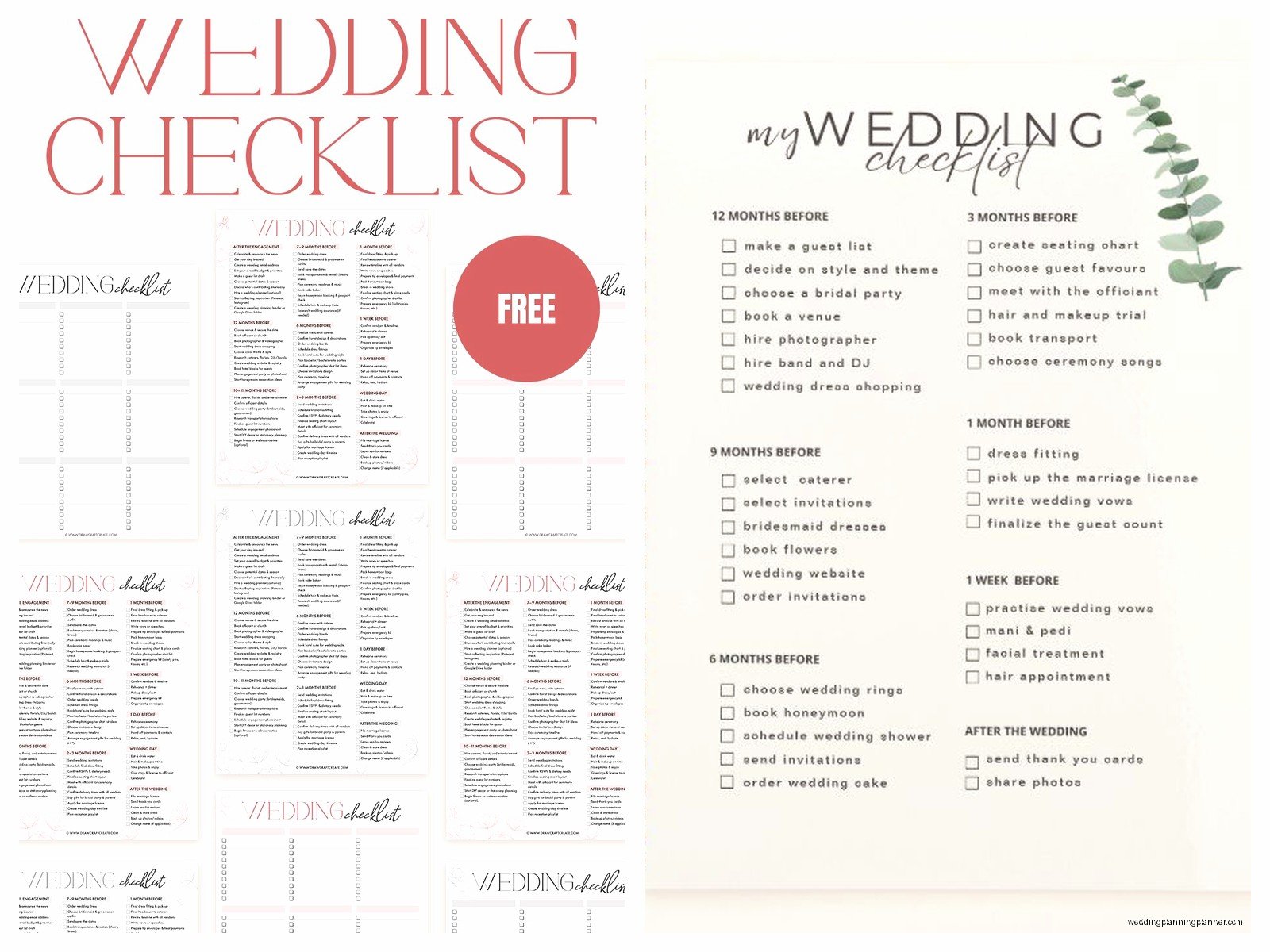
I go back and forth on this honestly. Digital is great because you always have it on your phone, you can share it with your partner or your planner, it’s easy to update. But there’s something about physically checking off a box with a pen that feels really satisfying?
A lot of my clients do both. They keep the master version in Google Sheets or Excel but they print out the current month’s tasks and put it on the fridge or whatever. That way you’re seeing it regularly and not just when you remember to open the file.
If you’re using a digital version, set up reminders. Like put alerts in your phone calendar for when tasks are due. Because you will forget. Everyone forgets. I once had a groom forget to pick up his tux until the morning of the wedding and we had to send someone to get it while he was getting ready, it was a whole thing.
Sharing The Checklist With Your Partner And Vendors
So this is important – your checklist shouldn’t just be your burden. If you’re planning with a partner, they need access to it too. Make it a shared document and assign tasks to each person. Put initials next to who’s responsible for what.
Some couples color-code it which works really well. Like blue tasks are the bride’s responsibility, green is the groom’s, yellow is joint tasks that you need to do together. Makes it super visual and clear.
You don’t necessarily need to share your whole checklist with vendors but you might want to share relevant sections. Like your photographer should probably see your day-of timeline. Your caterer needs to know when other vendors are arriving for setup. I usually create a stripped-down version for vendors that just has the info they need.
The Month-By-Month Breakdown Thing
Most templates organize tasks into monthly chunks which is helpful but also… it depends on your engagement length? If you’re planning a wedding in 6 months, the “12 months out” section doesn’t help you.
Here’s roughly how I break it down for a standard 12-month engagement:
12-9 months out: Set budget, choose venue, book major vendors (photographer, caterer, band/DJ), start dress shopping, create wedding website, begin guest list
9-6 months out: Book remaining vendors (florist, videographer, cake, transportation), register for gifts, order wedding dress, book hotel blocks, plan honeymoon
6-4 months out: Send save the dates, order invitations, choose wedding party attire, book hair and makeup trials, finalize ceremony details, order rings
4-2 months out: Mail invitations, do menu tasting, create seating chart as RSVPs come in, get marriage license, finalize day-of timeline, confirm all vendor details
2 months-wedding day: Final dress fitting, address any RSVP stragglers, create emergency kit, pack for honeymoon, rehearsal and rehearsal dinner, DAY OF, and then you’re married and this checklist doesn’t matter anymore
But again that’s flexible based on your situation.
Budget Tracking In Your Checklist
The really good templates have budget columns built in. So next to “book photographer” you have a column for estimated cost and actual cost. This is super useful because you can see at a glance if you’re on track or if you need to cut back somewhere.
I always tell people to add a 10-15% buffer to their budget for unexpected costs because there are always unexpected costs. The venue charges a cake cutting fee you didn’t know about. You need to rent a generator for the outdoor ceremony. Your alterations cost more than expected. Whatever.
Apps vs. Spreadsheets
There are approximately one million wedding planning apps now. Some of them are honestly pretty good – they have checklists built in plus budget tracking plus guest list management all in one place. But I find that most of my clients still prefer a simple spreadsheet because it’s more customizable and you’re not locked into someone else’s system.
That said, if you’re not a spreadsheet person and the thought of opening Excel makes you want to cry, an app might be better for you. Just make sure you can export your data in case the app shuts down or whatever. I had a client lose all her planning info when an app she was using went out of business and it was sorta a disaster.
The Day-Of Checklist Is Different
Your master planning checklist is one thing, but you also need a separate day-of timeline/checklist. This is what you (or your day-of coordinator) will use to make sure everything happens when it’s supposed to.
This should include:
- Vendor arrival times
- When wedding party needs to be where
- Photo schedule
- Ceremony start time
- Cocktail hour timing
- Reception events (first dance, toasts, cake cutting, etc.)
- Vendor departure times
- End of night wrap-up
I usually make this as a separate one-page document that’s printed and given to key people – the venue coordinator, the photographer, the DJ, whoever’s helping coordinate things.
Keeping Track Of What’s Actually Done
Here’s a thing nobody tells you – checking off tasks feels good but you also need to keep track of confirmations and details. So like yeah you booked the photographer, but do you have the signed contract? Did you pay the deposit? When’s the final payment due? What’s their cancellation policy?
I add notes columns to my templates where you can jot down these details. Or link to where the contract is saved. Because three months from now you’re not gonna remember if you paid that deposit or not.
Also keep a folder (physical or digital) with all your contracts and confirmations. When a vendor says “we never received your payment” and you can pull up the receipt immediately… that’s peace of mind right there.
When To Update Your Checklist
Your checklist isn’t a set-it-and-forget-it thing. You should be reviewing it weekly at minimum, daily as you get closer to the wedding. Add new tasks as they come up. Adjust timelines if things change. Cross off completed items so you can see your progress.
I like doing a weekly check-in, maybe Sunday evenings, where you look at what needs to happen in the coming week and make sure you’re on track. Takes like 15 minutes but keeps you from suddenly realizing you missed a deadline or forgot something important.
