
Planning Guides, Style Guide
Amazon Wedding Planner: Online Marketplace Organizer Books
Mar
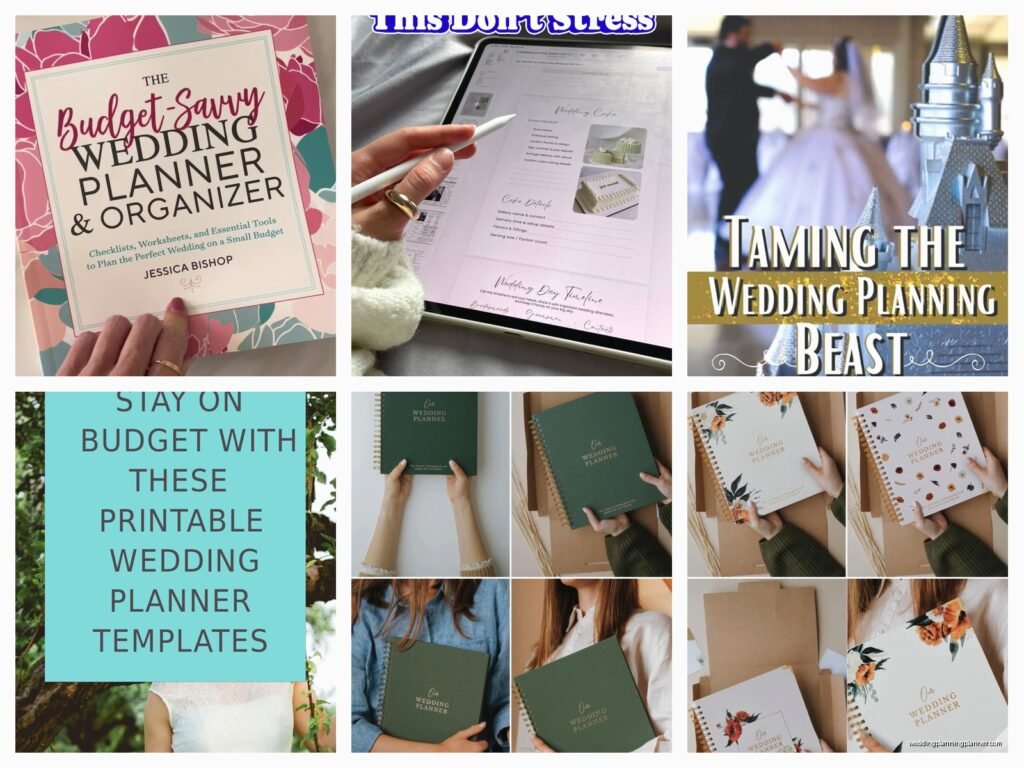
So You’re Looking at Amazon Wedding Planner Books
Okay so Amazon has like a thousand wedding planner organizer books and honestly it’s kinda overwhelming when you first start scrolling through them. I remember back in spring 2023 when I had this bride who showed up to our consultation with THREE different Amazon planners she’d bought because she couldn’t figure out which one actually worked, and we spent half our meeting just comparing layouts instead of actually planning her wedding.
The thing is, these books can be genuinely useful or they can be total garbage. There’s no regulation on who gets to design and sell a wedding planner on Amazon, so you’ve got everything from professionally designed systems to someone’s first attempt at making a printable they decided to turn into a book.
What Actually Makes a Good Amazon Wedding Planner
First thing you need to check is the binding. I know that sounds boring but hear me out—if you’re gonna use this thing for 12-18 months of planning, it needs to survive being shoved in bags, opened flat on vendor tables, and probably getting a little champagne spilled on it at some point. Look for spiral binding or lay-flat binding. Those perfect-bound ones that are glued like a regular book? Nah, they fall apart.
The size matters too. You want something that’s big enough to actually write in without cramming everything into tiny spaces, but not so huge that you can’t carry it around. Most good ones are like 8.5 x 11 inches. I’ve seen people try to use those tiny 6×9 planners and then they’re trying to tape in business cards and contracts and it becomes this bulky mess.
Check the page count before you buy. A comprehensive wedding planner should have at least 100 pages, honestly more like 150-200 if it’s really thorough. Anything less and you’re gonna run out of space or find that sections are weirdly abbreviated.
The Sections You Actually Need
Every Amazon planner organizes things differently which is what annoyed me most about recommending them to clients… there’s no standard format so I’d tell someone “turn to your budget section” and they’d be like “mine doesn’t have one” even though the product description said it did.
Here’s what you should look for in the table of contents or preview pages:
- Budget tracker with categories already broken down (not just blank lines)
- Guest list manager with space for addresses, meal choices, RSVP tracking
- Vendor contact pages with sections for multiple vendors per category
- Timeline or checklist that goes month by month
- Seating chart pages (the good ones have actual table diagrams)
- Day-of timeline template
- Notes pages scattered throughout, not just stuck at the end
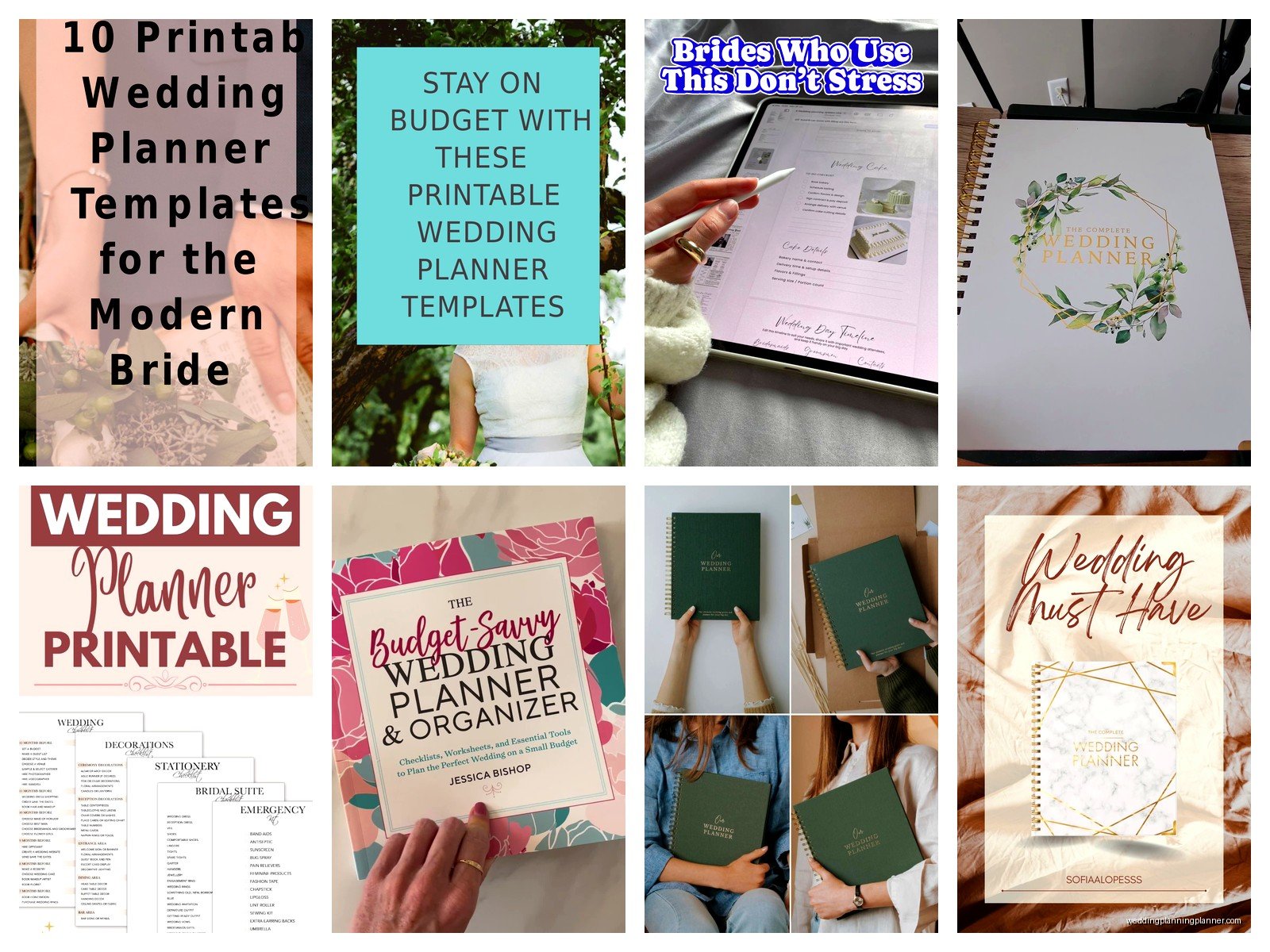
The budget section is honestly the most important part. You need one that breaks down costs by category—venue, catering, photography, flowers, etc. Some planners just give you blank lines to fill in and that’s not helpful when you’re trying to figure out what percentage should go where. The good ones have suggested budget percentages or at least enough categories that you don’t forget about stuff like alterations or postage.
Guest List Management Features
This is where a lot of Amazon planners fall short. You need columns for names, addresses, phone numbers, email, number of guests invited, RSVP status, meal choice, and maybe gift tracking if you’re into that. Some planners only give you like three columns and then you’re trying to cram everything into tiny spaces or keeping separate spreadsheets which defeats the purpose.
The really good ones have an alphabetical index system or at least enough pages that you’re not trying to squeeze 200 guests onto two pages. I had this planner once that claimed it could handle 300 guests but only allocated four pages for the guest list… do the math, that doesn’t work.
Reading Amazon Reviews the Right Way
Okay so this is gonna sound obvious but you gotta actually read the three-star reviews, not just look at the overall rating. The five-star reviews are usually people who just got the book and are excited about it. The one-star reviews are sometimes people who are mad about shipping or whatever. The three-star reviews are from people who actually used it and found specific problems.
Look for complaints about:
- Pages falling out
- Not enough space in sections
- Weird organization that doesn’t make sense
- Print quality issues (text too light, colors bleeding through pages)
- Inaccurate product descriptions
Also check the date of reviews. A planner that was great in 2019 might have changed publishers or printers and the 2024 version could be completely different quality. If all the recent reviews are bad but old ones are good, that’s a red flag.
One thing I always tell people is to download the Amazon app on your phone if you don’t have it already because you can zoom in on the preview images way better than on a computer. You want to actually read the page layouts and see if the font size works for you and if there’s enough writing space.
The Customization vs. Structure Balance
Some Amazon planners are super structured with everything pre-printed and you just fill in blanks. Others are more like guided journals with prompts and lots of blank space. You need to figure out which type of person you are before buying.
If you’re someone who needs structure and gets overwhelmed by blank pages, get one of those detailed planners that has every single thing spelled out. They’ll have checkboxes for tasks you might not have even thought of, which is helpful. The downside is if your wedding doesn’t fit the standard format (like you’re having a backyard wedding instead of a traditional venue situation) some sections won’t apply to you and you’ll have wasted pages.
If you’re more creative or having a non-traditional wedding, look for planners with more flexibility. These usually have section dividers but mostly blank or lightly lined pages where you can customize everything. My cat knocked over my coffee on one of these once and honestly the flexibility meant I could just skip those pages and recreate the content elsewhere, whereas with a structured planner you’d lose specific forms you needed.
Specific Amazon Planner Types to Consider
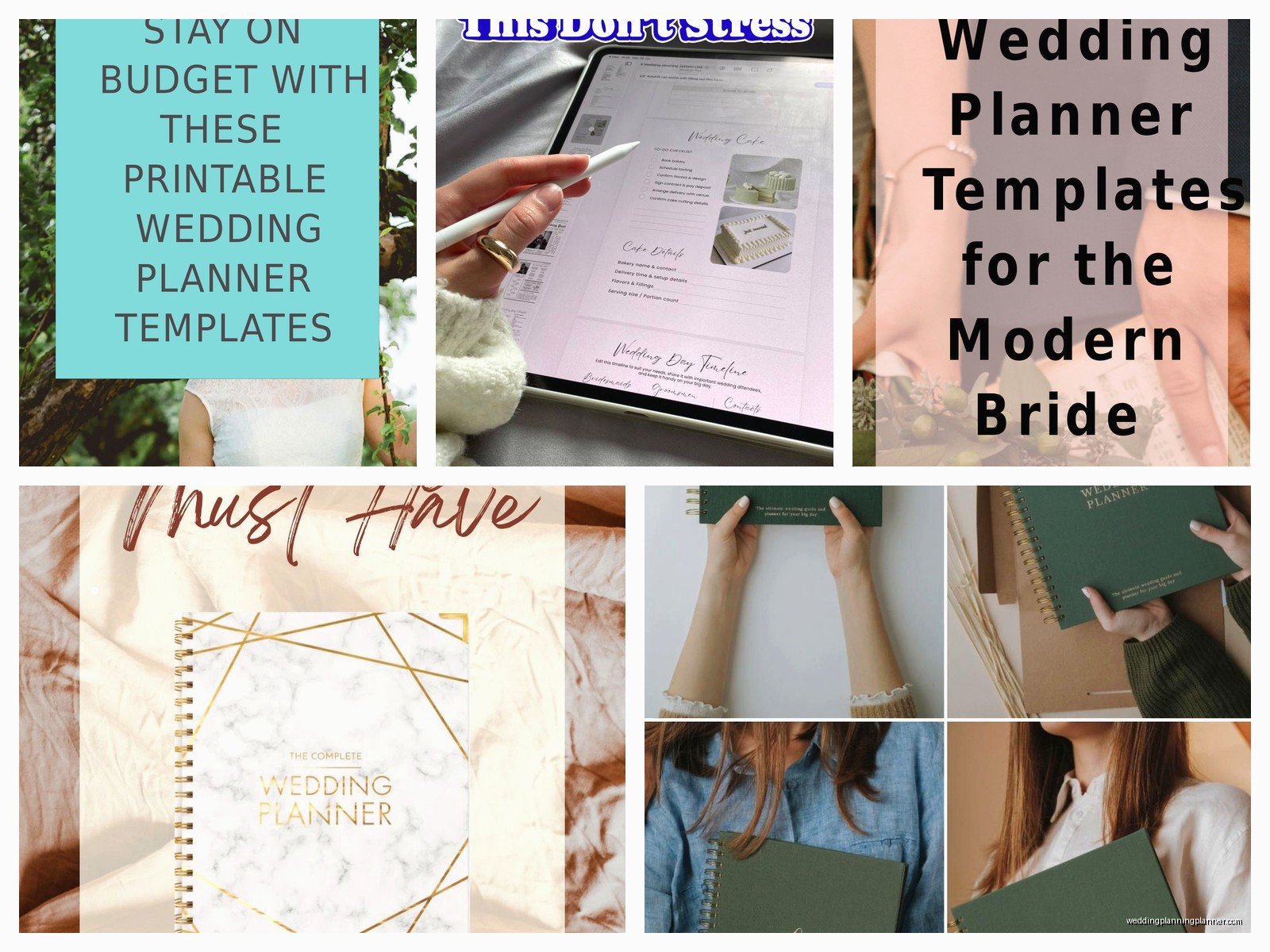
There’s basically a few categories of planners on Amazon and knowing which type you’re looking at helps narrow things down.
The Standard Comprehensive Planner: These are usually 150-250 pages, cover everything, spiral bound, have sections for all the traditional wedding stuff. They’re made by small publishers or independent creators. Price range is usually $15-30. These are fine for most people planning traditional weddings.
The Minimalist/Modern Planner: Cleaner design, less cluttered pages, usually more expensive ($25-40), better paper quality. They focus on the essentials and assume you’ll keep some stuff digital. Good if you hate clutter and want something that looks nice in photos.
The Budget/Basic Planner: Under $15, thinner, fewer pages, basic binding. These work if you’re having a small wedding or you’re super organized and just need somewhere to write things down. Don’t expect them to hold up for a long engagement though.
The Deluxe/Luxury Planner: $40+, thick paper, fancy covers, sometimes come with pockets or extras like stickers. Honestly these are more for people who want the planner to be part of the wedding aesthetic or a keepsake. Functionally they’re not necessarily better than mid-range options.
What to Do When You Get Your Planner
Okay so you ordered one and it arrives. First thing, flip through the whole thing before you start filling it out. I know you’re excited but trust me on this—you need to understand the system the planner uses before you start writing in pen.
Some planners want you to fill out the budget first, others start with the timeline, some begin with your vision and style. Following their intended order usually makes more sense than jumping around randomly, even if you think you know better. The designer presumably structured it that way for a reason… or they didn’t and it’s a mess, in which case you’ll figure out pretty quick if you need to return it.
Use pencil for anything that might change. Guest counts, seating arrangements, timeline stuff—all of that will shift multiple times during planning. I watched someone fill out their entire seating chart in pen and then have to scribble everything out when half their guest list changed, and it looked terrible.
Tabs are your friend. You can buy those sticky tab dividers and add them to sections you reference constantly. Most Amazon planners don’t come with tabs which is annoying but whatever, you can add them yourself for like $3.
The Digital Backup Strategy
Here’s something people don’t think about—your physical planner should not be your only copy of important information. I’ve seen planners get lost, destroyed, left at venues, whatever. Take photos of your important pages with your phone every week or so. Your vendor contact page, your payment schedule, your timeline—just snap pictures and keep them in a folder on your phone.
Some people scan major pages and keep them in Google Drive or Dropbox. That works too but honestly just phone photos are usually enough. You’re not gonna lose your phone and your planner at the same time… probably.
When an Amazon Planner Isn’t Enough
Real talk, sometimes these planners aren’t sufficient for complex weddings. If you’re planning a multi-day event, a destination wedding, or you’ve got like 300+ guests, you might need to supplement with spreadsheets or actual wedding planning software. The planner can still be useful for keeping track of the emotional stuff and daily tasks, but your detailed logistics might need to live elsewhere.
I also find that Amazon planners don’t usually have enough space for detailed vendor contracts and payment schedules. You’ll probably need a separate accordion folder or binder for actual contracts, receipts, and legal documents. The planner is for summaries and quick reference, not document storage.
Common Mistakes People Make
Buying multiple planners because you can’t decide. Just pick one. You can always buy another later if the first one doesn’t work, but starting with three different systems just means you’ll abandon all of them and end up with stuff scattered everywhere.
Not checking if the planner is dated or undated. Some Amazon planners have actual dates printed in them, others are undated so you can start whenever. If you’re planning a wedding that’s 18 months away, an undated planner gives you more flexibility. If your wedding is in six months, a dated one might help keep you on track… or it might stress you out by showing how behind you are.
Ignoring the return window. Amazon usually gives you 30 days to return books. If your planner sucks, return it within that window. Don’t struggle with a bad planner for months just because you feel committed to it.
Expecting the planner to do the planning for you. This sounds dumb but I’ve had clients who bought a planner and then were surprised they still had to make decisions and do research. The planner is an organizational tool, not a magic solution that plans your wedding for you. You still gotta do the work.
My Actual Recommendations for Finding Good Ones
Search for “wedding planner organizer” not just “wedding planner” because the latter brings up books about how to become a wedding planner, which is not what you want. Add “book” to your search if you’re getting too many results for apps or printables.
Filter by Prime eligible if you have Prime because then you know it’s coming from a somewhat reliable source and you can return it easily if needed. Third-party sellers sometimes have sketchy quality control.
Check the publisher or creator name. If they have multiple wedding-related products with good reviews, that’s usually a better sign than someone who only has one product listed. Though sometimes independent creators make really excellent single products so this isn’t a hard rule.
Look at the “Customers who bought this item also bought” section. If people are buying additional organizational tools alongside the planner, that might mean the planner isn’t comprehensive enough on its own.
The “Look Inside” feature is crucial. If a planner doesn’t have preview pages available, I wouldn’t buy it. You need to see the actual layout and page design before committing, and any seller who won’t show you interior pages is probably hiding something about the quality or design.
