
Planning Guides, Style Guide
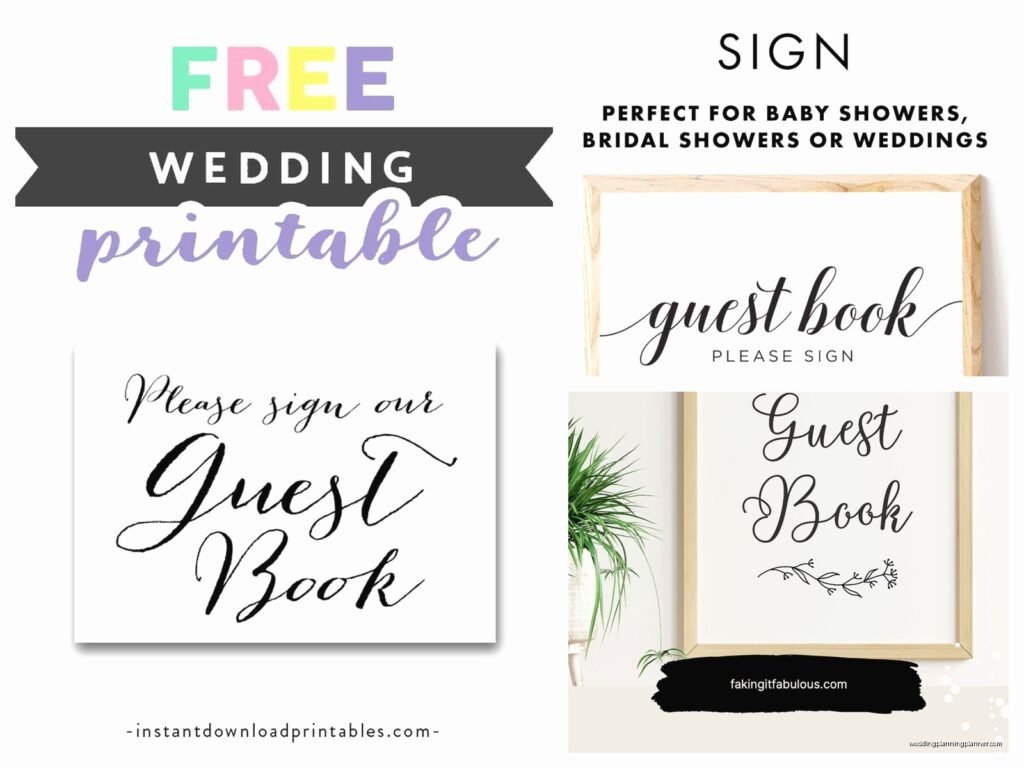
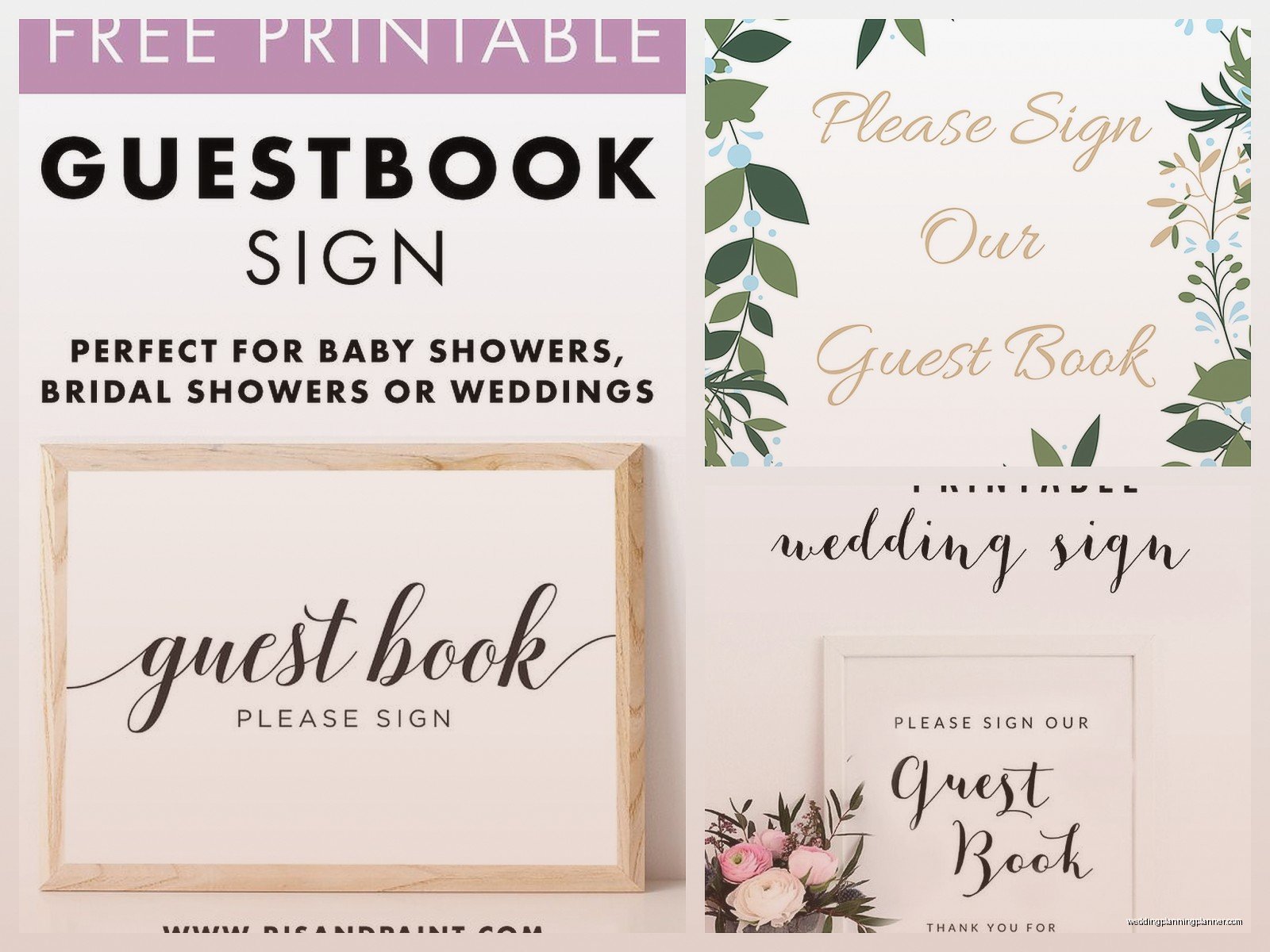
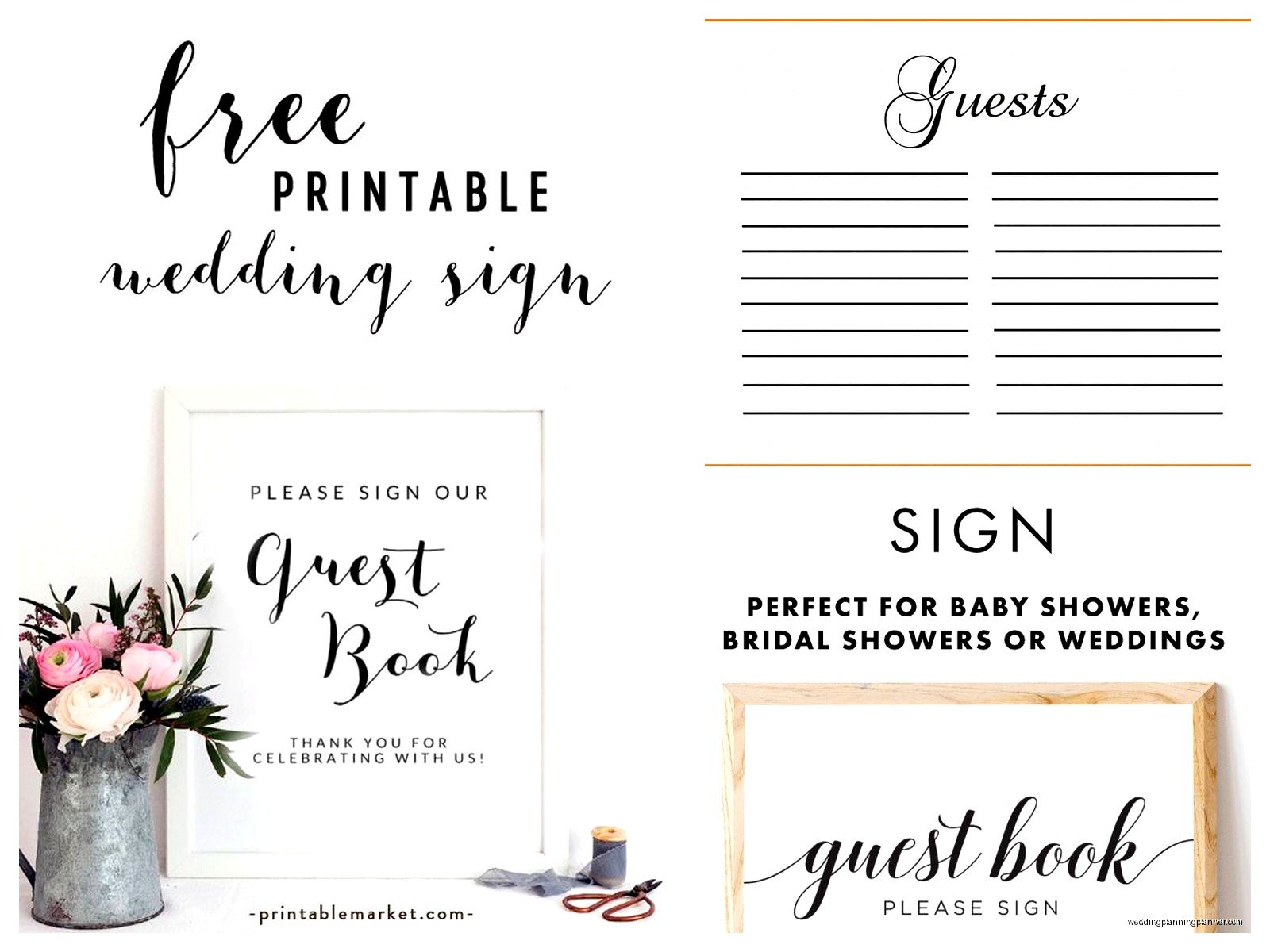
Free Printable Guest Book Sign Template: Free Download Files
Sep
So You Need a Guest Book Sign Template Right Now
Okay so guest book signs are one of those things that people forget about until like two weeks before the wedding and then they panic. I’ve seen it happen SO many times. Last spring 2023 I had a bride text me at 11pm asking where she could get a guest book sign and I was just like… girl, we talked about this in March. But whatever, it happens, and honestly the free printable route is gonna save you money and stress.
The whole point of a guest book sign is to tell people what to actually DO with your guest book. Because trust me, guests are clueless. They’ll walk right past your beautiful guest book setup without signing anything unless you have a sign that’s basically screaming “SIGN THIS BOOK” at them. I learned this the hard way at a wedding in summer 2021 where we had this gorgeous vintage guest book and maybe 30 people signed it out of 150 guests because there was no signage. The bride was so disappointed.
Why Free Templates Are Actually Good Enough
You don’t need to spend $25-40 on Etsy for a guest book sign template. I know everyone’s doing it, but like… why? The free ones work just fine if you know where to look and how to customize them properly. I’m gonna walk you through the whole thing because honestly it’s not that complicated but people make it seem like rocket science.
The main thing with free templates is that you gotta know what file format you’re getting. PDF files are the easiest to print but hardest to customize. PNG files are great if you just want to print as-is. If you want to edit text and colors, you need either a Canva template or a PowerPoint/Word file.
Where to Actually Find Free Templates
Alright so here’s where I send my clients when they need free stuff:
- Canva has a ton of free guest book sign templates that you can customize with your wedding colors and fonts
- Microsoft Office templates (seriously, don’t sleep on these)
- Pinterest links to blogs that offer freebies, but you gotta scroll through like 800 words about someone’s aunt’s wedding first
- Wedding planning websites like The Knot or Minted sometimes have free printables in their resource sections
- Some Etsy shops offer one or two free templates to get you hooked on their paid ones
The thing that annoyed me about this whole free template situation is that half the “free” templates aren’t actually free. They make you sign up for an email list, then send you a discount code instead of the actual template, and then you’re getting emails about their small business journey for the next six months. Like nah, just give me the template.
What Size Should Your Sign Be
This is where people get confused. Most templates come in these sizes:
- 8×10 inches (standard frame size, fits on most tables)
- 5×7 inches (too small honestly, guests won’t see it)
- 11×14 inches (my personal favorite for guest book signs)
- 16×20 inches (if you want it to be a statement piece)
- 18×24 inches (getting into poster territory, might be too big unless you have a large venue)
I usually tell people to go with 11×14 because it’s big enough to read from a few feet away but not so huge that it looks ridiculous next to your guest book. Plus frames in that size are easy to find at Target or Michael’s for like $15-20.
Customizing Your Template Without Losing Your Mind
Okay so you found a template you like. Now what? If it’s a Canva template, you’re in luck because Canva is pretty intuitive. Just click on the text and change it to whatever you want. You can change fonts but here’s my advice – don’t go crazy with the fonts. Stick to two fonts max. One fancy script for the main message and one simple font for any additional details.
If you downloaded a PDF and you need to edit it, you’re kinda stuck unless you have Adobe Acrobat Pro. Most people don’t. So either find a different template format or just print it as-is if the wording works for you.
PowerPoint and Word templates are actually easier to work with than people think. You can change colors, fonts, add your names, whatever. Just make sure you save it as a PDF before you print it so the formatting doesn’t get messed up.
What Your Sign Should Actually Say
The wording doesn’t need to be fancy or poetic or whatever. It just needs to be clear. Here’s what works:
- “Please sign our guest book”
- “Leave us a note in our guest book”
- “Sign our guest book and leave your wishes for the happy couple”
- “Share your advice and well wishes”
- “Please sign in” (if you’re keeping it super simple)
Some people want to get cutesy with it like “Leave your fingerprint and sign your name” if they’re doing a fingerprint tree, or “Drop your advice card in the box” if they’re doing advice cards instead of a traditional book. Just match the wording to whatever your actual guest book situation is.
I had this client once who wanted her sign to say this whole paragraph about how guest books are a tradition dating back to Victorian times and I was like… no one’s gonna read all that. Keep it short. People have the attention span of my cat when he sees a bird outside the window – like three seconds max.
Printing Your Template The Right Way
This is where things can go wrong really fast. You can’t just print an 11×14 template on your home printer because most home printers only do 8.5×11. So your options are:
Print it at a print shop like FedEx Office or Staples. Upload your PDF file to their website, select the size, choose cardstock paper (way better than regular paper), and pick it up or have it shipped. Usually costs between $3-8 depending on size and paper quality.
Print it at home if your template is 8×10 or smaller. Use the highest quality settings on your printer and use cardstock if your printer can handle it. Regular printer paper looks cheap and flimsy for a wedding sign, sorry but it does.
Use an online printing service like Printful or Vistaprint. Sometimes they have deals and you can get good quality prints for cheap. But watch the shipping times because if your wedding is in two weeks you might not get it in time.
Paper and Printing Quality Stuff
Okay so paper matters more than you think. I always recommend:
- 110lb cardstock minimum – anything lighter will look flimsy
- Matte finish usually looks more elegant than glossy
- White or cream colored paper for most wedding aesthetics
- If you’re doing a rustic wedding, kraft paper could work but make sure your text is dark enough to read
The print quality setting matters too. Always select “high quality” or “best” in your print settings. Don’t try to save ink on your wedding signage, it’ll look pixelated and weird.
Framing and Display Ideas
So you printed your sign, now you need to actually display it. The easiest way is just putting it in a frame. You can get frames cheap at:
- Target (their Project 62 line has nice simple frames)
- Michael’s (use the 40% off coupon they always have)
- IKEA if you have one nearby
- Amazon but make sure to order early because sizing can be weird
- Dollar Tree for 8×10 frames if you’re on a serious budget
You can also mount it on foam board without a frame if you want that modern minimalist look. Just use spray adhesive or double-sided tape. Then prop it on a small easel which you can get for like $5-10.
Some people get fancy and put their guest book sign on an acrylic stand or a wooden easel, which looks really nice but costs more. If you’re DIYing most of your wedding stuff anyway, maybe splurge on a nice easel because you can use it for other signs too.
Styling Your Guest Book Table
The sign is just one part of the whole setup. You also need to think about the table situation. I usually set up guest book tables with:
- The sign in a frame or on an easel
- The actual guest book (obviously)
- Nice pens – and I mean MULTIPLE pens because people will walk off with them
- Maybe a small floral arrangement or some candles
- A tablecloth that matches your wedding colors
Don’t overthink it though. I’ve seen people stress about their guest book table for weeks and then on the wedding day no one really cares what it looks like as long as it’s functional.
Common Mistakes People Make
Alright so here’s what NOT to do based on weddings I’ve worked on where things went wrong:
Don’t print your sign too small. If guests can’t read it from a few feet away, they won’t bother getting closer. They’ll just walk past.
Don’t use fonts that are too scripty or decorative. I know that calligraphy font looks pretty but if people can’t read it quickly, it defeats the purpose. Especially older guests who might need glasses.
Don’t forget to account for your printer’s margins when you’re designing or customizing. Sometimes text gets cut off and then you gotta reprint everything which is annoying and wastes time.
Don’t put your guest book table in a weird location where no one will see it. It should be near the entrance to your reception but not blocking traffic flow. I’ve seen guest book tables shoved in corners or outside the main room and then couples wonder why no one signed their book.
Alternative Guest Book Ideas That Need Different Signs
If you’re not doing a traditional guest book, your sign wording needs to match. Like if you’re doing:
- A fingerprint tree – “Leave your fingerprint and signature”
- Advice cards – “Share your advice for the newlyweds”
- A photo guest book – “Take a photo and sign next to it”
- Jenga blocks – “Sign a Jenga piece with your message”
- A globe for travel lovers – “Sign where you’ve traveled or where we should go”
The free templates you find might not have the exact wording you need, so you’ll probably need to customize them. That’s why Canva templates are great because you can just… change the text to whatever you want.
Matching Your Sign to Your Wedding Style
Your guest book sign should kinda sorta match your overall wedding vibe. If you’re having a formal black tie wedding, don’t use a template with sunflowers and burlap textures. If you’re having a boho beach wedding, don’t use a template with formal script and gold foil effects.
Color coordination matters too. If your wedding colors are dusty blue and mauve, try to find a template that either uses those colors or is neutral enough that it won’t clash. White signs with black text work with literally everything though, so when in doubt, go simple.
I worked with a couple doing a vintage 1920s themed wedding and we found a free Art Deco template that was perfect. Another couple wanted rustic farm vibes so we used a template with a wood texture background. It doesn’t have to be complicated, just cohesive with everything else.
Last Minute Printing Options
If you’re reading this like three days before your wedding (which honestly, no judgment), here’s what you can do:
Go to FedEx Office or Staples and use their same-day printing. Upload your file online, select same-day pickup, and go grab it that afternoon. It’ll cost a bit more but you’ll have your sign.
Print an 8×10 at home right now if you have cardstock. It’s not ideal size-wise but it’s better than nothing.
Check if any local print shops offer rush services. Some small businesses can print stuff within a few hours if you ask nicely and maybe pay a rush fee.
CVS and Walgreens can print photos same-day and while they’re meant for actual photos, you can upload your sign design as a photo file and print it. The quality won’t be as good as a proper print shop but again, better than nothing.
Making Sure People Actually Use Your Guest Book
Having a sign is great but you also need to make sure people see it and actually sign your book. Some things that help:
Put your guest book table right where people enter the reception space. Like literally one of the first things they see.
Have someone (a bridesmaid, your coordinator, whoever) casually mention to guests as they arrive that the guest book is over there. People are more likely to do it if someone verbally reminds them.
Make sure there’s good lighting on the table. I’ve been to evening weddings where the guest book table was in a dark corner and people couldn’t even see it or — and this is where the mid-thought thing happens because I just remembered this one wedding where the venue had these dim amber lights that made everything look yellow and the bride was so annoyed about the photos but anyway — make sure there’s adequate lighting.
Put multiple pens out. Seriously, have like 5 pens because people will take them or they’ll run out of ink or whatever. Nothing’s more annoying than guests wanting to sign but there’s no pen available.
Digital Alternatives If You Don’t Want to Print
Some couples are going fully digital now with their guest books, using tablets or iPads. If that’s your thing, you still need signage though. You can create a sign that says “Sign our digital guest book on the tablet” or whatever. Same templates work, just different wording.
There are apps and websites specifically for digital guest books where guests can leave video messages or type their wishes. It’s kinda cool actually and you don’t have to worry about storing a physical book afterward. But older guests might be confused by the technology so have someone nearby to help if needed.
Honestly though I’m still team physical guest book because there’s something nice about having that tangible book you can flip through on your anniversary. But that’s just me being sentimental I guess.
The key thing with all of this is just to not overthink it. Download a template you like, customize it if you want, print it on decent paper, frame it, and put it where people can see it. That’s literally it. I’ve spent way too much time talking about guest book signs but hopefully this helps you figure out what you need without spending money you don’t have to spend on something that’s honestly pretty simple to DIY.
