
Planning Guides, Style Guide
Greetings Island Wedding Invitation: Design & Ordering Guide
Mar
Greetings Island Is Actually Pretty Solid for DIY Invites
So Greetings Island – if you haven’t stumbled across it yet, it’s this online platform where you can customize wedding invitations and then either download them as PDFs or order printed versions. I started recommending it to budget-conscious couples around 2019 maybe? And honestly it’s become one of my go-to suggestions when someone says they want something nice but doesn’t have like $800 to drop on letterpress.
The whole thing works through their website where they’ve got these templates you can edit directly in your browser. No design software needed which is huge because not everyone has Photoshop or knows how to use Canva properly. You just click on text boxes and type your info in.
How The Design Interface Actually Works
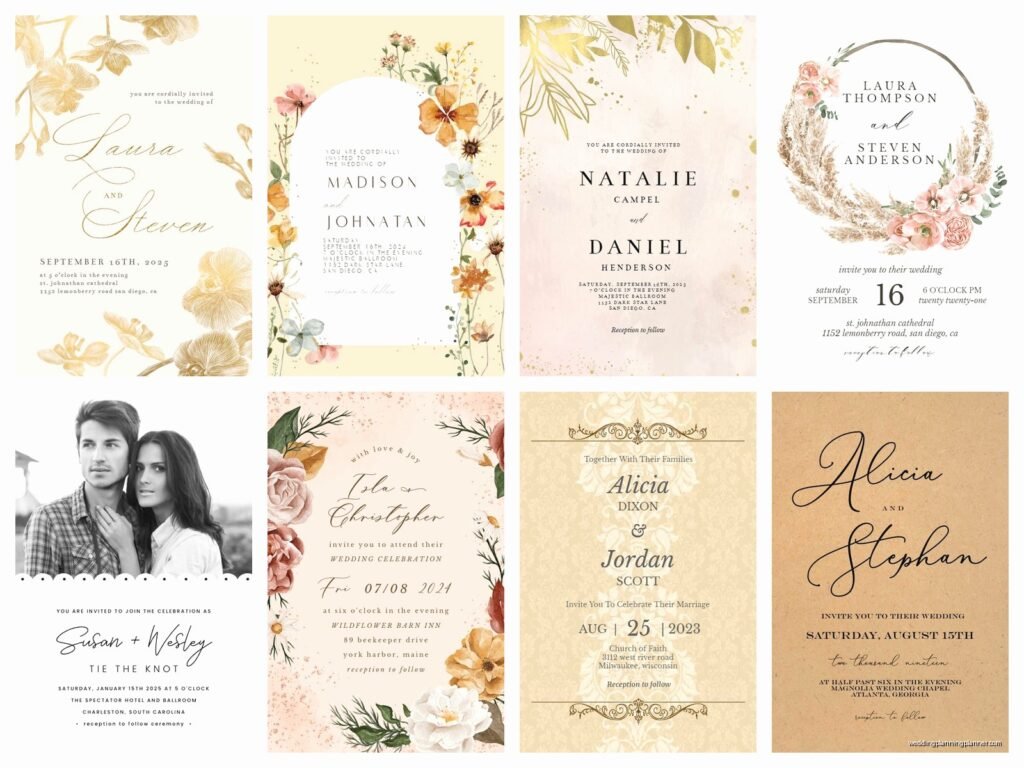
When you first land on their site you’ll see they’ve organized invitations by theme – rustic, modern, floral, vintage, all that stuff. I always tell people to browse by color first though because if you’re set on navy and gold, you’re gonna narrow things down way faster that way.
Once you pick a template you like, you click “Personalize” and it opens their editor. The editor is pretty straightforward but there’s a learning curve if you’ve never done anything like this before. On the left side you’ve got your text fields where you type in names, dates, venue info, all that. The preview updates in real-time on the right which is helpful.
What kinda annoyed me when I first used this for a client in spring 2023 – her wedding was this beautiful barn venue situation – was that some templates have text boxes that are weirdly locked. Like you can change the words but not the font size or position. I spent like twenty minutes trying to make “Katherine” fit properly because her name was longer than the example name and it just… wouldn’t cooperate. Eventually I had to switch templates entirely which was frustrating when she’d already fallen in love with that specific design.
Fonts and Colors
You get a decent selection of fonts but it’s not unlimited. They’ve curated maybe 30-40 fonts which honestly is enough for most people. You can change colors on most elements – backgrounds, text, decorative bits. The color picker lets you enter hex codes which is super helpful if you’re trying to match specific wedding colors.
One thing I always remind couples is that what you see on screen won’t be exactly what prints. Monitors display colors differently than printers do, especially if you’re doing digital downloads and printing at home. Blues tend to print darker, light grays sometimes look almost invisible. If color accuracy is critical to you, order a sample first.
Digital Downloads vs Printed Orders
Alright so this is where you gotta make a decision. Greetings Island offers both digital files you download and print yourself, OR they’ll print and ship them to you.
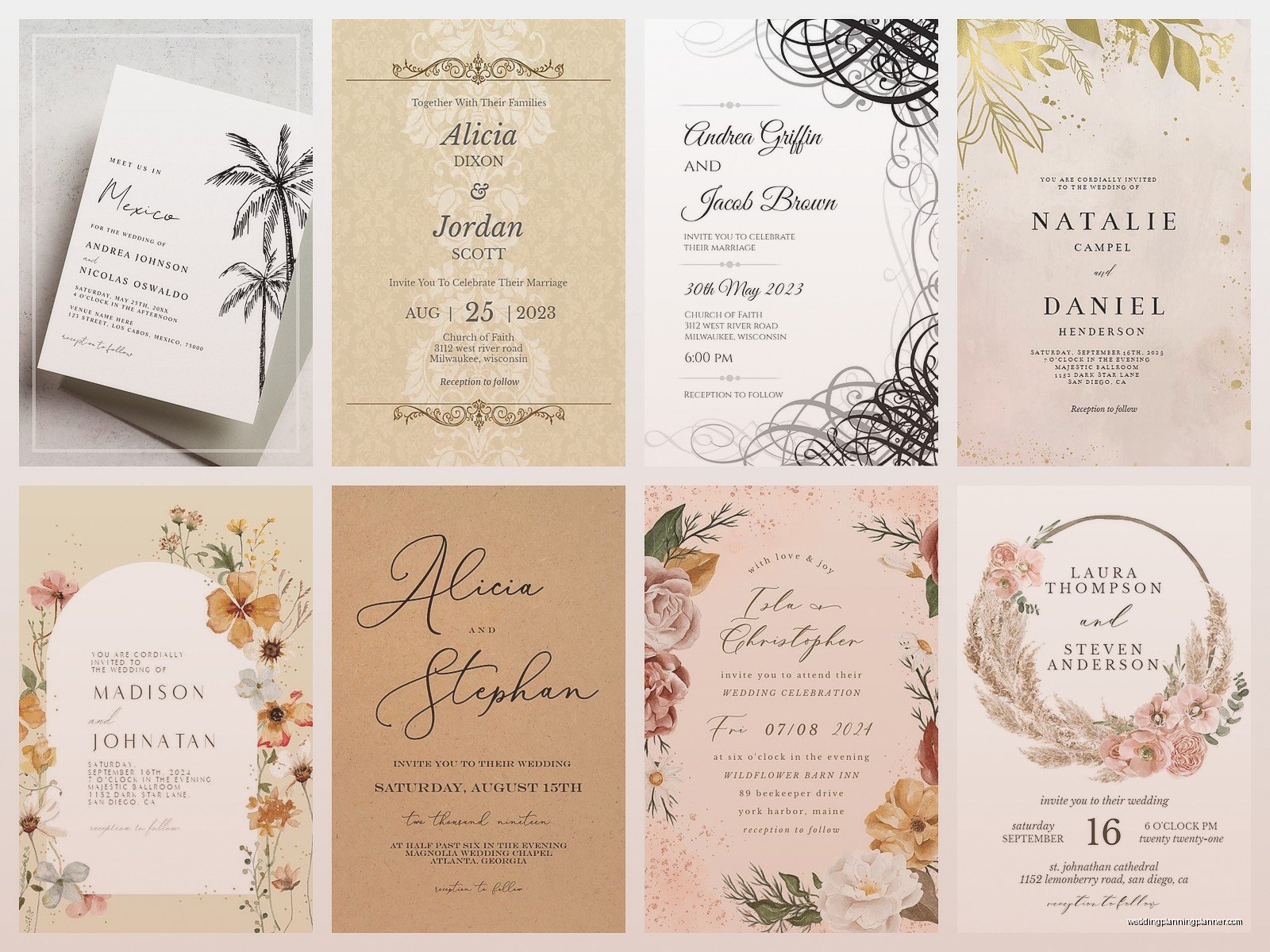
Digital downloads are cheap – I think they’re around $20-30 depending on whether you want just the invitation or the whole suite with RSVP cards and details cards. You get a high-resolution PDF that you can print at home, take to a print shop, or upload to an online printer like Catprint or Vistaprint.
The benefit here is obvious – it’s way cheaper and faster. The downside is you’re responsible for paper quality, cutting (if needed), and making sure your printer doesn’t streak or smudge. I had a bride once who printed 150 invitations on her home printer and ran out of ink halfway through and the second batch was noticeably lighter and she had a full meltdown in my office. So like, just know what you’re getting into.
Ordering Printed Invitations
If you order through Greetings Island directly, they print on cardstock and ship them to you. Prices vary wildly depending on quantity and paper type. Last time I checked, 100 invitations were somewhere around $150-250? Don’t quote me on that because pricing changes.
They offer different paper finishes – matte, glossy, pearl, that kind of thing. I usually push people toward matte because glossy shows fingerprints like crazy and pearl can look cheap if the design isn’t right for it. But that’s just my opinion, you do you.
Shipping takes about 2-3 weeks usually. Sometimes faster, sometimes slower. I always tell couples to order at least 3 months before they need to mail invitations, just to be safe. You want buffer time in case there’s a mistake or something needs to be reprinted.
What You Can Actually Customize
Most templates let you change the main text obviously – names, dates, times, venue address. You can usually adjust wording for ceremony vs reception, add lines about dress code or accommodation details.
Some templates have customizable graphics or patterns. Like if there’s a floral border, sometimes you can change the flower colors or remove elements entirely. But again, this varies by template. Some are super flexible, others are pretty locked down which I find inconsistent and slightly annoying but whatever.
You can’t usually upload your own graphics or photos into their templates, which is a limitation. If you want a invitation with your engagement photo on it, you’d need to look at their photo invitation category specifically, and even then the placement is predetermined.
Creating a Full Suite
Greetings Island has matching designs for RSVP cards, details cards, thank you cards, programs, menus, all that stuff. If you’re doing a full suite it’s worth checking if your chosen invitation design has all the matching pieces you need.
I worked with a couple in summer 2021 – actually right when things were opening back up after lockdowns and everyone was scrambling to reschedule – and they picked this gorgeous invitation but then realized there was no matching menu design. They ended up having to pick a different invitation entirely because having cohesive stationery was important to them. So check that upfront.
File Formats and Printing Specs
If you’re going the download route, you’ll get PDFs. They’re usually set up for standard sizes – 5×7 is the most common invitation size. Make sure you know what size your template is before you start designing because if you think you’re making a 5×7 and it’s actually a 4×6, that’s gonna be a problem when you go to print.
For home printing, you’ll need a decent quality printer. Inkjet works but laser is better for crisp text. Use cardstock that’s at least 80lb, preferably 100lb or higher. Regular printer paper looks cheap and flimsy, don’t do it.
If you’re taking files to a print shop, call ahead and ask what format they prefer. Most places want PDFs but some have specific requirements about bleeds or color profiles. Greetings Island files are usually pretty standard but it doesn’t hurt to confirm.
Common Problems and How To Fix Them
Text overflow is the biggest issue I see. You type in your venue name and it’s like “The Historic Carriage House at Magnolia Gardens Estate” and suddenly it’s wrapping onto four lines and looks ridiculous. You’ll need to either abbreviate, use a smaller font, or pick a different template with more space.
Another thing – dates and times can be formatted different ways and not all templates handle this gracefully. Some are designed for “Saturday, the fifteenth of June” written out formally, others expect “June 15, 2024” in a simpler style. Make sure your wording fits the vibe and space of the template.
Oh and spelling errors, obviously. Proofread like your life depends on it. Then proofread again. Then have someone else proofread. I cannot tell you how many times I’ve caught mistakes right before someone hit “order.” My cat walked across my keyboard once while I was working on a client’s invitation and almost ordered 200 copies with “Receptipppppn” as the header so like, be careful.
Color Matching Issues
This is where things get technical and kinda annoying. Your wedding colors are probably something specific like “dusty blue” or “sage green” but monitors and printers interpret colors differently. If you’re printing at home, do test prints on your actual cardstock before you print everything.
If you’re ordering through Greetings Island, you’re kinda at their mercy for how colors turn out. They do offer samples which I mentioned before – definitely get one if you’re particular about color accuracy. It’s worth the extra $10 or whatever to make sure you’re not surprised when a box of 150 invitations shows up and they’re the wrong shade.
Timing and Quantities
Figure out your guest count first, duh, but then add at least 10-15 extra invitations. You’ll mess some up while addressing them, you’ll forget people, someone will lose theirs and ask for another one. It happens every single time.
Wedding invitations should go out 6-8 weeks before the wedding. If you’ve got a lot of out-of-town guests, 10-12 weeks is better. Save the dates go out 6-8 months before, or earlier for destination weddings.
Work backward from your mail date. If you need to mail invitations by March 1st, and you’re ordering printed ones that take 3 weeks, you need to place your order by early February at the latest. Then you need time to address them, add postage, assemble everything if you’re doing belly bands or envelope liners or whatever.
Envelope Addressing Options
Greetings Island doesn’t do envelope addressing as far as I know, so you’re on your own there. You can hand write them if you have nice handwriting, print labels, or hire a calligrapher if you wanna get fancy.
For labels, you can design them in Word or use a template from Avery or similar. Just make sure the font and style match your invitation aesthetic. Nothing worse than a beautiful formal invitation with a basic Arial label slapped on the envelope.
Some people do digital calligraphy where they send a spreadsheet of addresses to someone who creates printable envelope templates. This is middle-ground priced – more than doing it yourself, less than hand calligraphy.
Extras Worth Considering
If you’re doing digital downloads, think about what else you might need. Belly bands? Envelope liners? Wax seals? You’ll have to source those separately. Greetings Island isn’t a full-service stationer, they’re specifically focused on the printable designs.
For envelope liners, you can buy pre-made ones from Etsy or paper stores, or make your own if you’re crafty. There are templates online. Same with belly bands – you can cut strips of cardstock or buy pre-cut ones.
Wax seals look fancy but they add thickness which means extra postage. Take a fully assembled invitation to the post office and have them weigh it before you buy 150 stamps. You might need extra postage for weight or because of square envelopes or whatever.
My Honest Take on Quality
Greetings Island sits in this middle zone between truly cheap DIY and professional custom stationery. It’s not gonna look like $15 per invite letterpress, but it’s also way better than what most people can design themselves from scratch… or at least it saves a ton of time.
The designs are trendy and current which is good if you want something that feels modern, but it also means they might look dated in ten years when you’re looking back at photos. That’s true of most wedding stuff though honestly.
Print quality when you order through them is solid. Not luxurious, but perfectly fine. If someone’s expecting engraved or letterpress quality, they’ll be disappointed. If they’re expecting nice printed invitations that look professional, they’ll be happy.
For digital downloads, quality depends entirely on where and how you print. A good print shop will give you better results than your home printer, but it’s still the same digital file either way.
When To Choose Something Else
If your wedding is super formal – black tie, fancy venue, very traditional – Greetings Island might not have the elevated look you’re going for. Their designs skew more casual to semi-formal.
If you want really unique custom work, you’ll need to hire a stationer. Greetings Island is templates, period. You’re not getting something designed from scratch for your specific vision.
And if you have a really unusual size requirement or want fancy printing techniques like foil stamping or embossing, nah, this isn’t the platform for that. You’d need to go with a specialty printer.
Quick Tips I Always Share
Order samples of multiple designs if you’re torn between options. It’s worth spending an extra $30 to see them in person before committing to 200 copies.
Double-check spelling of names and venue addresses. Then triple-check. I’m serious about this one.
Make sure your RSVP date gives you enough time to get final counts to your caterer. Usually 3-4 weeks before the wedding is good.
Include your wedding website on the details card, not the main invitation. It keeps the invitation itself looking cleaner and more formal.
If you’re doing online RSVPs, you still need to include that info somewhere. A lot of people do a details card that says “Please RSVP by [date] at [website]”
Consider what information actually needs to be on the invitation itself versus what can go on additional cards or your website. The invitation should have ceremony time and location at minimum. Everything else – reception details, accommodation info, dress code, registry – can go elsewhere.
Anyway that’s basically everything I tell couples about Greetings Island. It’s a solid option for people who want nice invitations without spending a fortune or hiring a professional. Just go in knowing the limitations and you’ll be fine.
