
Planning Guides, Style Guide
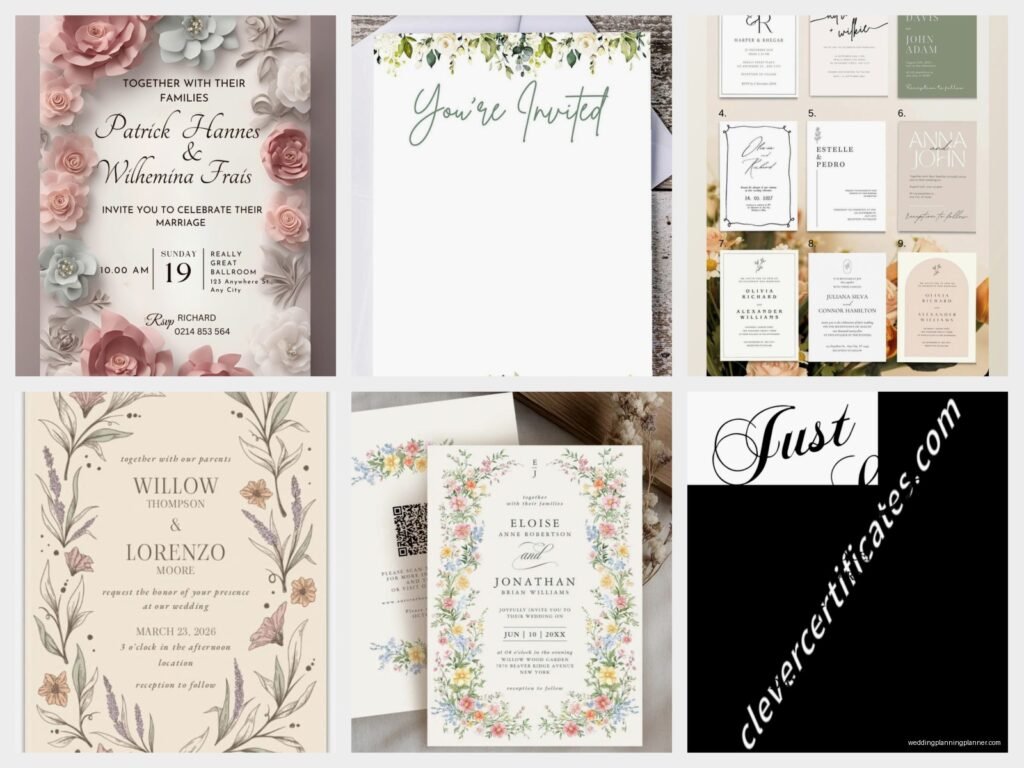
Downloadable Wedding Invitations: Instant Digital Templates
Jul
Okay So Downloadable Wedding Invitations Are Actually Pretty Great
Look, I’m gonna be honest with you—downloadable wedding invitations have completely changed how I work with couples, especially since like spring 2023 when literally everyone was trying to save money but still wanted their invites to look expensive. The whole concept is pretty straightforward: you buy a digital template, customize it yourself (or hire someone to do it), and then either print it at home or send the file to a print shop. No waiting weeks for proofs, no massive upfront costs, just instant access to your design.
The templates come in every format you can think of. PDF files are the most common, but you’ll also see Canva templates, Adobe Illustrator files, Microsoft Word docs (which honestly kinda limit your design options but they work), and sometimes even Google Docs versions. Each format has its own thing going on.
Where To Actually Find These Templates
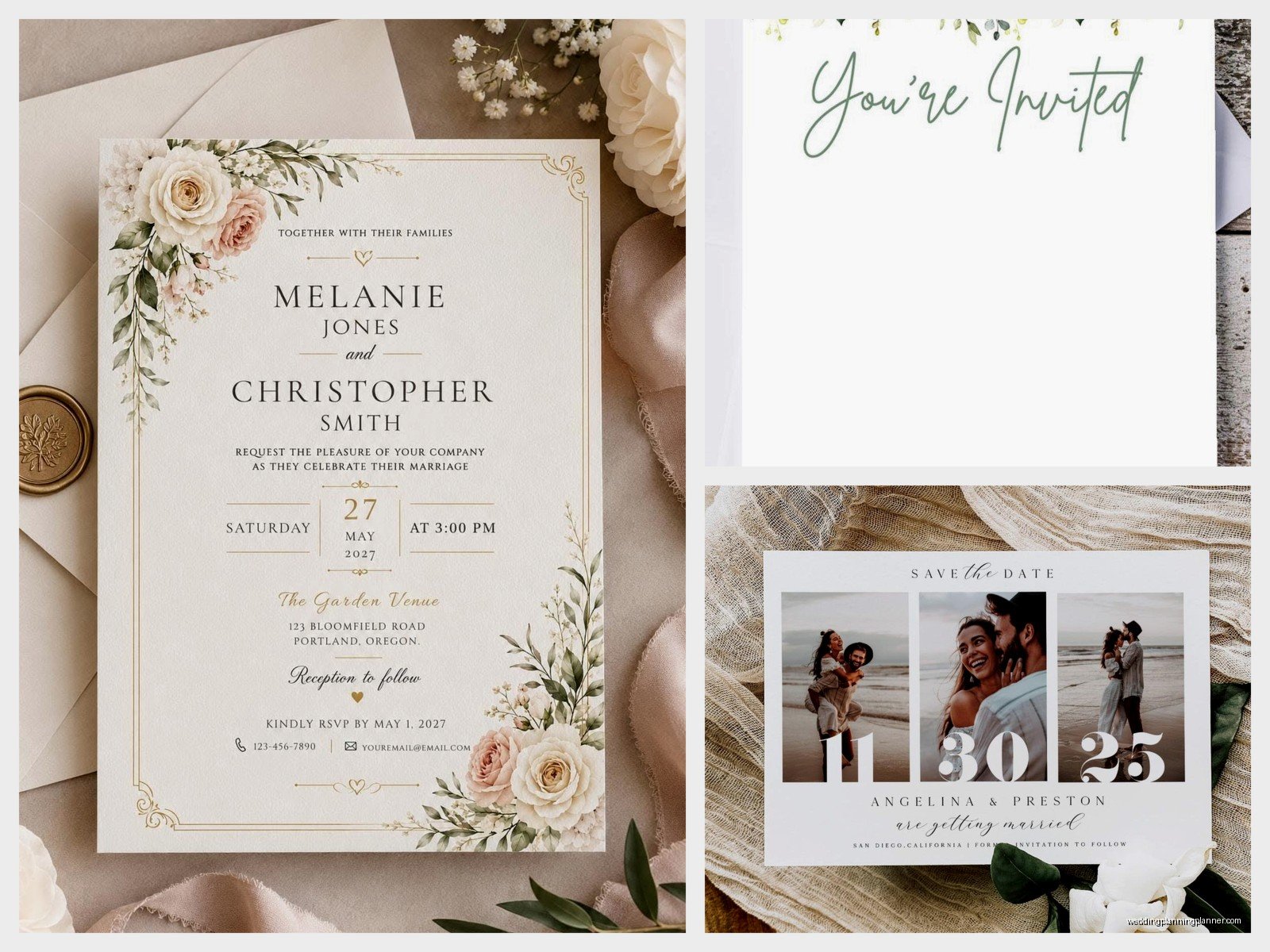
Etsy is obviously the big one. I mean, there are thousands of sellers offering wedding invitation templates, and prices range from like $8 to $50 depending on how elaborate the design is and what’s included in the package. You’ll usually get the invitation itself plus RSVP cards, details cards, thank you cards—basically the whole suite.
Creative Market is another solid option, tends to be a bit more professional-looking and design-forward. The templates there are usually created by graphic designers rather than hobbyists, so you’re paying a bit more but getting cleaner files. I had this bride in summer 2021 who insisted on using a template she found on some random website, and the file was such a mess—layers weren’t labeled, fonts were embedded wrong, it was a nightmare to work with.
Then there’s Canva, which has changed the entire game honestly. They have free templates and paid ones, and the whole platform is designed for people who aren’t designers. You don’t need to download anything, it’s all browser-based, and you can share editing access with your fiancé or your mom or whoever wants to have opinions about font choices.
Template sites like Template.net and Greetings Island also exist but they’re more… I don’t know, they feel very 2015 to me? The designs aren’t as current.
What You Actually Get When You Purchase
This is where people get confused and then annoyed (myself included, because explaining this to every single client gets old). When you buy a downloadable template, you’re getting:
- The design file itself in whatever format the seller offers
- Usually a PDF with instructions, though some sellers are better at this than others
- Sometimes the fonts used in the design, but NOT always—this trips people up constantly
- The license to use it for your personal wedding, not to resell or use commercially
What you’re NOT getting is someone to customize it for you. That’s on you, unless you pay extra for customization services. Some Etsy sellers offer this, but it costs more and you’re basically just paying them to do what you could do yourself if you spent twenty minutes learning the software.
The Software Situation
Alright so here’s where it gets technical but stay with me. If you buy a PDF template that’s “editable,” it usually means you can open it in Adobe Acrobat (the free version works) and type directly into text boxes. Super easy, very straightforward, but you’re limited to whatever the designer set up. You can’t move elements around or change colors usually.
Canva templates are the easiest for most people. You just click, type, change colors by clicking on stuff. My cat literally walked across my keyboard once and changed the color scheme on a client’s invite and honestly it looked better than what we had originally, but that’s beside the point.
Adobe Illustrator and Photoshop templates give you the most control but require you to actually know how to use those programs. They’re not intuitive if you’ve never touched them before. I cannot stress this enough—if you download an Illustrator file and you’ve never used Illustrator, you’re gonna have a bad time. YouTube tutorials can only help so much.
Microsoft Word and Google Docs templates are the most accessible but also the most limiting. You’re basically working with a fancy document, not a real design file.
Customizing Your Template Without Losing Your Mind
First thing: read the instructions. I know, I know, nobody reads instructions, but the seller usually includes specific details about fonts and how to edit the file. They tell you this stuff for a reason.
Font issues are the NUMBER ONE problem I see. The template looks gorgeous in the preview, you download it, open it, and suddenly everything looks wrong because you don’t have the fonts installed on your computer. Most sellers tell you what fonts they used—you’ll need to download and install them separately. Some fonts are free (Google Fonts is your friend here), some cost money. DaFont has tons of free options but quality varies wildly.
When you’re editing, save your work constantly. Like, obsessively. I learned this the hard way when my computer crashed while I was helping a bride customize her templates and we lost two hours of work because I got cocky and didn’t save.
Color matching is another thing that seems simple but isn’t. If you’re trying to match your wedding colors exactly, you need to know the color codes (hex codes for digital, CMYK for print). Just eyeballing it and saying “make it more coral” doesn’t really work when you’re dealing with digital files.
The Printing Part That Everyone Underestimates
So you’ve customized your template, it looks perfect on screen, now what? You have options and they all have pros and cons.
Home printing sounds economical until you factor in the cost of good cardstock, ink, and the fact that your printer probably can’t handle thick paper without jamming. Also the color on your screen will NOT match what prints—this is just a fact of life and it drives me crazy every single time. You need to do test prints, multiple test prints, and you’ll waste paper and ink figuring it out.
Local print shops (like FedEx Office, Staples, local printers) are a middle-ground option. You send them your PDF, they print on whatever paper you choose, you pick it up. Costs vary but you’re usually looking at $1-3 per invitation depending on paper quality and any special finishes. The advantage is you can go in person and look at paper samples, do test prints right there.
Online print services like Catprint, PrintRunner, or Vistaprint are what I recommend most often honestly. You upload your file, choose your specifications, they print and ship to you. The quality is consistent, the prices are reasonable, and you don’t have to leave your house. Turnaround time is usually 3-7 business days plus shipping.
Paper And Printing Specs You Actually Need To Know
Your template should specify what size it’s designed for—usually 5×7 inches for invitations, but also 4×6, A7 (5.25×7.25), or custom sizes. Make sure your template size matches what your printer can actually print.
Bleed is this thing where the design extends past the edge of where the paper will be cut. If your template has bleed (usually 0.125 inches), you need to make sure your printer can handle it. Not all printers can print full bleed, especially home printers.
Resolution matters for print. Your file should be at least 300 DPI (dots per inch). Anything less will look pixelated or blurry when printed. Most templates are already set up correctly, but if you’re adding your own photos or graphics, they need to be high resolution too.
Cardstock weight is measured in pounds (lb) or grams per square meter (gsm). Standard cardstock is 80lb/216gsm, but for wedding invitations you want something heavier—100lb/270gsm or even 110lb/300gsm. It feels more substantial and expensive.
The Stuff Nobody Tells You Until You’ve Already Messed Up
White ink doesn’t exist in normal printing. If your template has white text or elements and you want to print on dark paper, you need specialty printing which costs way more. Most downloadable templates assume you’re printing on white or light-colored paper.
Envelope printing is a separate nightmare. Some templates include envelope designs, but printing on envelopes is tricky. Most home printers can’t do it reliably, and even print shops charge extra. A lot of people just handwrite addresses or use envelope labels, which is totally fine.
You need more invitations than you think. The general rule is one invitation per household, but you should order extras for keepsakes, mistakes, and last-minute additions. I usually tell people to add 10-15 to their count.
Assembly takes forever. Like, I cannot emphasize this enough—sitting down to assemble 100+ invitations with all the inserts and belly bands and whatever else is a multi-hour project. Get your wedding party involved, make it a party, have wine, whatever gets you through it.
When Downloadable Templates DON’T Make Sense
If you want really elaborate designs with foil stamping, letterpress, embossing, or other special printing techniques, templates won’t work. Those require professional printing from the start and there’s really no way around it… well, I guess you could design it yourself and then send it to a specialty printer, but at that point you’re not really saving money or time.
If you have zero computer skills and the thought of editing a digital file makes you want to cry, maybe just order traditional invitations. The stress isn’t worth the savings. I had a mother-of-the-bride call me in tears once because she’d been trying to edit a template for six hours and couldn’t figure out how to change the date. Sometimes the DIY route isn’t for everyone.
If your wedding is in like two weeks, downloadable templates can work but it’s tight. You need time to customize, print, assemble, and mail. Invitations should go out 6-8 weeks before the wedding, so work backwards from there.
Money Stuff Because That’s Why You’re Here
Traditional custom invitations from a stationer: $500-2000+ for 100 invitations depending on how fancy you go
Downloadable template route: $15-50 for the template, $100-300 for printing depending on where you go, maybe another $50 for envelopes and postage. So you’re looking at $200-400 total, maybe less if you print at home.
The savings are real, but you’re trading money for your time and effort. Only you can decide if that trade-off makes sense for your situation.
My Actual Professional Opinion After Doing This For Years
Downloadable templates are perfect for couples who are crafty, budget-conscious, or just want more control over their design. They’re also great if you have a longer engagement and can take your time with the process. The quality can be just as good as traditional invitations if you choose good templates and print them well.
What annoys me is when sellers use misleading preview images that don’t match what you actually get, or when they don’t include proper instructions. Also, and this is petty but I’m saying it anyway, some of these templates are just… not well designed. Like someone watched one YouTube tutorial about graphic design and decided to start selling templates. You can tell the difference between a template made by an actual designer and one made by someone who just discovered fonts exist.
The Canva explosion has been both good and bad—good because it’s so accessible, bad because everyone thinks they’re a designer now and I’ve seen some truly questionable invitation choices. But whatever, it’s not my wedding, and if someone wants their invites in Comic Sans (please don’t do this), that’s their choice.
One more thing about file formats that I should mention—always save your final version as a PDF before sending to print. PDFs preserve your formatting and fonts so nothing weird happens when someone else opens the file. Export as high quality/print quality PDF, not the compressed web version.
