
Planning Guides, Style Guide
E-Wedding Card: Digital Electronic Invitation
May
Getting Started With E-Wedding Cards
So you’re thinking about doing digital invitations for your wedding and honestly it’s about time more people jumped on this because I’ve been dealing with printing nightmares since like 2015. E-wedding cards are basically electronic invitations you send via email, text, or through specialized platforms instead of mailing physical cards. They can be static images, animated designs, interactive websites, or even video invitations.
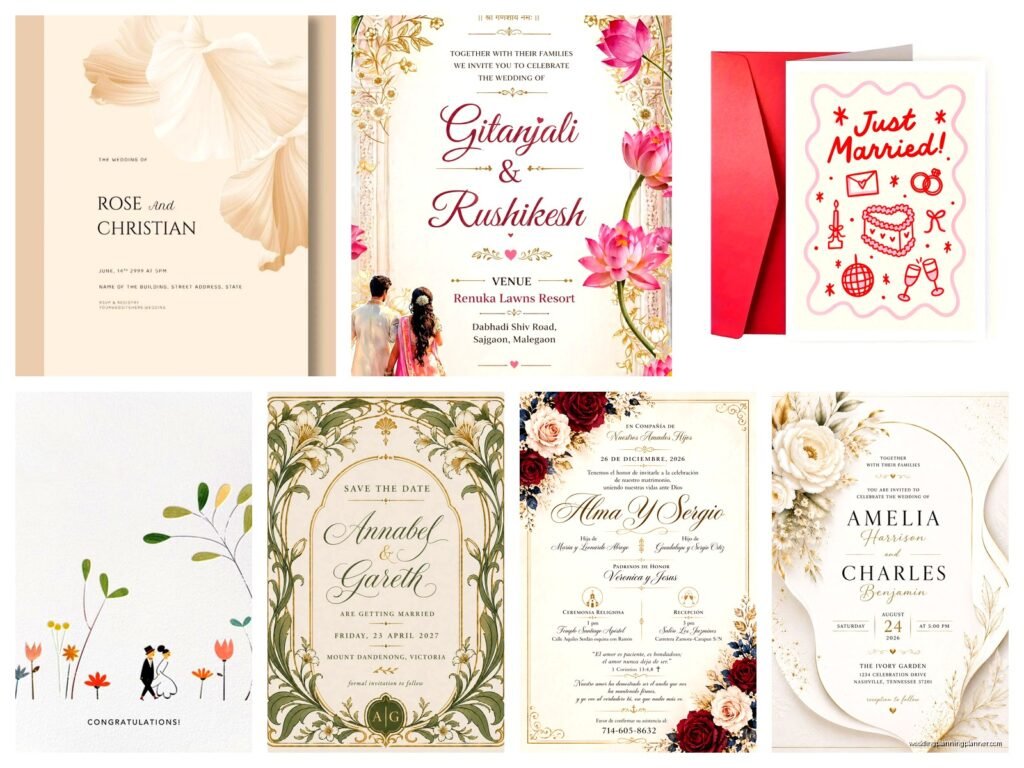
The first thing you gotta figure out is what format you actually want. Static image invites are the simplest—basically a digital version of what a paper invite would look like. You can create these in Canva, Adobe Spark, or even PowerPoint if you’re really in a pinch. Animated invites have movement, like text that fades in or flowers that bloom across the screen. Video invites are full-on productions with music and clips. Then there are wedding website invitations that are interactive and can include RSVP forms, directions, hotel info, all in one place.
I had this couple in spring 2023 who wanted an animated invite with their cat walking across the screen carrying a “Save the Date” sign and I was like okay this is either gonna be adorable or a disaster, but it actually turned out kinda cute even though their cat Mr. Whiskers refused to cooperate during the photo shoot we needed for reference.
Choosing Your Platform or Tool
There are SO many options now it’s honestly overwhelming. Canva is my go-to for clients who want something simple and DIY. They have tons of wedding invitation templates and you can customize colors, fonts, photos, everything. The free version works fine but the Pro version gives you more fonts and the ability to resize designs easily.
Greenvelope and Paperless Post are more specialized platforms specifically for digital invitations. Greenvelope is great if you want something that feels more formal and elegant—they have beautiful designs that don’t scream “I made this myself in ten minutes.” Paperless Post has that same vibe but also includes free options alongside their premium designs. Both let you track who opened the invitation and who RSVP’d which is honestly a lifesaver.
For video invitations, you’re looking at tools like Animoto, Adobe Spark Video, or even hiring someone on Fiverr. I’ve seen couples use iMovie or CapCut too if they’re comfortable with video editing. Wedding website builders like Zola, The Knot, Minted, or Joy have built-in invitation features where the whole thing is integrated—invitation, RSVP system, registry, everything.
What annoyed me recently was when a platform I recommended changed their entire pricing structure mid-planning for a client and suddenly what was gonna cost $50 jumped to $200 and I had to… well anyway we switched platforms but it was a whole thing.
Design Elements That Actually Matter
You need to think about readability first. I don’t care how gorgeous that script font looks—if your guests can’t read the date or time without zooming in and squinting, it’s not working. Use script or decorative fonts for names or headers only, then switch to something clean and simple for the actual information.
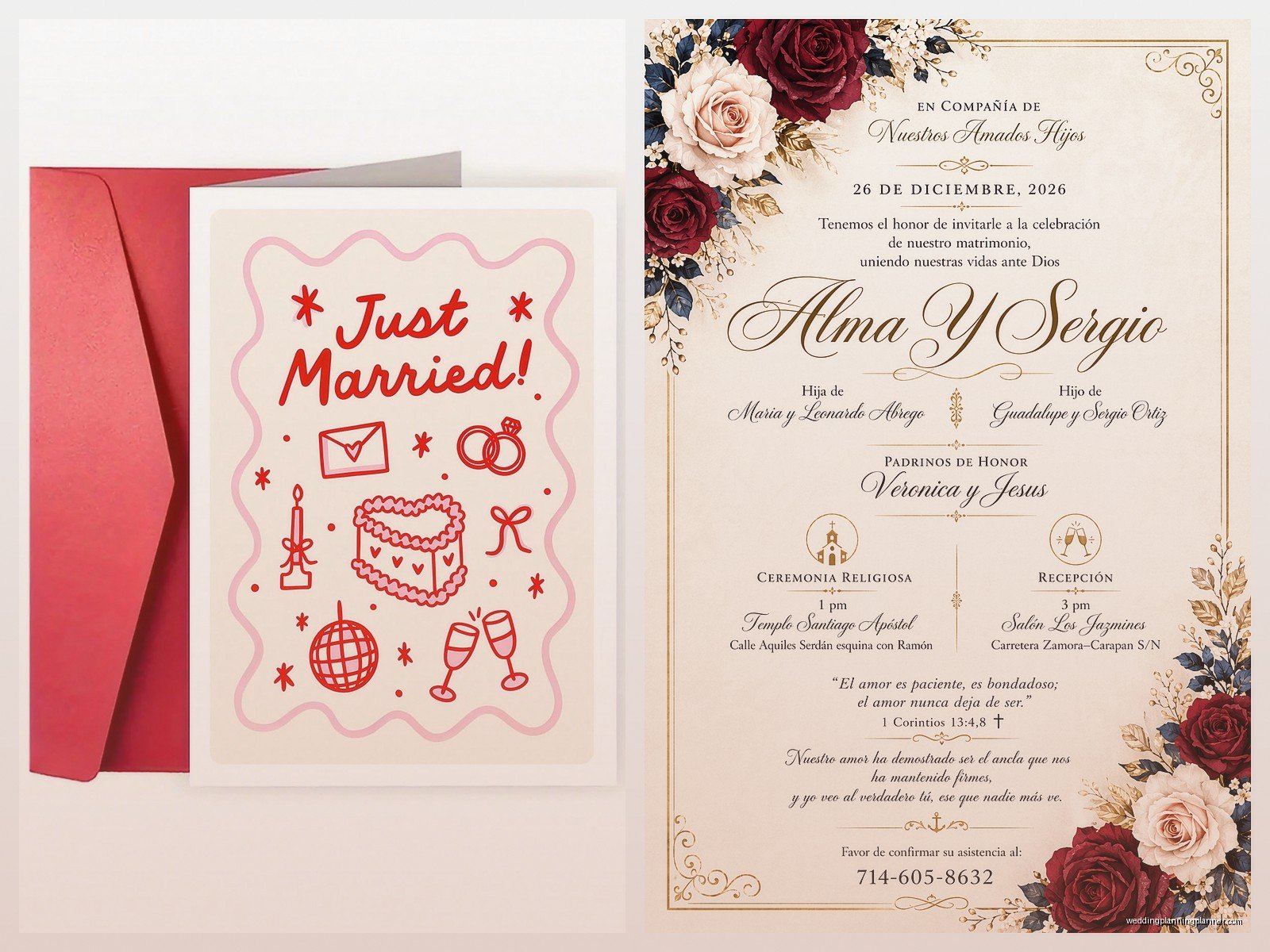
Color contrast is crucial for digital invites because people will view them on different screens. What looks perfect on your laptop might be completely washed out on someone’s phone. Stick with high contrast combinations—dark text on light backgrounds or vice versa. Avoid light gray text on white backgrounds or any of those barely-there color schemes that designers love but actual humans can’t read.
Your invitation needs these basic elements no matter what format you choose:
- Your names (obviously)
- The date and time
- The venue name and location
- RSVP instructions and deadline
- Dress code if you have one
- Link to your wedding website if applicable
For animated or video invites, keep them under 60 seconds. Nobody’s gonna watch a three-minute invitation video all the way through, I promise you. Get to the important info quickly and make sure the date and venue appear on screen long enough for people to actually read them.
File Formats and Technical Stuff
This is where people get confused but it’s not that complicated. For static image invites, you want either PNG or JPG files. PNG is better quality and handles text more crisply, but the files are bigger. JPG is more compressed and easier to send via email or text. I usually recommend PNG for email invitations and JPG if you’re texting them or posting on social media.
Keep your file size under 2MB for emails—anything bigger and you risk it not sending properly or ending up in spam folders. For social media or messaging apps, under 1MB is safer.
If you’re doing a video invite, MP4 is your format. Keep it under 25MB if you’re emailing it, though honestly for video invites I recommend uploading to YouTube or Vimeo and sending the link instead of attaching the actual file.
For interactive website invitations, you don’t need to worry about file formats because it’s all hosted online—you just send people the URL.
How to Actually Send These Things
Email is still the most common method. Create a contact group in your email with all your guests, write a nice message (doesn’t have to be fancy—just “We’re getting married! Here are the details”), and attach or embed your invitation. Most platforms like Greenvelope and Paperless Post handle the sending for you which is way easier than doing it manually.
If you’re sending it yourself through regular email, put the invitation image directly in the body of the email AND attach it as a file. Some email clients don’t display embedded images properly so having it both ways covers your bases.
Text messaging works great for casual weddings or save-the-dates. You can use services like SimpleTexting or EZ Texting to send mass texts, or honestly just use WhatsApp groups or regular group texts if your guest list is small. Just remember that MMS messages (the ones with images) don’t always go through to everyone depending on their phone plan.
Social media invitations are tricky because you can’t assume everyone will see them—algorithms are weird and not everyone checks Facebook regularly. If you’re doing a Facebook event, send individual messages or emails too as a backup.
RSVP Management
This is honestly where digital invitations shine because tracking RSVPs manually is the worst. Most invitation platforms have built-in RSVP tracking. Guests click a button, fill out a form, and you get instant updates on your guest count.
If you’re doing a DIY invite without a platform, you need an RSVP solution. Google Forms is free and works perfectly fine—create a form with questions about attendance, meal choices, plus-ones, whatever you need. Put the link prominently in your invitation. I usually say something like “RSVP by clicking here” with the link on “here.”
RSVPify is another good option that’s specifically designed for event RSVPs. It has a free tier that works for smaller weddings.
Set up automatic reminders for yourself to follow up with people who haven’t responded. Even with digital invitations, you’re gonna have people who forget or ignore it or claim they never got it even though you can see they opened it at 2:47pm on a Tuesday.
Etiquette Questions People Always Ask
Is it okay to send only digital invitations? Yes. Absolutely. It’s 2024 (well, almost) and paper invitations are not required. Some older relatives might prefer paper but you can always print and mail to just those specific people if you want.
Should you send a paper save-the-date and then digital invitations? You can do it either way. There’s no rule. I’ve had clients do all-digital, all-paper, and every combination in between.
What about guests without email? You have a few options—mail them a printed version, text them the invitation image, call them with the details, or have a family member who’s tech-savvy help them. My aunt still doesn’t have email and honestly just calling her works fine.
How far in advance should you send them? Save-the-dates go out 6-8 months before for destination weddings or 4-6 months for local weddings. Actual invitations should go out 6-8 weeks before the wedding. Digital invitations can go out on the later end of that range since there’s no mail time.
Common Mistakes to Avoid
Don’t make your invitation a PDF attachment that people have to download. Nobody wants to download files from emails anymore—it feels sketchy even when it’s not. Use an image or a link to a webpage instead.
Don’t forget to test your invitation before sending it to everyone. Send it to yourself and a few friends on different devices—iPhone, Android, laptop, whatever. Make sure everything displays correctly and all links work.
Don’t use those automatic RSVP deadline reminders that some platforms offer unless you actually want to annoy your guests. One reminder is helpful, five reminders is excessive.
Don’t assume everyone will click through to your website for important information. Put the essential details (date, time, location) directly in the invitation itself or in the email body. Your wedding website can have the extra stuff like hotels and registry.
Don’t send your invitations from a weird email address like weddingplanner2024@randomsite.com or something. Use your actual email address so people know it’s really from you and it doesn’t end up in spam.
Cost Breakdown
This is where digital really wins. A DIY invitation using Canva free version costs exactly zero dollars. Canva Pro is $13/month if you want premium templates and features. Paperless Post ranges from free to about $1-2 per invitation for premium designs. Greenvelope is around $1.50-3 per invite depending on the design.
Video invitations through Animoto cost about $15/month for their basic plan. Hiring someone to create a custom animated or video invitation runs anywhere from $50 to $500 depending on complexity.
Wedding website platforms are mostly free with optional upgrades. Zola, The Knot, and Joy are all free. Minted charges for some premium features but their basic website is free.
Compare that to traditional paper invitations which run $2-8 per invite just for printing, then you add envelopes, postage (currently 68 cents for a regular letter, more if your invitation is heavy or an odd size), return postage for RSVP cards… it adds up fast. For 100 guests you’re looking at minimum $300-400 for basic paper invitations, easily $800-1500 for nicer ones.
Making It Feel Special
Okay so one concern people have is that digital invitations feel less special or formal than paper ones, and I get it. There are ways to make digital invitations feel more elevated though or maybe I should say there are ways to make them feel intentional rather than like you just threw something together.
Custom illustrations or graphics help a lot. Even if you’re using a template, adding your own photos or having a custom illustration of your venue or a meaningful location makes it feel personal. I worked with an illustrator once who drew the couple’s dogs wearing little bow ties and it was ridiculously cute.
Animation or movement catches attention in a way static images don’t. Even subtle animation like text fading in or a gentle background sparkle effect makes people actually stop and look at it instead of just scrolling past.
Music or sound can work for video invitations but be careful—a lot of people have their phones on silent so don’t rely on audio to convey important information. Use it as enhancement only.
Personalization matters. If your platform allows it, personalize each invitation with the guest’s name. “Sarah, you’re invited to our wedding” feels way better than a generic invitation.
Accessibility Considerations
This is something I didn’t think much about until summer 2021 when a guest reached out to say they couldn’t read the invitation because of vision impairment and I felt terrible. Make sure your text is large enough—at least 12-14 point font for body text. Use clear fonts. Include alt text if you’re embedding images in emails so screen readers can describe them.
If you’re doing a video invitation, add subtitles or captions. Not just for accessibility but also because most people watch videos without sound.
Provide information in multiple formats when possible—image invitation plus text in the email body, or both a video invite and a simple text version.
Environmental Angle
I’m not gonna preach about saving the planet but it’s worth mentioning that digital invitations do eliminate paper waste, printing chemicals, and transportation emissions from mailing. If that matters to you or aligns with your wedding values, it’s a legitimate benefit. Some couples mention this in their invitation message—something like “In an effort to reduce waste, we’ve chosen digital invitations” though you definitely don’t have to justify your choice.
Hybrid Approaches
You don’t have to be all-or-nothing. Lots of couples do a mix. Send digital save-the-dates but paper invitations. Or send digital invitations to most guests but mail fancy paper ones to grandparents or VIPs. Send digital invitations but include a printed keepsake card in welcome bags at the wedding.
Some couples create a beautiful paper invitation design and then only print one copy for themselves to keep as a memento while sending digital versions to all guests. That way you get the aesthetic you want without the cost or waste of printing hundreds.
I’ve also seen people do digital invitations but offer printed copies upon request, which is sorta the best of both worlds though in practice very few people actually request them.
One more thing about timing—you can send updates and changes so much easier with digital. If your venue changes or you need to add health protocols or whatever comes up, you can send an updated invitation or a follow-up message instantly instead of scrambling to print and mail correction cards which are expensive and awkward
