
Planning Guides, Style Guide
Free Online Wedding Invitations: No-Cost Digital Platforms
Jun
The Platforms That Actually Work (And Won’t Make You Look Cheap)
So you’re looking at free online wedding invitations and honestly, good for you because I spent like three hours last Tuesday helping a bride navigate this exact thing and she saved probably $400 minimum. The digital invitation world has gotten SO much better since I first started doing this back in 2019, like night and day difference.
Greenvelope is probably my top recommendation for people who want something that looks legit professional. They have a free tier that lets you send up to 25 invitations, which obviously isn’t gonna work for most weddings, but here’s the thing – you can use it for your intimate events like the rehearsal dinner or bridal shower, and then use a different platform for your actual wedding invites. I had this bride in spring 2023 who was SO stressed about costs, and we basically mixed and matched platforms for different events and nobody noticed or cared that they weren’t all from the same place.
The free version gives you access to pretty decent designs, RSVP tracking (which is honestly the main reason to go digital anyway), and you can customize colors and fonts. What you DON’T get is envelope liners (which are digital anyway so who cares) and some of the fancier design elements. But listen, if your guest list is small or you’re doing a micro-wedding, this is perfect.
Paperless Post and Their Coin System That Kinda Annoyed Me
Okay so Paperless Post technically has free options but they work on this “coin” system that honestly irritated me when I first encountered it because it’s not super transparent. You get some free coins when you sign up, and the basic designs are free, but the nicer designs cost coins, and then you can buy more coins, and… it’s a whole thing.
BUT – and this is important – they have genuinely beautiful designs. Like their stuff looks expensive. I’m talking about designs that look like they came from a $8-per-invitation stationery boutique. If you stick to the 100% free designs (they’re clearly marked), you can create something really nice without spending anything. The RSVP tracking is included, you can add custom questions like meal choices or song requests, and the whole interface is pretty intuitive.
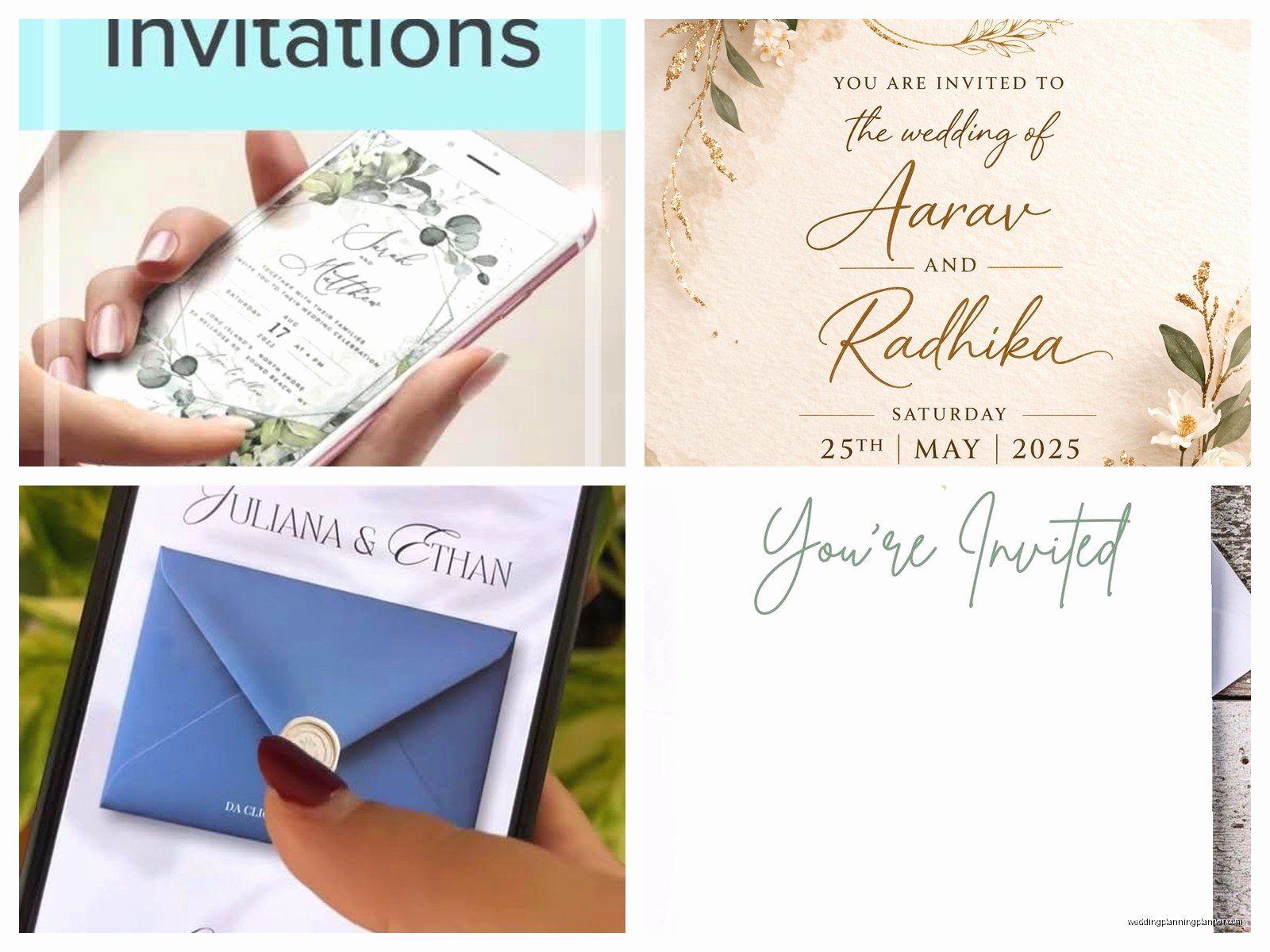
The thing that makes Paperless Post worth considering is that your guests receive something that feels like opening a real envelope. There’s this little animation thing when they open it, and I know that sounds gimmicky but people actually mention it. My cat walked across my keyboard while I was setting one up for a client once and somehow upgraded us to a premium design and I didn’t notice until we’d already sent it to her entire family group chat for approval, so that was fun.
Evite Is Still Around and Better Than You Remember
I know what you’re thinking – Evite is what your mom used for book club in 2007. But they’ve actually updated their platform significantly and the wedding-specific designs are… not terrible? Some are still pretty dated looking, I won’t lie, but they’ve added modern options that don’t scream “casual backyard BBQ.”
The completely free version lets you do unlimited guests, RSVP tracking, and you can add registry information, directions, accommodation details, all that stuff. The catch is that your guests will see ads, which some people find tacky for a wedding. I personally think if you’re asking people to celebrate your marriage, they can deal with a small ad, but I get that it’s not everyone’s vibe.
Where Evite really shines is the guest management. You can send different messages to different groups, track who’s viewed the invitation, send reminders to people who haven’t responded (SO helpful because people are terrible at RSVPing, like truly the worst), and even do polls for things like “should we have a photo booth or a live band” if you want guest input.
The DIY Route With Canva
Alright so this is technically not a wedding invitation platform but hear me out. Canva has free wedding invitation templates that you can customize and then… well, this is where it gets a bit scattered because there are different ways to actually send them.
You can design your invitation in Canva (free account works fine, premium has more templates but you don’t NEED it), download it as a PDF or image, and then send it through email or text. Is it as slick as a dedicated platform? Nah. But does it work? Absolutely. I had a couple do this for their 2021 pandemic wedding when they had to pivot from in-person to virtual like three weeks before the date, and honestly it looked really personal and sweet.
The main issue with the Canva method is that you don’t get automatic RSVP tracking. You’ll need to set up a Google Form or something separate for responses, which means you’re juggling two different things. But if you’re organized (or have a wedding planner, hint hint), it’s totally manageable.
One trick I use with clients is designing the invitation in Canva but then uploading it to a platform like Greenvelope or Paperless Post as a custom image. Some platforms let you do this on their free tiers, so you get the best of both worlds – complete design control plus professional delivery and tracking.
Minted’s Free Digital Option
Minted is known for their gorgeous printed invitations that cost approximately one million dollars (okay, not really, but they’re pricey). What people don’t always realize is they have a free digital wedding invitation option. You design using their templates, which are honestly stunning, and then you can email them for free.
The limitation is that it’s literally just email – you’re not getting a fancy platform with tracking and guest management and all that. But the designs are SO nice that sometimes it’s worth it. You’d need to use something else for RSVP collection, like a Google Form or your wedding website if you have one.
I usually recommend this option for save-the-dates rather than the actual invitation because save-the-dates are more informal anyway and you don’t necessarily need response tracking for those.
Joy and Wedding Wire for the Full Package
Joy is completely free and it’s actually a full wedding website platform that includes invitation sending. You build your wedding website (which takes like 20 minutes if you’re slow), and then you can create and send digital invitations directly through the platform. The RSVP responses feed right into your website dashboard, and you can track everything in one place.
The designs are… fine. They’re not going to win any awards but they’re clean and modern and appropriate. What makes Joy worth considering is that it’s an all-in-one solution. Your guests get the invitation, can RSVP, view wedding details, see the registry, get directions, all from the same place. For logistically complicated weddings (multiple events, out-of-town guests, lots of moving parts), this is super helpful.
Wedding Wire has a similar setup through The Knot (they’re the same company now, which confused me for like two years). Free website, free digital invitations, integrated RSVP tracking. The templates are pretty basic but they work.
What About Tracking RSVPs Though
This is honestly the main reason to use a real platform instead of just texting people a PDF or whatever. RSVP tracking sounds simple until you’re actually doing it and then you realize you have responses in your email, your texts, your Instagram DMs, someone’s cousin told your mom at the grocery store… it becomes a nightmare.
Every platform I mentioned except the Canva-only method has built-in RSVP tracking. Guests click a button, select their meal choice or plus-one or whatever, and it automatically updates your guest list. You can usually export this to a spreadsheet for your caterer or seating chart planning.
The tracking also shows you who hasn’t responded yet, so you can send gentle reminders. Because I’m telling you right now, at least 30% of your guests will not respond by your deadline. It’s just a fact of life. Having a system that makes it easy to follow up is gonna save you so much stress.
Things Nobody Tells You About Free Digital Invitations
Your older relatives might need help figuring out how to open them or RSVP. I always recommend having a backup plan – like your mom or someone tech-savvy in the family who can help walk people through it. Or just call Aunt Margaret directly and get her response over the phone, then input it yourself.
Some platforms have a “send a paper version” option where they’ll print and mail it for you, but obviously that costs money and defeats the purpose of free digital invitations. However, if you have like five people who absolutely cannot do digital, it might be worth paying for just those few rather than printing your entire guest list.
Email deliverability is real. Some invitations end up in spam folders, especially if you’re sending to corporate email addresses or older email systems. Most platforms will show you if someone opened the invitation, so you can follow up with people who haven’t viewed it after a few days.
You can absolutely do digital invitations for formal weddings. I know there’s this lingering idea that digital = casual, but honestly, etiquette has evolved so much, especially post-pandemic. If your invitation is well-designed and you send it with enough advance notice, nobody’s gonna judge you for going digital. And if they do… well, that’s their problem, not yours.
Mixing Digital and Paper
Something I see people do successfully is sending digital save-the-dates and then paper invitations, or vice versa. Or doing digital for the main invitation but paper for the rehearsal dinner. There’s no rule that says you have to be all-digital or all-paper.
If budget is tight, you could do digital for most people and paper for like your grandparents or VIPs who you know would appreciate it. I had a bride do this last fall and she ordered maybe 15 paper invitations from Minted for her older relatives and sent digital to everyone else. Total cost was under $100 and everyone felt considered.
The key is being consistent in your design so everything looks cohesive even if some people get paper and others get digital. Most platforms let you download your design as a PDF, which you can then take to a print shop if you want a few physical copies.
Just make sure if you’re doing both, you’re tracking RSVPs in one central place. Don’t make the mistake of having some responses come through the digital platform and others via mail-in cards because then you’re back to the scattered tracking problem I mentioned earlier and trust me, you don’t want that chaos two weeks before your wedding when you’re trying to give final numbers to your caterer.
