
Planning Guides, Style Guide
Wedding Budget Template: Excel Spreadsheet Downloads
Jun
Getting Your Wedding Budget Spreadsheet Actually Working For You
Okay so you need a wedding budget template and honestly this is like THE most important thing you’re gonna set up during planning. I’ve been doing this since 2012 and I still remember this couple in spring 2023 who showed up to our second meeting with literally receipts in a shoebox and they’d already spent $8000 more than they thought because they weren’t tracking anything properly.
First thing – yes you absolutely need Excel or Google Sheets for this. I know some people try to use apps or those fancy wedding websites but honestly? A spreadsheet gives you control and you can customize everything. Plus you can share it with your partner, your parents if they’re contributing, whoever needs access.
What Your Template Actually Needs To Include
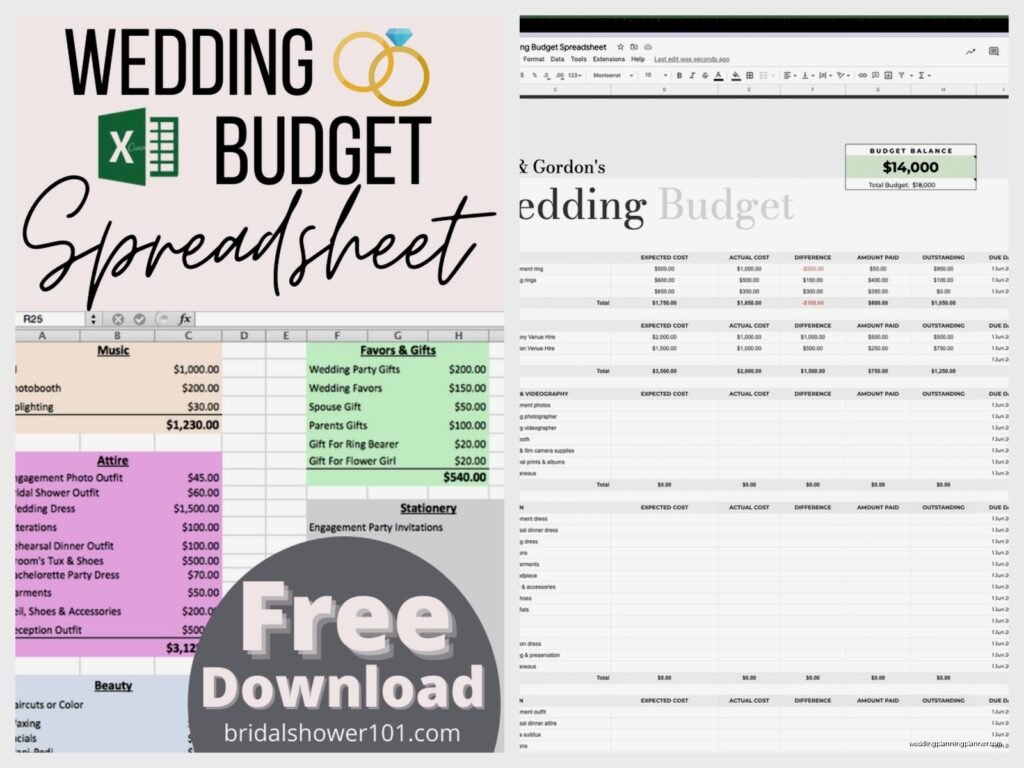
So the basic structure I always recommend has these columns at minimum: Category, Item Description, Estimated Cost, Actual Cost, Deposit Paid, Balance Due, Date Due, and Status. Some templates get super complicated with like 47 columns and nah that’s too much. You want something you’ll actually update.
The categories should be broken down like this: Venue, Catering, Photography, Videography, Flowers, Attire, Beauty, Music/Entertainment, Invitations/Stationery (obviously my favorite category), Décor, Transportation, Favors, and then a Miscellaneous section because there’s ALWAYS random stuff.
One thing that really annoyed me for years was templates that didn’t include a “Who’s Paying” column. Like in 2024 it’s super common for couples to pay for part themselves, parents chip in for specific things, maybe a generous aunt covers the flowers – you need to track who’s responsible for what or it gets messy real fast.
Where To Download Good Templates
Microsoft has free wedding budget templates you can download directly from Excel. Just open Excel, go to File > New, and search “wedding budget” – there’s probably 15-20 options. The one called “Wedding Budget Planner” with the teal design is pretty solid actually. It’s got formulas already built in so when you enter numbers it automatically calculates your totals and shows you how much you’re over or under budget.
Google Sheets also has templates if you go to the template gallery. The advantage with Google is you and your fiancé can both access it from your phones and update it in real-time. I had a groom once text me a vendor quote while he was literally in the parking lot of the venue and update the spreadsheet right there which was… actually pretty efficient now that I think about it.
Vertex42 has wedding budget spreadsheets that are free to download and they’re really detailed. Maybe too detailed for some people? But if you’re the type who wants to track every single napkin and cocktail stirrer, that’s your jam.
Setting Up Your Initial Numbers
Okay so here’s what you do first – figure out your TOTAL budget number. Not what you wish you could spend, not what Pinterest weddings cost, but what you actually have available. This includes savings, contributions from family, whatever. Write that number at the top of your spreadsheet in big bold letters.
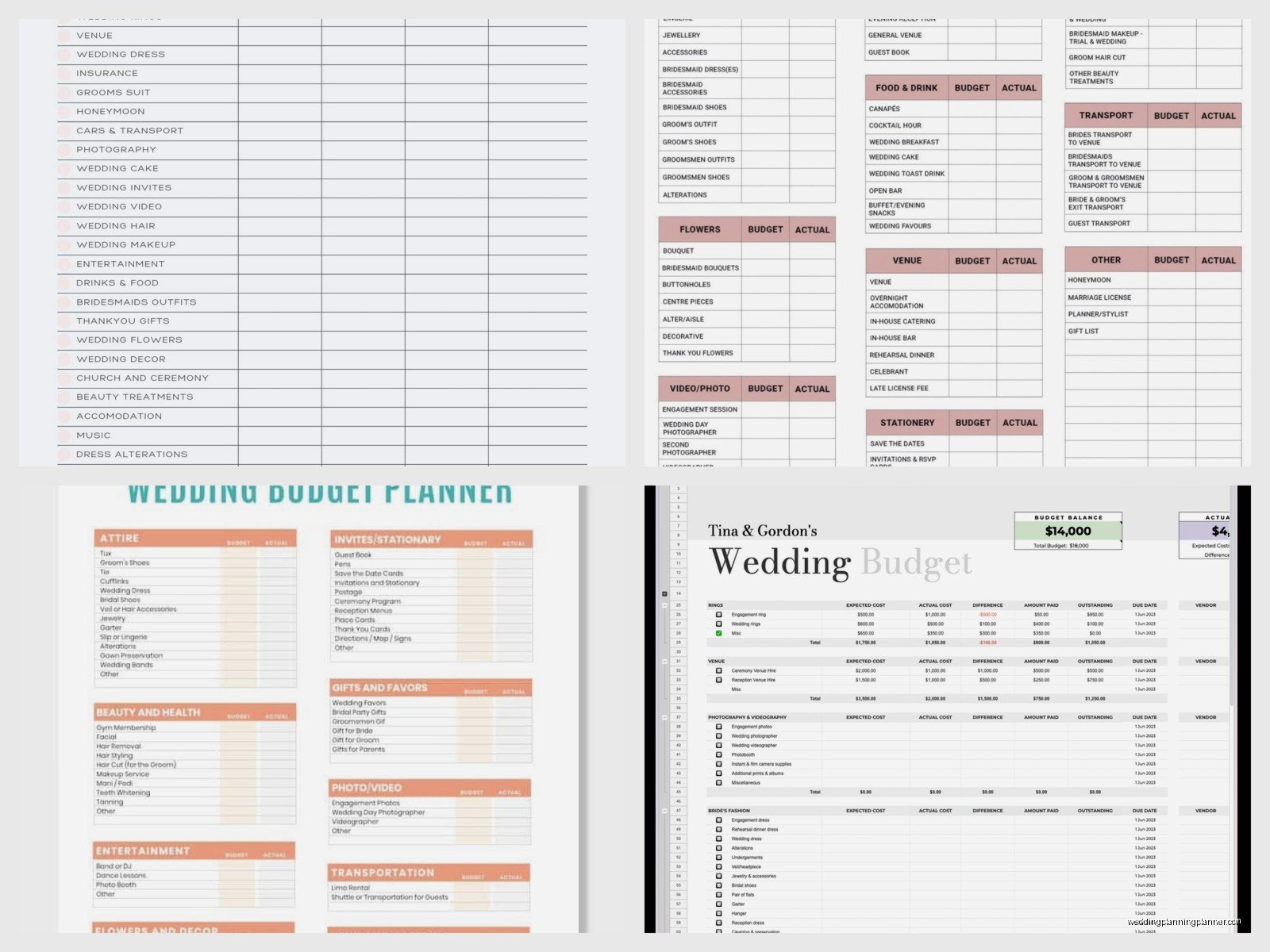
Then you need to break it down by percentage because here’s the thing – most couples have no idea what things actually cost. Like they’ll allocate $2000 for photography and $5000 for flowers and I have to be like umm that’s backwards. A good photographer in most markets is $3000-6000 minimum, flowers can be $1500-3000 depending.
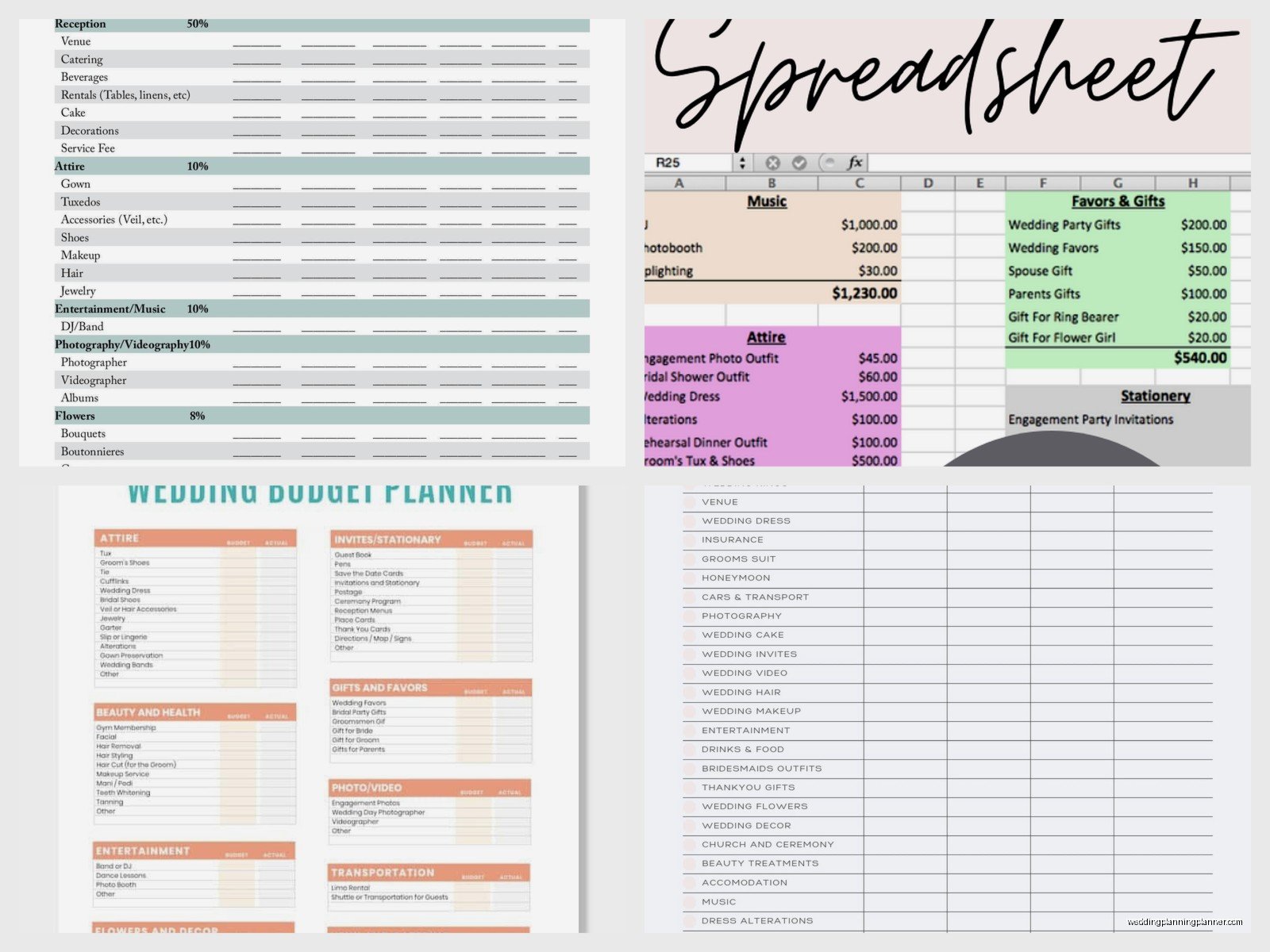
The typical breakdown is roughly: Venue and Catering 40-50%, Photography 10-15%, Videography 5-10%, Flowers 8-10%, Attire 5-8%, Music 8-10%, Invitations 2-3%, and everything else fills in the gaps. Obviously this changes based on your priorities – if you don’t care about flowers, shift that money elsewhere.
Actually Using The Spreadsheet During Planning
This is where people mess up honestly. They download the template, fill it out once with estimated costs, and then never look at it again until they’re like “why is our bank account empty?” You gotta update this thing weekly at minimum.
Every time you get a quote from a vendor, put it in immediately. Every time you pay a deposit, mark it. Every time you find out shipping costs $75 extra or there’s a service charge you didn’t know about, add it. The spreadsheet only works if it’s current.
I keep a printed copy in my planning binder too (yes I still use physical binders, my cat knocked over my laptop once and I lost a whole day of work so now I backup everything on paper). Some people think that’s old school but whatever, it works.
The Formulas You Need
If you’re building your own template from scratch or customizing one, you need these basic formulas. In the Total Estimated Cost cell, use =SUM(C2:C50) or whatever your range is. Same for Total Actual Cost column.
For the Balance Due column, the formula should be =Actual Cost – Deposit Paid. This shows you what you still owe each vendor.
At the top of your spreadsheet you want a cell that shows Budget Remaining which is =Total Budget – SUM(Actual Costs). This number should ideally stay positive… though it doesn’t always and that’s when you start making cuts or shifting money around.
I also like having a cell that calculates percentage of budget used so you can see at a glance if you’re at 67% of budget but only 40% done with planning – that’s a red flag. Formula for that is =(Total Spent/Total Budget)*100.
Color Coding Makes Everything Easier
Use conditional formatting to make your spreadsheet visual. I set mine up so fully paid items turn green, deposits paid turn yellow, and nothing paid yet stays white. Items that are overbudget turn red automatically when the actual cost exceeds the estimate.
You can also color code by who’s paying – like maybe everything Mom is covering is light blue, Dad’s contributions are light green, and what you’re paying is unshaded. Makes it really easy to see the distribution.
Tracking Payment Deadlines
This is SO important and where a lot of my couples drop the ball. Most vendors want final payment 1-2 weeks before the wedding. Some want it 30 days out. A few want it day-of. If you don’t track this, you’ll suddenly have $15,000 due all in the same week which is… stressful.
Add a “Payment Due Date” column and then sort by that date periodically. Set calendar reminders on your phone for a week before each due date so you’re not scrambling. I learned this the hard way in summer 2021 when a couple almost lost their venue because they forgot the final payment was due and the venue was gonna give their date to someone else.
Some templates have a notes section too which is good for tracking stuff like “includes setup and breakdown” or “travel fee already included” or “need to provide vendor meal” – little details that matter but you’ll forget if you don’t write them down.
The Miscellaneous Category Will Haunt You
I always tell couples to budget at least 5-10% for miscellaneous because there is ALWAYS stuff you don’t think about. Vendor meals, marriage license, tips for vendors, alterations that cost more than expected, extra postage for heavy invitations, a bustle for your dress, emergency kit supplies, touch-up makeup, the list goes on.
My miscellaneous category in templates has like 15 blank rows because you’re gonna need them. Last month I had a bride who needed to buy an umbrella insurance policy for her venue – $275 she hadn’t budgeted for. Another couple had to rent a generator for their outdoor venue – $450. These things come up.
Sharing And Collaborating On The Spreadsheet
If you’re using Google Sheets this is super easy – just hit Share and send the link to whoever needs it. You can set permissions so some people can edit and others can only view.
With Excel it’s a bit more annoying because you have to save it to OneDrive or keep emailing updated versions back and forth. I usually recommend couples put it in a shared Dropbox or Google Drive folder so there’s only one master version.
One thing though – be careful who has editing access. I had a situation where a mother-in-law kept going in and changing the budget numbers to what she thought things SHOULD cost instead of what they actually cost and it created so much confusion. Maybe some people should just get view-only access, I’m just saying.
When You Go Over Budget In Certain Categories
This happens to literally everyone so don’t panic. You fall in love with a photographer who’s $1000 more than you budgeted, or the venue you want is $2000 over your estimate. The spreadsheet helps you see where you can shift money from.
Look at your other categories – where do you care less? Maybe you were gonna do elaborate favors but honestly guests forget about those anyway, cut that budget in half and move the money to photography. Maybe you don’t need a videographer, or you can do supermarket flowers instead of a full florist. The spreadsheet makes it really clear where your money is going so you can make informed decisions about cuts.
Building In A Contingency Fund
This is separate from miscellaneous – I’m talking about like 5% of your total budget that you just… don’t allocate to anything. It sits there as an emergency fund. Because things go wrong. Vendors go out of business and you need to book someone last minute at a higher price. Weather ruins your outdoor setup and you need a tent rental. Someone breaks a heel and needs new shoes.
If you don’t end up needing it, great! That’s money for your honeymoon or your house or whatever. But having that cushion means you won’t be panicking and putting unexpected costs on credit cards at 23% interest.
Updating As You Go Through Planning
Your estimated costs are gonna be way off at first and that’s fine. As you get actual quotes and book vendors, replace those estimates with real numbers. Your spreadsheet will probably look kinda scary for a while when everything is estimates because you’re just guessing.
I usually see the actual budget come together around 6-8 months before the wedding when most vendors are booked and you have real contracts with real numbers. That’s when you can see if you’re actually on track or if you need to make some changes… or awkwardly ask parents for more help or whatever you gotta do.
Don’t Forget The Small Stuff That Adds Up
Postage for invitations is expensive now – like $1-2 per invitation if they’re heavy or oversized. That’s $200-300 for 150 guests. Alterations for your dress can be $200-500 easily. Marriage license is $50-100 depending on your state. Tips for vendors – you should budget 15-20% for hair/makeup, $50-200 per vendor for DJ, coordinator, etc.
These little things can add up to $2000-3000 total and couples are always shocked. But if it’s in your spreadsheet from the beginning, you’re prepared.
Using It For Thank You Card Tracking Too
Okay this is kinda off-topic but I add a separate sheet to my wedding spreadsheets for tracking gifts and thank you cards because you’re gonna need that anyway and it might as well be in the same file. Just another sheet with columns for: Guest Name, Gift Received, Date Received, Thank You Sent, Date Sent. Trust me on this one.
The budget spreadsheet becomes this central document for your whole wedding basically. Some of my couples still have theirs years later because it’s this complete record of everything they spent and all their vendor info and… I don’t know, I think that’s kinda nice actually? Like a financial scrapbook or something, which sounds weird when I say it out loud but you know what I mean.
