
Planning Guides, Style Guide
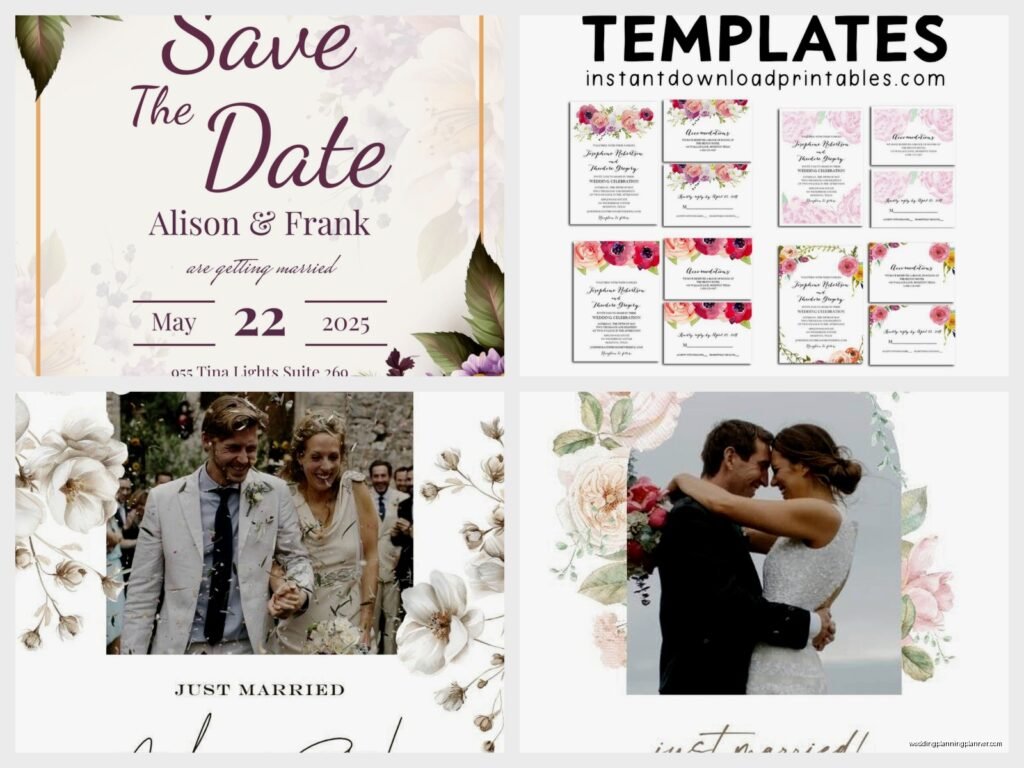
Free Wedding Announcement Template: Post-Wedding Downloads
Jul
So You Need a Free Wedding Announcement Template
Okay so wedding announcements are one of those things that couples totally forget about until like three weeks after the wedding when Aunt Carol starts texting asking if they actually got married or what. I had this happen with a client in spring 2023 and she was literally on her honeymoon in Greece when her mom started fielding questions from distant relatives who didn’t make the guest list, and it was this whole thing that could’ve been avoided with a simple announcement.
The thing is, post-wedding announcements are actually super practical. Maybe you eloped and didn’t tell anyone. Maybe you had a tiny ceremony because of budget or COVID or family drama. Maybe you just want to share the news with your extended network without making them feel bad they weren’t invited. Whatever the reason, you need a template that doesn’t look like garbage but also doesn’t cost you money because hello you just paid for a wedding.
What Actually Goes On These Things
Wedding announcements aren’t invitations, which seems obvious but you’d be surprised how many people get confused. You’re not asking anyone to RSVP or show up anywhere. You’re literally just saying “hey we got married, here’s proof, we’re happy, thanks for being in our lives.”
The basic info you gotta include:
- Your names (both of them, however you’re presenting them now)
- The fact that you got married – like actually say “are pleased to announce their marriage” or “joyfully announce” or whatever feels right
- The date of the wedding
- The location (city and state is fine, you don’t need the full venue address)
- Optional: a photo from the wedding
- Optional: your new address if you moved
- Optional: your new last name situation if that changed
What you DON’T include: registry info (tacky), details about why they weren’t invited (awkward), anything that sounds like you’re asking for gifts. Just keep it simple and informative.
Where to Actually Find Free Templates
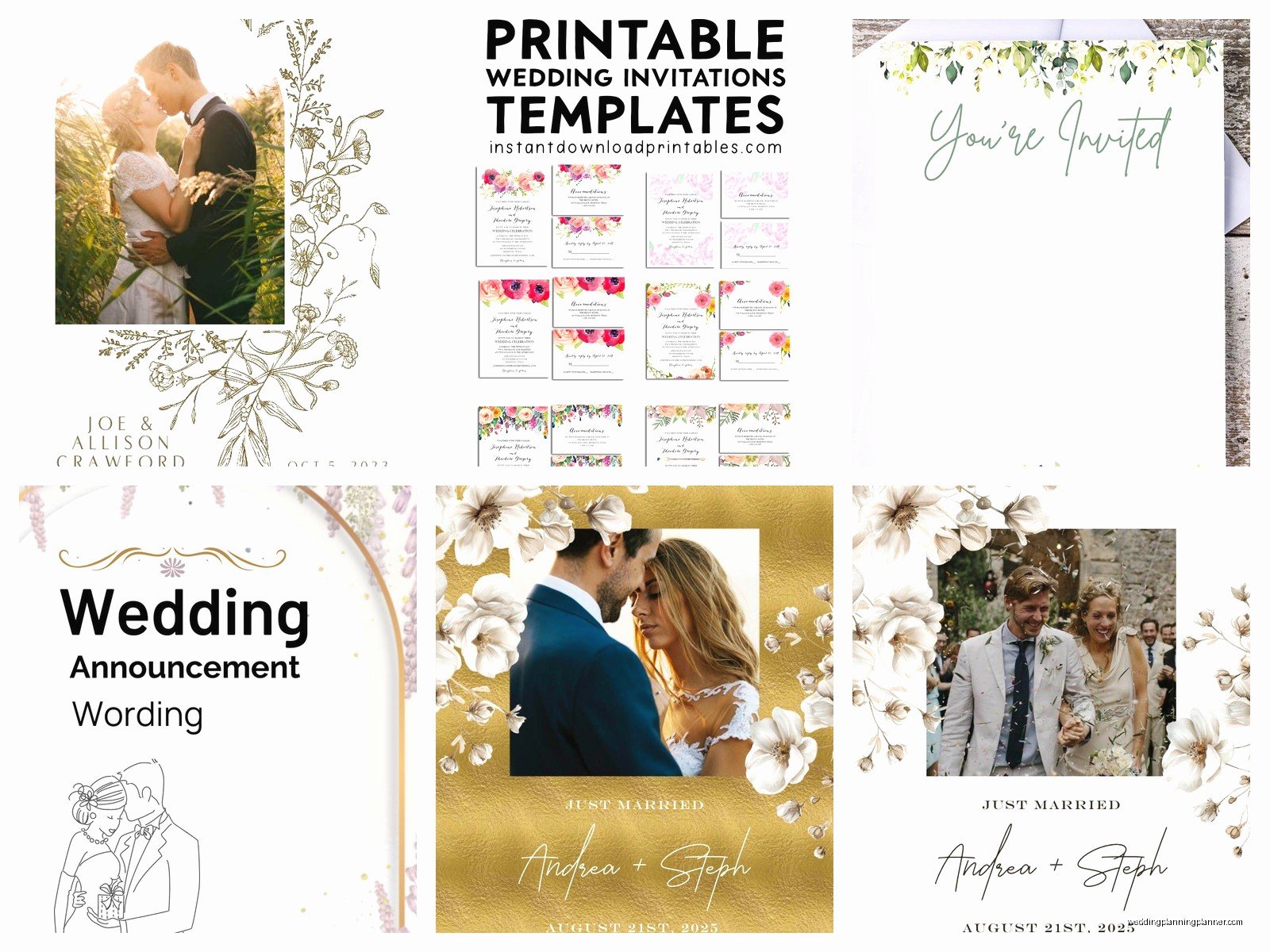
Alright so here’s where I’m gonna save you like three hours of googling. Canva is your best friend here. I know everyone says Canva for everything now and it’s kinda annoying how it’s become the answer to every design question, but honestly for wedding announcements it’s perfect because they have tons of free templates and you can customize them even if you have zero design skills.
Other places that actually work:
- Google Docs templates – yes really, they have announcement templates in their template gallery
- Microsoft Word if you still use that (I barely remember how to open Word anymore but my mom swears by it)
- Greetings Island has free printable announcements
- Adobe Express (used to be Adobe Spark) has free options
- Evite surprisingly has downloadable announcement cards not just digital ones
One thing that really annoyed me is how many websites claim to have “free” templates but then you get in there and literally every decent design is behind a paywall or requires a subscription. Like why even advertise free templates if only the ugly ones are actually free? Just be honest about your pricing.
Digital vs. Printed Announcements
So you’ve got two routes here and honestly it depends on your audience and your budget and how much energy you have left after wedding planning.
Digital Announcements
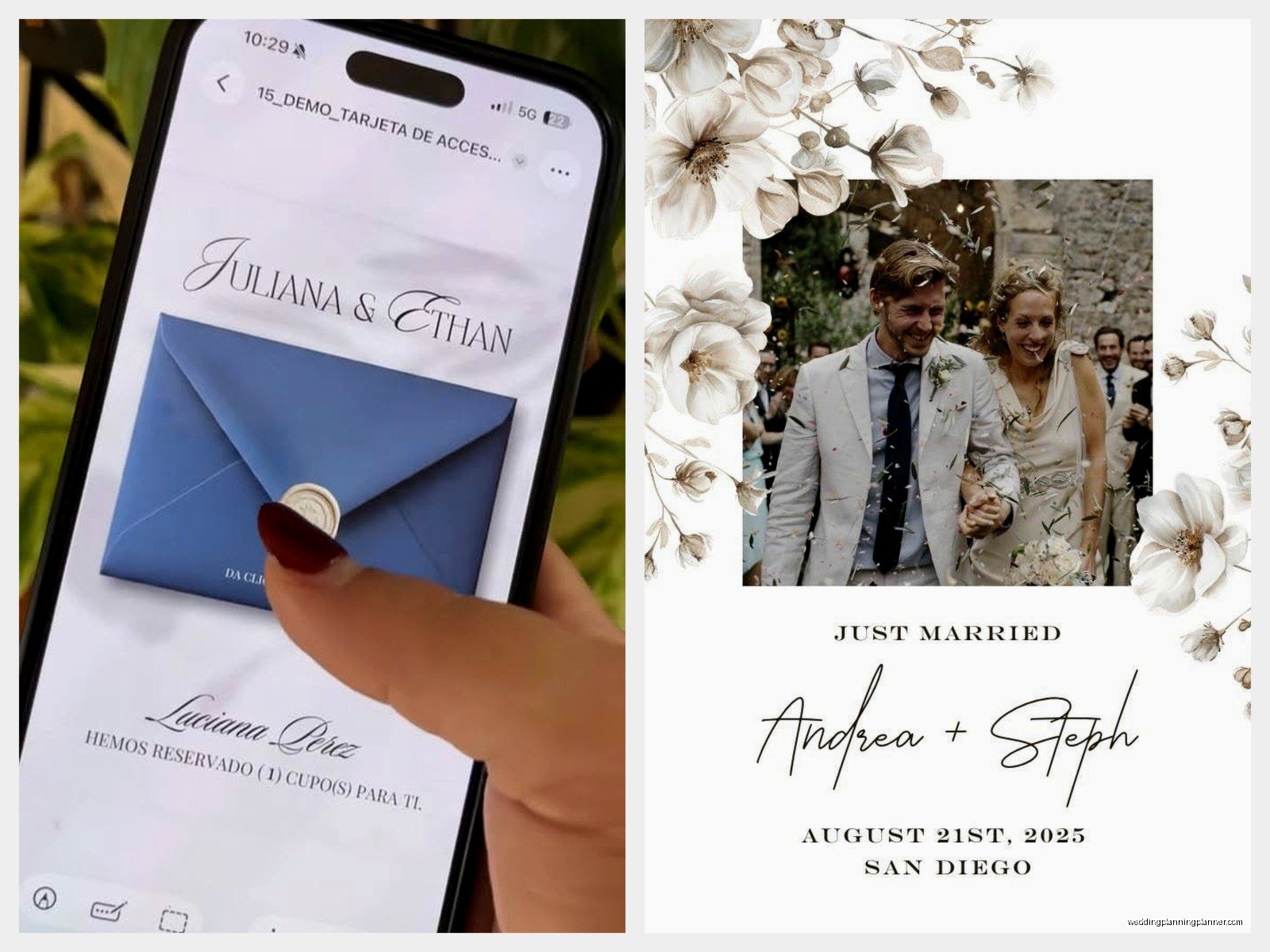
These are gonna be your easiest option. You can send them via email, post on social media, or text them to people. I had a couple last summer who created this gorgeous announcement in Canva and just posted it on Instagram and Facebook with a nice caption, then sent the image directly to older relatives via email. Done in like an hour, zero postage costs.
For digital you want:
- High resolution (at least 300 DPI if people might want to print it themselves)
- Landscape or square format works better for social media
- Keep text readable even on phone screens
- Save as PNG or JPG
Printed Announcements
If you’re going traditional and mailing these out, you’ll need to think about printing costs. Most free templates are designed to print on standard 8.5×11 paper or 5×7 cardstock. You can print at home if you have a decent printer, or you can upload your design to places like Staples, FedEx Office, or even Costco for printing.
Standard sizes that won’t cost extra:
- 5×7 inches (fits in A7 envelopes)
- 4×6 inches (postcard size, cheaper postage)
- 8.5×5.5 inches (half letter, easy to print at home)
Customizing Your Template Without Losing Your Mind
Okay so you downloaded a template and now you’re staring at it wondering how to make it actually look like YOUR wedding and not some generic stock photo situation.
First thing – swap out any placeholder text with your actual information. This seems obvious but I’ve seen people forget to change the date or accidentally leave “Bride and Groom” in the template. Proofread that thing like five times.
For photos, if your template has a photo spot, use a good quality image from your wedding. Not a blurry iPhone pic someone took during cocktail hour. Ask your photographer for a few high-res images specifically for announcements – most photographers are totally fine with this and might even have suggestions for which photos work best.
Colors and fonts – this is where people get in trouble. If the template has nice fonts already, maybe just… leave them? I know you want to use that fancy script font you love, but if it’s hard to read, your 80-year-old grandmother isn’t gonna appreciate it. Keep it legible.
You can change colors to match your wedding colors if you want, but make sure there’s enough contrast. Light pink text on white background = no one can read it. Navy text on cream background = everyone can read it. See the difference?
Timing for Sending Announcements
So when do you actually send these things? Traditional etiquette says within a few months of the wedding, but honestly I’ve seen couples send them anywhere from the day after the wedding to six months later and it’s all been fine.
General timeline that works:
- Elopements: send within 2-4 weeks after
- Small ceremonies: send within 1-3 months
- If you’re waiting for professional photos: send when you get those photos back (usually 6-8 weeks)
- If you forgot completely: better late than never, just send them whenever
I had this moment last fall where my cat knocked over my coffee onto a stack of announcements I was helping a client prepare and we had to reprint everything, which actually worked out because we caught a typo in the date that we’d all missed. So like, sometimes disasters are blessings or whatever.
Wording Examples That Don’t Sound Weird
If you’re staring at a blank template wondering what actual words to put on this thing, here are some options that sound like real humans wrote them:
Formal option: “Mr. and Mrs. Jonathan Hayes joyfully announce the marriage of their daughter Rebecca Jane to Michael Thomas Chen on the twenty-third of May, two thousand twenty-four, in Charleston, South Carolina.”
Less formal option: “Rebecca Hayes and Michael Chen are happy to announce their marriage on May 23, 2024 in Charleston, South Carolina.”
Casual option: “We got married! Rebecca and Michael tied the knot on May 23, 2024 in Charleston, SC.”
For elopements: “Rebecca Hayes and Michael Chen eloped! We were married on May 23, 2024 in Charleston, South Carolina and couldn’t be happier.”
You can also add a line like “We celebrated with a small private ceremony” if you want to gently explain why they weren’t there without making it weird.
Adding Photos to Templates
Most free templates have either a spot for a photo or you can add one yourself. If you’re using Canva, you literally just drag and drop your photo into the template. Make sure the photo is:
- Well-lit (not too dark or grainy)
- In focus (blurry photos look unprofessional)
- Cropped nicely (you don’t need the entire ceremony backdrop, just you two looking happy)
- High enough resolution that it won’t look pixelated when printed
Some couples use their first kiss photo, some use a portrait from after the ceremony, some use a candid laughing moment. There’s no wrong answer here as long as you both look good in it and it feels like you.
What If You Don’t Have Professional Photos Yet
Okay so this is a common problem – you want to send announcements but your photographer hasn’t delivered your gallery yet. You have a few options here. You can use a nice photo someone took on their phone during the wedding (as long as it’s good quality). You can send announcements without photos and just use a pretty design. Or you can wait for the professional photos and send announcements a bit later.
Honestly most people won’t care if the announcement has a professional photo or not. They just want to know you got married and see you happy. Don’t stress about this too much or you’ll never send them and then it’ll be your first anniversary and you still haven’t told anyone.
Printing Tips If You’re Doing This at Home
If you’re printing these yourself, you’re gonna need some supplies. Cardstock is way better than regular printer paper – it feels more substantial and looks more professional. You can get white or cream cardstock at any office supply store, or if you want to get fancy, try a textured cardstock.
Settings matter when you print. Set your printer to “best quality” or whatever the highest quality setting is. Print a test copy first before you print 50 of them and realize the margins are off or something looks weird.
For envelopes, you can buy them at craft stores or online. A7 envelopes fit 5×7 cards perfectly. If you want to get fancy with envelope addressing, you can print labels or hand-write them. I personally think hand-written addresses look nicer but that’s just me and also I have terrible handwriting so maybe printed labels are actually better… anyway you do you.
Addressing and Mailing
Okay so who actually gets these announcements? Generally you send them to people who weren’t at the wedding but who you still want to share the news with. Extended family, old friends, colleagues, neighbors, your parents’ friends who’ve known you forever.
You don’t send them to people who were AT the wedding because they already know you got married. That would be weird.
For addressing, use formal names if you’re doing formal announcements, or just first and last names if you’re keeping it casual. Include the full address and make sure you have current addresses – this is not the time to find out your college roommate moved two years ago.
Postage costs for a 5×7 card in a standard envelope is usually just a regular stamp, but if your announcement is thick or heavy, you might need extra postage. Take one to the post office and have them weigh it before you stamp all of them.
Digital Distribution Methods
If you’re going the digital route, you’ve got options. Email is the most straightforward – just attach the announcement image to an email with a nice message. Keep the email short and sweet. Something like “We’re excited to share that we got married on [date]! We’ve attached our wedding announcement with details. Thank you for being part of our lives.”
Social media is tricky because you have to decide if you want to post publicly or just send to specific people. A public post reaches everyone at once but might feel impersonal. Direct messages feel more personal but take more time. Maybe do both? Post publicly for your general network and send personal messages to important people.
There’s also services like Paperless Post or Greenvelope that let you send digital announcements that look more formal than just an email attachment. Some of these cost money though so check before you commit.
Common Mistakes to Avoid
Alright real talk, here are things I’ve seen go wrong with wedding announcements that you should absolutely not do:
- Sending them out more than a year after the wedding (at that point just skip it)
- Including registry information (seriously don’t do this, it looks like you’re asking for gifts)
- Using a photo where one of you looks bad (both people need to look good or neither will be happy)
- Forgetting to update the year if you’re using a template from last year
- Making the text so small no one can read it without a magnifying glass
- Using six different fonts because you couldn’t decide (pick two max)
- Printing on paper so thin it’s basically transparent
What About Name Changes
If someone changed their name, the announcement is a good place to mention it. You can say “Rebecca Hayes and Michael Chen were married on May 23, 2024. Rebecca will be using the name Rebecca Chen going forward” or however you want to phrase it.
If you’re both keeping your names, you don’t need to say anything – just list both names as they are. If you’re hyphenating, show the hyphenated version. If one person is changing their name but hasn’t legally done it yet, you can still use the new name on the announcement, it’s fine.
Following Up After Sending
After you send announcements, expect some responses. People will text, call, or send cards congratulating you. You don’t have to send formal thank you notes for these congratulations unless someone sends a gift (which they might, even though you didn’t ask for one).
If someone sends a gift after receiving your announcement, definitely send them a thank you note. Use the same level of formality as your announcement – if you sent formal printed announcements, send a formal thank you. If you texted a casual digital announcement, a thank you text is probably fine.
Some people won’t respond at all and that’s normal. They got the announcement, they know you’re married, mission accomplished. Don’t take it personally if you don’t hear back from everyone.
Template Resources I Actually Recommend
Since I’ve been doing this for a while, here are the specific resources I send to clients when they need free templates that don’t suck. Canva has a whole section for wedding announcements and you can filter by free. The selection is actually pretty good and you can customize colors, fonts, and layouts without paying anything.
Greetings Island has templates you can personalize online and then download as PDFs. They’re free but they’ll try to upsell you on printing services – just decline and download the PDF yourself.
For super simple text-only announcements, Google Docs has templates that work fine. They’re not fancy but they’re clean and professional and you can print them easily.
Vista Print has free templates too but their whole business model is getting you to pay for printing, so if you’re printing yourself just download the template and run. Don’t get sucked into their upgrade offers unless you actually want them to print it.
