
Planning Guides, Style Guide
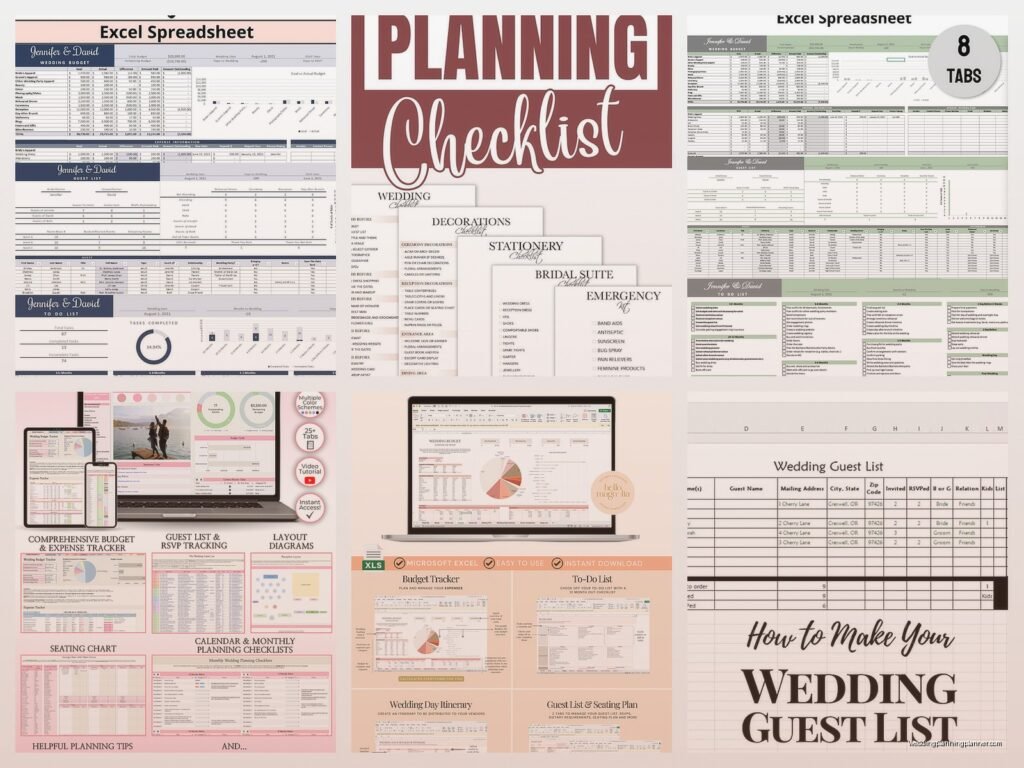
Free Wedding Planning Checklist Excel: Task List Template
Jul
Okay So Excel Wedding Checklists Are Actually Your Best Friend
Look I’m gonna be real with you – I used to hate Excel. Like genuinely avoided it for the first three years of my wedding planning career because I thought fancy apps were the answer. Then in spring 2023 I had this bride who accidentally deleted her entire wedding timeline from one of those sleek planning apps and there was NO backup and I literally had to reconstruct everything from our email chains at 11pm on a Thursday and I was like… nope, never again. Excel saves automatically if you set it up right, you can back it up seventeen different ways, and honestly? It just works.
The thing about using Excel for your wedding task list is that you can customize literally everything. Those pre-made templates you download are great starting points but your wedding isn’t cookie-cutter so why should your checklist be, right?
Setting Up Your Basic Template Structure
Alright so first things first – open Excel and don’t panic at the blank grid. You’re gonna want to set up columns that actually make sense for how your brain works. I usually do it like this:
- Column A: Task Name (the actual thing you gotta do)
- Column B: Category (venue, catering, flowers, attire, etc.)
- Column C: Due Date
- Column D: Status (Not Started, In Progress, Completed)
- Column E: Assigned To (because let’s be honest, you’re not doing ALL of this alone)
- Column F: Priority Level (High, Medium, Low)
- Column G: Cost Estimate
- Column H: Actual Cost
- Column I: Notes
That notes column is seriously underrated btw. That’s where I put vendor contact info, confirmation numbers, random thoughts at 2am about napkin colors… whatever.
Making It Actually Functional Not Just Pretty
Here’s where Excel gets kinda magical if you know a few tricks. You can add dropdown menus so you’re not typing “In Progress” forty-seven times. Click on the cells in your Status column, go to Data tab, then Data Validation, then List, and type in your options separated by commas: Not Started, In Progress, Completed. Now you just click and select.
Do the same thing for Priority Level and Category columns. Trust me it makes everything feel more organized even when you’re frantically updating stuff two months before the wedding.
What really annoyed me for YEARS was when people wouldn’t freeze their header row and then they’d scroll down and forget what column was what. So do this right now – click on row 2, go to View tab, click Freeze Panes, select Freeze Top Row. You’re welcome.
The Timeline Breakdown That Actually Works
Okay so you’ve got your structure but what actually goes IN the checklist? I’m gonna break this down by timeframe because that’s how your brain needs to process it.
12+ Months Before (If You’re That Organized)
Most people aren’t planning a full year out anymore honestly but if you are:
- Set your budget (use those cost columns!)
- Choose your date and backup date
- Start your guest list draft
- Book your venue (this is high priority obvs)
- Hire your photographer – they book up FAST
- Research and book your planner if you’re getting one
- Start looking at dress styles online
9-11 Months Out
This is when things start feeling real and also when I see people start panicking a bit:
- Book your caterer or reception venue if separate
- Hire your videographer
- Book ceremony musician or DJ
- Book florist
- Order your wedding dress (needs time for alterations)
- Reserve hotel room blocks
- Book hair and makeup artists
- Send save-the-dates if you’re doing them
6-8 Months Before
My cat just knocked over my coffee while I’m writing this which feels appropriate because this is when weddings start getting messy with details:
- Order invitations (or design them if you’re DIYing)
- Book transportation
- Register for gifts
- Book rehearsal dinner venue
- Start planning honeymoon
- Order bridesmaid dresses
- Book baker for wedding cake
- Rent tuxes or suits
4-5 Months Out
You’re in the thick of it now and your Excel sheet should be getting pretty full:
- Finalize your menu with caterer
- Order wedding bands
- Apply for marriage license (check your state requirements on timing)
- Schedule dress fittings
- Book officiant if you haven’t yet
- Plan ceremony details and readings
- Start addressing invitations
The Final Stretch Tasks
2-3 Months Before
This is when I tell couples to really start checking that Status column regularly because things slip through cracks:
- Mail invitations (8 weeks before is standard)
- Schedule final dress fitting
- Order ceremony programs and any signage
- Finalize details with all vendors
- Break in your wedding shoes
- Plan reception timeline with DJ/band
- Write your vows if doing personal ones
- Get marriage license
1 Month Before (Crunch Time)
- Confirm final headcount with caterer
- Create seating chart (use your guest list from the Excel!)
- Confirm all vendor arrival times
- Pick up wedding bands
- Final walk-through at venue
- Prepare vendor tip envelopes
- Assign someone to handle last-minute coordination day-of
Week Of (You’re Almost There)
- Rehearsal and rehearsal dinner
- Give final headcount to everyone who needs it
- Pack for honeymoon
- Confirm all transportation
- Break in those shoes some more seriously
- Delegate tasks to wedding party
- Put together emergency kit
Making Your Template Work For YOUR Wedding
So here’s the thing about free templates you download – they’re great but they’re also generic. You might be having a backyard wedding or a destination wedding or a courthouse thing with a fancy dinner after… your task list should reflect that.
I had a couple once who got married on a boat and half the standard checklist didn’t even apply to them but they kept stressing about things like “aisle runner” and I’m like… it’s a boat. There is no aisle. Delete that row!
In Excel you can just right-click any row and delete it. Add new rows by right-clicking and selecting Insert. Rearrange stuff by cutting and pasting. The whole point is that it’s FLEXIBLE.
Adding Conditional Formatting For Visual People
If you’re visual like me (and most wedding people are honestly), you can make Excel color-code things automatically. Select your Status column, go to Home tab, Conditional Formatting, and set up rules like:
- If cell contains “Completed” – make it green
- If cell contains “In Progress” – make it yellow
- If cell contains “Not Started” – make it red or leave it white
Same thing with Priority Level – make High priority cells red, Medium orange, Low green. Now you can literally see at a glance what needs attention.
The Budget Tracking Integration
Since you’ve got those cost columns right there in your task list, you might as well use Excel to track your budget at the same time. At the bottom of your Cost Estimate and Actual Cost columns, use the SUM function to add everything up.
Just click the cell where you want the total, type =SUM( and then select all the cells above it with costs, close the parenthesis, hit enter. Done. Now you can see if you’re on track or if you need to… adjust expectations on something.
I learned this the hard way when I was just starting out and didn’t connect tasks to budget and a couple spent $3000 over their budget without realizing it until vendor payments were due. Not great.
Linking To Other Sheets In Your Workbook
Oh and here’s something people don’t think about – you can have multiple sheets in one Excel file. So like Sheet 1 is your main task checklist, Sheet 2 is your detailed budget breakdown, Sheet 3 is your guest list with addresses and meal choices, Sheet 4 is your vendor contact info all in one place. Click those little tabs at the bottom to add new sheets.
Then you can reference information between sheets which sounds complicated but it’s not really… okay it’s a little complicated but there are YouTube tutorials and honestly once you do it once you’ll get it.
Sharing And Collaboration Features
If you’re using Excel online through Microsoft 365 or whatever they’re calling it now, multiple people can edit the same file at the same time. This is clutch when you’re planning with a partner or your mom is helping or you’ve got a wedding party doing different tasks.
Save your file to OneDrive, click Share, and send the link to whoever needs access. You can see who’s making changes in real-time which is either really helpful or kinda stressful depending on if your mother-in-law is rearranging your carefully organized task list without asking… but that’s a different issue.
If you’re not using the online version, just save your file to Dropbox or Google Drive and everyone can download the latest version. Not as seamless but it works.
The Backup Strategy You Actually Need
Remember that story I mentioned about the bride who lost everything? Yeah don’t be her. Here’s what you do:
- Turn on AutoSave if you’re using Excel online
- If using desktop Excel, set AutoRecover to save every 5 minutes (File > Options > Save)
- Save a copy to cloud storage weekly
- Email yourself a copy every month as backup
- Print a physical copy before major vendor meetings
Is this overkill? Maybe. Will you thank me if your laptop dies three weeks before your wedding? Absolutely.
Customizing For Different Wedding Styles
Your checklist should match your actual wedding vibe. Having a micro-wedding with 20 people? Delete all the tasks about seating charts for 200 guests and transportation logistics. Having a DIY backyard situation? Add tasks for setting up tables, coordinating volunteers, renting equipment, buying supplies from… wait what’s that store called, the party supply place, anyway you know what I mean.
Destination wedding? You need tasks for travel arrangements, welcome bags, coordinating guest accommodations, researching local marriage requirements. Traditional religious ceremony? Add in pre-marriage counseling sessions, church fees, ceremony booklet approval.
The beauty of Excel is you can just keep tweaking it until it fits YOUR situation perfectly.
Common Mistakes I See People Make
Okay so after doing this for literally hundreds of weddings, here’s what trips people up with their Excel checklists:
Not updating it regularly. Your checklist is useless if you open it once in March and then never look at it again until July. Set a weekly reminder to review and update.
Making it too complicated. You don’t need 47 columns tracking every microscopic detail. Keep it simple enough that you’ll actually use it.
Not assigning tasks to specific people. “Someone will handle that” means no one will handle that. Put names in that Assigned To column.
Forgetting to include buffer time. If your dress fitting is scheduled for 6 weeks before the wedding, you need a task for “order dress” at least 6-9 months before. Work backwards from deadlines.
Ignoring the little stuff. Yeah you remembered to book the venue but did you remember to ask about their sound system capabilities? Did you add a task to buy thank you cards? These small things add up and cause stress later.
Free Template Resources That Don’t Suck
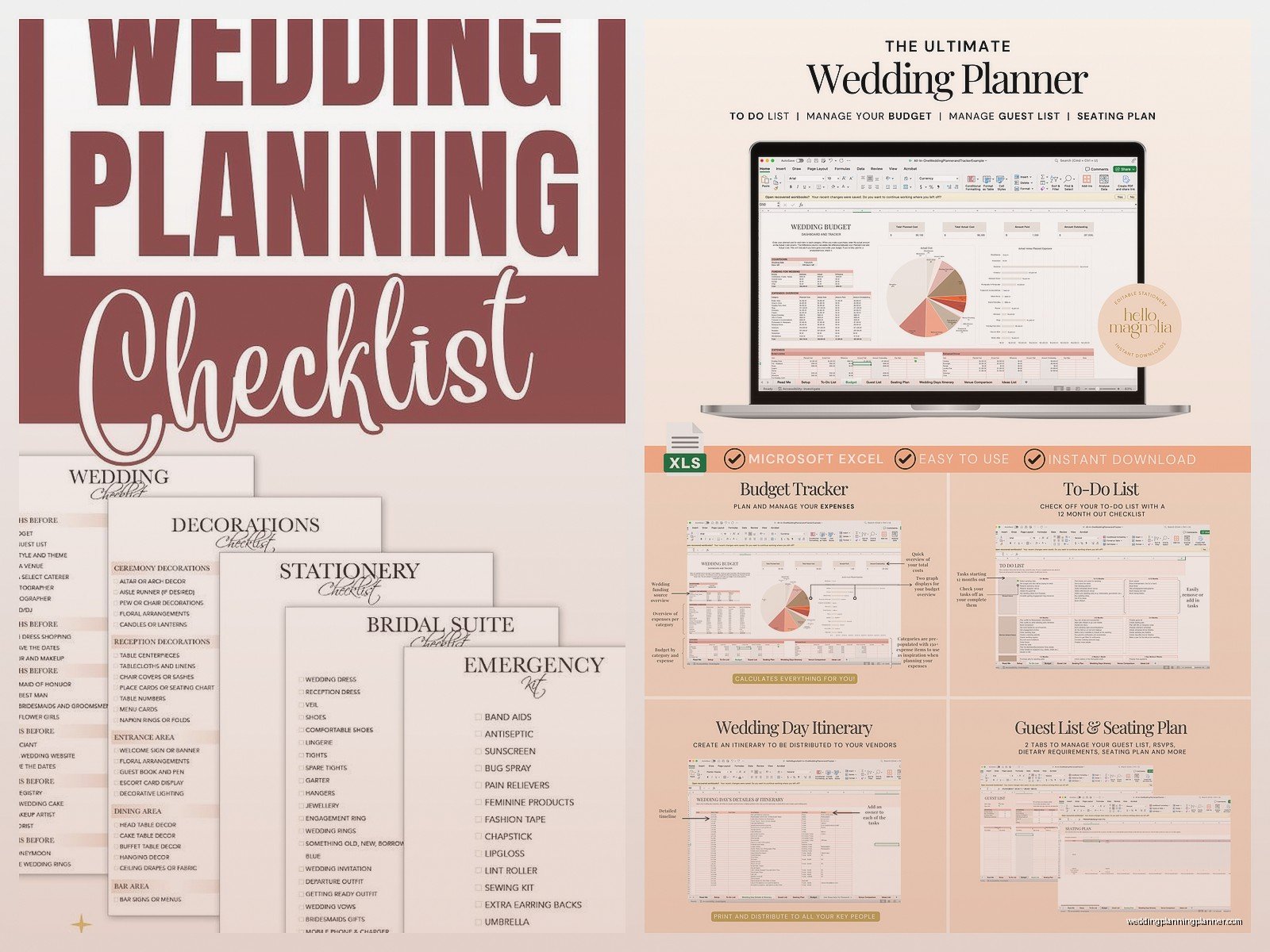
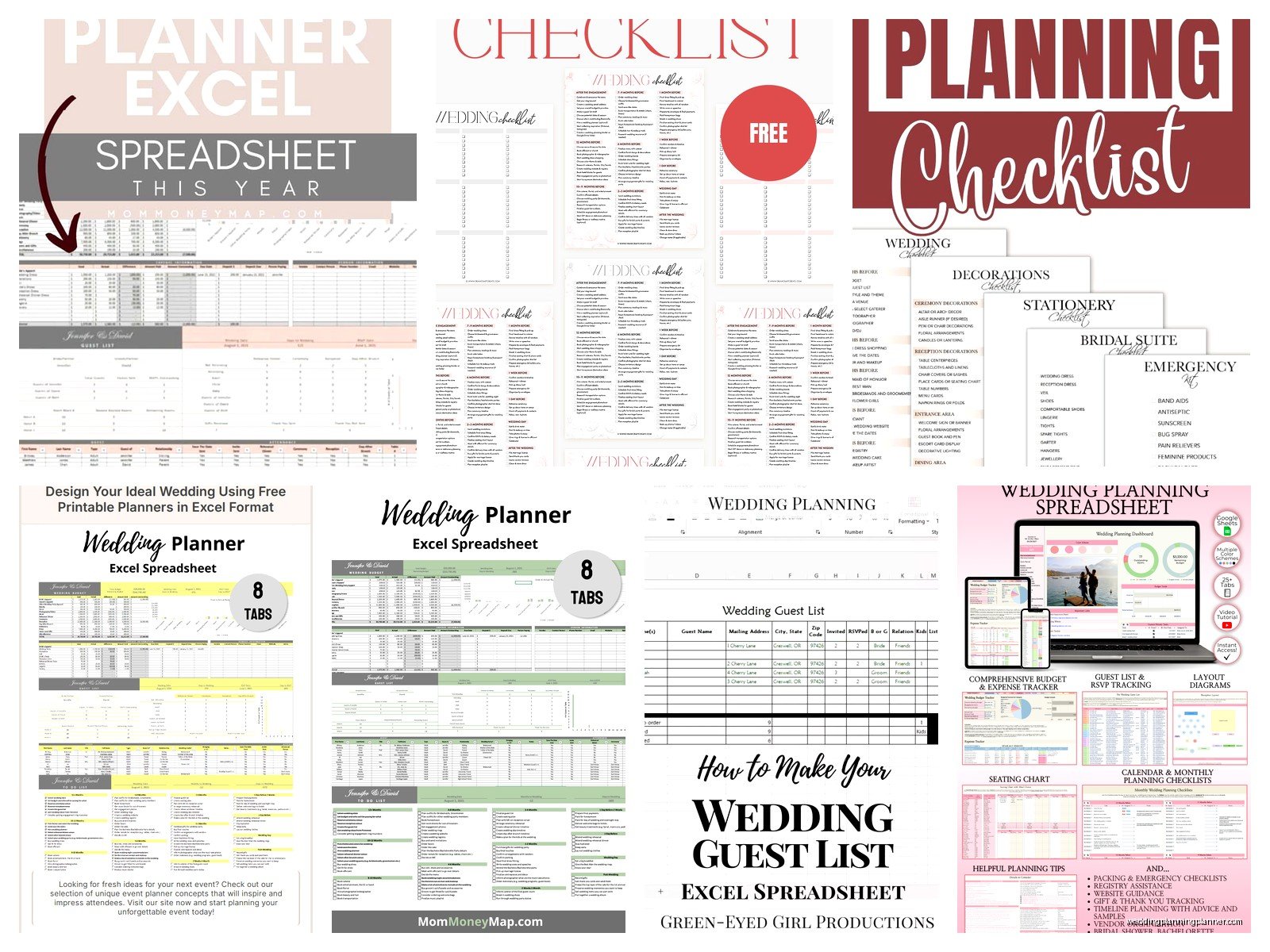
If you want a starting point rather than building from scratch, there are actually some decent free templates out there. Microsoft has templates built into Excel – just open Excel, search for “wedding checklist” in the template search, and you’ll find several options. They’re not amazing but they’re functional.
Vertex42 has good free Excel templates for weddings including checklists with budget tracking. WeddingWire has downloadable Excel checklists though you might need to create a free account. The Knot also has printable/downloadable checklists that you can recreate in Excel if you want to customize them more.
Just download one, open it up, and start deleting what you don’t need and adding what you do. That’s honestly how I created my first template years ago and I still use a modified version of it today.
When To Actually Start Using Your Checklist
Create your Excel checklist as soon as you get engaged or as soon as you set a date. Even if you’re not actively doing tasks yet, having everything mapped out helps you understand the scope of what’s coming and prevents that “oh crap I should have booked that six months ago” panic.
I’ve seen people wait until like 4 months before their wedding to start organizing and then they’re scrambling because all the good vendors are booked and they’re rushing orders and paying rush fees and it’s just stressful for everyone involved.
Start the checklist early. Update it regularly. Use those filters and sorts to focus on what’s urgent. And actually check off completed tasks because that little dopamine hit of marking something done is half the reason Excel checklists work so well psychologically speaking or maybe that’s just me but whatever it helps
