
Planning Guides, Style Guide
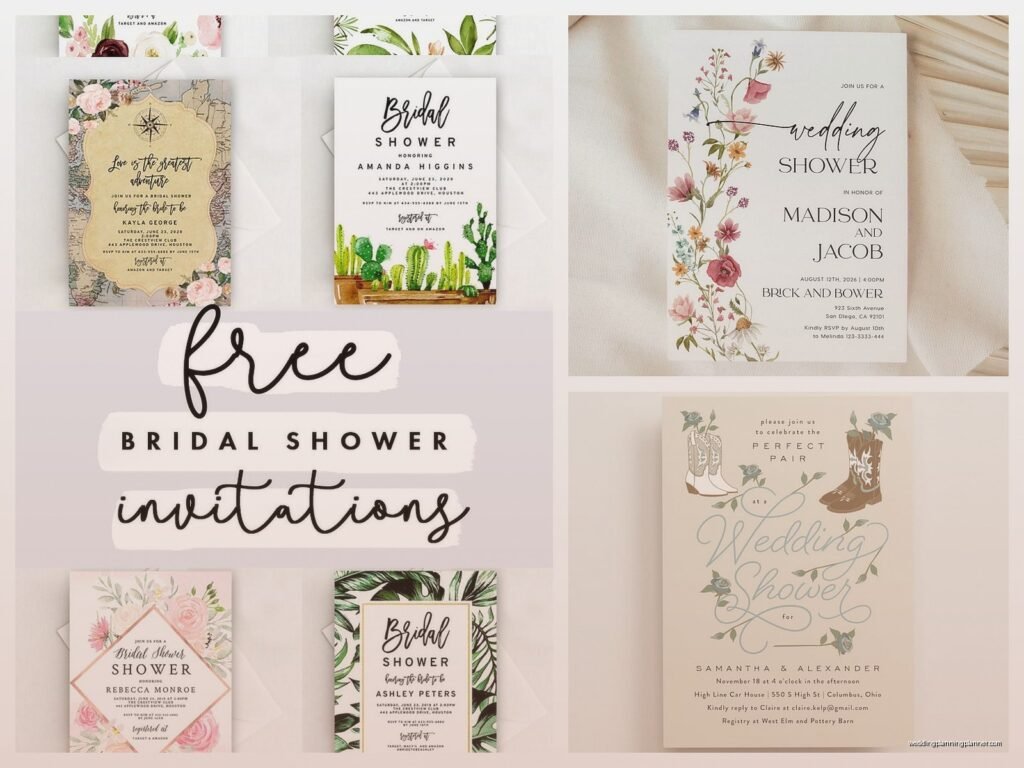
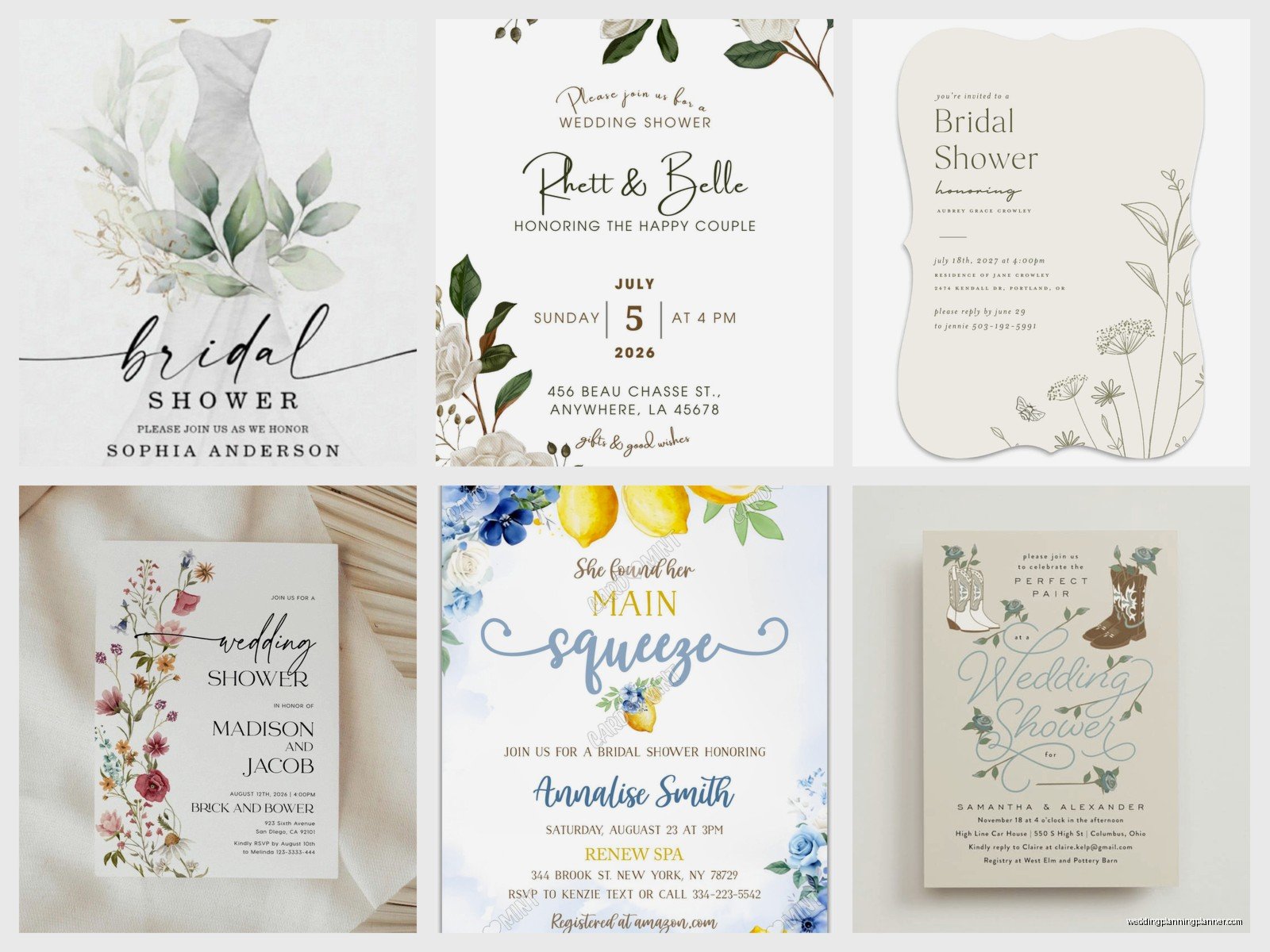
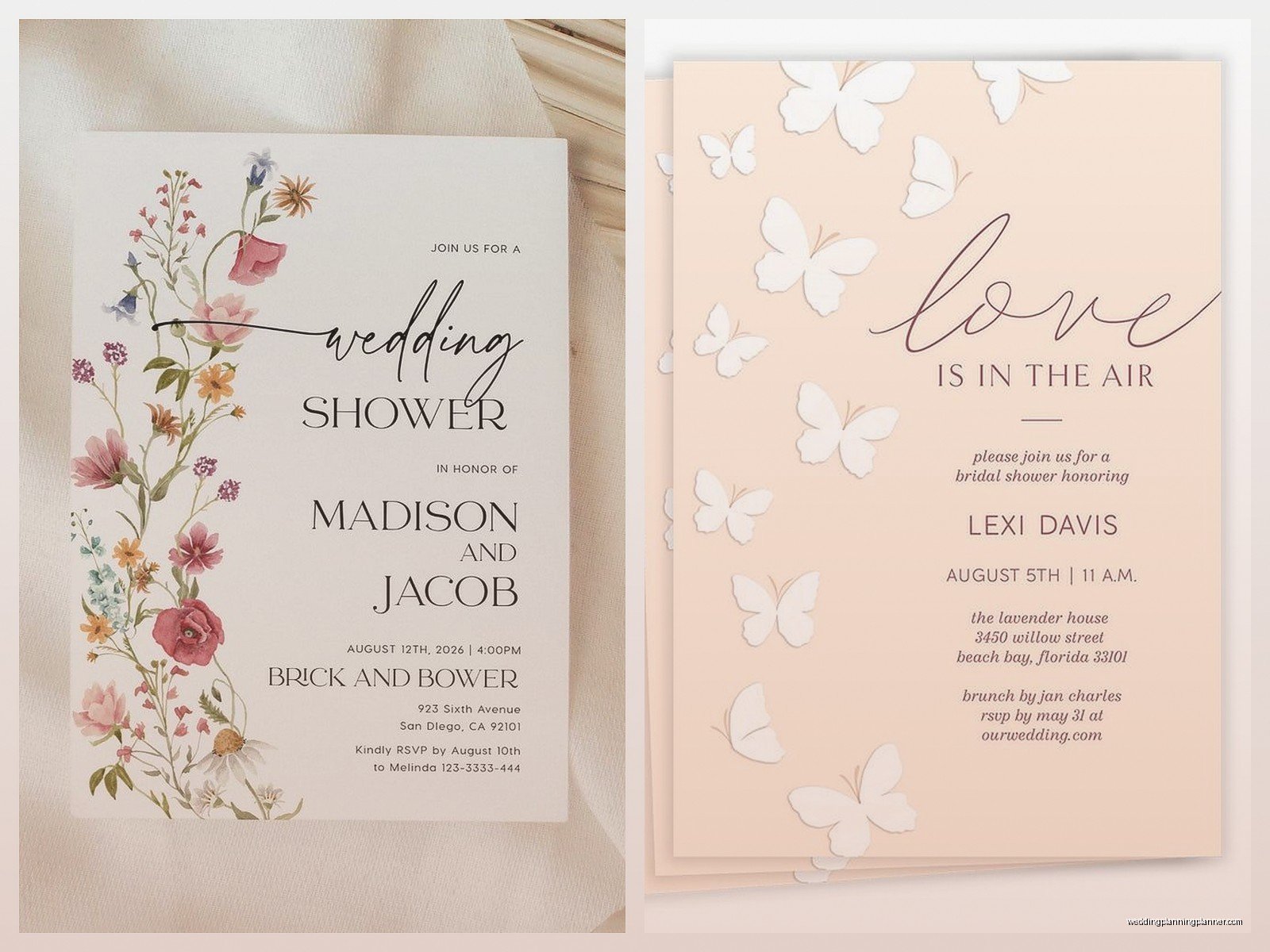
Wedding Shower Invitation Template: Free Party Downloads
Jul
So You Need Wedding Shower Invitations Without Spending a Fortune
Okay so free wedding shower invitation templates are honestly one of those things that can either save your life or make you want to throw your laptop out the window. I learned this the hard way back in spring 2023 when I had THREE bridal showers in the same month and the budgets were… let’s just say tight. Like really tight. One bride literally asked me if we could make invitations out of napkins and I wasn’t sure if she was joking.
The thing about free templates is you gotta know where to look and what’s actually gonna work for you versus what’s just pretty screenshots that don’t download properly. I’ve wasted so many hours clicking on “free download” buttons that just lead to signup pages for paid services and honestly that still annoys me to this day.
Where to Actually Find Free Templates That Work
Canva is basically your best friend here. They have a free tier that’s genuinely useful and not just a tease for their paid version. You can search “bridal shower invitation” or “wedding shower invitation” and filter by free templates. The drag-and-drop editor is pretty intuitive even if you’re not super tech-savvy. I’ve had bridesmaids in their 60s figure it out so like, you’ll be fine.
Greetings Island is another one I use constantly. Their templates are actually free to download as PDFs and you can customize them right on their site. No account needed for basic stuff which is refreshing. The designs are kinda traditional but sometimes that’s exactly what you need.
Adobe Express used to be called Adobe Spark and they have free templates too. Little more modern looking than Greetings Island. You’ll need to create a free account but it’s worth it if you want something that looks a bit more… I don’t know, Instagram-ready?
Microsoft Word and PowerPoint actually have built-in templates if you have Office. People forget about these but they’re there under the “New” menu. Search for invitation templates and you’ll find some decent options. They’re not gonna win design awards but they’re functional and you probably already have the software.
What to Look for in a Template
You want something with editable text fields obviously. Some templates are just JPG images and those are basically useless unless you’re really good at Photoshop. Look for templates that say “editable” or “customizable” in the description.
Size matters here. Standard invitation size is 5×7 inches. Some templates are designed for A4 paper or weird dimensions that’ll cost you extra at the print shop. I always check the dimensions before I download anything because I learned that lesson the expensive way.
Think about your printing method before you choose a design. If you’re printing at home on a regular printer, you probably want something with lighter backgrounds. Dark backgrounds eat through ink cartridges like you wouldn’t believe. I watched a bride spend $80 on ink cartridges for invitations that could’ve been printed at Costco for $15.
Customizing Your Template Without Losing Your Mind
Start with the basics first. Change the name, date, time, location. Don’t get distracted by fonts and colors right away or you’ll spend three hours on one invitation and forget to actually add the venue address. Not that I’ve ever done that…
For fonts, stick to two maximum. One for headers and one for body text. Mixing too many fonts makes invitations look like a ransom note. I usually go with something script-y for the names and something clean and readable for the details. Make sure your venue address is in a font people can actually read because apparently some guests will claim they “couldn’t read the address” even when it’s in 12pt Arial.
Colors should match the shower theme or wedding colors if there are any. But also make sure there’s enough contrast so text is readable. Light pink text on white background might look elegant in your head but it’ll be invisible when printed.
The Wording Part That Everyone Overthinks
You need the basics: who’s being showered, who’s hosting, date, time, location, RSVP info, and registry information if applicable. That’s it. You don’t need poetry.
Traditional wording is like “Please join us for a bridal shower honoring Sarah Johnson” blah blah blah. But honestly you can be more casual if that fits the vibe. “Let’s shower Emma with love before she becomes Mrs. Rodriguez” works fine too.
Always include an end time or at least say something like “2pm to 4pm” because otherwise guests don’t know if this is a two-hour thing or an all-day event. I had a shower once where we didn’t put an end time and people were still showing up at 5pm when we’d started cleanup.
RSVP deadline should be at least two weeks before the shower so you can get a headcount for food. Put a phone number or email, not just “RSVP to host” because that’s vague and people won’t know who to contact.
Registry Info: The Awkward Part
So there’s this whole etiquette thing about whether you should put registry info on the invitation itself. Traditional etiquette says no, you’re supposed to include a separate insert or spread it by word of mouth. But in 2025 that’s kinda ridiculous because everyone just wants to know where to buy a gift.
I usually do a separate small card that says “Sarah is registered at Target and Amazon” or whatever. You can make these from the same template by just deleting most of the text and resizing. Print two per page to save paper.
Or honestly just put a line at the bottom of the main invitation that says “Registry: Target & Crate & Barrel” because guests appreciate not having to hunt for this information. Your call on how traditional you wanna be.
Printing Options That Won’t Destroy Your Budget
Home printing is cheapest if you already have a decent printer and aren’t doing like 100 invitations. Use cardstock, not regular paper. You can get cardstock at any office supply store. Print a test copy on regular paper first to make sure everything’s positioned right.
Costco and Sam’s Club have photo printing services that are stupid cheap. You can upload your design as a JPG and order 5×7 prints for like 20 cents each. They look professional and you don’t have to deal with your printer jamming.
Walgreens, CVS, and Walmart also do photo prints. Sometimes they have same-day pickup which is clutch if you’re on a tight timeline. I’ve used Walgreens at midnight before a shower when a bride changed her mind about the design at the last minute and it saved me.
Vistaprint always has sales. Never pay full price there. Sign up for their emails and wait for a 50% off code. They’ll send you one within like three days guaranteed. Their cardstock quality is really good and they have envelope options.
Digital Invitations: The Even Cheaper Option
Okay so if you really wanna save money, just send digital invitations. I know some people think this is tacky but it’s 2025 and also it’s a shower not the actual wedding. Nobody’s gonna be offended by a nice digital invite.
Paperless Post has gorgeous designs and a free tier. You can track RSVPs right in the platform which is amazing for planning. Evite is the OG and still works fine even though the designs are… dated. But it’s free and functional.
You can also just create your invitation in Canva and save it as a JPG or PDF, then text or email it to guests. Include a link to a Google Form for RSVPs. Super simple and you get responses organized in a spreadsheet automatically.
My cat just knocked over my coffee which is perfect timing because I need a refill anyway but like, digital invites also mean no trips to the post office and no buying stamps which costs more than you’d think when you’re inviting 40 people.
Common Template Mistakes I See All the Time
Using templates with photos of random stock photo models. Unless that’s actually the bride in the photo, don’t use templates with people in them. It’s weird.
Forgetting to change ALL the placeholder text. I’ve seen invitations go out that still say “Bride’s Name Here” in the RSVP section because someone missed it. Proofread everything twice.
Making the file size too large. If you’re emailing digital invites, keep the file under 2MB or it’ll be annoying for people to download. Canva and most platforms let you adjust quality when exporting.
Not checking margins before printing. Most home printers can’t print edge-to-edge so if your template has text or design elements right at the edges, they’ll get cut off. Leave at least a quarter inch margin on all sides.
Envelope Addressing and That Whole Thing
You can hand-write addresses if you have nice handwriting and not too many invitations. Get a good pen, take your time, use a ruler under each line if your writing tends to drift.
Or print address labels. Avery has free templates that work with their label sheets. You can buy the labels at any office supply store and print them at home. Way faster than hand-writing 50 envelopes.
Some people do envelope printing directly through their printer. This works better with straight-feed printers than the ones where paper goes in a tray. Test with a junk envelope first because envelopes jam easily and it’s frustrating.
Return address goes on the back flap or upper left corner of the front. Don’t forget this because if an invitation is undeliverable you want it coming back to you, not just disappearing into the postal void.
Timeline for Getting This Done
Send shower invitations 4-6 weeks before the event. Earlier if it’s during holidays or summer when people travel. Later than 4 weeks and you’re pushing it for getting RSVPs back in time.
Give yourself at least a week to design, proof, print, and address everything. Longer if you’re ordering from an online service because shipping takes time and sometimes orders get messed up and need to be redone.
I usually spend about an hour customizing a template, another 30 minutes proofing and getting feedback from the host or bride, then however long it takes to print and address. So basically you can knock this out in an afternoon if you’re organized, or it can stretch into a week-long project if you’re indecisive about fonts.
Extra Touches That Are Actually Free
Add a belly band made from coordinating cardstock or even just ribbon from the dollar store. Wrap it around the invitation before putting it in the envelope. Looks fancy, costs almost nothing.
Print a matching envelope liner. You can find free liner templates online. Print on regular paper, trim to size, and glue to the inside of the envelope flap. Makes it look way more expensive than it was.
Use a colored envelope instead of plain white. Doesn’t cost extra at most stores but makes your invitation stand out in the mailbox. I’m partial to blush pink or sage green but that’s just me.
When Free Templates Aren’t Gonna Cut It
Look, sometimes the free options just aren’t right for what you need. If the shower is super formal or the bride has very specific vision, you might need to buy a template from Etsy or Creative Market. They’re usually like $5-15 which is still way cheaper than hiring a designer.
Or if you’re completely overwhelmed and have literally no design sense and the thought of choosing fonts makes you wanna cry, just use Paperless Post or Greenvelope for digital invites. Their free designs are better than anything you’d create while stressed.
I had this client in summer 2021 who insisted on designing her own invitations even though she’d never used Canva before and didn’t really understand how computers work beyond email and Facebook. We spent FOUR HOURS on a video call and she still couldn’t figure out how to change the font. Eventually I just did it for her and we both pretended she’d done it herself. Sometimes you gotta know your limits.
Keeping Track of RSVPs
Make a spreadsheet. Seriously. Columns for name, email, phone, RSVP status, number of guests, dietary restrictions if you’re serving food, and any notes. Update it as responses come in.
If you’re doing paper invitations, follow up with people who haven’t responded a week after your RSVP deadline. Text or call, don’t wait for them to magically remember. People are flaky and they need reminders.
For digital invites with built-in RSVP tracking, check it regularly because you’ll get notifications but they’re easy to miss. Export the guest list a few days before the shower so you have a final count for food and seating.
And just like, keep the invitation file saved somewhere you can find it because guaranteed someone’s gonna lose theirs and ask you to resend it the day before the shower. Happens every single time without fail.
