
Planning Guides, Style Guide
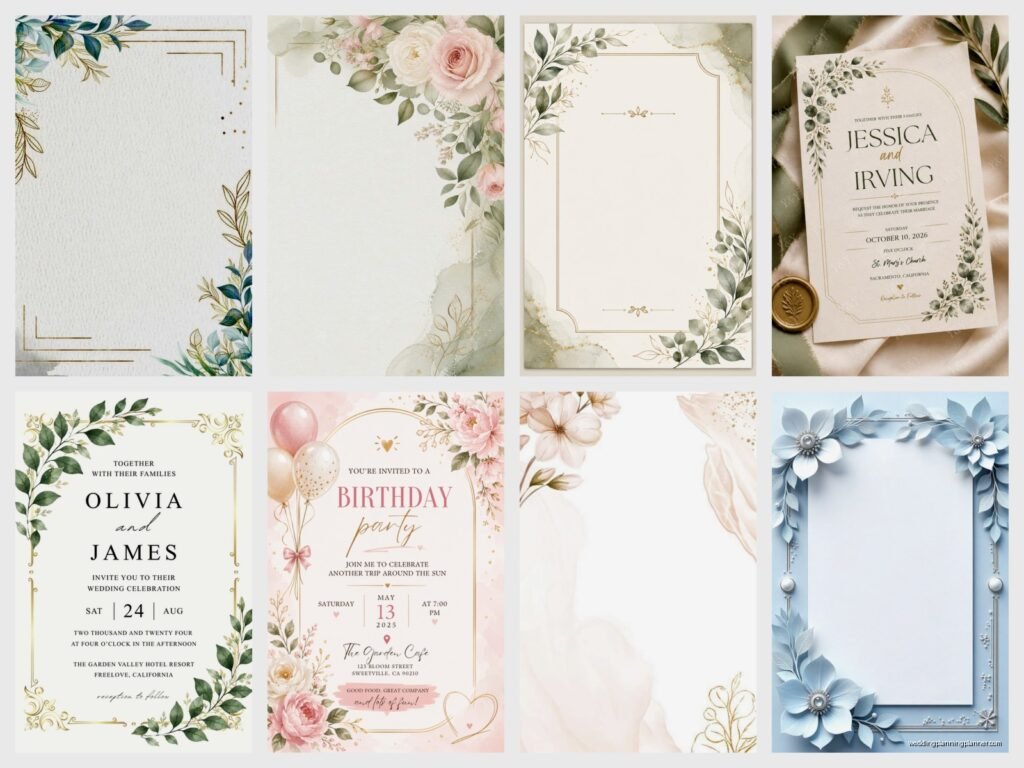
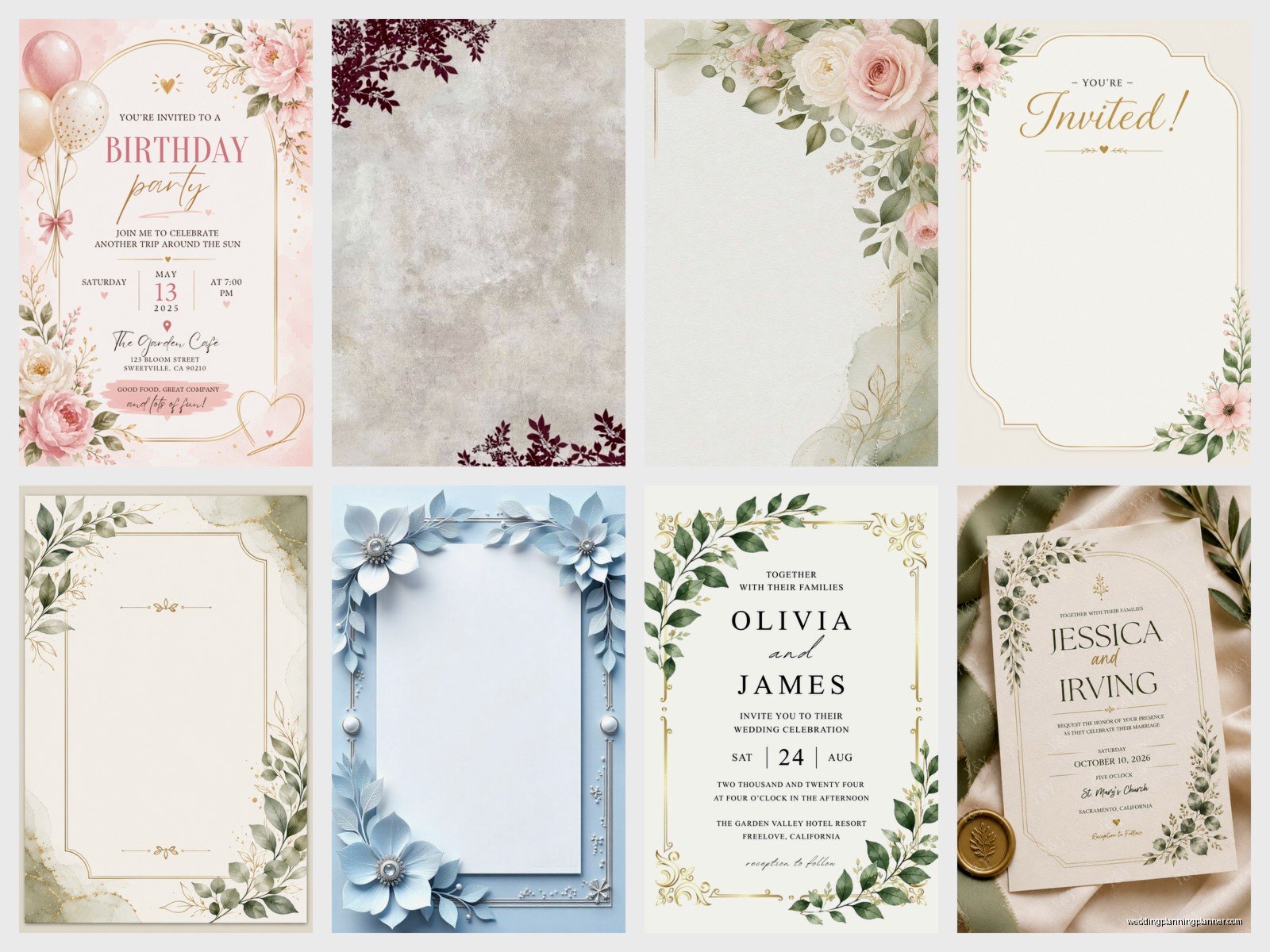
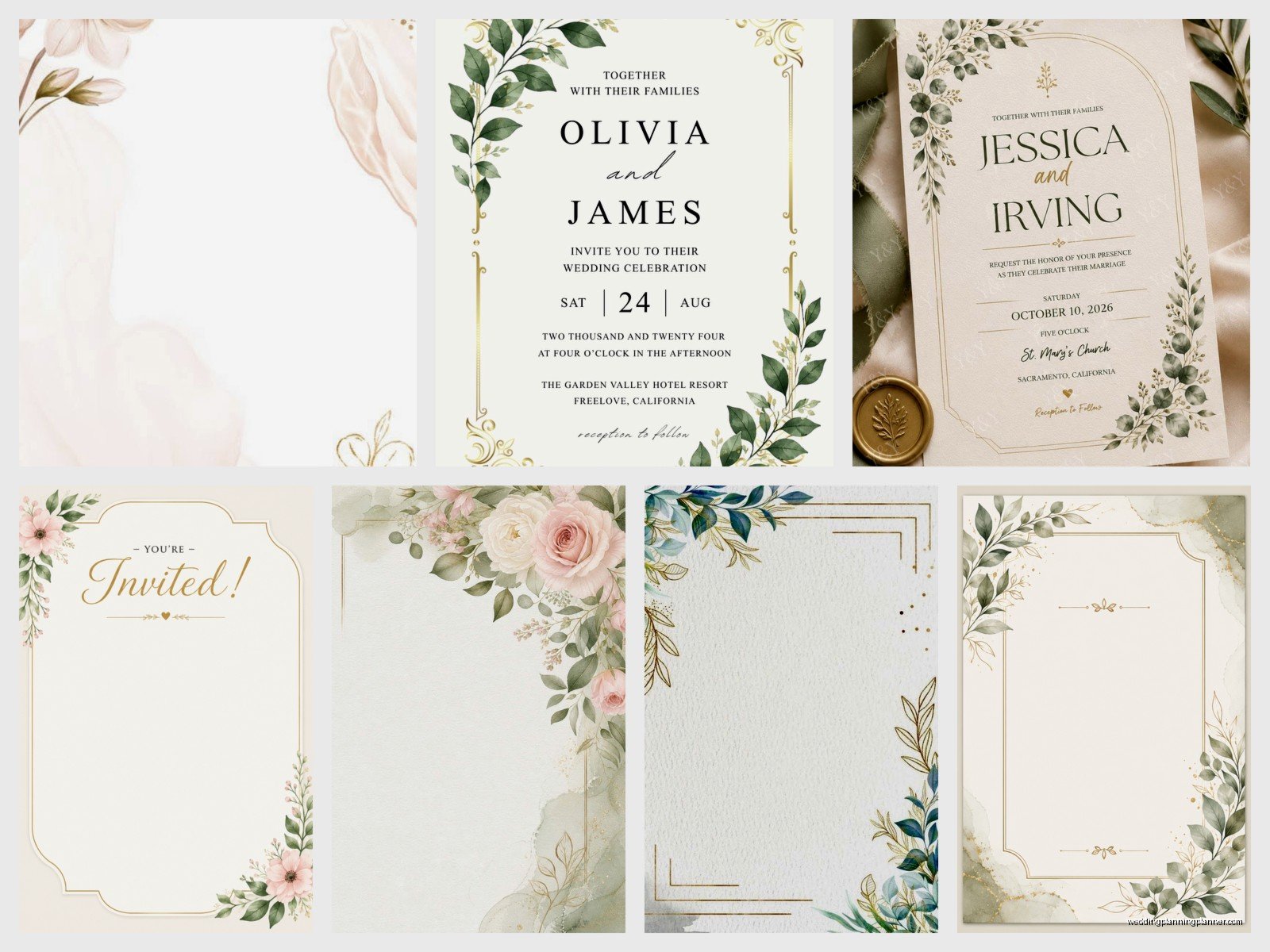
Invitation Cards Templates: Free Design Downloads
Jul
Okay So Free Invitation Templates Are Actually Pretty Solid If You Know Where to Look
Look, I’m gonna be honest with you—back in spring 2023 I had this bride who spent literally three weeks agonizing over custom invitation designs that would’ve cost her like $1,200, and then she found a free Canva template that was basically identical to what the designer had mocked up. I wanted to scream. Not at her, just at the universe, because I’d been telling couples about free templates for YEARS but somehow it doesn’t click until they’ve already stressed themselves out.
Free invitation card templates are everywhere now, and some of them are genuinely beautiful. You just need to know where to download them and how to customize without making them look like… well, free templates. Because that’s the thing nobody tells you—the template itself might be free, but you gotta put in some effort to make it yours.
Where I Actually Download Templates (The Sites I Trust)
Canva is obviously the big one. Their free account gives you access to thousands of invitation templates, and honestly? Most people don’t need the paid version unless you’re obsessed with a specific font or element. I use Canva for quick mockups when clients want to visualize ideas before committing to a stationer. The drag-and-drop thing makes it stupid easy even if you’ve never designed anything in your life.
Greetings Island is another solid option that people sleep on. They have templates you can customize right on their site and then download as PDFs. It’s very… 2015 in terms of interface design, but the templates themselves are cute. I’ve seen people use their stuff for casual backyard weddings and they turned out great.
Template.net has a weird mix of really professional-looking templates and some that look like they were made in Microsoft Word 2003, so you gotta sort through them. But when you find a good one, you can download it in different formats—Word, Pages, Photoshop, whatever you need.
Adobe Express used to be called Adobe Spark and it’s kinda slept on because people assume you need a Creative Cloud subscription. Nah, they have a free tier with invitation templates that are actually really modern and clean. If you already use Adobe products you can sync everything which is nice I guess.
The Downloads That Annoy Me
Here’s what drives me insane about “free” templates—and this happened to me personally when I was trying to make my sister’s baby shower invites in summer 2021—some sites advertise FREE TEMPLATES but then the download is like… a low-resolution preview and you have to pay to get the actual usable file. Etsy sellers do this ALL the time. They’ll list something as a free download but it’s just a sample or it’s locked behind joining their email list or whatever.
Also, some templates come with fonts that aren’t actually free for commercial use, which doesn’t matter for your personal wedding invitation but it’s annoying when you’re trying to do things properly. I always check the licensing because I’ve had clients get weirdly paranoid about this stuff.
What File Format You Actually Need
This is where people get confused and honestly I didn’t fully understand it myself until I’d been in the industry for like five years. If you’re just printing at home or sending a PDF to a local print shop, you want a PDF or high-res JPEG. Those work for basically everything.
If you’re planning to edit the template heavily, you want something editable—so look for PSD files if you know Photoshop, or AI files if you use Illustrator, or… actually most people should just stick with Canva or PowerPoint templates because those other programs have a learning curve that’s not worth it for one project.
Word and Pages templates are fine for very simple text-based invitations but they’re limiting if you want to do anything creative with layout or graphics. I’ve seen people try to recreate Pinterest-worthy designs in Microsoft Word and it’s just painful to watch.
SVG files are for if you want to use a cutting machine like Cricut, which is a whole different thing but I mention it because some brides get really into DIY-ing everything including laser-cut invitation elements and—actually that’s getting off topic.
How to Make Free Templates Not Look Free
The biggest tell that something’s a template is when you see the same design at three different weddings. So change stuff. Don’t just swap in your names and call it done. Change the color scheme, swap out decorative elements, adjust the spacing. Even small tweaks make a huge difference.
I always tell people to customize the fonts even if you like the original ones. Mix a serif and sans-serif, or use the template’s body font for headers and vice versa. It breaks up that template-y uniformity that screams “I downloaded this.”
Add your own graphics or photos if the template allows it. A lot of Canva templates have placeholder spots for engagement photos or custom monograms. Use them. A personal photo immediately makes any invitation feel custom even if the layout is from a template.
Play with the background. If the template has a white background, try a cream or light colored background instead. Or add a subtle texture—linen, watercolor, whatever fits your vibe. This is super easy in Canva and it transforms the whole look.
Printing Your Free Template Without Screwing It Up
Okay so you’ve downloaded and customized your template and now you need to actually print the thing. This is where I see people make the most mistakes and then blame the template when really it’s a printing issue.
First, check your resolution. For printing, you want at least 300 DPI. If you’re downloading a template and it’s only 72 DPI or 150 DPI, it’s gonna look pixelated when printed. Most good templates will specify this, but if you’re unsure, just… ask in whatever forum or group you found the template in. Someone will know.
Bleed is another thing that confuses people. If your design has color or images that go to the edge of the card, you need bleed—which means the design extends about 1/8 inch beyond where the card will be cut. Otherwise you get weird white borders when the cutting isn’t perfectly precise. Canva templates usually have this built in if you select the right dimensions, but if you’re using a Word template or something, you might need to manually adjust this.
I learned this the hard way when I printed my own business cards and they had these tiny white slivers on the edges because I didn’t understand bleed. My cat knocked the whole stack off my desk the same day they arrived and I kinda took it as a sign to just order them properly next time.
Where to Actually Print Them
For home printing, you need decent cardstock—at least 80 lb cover weight, preferably 100 lb. Regular printer paper will look cheap no matter how good your design is. Staples and Office Depot sell cardstock in small packs if you just want to do a test print before committing to your final design.
Local print shops are usually your best bet for quality and they’re not as expensive as you’d think. I always recommend getting a test print of one invitation before ordering 150 of them because colors look different on screen versus in print and you don’t wanna be surprised.
Online printing services like Vistaprint, Moo, or Printful are good for larger quantities. They often have sales and you can get 100 invitations printed for like $30-50 depending on the paper quality you choose. Upload your PDF, select your specs, and they ship them to you. It’s pretty straightforward.
Catprint and GotPrint are slightly more professional options that designers use, and they’re not much more expensive than the consumer-level sites. Better color accuracy and paper options in my experience.
Templates for Different Invitation Types
Wedding invitations are obviously the most common, but you can find free templates for literally any event. Save-the-dates, bridal shower invites, rehearsal dinner cards, thank you cards—they’re all out there.
For save-the-dates I actually think simple templates work better anyway because you don’t want to peak too early with your design. A clean, minimal save-the-date and then a more elaborate invitation creates a nice progression.
RSVP cards are tricky with templates because you need to make sure there’s enough space for people to actually write their names and meal choices or whatever information you’re collecting. I’ve seen templates where the design is so busy there’s barely room for the functional parts, which defeats the whole purpose.
Details cards or enclosure cards are perfect for templates because they’re usually pretty simple—just text with maybe a small decorative element. Don’t overthink these.
Matching Your Whole Suite
If you want your invitation, RSVP card, details card, and envelopes to all match, look for template bundles. A lot of designers on Creative Market or Etsy offer free sample templates from a larger paid set, and sometimes the free pieces are enough for what you need. Or you download the free invitation template and then recreate the design style for your other cards, which takes more time but costs nothing.
Canva makes this easy because once you’ve customized one design, you can duplicate it and resize it for different card sizes. Keep your color palette and fonts consistent across everything and it’ll look cohesive even if you’re mixing templates from different sources.
Common Mistakes I See With Free Templates
Using too many fonts. The template might come with three fonts and you decide to add two more because you like them and suddenly your invitation looks like a ransom note. Stick to two, maybe three fonts maximum. One for headers, one for body text, and possibly one for accent details.
Not proofreading. I don’t care how many times you’ve checked it—print a test copy and have someone else read it. I once sent out 200 invitations with the wrong ceremony time because I was staring at the design so much I stopped actually reading the words. This was before I was a professional planner, obviously, but still. Mortifying.
Ignoring the template’s intended size. If a template is designed for 5×7 and you try to resize it to 4×6, everything gets squished and weird. Either find a template in the size you want or be prepared to do significant redesigning to make it work.
Overcustomizing to the point where you’ve basically redesigned the whole thing and you might as well have started from scratch. Templates are meant to save you time, so if you’re spending eight hours tweaking every element… I mean, do what makes you happy, but also maybe you just need a different template.
File Organization Because You Will Lose Track of Things
Create a folder specifically for your invitation files and save multiple versions as you edit. Like “invitation_v1”, “invitation_v2”, “invitation_FINAL”, “invitation_FINAL_ACTUALLY” because we all know how that goes. Export a PDF of each version too so you can easily compare them without opening the editing software.
Keep the original template file untouched in your folder so if you completely mess something up, you can start over without re-downloading. This has saved me more times than I can count when I or a client has accidentally deleted a layer or made some change we can’t figure out how to undo.
Name your files clearly—not just “invitation.pdf” but something like “Smith_Wedding_Invitation_5x7_Final.pdf” so when you’re emailing it to the print shop or uploading it to a printing website, you know exactly which file is which. I have a whole folder of files just called “final” or “updated” from various projects and I want to go back in time and slap myself for the terrible naming.
When Free Templates Actually Aren’t the Right Choice
If you’re having a very formal black-tie wedding, free templates might not have the level of sophistication you need. Not always—there are some elegant free options—but if you’re imagining like… engraved letterpress with gold foil, you’re probably gonna need to hire a professional or buy a premium template at minimum.
If your wedding has very specific branding or a unique theme that’s not well-represented in available templates, you might spend more time trying to force a template to work than it would take to just hire someone to design something custom. I had a client once who wanted a vintage circus theme and we looked at probably 50 free templates before accepting that we needed custom work.
Super intricate designs with lots of layers or special printing techniques—those don’t translate well to free templates because the templates are designed for standard printing. If you want vellum overlays or wax seals or laser cutting or whatever, that’s a different process entirely.
But honestly for most weddings and events? Free templates are completely fine and no one will know or care that you didn’t spend $500 on custom stationery. Your guests look at the invitation for like thirty seconds to get the date and location and then it goes on their fridge or in a drawer. Make it pretty, make it clear, make sure the information is correct, and you’re good.
