
Planning Guides, Style Guide
Online Wedding Planner Template: Web-Based Organizer
Jul
Okay So Web-Based Wedding Planners Actually Work
Look I’m gonna be straight with you—online wedding planner templates changed my entire workflow around spring 2023 when I had like seven weddings happening in one month and my physical planner literally fell apart in a coffee shop. Pages everywhere. A barista helped me pick them up and I just remember thinking there has to be a better system than this mess.
Web-based organizers are basically digital versions of those massive wedding binders but they live in the cloud and you can access them from your phone at 2am when you suddenly remember you forgot to confirm the cake delivery time. Which happens more than you’d think.
What Makes a Good Online Template
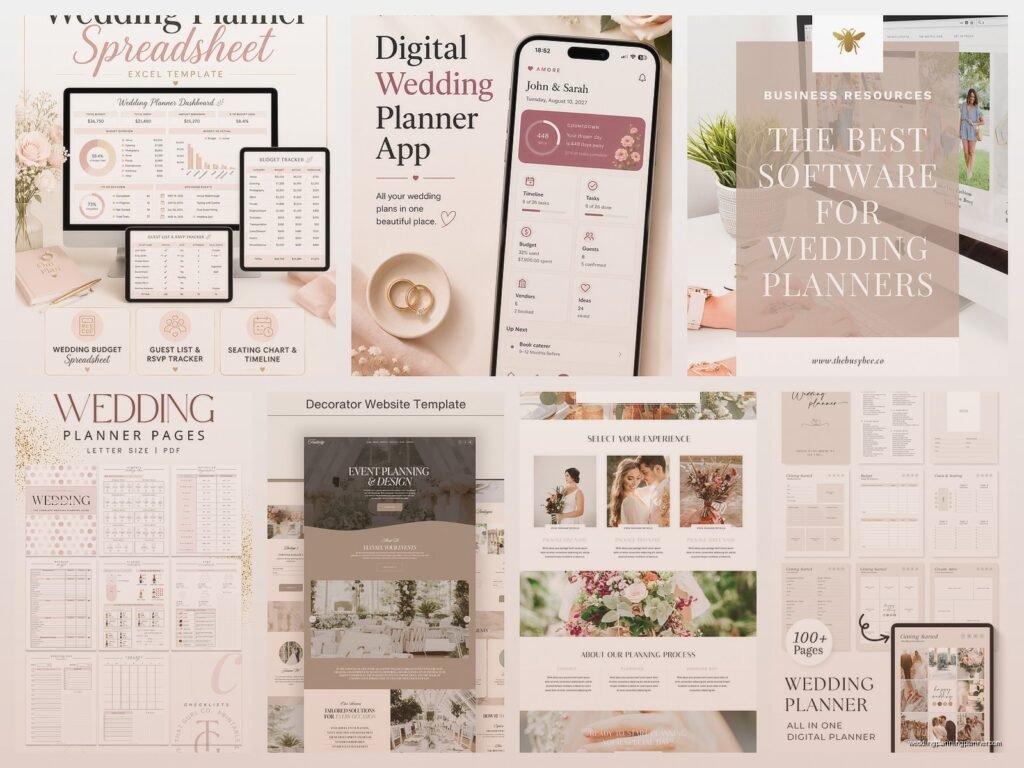
The best ones have sections for literally everything. Budget tracking, vendor contacts, guest lists, timeline builders, seating charts, and those random notes you need to jot down like “bride hates carnations” or “groom’s mom allergic to lavender.” You need all of this in one place because switching between seventeen different apps is how mistakes happen.
I use templates that sync across devices because you might start planning on your laptop but then you’re at a venue walkthrough and need to check something on your phone. Real-time syncing is kinda non-negotiable at this point.
The budget tracker section should let you input estimated costs versus actual costs. This part always gets messy because couples underestimate everything. Everything. They’ll budget $3000 for catering and then realize they actually need $5500 when they see the per-person costs with tax and service charges and suddenly want to add a dessert bar.
Features That Actually Matter
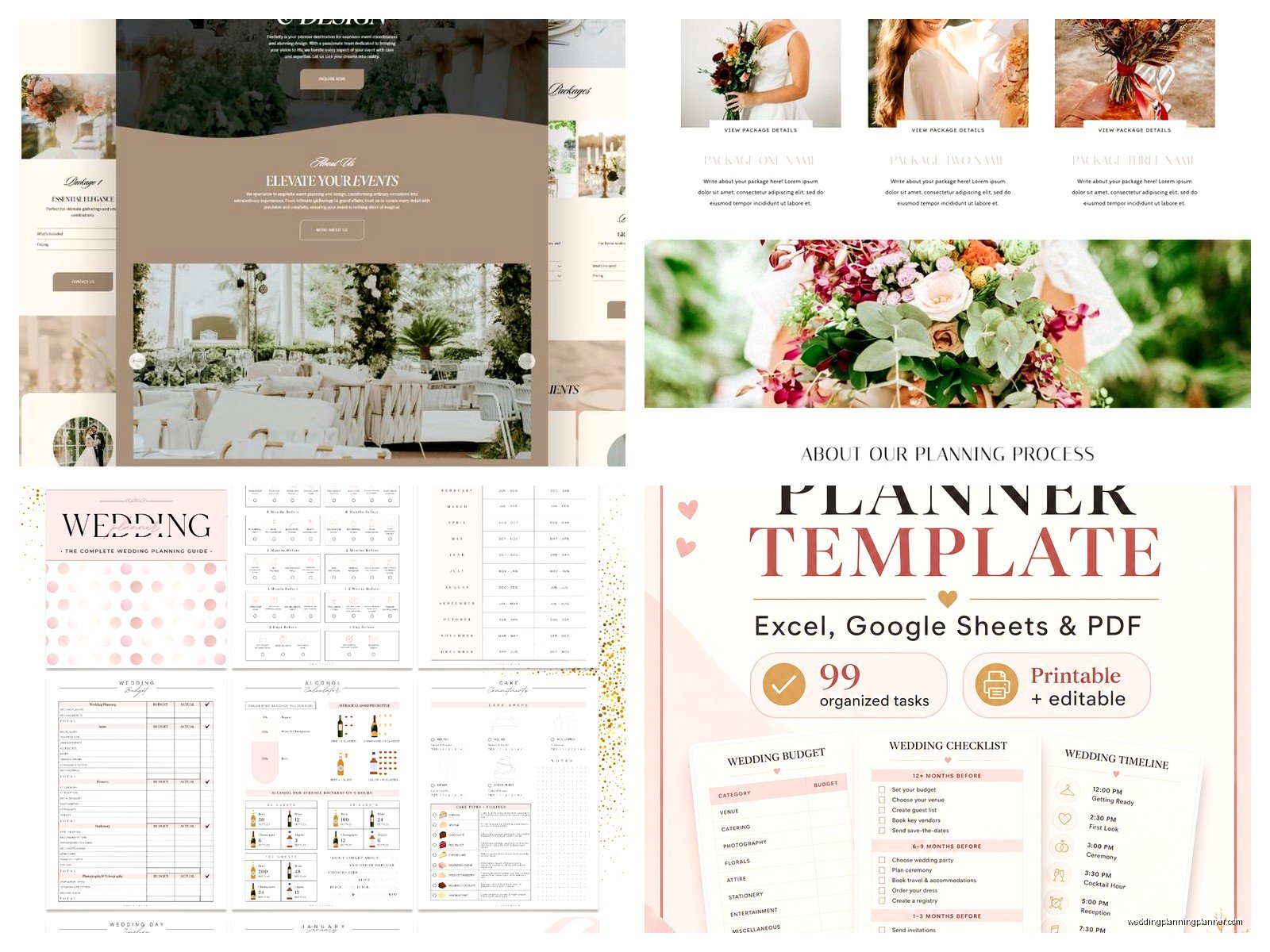
Checklist functionality with deadlines—you want something that shows you what needs to happen 12 months out, 6 months out, 3 months, etc. Some templates break it down by week closer to the wedding date which honestly saves your sanity.
Vendor management sections should include contract upload spots. I cannot stress this enough. Being able to pull up a vendor contract from your phone when there’s a dispute about what was included is… it’s just necessary. You don’t want to be that person scrambling through email attachments from eight months ago.
Guest list management that tracks RSVPs, meal choices, plus-ones, and addresses. The number of times I’ve seen couples try to manage this in a spreadsheet and accidentally delete rows or sort wrong and mess everything up. A proper template has protections built in.
Setting Up Your Template Initially
When you first open one of these things it looks overwhelming. There are like 40 tabs or sections and you’re thinking “do I really need all this” and the answer is yes but not right away.
Start with the basics: wedding date, venue, and budget. Those three things drive everything else. Then add your vendor research section and start dumping in names and contact info as you research. Even if you haven’t hired them yet, having that info saved means you’re not re-googling the same florist’s phone number five times.
I usually tell couples to spend maybe an hour just poking around the template, reading what each section does. Some templates have little helper text that explains why you’d use that section. Don’t skip reading those—they’re actually helpful.
The Budget Section Needs Work Upfront
This is gonna sound tedious but input your total budget first, then break it down by category. Most templates suggest percentages like 50% for venue and catering, 10% for flowers, etc. You can adjust these but having a starting framework helps.
Track every deposit, every payment plan, every final balance. I had a client in 2022 who swore they paid their photographer’s deposit and it turned into this whole thing because they couldn’t find proof and… anyway it was a mess that could’ve been avoided with proper tracking.
What really annoyed me about some templates is they don’t have a section for unexpected costs. Every wedding has them. Someone’s dress needs alterations that cost more than expected, you decide to add uplighting last minute, whatever. Build in a 10-15% buffer category from the start.
Guest List Management Is Its Own Beast
The guest list section should let you categorize people—immediate family, extended family, friends, coworkers, etc. This helps when you’re inevitably over your guest count and need to make cuts. It’s easier to say “okay we’re cutting all coworkers except the closest three” when you can see them grouped.
You need columns for: names, addresses, email, phone, invited to ceremony/reception/both, RSVP status, number of guests, meal selection, dietary restrictions, and gift tracking if you’re into that. Some people find gift tracking tacky but it genuinely helps with thank-you notes.
The RSVP tracking feature should let you mark when you sent the invitation, when it’s due back, and when you actually received it. Following up with people who don’t RSVP is like herding cats and having a clear list of who hasn’t responded yet makes it manageable.
Meal Selections Get Complicated Fast
If you’re doing plated dinner with choices, you need to track who wants what. The caterer will need final counts broken down by entrée usually about a week before the wedding. Your template should make it easy to filter and count—like “show me all guests who selected salmon” and boom, there’s your number.
Also track dietary restrictions separately. Vegetarian, vegan, gluten-free, allergies, religious restrictions. Your caterer needs this info and you don’t want to be texting your cousin at midnight asking if she’s still vegetarian or if that was just a phase.
Timeline and Checklist Features
A good web-based planner has a master timeline that you can customize. It should show you tasks like “book venue” at 12 months out, “order invitations” at 6 months out, “final walkthrough” at 1 week out.
You can adjust dates based on your actual timeline. If you’re planning a wedding in 8 months instead of 12, the template should let you compress the schedule. Some fancy ones automatically adjust all the dates when you change your wedding date which is honestly pretty cool.
Check off tasks as you complete them. There’s something satisfying about watching that progress bar fill up or seeing your completion percentage increase. Plus it keeps you from forgetting things, which is the whole point.
Day-Of Timeline Needs Its Own Section
This is separate from the planning timeline. This is the minute-by-minute schedule for the actual wedding day. Hair and makeup at 9am, photographer arrives at 11am, ceremony at 4pm, cocktail hour, reception entrance, first dance, cake cutting, etc.
Share this timeline with your vendors. Everyone needs to know when they’re needed. Your photographer needs to know when family photos are happening, your DJ needs to know when speeches start, your caterer needs to know when to serve each course.
I usually build in 15-minute buffers because things run late. They just do. Hair takes longer than expected, traffic happens, someone can’t find their shoes… actually that happened at a wedding last fall and we lost 20 minutes, my cat literally is better at keeping track of her toy mouse than this bridesmaid was at tracking her shoes but anyway.
Vendor Management and Contacts
Create a card or entry for each vendor with their business name, contact person, phone, email, website, contract date, payment schedule, and what they’re providing. Some templates let you upload photos of their work which helps when you’re trying to remember which florist did those arrangements you liked.
Link to their social media if they have it. Sometimes you need to reference their Instagram to show them a style you liked from their portfolio.
Track payment schedules here too. When is the deposit due, when’s the next payment, when’s the final balance. Set reminders so you’re not scrambling to pay someone the week of the wedding.
Communication Logs Are Underrated
Some templates have a notes section for each vendor where you can log conversations. “Spoke with Sarah on March 15th, confirmed white roses instead of pink, she’ll send updated quote.” This is super helpful when there’s confusion later about what was discussed.
Email is great but sometimes you have phone calls or in-person meetings and those details get lost. Writing a quick note after each interaction creates a paper trail sorta.
Seating Chart Tools
If your template has a visual seating chart builder, use it. These let you drag and drop guest names onto table graphics. You can see at a glance if tables are balanced or if you accidentally put all the quiet people at one table and all the loud people at another.
Some let you add table shapes and sizes so it matches your actual venue layout. Round tables of 8, rectangular tables of 10, whatever your venue has.
Mark special considerations like “keep these two people apart” or “this person needs to be near the bathroom” or “this guest uses a wheelchair, needs accessible seating.” Your template should have a notes field for each guest.
What About Sharing Access
Most web-based planners let you share access with other people. You can give your partner editing access, give your mom view-only access so she can see what’s happening but not change things, give your wedding party access to specific sections.
Be careful with permissions though. You don’t need 15 people with full editing access because then someone accidentally deletes something important. Ask me how I know. Actually don’t, it’s still a sore subject from that time in summer 2021 when a well-meaning bridesmaid reorganized the entire guest list by first name instead of last name and we couldn’t figure out who was who for like two days.
Share your vendor list and day-of timeline with your wedding planner if you hired one, or with your day-of coordinator. They need this information to do their job.
Backing Up Your Information
Even though it’s web-based and supposedly safe in the cloud, export your data regularly. Most templates let you download as a PDF or spreadsheet. Do this monthly or after major updates.
What if the platform goes down the week of your wedding? What if your account gets hacked? What if there’s a glitch? Having a backup means you’re not completely screwed.
I keep backup PDFs in Google Drive and also email myself copies. Redundancy is your friend here.
Mobile Access Is Non-Negotiable
You’re gonna need to check your planner from your phone constantly. At vendor meetings, at the venue, while you’re shopping for decorations, when you can’t sleep at 3am because you’re anxious about something.
Make sure whatever template you choose has a mobile-friendly version or an app. Some only work well on desktop and that’s honestly not practical for wedding planning. You’re not chained to your computer for 12 months.
Test the mobile version before you commit to a template. Add some info, check a few tasks off, make sure it’s not frustrating to navigate on a small screen.
Collaboration Features for Couples
Both partners should be using the same template obviously. You need to see what the other person is doing, what they’ve booked, what decisions they’ve made.
Some templates have comment features where you can tag your partner like “hey what do you think about this florist?” without having to text them or have yet another conversation about wedding stuff when you’re trying to watch TV.
You can assign tasks to each other. Like “you handle the DJ search, I’ll handle invitations” and then you can each check off your tasks as you go. Keeps things fair and organized.
Integrations With Other Tools
The really good web-based planners integrate with other stuff you’re probably already using. Google Calendar integration means your wedding tasks show up in your regular calendar. Email integration means you can forward vendor emails directly into your planner.
Some connect with wedding websites so your guest list automatically syncs with your RSVP page. This eliminates double data entry which is always a win.
Payment tracking that links to your bank account or credit card… some people love this, some people find it creepy. I’m kinda in between. It’s convenient but also like, do I want another app connected to my finances? That’s a personal choice.
The Learning Curve Is Real But Short
You’ll spend the first week kinda fumbling around, not sure where things go, clicking through different sections. That’s normal. By week two you’ll know exactly where everything is and it’ll feel natural.
Watch tutorial videos if the template offers them. Even just a 10-minute overview video can save you hours of confusion.
Don’t try to fill out everything in one sitting. You’ll burn out and it’ll feel like homework. Add information as you gather it. Research a vendor? Add them immediately. Get a quote? Input it right away. This gradual approach is less overwhelming.
When Templates Don’t Work
Some people just prefer paper and that’s fine. If you’ve tried digital planning and hate it, don’t force it. But give it a real shot first—like at least two weeks of actually using it before you decide it’s not for you.
Sometimes couples find templates too rigid. They want more customization than the template allows. In that case, you might need to build your own system using something like Notion or Airtable where you have complete control over the structure. That’s more work upfront but more flexible long-term.
Also if you’re not having a traditional wedding, some templates assume you’re doing things a certain way—rehearsal dinner, ceremony, reception, etc. If your wedding is a backyard barbecue or a destination elopement or whatever, you might need to adapt sections heavily or skip them entirely.
