
Planning Guides, Style Guide
Purple Wedding Invitation Templates: Free Download Files
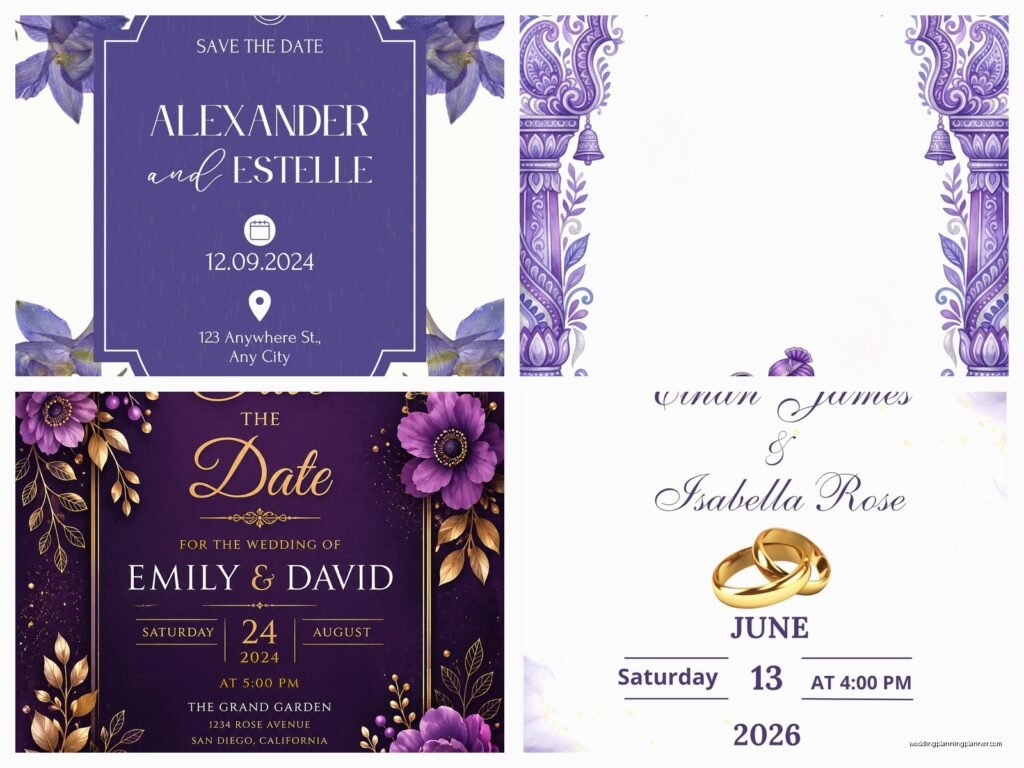
Aug
Purple Wedding Invitation Templates Are Everywhere But Here’s What Actually Works
Okay so purple invitations have been having a moment for like the past three years and honestly I’m not mad about it. Spring 2023 I had this bride who was absolutely SET on lavender everything and we must’ve downloaded like thirty different templates before finding ones that didn’t look cheap or… I dunno, too corporate? Purple’s tricky because it can go really elegant or really tacky really fast.
First thing you gotta know is where to actually find decent free templates because not all “free” downloads are created equal. Canva obviously has a ton but you’re gonna see the same designs at like five other weddings if you go to popular venues. I use Canva Pro for clients but their free version has some solid purple options if you customize them enough. Just search “purple wedding invitation” and filter by free – you’ll get maybe 40-50 options.
The Actually Good Free Sites For Purple Templates
Template.net has this whole wedding section that’s kinda overwhelming but they’ve got purple invitation templates in Word, PSD, and Illustrator formats. The catch is you need to create a free account and the download process is annoying with pop-ups everywhere. But once you’re past that, the files are legit.
Greetings Island is my secret weapon for clients on a budget. Their purple invitations lean more towards plum and eggplant shades which photograph better than bright purple anyway. You can personalize everything right on their site and download as PDF. The quality is surprisingly good for free – I’ve used them for my own niece’s bridal shower.
Creative Market does “free goods” every Monday and sometimes they include invitation templates. I’ve snagged some gorgeous watercolor purple designs this way. You just need to check every week because the freebies rotate out. Set a calendar reminder for Monday mornings because the good stuff goes fast.
Etsy has “free” templates but here’s the thing that annoyed me SO much last year – sellers will list something as free but then it’s just a sample or a low-res version and you gotta pay for the actual usable file. Read the descriptions carefully. Some sellers do offer genuinely free basic templates hoping you’ll buy their premium stuff later, which is fair.
File Formats And Why They Matter More Than You Think
This is where people mess up constantly. You download a beautiful purple template and then can’t edit it because you don’t have the right software or it’s locked or whatever.

PDF files are the easiest but least flexible. You can usually add text boxes in Adobe Reader (the free version) but you can’t change colors or move design elements around. If the purple shade is already perfect and you just need to add your names and date, PDF works fine.
Word and PowerPoint templates are gonna be your best bet if you’re not design-savvy. Microsoft Office is pretty standard and the templates usually come with editable text boxes already set up. The purple colors might shift slightly when you print though depending on your printer settings – always do a test print.
PSD files (Photoshop) and AI files (Illustrator) give you the most control but you need those programs. If you’ve got a friend with Adobe Creative Cloud, bribe them with coffee. These formats let you adjust the exact purple shade, move every element, change fonts, whatever. During that stressful situation in spring 2023 with the lavender bride I mentioned, we had to shift her purple like six times because it looked different on screen versus printed and having the PSD file saved us.
PNG files with transparent backgrounds are great if you want to combine multiple templates or add the purple invitation design to your own background. You can layer these in free programs like GIMP or even PowerPoint.
Customizing Purple Templates Without Losing Your Mind
Alright so you’ve downloaded your template, now what. First thing I always tell people is don’t change TOO much. The template designer already figured out what works together. If you start swapping fonts and adding clip art and changing the purple to teal halfway through… it’s gonna look like a ransom note.
Stick with the fonts that came with the template or choose ONE different font for your names if you really want personalization. Google Fonts has free options that you can download and install. For purple invitations I usually go with something like Cormorant Garamond or Playfair Display for that romantic feel.
Color adjustments are where you have the most room to play. Purple comes in so many shades – lilac, lavender, violet, plum, eggplant, mauve, orchid… and they all give different vibes. Lighter purples feel spring or garden wedding, deeper purples read more formal or fall wedding. If your template has multiple purple shades, keep them in the same color family or it gets muddy looking.
My cat just knocked over my coffee while I’m writing this which is very on-brand for her, but anyway –
One trick I learned is to pull your purple shade directly from a wedding photo or your venue if possible. Most editing programs have an eyedropper tool. This makes sure your invitations actually match your wedding colors instead of being close-ish.
Printing Free Templates And Why Your Home Printer Probably Won’t Cut It
Here’s something nobody tells you until it’s too late. Free templates look amazing on screen and then you print them at home and the purple is like… gray? Or weirdly pink? Printer color calibration is a whole thing.
If you’re set on printing at home, invest in good cardstock. Heavyweight paper (at least 80lb, ideally 100lb) makes even a simple template look expensive. Regular printer paper will show the purple as washed out and feel cheap in people’s hands. Michaels and Hobby Lobby have sales on cardstock basically every week.
Do a test print of just ONE invitation first. I cannot stress this enough. Check the purple shade in different lighting – by a window, under indoor lights, outside. Colors shift depending on light source and you want to catch problems before you’ve printed 150 invitations.
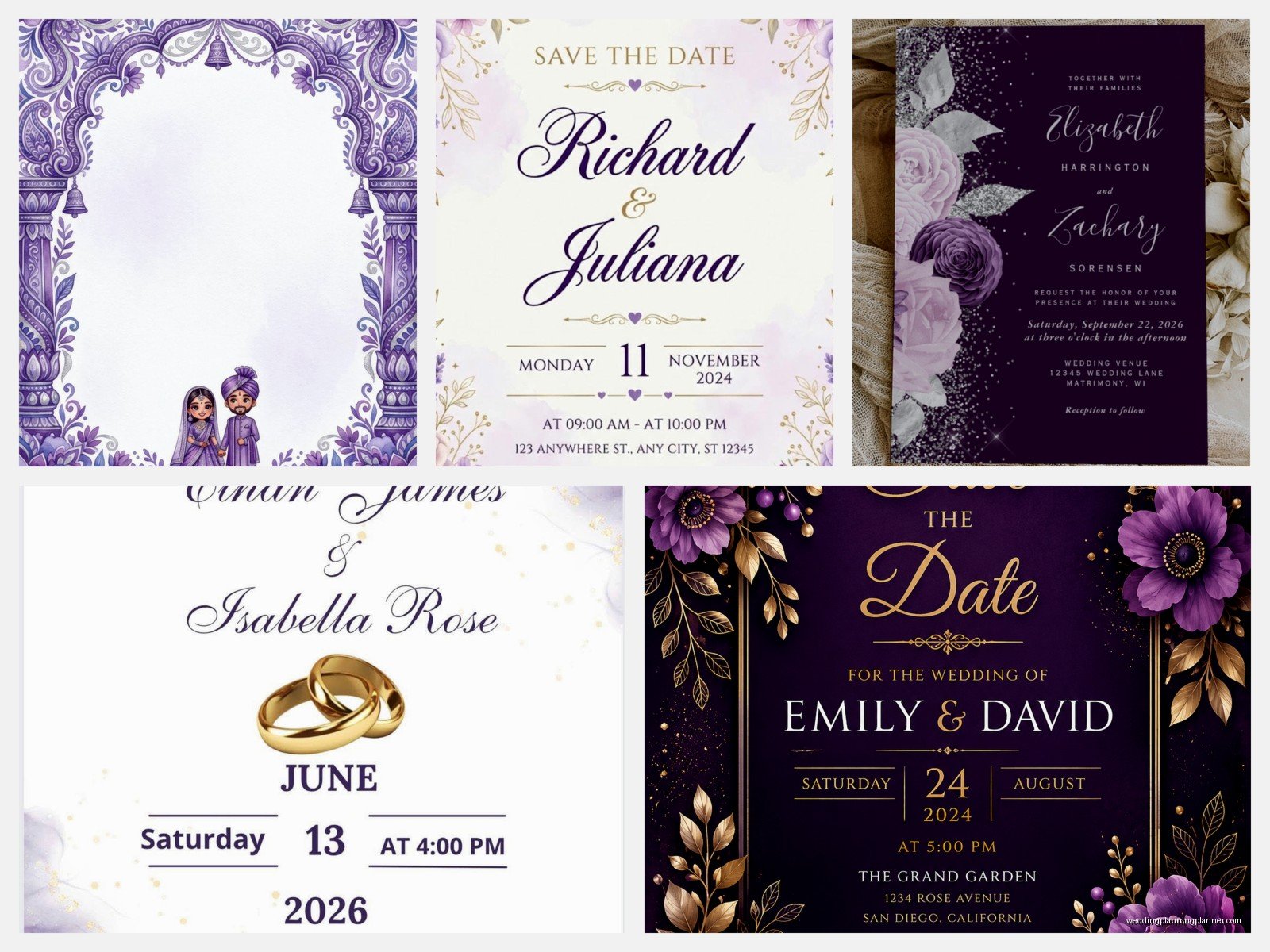
Local print shops like FedEx Office or Staples can print your templates for pretty reasonable prices and their color quality is way better than home printers. You just save your customized template as a high-res PDF and bring it in on a USB drive or email it. They can also cut them to size if your template is designed for that.
Online printing services like Vistaprint or Printique let you upload your template file and they mail you the finished invitations. Takes longer obviously but the quality is professional. I’ve used Printique for purple invitations and the color accuracy was really good – they have this color matching guarantee thing.
What To Actually Include On Your Purple Invitation
Most templates have placeholder text but you need to know what information goes where. The main invitation should have your names, date, time, venue name and address, and some version of “you’re invited to celebrate our wedding” or whatever wording you like.
If you’re doing a traditional formal purple invitation, the hosts’ names go first (usually parents if they’re hosting, or the couple if they’re hosting themselves). Then “request the pleasure of your company” or “invite you to celebrate” depending on how formal you wanna be.
Reception details can go on the same card if there’s room or on a separate insert card. RSVP info needs its own card typically – either with a return address for mailed responses or your wedding website URL if you’re doing online RSVPs.
Details cards are for extra stuff like hotel blocks, dress code, wedding website, registry info (though some people say registry doesn’t go in the invitation at all, just on the website – I think it’s fine either way honestly). Directions or maps if your venue is hard to find.
Order of cards matters for assembly – invitation on bottom, then reception card, then details card, then RSVP card with its envelope on top. The whole stack goes into the outer envelope with the print side facing the back flap so guests see it when they open. But honestly if you’re using a free template you’re probably doing simpler all-in-one invitations anyway which is totally fine and way easier.
Common Mistakes With Free Purple Templates That I See Constantly
Using too many fonts. Stick with two maximum – one for names/headings, one for details. Three if you absolutely must but that’s pushing it.
Making text too small to read. Your grandma needs to be able to read the venue address without a magnifying glass. Nothing smaller than 10pt font for critical info.
Forgetting bleed and margins if you’re gonna cut the invitations yourself. Leave at least a quarter inch margin on all sides or your text might get cut off. Templates should have this built in but double check.
Not proofreading before printing all of them. I once had a client print 200 invitations with the wrong year because she was rushing. Check, then check again, then have someone else check. Names, date, time, venue address – any mistake there is gonna haunt you.
Choosing a purple that doesn’t work with your other wedding colors. If you’ve got like coral bridesmaids dresses, a cool-toned purple invitation is gonna look off in photos. Warm purples (more red-based) go with warm colors, cool purples (more blue-based) go with cool colors.
Making Free Templates Look More Expensive Than They Are
Envelope liners are cheap and make a huge difference. You can buy purple patterned paper, cut it to size, and glue it inside your envelopes. Suddenly your free template looks bougie.
Belly bands or vellum wraps add that luxury feel. You can get vellum paper at craft stores, cut it into strips, wrap it around your invitation suite, and seal with a sticker or wax seal. Speaking of which – wax seals are having a moment and you can get purple wax and a monogram seal on Amazon for like twenty bucks.
Ribbon tied around the invitation suite instantly elevates it. Satin or silk ribbon in a coordinating purple shade, tied in a simple bow. Takes like 30 seconds per invitation but looks so much more custom.
Printing on textured cardstock instead of smooth gives it dimension. Linen textured paper is my favorite for purple invitations because it feels substantial and hides any slight printing imperfections.
Hand-addressing envelopes or using a nice calligraphy font for printed addresses. I know hand-addressing 150 envelopes sounds terrible but you could do like 10 a night while watching TV and be done in two weeks. Or use a calligraphy font and print directly on envelopes if your printer can handle it.
Specific Purple Template Styles And When To Use Them
Watercolor purple templates work great for garden weddings, spring weddings, outdoor venues. They’re romantic and soft and photograph really well. Look for ones with purple florals or abstract watercolor washes.
Geometric purple templates with gold accents read modern and sophisticated. These work for contemporary venues, art gallery weddings, sleek hotel ballrooms. The purple should be deep – plum or eggplant – not pastel.
Vintage purple templates with lace patterns or Victorian flourishes fit historic venues, traditional church weddings, formal evening receptions. Think deep purple with cream or ivory backgrounds.
Minimalist purple templates are just clean typography with maybe a purple border or monogram. These are super versatile and work for basically any wedding style. They’re also the easiest to customize because there’s less going on.
Floral purple templates obviously work for garden or botanical themed weddings. Make sure the flower illustrations actually look good though – some free templates have kinda clip-art looking flowers that read cheap.
I’m gonna be honest, I thought the purple invitation trend would die down by now but it’s still going strong. Every season I get requests for it. Maybe because purple works year-round? You can do light purple for spring/summer, deep purple for fall/winter, and it always photographs well against most wedding color palettes
One last thing – save your customized template file even after you’ve printed everything. You might need to print more invitations for last-minute additions to the guest list, or you’ll want the file later for thank-you cards or anniversary party invitations in the same style. I keep all my client files organized by date and couple name in Google Drive so nothing gets lost
