
Planning Guides, Style Guide
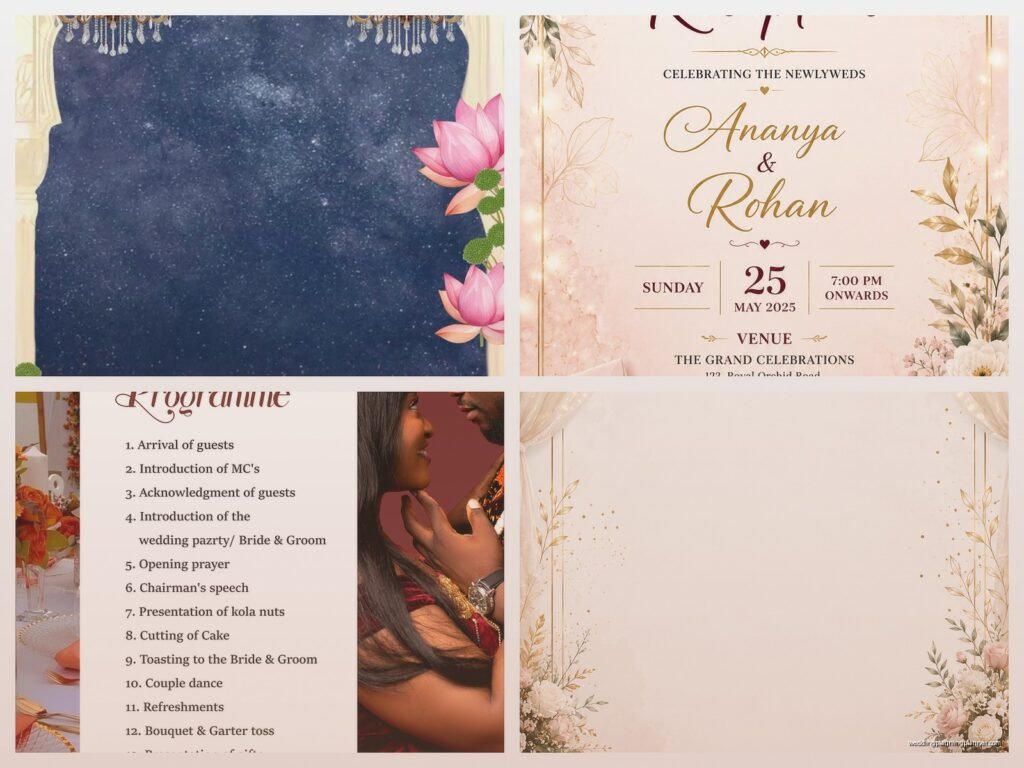
Reception Template: Free Download Files
Sep
Okay So Reception Templates Are Actually Lifesavers
Look, I’m just gonna say it straight up – reception templates saved my entire business back in spring 2023 when I had three weddings in one weekend and my laptop decided to have a meltdown. I had everything backed up as templates and honestly if I hadn’t, I would’ve been designing seating charts at 3am in a Denny’s parking lot or something equally dramatic.
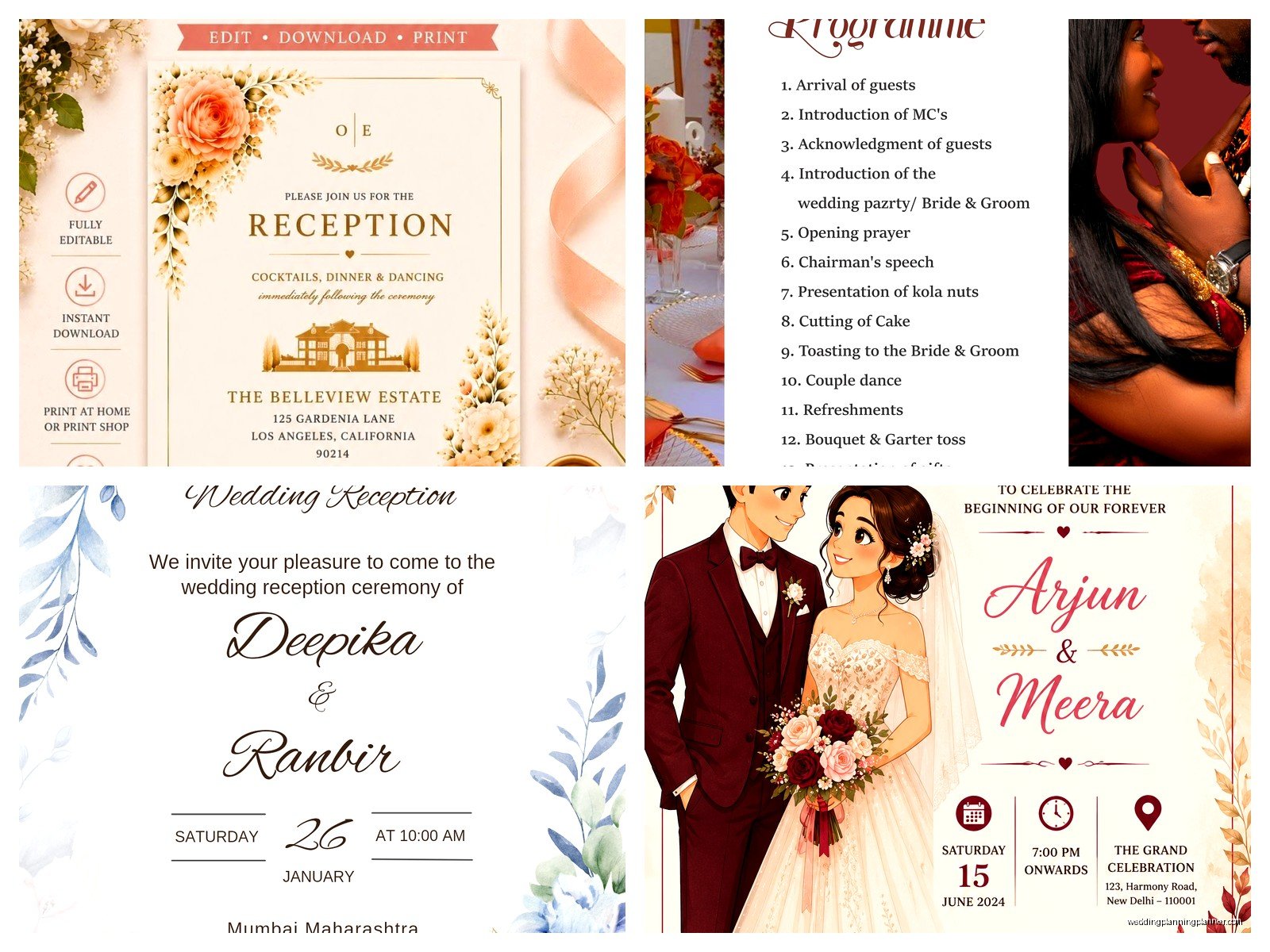
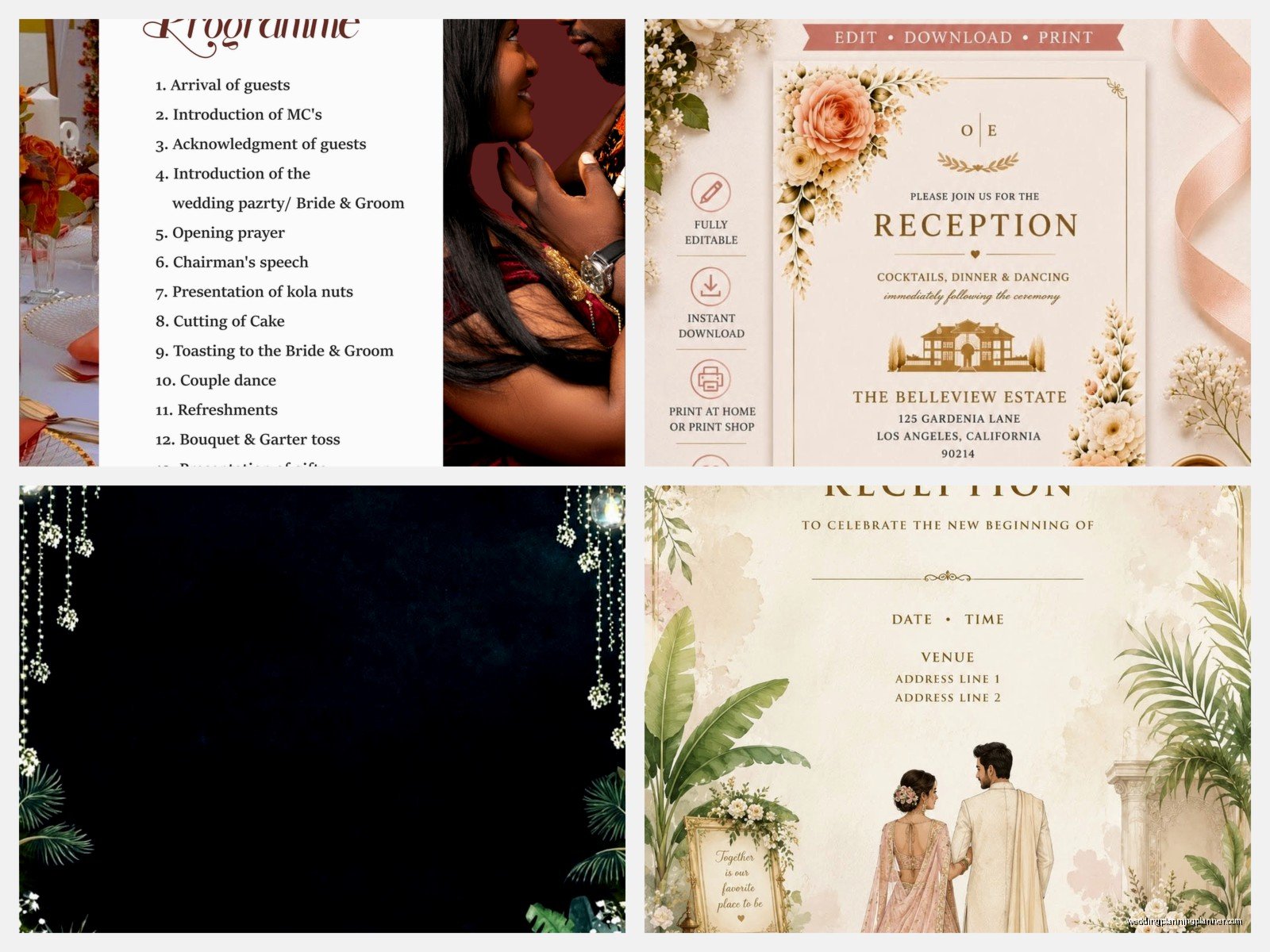
Reception templates are basically pre-designed files for all the paper goods and signage you need at a wedding reception. We’re talking seating charts, menu cards, table numbers, place cards, welcome signs, all that stuff. And the free download files? They’re everywhere if you know where to look, but also kinda a minefield because some of them are honestly terrible quality.
What You Actually Get in Reception Template Files
Most template packages come with a bunch of different file types and this is where it gets confusing for people. You’ll usually see PDF files, which are great for printing but you can’t edit them unless you have the right software. Then there’s Word documents or Pages files if you’re on a Mac, and those are super easy to customize but sometimes the formatting goes completely haywire when you try to print.
The really good template sets include:
- Editable PDF files (you need Adobe Acrobat for these, not just the free Reader)
- Canva links or Canva templates which are honestly my favorite lately
- PowerPoint or Keynote files because apparently some designers still use those
- Word documents for the text-heavy stuff like programs
- Sometimes you get the actual design files like PSD or AI files if the creator is feeling generous
I had this one bride in 2022 who downloaded a “free” template that was actually just a screenshot of a design. Like literally a JPEG image with text already on it. She couldn’t edit anything and didn’t realize until two weeks before the wedding. That was a fun phone call.
Where to Actually Find Decent Free Templates
Canva is probably your best bet if you want something free and actually customizable. They have a ridiculous number of reception templates and you can change literally everything – colors, fonts, add your own photos, whatever. You don’t need the paid version for most of them either, though some of the fancier elements are Pro only.
Template.net has a bunch of free options but you gotta watch out because they try to get you to sign up for their premium thing constantly. It’s annoying as hell, honestly. But if you’re patient and click through their popups, there are some solid templates buried in there.
Microsoft Office templates are surprisingly good for certain things like seating charts and programs. They’re basic but they work, and if you already have Word or PowerPoint you’re set. I used their table number template for a rustic barn wedding once and just added some custom graphics – worked perfectly.
Pinterest is where everyone goes but here’s the thing… half those links are broken or lead to sites that want your email address and then never actually send you the file. I’ve wasted so much time clicking through Pinterest “freebies” that aren’t actually free or don’t exist anymore.
How to Actually Use These Templates Without Losing Your Mind
First thing – and I cannot stress this enough – download the template and SAVE IT with a different name before you start editing. I’ve seen people edit the original file, mess something up, and then they can’t go back to the beginning. Just save it as like “Sarah-Wedding-Menu-FINAL” or whatever naming system makes sense to you.
When you’re editing, stick to the fonts that are already in the template if possible. I know you wanna use that gorgeous script font you found, but if the template is designed with a certain font pairing, changing it can throw off the whole layout. Trust me on this one – I spent an entire afternoon in summer 2021 trying to fix a seating chart because I swapped out one font and suddenly everything was overlapping and looked like a ransom note.
File Formats and What They Mean for Printing
This is where people mess up constantly. You need to know what your printer wants before you finalize anything. Most professional printers want PDF files at 300 DPI minimum. If you’re printing at home, you can sometimes get away with less but it won’t look as crisp.
CMYK versus RGB is another thing that… okay honestly I still have to google this sometimes even after 15 years in the business. But basically CMYK is for printing and RGB is for screens. Some templates come in RGB and when you print them, the colors look totally different. It’s super frustrating.
Bleed and trim marks – if you see these terms in a template, it means the file is set up for professional printing. The bleed is the extra space around the edges that gets cut off. You need this for anything that goes to the edge of the paper. Templates without bleed will have white borders when you print them, which might be fine depending on your design.
Customizing Without Making It Look Homemade
The trick with free templates is that everyone uses them, so you gotta customize enough that it doesn’t look like the same template from someone else’s wedding. Change the colors to match your wedding palette, swap in your own photos if the template has photo spaces, and adjust the text obviously.
One thing that really elevates a template is changing the paper you print on. A basic template printed on nice cotton cardstock or textured paper looks way more expensive than a fancy template on regular printer paper. I always tell my clients to invest in good paper stock even if they’re using free templates.
Also, you can mix and match from different template sets. Like, use the menu design from one set and the table numbers from another, as long as you adjust them to coordinate. This actually helps avoid that “all from the same template pack” look.
Common Problems and Quick Fixes
The spacing gets weird when you change the text – this happens ALL the time. Usually it’s because the original text was a specific length and your text is longer or shorter. You might need to adjust the text box size or the font size to make it fit properly. Sometimes you just gotta rewrite your text to be shorter, which I know is annoying when you’ve already finalized your wording.
Colors print differently than they look on screen – I mentioned this already but seriously, print a test copy before you print 150 menus. The purple that looks perfect on your laptop might print out looking like… I dunno, sad lavender or something. My cat knocked over my coffee onto a test print once and honestly it was a blessing because I realized the color was totally wrong before printing the full batch.
The file won’t open or you’re missing fonts – this is usually because the template was created with fonts you don’t have installed on your computer. Either install the fonts (make sure they’re licensed for commercial use if this is for a client), or substitute with a similar font that you do have.
What’s Worth Paying For vs What You Can Get Free
Here’s my honest take after doing this for years – save your money on things like table numbers and simple signs. Those free templates are totally fine and no one’s gonna notice or care if they’re from a template. Spend money on your invitations and maybe your programs if you want something really unique.
Seating charts are kinda in the middle. Free templates work great if you have a standard guest count, but if you’ve got like 200 people or a weird layout, you might need something custom or at least a paid template with more flexibility.
Place cards you can absolutely do for free, especially if you’re doing a simple design. There are hundreds of free templates and they’re small so even if you mess up, you haven’t wasted much paper or ink.
Organization Tips Because You’ll Download Way Too Many
Create a folder system on your computer before you start downloading templates. I use something like Wedding Name > Stationery > Reception > and then separate folders for Menus, Table Numbers, etc. Otherwise you’ll end up with 47 files called “template_final” and “wedding_reception_2” and you won’t know which is which.
Keep a notes file with links to where you downloaded each template from. Sometimes you need to go back and download it again, or you want to grab another item from the same designer. Plus if something goes wrong with your file, you can just re-download instead of trying to fix it.
Also screenshot or save inspiration photos of how you want the final products to look. This helps when you’re customizing because you have a reference for colors and layout. I keep a whole Pinterest board just for client reference even though I was just complaining about Pinterest, I know, I’m inconsistent.
Printing at Home vs Professional Printing
If you’re printing at home, invest in a decent printer. Those cheap inkjet printers are gonna make your templates look… not great. And they eat through ink cartridges like crazy which ends up costing more than professional printing anyway.
For home printing, stick to smaller items – place cards, table numbers, maybe menus if you have a good printer. Don’t try to print a 24×36 seating chart at home unless you have a large format printer, which nah, most people don’t.
Professional printing services like Staples, FedEx Office, or local print shops can handle your template files. Just make sure your files are set up correctly (remember that PDF, 300 DPI, CMYK thing I mentioned). Call ahead and ask what file format they prefer – it saves time and confusion.
Online printing services like Vistaprint or Moo are good for certain items but their templates are different from the free ones you download, so you’d need to use their system. They’re not expensive though and the quality is usually pretty reliable.
The Annoying Legal Stuff You Should Probably Know
Most free templates are for personal use only, which means if you’re a wedding planner or DIY business, you technically can’t use them for client weddings without checking the license. This drives me crazy because the licenses are often buried in tiny text or not clearly stated at all.
Some designers offer free templates but require attribution, meaning you need to credit them somewhere. For personal weddings this doesn’t really matter, but it’s good to know. Commercial use licenses usually cost money, but they’re typically not expensive – like $10-30 for a template set.
Fonts are another licensing issue. Just because a font comes with a template doesn’t mean you can use it commercially or distribute it. If you’re sharing your customized template with vendors or a wedding planner, make sure you’re not violating any font licenses. Most people don’t worry about this for personal weddings but technically you should check.
I had a situation where a client wanted to use a template for her wedding business and I had to explain that the “free” template wasn’t licensed for commercial use. She was kinda annoyed but like, better to know upfront than get a cease and desist letter later or whatever.
My Actual Favorite Free Resources
Canva I already mentioned but seriously, it’s the most user-friendly option. The drag-and-drop interface makes sense and you can see changes in real-time. Plus they have a mobile app which is helpful when you’re shopping for paper and want to see how something looks.
Google Docs/Sheets for seating charts and planning documents. Not glamorous but super functional and you can share them with your planner or venue coordinator easily. I have templates I’ve created over the years that I just copy and customize for each wedding.
Etsy has “free” templates sometimes but you gotta search specifically for free items and honestly, the selection is limited. The paid templates on Etsy are usually worth it though if you find a style you love – they’re typically $5-15 which is totally reasonable.
AllFreePrintable has some decent options though the designs are pretty basic. Good for last-minute needs or if you’re going for a simple, minimalist look anyway.
Your local library sometimes has resources for printing and design software access. I know that sounds random but I’ve had clients who used their library’s computers to access Adobe programs and print materials. Worth checking if you’re on a tight budget.
The thing about templates is they’re supposed to make your life easier, not more stressful. If you download something and it’s confusing or frustrating to work with, just find a different template. There are literally thousands of options out there and you don’t need to force yourself to use something that doesn’t make sense to you. Sometimes the simplest template ends up looking the best anyway because you’re not fighting with complicated formatting or trying to figure out layers and grouping and all that design stuff that makes my brain hurt even after all these years doing this work
