
Planning Guides, Style Guide
Save the Date Cards Online: Digital Design & Ordering
Oct
Okay So You Want to Order Save the Dates Online
Look, ordering save the date cards online is honestly one of the easiest parts of wedding planning and I don’t understand why people stress about it so much. You’ve got like a million options now and most of them are actually pretty good quality, which wasn’t the case back in like 2015 when everything looked kinda pixelated and cheap.
First thing you gotta do is figure out your timeline. Save the dates should go out 6-8 months before your wedding, or even earlier if you’re doing a destination wedding. I had this client in spring 2023 who waited until 3 months before her Cabo wedding to send them and then got SO mad when half her guest list had already booked other trips. Like… I told you in our first meeting but okay.
Picking Your Design Platform
There are basically a few main players here and they all have their pros and cons. Minted is probably the most popular and their designs are actually really nice—they do this thing where they crowdsource from independent designers so you’re not getting the same template everyone else has. The quality is solid but you’re gonna pay for it. Their cheapest save the dates start around $1.80 per card I think?
Then there’s Zazzle which is more DIY-friendly and way cheaper, but the design interface can be annoying to work with. I’ve spent like 45 minutes trying to move a text box 2 millimeters to the left and wanted to throw my laptop out the window. But if you’re on a budget, it works.
Greenvelope and Paperless Post are the fully digital options where you don’t mail anything physical. You just email people or text them a link. Honestly? These are growing on me. Used to think they were impersonal but after watching my cat knock over my coffee onto a stack of 150 printed save the dates last year, I see the appeal of having zero physical inventory to deal with.
Etsy is another route where you can buy templates from designers and then either print them yourself or upload to a printing service. This gives you more control but also means more steps, and if something goes wrong with the file format or the colors print weird, you’re kinda on your own.
What Actually Matters in Your Design
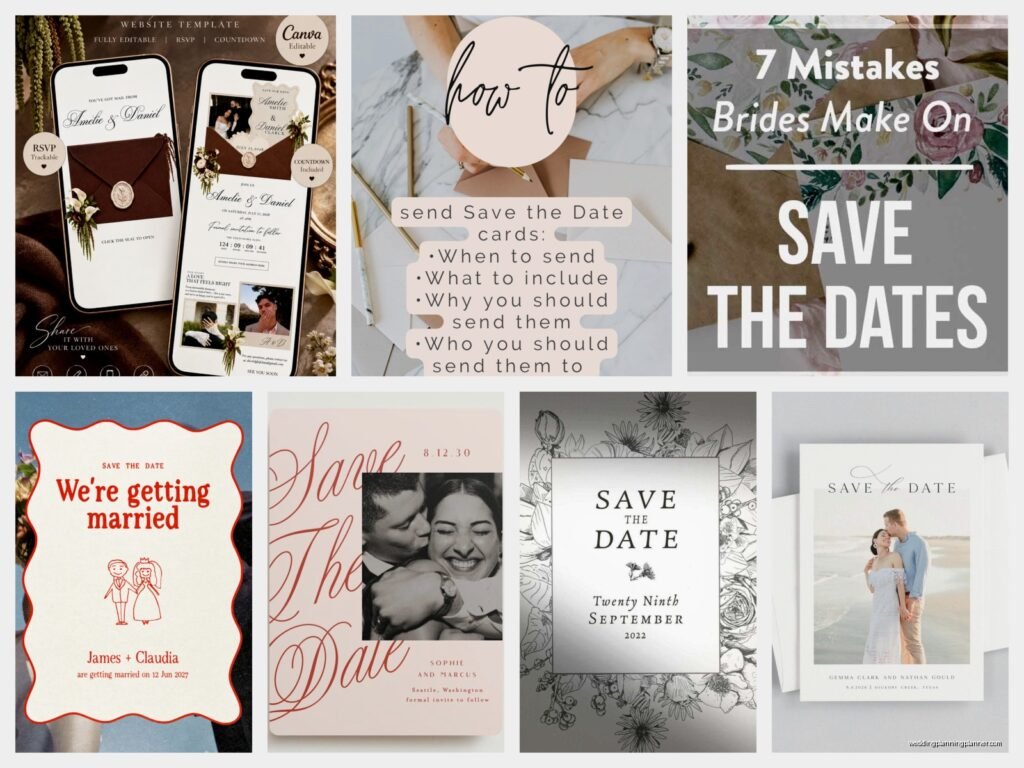
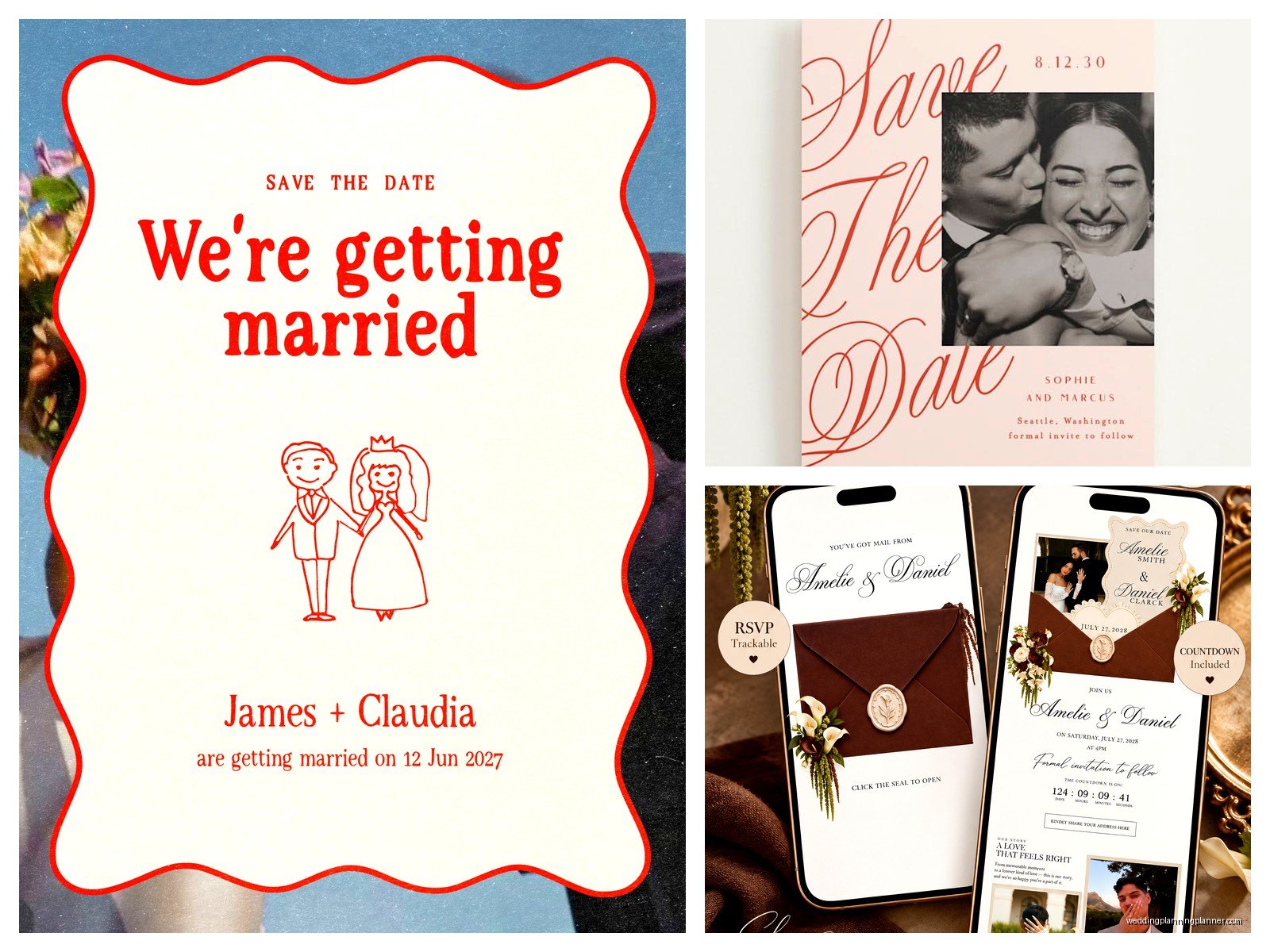
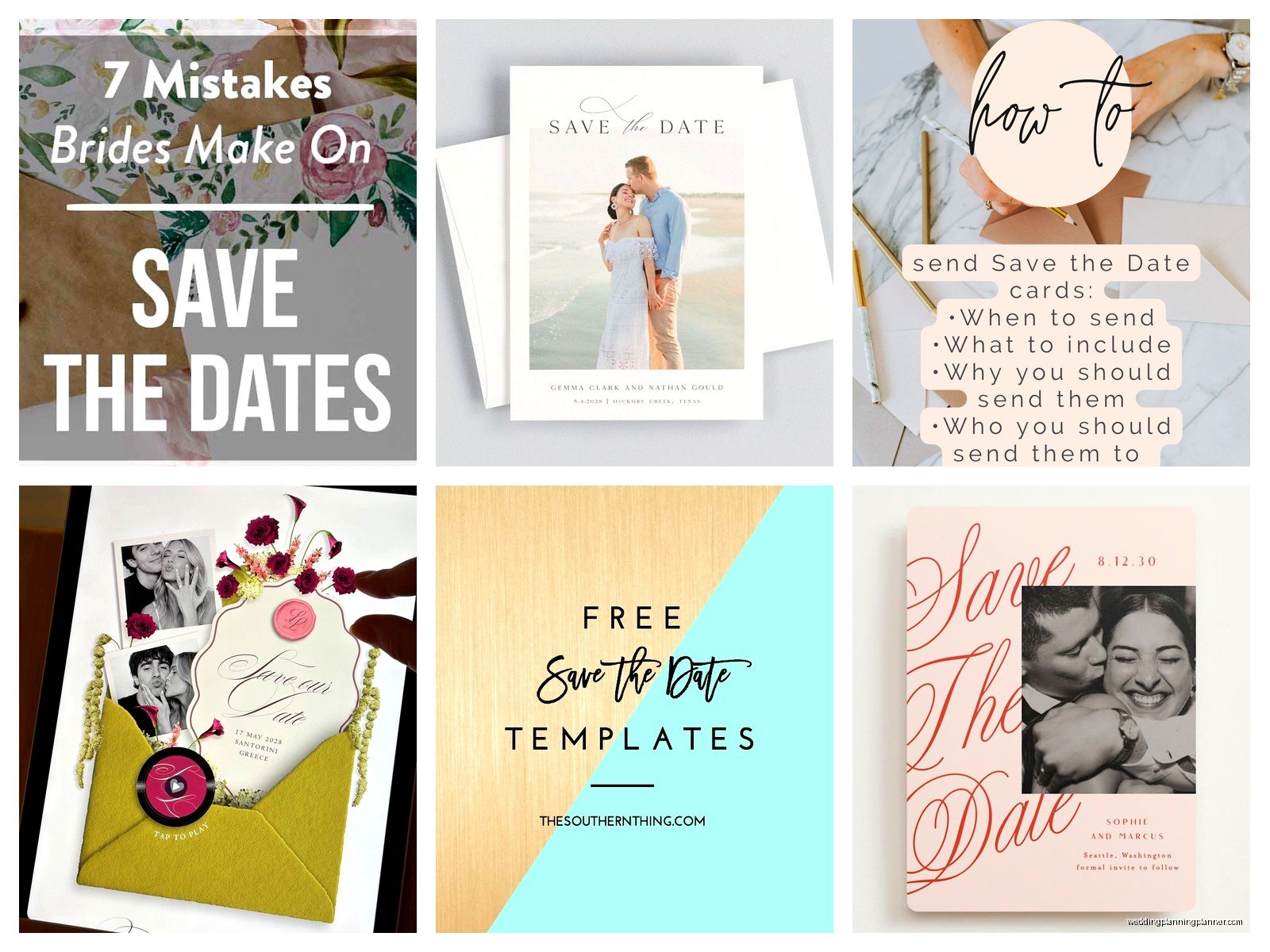
The design doesn’t need to be complicated. You need: your names, wedding date, location (city and state at minimum), and ideally a note that a formal invitation will follow. That’s it. Everything else is optional.
Photos are nice but not required. If you do use a photo, make sure it’s high resolution—at least 300 DPI. I cannot tell you how many times I’ve seen couples try to use a photo from Instagram that looks great on their phone but prints out looking like a blurry mess. Your photographer probably gave you high-res files from your engagement shoot, use those.
Color-wise, think about what prints well. Really dark backgrounds can look gorgeous on screen but sometimes print unevenly, especially if you’re going with a cheaper printing service. Navy blue is particularly tricky—I’ve seen it come out looking purple or black depending on the printer.
The Actual Ordering Process
Alright so once you’ve picked your platform, here’s what you’re gonna do. Most sites walk you through it step by step but there are some things to watch out for.
Start by selecting your design template. You can usually filter by style, color, theme, whatever. Don’t spend 6 hours on this part like some people do. Pick something you like, move on. You can always customize it heavily anyway.
Then you’ll customize the text. Double-check your spelling like five times because I’ve seen “Saterday” make it onto printed cards and that’s just embarrassing. Also make sure your date is correct—I know that sounds obvious but in summer 2021 I had a couple who put the wrong year on their save the dates because they kept thinking about when they got engaged instead of when they were actually getting married. We caught it before printing thank god but still.
Upload Your Guest List
Most platforms let you upload a spreadsheet with names and addresses. This is where you need to be really careful with formatting. The system is gonna pull exactly what you put in there, so if you wrote “aunt sarah” in lowercase, that’s how it’ll print on the envelope.
Some things that drive me crazy: when the platform’s address formatting doesn’t match USPS standards and you have to manually fix 100+ addresses. Or when it auto-capitalizes everything and you have to go back and fix names like “McDonald” that it turned into “Mcdonald.” Just… build in extra time for this part.
You can usually choose between having the site print your addresses directly on the envelopes or getting separate address labels or just getting blank envelopes and addressing them yourself. Direct printing looks the cleanest but costs more. I usually tell people to just pay for it unless they’re really on a tight budget or they have amazing handwriting and actually want to do calligraphy or something.
Proof Everything Before You Submit
Okay this is the most important step and people skip it all the time because they’re excited or in a hurry or whatever. Most sites will show you a digital proof—look at every single detail. Check for typos, make sure the photo isn’t cropped weird, verify that the date is right, confirm the spelling of your venue.
Some platforms offer a physical proof for like $10-15 extra where they mail you one printed sample before they print the whole order. If you’re doing something custom or you’re particular about colors, this is worth it. You might think the color on your screen matches what’ll print but monitors vary SO much and…
I learned this the hard way with my own wedding stuff years ago when what I thought was a soft blush pink came out looking like Pepto Bismol. Not cute.
Quantity and Extras
Order extras. Just do it. You’re gonna forget someone, or you’ll want to keep one for your scrapbook, or your dog will eat one (yes this happened to a client), or someone will move and you’ll need to resend. I usually tell people to order 10-15% more than their guest count.
Decide if you want matching envelopes, envelope liners, stickers to seal them, all that stuff. It adds up fast cost-wise. Envelope liners are pretty but they’re also like an extra $1+ per envelope so on 150 save the dates you’re adding $150+ just for a decorative paper insert that people throw away. Your call on whether that matters to you.
Some sites bundle everything together, others make you add each component separately. Watch out for shipping costs too—they can be sneaky expensive, especially if you need them rushed.
Digital-Only Save the Dates
If you’re going the fully digital route, the process is honestly easier. You pick a design, customize it, upload your guest list with email addresses, and hit send. The platform tracks who opened it, who clicked on it, all that data.
The thing people worry about with digital save the dates is that they feel less formal or that older relatives won’t get them. In my experience, most people are fine with it now, but you might want to call your grandma and give her a heads up that it’s coming via email so she doesn’t think it’s spam.
Greenvelope lets you include RSVP tracking, registry links, wedding website links, all kinds of interactive stuff that you obviously can’t do with paper. It’s pretty convenient actually. And you can send reminders to people who haven’t opened it, which you definitely cannot do with physical mail.
The cost is way lower—like $1 per guest instead of $3-5 for printed cards plus postage. And you can send them instantly instead of waiting for printing and shipping.
Hybrid Approach
Some couples do both—digital for most people and printed cards for specific guests like grandparents or family members they know prefer physical mail. This is totally fine and probably the most practical approach honestly.
You can usually get a smaller print run of like 25-50 cards without the per-unit cost being insane, then handle everyone else digitally. Gives you the best of both worlds.
Timing Your Order
Most online printing services take about 2-3 weeks for production plus shipping time. If you’re ordering during peak wedding season (like April-June), add extra time because they’re slammed. I’ve seen orders that normally take 2 weeks take 4+ weeks in May.
Rush options exist but they’re expensive. You’re better off just planning ahead and ordering a month before you need them in hand.
Once you get them, you gotta address them (if that wasn’t done already), stuff them, stamp them, and mail them. This takes longer than you think. For 150 save the dates, plan on spending like 2-3 hours getting everything ready to mail, especially if you’re adding any extras like stickers or liners or whatever.
Postage Considerations
Standard save the dates usually need regular first-class stamps. But if your cards are oversized, square-shaped, or heavier than normal, you’ll need extra postage. Take one fully assembled save the date to the post office and have them weigh it and tell you exactly what it needs. Otherwise you’re gonna send out 150 cards that all get returned for insufficient postage and that’s just… a nightmare.
Square envelopes cost extra to mail even if they’re light because they can’t go through the automated sorting machines. Something about how the postal service processes mail, I don’t fully understand it but it’s annoying and adds like $0.20-0.30 per card.
Common Mistakes to Avoid
Don’t order before you’ve finalized your venue. Sounds obvious but I’ve seen it happen where people are so excited they order save the dates with “Palm Springs, California” and then they end up booking a venue in Joshua Tree instead and now their cards are wrong.
Don’t use fonts that are too small or too fancy. Script fonts look pretty but if people can’t read them, what’s the point? Keep your main text at least 10-12 point font.
Don’t forget to account for B-list guests if you’re doing that. Actually wait, don’t do a B-list, it’s messy and people figure it out and get offended but that’s a whole other conversation.
Make sure your wedding website is set up before your save the dates go out because people are gonna want more information immediately. Even if it’s just a basic page with your story and the date and location, have something live.
My Actual Recommendations
If you want the easiest process with good quality: go with Minted. Their interface is user-friendly, their designs are nice, quality is consistent, and their customer service actually responds if something goes wrong.
If you’re on a tight budget: Zazzle or Vistaprint. You’ll have to deal with some annoying interface stuff but you can get decent cards for way less money.
If you’re eco-conscious or just want simple: go fully digital with Greenvelope or Paperless Post. Saves money, saves paper, saves the hassle of dealing with physical mail.
If you want something really custom and unique: buy a template on Etsy and either print it yourself or upload it to a printing service like Catprint or PrintRunner. More work but more control over the final product.
Whatever you choose, just start the process earlier than you think you need to. Wedding planning has enough stressful parts—save the dates should not be one of them. They’re literally just cards that say “hey, save this date” and yet people turn them into this whole production and it doesn’t need to be that deep, you know?
