
Planning Guides, Style Guide
Web Wedding Organizer: Complete Guide
Oct
Okay So You Want to Use a Web Wedding Organizer
Look, I’ve been planning weddings since before half these platforms even existed and honestly the shift to digital organizers has been… let me just say it’s been a mixed bag. But you’re gonna need one because trying to track 200+ details in a notebook just doesn’t work anymore, trust me on that.
First thing you need to know is that not all wedding organizer platforms are created equal. Some are basically glorified checklists while others are like full-blown project management systems that would make a corporate CEO jealous. I learned this the hard way in spring 2023 when I had a bride who insisted on using this super minimal app that literally only had a guest list feature and a budget tracker. We ended up supplementing with like four other tools and it was a nightmare trying to remember where we put what information.
Picking Your Platform (This Actually Matters)
The big names right now are The Knot, WeddingWire, Zola, and Joy. Then you’ve got newer players like Aisle Planner which is more for professional planners but couples use it too. Here’s what I tell people: start with what features you absolutely cannot live without.
Do you need a website builder integrated? Most of them have this now. Guest list management with RSVP tracking? That’s pretty standard. Budget breakdown by category? Yep, they all do that. But here’s where it gets specific – do you need vendor contract storage? Seating chart tools that don’t make you want to throw your laptop? Integration with your actual calendar so you don’t miss appointments?
I personally hate when platforms don’t let you customize categories. Like, not every wedding has the same vendor list, you know? One couple I worked with was having a backyard wedding and needed a “tent rental” category that the platform didn’t have as a default option and we had to shove it under “venue” which made the budget tracking confusing.
Setting Up Your Account (Don’t Skip Steps Here)
When you first create your account, you’re gonna be tempted to skip through all the setup questions. Don’t. I mean it. Spend the 20 minutes filling out your wedding date, location, estimated guest count, and budget properly because the platform uses this info to generate your timeline and recommendations.
The budget thing is kinda sensitive – I get it. You might not want to put your real budget in there if you’re sharing access with family members or something. But at least put in a ballpark figure because otherwise the platform can’t help you track percentages or alert you when you’re overspending in one category.
Most platforms will ask you to set up your wedding website right away. You don’t have to publish it immediately but at least grab your custom URL before someone else takes it. I had a couple lose their preferred URL because they waited three weeks and another couple with the same last name combo snagged it.
Actually Using the Thing Day to Day
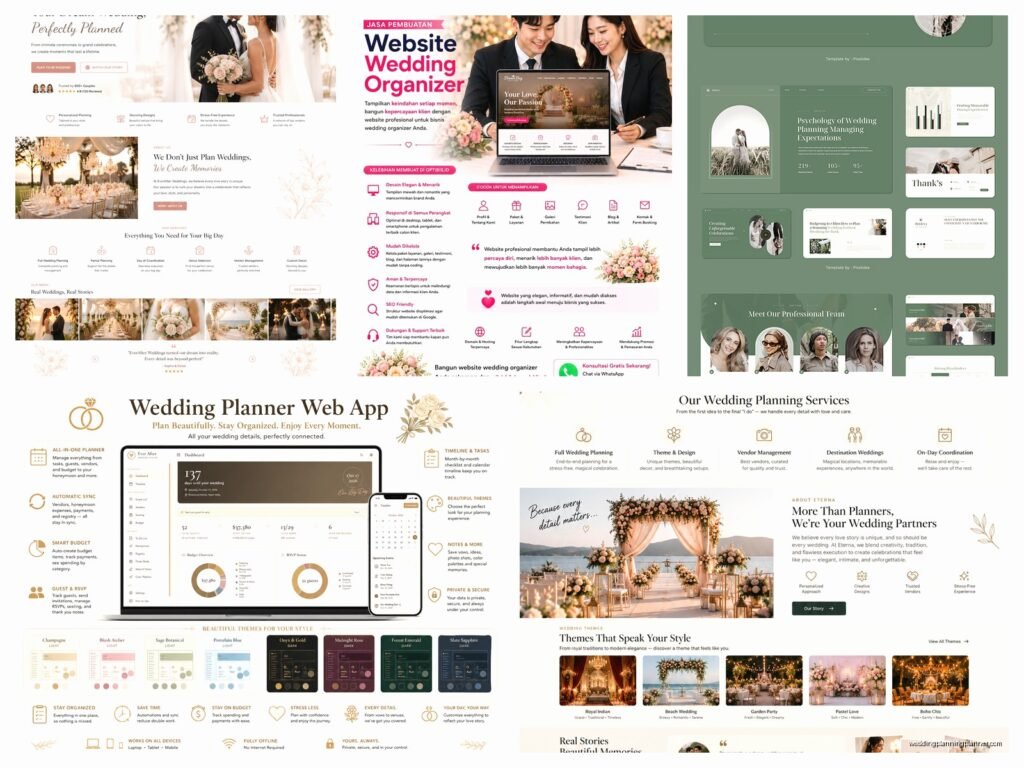
Alright so you’ve got your account set up. Now what? The checklist is gonna be your starting point. Every platform has some version of a master checklist that breaks down tasks by timeline – like 12 months out, 9 months out, 6 months, etc.
Here’s my advice: don’t just blindly follow it. These checklists are templates and your wedding might not fit the template exactly. Having a destination wedding? Half those tasks don’t apply. Having a 6-month engagement? You’re gonna need to compress that timeline significantly. Go through and delete or modify tasks that don’t make sense for you.
Guest List Management (This Gets Messy)
The guest list feature is honestly where these platforms shine. You can track addresses, meal preferences, plus-ones, dietary restrictions, all that stuff in one place. But you gotta keep it updated or it becomes useless real fast.
One thing that annoyed me SO much – and this was back in summer 2021 with a couple who had a pandemic-delayed wedding – was that some platforms don’t let you easily mark guests as “not invited to ceremony but invited to reception” or vice versa. Like, that’s a real scenario that happens and the software should account for it without making you create weird workarounds.
When you’re importing contacts, most platforms let you upload a spreadsheet. Use this feature. Typing in 150 guests manually is a waste of your time. Just make sure your spreadsheet is formatted correctly first – usually they want columns for first name, last name, email, address, and phone number at minimum.
The RSVP tracking is pretty straightforward. Guests get a link to your wedding website where they can RSVP online. You can see in real-time who’s responded and who hasn’t. Set up reminder emails for people who haven’t responded as you get closer to your deadline because trust me, people forget or think they responded when they didn’t.
Budget Tracking That Actually Works
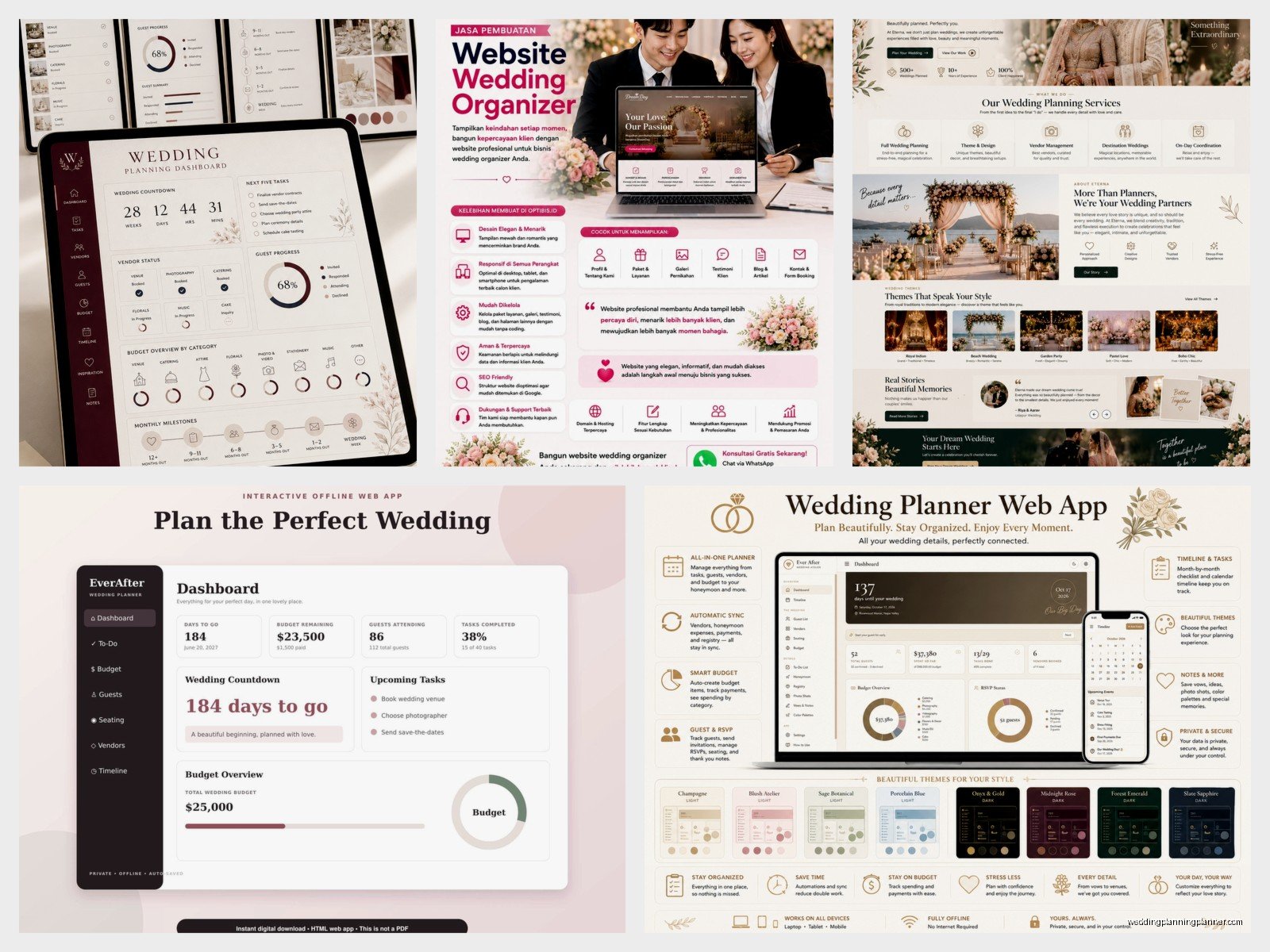
I’m gonna be honest, the budget tools are good but they’re not perfect. They work best when you update them consistently. Every time you book a vendor or make a payment, log it immediately. Don’t wait until the end of the month to update everything because you will forget details.
Most platforms let you set a budget for each category – like $5000 for photography, $3000 for flowers, whatever. Then as you add actual costs, it shows you how much you have left in that category. Some of the fancier platforms will even alert you when you’re approaching your limit.
The thing nobody tells you is that you need to account for taxes and gratuities in your budget from the start. The platform might have a vendor listed at $2000 but with tax and tip that’s really $2500. Build that buffer in or you’re gonna be surprised later.
Oh and track your payments too, not just the total cost. Some platforms have a payment schedule feature where you can note when deposits are due, when final payments are due, that kind of thing. This saved me during a really stressful situation where a florist claimed we hadn’t paid our deposit and I was able to pull up the exact date and amount from the platform.
Vendor Management and Communication
This is where things get… well, it depends on what platform you’re using. Some let you store vendor contacts, contracts, and communicate directly through the platform. Others are more basic and just let you save contact info.
At minimum, upload your contracts. I cannot stress this enough. Having all your vendor contracts in one searchable place instead of scattered across your email and computer downloads is a lifesaver. Plus if you’re like me and also kinda paranoid about losing important documents, it’s a backup.
Some platforms integrate with vendor messaging so you can email your photographer or caterer directly through the system and it keeps a record of all communications. This is actually super helpful for staying organized but I find that most vendors still prefer regular email, so you end up with split communication anyway which sorta defeats the purpose.
Timeline and Schedule Building
The timeline tools are useful for creating your day-of schedule. You can build out a minute-by-minute timeline of your wedding day – ceremony starts at 4pm, cocktail hour at 5pm, reception at 6pm, first dance at 7:30pm, whatever.
You can usually share this timeline with your vendors and wedding party so everyone knows where they need to be and when. My cat just jumped on my keyboard sorry – anyway, the cool thing is you can assign people to specific timeline items so your photographer knows they need to be ready for family photos at 5:15pm and your DJ knows the cake cutting is scheduled for 8pm.
Build your timeline at least a month before the wedding and share it with your key vendors to get their feedback. Sometimes your photographer will be like “hey, you’ve only allocated 20 minutes for family photos but you have 15 family combinations listed, that’s not enough time” and you can adjust.
Seating Charts (Prepare for Frustration)
Okay so seating chart tools are either amazing or terrible, there’s no in between. The good ones let you drag and drop guests onto tables, see a visual representation of your reception layout, and easily swap people around. The bad ones are basically just lists that don’t help you visualize anything.
If your platform has a crappy seating chart tool, honestly just use a different tool for this specific task. AllSeated is pretty good and it’s free. Don’t torture yourself trying to make a bad tool work just because it’s integrated with everything else.
When you’re building your seating chart, the platform should let you see guest relationships and notes you’ve made about people. Like if you noted that Aunt Susan and Aunt Carol aren’t speaking, the system should make that visible so you don’t seat them together. Not all platforms do this well though.
The Wedding Website Component
Most organizer platforms include website building now. The websites are pretty templated but they work fine for sharing basic info – date, time, location, hotel blocks, registry links, that stuff.
You can usually customize colors and fonts to match your wedding vibe. Add photos, write your love story if you’re into that, include directions and parking info. The key is keeping it simple and making sure the most important info is easy to find.
The RSVP function on your website connects directly to your guest list in the organizer, which is super convenient. Guests RSVP online and boom, it updates your count automatically. Just make sure you test the RSVP process yourself before sending the link to guests because sometimes there are glitches.
One weird thing – some platforms make you upgrade to a paid tier to remove their branding from your website. So you might have “Powered by WeddingWire” at the bottom unless you pay. Just something to be aware of.
Mobile App Situation
Check if your platform has a mobile app and actually use it. Being able to update your checklist or guest list from your phone while you’re out meeting with vendors is really convenient. Some apps even work offline which is clutch if you’re gonna be in a venue with spotty service.
The apps usually have all the main features – checklist, guest list, budget, timeline. But sometimes the more advanced features are desktop-only so you’ll still need to use the full website for certain tasks.
Sharing Access and Collaboration
Most platforms let you give access to other people – your partner obviously, but also your planner if you hired one, or your parents if they’re super involved. You can usually set different permission levels so someone can view but not edit, or they can edit certain sections but not others.
Just be thoughtful about who you give access to because once someone’s in there, they can see everything including your budget, and that might get awkward with certain family dynamics.
The Stuff That Usually Costs Extra
Here’s the thing about free versions – they’re fine for basic planning but if you want the really useful features, you’re probably gonna need to upgrade. Premium features usually include things like:
- Unlimited guest list (free versions often cap at like 100-150 guests)
- Advanced seating chart tools
- Removing platform branding from your website
- Additional website pages and customization
- Vendor contract templates
- More detailed budget tracking and reports
The paid tiers usually run anywhere from $10 to $50 depending on the platform and what level you choose. Is it worth it? Depends on how much you’ll actually use those features. If you’re having a small wedding with 50 guests, you probably don’t need the premium version. If you’re planning a 200-person wedding with complex logistics, it might be worth the investment.
Integrations and Connected Services
Some platforms connect with other services which can be handy or just create more accounts to manage, depending on how you look at it. Like connecting your registry so it shows on your wedding website, or syncing with your calendar app so vendor appointments show up on your phone.
The registry integration is actually pretty useful because guests can access your registry directly from your wedding website instead of having to go to multiple different stores. Just link your Amazon, Target, Zola, whatever registries and they all show up in one place for guests.
Keeping Everything Updated (The Hard Part)
The absolute hardest part of using a wedding organizer platform is actually keeping it updated. It only works if you use it consistently. I’ve seen so many couples set everything up perfectly and then just… stop updating it after two months and go back to tracking stuff in their heads or random notes.
Set a weekly reminder to review and update your organizer. Check off completed tasks, update your budget with new expenses, add any new guests or remove people who can’t come, whatever needs doing. Treat it like you would any other important weekly task.
If you’re working with a planner, coordinate with them about who’s responsible for updating what. You don’t want both of you updating the same things or neither of you updating things because you each think the other person is doing it.
The platform is only as useful as the information you put into it, you know? Garbage in, garbage out, as they say. Keep it current and it’ll actually help you stay organized instead of being just another thing you have to remember to check.
