
Planning Guides, Style Guide
Wedding Planner Template Free: Printable Organizer Downloads
Jul
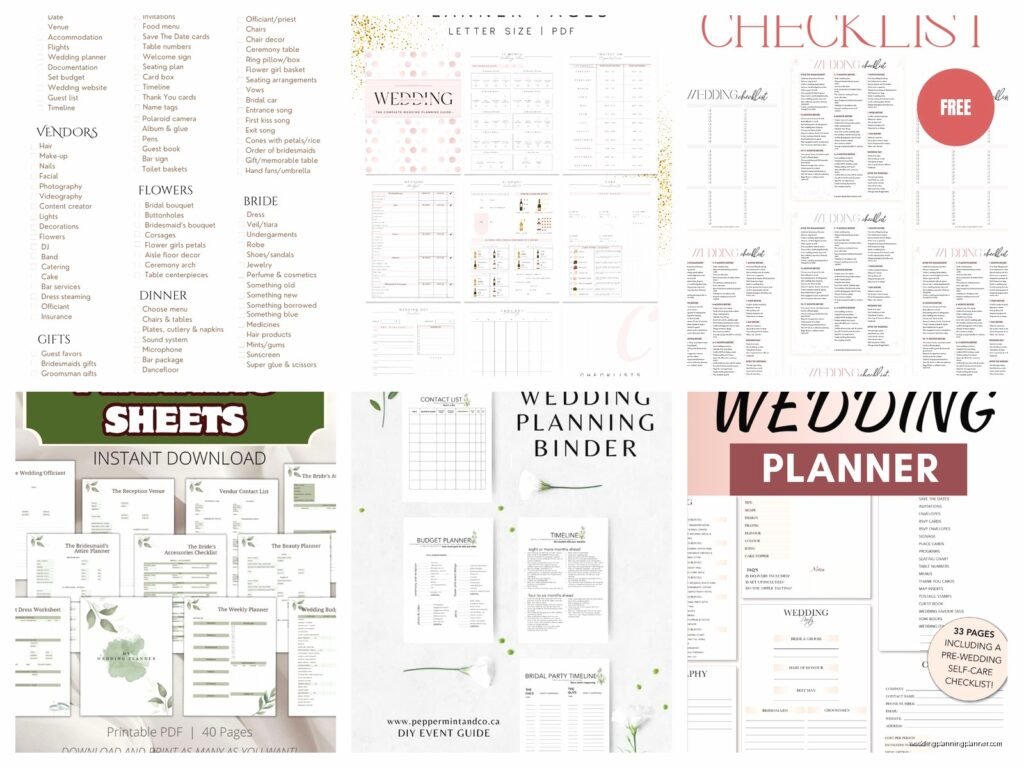
Getting Your Hands on Free Wedding Planner Templates
So honestly the first thing you gotta know is that free wedding planner templates are everywhere but not all of them are actually useful. I learned this the hard way back in spring 2023 when I had a bride text me at 11pm because she’d downloaded like seven different “comprehensive” planning templates and none of them had a spot for tracking her welcome bags. She was literally in tears over welcome bags because the template didn’t have a checkbox for them.
The best free printable organizers I’ve found are usually on Canva, Etsy (yeah some sellers offer freebies), and honestly Google Sheets has some surprisingly decent templates if you search wedding planner template. Microsoft also has a bunch in their template library that people forget about. The thing is you want something that’s actually editable because a PDF that just sits there looking pretty isn’t gonna help you when you need to add your weird Uncle Bob to the seating chart at the last minute.
What Should Actually Be In Your Template
Look for templates that have these sections or you’re kinda wasting your time. You need a budget tracker that breaks down by category – not just one big number because that’s useless. Venue comparison sheets are crucial, like side-by-side so you can see that Place A has the better dance floor but Place B includes tables and chairs. Guest list management with meal preferences and plus-ones clearly marked. Timeline pages for both the planning process and the actual wedding day.
Vendor contact information with contract dates and payment schedules because I cannot tell you how many couples I’ve worked with who forgot when their final payment was due. Task checklists organized by month or timeframe. Seating chart templates. Menu planning sheets. And this is important – a section for all your random ideas and inspiration because you will have midnight thoughts about napkin colors and you need somewhere to put them.
What really annoys me is when templates have like 30 pages dedicated to “dream board vision planning” with quotes about love and barely two pages for actual logistics. Nah. You need the practical stuff.
Budget Tracking Templates Specifically
The budget section is where most free templates either shine or completely fail. You want something with categories already broken down – venue, catering, photography, videography, flowers, music, attire, stationery (obviously my favorite), transportation, accommodations, gifts, misc. Some templates I’ve seen lump everything into like five categories and that’s not detailed enough.
Your budget tracker should have columns for estimated cost, actual cost, deposit paid, balance due, and due date. I use one that also has a notes column because sometimes you need to remember that the photographer’s second payment is only due if you add the engagement session or whatever. Running total calculations are super helpful if you’re using a spreadsheet version – you can see in real time when you’re about to blow past your budget on florals.
Where to Actually Download These Things
Canva has probably the biggest selection and you can customize them which is huge. You’ll need a free account but then you can access tons of wedding planner templates. Some are locked behind Canva Pro but plenty of good ones are free. You can change colors, add sections, remove pages you don’t need. Then download as PDF or print directly.
The Knot and WeddingWire both offer free planning tools and printables. They’re pretty comprehensive actually. The Knot’s checklist is organized by timeline which helps when you’re 8 months out and don’t know what you should be doing. Their budget tool is online but you can print it.
Etsy sellers sometimes offer free samples or starter templates. Search for “free wedding planner printable” and filter by price – free. You’ll find some decent options. Just read the description carefully because sometimes “free” means you get one page and have to buy the rest.
Google Sheets and Excel Templates
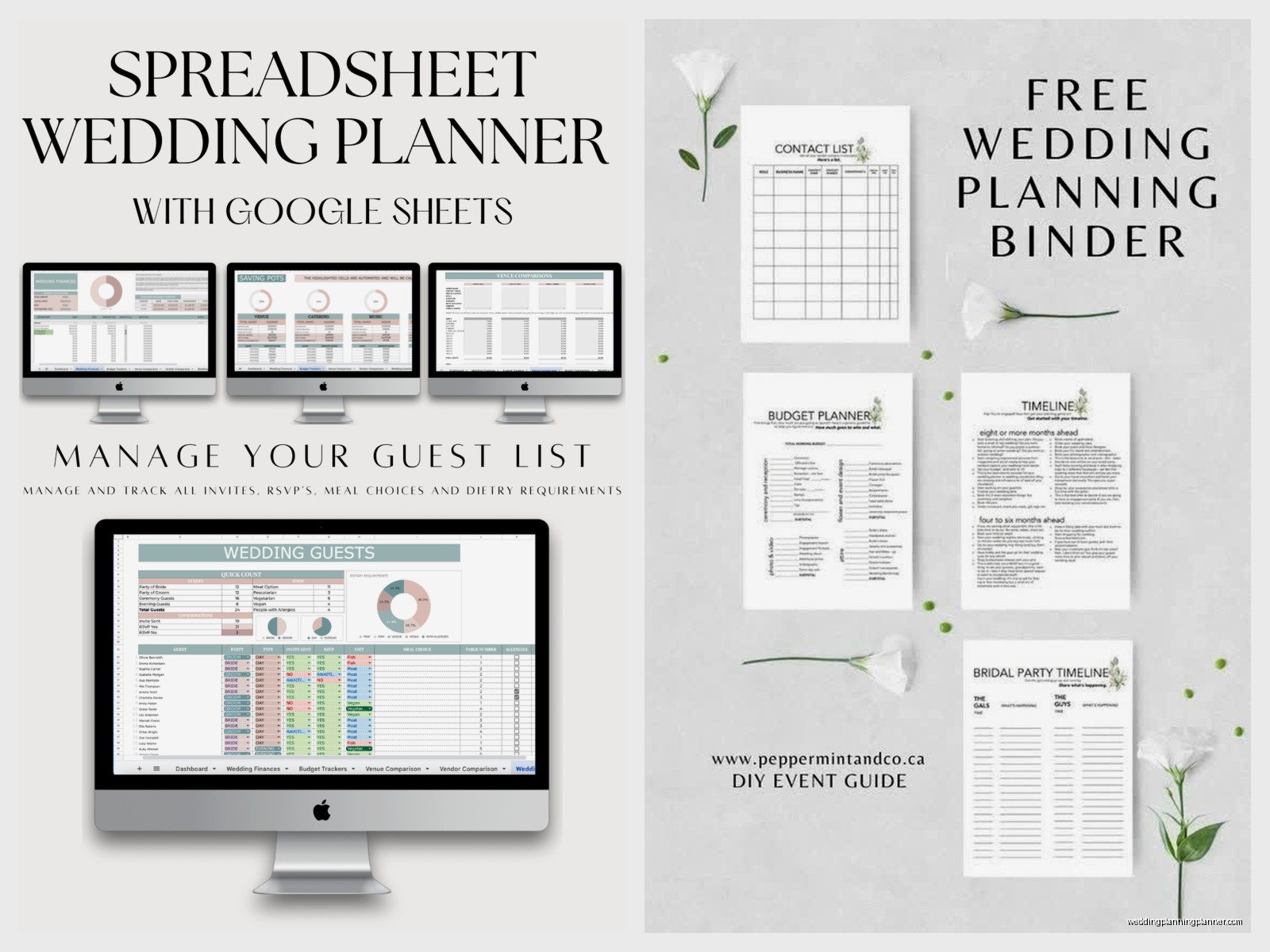
If you want something you can actually update and share with your partner or your wedding party, spreadsheet templates are the way to go. Google Sheets has templates in their template gallery – just open Google Sheets, click on Template Gallery, and look under Personal. There’s usually a wedding planner one in there.
Excel has wedding planning templates too. Open Excel, go to File, New, and search “wedding planner” or “wedding budget” and you’ll get options. These are great because formulas are already built in for calculations. My cat walked across my keyboard once and somehow added $5000 to a client’s floral budget in their spreadsheet and we didn’t notice for two weeks… anyway, spreadsheets are useful but also double-check your numbers.
You can find other Excel/Google Sheets templates on sites like Vertex42 and Template.net. Some require email signup but they’re actually free, not those annoying “free trial” situations.
Guest List and Seating Templates
Guest list management is its own beast and deserves a separate template honestly. You need columns for name, address, email, phone, invited to ceremony/reception/both, RSVP status, number of guests, meal choice, dietary restrictions, and gift received if you’re tracking thank you notes.
For seating charts I actually prefer the visual templates over spreadsheets. Look for ones that show table layouts. Some Canva templates have drag-and-drop guest name cards which is super helpful. Or you can go old school with a printed floor plan and sticky notes – I still do this sometimes because moving physical pieces around just makes more sense to my brain.
AllSeated offers a free online seating chart tool that’s pretty robust. It’s not exactly a printable but you can screenshot or export your final arrangement.
Timeline and Checklist Templates
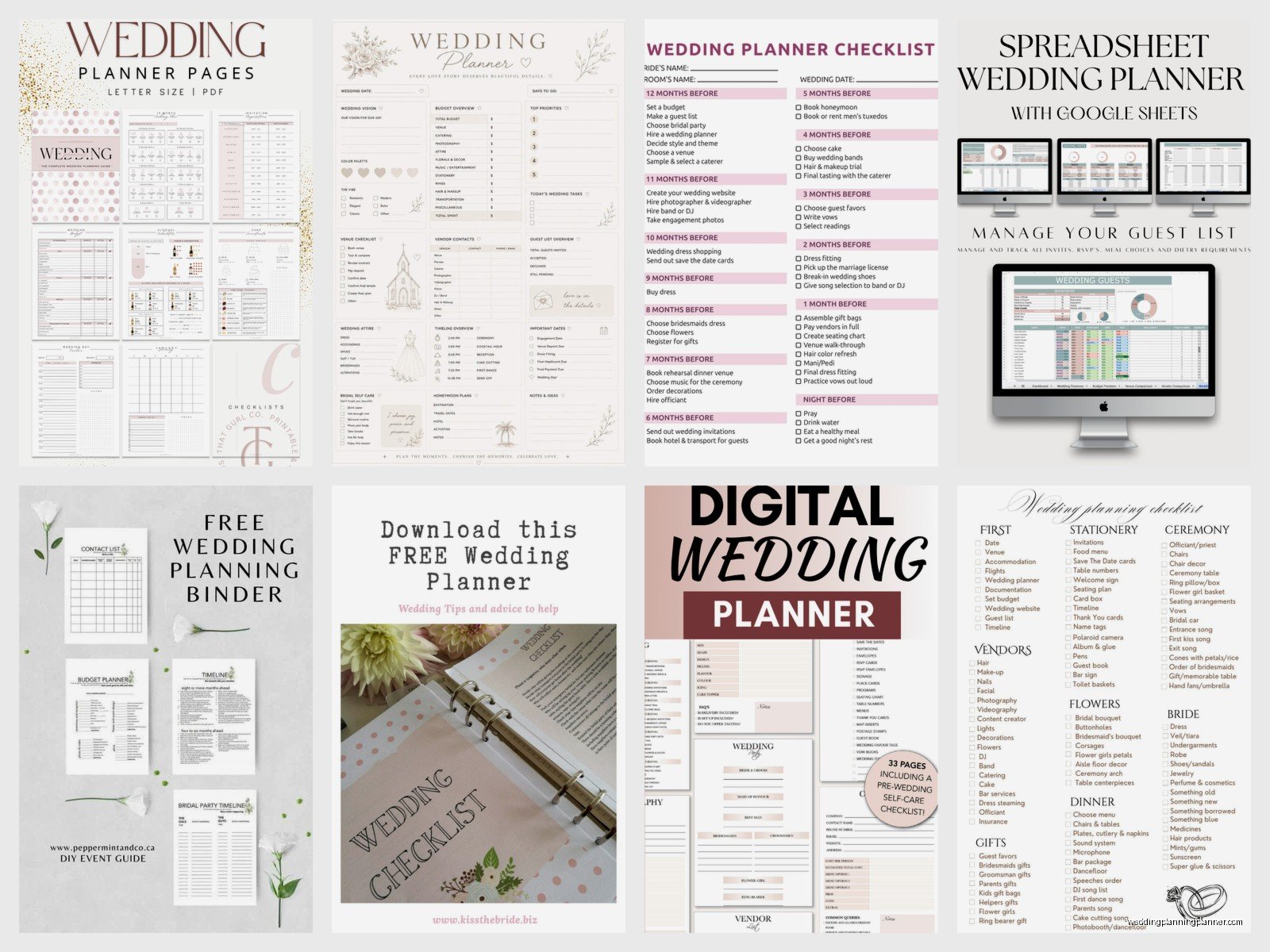
Timeline templates come in two types – planning timeline and wedding day timeline. You need both. Planning timelines should start from 12 months out (or whenever you’re starting) and break down what to do each month. Wedding day timelines are hour-by-hour schedules for the actual event.
The best planning checklist template I’ve found is… actually I think it was from Zola? They have a pretty detailed one that you can customize based on your actual wedding date. It automatically adjusts what you should be doing based on how much time you have left. For wedding day timelines, look for templates that have separate columns for different people – bride, groom, wedding party, vendors, family. Everyone needs to know where they should be and when.
During this one wedding in summer 2021, we had a timeline template but the couple didn’t share it with their families and the mother-of-the-bride showed up to photos an hour late because she thought she only needed to be there for ceremony time. Share your timelines with everyone involved, that’s the whole point.
Vendor Management Printables
You need a master vendor contact sheet. Like one page with every vendor’s name, company, contact person, phone, email, and contract date. Print this and keep it in your planning binder or whatever. On the wedding day your coordinator or day-of person needs this information accessible.
More detailed vendor tracking sheets should have sections for each vendor type with space for contract details, payment schedule, what’s included in your package, questions to ask, and comparison notes if you’re still deciding between options. I’ve seen some templates that include rating systems which can be helpful when you’ve toured five venues and they’re all blurring together.
Stationery Planning Templates
Okay this is my specialty so I’m gonna go a bit deeper here. Stationery templates should track your paper suite timeline – save the dates, invitations, programs, menus, place cards, thank you notes. You need to know quantities, wording, design elements, printing method, and deadlines for each piece.
Your template should include a section for wording drafts because you’ll go through multiple versions before you get it right. Also tracking who’s proofreading what and when – get at least three people to proofread your invitations before printing, trust me. One typo in 150 printed invitations is expensive to fix.
Address tracking is crucial for save the dates and invitations. You can use your main guest list for this but I like having a separate addresses spreadsheet that’s formatted specifically for printing labels or envelopes. Include columns for formal names as they should appear on envelopes versus casual names you actually call people.
Making Templates Actually Work For You
Here’s the thing about templates – you’re gonna need to customize them. No free template is going to perfectly match your exact wedding situation. You might be having a backyard wedding with no venue rental, so delete those sections. Maybe you’re doing a destination wedding and need extra pages for travel planning. You’re having a cultural ceremony with specific traditions that need tracking or…
The point is, download a few different templates and Frankenstein them together into what works for you. Take the budget tracker from one, the guest list from another, the timeline from a third. Nobody’s giving out awards for using one template exactly as designed.
Print the pages you’ll actually use regularly. Keep digital versions of everything else. I have a client right now who printed her entire 47-page template and has used maybe 10 pages. The rest just sit in a binder looking overwhelming. Be selective.
Digital vs. Printed Planning Tools
Some people are digital planners, some are paper planners, most are somewhere in between. I personally like spreadsheets for things that change frequently – budget, guest list, vendor contacts. But I print timelines and checklists because there’s something satisfying about physically checking boxes.
If you’re sharing planning duties with a partner or family member, digital makes more sense. You can both access and update a Google Sheet from anywhere. But if you’re the primary planner and you like having everything in a binder you can flip through, print away.
Consider printing your final versions of everything about a month before the wedding. Even if you’ve been using digital tools, having printed copies for the wedding day is smart. Technology fails. Phones die. Printed paper doesn’t need wifi.
Organizing Your Printables
Get a binder. Like a 2-inch or 3-inch three-ring binder. Use divider tabs for different sections – budget, vendors, guest list, timeline, stationery, day-of details, inspiration, contracts. Hole punch your printed templates and keep everything in one place.
Some people prefer accordion folders or those expanding file organizers. Whatever works but you need one central location for all this paper. You will have contracts, business cards, fabric swatches, paint chips, and random notes and they all need a home.
For digital files, create a folder structure on your computer or cloud storage. Main folder: Wedding. Subfolders: Vendors, Budget, Guest List, Inspiration, Contracts, Stationery, etc. Save everything with clear file names that include dates – “venue_contract_signed_2024-01-15.pdf” not “contract_final_FINAL_v3.pdf”.
What You Actually Need to Track
Realistically you need to track money going out, people coming in, and time moving forward. Everything else is details. Your budget template keeps the money organized. Guest list manages the people. Timeline and checklist handle the time aspect. Vendor sheets are about money and time. Seating charts are about people.
Don’t get so caught up in having the perfect template that you forget to actually plan your wedding. I’ve seen people spend hours color-coding their planning binder and then realize they haven’t actually booked a photographer yet. The template is a tool, not the goal.
Start with the basics – budget, guest list, vendor contacts, timeline. Add other tracking sheets as you need them. You might not need a transportation planning template if everyone’s driving themselves. You might need a super detailed dessert tracking sheet if you’re doing a dessert bar instead of cake. Customize based on your actual wedding.
