
Planning Guides, Style Guide
Free Printable Wedding Planner: Complete Organizer Downloads
Jul
Why Free Printable Wedding Planners Actually Work
Okay so free printable wedding planners are honestly one of the best tools you can use if you’re planning a wedding on any budget and I’m gonna be real with you—I recommend them to like 60% of my clients even though technically I could just sell them my custom planning packages. But here’s the thing, not everyone needs a $300 binder system when you’re just trying to keep track of vendor contacts and your seating chart.
The main advantage is that you can print exactly what you need. You don’t want a budget tracker? Skip it. You’re eloping so guest lists don’t matter? Don’t print those pages. I had this bride in spring 2023 who was SO organized naturally that she only needed the timeline templates and the vendor contact sheets, and she printed like 8 pages total instead of buying a whole planner system. Saved her money and drawer space.
What Actually Needs to Be in Your Printable Planner
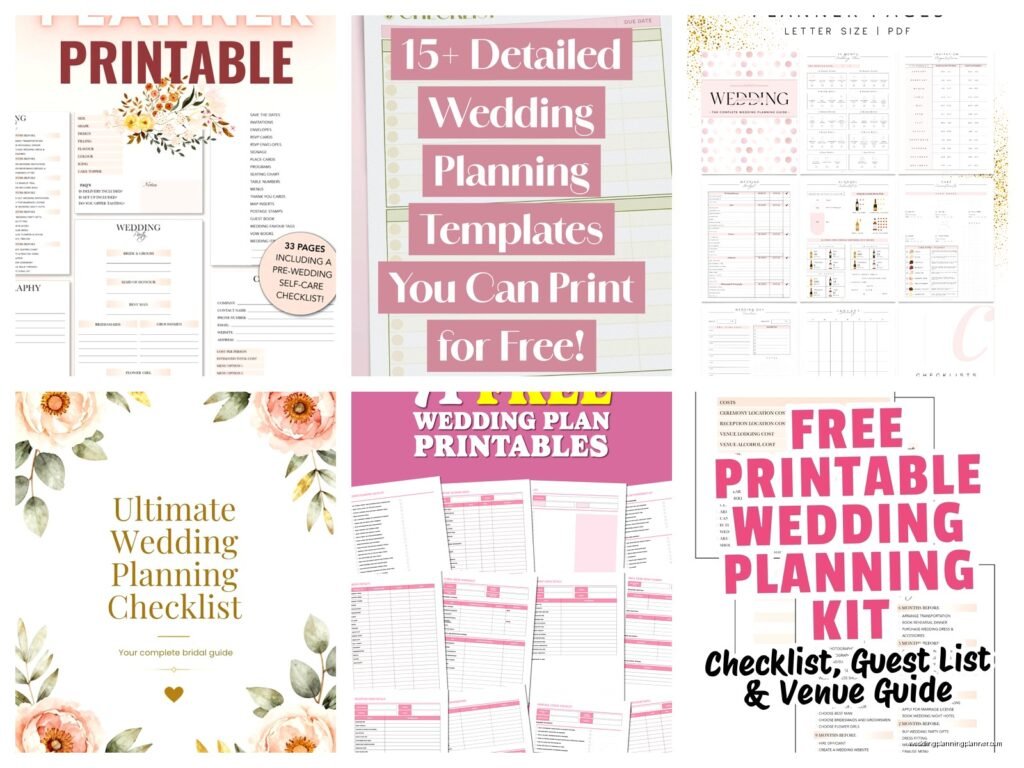
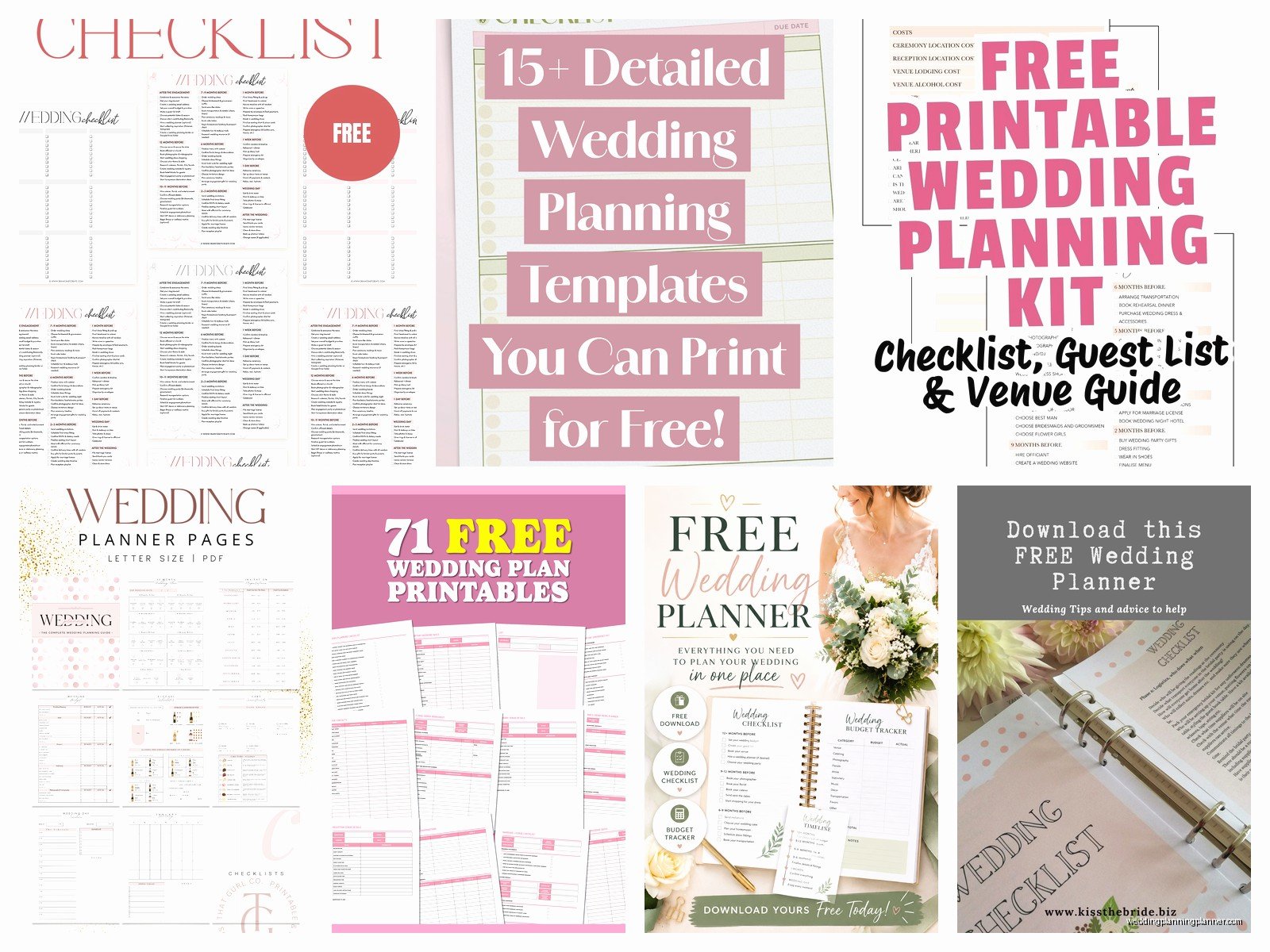
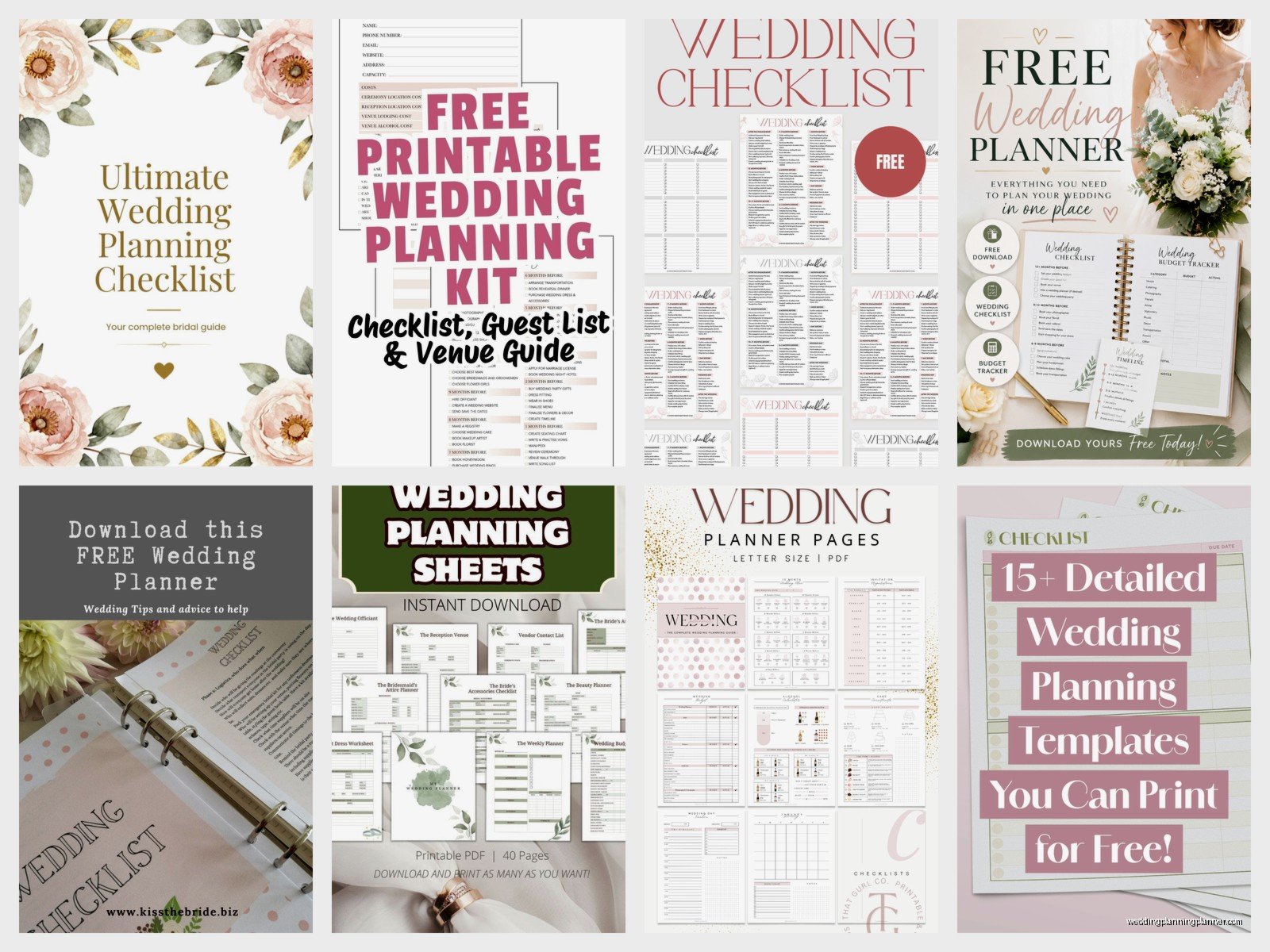
The most important sections you should look for when downloading free wedding planner templates are:
- Budget breakdown sheets (with categories already listed because creating categories from scratch is annoying)
- Vendor contact information pages
- Timeline templates for the actual wedding day
- Guest list tracker with RSVP columns
- Seating chart worksheets
- To-do lists organized by month or timeframe
- Menu planning sheets if you’re doing any DIY catering stuff
- Honeymoon planning pages
One thing that really annoyed me about most free printables is that they don’t include a gifts received tracker, which you NEED for thank you notes. Like how are you supposed to remember six months later that Aunt Susan gave you that weird ceramic rooster if you didn’t write it down immediately? I always tell people to either find a planner with that section or just add a blank page and make your own columns.
Budget Tracking Pages
The budget section is probably gonna be the most-used part of your planner. You want something that breaks down categories like venue, catering, photography, flowers, attire, all that stuff. The good free templates will have a column for estimated cost, actual cost, deposit paid, and balance due.
I usually print two copies of the budget page—one that stays in my planner and one that goes on my fridge because out of sight really is out of mind when it comes to wedding spending. You’d be amazed how quickly little purchases add up when you’re not tracking them weekly.
Vendor Management Sheets
For vendor contact pages, make sure the template has space for: company name, contact person, phone, email, website, contract date, payment schedule, and notes. The notes section is crucial because that’s where you write stuff like “uses Canon cameras only” or “needs vendor meal” or “arrives 2 hours early for setup.”
I learned this the hard way during a wedding coordination in summer 2021 when the florist showed up expecting a vendor meal that nobody had arranged because the bride forgot to write down that detail from their initial consultation, and let me tell you, a hangry florist arranging centerpieces is not… anyway, write everything down.
Where to Find the Best Free Printables
There are honestly hundreds of websites offering free wedding planner printables, but quality varies like crazy. Some look gorgeous but aren’t actually functional, and some are functional but so ugly you won’t want to use them.
Top Sources for Downloads
Pinterest is obviously where everyone starts, but you gotta be careful because sometimes those pins link to sites that make you sign up for email lists or only give you like 3 pages free before asking for payment. Not always a bad thing, but know what you’re getting into.
Etsy has tons of free and paid options—search “free wedding planner printable” and filter by price low to high. The free ones are usually designers trying to get you interested in their paid versions, which means they’re often really well-designed.
Blogs run by wedding planners or stationery designers (like mine, shameless plug) often have free downloads because we want to help people and also build our email lists. These tend to be pretty comprehensive because we actually know what information matters.
Canva has editable templates that you can customize before printing, which is great if you want to change colors or fonts or add your names to the headers. You need a free Canva account but it’s worth it for the customization options.
What Format Should You Download?
Most printables come as PDF files which is ideal because they’ll print exactly as designed. Some come as Word docs or Excel spreadsheets which you can edit but might look different depending on your software and printer settings.
I prefer PDFs for anything decorative or with specific formatting, and Excel for budget trackers or guest lists where you might want to sort data or do calculations. Like if you want to automatically calculate your total budget or sort your guest list alphabetically, Excel makes that easy.
How to Organize Your Printed Pages
Once you’ve downloaded and printed everything, you need an organization system otherwise you’ll just have loose papers everywhere (been there, it’s chaos).
Binder Method
Get a 2-inch three-ring binder and some tab dividers. Seriously, don’t cheap out and get a 1-inch binder thinking it’ll be enough—it won’t. You’re gonna have contracts, magazine clippings, fabric swatches, all kinds of stuff in there eventually.
Use dividers to separate sections: Budget, Vendors, Guest List, Timeline, Ceremony, Reception, Attire, whatever categories matter for your wedding. Punch holes in your printed pages and file them in the appropriate sections. Keep a three-hole punch nearby because you’ll need it constantly.
Pro tip: get a binder with pockets on the inside covers for business cards and those little paint chip cards from the craft store.
Folder Method
If binders feel too formal or you’re planning a smaller wedding, an accordion folder or a set of file folders in a box works fine. Label each pocket or folder with a category and keep your printed planners there along with related documents.
This is actually what I use for my own stuff at home—I have an accordion folder for each client—wait, that’s not helpful for you… but same principle applies. Less structured than a binder but easier to throw in a bag if you’re meeting vendors or visiting venues.
Customizing Your Printables
Most people don’t realize you can edit PDFs before printing if you have the right software. Adobe Acrobat (the paid version) lets you add text to PDFs, or you can use free tools like PDFescape or Sejda.
Why customize? Maybe you want to add your wedding date to the header of every page, or change “Bride” and “Groom” to “Partner 1” and “Partner 2,” or translate something into another language. Maybe the template says “Rehearsal Dinner” but you’re calling yours something else.
For templates that come as Word docs or PowerPoint files, customization is even easier. Change fonts, colors, add your own sections, delete stuff you don’t need. Just make sure to save your edited version with a new filename so you don’t lose the original template.
Adding Personal Touches
This is kinda extra but if you’re crafty, you can make your printed planner feel more special by:
- Printing on colored or textured paper
- Adding washi tape to page edges
- Using colored pens or highlighters for different categories
- Attaching photos or magazine clippings with decorative clips
- Creating a custom cover page with your names and wedding date
My cat actually knocked over my coffee onto a client’s planner once and we just reprinted the damaged pages, which is another huge advantage of printables—they’re replaceable. Try doing that with a $50 hardbound planner.
Digital vs. Printed—Or Both?
Some people prefer keeping everything digital in apps like Google Drive or Notion or specialized wedding planning apps. That’s totally valid and has advantages like automatic backups and easy sharing with your partner or family members.
But I’m gonna be honest, I still prefer printed planners for the main organizational stuff because:
- You can see everything at a glance without clicking through tabs
- You can write notes quickly without unlocking your phone or opening an app
- No battery required
- It feels more official somehow? Like writing it down makes it real
- You can take it to vendor meetings without looking like you’re on your phone the whole time
That said, I do recommend keeping digital backups of important stuff like your budget spreadsheet and vendor contact list. Take photos of your filled-out planner pages and save them to cloud storage. If your planner gets lost or damaged, you’ll still have the information.
Common Mistakes People Make
Don’t print everything at once. I know it’s tempting to download 50 pages of templates and print them all, but you probably won’t use everything. Start with the essentials—budget, vendor contacts, and a basic timeline—then print additional pages as you need them.
Don’t use a printer that’s almost out of ink. Your pages will look faded and annoying, and you’ll probably end up reprinting them anyway. Check your ink levels first or… just go to a print shop if your home printer is being difficult.
Don’t forget to print double-sided if the template is designed that way, but also don’t print double-sided if you want to use both sides independently or if you’re putting pages in a binder where you need to see both sides without flipping.
Actually read through the template before printing. Sometimes they include instructions or have sections that need to be filled in digitally before printing. You don’t wanna waste paper printing something you should’ve edited first.
Making Your Planner Actually Useful
The biggest mistake people make with wedding planners—free or otherwise—is treating them like decorations instead of tools. Your planner should be messy and used and full of crossed-out stuff and notes in the margins.
Set aside time each week to update your planner. I tell clients to pick a specific day—Sunday evenings work well—and spend 20 minutes reviewing what got done, what needs to happen next week, and updating budgets or guest lists or whatever changed.
Keep your planner somewhere visible. If it’s shoved in a drawer, you won’t use it. I keep mine on the kitchen counter or coffee table where I see it daily and can grab it quickly when I think of something.
Use sticky notes for temporary information or things that might change. Like if you’re deciding between two venues, put their info on sticky notes so you can remove the one you don’t choose without having scratched-out sections everywhere.
Partner Involvement
If you’re planning with a partner, figure out early how you’ll both use the planner. Will you share one? Each have your own? Keep it digital so you can both access it?
I’ve seen couples get frustrated because one person is updating the planner and the other has no idea what’s happening or makes plans without checking the planner first. Set expectations about who’s responsible for what and how you’ll communicate changes.
When to Upgrade or Change Systems
Sometimes a free printable planner is enough for your entire planning process, and sometimes you realize halfway through that you need something more robust. That’s totally fine.
Signs you might need to upgrade: you’re running out of space for notes, you need more detailed sections than the free template provides, you want better quality paper or binding, or you’re spending so much time making your own additions that buying a comprehensive planner would actually save time.
But honestly? Most couples can plan an entire wedding using just free printables if they’re organized about it. I’ve coordinated 150+ weddings and plenty of my most organized brides used simple printed templates they downloaded for free and kept in a basic binder from Target.
The planner is just a tool, you know? It’s not what makes your wedding planning successful—that’s your effort and consistency in actually using whatever system you choose. Whether it’s a fancy leather-bound planner or printed pages in a dollar store folder doesn’t really matter as long as you’re tracking the important stuff and staying on top of deadlines and decisions.
