
Planning Guides, Style Guide
Wedding Site Template: Event Website Designs
Jul
Okay so wedding websites are basically non-negotiable now
Look, I’ve been planning weddings since like 2010 and honestly the biggest shift I’ve seen is that every single couple needs a wedding website now. Not wants. Needs. Your guests expect it, your vendors will ask for it, and you’re gonna answer the same questions 47 times if you don’t have one. So let’s talk about actually setting one up because there’s so many templates out there and some are absolute garbage.
First thing – you gotta pick your platform. The big ones are The Knot, Zola, Minted, Withjoy, and honestly like a dozen others. I had this couple in spring 2023 who spent THREE WEEKS comparing platforms and I was like… they’re all kinda the same? Pick one and move on? But also I get it because once you build the whole thing you don’t wanna migrate everything.
Free vs Paid Templates (and what actually matters)
Most platforms give you free templates. They’re fine. Totally usable. The paid ones usually run like $30-$150 and give you more customization options, fancier fonts, better photo layouts, that kinda thing. Here’s what I tell couples: if your wedding aesthetic is super specific – like you’re doing a moody romantic vibe or modern minimalist – spring for the paid template. If you just need somewhere for people to RSVP and find directions, free works perfectly.
What annoys me SO MUCH is when platforms hide basic features behind paywalls. Like I’m sorry but password protection should not cost extra. Your guest list should not be a premium feature. It’s predatory and I hate it.
Essential Pages You Actually Need
Alright so every template is gonna offer you like 15 different page options but you really only need maybe 6-8 of them:
- Home/Welcome – Keep this simple. Your names, date, location city. Maybe a photo. Don’t write your entire love story here nobody’s reading all that.
- Our Story – If you want one. Honestly half my couples skip this now and I don’t blame them.
- Event Details – This is the important one. Ceremony time and location, reception time and location. If they’re at different places make that VERY clear because guests are dumb sometimes (sorry but it’s true).
- Travel & Accommodations – Hotel blocks, airport info, parking details. This page saves you so many texts.
- RSVP – Obviously. More on this in a sec.
- Registry – Most platforms integrate with major registries which is convenient.
- FAQ – Underrated page. Put everything here. Dress code, whether kids are invited, what time to arrive, literally everything.
- Photos – Engagement photos, pics of you two, whatever. Makes it feel personal.
You don’t need: a page for each wedding party member with their bio (unless you really want to). You don’t need a “schedule” page that breaks down every minute of the day. You don’t need a page about the proposal unless it was like… extremely notable.
Design Choices That Actually Matter
Okay so you’re looking at templates and they all look pretty and you’re overwhelmed. Here’s what to focus on:
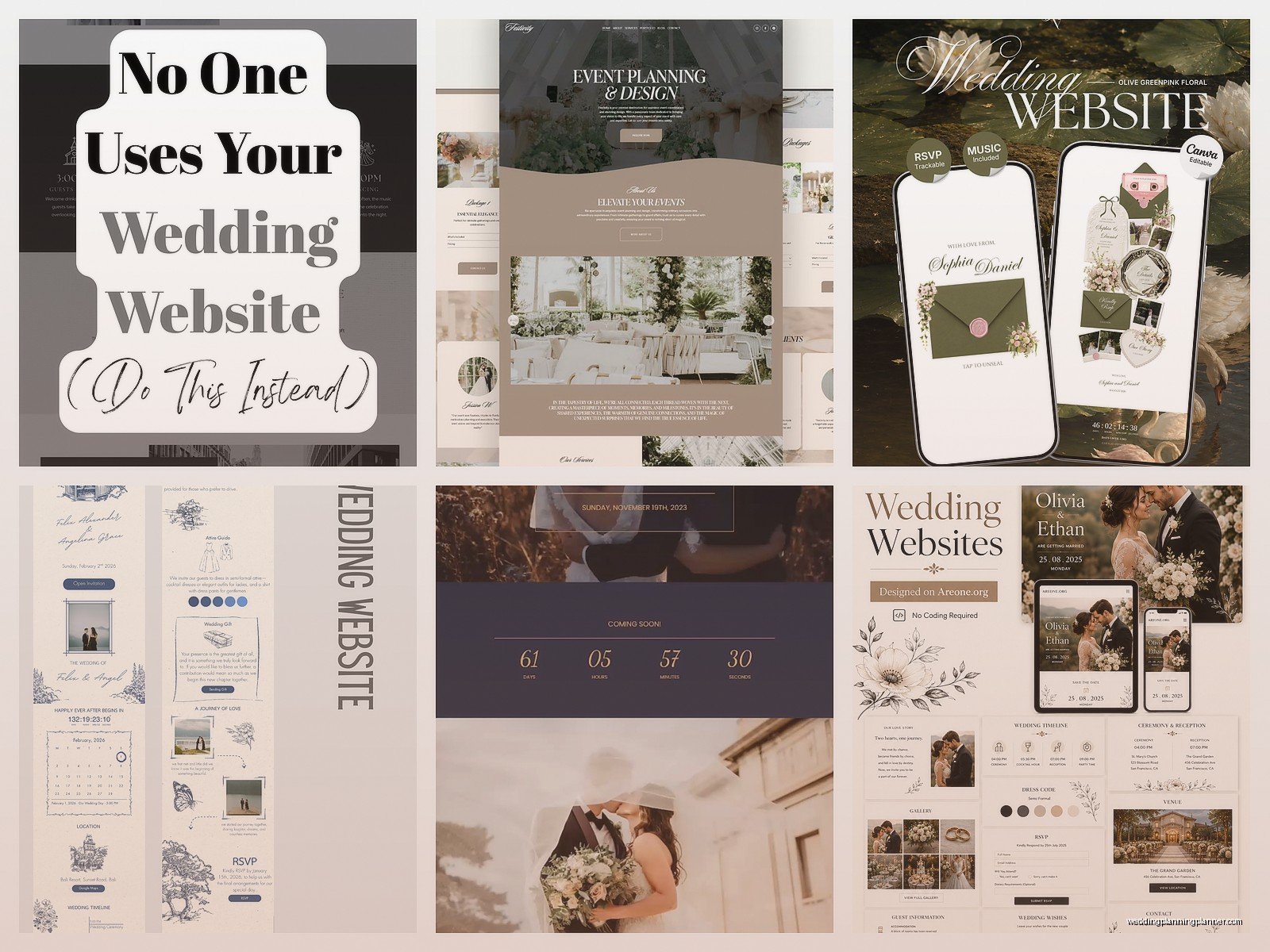
Mobile responsiveness – Like 80% of your guests will view this on their phone. Make sure the template looks good on mobile. Some of those fancy templates with lots of graphics get wonky on phones and then your aunt can’t figure out where the ceremony is.
Font readability – I know you love that super delicate script font but if people can’t read your venue address you’ve defeated the purpose. Use script fonts for headers maybe, but keep body text clean.
Color contrast – Light gray text on white background? Nope. Make sure there’s enough contrast that people can actually read the info. I had a couple once with this gorgeous sage green template but the text was barely visible and three guests showed up to the wrong venue because they misread the address.
Photo quality – Don’t use blurry photos. Don’t use photos where you can’t see your faces. Don’t use 47 photos. Pick like 5-10 really good ones.
The RSVP Section (this gets messy)
This is where templates really differ and where you need to pay attention. Some platforms let you do really detailed RSVPs with meal choices, dietary restrictions, song requests, all that. Others just do a basic yes/no.
Think about what you actually need to collect:
- Attendance (yes/no/maybe)
- Number of guests (if you’re doing plus ones)
- Meal selections if you’re doing plated dinner
- Dietary restrictions
- Song requests if you want them
Don’t ask for too much info or people won’t finish the RSVP. I’ve seen couples ask for like… favorite memory of the couple, advice for marriage, what makes love special – and honestly guests just want to click submit and be done.
Also SET A CLEAR RSVP DEADLINE. Make it at least 2-3 weeks before your final caterer headcount is due because people are gonna be late anyway.
Customization Tips Without Losing Your Mind
Most templates let you customize colors, fonts, and layouts to some degree. Here’s my advice after watching probably 200+ couples do this:
Pick 2-3 colors max from your wedding palette. Use them consistently throughout the site. Don’t go crazy with every color from your inspiration board or it looks chaotic.
Stick to 2 fonts – one for headers, one for body text. Maybe a third for accents if you must but that’s it.
Use your actual wedding photos if you have them from engagement shoot or whatever. Stock photos that come with templates are… fine but kinda soulless? Although my cat somehow got into one of my client photos once and honestly it made the website better.
Keep the layout clean. White space is your friend. Don’t cram every inch with information or graphics.
Content Writing (keep it short people)
Nobody wants to read paragraphs of text on a wedding website. Here’s how to write each section:
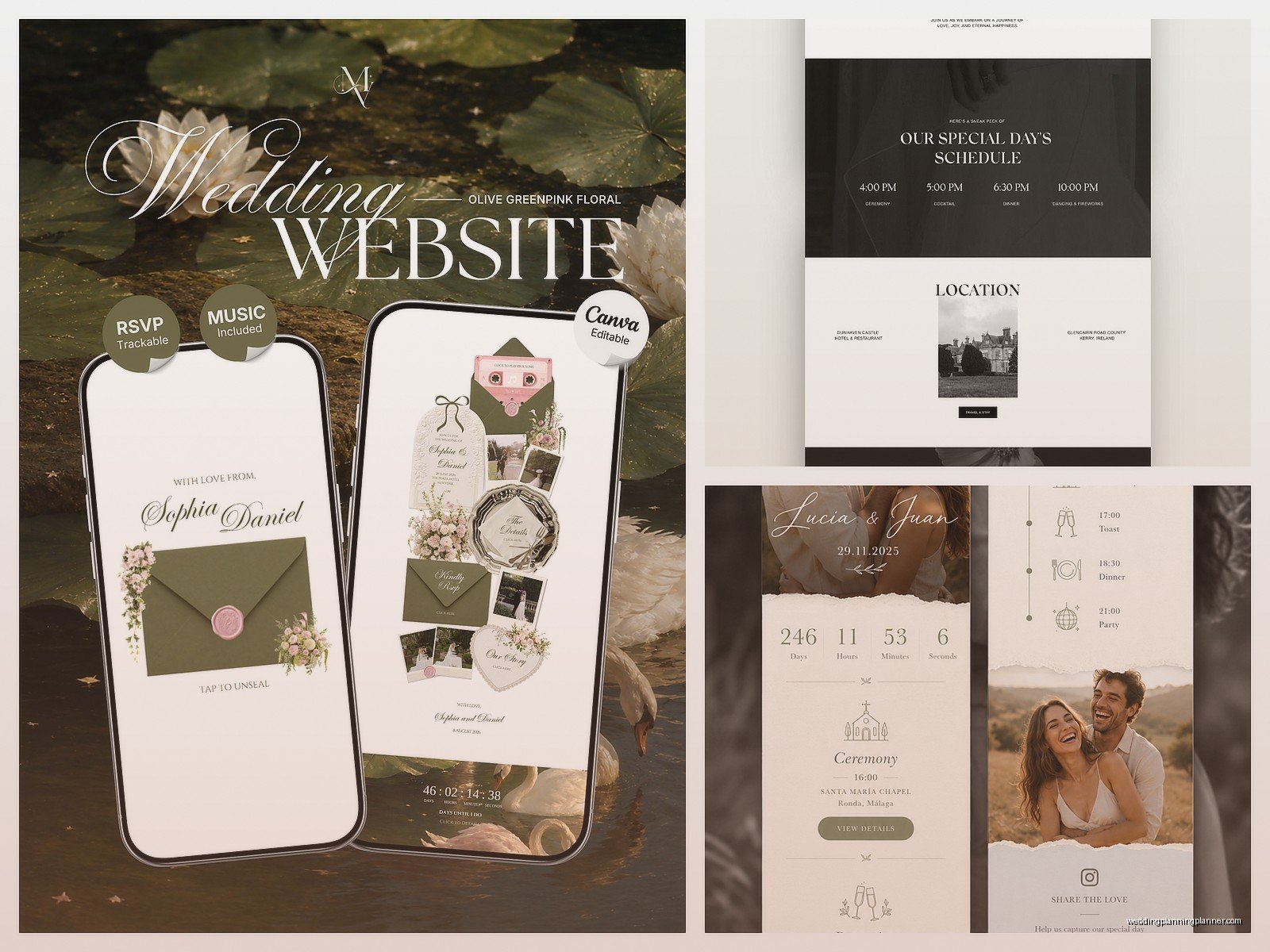
Event details – Just the facts. “Ceremony begins at 4:30 PM at [venue name and address]. Reception immediately following at the same location.” Done. You don’t need flowery language here.
Accommodations – List your hotel blocks with booking codes and deadlines. Mention if there’s a shuttle. That’s it.
FAQ – Write these like you’re texting someone. “What should I wear?” “We’re going for cocktail attire – think dressy but not formal.” See? Easy.
The welcome message can be a bit more personal but still keep it to like 2-3 sentences. “We’re so excited to celebrate with you! This website has all the info you’ll need. Can’t wait to see you on October 15th!” Something like that.
Common Template Features and Whether You Need Them
Let me break down some features templates offer and my honest take:
Countdown timer – Cute but not necessary. Doesn’t hurt to have it though.
Instagram hashtag display – Actually useful if you’re doing an unplugged ceremony but want photos during reception. Or if you just… want people to use your hashtag I guess.
Guestbook/comments – Nah. You’ll get like 5 comments total and 3 will be from your mom.
Photo gallery – Yes if you have good photos. Skip if you’re just gonna use random pics.
Music player – Unnecessary and kinda annoying honestly. Nobody wants autoplay music.
Video background – Looks cool but slows down load time. Usually not worth it.
Maps integration – YES. So helpful. Let people click directly to Google Maps or whatever.
Password protection – Useful if you’re keeping your wedding more private or if you’re posting sensitive info like hotel room blocks.
Timeline for Setting This Up
You can technically build a wedding website in like 2 hours but here’s a realistic timeline:
Send save-the-dates → launch basic website with date, location, hotel info. That’s all you need at first.
Then you’ve got time to add more details, tweak the design, add photos, whatever. Turn on RSVPs about 8-10 weeks before the wedding.
Update the website as details get finalized. Changed ceremony time? Update it immediately and post about it on social media so people check.
Integration with Other Wedding Stuff
Most platforms integrate with registries which is clutch. You can literally link your Zola registry to your Zola website or connect Amazon, Target, whatever.
Some platforms also do digital invitations which… I have mixed feelings about. For save-the-dates, totally fine. For formal invitations, I still think paper is the move for most weddings but like, do you. I had a couple in summer 2021 do fully digital invites and honestly it worked fine because it was a small COVID wedding anyway.
Guest list management is another big integration point. You can usually import your guest list and the platform will track RSVPs, send reminders, all that. It’s genuinely helpful and saves you from maintaining a separate spreadsheet, or at least it should but I still keep a backup spreadsheet because I trust nothing.
Accessibility Stuff Nobody Thinks About
Make sure your website is accessible. Use alt text for images (most platforms have a spot for this). Make sure color contrast is sufficient. Don’t rely solely on color to convey information – like don’t make the RSVP button just a different color, make sure it’s also labeled clearly.
Keep navigation simple. If grandma can’t figure out how to RSVP, your template is too complicated.
The URL Situation
Most platforms give you a free URL like “theknot.com/janeandjohn” or whatever. You can usually pay to get a custom domain like “janeandjohnwedding.com” but honestly… is anyone typing that in? You’re gonna share the link via text or email or on your save-the-date anyway so the actual URL doesn’t matter that much.
That said, if you have a common name situation – like there’s already five “sarahandmike” weddings on the platform – you might want the custom domain just so the URL isn’t “sarahandmike2024october15” or something ridiculous.
Updating and Maintaining It
Your wedding website isn’t set-it-and-forget-it. You’ll need to update it as things change. Ceremony time shifts by 30 minutes? Update the website. Added a brunch the next day? Update the website. Changed hotel blocks? Update it.
Check your RSVP list weekly once that opens up. Follow up with people who haven’t responded as the deadline approaches. Most platforms let you send reminder emails which is super helpful.
After the wedding, most platforms keep your site up for a year or so. Some couples add wedding photos afterward which is nice I guess? But most people are gonna forget about it honestly – wait actually that reminds me I need to check if my own website from my sister’s wedding is still up, I was the maid of honor and wrote this whole speech thing… anyway.
What Template to Actually Choose
If you want my specific recommendations: Withjoy has really clean modern templates that are super user-friendly. Minted has gorgeous designs if aesthetics are your priority. The Knot and Zola have the most comprehensive features if you want everything in one place. Squarespace if you want total control and have some tech skills.
But honestly? Pick one that has the features you need, looks reasonably nice, fits your budget, and move on. You’re gonna spend way more time thinking about this than your guests will spend looking at it. They just wanna know where to show up and where you’re registered. Make that info easy to find and you’re golden.
