
Planning Guides, Style Guide
Wedding Name Card Template: Place Card Downloads
Jul
So You Need Place Card Templates
Okay so place cards are one of those things that seem super simple until you’re actually sitting down to make them and then suddenly you’ve wasted three hours trying to get the margins right. I learned this the hard way back in spring 2023 when I had a bride who insisted on doing her own place cards from a template and then called me crying two days before the wedding because nothing was printing correctly and half the guest names were cut off.
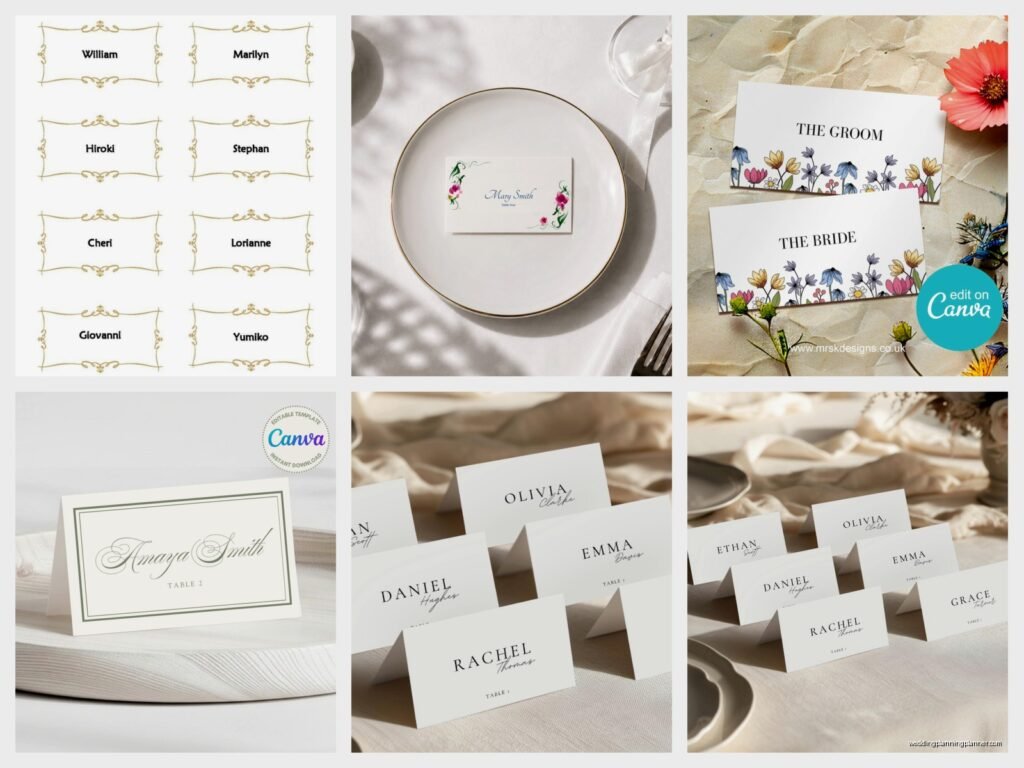
The thing about downloadable place card templates is that they’re literally everywhere online but finding ones that actually WORK without reformatting hell is another story. You’ve got Etsy, you’ve got Canva, you’ve got template sites, you’ve got Microsoft Word templates that look like they haven’t been updated since 2005. Let me break down what actually matters when you’re choosing and using these things.
File Formats That Won’t Make You Wanna Scream
First thing – file format matters way more than people think. PDF templates are usually the safest bet because they maintain formatting across different computers and printers. You download it, you can type directly into it if it’s editable, or you can import it into design software. I always tell clients to go with PDF first if they have the option.
Canva templates are super popular right now and honestly they’re pretty foolproof for people who aren’t design-savvy. The drag and drop thing works, you can see exactly what you’re getting, and it’s kinda hard to mess up the spacing. The downside is you need a Canva account and some features require the paid version which is like $13 a month or something.
Microsoft Word and Google Docs templates can be good but they’re also where things get weird with formatting. What looks perfect on your screen might shift when you print it because of margin settings or printer differences. I’ve seen this happen so many times that now I just… if someone insists on using Word templates I make them do a test print before they print all 150 cards.
Sizes You’ll Actually Encounter
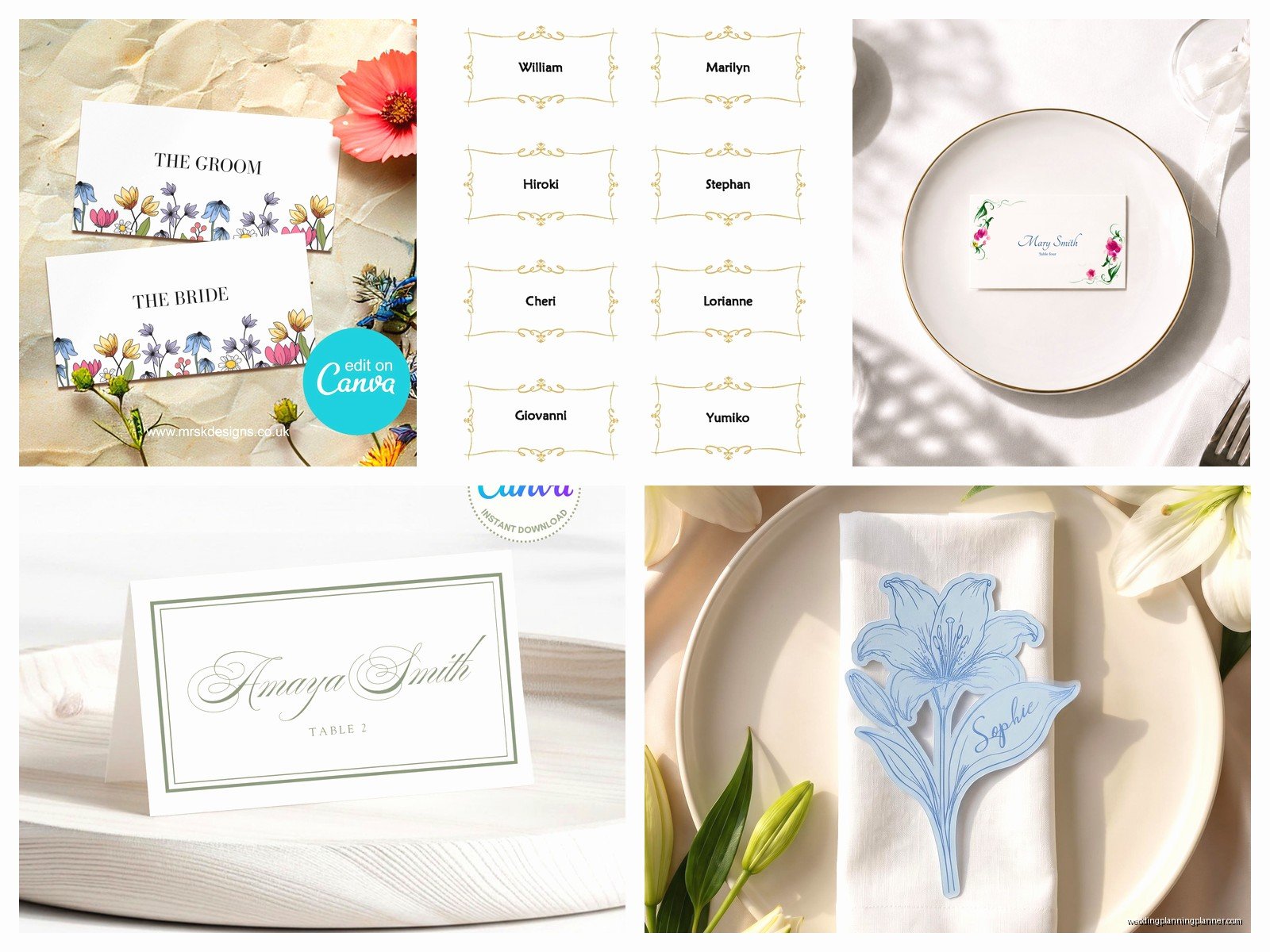
Most place cards come in standard sizes and you gotta know what you’re working with before you download anything. The most common are flat place cards at 3.5 x 2 inches (basically business card size), tent cards that are 3.5 x 5 inches folded in half, and the fancy elongated ones at 4.25 x 2 inches.
Here’s what nobody tells you though – your template size needs to match your cardstock size or you’ll be doing a lot of manual trimming. If you buy those pre-scored tent cards from Paper Source or wherever, check the actual dimensions before downloading a template. They’re usually designed for standard Avery products which is helpful because Avery has templates for literally everything.
Where to Actually Download Them
Etsy is where I send most of my clients honestly. You pay like $5-15 for a template and you get something that’s already designed nicely. The sellers usually include instructions which is clutch for people who’ve never done this before. Just read the reviews before buying because some sellers are better than others about providing support if something goes wrong.
The thing that annoyed me recently was finding this gorgeous template on Etsy, buying it, and then realizing it required Adobe Illustrator to edit. Like… the listing said “editable template” but didn’t specify you needed a $240/year software subscription to actually edit it. That should be in the title, not buried in the description. Anyway, now I always check what software is required.
Canva has tons of free templates plus paid ones. You can search “place card” and filter by free or pro. The free ones are actually decent for basic weddings. You’re not gonna get super intricate designs but for a simple name on a card situation they work fine.
Template.net and similar sites have free downloads but be prepared for them to look kinda dated. They’re functional though if you just need something basic and don’t care about it being trendy.
DIY Printing vs Professional
You can totally print these at home if you have a decent printer. I did this for my own sister’s wedding and it turned out fine but I also spent an entire Saturday afternoon on it while my cat kept walking across the cardstock. Get yourself some good quality cardstock – 80lb or higher – and make sure your printer can handle it. Some printers are weird about thick paper.
The test print thing I mentioned earlier? Do it on regular paper first. Then do it on one piece of your actual cardstock. Check the alignment, check that names aren’t getting cut off, check that the colors look right. Only THEN print all of them.
For professional printing you can upload your template to places like Staples, FedEx Office, or online services like Minted or Vistaprint. This costs more obviously but you don’t have to worry about your printer jamming or running out of ink halfway through. For weddings over like 100 people I usually suggest going professional just for the time savings.
Setting Up Your Template
When you download a template it usually comes with either placeholder text or blank fields. If it’s a PDF with form fields you can just click and type. If it’s a Canva template you click on the text box and replace it with your guest name.
Font size matters more than you think. For place cards you want names to be readable from a standing position – so like 14-18pt minimum depending on the font. Script fonts look pretty but if they’re too small or too elaborate people literally can’t read them. I had a summer 2021 wedding where the bride used this super ornate calligraphy font at 10pt and half the guests couldn’t find their seats because they couldn’t read their own names.
Keep it simple with the information. Just first and last name usually, or first name and last initial if you have multiple people with the same first name. You don’t need titles unless it’s a super formal wedding. “Dr. Jennifer Martinez” is fine if that’s the vibe but “Jennifer Martinez” works for most situations.
Batch Creating Multiple Cards
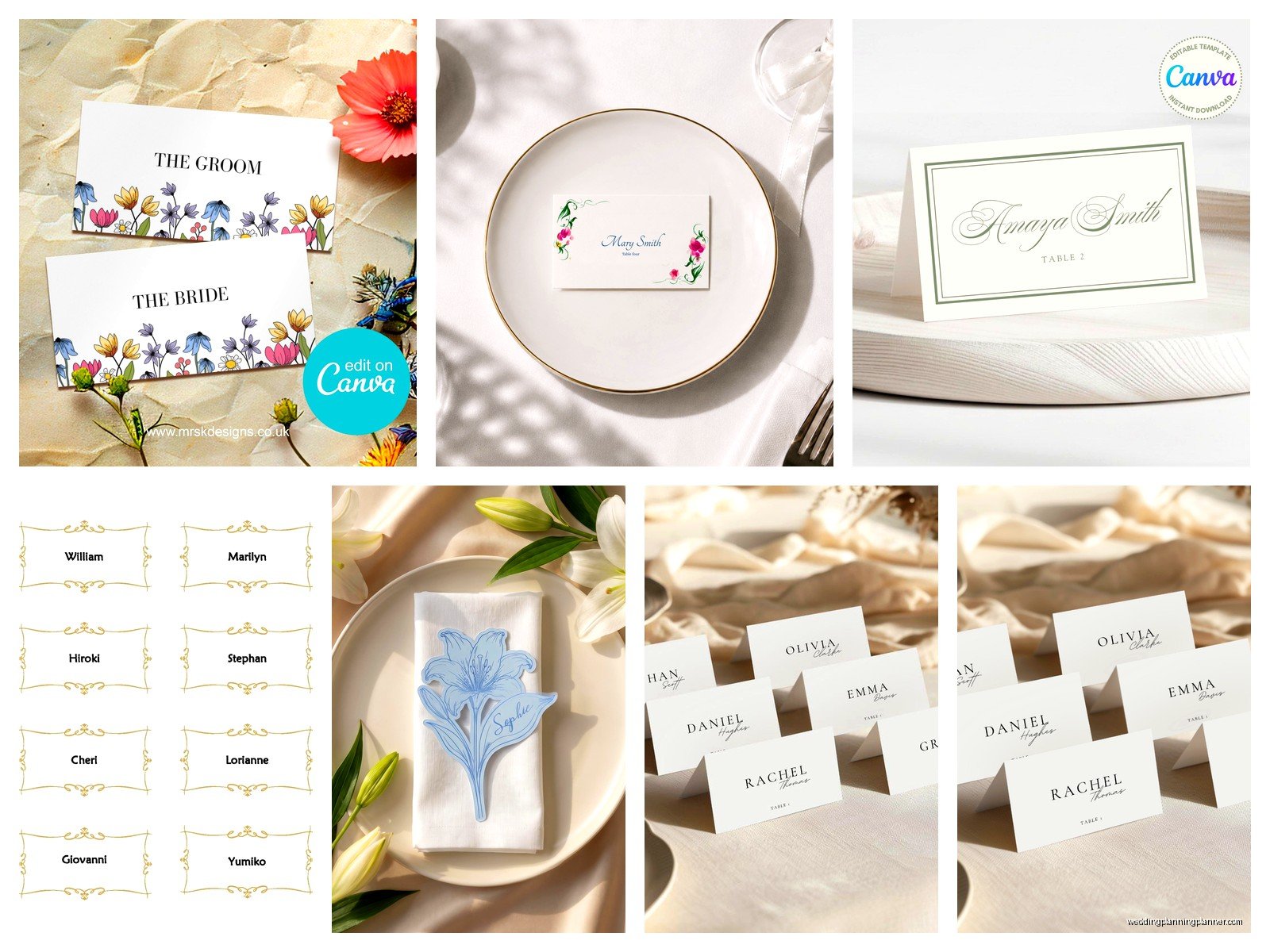
If you’re doing this for like 150 guests you do NOT want to manually create each card individually. That’s where mail merge comes in and it sounds complicated but it’s actually not that bad.
For Word templates you can use the mail merge function with an Excel spreadsheet of guest names. There are tutorials on YouTube that walk through this step by step. Basically you create your spreadsheet with all the names, link it to your template, and Word automatically generates all the cards with different names. It’s gonna save you hours.
Canva Pro has a similar feature called “Bulk Create” where you upload a CSV file with your guest names and it generates individual designs for each one. This is worth the Canva Pro subscription if you’re doing a lot of cards.
For PDF templates without form fields you might need to bring them into design software like Photoshop or Illustrator to batch process, which gets more complicated. Honestly at that point I’d just use a different template format.
Printing Tips That Actually Help
Get your margins right before you print everything. Most printers can’t print all the way to the edge of the paper so you need to account for that. Usually there’s like a 0.25 inch margin on all sides. Your template should already have this built in but check anyway.
Print quality settings matter. Use “best” or “high quality” setting on your printer, not draft or economy mode. This uses more ink but your cards will look way better. Also make sure you select the right paper type in your printer settings – choose “cardstock” or “heavy paper” not regular paper.
If you’re cutting cards yourself invest in a good paper trimmer. Those little sliding blade ones from the craft store work fine for small batches. For lots of cards a guillotine style trimmer is faster. Or honestly just have FedEx Office cut them for you because it’s like $15 and saves you from hand cramps.
Common Problems and Fixes
Names getting cut off? Your margins are wrong or you’re using a paper size that doesn’t match the template. Double check that you’re printing on the right size paper and that your printer settings match.
Colors look different when printed? This is super common. What you see on screen is RGB color and what prints is CMYK. They don’t always match perfectly. Do a test print and adjust your colors if needed. Sometimes you gotta make things slightly darker or more saturated on screen to get them to print correctly.
Template won’t download or open? Make sure you have the right software. PDF files need Adobe Reader or similar. Canva templates need a Canva account. Illustrator files need Illustrator. Check the file requirements before you buy.
Design Choices That Work
Tent cards vs flat cards is mostly about your table setup. Tent cards stand up on their own which is nice for round tables where people approach from different angles. Flat cards need to lean against something or lay flat on the plate which can look elegant but might get moved around more easily.
Match your place cards to your wedding stationery if you can. If your invitations were blush pink with gold foil, your place cards should probably follow that theme. You don’t need exact matching but it should feel cohesive. Templates make this easier because you can filter by color scheme or style.
White or ivory cardstock is classic and works for everything. Colored cardstock can look amazing but make sure it matches your table linens and overall color palette. I saw someone do deep navy place cards on navy linens once and you literally couldn’t see them.
Beyond Just Names
Some couples add table numbers to their place cards which is actually smart because then guests know both where they’re sitting and which table to find. The format would be like “Sarah Johnson” with “Table 8” underneath in smaller text.
Meal choices can go on place cards too if you’re doing a plated dinner with options. A tiny icon or letter (like “C” for chicken, “F” for fish) helps the catering staff without looking cluttered. Some templates have space built in for this.
You can also add a short message or quote but honestly I think that’s kinda unnecessary for place cards. Save the quotes for your programs or menus. Place cards should be functional first.
Timing and Quantity
Order or download your templates at least a month before the wedding. This gives you time to deal with any issues, do test prints, and not panic print everything the night before.
Always print extras. Like 10-15% more than your guest count. People add plus-ones at the last minute, you’ll mess up a few while cutting or assembling, someone will spill something on a card. Just have backups ready.
You’ll need your final guest list obviously before you can create the cards. Don’t start this until RSVPs are in and you know exactly who’s coming. I mean you CAN start early with confirmed guests but you’ll probably end up redoing some.
Assembly and Display
If you’re doing tent cards you fold them obviously. Use a bone folder or ruler edge to get a crisp crease. Folding 150 cards by hand gets old fast so maybe recruit some bridesmaids or family members to help.
For displaying place cards you need a table near the entrance of your reception. Arrange them alphabetically by last name usually, or by table number if that makes more sense for your setup. Some people do elaborate displays with vintage frames or whatever but honestly just laying them out neatly on a tablecloth works fine.
You can also do escort cards instead where the card tells people their table number but not their specific seat, and then they choose their own seat at that table. Same templates work for this you just don’t worry about exact seating positions.
Budget Reality Check
DIY place cards with downloaded templates are definitely cheaper than ordering custom printed ones. You’re looking at maybe $20-40 for cardstock, $5-15 for a template if you buy one, and printer ink costs. So under $100 total for most weddings.
Professional printing adds cost but might be worth it for convenience. Expect to pay like $1-3 per card depending on design complexity and quantity. For 150 cards that’s $150-450 which is still way less than a lot of wedding stuff costs.
The time investment is real though. Budget several hours for downloading, customizing, printing, cutting, and assembling. It’s not hard work but it’s tedious. If you’re already stressed about wedding planning it might be worth paying someone else to handle it or at least to do the printing part.
