
Planning Guides, Style Guide
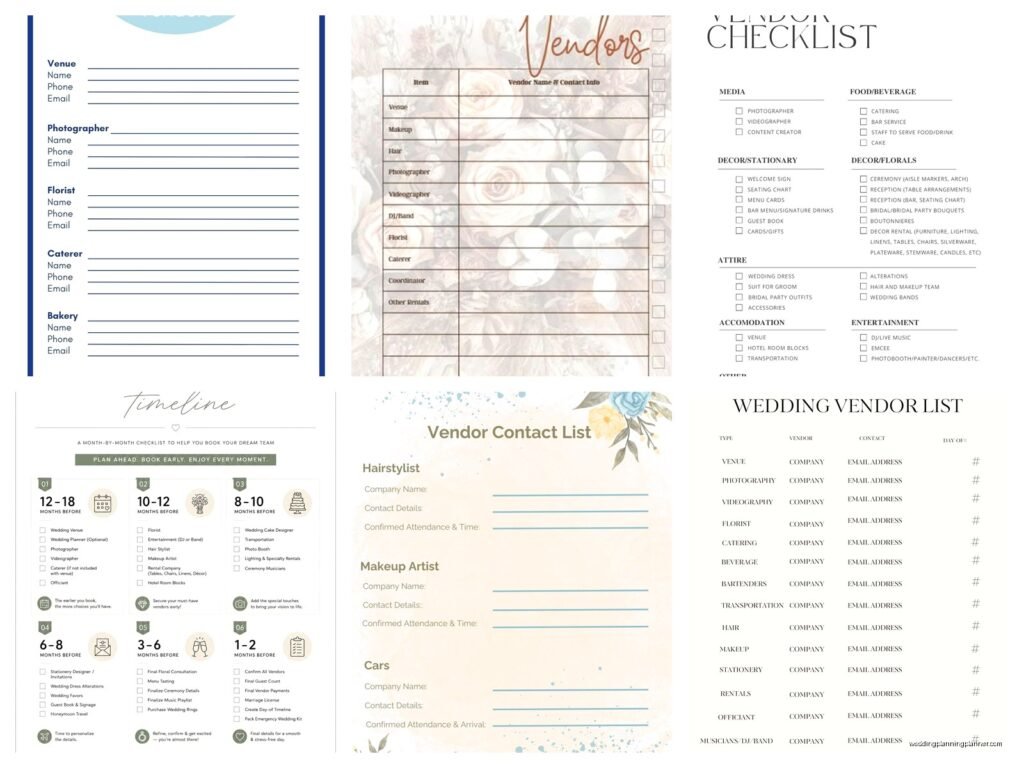
Wedding Vendor List Template: Contact Tracking Sheet
Jul
Getting Your Vendor Contact Sheet Actually Organized
Okay so the vendor contact tracking sheet is literally the thing that’s gonna save your sanity when you’re planning a wedding and I cannot stress this enough. I’ve been doing this for like 15 years now and the number of brides who show up to our first meeting with vendor info scribbled on napkins or buried in 47 different email threads is… honestly it’s a lot.
The basic idea is you need one central place where ALL your vendor information lives. Not some of it in your notes app, not some in a Pinterest board description, not half of it in your mom’s phone because she talked to the florist that one time. Everything in one spot.
What Actually Needs To Be On This Thing
So first off you need the obvious stuff – vendor name, business name if different, phone number, email. But here’s what people always forget and then panic about later: the secondary contact. Like if your photographer has an assistant who might show up on the day, you want that person’s info too. Spring 2023 I had this wedding where the main photographer got food poisoning the morning of and thank GOD we had the backup person’s number already because the bride would’ve absolutely lost it otherwise.
You also need their physical address or at least the city they’re based in. Sounds weird but it matters for timing and logistics. Your hair stylist being 45 minutes away means different planning than if they’re 10 minutes away.
Contract details section – date you signed, deposit amount paid, deposit date, total cost, balance due, when balance is due. I know this seems like overkill but you will not remember if you paid that $500 deposit in March or April when it’s now September and you’re trying to figure out your budget spreadsheet.
Payment method matters too. Did you put it on the Amex or the Visa? Did you Venmo? Write it down because tracking expenses gets messy fast.
The Communication Log Part That Nobody Does But Should
This is the part that annoyed me for YEARS before I finally just built it into my templates – you need a spot to log every single time you talk to a vendor. Date, method (email, phone, in-person), and a quick note about what you discussed.
Because here’s what happens… you’ll have a phone call with your caterer in June about changing the appetizer options and they’ll say “yeah no problem we can do that” and then in October they’ll send you a final invoice with the old appetizers and you’ll be like “but we changed this” and they’ll be like “we have no record of that” and then it’s just your word against theirs. If you wrote down “6/14 – phone call – switched apps from bruschetta to caprese skewers, John confirmed okay” then you have backup.
I learned this the hard way with a client in summer 2021 who got into this whole thing with her DJ about song requests and it turned into he-said-she-said and it was a mess. Now I make everyone track communications and it’s saved so many headaches.
Actual Template Structure
You can do this in Excel, Google Sheets, or even just a Word doc table, whatever works for your brain. I’m gonna lay out what columns/sections you need:
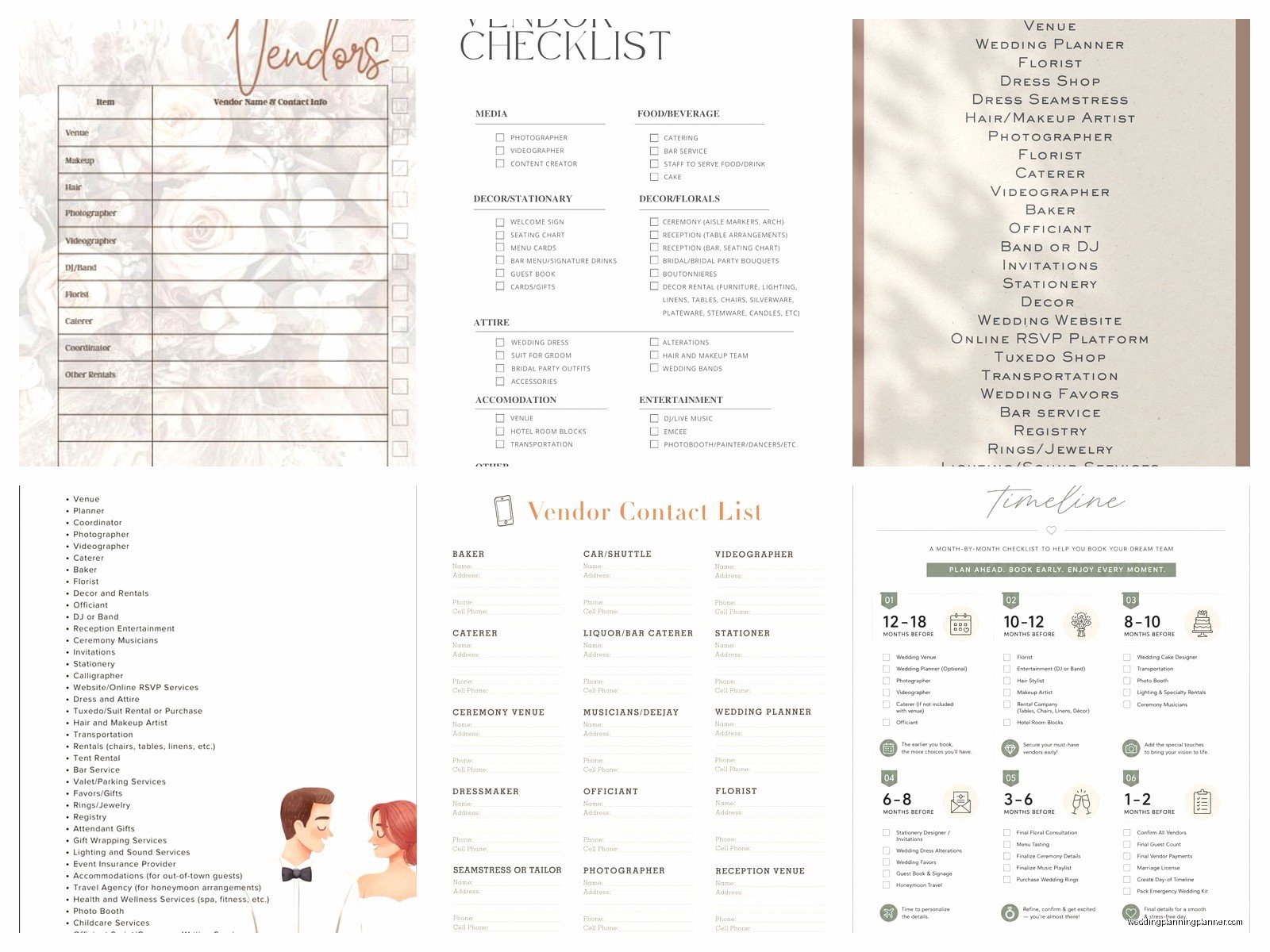
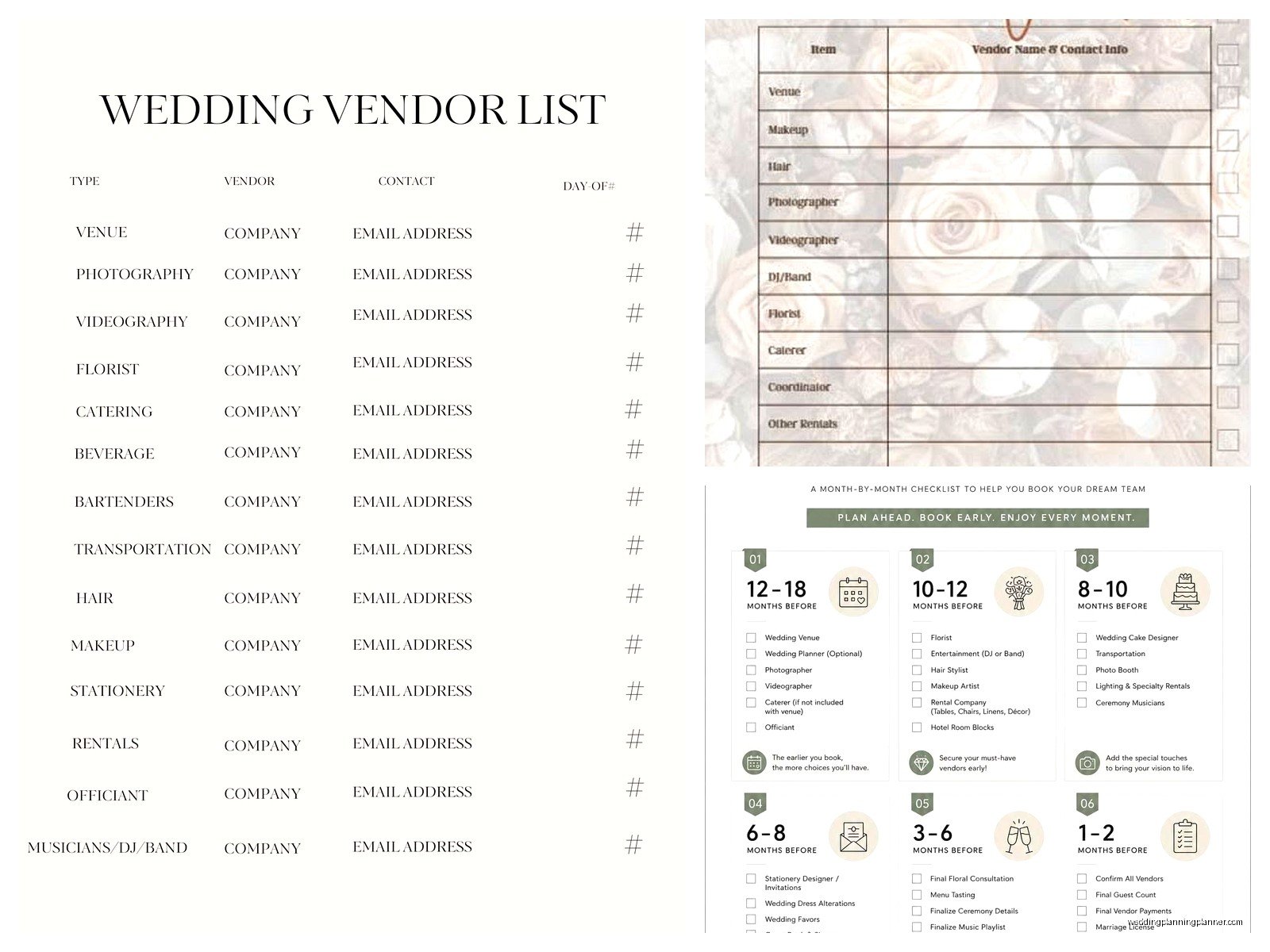
Vendor Category – Venue, catering, photography, videography, florals, cake, DJ/band, hair, makeup, transportation, officiant, etc. Having this as the first column lets you sort everything by type which is super helpful.
Business Name – The official name of the company.
Primary Contact Name – The actual human you’re working with.
Secondary Contact – Backup person if primary isn’t available.
Phone Number(s) – Cell is better than office usually. Get both if you can.
Email Address – Double check you copied this right because one wrong letter and your emails are going nowhere.
Website/Social Media – Sometimes it’s easier to show your mom the florist’s Instagram than explain what you want.
Contract Signed Date
Total Contract Amount
Deposit Amount
Deposit Paid Date
Balance Due
Balance Due Date
Payment Method Used
Meeting/Call Schedule – Like if you have a tasting scheduled or a final walkthrough, put those dates here.
Important Notes – Anything specific to remember. “Allergic to lilies” or “needs access to venue by 2pm” or whatever.
Status – I like to use: Researching, Contacted, Contract Sent, Deposit Paid, Fully Paid, Completed. Makes it easy to see where everything stands at a glance.
The Communication Log Section
This can be a separate tab/sheet if you’re using spreadsheets, or just a section below your main vendor info. For each vendor you want:
Date – When the communication happened.
Type – Email, phone, text, in-person meeting, video call.
Summary – Brief notes about what was discussed or decided.
Follow-up Needed? – Yes/no and what needs to happen next.
You don’t need to write a novel here. “3/12 – email – confirmed orchids instead of roses for centerpieces, $50 upcharge, approved” is totally fine.
Color Coding Because Why Not Make It Visual
If you’re using a spreadsheet you can color code the status column or whatever. Like green for all paid and confirmed, yellow for deposit paid but balance pending, red for vendors you’re still looking for. My cat jumped on my keyboard while I was setting up a client template once and somehow made everything purple and honestly it looked kinda cool so sometimes I just… but anyway, color coding helps you see problems quickly.
You can also use it to mark priority – like closer to the wedding date your hair and makeup trial becomes more urgent than finalizing invitation wording with your stationer (that’s me, hi, and yes I notice when I’m at the bottom of the priority list).
Keep Multiple Copies Seriously
Save this thing in like three places. Your computer, Google Drive or Dropbox, email yourself a copy. I had a bride whose laptop died two months before her wedding and she lost everything because she never backed anything up and it was… it was bad. We recreated most of it but it took forever and she was stressed beyond belief.
Google Sheets is honestly great for this because you can access it from your phone when you’re out and about and suddenly remember you need to check something. Plus you can share it with your partner or your mom or whoever else is helping with planning.
Update It Immediately Not Later
The biggest mistake is thinking “oh I’ll update this later” and then later never comes or you forget the details. Right after you get off a call with a vendor, spend 30 seconds adding it to the log. Right after you sign a contract, put those dates and amounts in. It takes way longer to try to reconstruct everything from memory or dig through old emails.
I’m really bad about this with my own personal stuff honestly like I tell couples to do this and then I let my own dental appointment reminders pile up in random places but for wedding planning it actually matters because there’s money involved and dates that can’t be moved and… yeah.
Special Sections For Complicated Vendors
Some vendors need extra tracking. Your venue might need a separate section for things like room capacity, layout options, what’s included in the rental, restrictions on décor or candles, noise ordinances, when you can access it for setup. Your caterer needs menu details, guest count deadlines, dietary restrictions tracking.
You can either add extra columns for these specific vendors or create a notes document that links to your main tracking sheet. Whatever makes sense for how your brain works. I’ve seen people do this a million different ways and honestly as long as you can find the information when you need it, that’s what matters.
The Timeline Connection
Your vendor contact sheet should kinda connect to your wedding timeline. Like when you’re building out your day-of timeline you need to know what time your photographer arrives, when your hair person is coming, when the DJ needs access for setup. Having all that in one place makes timeline building so much easier.
Some people literally add a column for “arrival time on wedding day” and “setup requirements” which is smart if you’re organized enough to think that far ahead. I usually end up creating that as a separate day-of vendor schedule closer to the wedding but having the info in your main tracking sheet means you’re not scrambling to find phone numbers if something goes wrong day-of.
Vendor Questions Tracking
Oh and here’s something I started doing recently – keeping a running list of questions for each vendor. Because you’ll think of things at random times like you’re in the shower and suddenly you’re like “wait do we need to provide a table for the cake or does the venue have that” and if you don’t write it down immediately you’ll forget. Having a questions section for each vendor means when you do have your next call or meeting you have everything ready to ask.
This is especially helpful for vendors you don’t talk to very often. Like your officiant – you might only meet with them twice before the wedding so you gotta make those conversations count.
Red Flags To Track
If a vendor is being flaky or concerning in any way, document it. Late responses, missed appointments, contradicting themselves. You want a record of this stuff just in case things go really wrong and you need to… I don’t wanna say legal action but sometimes things get messy and having documentation helps.
Most vendors are great and professional but every once in a while you get one who just doesn’t have their act together and you need to protect yourself.
Making It Work With Your Partner
If you’re planning with a partner make sure you’re both actually using the same tracking sheet. Can’t tell you how many couples I’ve worked with where one person has their version and the other person has their version and neither matches and then they’re confused about what’s confirmed. Pick one sheet, share it, both commit to updating it.
Some couples divide vendor management like one person handles all the food vendors and the other handles all the décor vendors or whatever. That’s fine but you still need one central tracking sheet so you both can see the full picture.
My husband and I are terrible at this kind of thing in our regular life which is ironic given my job but for some reason we can never agree on like a grocery list format but that’s different I guess…
Final Walkthrough Checklist Integration
As you get closer to the wedding your vendor tracking sheet becomes the basis for your final confirmation checklist. Like two weeks out you go through every single vendor and confirm timing, confirm they have the venue address, confirm final details, confirm payment status. Your tracking sheet has all the contact info and contract details right there so you can do this efficiently.
This is also when you make sure every vendor has every other relevant vendor’s contact info. Your florist should have your coordinator’s number, your DJ should have your photographer’s number in case they need to coordinate, etc. Your tracking sheet makes it easy to send everyone a vendor contact list.
Honestly the tracking sheet just evolves as you go through planning and by the end it’s this complete record of your entire vendor team and everything that happened and it’s kinda satisfying to look back at when it’s all done and see how it all came together. Or maybe that’s just me being weird about spreadsheets I dunno but it works and that’s the point really
