
Planning Guides, Style Guide
E-Wedding Invitations: Digital Design & Delivery Guide
May
Okay So Digital Wedding Invitations Are Actually Not That Scary
Look, I get it. You’re probably sitting there wondering if sending e-invitations makes you look cheap or lazy, and honestly? That’s the number one thing clients ask me and it drives me kinda nuts because digital invites have come SO far. Back in spring 2023 I had this couple who were dead set against e-invites until I showed them what’s actually possible now, and they ended up doing this gorgeous animated suite that their guests literally screenshotted and posted on Instagram before the wedding even happened.
The first thing you gotta know is that digital doesn’t mean throwing together a Canva template in ten minutes and blasting it out. I mean, you CAN do that, but we’re gonna aim higher here.
Picking Your Platform Because They’re Not All Created Equal
There are like a million platforms now and they all promise different things. Here’s what I actually recommend to clients:
- Greenvelope – This is my go-to for clients who want something that looks closest to traditional paper. Their designs are elegant, you can customize basically everything, and the tracking features are insane. You’ll know who opened it, who clicked what, who RSVP’d. It’s not free though, costs around $299 for 100 guests.
- Paperless Post – Good middle ground. They have free options but the really pretty designs cost “coins” which is their weird currency system. Budget maybe $150-200 for a full suite with a decent guest count.
- Withjoy – Free! Completely free! The designs are… fine. Not gonna win awards but they’re clean and modern. Great if you’re already using their wedding website.
- Minted – Yes, the paper company also does digital now. Their designs are gorgeous but you’re paying for that Minted aesthetic, around $200+.
Honestly for most couples I push Greenvelope or Paperless Post because the user experience is just smoother and your aunt who still has an AOL email account will have an easier time.
What About Just Making a PDF and Emailing It?
Nah. Don’t do this. I know it seems easier but you lose all the tracking, people will forget to RSVP, and it just looks… I don’t know, it looks like a work memo? You want something that feels special and interactive.
Design Stuff That Actually Matters
So you’ve picked your platform, now comes the fun part or the stressful part depending on how you feel about design decisions.
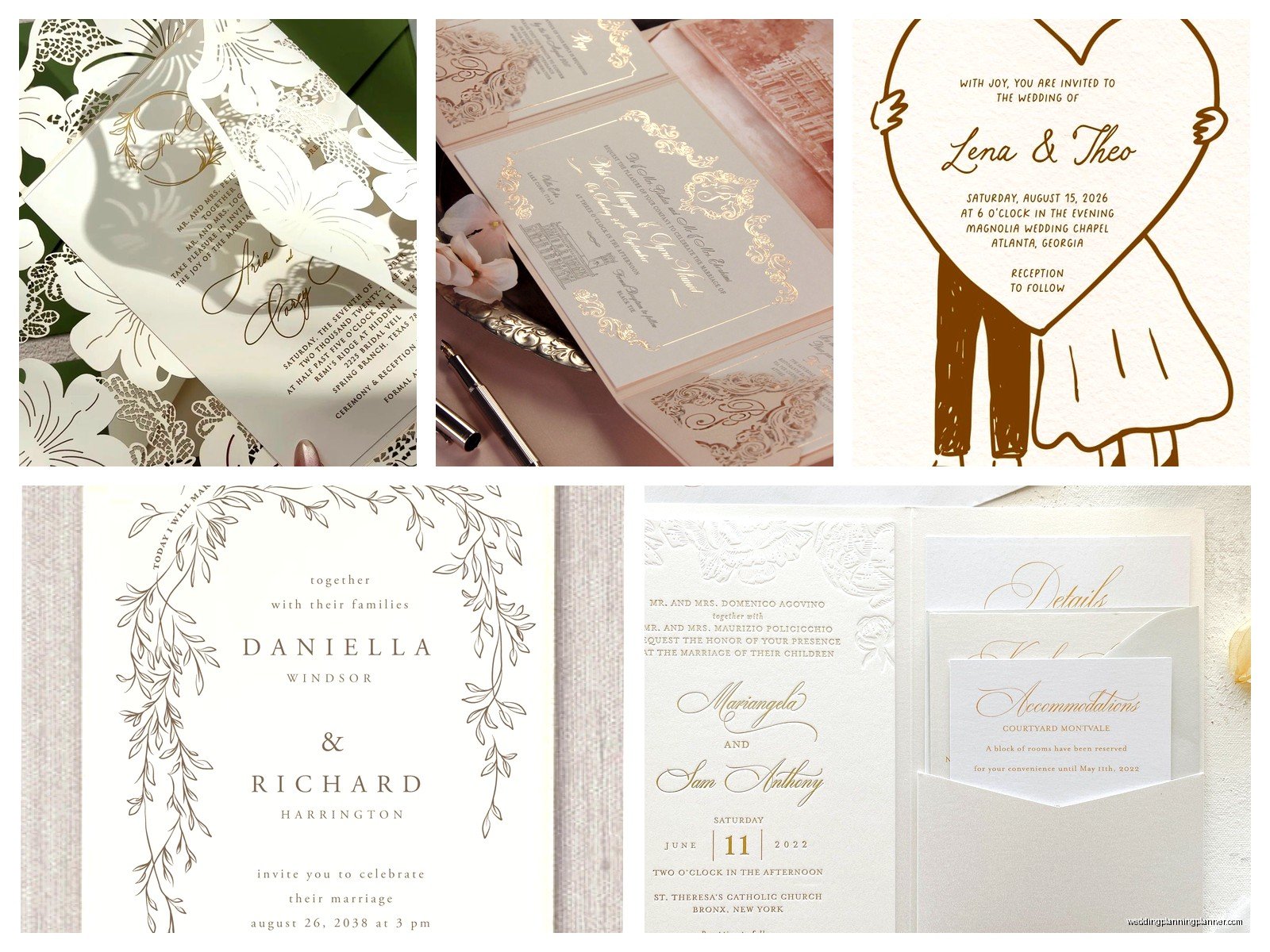
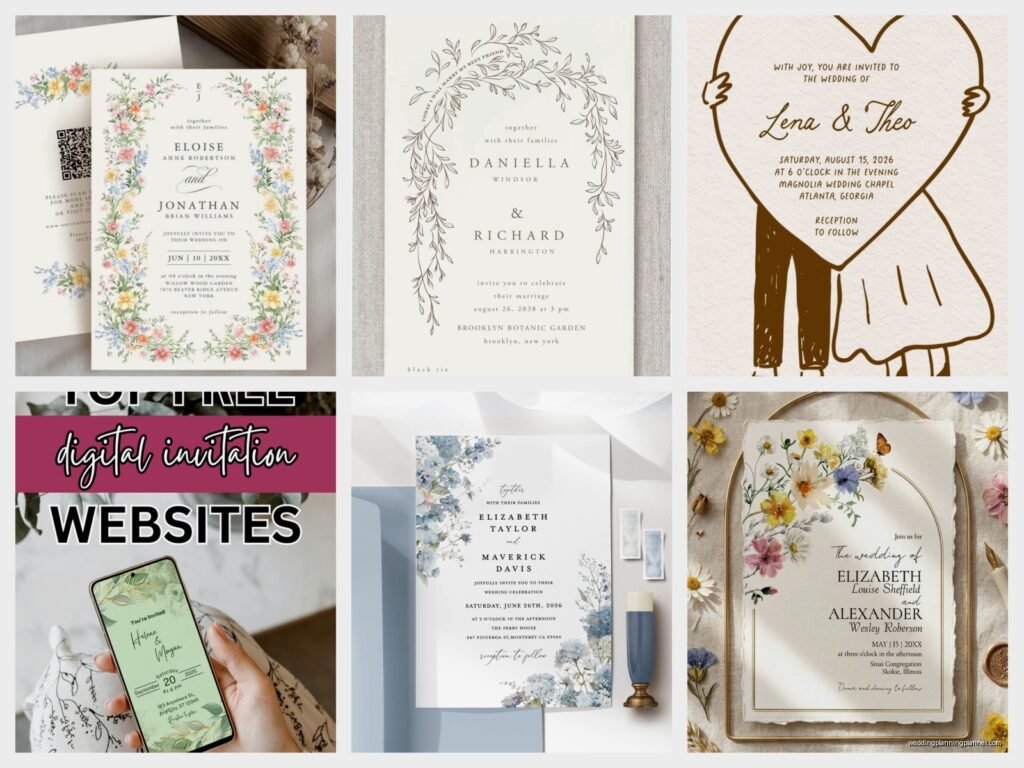
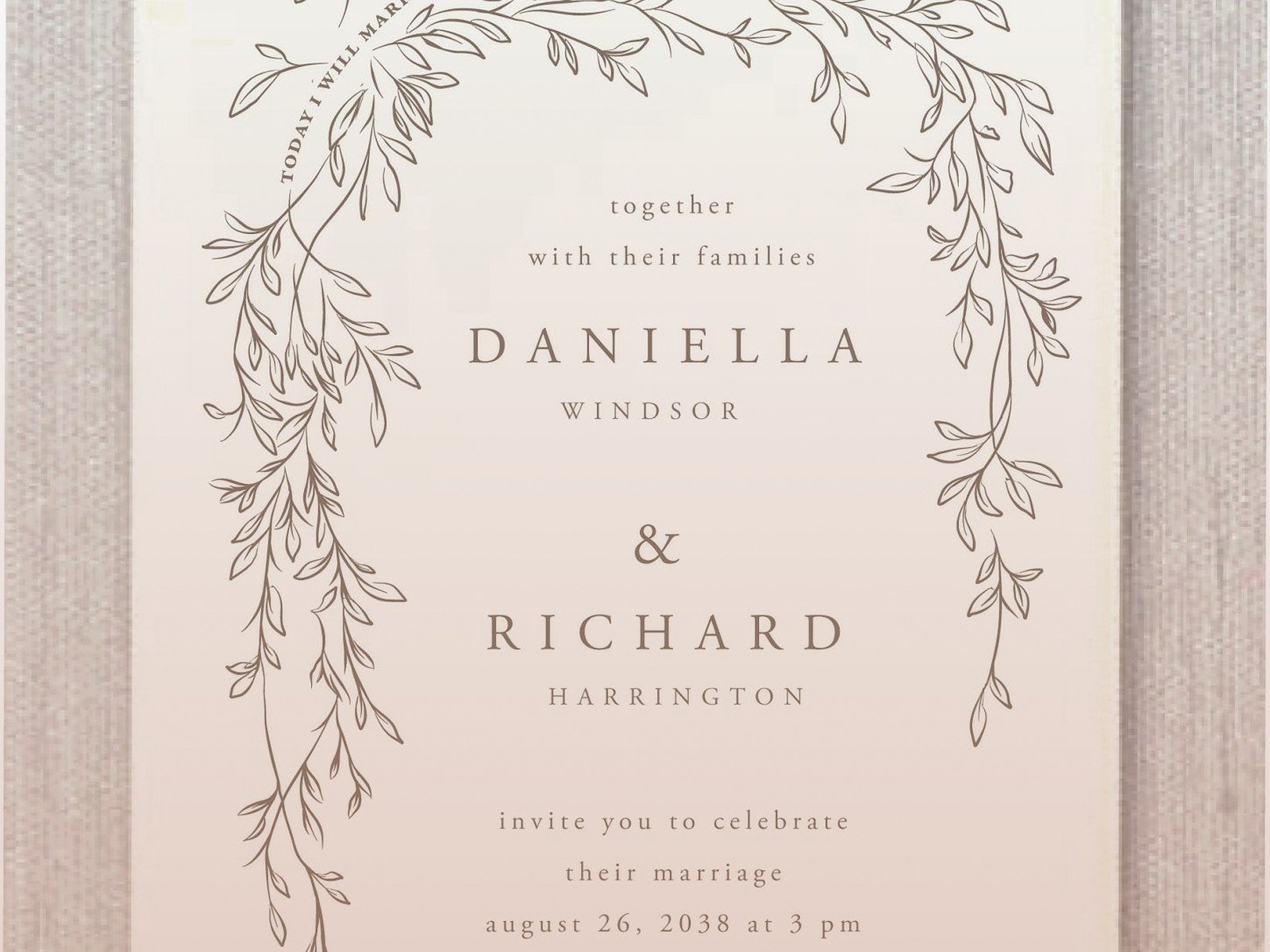
Colors and fonts: Keep it simple. Two, maybe three colors max. And please, PLEASE make sure there’s enough contrast. I cannot tell you how many times I’ve seen gorgeous invites that are completely unreadable because someone put light gray text on a white background. Your grandparents need to be able to read this without zooming in 400%.
For fonts, you want one fancy font for names or headers and one super readable font for all the actual information. Don’t use more than two fonts or it starts looking like a ransom note.
Images and graphics: If you’re including photos (engagement pics are popular), make sure they’re high resolution. Nothing looks worse than a pixelated photo on a beautiful invite. Most platforms will tell you the recommended dimensions – actually pay attention to those.
Animations are cool but can also be… a lot? I had this couple in summer 2021 who wanted falling rose petals, sparkles, AND a scrolling background and it was just overwhelming. Pick one subtle animation if you want movement. The invite should enhance the info, not distract from it.
What Information Goes Where
This is where digital actually gives you more flexibility than paper, which is great because you can include everything without making it cluttered.
Main invitation page:
- Your names (obviously)
- The ask – “request the pleasure of your company” or whatever wording you like
- Date and time
- Venue name and city
- A button or link to RSVP
Additional pages or sections:
- Full venue address with map link
- Accommodation info with booking links
- Wedding website link
- Registry information (keep this subtle)
- Dress code
- Schedule of events if you’re doing welcome drinks or next-day brunch
The beauty of digital is people can click through to what they need without being overwhelmed by text walls. Use this to your advantage.
Timing Because Everyone Gets This Wrong
Send save-the-dates 6-8 months out, just like paper. For destination weddings, push that to 10-12 months.
Actual invitations should go out 8-10 weeks before the wedding. Not earlier – people will forget. Not later – you won’t get RSVPs in time and you’ll stress out trying to get final counts to your caterer.
Here’s what drives me crazy though: people think because it’s digital they can send it two weeks before and everyone will see it immediately. Wrong! People miss emails, things go to spam, someone’s on vacation and not checking their inbox. Give people time.
The RSVP Deadline
Set your RSVP deadline for 3-4 weeks before the wedding. This gives you time to chase down the stragglers (there will ALWAYS be stragglers, I promise you) and get final numbers to your vendors.
Most platforms let you send automatic reminders to people who haven’t responded. Use this feature! Set a reminder for one week before the deadline.
Email Addresses and Collecting Them Without Losing Your Mind
This is honestly the most annoying part of digital invites and the thing that made me want to throw my laptop out the window multiple times. You need email addresses for everyone, which means you’re gonna be texting people like “hey what’s your email” and they’re gonna give you their work email or some email they haven’t checked since 2015.
Start collecting emails early. Create a spreadsheet with names and addresses. When you get the email, send a quick test message to make sure it’s valid. I usually tell couples to send a casual “hi, we’re getting married, more details coming soon!” email to their whole list before the actual invite goes out. This confirms emails work AND gives people a heads up.
For older relatives who maybe don’t check email regularly, you have options. You can mail them a paper version (most digital platforms offer this as an add-on). Or you can text them the link directly. Or – and this works surprisingly well – you can have their adult children forward it to them and help them RSVP.
The Actual Sending Process
Most platforms let you schedule sends, which is clutch. Don’t send invites at 2am or during work hours on a Monday. Aim for evenings or weekends when people are relaxed and actually looking at personal emails.
Send yourself a test first! This seems obvious but I’ve seen people skip this step and then realize there’s a typo in the date or a link doesn’t work. Send tests to different email providers too – Gmail, Outlook, Yahoo – because they can display differently.
Subject Line Matters More Than You Think
Your subject line determines if people open it or if it sits in their inbox for three days. Make it clear and personal:
“You’re Invited! Sarah & Mike’s Wedding”
“Join Us! Our Wedding Celebration”
“Save the Date: [Your Names] are getting married!”
Don’t be cute or vague. “A Special Invitation” could be anything and might get ignored or deleted.
Managing RSVPs and Guest Meal Choices
This is where digital invites really shine because everything’s automatic and tracked. When someone RSVPs, the info goes directly into your guest list. No deciphering handwriting, no lost response cards.
Set up your RSVP form to collect everything you need:
- Attending yes/no
- Number of guests (if you’re allowing plus-ones)
- Meal choice if you’re doing plated dinner
- Dietary restrictions
- Song requests if you want to crowdsource your playlist
Keep the form short though. Every additional question is another chance for someone to abandon it. I learned this the hard way with a client who wanted to ask like twelve questions including “what’s your favorite memory with us” and people just… didn’t finish it.
Most platforms let you export your guest list to Excel, which makes creating seating charts and sharing info with caterers super easy. My cat just knocked over my coffee while I’m writing this and honestly that’s kind of a metaphor for wedding planning – things get messy but you deal with it and move on.
Dealing with Spam Filters and Tech Issues
Sometimes invites end up in spam. It happens. This is why you should:
- Tell people it’s coming and to check spam folders
- Send from a reputable platform (another reason not to just email PDFs from your personal account)
- Follow up with a text that says “sent you our wedding invite, check your email!”
For people who genuinely can’t receive it or are having issues, most platforms generate a shareable link. You can text them the link directly and they can view and RSVP that way.
What About Thank You Notes Though
Okay so you can send digital invites, digital save-the-dates, digital everything… but thank you notes? I still say do those on paper. I know, I know, it seems inconsistent but there’s something about a handwritten thank you that feels more personal and meaningful. Plus, people are more likely to keep a physical thank you note than an email.
That said, if you’re doing a super casual wedding or you have 200+ guests and the thought of handwriting that many notes makes you want to cry, digital thank yous are better than no thank yous. Use a platform that lets you personalize each one though, not just a mass email blast.
Accessibility Stuff You Should Consider
Make sure your invites work for everyone:
- High contrast text for people with vision issues
- Alt text on images if your platform supports it
- Simple navigation – not everyone is tech savvy
- Mobile-friendly design because tons of people only check email on their phones
Test your invite on both desktop and mobile before sending. What looks perfect on your laptop might be a mess on a phone screen.
Combining Digital and Paper Because You’re Allowed to Do Both
There’s no rule that says it has to be all or nothing. Lots of couples do digital for most guests and paper for grandparents or VIPs who prefer traditional invites. Or they do digital invites but send paper save-the-dates because those are simpler and make nice fridge magnets.
You can also do digital invites and then have some paper programs or menus at the actual wedding. Mix and match based on what makes sense for your budget and your guests’ preferences.
Budget Breakdown Because Money Matters
Digital invites are cheaper than paper, but they’re not always free. Here’s roughly what you’re looking at:
- Free option: Withjoy, Evite, basic Canva templates – $0
- Mid-range: Paperless Post, basic Greenvelope designs – $100-200
- Premium: Custom designs, animated suites, lots of guests – $300-500
Compare this to paper invites which typically run $400-800+ for printing, postage, and all the extra cards (RSVP cards, details cards, envelopes, etc.). The savings are real.
Environmental Angle If That Matters to You
This isn’t gonna be some preachy thing but yeah, digital invites are better for the environment. No paper, no shipping, no envelopes ending up in landfills. If you’re having an eco-friendly wedding, digital invites are an easy way to reduce your impact.
Some couples include a little note on their invite about why they chose digital, something like “In keeping with our commitment to sustainability, we’ve chosen to share our invitation digitally.” You don’t have to explain your choice but it can help if you’re worried about judgment from traditional family members.
Following Up with Guests Who Don’t Respond
Despite reminders and easy RSVP buttons, some people just won’t respond. It’s frustrating but it’s gonna happen. About a week after your RSVP deadline, start reaching out directly. Text or call – don’t email again because they’re clearly not checking those.
Keep it light: “Hey! Just finalizing numbers with the caterer – are you able to make it to the wedding?” Don’t be annoyed or passive aggressive even though you totally have the right to be. Just get the information and move on.
Keeping Everything Organized
Use your platform’s tracking features religiously. Check in every few days to see who’s opened the invite, who’s RSVP’d, who needs follow-up. Export your guest list regularly and back it up.
I keep everything in Google Sheets with columns for: name, email, invite sent date, opened (yes/no), RSVP status, meal choice, plus-one info, and notes. Color coding helps – green for confirmed yes, red for no, yellow for pending.
The tracking aspect of digital invites is honestly one of the best parts because you’re not sitting there wondering if your invite got lost in the mail or if Uncle Bob is just ignoring you. You can see exactly what’s happening and it takes so much of the guesswork out of the process, which is something I wish existed back when I was planning my own wedding because the stress of not knowing was worse than actually dealing with the responses.
