
Planning Guides, Style Guide
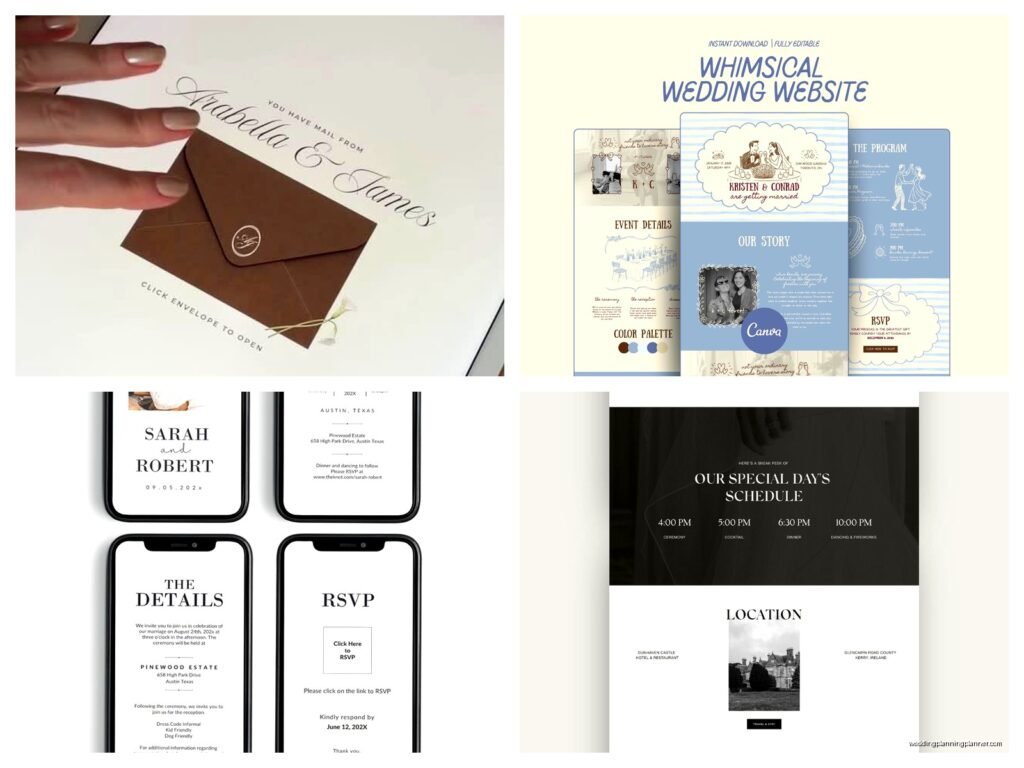
Web Wedding Invitation: Online Event Site Design
Jun
Getting Your Wedding Website Actually Set Up
So the first thing you gotta know is that creating a wedding website is completely different from picking invitation designs in a catalog. I learned this the hard way in spring 2023 when a couple came to me with this gorgeous letterpress suite they’d ordered, and then their website looked like it was built in 2003 with dancing animation GIFs. The disconnect was… painful.
Start by choosing your platform before you do anything else. Don’t pick fonts, don’t write your love story, don’t even think about color schemes yet. The platform dictates what you can actually do. Your main options are:
- Specialized wedding sites like The Knot, Zola, Minted, or Joy
- General website builders like Squarespace or Wix
- WordPress if you or someone you know has technical skills
- Completely custom builds but honestly unless you’re a developer or marrying one, skip this
The wedding-specific platforms are gonna be your easiest route because they have built-in RSVP systems, registry integration, and templates that don’t look terrible. Squarespace gives you more design control but you’ll need to add RSVP forms manually or use third-party tools. I usually steer couples toward Joy or Minted because the templates are actually pretty and the RSVP tracking doesn’t make you want to throw your laptop.
The URL Situation Nobody Talks About
Get your domain name sorted immediately. Like today. The number of couples who wait until two months before the wedding and then discover that sarahandjohn.com is taken by some random couple in Ohio from 2015 who never took their site down is… it’s a lot. It happens constantly.
Try these formats:
- firstnamelastname.com (if you’re taking a name)
- firstname-and-firstname.com
- firstnamemeetsfirstname.com
- the-lastname-wedding.com
Some platforms give you a free subdomain like yournames.theknot.com which is fine honestly, but spending $12 for a custom domain makes it look more polished. You can usually buy domains directly through your website platform or through Google Domains, Namecheap, or GoDaddy. Just… avoid the upsells. You don’t need privacy protection for a wedding website that’ll be live for like eight months.
Design Stuff That Actually Matters
Okay so here’s where I see people spiral. They spend weeks agonizing over whether the font should be Montserrat or Lato when literally nobody visiting your site will notice or care. What they WILL notice:
Photos that load slowly. This drives me absolutely insane. Compress your images before uploading them. Use TinyPNG or a similar tool. Your engagement photos don’t need to be 5MB each. I once had a client whose site took 45 seconds to load the homepage because they uploaded raw files from their photographer. Guests were literally giving up and texting for the venue address instead.
Mobile responsiveness. Like 80% of your guests will look at your site on their phones. Pick a template and actually test it on your phone before committing. Some templates look gorgeous on desktop and completely broken on mobile with text overlapping photos and buttons you can’t click.
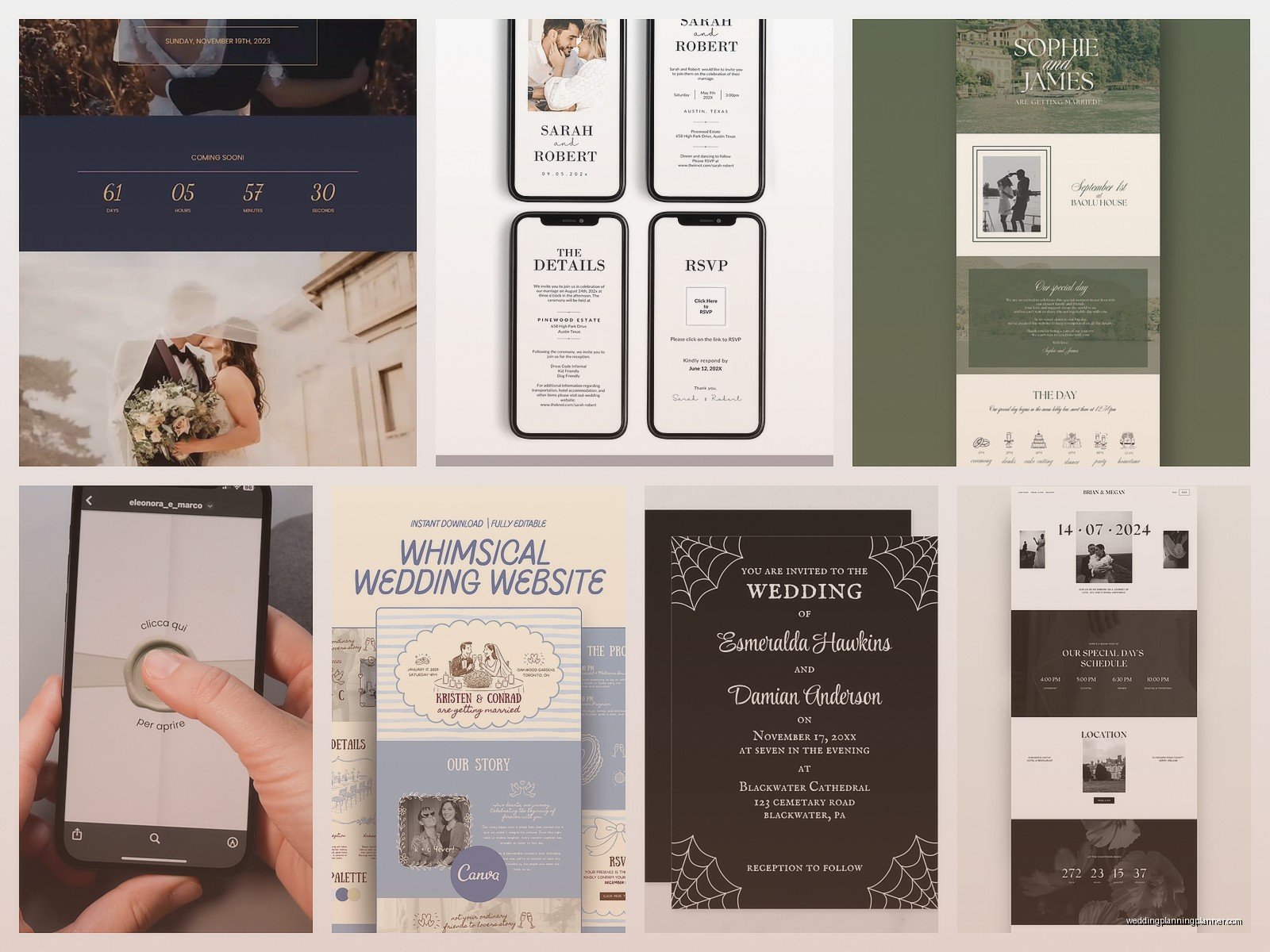
Readable text. I don’t care how pretty that script font is, if your guests need to zoom in to read your ceremony time, it’s a bad font. Use script fonts for headers maybe, but your actual information needs to be in something clean. And please, dark text on light backgrounds or light text on dark backgrounds. No grey text on white. No white text on that gorgeous but busy floral background.
What Pages You Actually Need
The homepage should have your names, wedding date, and city/state. That’s it. Maybe a photo. Don’t put your entire schedule here or it gets overwhelming. My cat just knocked over my coffee while I’m writing this which feels relevant to mention because wedding planning is chaotic and things don’t go perfectly and that’s fine.
Our Story Page
Keep this short. Like 3-4 paragraphs max. Nobody needs your entire relationship timeline from first message on Hinge to now. Hit the highlights: how you met, the proposal, maybe one cute story. I’ve read 2000-word essays on couple’s websites and it’s… it’s too much. Your close friends already know this stuff and your distant relatives just want to know where to park.
Wedding Details Page
This is the page people actually need. Include:
- Ceremony location with full address
- Ceremony time (and please specify timezone if you have out-of-state guests)
- Reception location if different
- Reception time or just note “reception to follow immediately”
- Dress code – and be specific, “cocktail attire” means different things to different people
- Parking information or this will be 40% of your texts
- Weather contingency plans if you’re doing outdoor anything
Embed a Google Map for each location. The little iframe embed thing. Because even though everyone has GPS, having it right there means one less step for your guests and fewer “where is this place” questions.
Travel and Accommodations
List hotel room blocks with confirmation codes and booking deadlines. Include a range of price points if possible because not everyone can afford the venue hotel at $300/night. Add information about airports, typical Uber costs, public transit if it exists.
I kinda think this page should also mention what there is to do in your wedding city, especially if people are traveling in. Like three restaurant recommendations, one tourist thing, one local favorite spot. Makes people feel like you thought about their whole weekend, not just your wedding day.
Registry Page
Just link to your registries. Some platforms let you embed registry items directly which looks fancy but honestly just linking is fine. You can say something like “your presence is present enough but if you’d like to contribute” or whatever feels authentic to you. I’ve seen couples skip this entirely and do a honeymoon fund instead.
RSVP Page
This is the most important functional page and where things can go really wrong. You need to collect:
- Guest names (with a field that lets them enter their plus-one’s name)
- Attendance confirmation – yes or no, and if you have multiple events, yes/no for each
- Meal choices if you’re doing plated dinner
- Dietary restrictions
- Song requests if you want them
Set an RSVP deadline that’s at least 3-4 weeks before your wedding. You’ll need time to chase down the people who don’t respond, and trust me, there will be people who don’t respond. It’s like 20-30% of your guest list who’ll need a reminder text.
The thing that annoyed me most recently was a platform that didn’t let you set a guest count limit per party. So people who were invited as individuals were RSVPing for themselves plus three random people. You need a system that lets you control who can RSVP and for how many seats. Most good wedding platforms have this but double-check.
Wedding Party Page
Optional but nice. Photos and short bios of your bridesmaids and groomsmen. Helps guests put names to faces. You don’t need to include how you met each person or write paragraphs. Name, title (Bridesmaid, Best Man, whatever), and one sentence is plenty.
FAQ Page
This saves you so many repetitive questions. Include:
- Are kids invited? Be direct about this.
- Is it indoors or outdoors?
- What should I wear? Reiterate dress code with more details.
- Can I take photos? If you’re doing an unplugged ceremony, explain it here.
- What time should I arrive?
- Is there parking? Where?
- Will there be food/drinks? Specify if it’s open bar, beer and wine only, etc.
- What’s the hashtag? If you’re doing that.
Technical Things You Can’t Forget
Set up password protection if you want but honestly most people don’t bother anymore. It just creates another barrier where guests forget the password and text you.
Enable Google Analytics or whatever tracking your platform offers. It’s actually useful to see which pages people visit most. If nobody’s checking your Travel page, maybe the information isn’t clear enough or… actually I discovered once that a couple had buried their hotel block info in a subpage that wasn’t linked anywhere. The analytics showed them zero visits and we realized the navigation was broken.
Test your RSVP form yourself. Fill it out completely like a guest would. Make sure the confirmation email sends. Check that the responses show up in your dashboard correctly. I can’t tell you how many times couples launch their site and then discover the RSVP form is broken after 30 people already tried to respond.
Content Writing Without Sounding Weird
Write like you actually talk. If you wouldn’t say “We cordially invite you to celebrate our union” in real life, don’t put it on your website. It’s okay to be casual. It’s your website.
That said, proofread everything. Have someone else proofread everything. Typos on your wedding website just look sloppy and I say this as someone who definitely has typos in emails all the time but your wedding site is gonna be live for months and visited by hundreds of people.
Use specific times, not vague ones. “Ceremony begins at 4:30pm” not “Ceremony in the late afternoon.” Your type-A guests will appreciate the precision and your forgetful uncle needs to know exactly when to show up.
Keeping It Updated
Your website isn’t a set-it-and-forget-it thing. You’ll need to update it as details solidify. In summer 2021, I had a couple who had to change their venue twice due to COVID restrictions and their website became this essential communication tool. They added a big banner at the top with updates and it saved them from having to personally notify 150 people multiple times.
Add a “Last Updated” date at the bottom of your Details page so people know the information is current. This is especially important if you have a long engagement.
After your RSVP deadline, you can hide or remove the RSVP page. Or change it to a message like “RSVP deadline has passed, please contact us directly with questions.”
Things That Seem Important But Aren’t
Countdown timers – kinda tacky, nobody really cares
Autoplay music – please no, this is 2024
Super elaborate animations – they slow down load times and distract from information
Your full proposal story with 40 photos – I promise people will scroll past this, save it for the reception slideshow maybe or just… keep some things just for yourselves
Matching your website exactly to your paper invitations – it’s nice if colors coordinate but they don’t need to be identical, different mediums work differently and that’s fine
The Launch Timeline
Get your website live when you send save-the-dates, or even before. People will want to book travel and hotels immediately. If your save-the-dates include your website URL, the site better be ready.
At minimum, launch with your homepage, basic details (date, location, city), and travel information. You can add other pages like your story or wedding party later. But those core details need to be there from day one.
Send your formal invitations about 8 weeks before the wedding, and that’s when you should have your RSVP page fully functional. Some couples do online-only RSVPs through their website instead of response cards, which saves money on postage and makes tracking easier. Just make sure your older guests are comfortable with this or have someone who can help them.
One last thing – and I always forget to mention this but it matters – make sure your website platform will keep your site live for a reasonable time after the wedding. Some platforms automatically take down sites after the wedding date passes. You might want to keep it up for a few months for guests to access photos or just as a memory. Check the terms before you build everything on a platform that’ll delete it all the day after your wedding or whatever
