
Planning Guides, Style Guide
E Marriage Invitation Card: Design & Ordering Guide
Jun
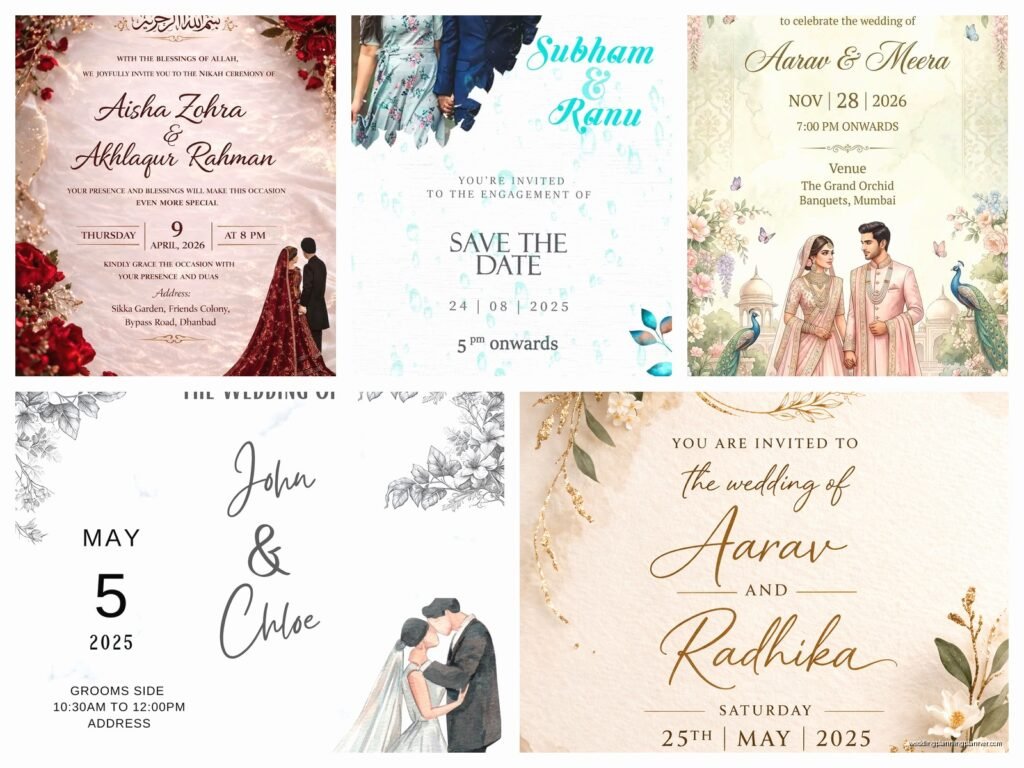
Okay So E-Invitations Are Actually More Complicated Than You’d Think
I’m gonna be honest, when clients first started asking me about digital wedding invitations back in like 2019, I kinda rolled my eyes because I thought it was just about sending a JPEG in an email. Nah. There’s actually a whole process here and if you don’t get it right, people won’t open them or they’ll end up in spam folders or worse, they look completely unprofessional.
First thing you gotta decide is whether you want a static design or something interactive. Static is basically a beautiful image file—think PDF or high-res PNG that people can save. Interactive means animated elements, RSVP buttons built right in, maybe even a countdown timer or music. I had this bride in spring 2023 who insisted on having her cat’s face subtly hidden in the floral border design and honestly it took me twenty minutes to even find it when she showed me, but guests loved that little easter egg hunt.
Picking Your Platform or Designer
You’ve got options here and they’re all over the place in terms of price and customization:
- DIY platforms like Canva, Evite, Greenvelope, Paperless Post – these range from free to maybe $150 depending on your guest count
- Custom designers on Etsy – usually $50-300 for a personalized template you can edit yourself
- Full-service digital designers – $300-800+ if you want something completely bespoke with animations
- Your stationery designer’s digital option – if you’re doing paper invites too, many designers offer a coordinating e-version for like $100-200
Here’s what drives me absolutely crazy though: platforms that lock you into their ecosystem. You pay for the design but then you HAVE to use their RSVP system, their guest management, their everything. Some couples love that integration but I’ve seen it backfire when the platform’s RSVP tracker doesn’t talk to the couple’s wedding website or when guests can’t figure out the platform’s interface.
Design Elements That Actually Matter
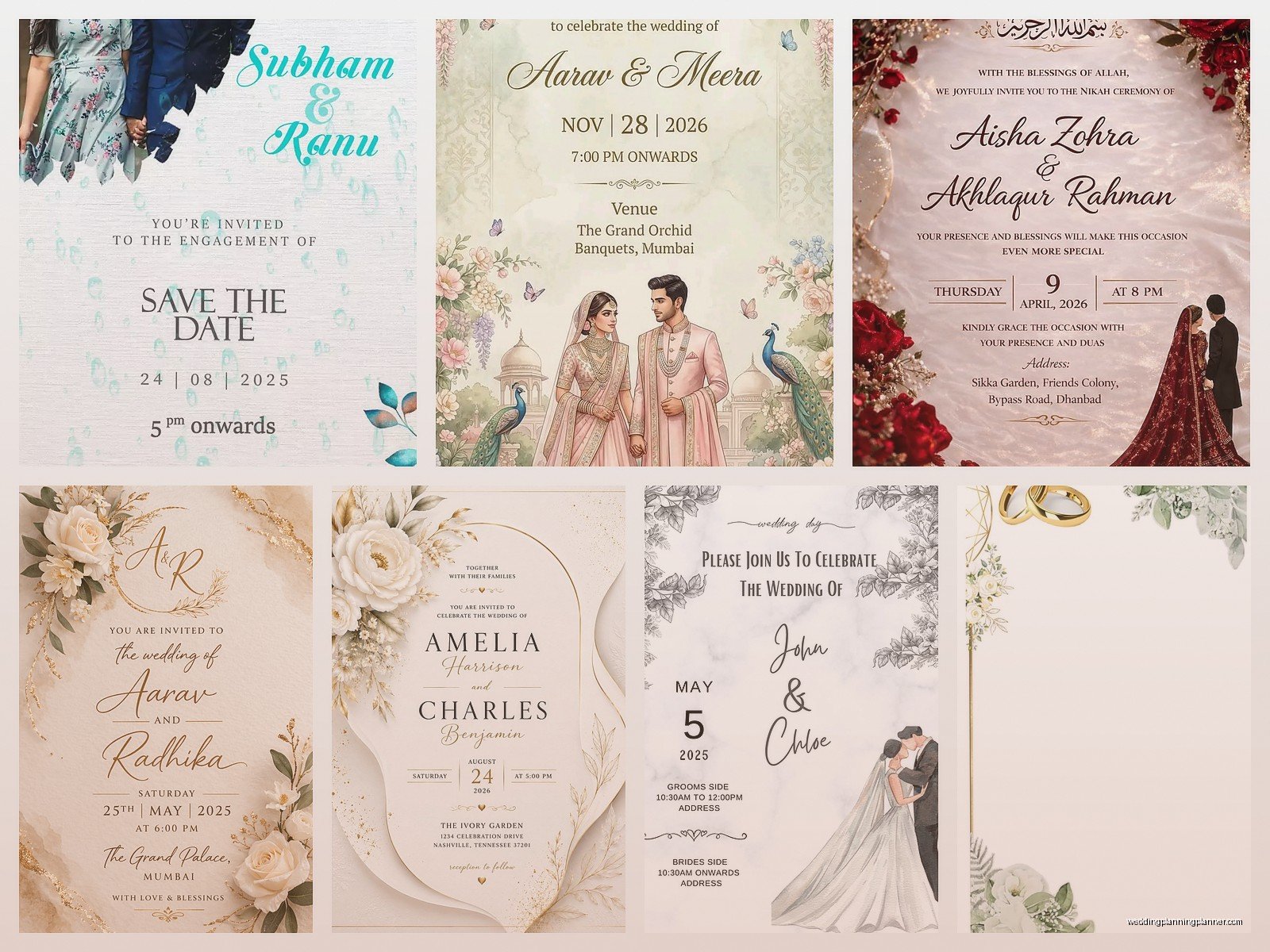
Look, I’ve reviewed probably 500+ e-invitation designs by now and here’s what separates the ones people actually engage with from the ones that get deleted:
File size is critical. If your invitation is 8MB because the designer went crazy with high-resolution images, a bunch of your guests won’t be able to open it on their phones or it’ll take forever to load. Keep it under 2MB for email sends, under 5MB if you’re sharing via text or WhatsApp. I learned this the hard way when a client’s gorgeous watercolor invitation kept bouncing back from older email servers.
Mobile-first design. Like 70% of people will first see your invitation on their phone screen. That means text needs to be readable without zooming, buttons need to be big enough to tap with a thumb, and the layout should be vertical-friendly. Those gorgeous horizontal panoramic designs? They look amazing on desktop but terrible on mobile.
Information hierarchy. Put the most important stuff where eyes go first—usually that’s your names, then the date, then the venue. I see so many couples bury the actual wedding date in tiny text at the bottom because they wanted the design elements to be the star of the show. Your guests need to know WHEN and WHERE before they care about your monogram.
What Format Should You Actually Use
This gets technical but it matters:
PDF is great for something guests might want to save or print. It maintains quality, works on basically every device, and you can embed clickable links. The downside is PDFs feel kinda formal and corporate? Like you’re sending a business document.
JPEG or PNG images are what most people use. They’re easy, they display inline in emails so guests don’t have to download anything, and they feel more… I dunno, approachable? Make sure you’re exporting at 72 DPI for screens (not 300 DPI like for print) and use RGB color mode, not CMYK.
HTML emails are the fancy option where the invitation IS the email itself with live text, embedded buttons, and responsive design. These look super professional but they’re tricky because different email clients (Gmail vs Outlook vs Apple Mail) display HTML differently. You almost need a developer to do this right.
Video invitations are trending and honestly they’re fun but they’re also… a lot. File sizes get huge, not everyone has autoplay enabled, and older relatives sometimes can’t figure out how to play them. If you go this route, also send a static backup image with all the key info.
The Actual Information You Need to Include
Beyond the obvious stuff like names and date, you gotta think about:
- Clear RSVP instructions with a deadline – and make it EASY, like a single button click if possible
- Link to your wedding website if you have one (and you should because it’s where all the detail stuff lives)
- Dress code because people will ask anyway
- Hotel block information or at least a link to accommodations
- Whether kids are invited because this is always drama if you’re not crystal clear
- Any COVID or health protocols if that’s still relevant for your wedding
Oh and here’s something I always tell couples – include a contact person who ISN’T you. Like your mom, your sister, your wedding planner (hi). Because once you send these out, you’re gonna get 50 questions and if every single one comes to you, you’ll lose your mind. I usually put my email on client invitations for logistics questions.
Timing and Sending Strategy
Digital doesn’t mean last-minute even though technically you could design and send an e-invite in like 3 hours if you really had to. Send save-the-dates 6-8 months out for local weddings, 8-12 months for destination. Actual invitations should go out 6-8 weeks before.
But here’s the thing with email – you can’t just blast 150 people at once from your Gmail account or you’ll get flagged as spam. I usually recommend:
- Use a proper email service like Mailchimp, Constant Contact, or the platform’s built-in sending system
- Send in batches if you’re doing it manually – like 25-30 at a time
- BCC everyone instead of CC (please for the love of god do not CC 150 people)
- Send a test to yourself first on multiple devices
- Schedule sends for Tuesday-Thursday mornings when people actually check email
I had this situation last summer where a groom decided to send 200 invitations from his work email account at like 11pm on a Friday and half of them went to spam plus his IT department flagged his account for suspicious activity. It was a whole thing.
RSVP Management Gets Messy Fast
If you’re collecting RSVPs digitally you need a system that tracks who’s responded, who hasn’t, meal choices if you’re doing that, plus-ones, the whole deal. Spreadsheets work but they’re manual and you’ll definitely make mistakes.
Most e-invitation platforms have built-in RSVP tracking which is clutch. Google Forms is free and works fine but it’s not pretty. Your wedding website probably has RSVP functionality too. Just pick ONE system and stick with it because I’ve seen couples accidentally use three different RSVP methods and then they can’t get an accurate headcount.
Also you’re gonna need to follow up with non-responders. Like, a lot. People are terrible at RSVPing even when you make it super easy. Plan to send reminder emails 2 weeks before your RSVP deadline and then probably text or call the stragglers.
Making It Feel Personal Not Generic
The complaint I hear most about e-invitations is that they feel impersonal or mass-produced. Here’s how you fix that:
Personalize the email subject line with the guest’s name – “Sarah, you’re invited to our wedding!” works better than “Wedding Invitation.”
Write a short personal note in the email body, not just attaching the pretty design. Like two sentences about how much they mean to you or how excited you are to celebrate with them. This takes time if you’ve got a big guest list but even a semi-personalized template makes a difference.
For close family and wedding party, consider sending them a physical version too even if everyone else gets digital. It’s a nice gesture and gives them something tangible.
Accessibility Stuff You Might Not Think About
Not everyone can easily read fancy script fonts or see light gray text on white backgrounds. If you’re using a lot of decorative text, maybe include a plain-text version in the email body with all the key details. Add alt-text descriptions if you’re doing HTML emails. Make sure there’s good color contrast.
Older guests might need extra help – I always suggest couples give their parents or grandparents a heads up that an email is coming and maybe walk them through how to open it or RSVP. Sounds silly but I’ve literally had to do phone tech support for a grandmother trying to figure out how to click an RSVP button.
Cost Breakdown Reality Check
People think digital = cheap and like, kinda? But not always. Here’s real numbers:
Free Canva template that you customize yourself: $0-50 depending on if you use premium elements
Paperless Post or Greenvelope with tracking: $0.50-2.00 per invitation depending on the design
Custom Etsy template: $50-150 usually
Hiring a designer for fully custom: $300-800+
If you want animations or video: add $200-500
So yeah you’re saving compared to $800 for printed invitations, but it’s not necessarily free. Plus you’re spending time learning the platform, formatting everything, testing sends, managing RSVPs… your time has value too.
Hybrid Approach Might Be Your Answer
Honestly a lot of my couples do both now. E-invitations for the majority of guests, printed for grandparents and VIPs who’d appreciate the physical keepsake. Or printed save-the-dates and digital invitations. Or digital everything but then a printed program and menu at the actual wedding.
You can also do a really beautiful digital design and then offer it as a print-at-home option for guests who want to put it on their fridge. Just export a version formatted for 5×7 or 4×6 and include a note that they can print it if they want.
Common Mistakes I See All The Time
Sending the invitation as like 6 separate images instead of one cohesive file. Confusing.
Forgetting to include the year (you’d be surprised).
Using a no-reply email address so when guests hit reply with questions, it goes nowhere.
Making the RSVP process require creating an account or logging in – people will just… not do it.
Not proofreading and sending “Saterday” instead of “Saturday” to 150 people (yes this happened).
Including too many links – like link to RSVP, link to registry, link to hotel, link to website, link to your Instagram… it’s overwhelming. Put most of that stuff on your website and just link to the website once.
Oh and this is weirdly specific but I saw someone use a animated GIF that was like 10 seconds of sparkles before the actual invitation info appeared and multiple guests thought their email was broken or loading. Keep animations short and purposeful.
Etiquette Questions People Always Ask
Is it rude to do digital-only? Nah, not anymore. It’s 2024, it’s environmentally friendly, it’s practical. Some traditional family members might clutch their pearls but most people get it.
Should you send a physical invitation to people who aren’t tech-savvy? Yeah probably, or at least call them.
Can you do e-invitations for a formal black-tie wedding? Sure, just make sure the design reflects that formality level. Elegant fonts, sophisticated color palette, proper wording.
Do you need to send a save-the-date AND an invitation if both are digital? Yeah, same as with paper. Save-the-date is the heads-up, invitation is the official ask with all the details.
Tools and Resources I Actually Use
I keep coming back to Canva Pro for DIY clients because the templates are solid and it’s intuitive enough that non-designers can figure it out. Their Magic Resize feature is clutch for creating matching designs across different formats.
For clients who want something more upscale, Greenvelope has beautiful designs and excellent tracking. A bit pricey but worth it.
If you’re hiring a designer, ask to see examples of their digital work specifically, not just print. Different skillset. Also ask what format they’ll deliver files in and whether you get the source files or just exports.
For RSVP tracking, I’m a fan of RSVPify if you’re not using an all-in-one platform. It’s like $40-80 depending on features and guest count but it’s way better than trying to manage a spreadsheet.
Testing tools: Litmus or Email on Acid if you’re doing HTML emails and want to see how they’ll look across different email clients. Probably overkill for most couples but if you’re super particular about design, it’s helpful.
The reality is you’ll probably spend a few hours on this between designing, formatting, testing, and sending even if you use templates. Budget that time. Maybe do it on a weekend afternoon when you’re not stressed about other wedding stuff because you’ll want to actually enjoy the creative process instead of rushing through it and then realizing you forgot to include the ceremony start time. Which I’ve seen happen more than once. Anyway you’ll figure out what works for your specific situation and guest list, just don’t overthink it to the point where you’re paralyzed by options because there are truly SO many ways to do this
