
Planning Guides, Style Guide
Wedding Reception Program Template Free: Free Download Files
Sep
Okay So Wedding Reception Programs Are Actually Really Helpful
Look, I’m gonna be straight with you – reception programs aren’t mandatory but they’re one of those things that makes everything run smoother and honestly your guests will appreciate knowing what’s happening when. I learned this the hard way back in spring 2023 when I had a bride who insisted she didn’t need any timeline or program info for guests and then spent the entire cocktail hour answering the same questions over and over about when dinner was happening.
The thing about reception programs is they’re different from ceremony programs. Like ceremony programs tell people who’s in the bridal party and the order of events during the ceremony itself, but reception programs are all about what happens AFTER you say I do. We’re talking dinner timing, speeches, cake cutting, first dance, all that stuff.
What Actually Goes In A Reception Program Template
So here’s what you actually need to include and honestly you can pick and choose based on what’s relevant to your wedding:
- Cocktail hour timing (usually like 5:30-6:30pm or whatever)
- Grand entrance of the wedding party
- First dance
- Welcome speech or blessing
- Dinner service (sometimes people specify if it’s plated or buffet)
- Toasts and speeches
- Special dances (parent dances, anniversary dance, etc)
- Cake cutting
- Bouquet and garter toss if you’re doing that
- Open dancing
- Last call
- Send-off
You don’t have to include ALL of these obviously. Like if you’re not doing a bouquet toss then… don’t put it on there? Common sense stuff but you’d be surprised how many templates I see that include everything including things the couple isn’t even doing.
Where To Actually Find Free Templates
Alright so here’s where I send people when they want free downloadable templates because honestly paying $50 for a template is kinda ridiculous when there are solid free options:
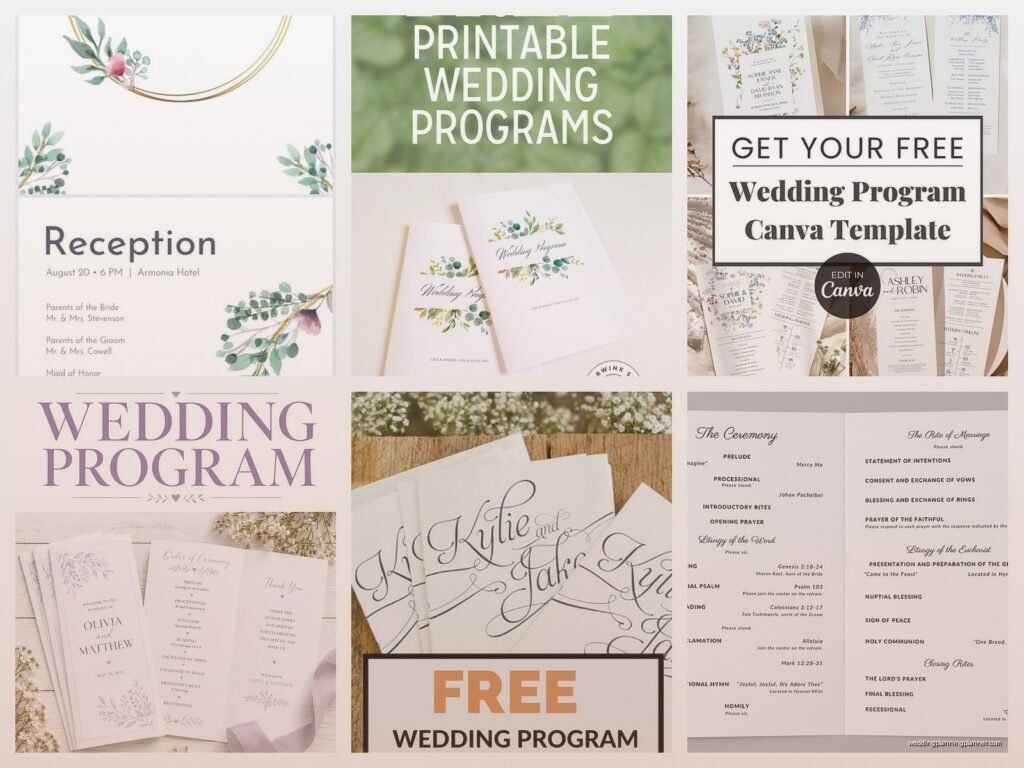
Canva – This is probably your best bet honestly. They have a free version and like hundreds of wedding program templates. You can search specifically for “wedding reception timeline” or “wedding reception program” and you’ll get tons of options. The cool thing is you can customize everything – colors, fonts, add your own photos. I use Canva for client mockups all the time and it’s just… it works. You can download as PDF or PNG or whatever you need.
Microsoft Word Templates – If you have Word (which most people do), they have built-in templates. Go to File > New > and search for wedding programs. They’re pretty basic looking not gonna lie, but they’re functional and you can dress them up. The formatting can be annoying to work with though because Word is Word and sometimes things just randomly move around for no reason.
Google Docs/Slides Templates – There are free templates in the Google template gallery. I actually prefer using Google Slides over Docs for this because you have more control over the layout. You can find templates other people have made and shared publicly too if you search “wedding reception program template Google Slides free” and poke around.
Template.net – They have free options mixed in with paid ones. You gotta create a free account but then you can download Word, PDF, and other formats. Some of their designs are actually really nice for free templates.
Etsy Freebies – Some Etsy sellers offer free templates as like a sample or marketing thing. Search for “free wedding reception program” on Etsy and filter by price (free). You usually get a stripped down version but it might be all you need.
The Formats You’ll Actually Want
So templates come in different file formats and this matters more than you think:
PDF – Good if you’re just gonna print it as-is. Can’t really edit much unless you have Adobe Acrobat Pro. I had this one groom in summer 2021 who downloaded a PDF template and then spent like three hours trying to figure out how to edit it before calling me in a panic… just don’t do that to yourself.
Word/DOCX – Easy to edit, most people know how to use Word. Formatting can get wonky when you start moving things around though.
Canva – You edit it right in the browser or app. Super user-friendly. This is what I recommend to like 90% of couples now.
Google Docs/Slides – Similar to Word but cloud-based so you and your partner can edit together. Also you can’t lose the file which is nice.
InDesign/Illustrator – Only if you actually know how to use these programs. If you don’t, stay away. They’re professional design software and the learning curve is steep.
Single Card vs Multi-Page Layouts
Okay so you gotta decide how you’re presenting this information. There’s basically three ways people do it:
Single card design – Everything on one side of a card, maybe 5×7 inches. This is what I recommend most because it’s simple, guests can stick it in their purse or pocket, and you’re not overwhelming people with information. Works best if your reception isn’t super complicated.
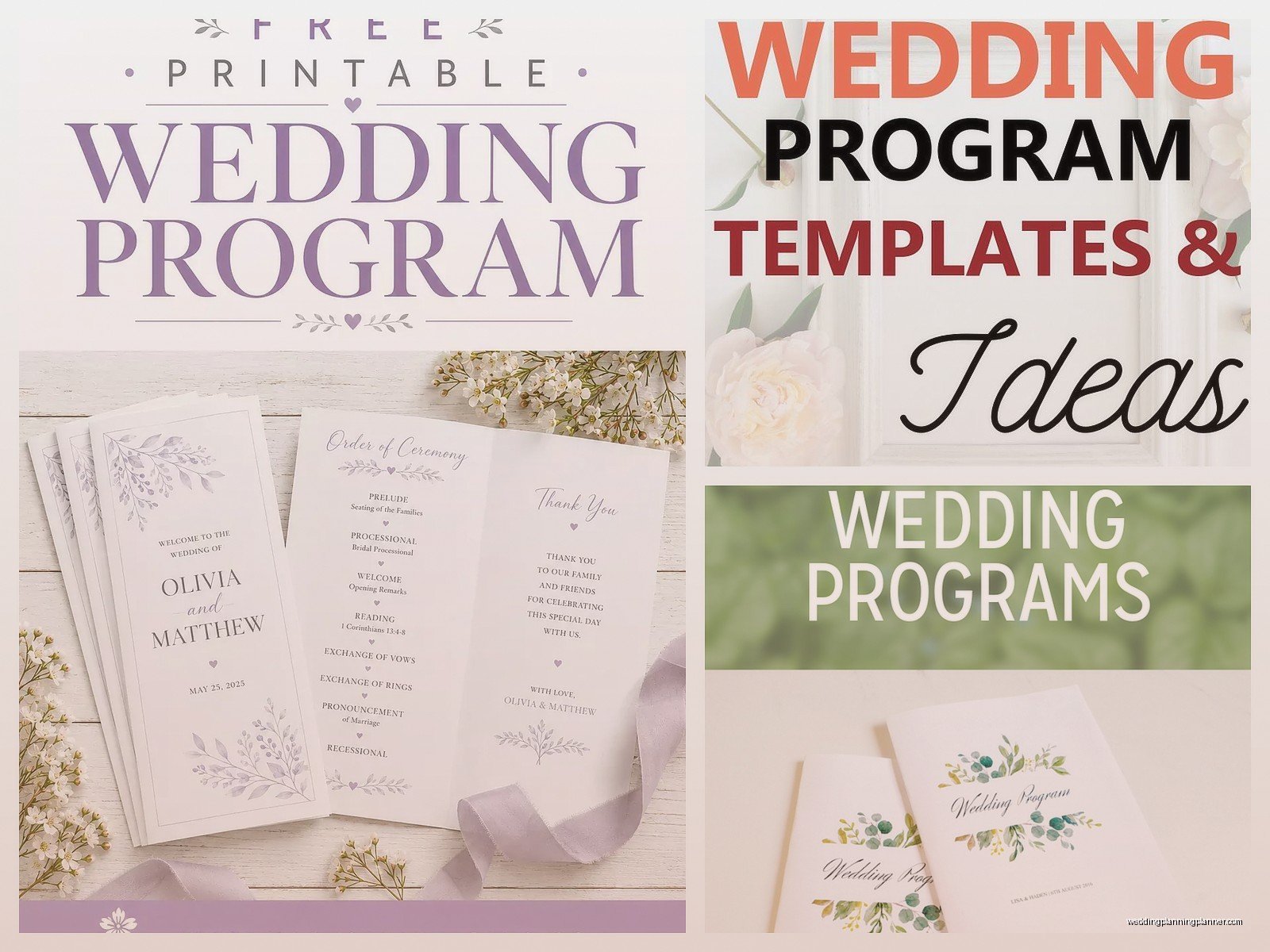
Folded program – Like a greeting card style. Front has your names and wedding date, inside has the timeline. You can also include other stuff like signature cocktails, menu, thank you message. My cat actually knocked over my coffee on a folded program mock-up last week and I had to redo the whole thing but anyway… these are nice if you have more information to share.
Menu card with timeline on back – This is becoming really popular. Your dinner menu is on the front, reception timeline on the back. Efficient and guests are gonna look at the menu anyway so.
Design Tips That Actually Matter
Listen I’ve seen some truly terrible reception programs so here’s what actually makes them look good and be functional:
Readable fonts – This isn’t the place for that super swirly calligraphy font you can barely read. I mean a little script for your names is fine but the actual timeline info needs to be legible. Your grandma should be able to read it without her reading glasses ideally.

Actual times vs approximate – Here’s something that annoyed me for YEARS… couples who put “approximately 6:00pm” for everything. Like just pick a time. You can always run a few minutes behind but give people actual times so they know when to pay attention. The word “approximately” takes up space and makes everything look cluttered anyway.
White space is your friend – Don’t cram everything together. Let it breathe. Some space between items makes it way easier to read.
Match your wedding colors – Obviously but worth saying. If your wedding colors are navy and gold, your reception program should probably reflect that.
Icons or small graphics – Little icons next to each item (like a champagne glass for toasts, a cake for cake cutting) can make it more visual and fun. But don’t go overboard or it looks like a kids menu.
What Size To Actually Print
Most common sizes are:
- 4×6 inches (postcard size, very standard)
- 5×7 inches (a bit bigger, easier to read)
- 8.5×11 folded in half (if you’re doing the folded program thing)
- 4×9 inches (rack card style, kinda trendy right now)
I usually tell couples to go with 5×7 because it’s substantial enough that people won’t immediately lose it but not so big that it’s awkward. You can print these at home if you have a decent printer, or send the file to FedEx Office, Staples, a local print shop, whatever.
Paper Weight and Printing Stuff
If you’re printing at home, get cardstock. Like 80lb or 110lb cardstock minimum. Regular printer paper is gonna look cheap and flimsy. Cardstock isn’t expensive – you can get 100 sheets for like $15-20 at any office supply store.
If you’re using a print shop, they’ll have paper recommendations. I usually suggest 100lb cover stock with a matte or linen finish. Glossy can look nice but shows fingerprints like crazy which… just trust me it’s annoying.
DIY Printing vs Professional Printing
Okay so real talk – if you’re having like 50 guests or fewer, print at home. It’s not worth paying a print shop. But if you’re having 150+ guests and you want them to look really polished, just pay the print shop. Your time is worth something and printing 150 programs at home on your inkjet printer is gonna make you want to scream.
Professional printing usually costs like $1-3 per card depending on size and paper quality. So for 150 programs you’re looking at $150-450 roughly. Not nothing but not crazy expensive either in the context of wedding costs.
When To Actually Hand These Out
So there’s different schools of thought here. Some people put them at each place setting. Some people have them on a table at the entrance to the reception. Some people hand them out during cocktail hour.
Personally I think place settings work best because then everyone definitely gets one and they’re there when guests sit down and are looking for something to read. If you put them on a table by the entrance, half your guests won’t take one or even notice them.
Digital Versions Are A Thing Now Too
Okay so this is relatively new but some couples are doing digital reception programs. Like they create it in Canva or whatever, save it as a PDF or image, and then either:
- Email it to guests before the wedding
- Post it on their wedding website
- Share it in a text message to guests
- Display it on a large sign or screen at the venue
I’m not like fully sold on this because I think a lot of guests (especially older ones) won’t look at their phones or remember to check the website. But it’s definitely more eco-friendly and costs nothing. Maybe do both? A digital version AND printed cards for people who want them?
Common Mistakes People Make
Let me just rapid fire some things I see people mess up constantly:
Too much detail – You don’t need to list every single song that will be played or give a minute-by-minute breakdown. Keep it to the major events.
Forgetting to proofread – I cannot tell you how many times I’ve seen typos on printed programs. Have like three people proofread it before you print 200 copies.
Wrong times – If your venue coordinator says dinner will be at 7pm, put 7pm on the program. Don’t put 6:30pm because you think it sounds better or whatever. Consistency matters.
Making it too formal – Unless your wedding is black tie at a country club, you can be a little casual with the wording. “Let’s eat!” is fine instead of “Dinner Service Commences.”
Not considering your venue’s flow – If your venue has a separate cocktail space and dinner space, make sure your program reflects that geography. Like “Cocktails in the Garden, Dinner in the Ballroom” or whatever.
Customize The Template Don’t Just Fill In Blanks
Here’s the thing about free templates – they’re starting points, not finished products. You gotta make it yours. Change the colors, swap out fonts, rearrange sections, add or remove items based on YOUR actual reception timeline.
I had this couple once who just… filled in a template with their info but kept all these sections they weren’t even doing, like they weren’t doing a bouquet toss but it was on their program because the template had it and they didn’t think to delete it. Then guests kept asking when the bouquet toss was happening and it was just awkward.
Honestly Consider If You Even Need These
Real talk for a second – if your reception is super casual, like a backyard BBQ or brewery reception, you might not need formal programs at all. A simple timeline on a chalkboard or printed sign might be enough. Or even just letting your DJ or band announce things as they happen.
Reception programs are most useful when you have a structured timeline with multiple events. If your reception is basically just dinner and dancing with maybe one or two toasts, you probably don’t need to print cards about it. I’m not trying to talk you out of it but like… be realistic about whether this is adding value or just adding to your to-do list.
Stuff You Can Include Besides Just The Timeline
If you have space or you’re doing a folded program, here are other things people sometimes add:
- Thank you message to guests
- Signature cocktail recipes or names
- Dinner menu
- Brief explanation of cultural traditions if you’re incorporating any
- Memorial section for loved ones who have passed
- Fun facts about you as a couple
- Hashtag for social media
- After-party information
- Brunch details for the next day if you’re doing that
Don’t overload it though. Like pick maybe one or two extra things max besides the timeline.
Working With Your Stationery Suite
If you had invitations and other printed stuff made, your reception programs should coordinate with that design. You don’t have to use the exact same design but they should feel like they’re part of the same wedding. Same color palette, similar fonts, consistent style (modern, rustic, elegant, whatever).
Most Canva templates are flexible enough that you can match them to existing stationery pretty easily. Just grab the colors from your invitation using the color picker tool and swap them in.
Anyway I think that covers most of what you need to know about getting and using free reception program templates. The main thing is just pick a format that works for your wedding, customize it to actually reflect YOUR timeline, and make sure it’s readable. Oh and proofread it like seventeen times before printing because there’s always a typo hiding somewhere that you only notice after you’ve printed 200 copies.
