
Planning Guides, Style Guide
Digital Wedding Card: Electronic Invitation Designs
May
Okay so digital wedding invitations are basically the thing now
Look, I’ve been planning weddings since like 2010 and I gotta tell you, digital invitations have completely changed the game in the last few years. You send a beautifully designed PDF or animated file or even a video invitation and boom, done. No printing costs, no postage, no dealing with addresses that are wrong or people who moved.
The main thing you need to understand is that digital doesn’t mean cheap or lazy anymore. In spring 2023 I had this couple who were absolutely set on paper invites because they thought digital looked “informal” and I showed them some examples from my portfolio and they literally changed their mind in like fifteen minutes. The designs now are gorgeous, interactive, and honestly sometimes more impressive than traditional paper.
Types of digital invitation formats you can use
There’s actually way more variety than most people realize when they start looking into this:
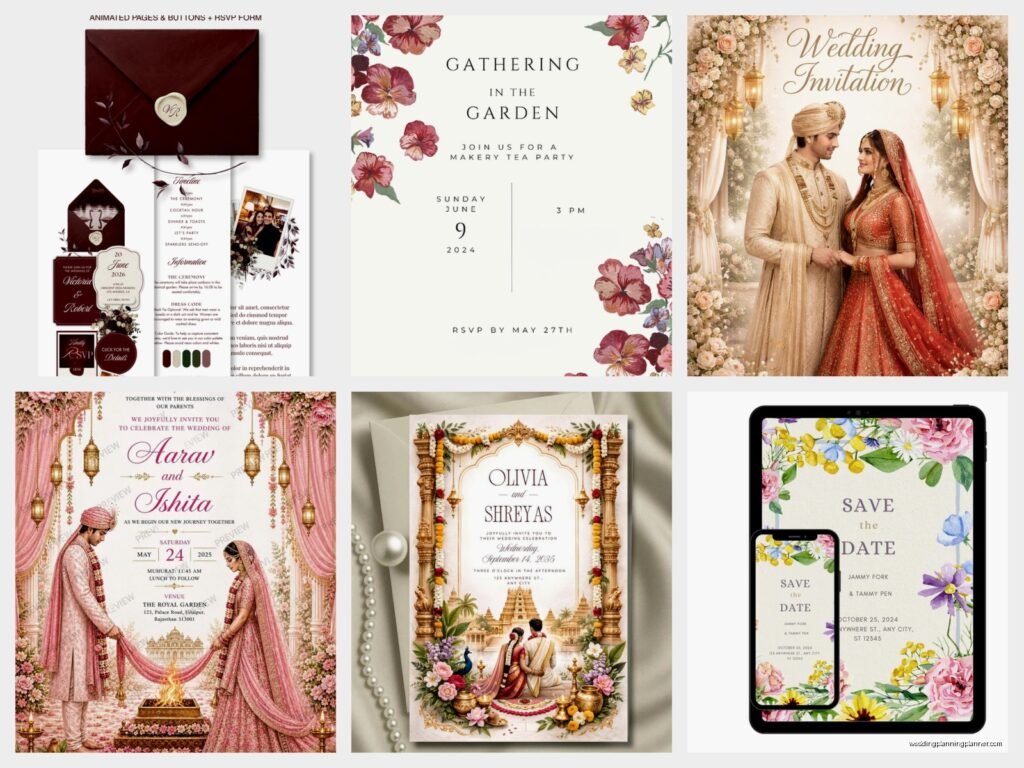
- Static PDF invitations – These are basically like a paper invite but in digital form. Simple, elegant, easy to print if guests want a physical copy.
- Animated GIFs or MP4s – Text fades in, flowers bloom, your names sparkle. Sounds cheesy but when done right it’s actually really beautiful.
- Interactive HTML invitations – These can have buttons, RSVP forms built in, links to your registry, accommodation info, everything.
- Video invitations – You can do a whole produced video with music, photos of you two, venue shots, whatever.
- Website-based invitations – Technically your wedding website IS the invitation, and you just send people the link with a nice graphic.
I usually recommend the interactive HTML ones because they’re functional AND pretty, but it depends on your vibe and how tech-savvy your guest list is. Like if you’re inviting a bunch of people over 70 who barely use email… maybe stick with a simple PDF they can actually open.
Design elements that actually matter
This is where people either nail it or completely mess it up. Your digital invite needs to have:
Readable fonts. I cannot stress this enough. I once had a bride send me her “draft” design and I literally couldn’t read the date because she used some super swirly script font at like 8pt size. On a phone screen it was completely illegible. Use script fonts for names or small decorative elements, but your key info needs to be in something clean. Think sans-serif or a simple serif font.
Your color palette. This should match your wedding colors obviously, but also consider that people will view this on different screens. That gorgeous sage green might look gray on some monitors or washed out on older phones. Stick with colors that have enough contrast.
High-resolution images. If you’re including photos of yourselves or graphics, they need to be high-res. Pixelated images make the whole thing look cheap and rushed, which kinda defeats the purpose of going digital in the first place.
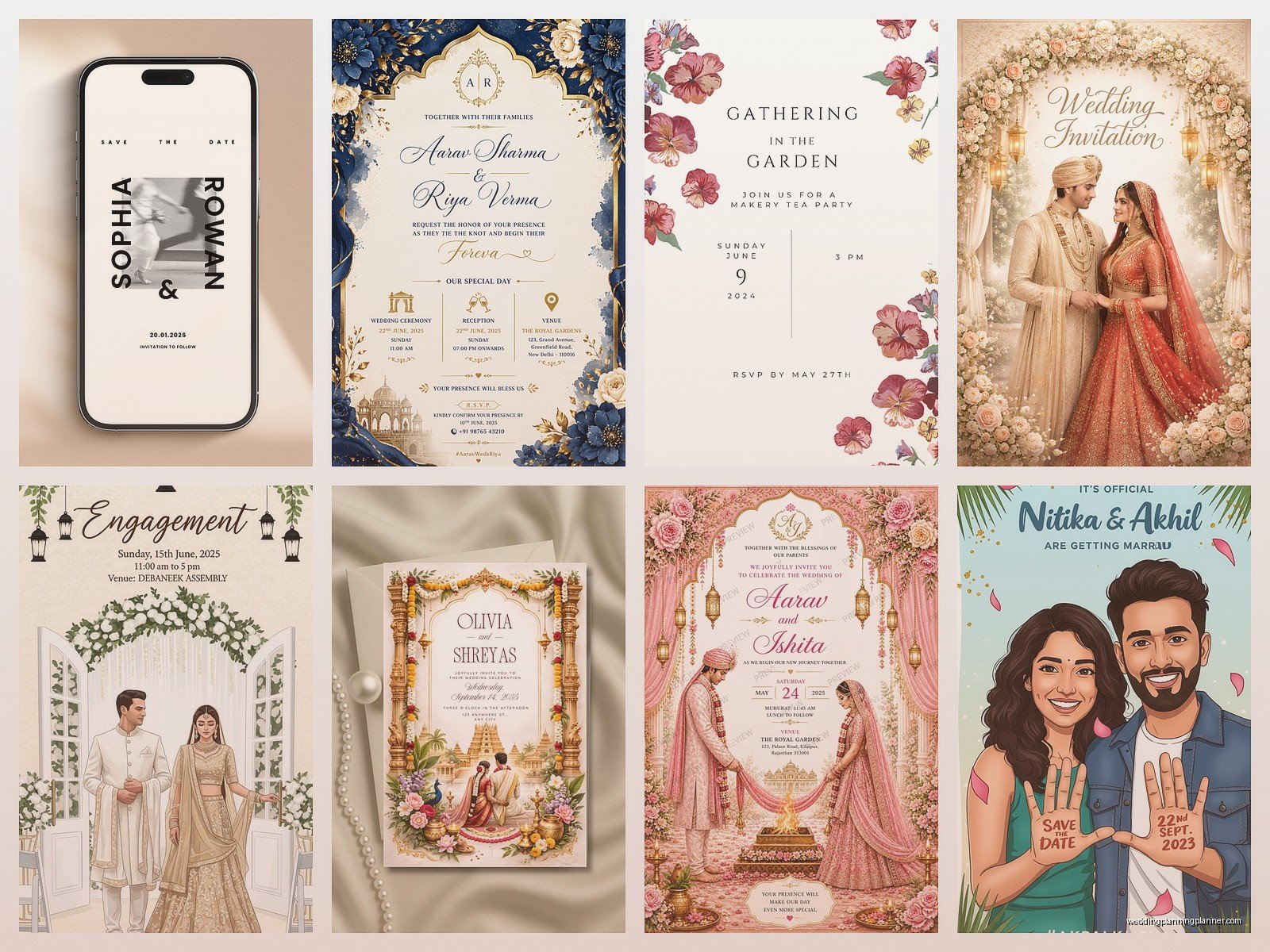
White space. Don’t cram everything together. Digital invites can scroll, so use that vertical space. Let things breathe. The worst designs I see are when people try to fit everything on one “page” like it’s a physical card and it ends up looking cluttered and overwhelming.
Tools and platforms for creating these things
You’ve got options depending on your budget and design skills:
Canva is honestly where most people start and it’s perfectly fine. They have tons of templates, it’s user-friendly, and you can create both static and simple animated invitations. The free version works but the Pro version gives you way more options and the ability to resize designs easily.
Greenvelope or Paperless Post are platforms specifically for digital invitations. They handle the sending, tracking, RSVPs, everything. They’re not cheap though – you’re paying for the convenience and the professional designs. But if you want something polished and you don’t wanna deal with the technical side, these are solid.
Adobe Creative Suite if you or someone you know has design skills. Photoshop for static images, After Effects for animations, Illustrator for vector designs. This is obviously more advanced but gives you complete creative control.
Minted, Zola, The Knot – all these wedding planning sites now offer digital invitation options. Some are free with your wedding website package, some cost extra. Quality varies a lot so look at examples first.
What information you actually need to include
Same as a paper invite honestly, but you can structure it differently:
- Your names (obviously)
- The date and time – be specific about time zones if you have out-of-state guests
- Venue name and address – make this a clickable link to Google Maps if possible
- Dress code
- RSVP deadline and method
- Wedding website URL
You can also include things that would require separate cards in traditional invites: accommodation info, schedule of events, registry links, travel details. Just don’t put it all on the main invitation screen/page. Use buttons or links to additional pages so it doesn’t feel overwhelming.
Oh and one thing that really annoys me – when couples don’t include a clear RSVP method. Like they send this beautiful digital invite but then expect people to… text them? Email? Carrier pigeon? Make it crystal clear. Include a button that links to your RSVP form or at minimum say “Please RSVP by email to [address] by [date].”
Sending and delivery stuff you need to think about
This is where it gets a bit technical but stay with me because this matters. You can’t just email a massive file to 150 people and call it done.
File size is important. If your invitation is like 25MB because you included a high-res video, a bunch of people won’t be able to open it or it’ll take forever to load. Keep it under 5MB if possible, definitely under 10MB. Compress images, optimize videos, all that stuff.
Email vs. text vs. messaging apps. Email is still the standard and most professional, but I’ve seen couples successfully use WhatsApp for smaller weddings or specific groups. Text messages work but you’re limited in what you can send file-wise. Some people create a beautiful Instagram Story-style invitation and send that via DMs which is… I mean it’s creative but feels too casual for me personally.
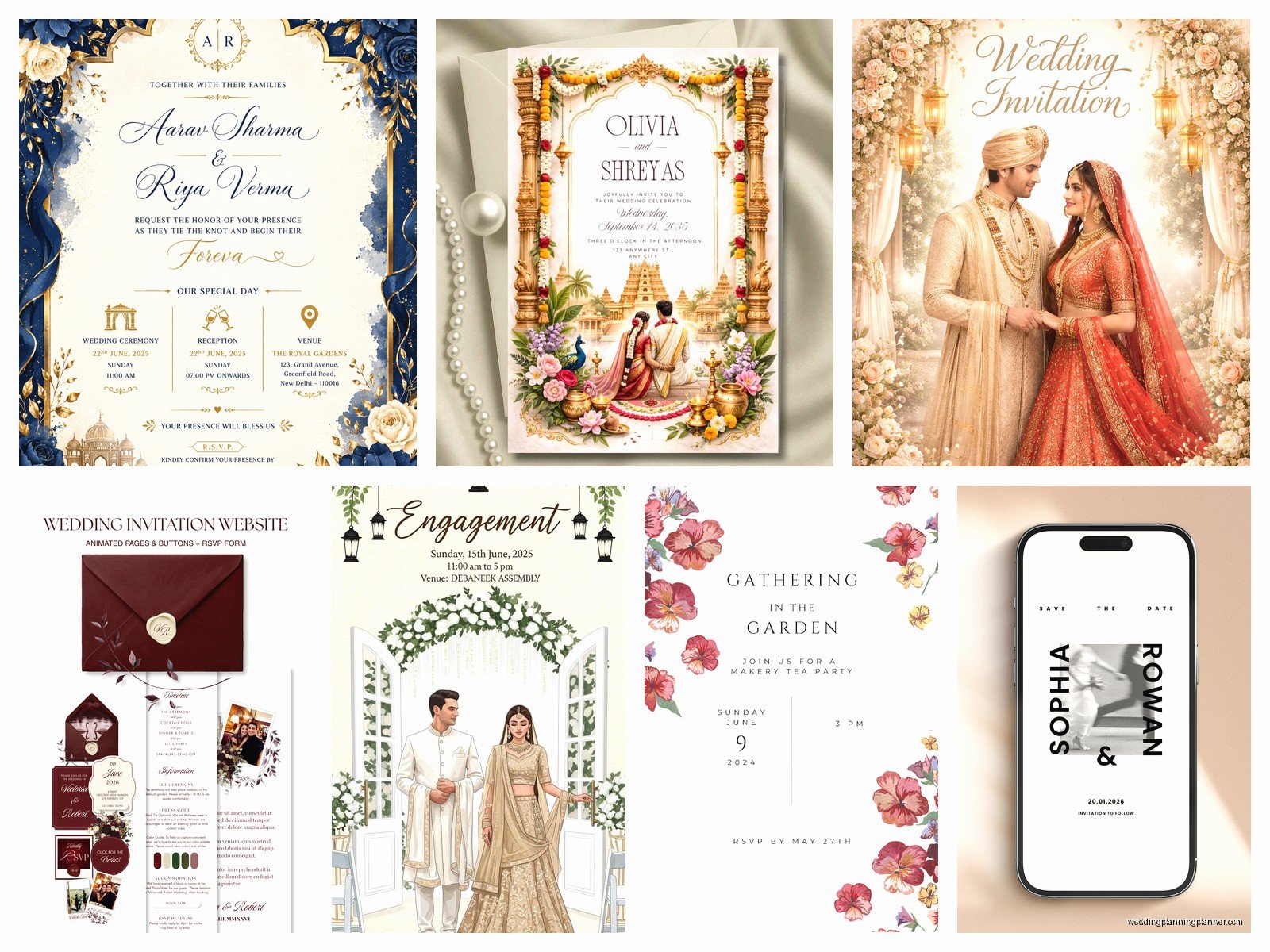
Test it first. Send the invitation to yourself on different devices. Check it on your phone, your tablet, your laptop. Send it to a friend who has an Android if you have an iPhone, or vice versa. Make sure everything displays correctly and links work.
Subject line matters. Don’t just write “wedding invitation” because that might end up in spam. I usually tell couples to write something like “You’re Invited! Sarah & James Wedding – October 14th” – specific enough that people know what it is immediately.
The RSVP tracking situation
One of the biggest advantages of digital invites is that you can track everything so much easier than with paper. Most platforms have built-in RSVP systems that track who opened the invite, who responded, who hasn’t responded yet.
If you’re doing it yourself without a platform, you can use Google Forms for RSVPs. It’s free, it’s easy, and it automatically creates a spreadsheet with all the responses. Just make sure your form asks for everything you need: names, number of guests, meal choices if you’re doing that, dietary restrictions, plus-one info.
I usually recommend sending a reminder email to people who haven’t RSVP’d like two weeks before your deadline. With digital invites it’s so easy to forget or think “I’ll do that later” and then never do it.
Accessibility things people forget about
Not everyone can easily view digital content and you need to think about this. Some older guests might not use email regularly or might struggle with technology. Some people have visual impairments and need screen readers.
For guests who really can’t do digital, offer to mail them a printed version or at least call them with the details. It’s a bit more work but it’s the right thing to do and honestly it’s still less work than printing and mailing for everyone.
For accessibility, use alt text on images if your platform supports it, make sure text has good contrast with the background, and keep the navigation simple and obvious.
Timing for when to send these
Same basic timeline as paper invites: send save-the-dates 6-8 months before, formal invitations 6-8 weeks before. But with digital you have more flexibility. You can send a preliminary “we’re getting married, here’s the date and location” email even earlier if you want, especially for destination weddings.
One advantage is you can send reminders more easily. Like a month before the wedding, send a “just a reminder” email with the key details again. People appreciate this more than you’d think because life gets busy and details get forgotten.
The environmental and cost angle
Not gonna lie, this is a big selling point for a lot of couples. The average wedding invitation suite costs like $400-800 when you factor in printing, envelopes, postage, response cards, all that. Digital invitations can range from completely free (if you DIY it) to maybe $200 for a premium platform.
Plus there’s the environmental aspect – no paper waste, no transportation emissions from shipping. If you’re having an eco-conscious wedding this fits perfectly with that theme.
My cat just knocked over my coffee while I’m writing this and honestly it’s fine because I was almost done with it anyway… but yeah, where was I.
Common mistakes I see all the time
People make their digital invites way too complicated. Like they want animations and music and videos and interactive elements and it ends up being this overwhelming experience that takes three minutes to load and nobody wants to deal with it. Keep it simple and elegant.
Using templates without customizing them enough. I can spot a basic Canva template from a mile away when people just change the names and colors but keep everything else default. Add your own photos, adjust the layout, make it actually yours.
Forgetting to proofread. Just because it’s digital doesn’t mean typos are okay. You’re sending this to everyone you know and their first impression of your wedding is this invitation. Check the spelling, check the dates and times, double-check the venue address, triple-check everything honestly.
Not having a backup plan for delivery. Emails get caught in spam filters, files don’t open, technology fails. Have a list of phone numbers or another way to contact guests if needed. I had a wedding in summer 2021 where the couple’s email got flagged as spam by like half their guest list and they had to manually text people the invitation link, which was… a whole thing.
Adding personal touches that make it special
Just because it’s digital doesn’t mean it can’t feel personal. Include engagement photos, add a short video message from you both, use a custom illustration of your venue or your pet or something meaningful to you.
Some couples create a whole animated “story” of how they met or how they got engaged. If that’s your style, go for it, but make sure it’s skippable for people who just want the basic info.
Custom illustrations are having a moment right now and they work really well for digital invites. You can commission an artist to draw you two, or your venue, or create a custom monogram or crest design.
What about save-the-dates vs. formal invitations
You can definitely do both digitally. Save-the-dates can be more casual and fun – think animated GIFs, playful designs, less formal language. Then your formal invitation is more elegant and traditional in design even though it’s still digital.
Or honestly for smaller or more casual weddings you can skip save-the-dates entirely and just send one really good invitation with plenty of advance notice. I don’t think there’s a strict rule anymore about what you have to do.
The key is making sure your guests have enough time to plan, especially if travel is involved. Digital delivery is instant but people still need time to request time off work, book flights, arrange childcare, all that stuff.
Integration with your wedding website
Your digital invitation and wedding website should work together seamlessly. The invitation should link to the website where guests can find more detailed information, and the website should have the same design aesthetic as the invitation.
Some platforms let you create both in one place which makes everything coordinated automatically. If you’re using different tools, just make sure you’re using the same colors, fonts, and overall vibe so it all feels cohesive.
I usually tell couples to think of the invitation as the announcement and the website as the information hub. The invitation gets people excited and gives them the essential details, the website has everything else they might need to reference later – like hotel room blocks, the full schedule, directions, parking info, what to do in the area if they’re traveling in early.
