
Planning Guides, Style Guide
E-Invitation Card for Wedding: Digital Design Options
May
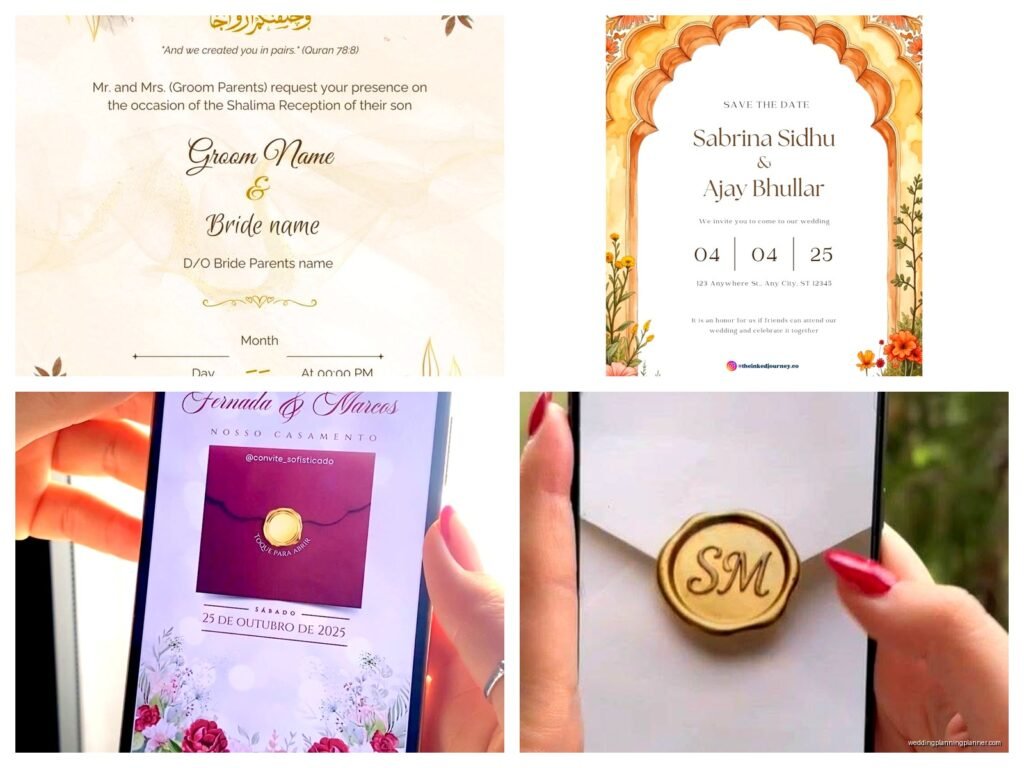
So digital wedding invitations, right? They’re not just the budget option anymore and honestly I’ve been pushing couples toward them since like 2019 because the design possibilities are actually insane now. You’ve got animated options, video invitations, interactive websites—it’s way beyond just a PDF attachment which thank god because those were kinda depressing.
The Main Platform Options You Should Know About
Okay so first off, you need to pick where you’re actually gonna create this thing. Paperless Post is probably the most well-known and I use it constantly with clients. They have this coin system which is annoying honestly—you buy coins to send premium designs—but their templates are gorgeous and they track RSVPs automatically. The envelope animation thing they do is cute without being cheesy which is a hard balance to strike.
Then there‘s Greenvelope which I actually love for more formal weddings. They’ve got designs that genuinely look like letterpress stationery, and you can customize pretty much everything. The price point is higher but you’re paying for that luxury look. They also plant a tree for every invitation which clients love mentioning.
Evite gets a bad rap because people associate it with kids birthday parties but their premium wedding collection is actually solid. Way more affordable than the other options. I had this client in spring 2023 who was so stressed about budget and we did her entire invitation suite through Evite Premium for like $80 total and it looked amazing—saved her probably $600 compared to printed invites.
Minted does digital now too, which makes sense since they’re already known for wedding stationery. Their digital designs match their print collections so if you’re doing some invites printed and some digital (like for overseas guests), you can keep everything cohesive.
DIY Design Tools If You Want Full Control
If you’ve got design skills or just want complete creative freedom, Canva is your best friend. They have wedding invitation templates you can customize and then you can download as a PDF or image file. The free version works fine but Canva Pro gives you access to way better fonts and graphics. You’ll need to handle the actual sending yourself though—either through email or by uploading to a different platform.
Adobe Express (used to be called Adobe Spark) is similar but honestly I think Canva is more user-friendly unless you’re already in the Adobe ecosystem. The templates are pretty but there’s a learning curve.
For something more unique, Figma or Adobe Illustrator let you design from scratch but umm yeah you need actual design experience for those. I’ve seen some couples hire a designer on Fiverr or Etsy to create a custom template they can then edit themselves which works pretty well.
Video Invitations Are Having A Moment
This is where things get fun. Video invitations blew up during 2020 for obvious reasons but they’ve stuck around because they’re so personal. You can use Animoto or Kapwing to create slideshows with photos and music—super easy even if you’re not tech-savvy.
Some couples do actual filmed invitations where they’re talking to the camera inviting people to their wedding. It feels very genuine and I think it works best for casual weddings or if you’ve got a fun personality that comes through on camera. Just keep it under 90 seconds or people zone out.
Canva Video lets you animate your designs which is cool—like having text fade in, photos slide across, that kind of thing. Not as complex as full video editing software but way more dynamic than a static image.
The RSVP Situation
Here’s what annoys me about digital invitations—people still don’t respond to them promptly even though it’s literally one click. Like you’ve removed every possible barrier and people still wait until the last minute or just… forget? I had a wedding last summer where we sent beautiful Paperless Post invites with the RSVP built right in and we still had to chase down 30% of the guest list two weeks before the deadline.
Anyway, make sure whatever platform you choose has RSVP tracking built in. Paperless Post, Greenvelope, and Minted all do this automatically. If you’re going the DIY route with Canva or something, you’ll need to set up a separate system—either a Google Form, your wedding website RSVP page, or a service like RSVPify which integrates with lots of stuff.
You want to collect meal choices, dietary restrictions, plus-one names, all that info right in the RSVP. Don’t make people email you separately because they won’t and then you’re scrambling a week before the wedding trying to figure out who’s vegetarian.
Wedding Website Integration
Most couples do a wedding website now anyway, so your digital invitation should link directly to it. The Knot, Zola, Minted, and Withjoy all offer matching invitation and website designs which I always recommend because consistency matters even if you think people won’t notice (they do notice, trust me).
Your website is where you put all the details that don’t fit on the invitation itself—hotel blocks, weekend itinerary, dress code, registry info, that story about how you met that everyone pretends to read. The invitation should be clean and simple with just the essential info: who, what, when, where, and a link to the website for everything else.
Design Elements That Actually Matter
Colors show up differently on screens than on paper which is something people don’t think about. Those soft pastels that look elegant in print can look washed out on a phone screen. You want good contrast—dark text on light backgrounds or vice versa. I learned this the hard way in summer 2021 when a client insisted on this pale pink text on white background and half her guests couldn’t read it without zooming in.
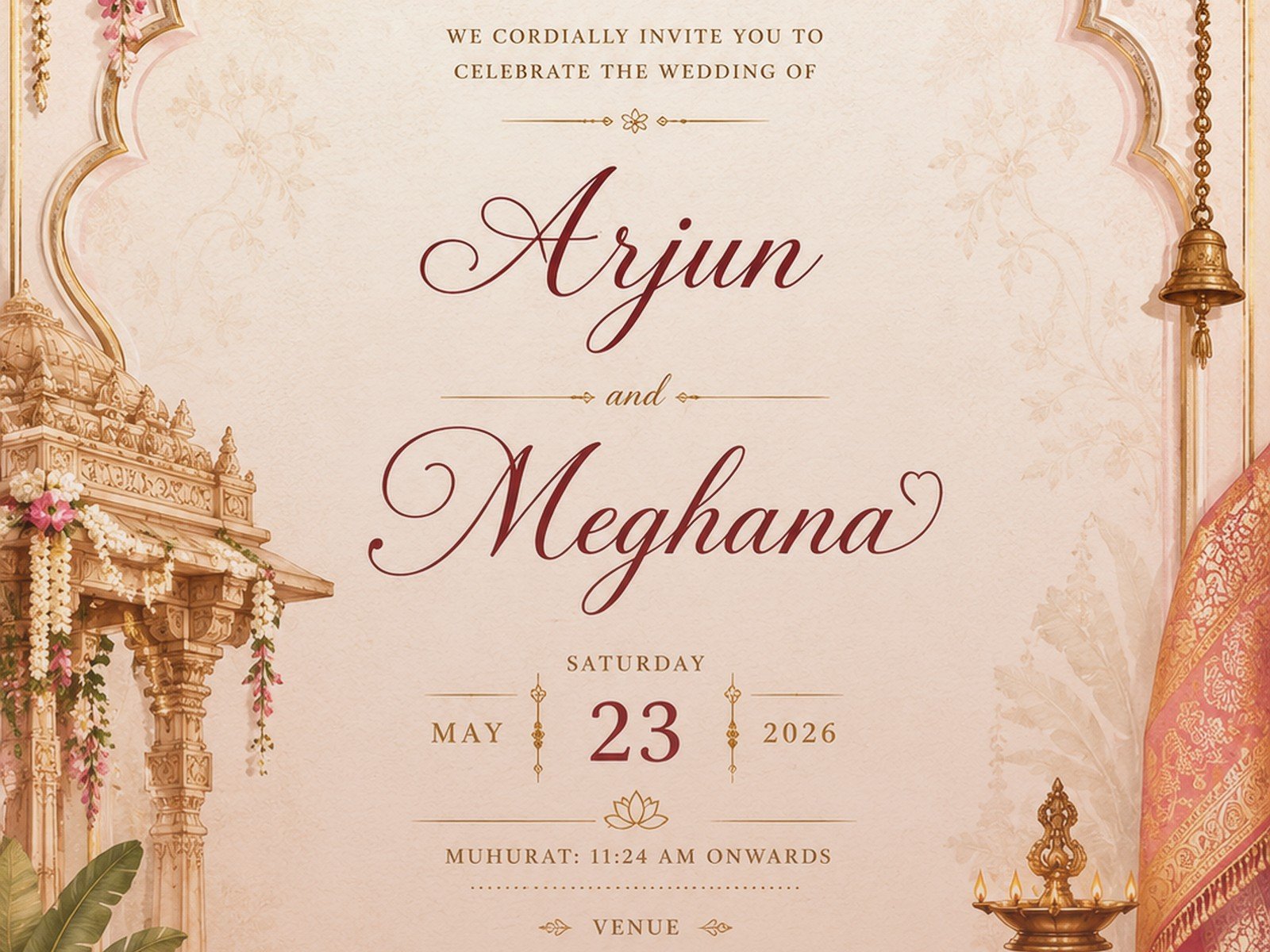
Fonts need to be readable at small sizes since people will view this on their phones. Script fonts are pretty but if your guest list includes anyone over 60 maybe stick with something clearer for the important details. You can use a fancy script for names or headers and then a clean sans-serif for the actual information.
Photos are great if you want to include an engagement photo or something but make sure the file size isn’t massive or it’ll take forever to load and people will click away. Most platforms compress images automatically but if you’re DIYing it, keep images under 2MB.
Animation and Interactive Elements
This is where digital really shines over paper. You can have… okay so like your names can fade in, flowers can bloom, there can be subtle sparkle effects. Just don’t go overboard because it can look tacky real fast. Think elegant, not PowerPoint presentation from 2005.
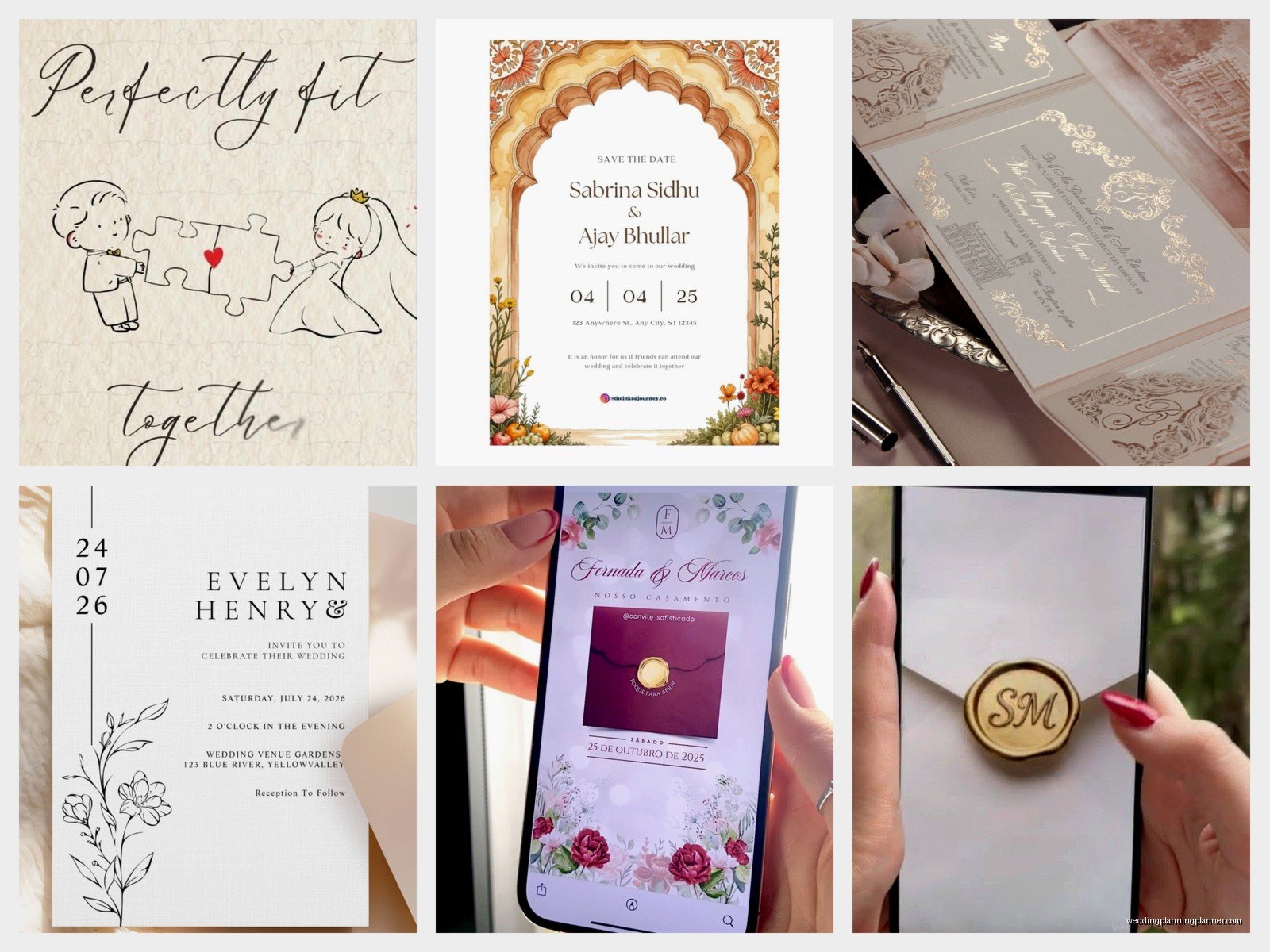
Paperless Post has this thing where the invitation arrives in a digital envelope that opens—it’s a small detail but it makes the whole experience feel more special than just opening an email.
Some platforms let you add music which I personally think is too much? But some couples love it. If you do add music, make it optional/not autoplay because people might be checking email at work or whatever.
Sending and Timing Strategy
Send your save-the-dates 6-8 months out, formal invitations 8-10 weeks before the wedding. Yes even digital ones follow the same timeline because people need time to plan travel and request time off work.
Send a test version to yourself and like three friends with different devices—iPhone, Android, desktop email. My cat walked across my keyboard once while I was testing an invitation and somehow changed the RSVP deadline date which I didn’t notice until a client pointed it out, so yeah, proofread multiple times.
Most platforms let you schedule the send time. I usually recommend Tuesday-Thursday mornings around 10am when people are checking email but not slammed yet. Weekends get lost in personal email clutter, Monday mornings are chaotic.
Following Up on Non-Responders
Set your RSVP deadline 3-4 weeks before the wedding, then plan to send reminders. Most platforms have a “send reminder to non-responders” feature which is a lifesaver. Word it nicely—”We haven’t heard from you yet and want to make sure you received our invitation!”—because sometimes emails genuinely end up in spam folders.
After the reminder, if people still don’t respond, you gotta text or call them individually. Annoying but necessary. You need final headcount for the caterer.
Cost Breakdown Reality Check
Digital invitations range from completely free (Evite basic, Canva free templates sent via email) to around $200-300 for premium services with all the bells and whistles for 150 guests. Compare that to printed invitations which run $300-800 easily, plus postage which is not cheap anymore.
The paid platforms usually charge per invitation sent. Paperless Post coins work out to roughly $1-3 per invitation depending on the design. Greenvelope is around $1.50-2.50 per invite. Minted digital is similar pricing.
If you’re doing multiple events—welcome party, wedding, farewell brunch—you can usually get package deals or at least reuse design elements to save money.
Accessibility Considerations
Not everyone is comfortable with digital stuff, particularly older relatives. I always tell couples to have a backup plan—either print a small batch of invitations for those specific people, or have a family member help them navigate the digital version and RSVP.
Make sure your text has good contrast ratios for people with vision issues. Most design platforms have accessibility checkers built in now. Include alt text if you’re adding images, though honestly most invitation platforms don’t make this easy.
Some guests won’t have smartphones or regular email access. Sounds weird in 2024 but it happens. Get their mailing address and send them a printed version—it’s worth the extra $2 in printing and postage to make sure they actually receive the invitation.
Environmental Angle
If you’re eco-conscious this is obviously the way to go. No paper waste, no transportation emissions, no envelopes ending up in landfills. Some couples mention this in their invitation—”We’ve chosen digital invitations to reduce our environmental impact”—which I think is nice but not necessary. You don’t need to justify your choice.
Greenvelope’s tree-planting thing is good for this if you want to actively contribute something positive rather than just avoiding negative impact.
Combining Digital and Print
You don’t have to choose one or the other exclusively. Lots of couples do digital save-the-dates and printed formal invitations, or vice versa. Some do printed invites for local guests and digital for out-of-town people. Some do digital main invitations but print the rehearsal dinner invites.
Whatever combo you choose, just keep the design cohesive. Use the same colors, fonts, overall aesthetic so everything feels like part of the same wedding brand which sounds corporate but you know what I mean.
Last-Minute Technical Tips
Create a dedicated email address just for wedding stuff if you haven’t already—something like jennandjake2025@gmail.com. Use this as the reply-to address on your invitations so all RSVPs and questions come to one place instead of getting mixed into your regular inbox.
Export your guest list and RSVP data regularly. Platforms can glitch, things can get deleted, just download a spreadsheet backup every few days so you don’t lose everything.
Include your phone number somewhere in the invitation details for people who have technical issues. Some guests will email, some will text, some will call your mom—just be prepared for responses through multiple channels even though you set up a beautiful streamlined digital system.
