
Planning Guides, Style Guide
Wedding Invite Website: Create Custom Event Site
Sep
Okay So You Want to Make a Wedding Website
Right so the first thing you gotta know is that wedding websites are basically mandatory now. Like I had a bride in spring 2023 who refused to make one because she wanted everything “traditional” and then she spent literally three weeks answering the same questions over text about venue location and hotel blocks and I was like… this is why we have websites.
The whole point is consolidating information in one place so you’re not repeating yourself fifty times to different relatives who all want to know if they can bring their kids or what time cocktail hour starts.
Picking Your Platform (This Matters More Than You Think)
There’s like a million options now but I’m gonna break down the main ones because some are actually terrible and will make you want to throw your laptop out a window.
The Big Players
The Knot and Zola are probably the most popular. They’re free which is nice, they connect to your registry, and they have templates that don’t look completely awful. The Knot’s interface kinda drives me crazy because it’s so cluttered with ads and upsells, but it works. Zola is cleaner, more modern looking, better mobile experience honestly.
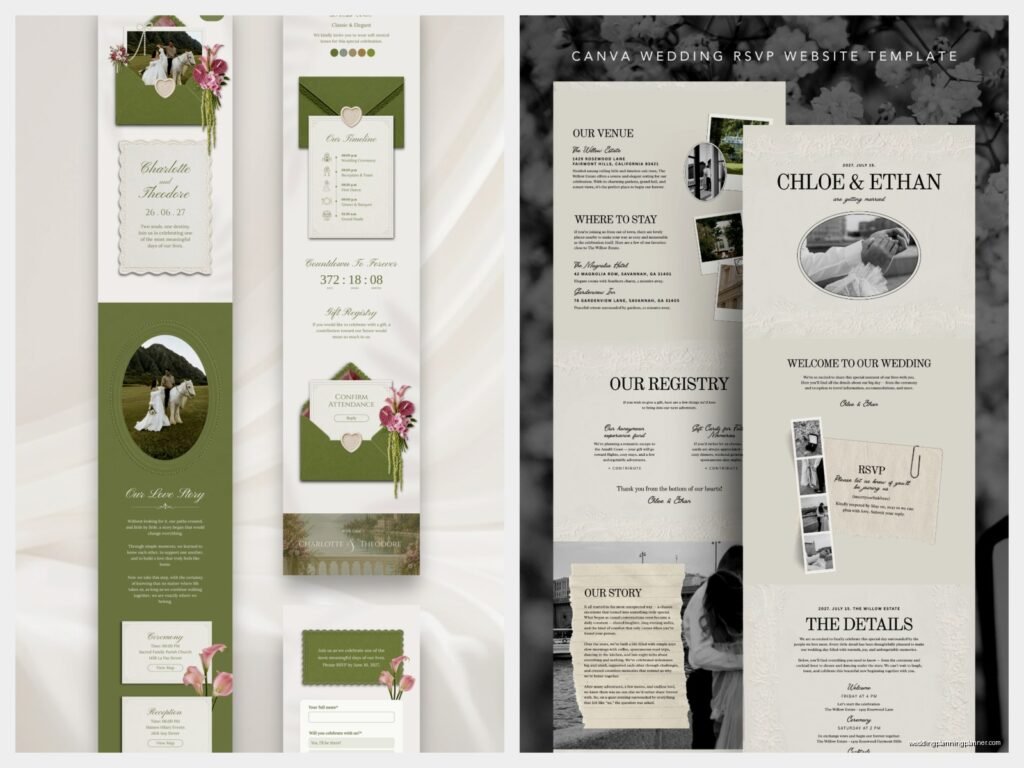
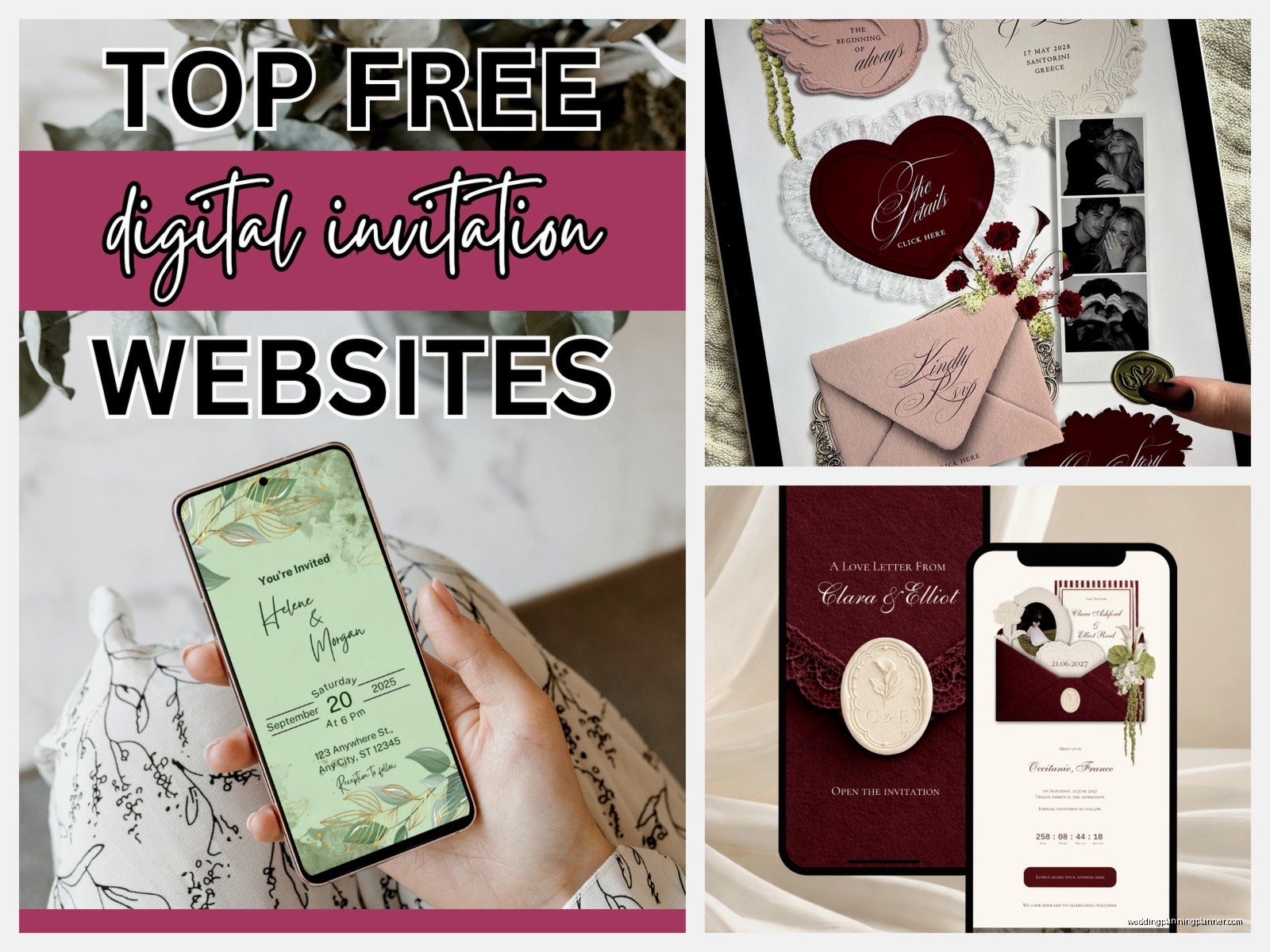
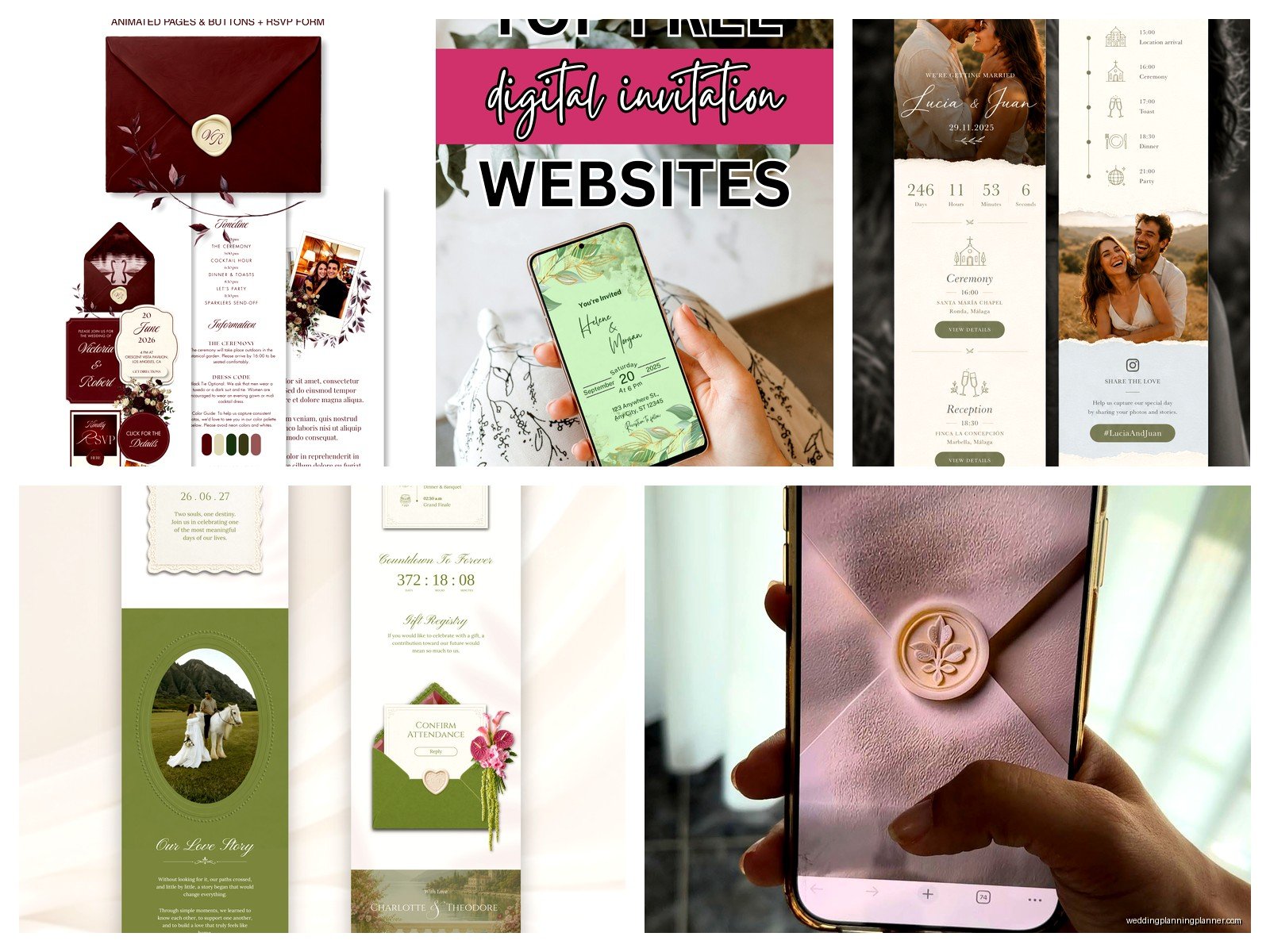
Then there’s Minted which I actually love for the design templates because they’re gorgeous and match their invitation suites. If you’re doing Minted invitations anyway, it makes sense to keep everything coordinated. The templates feel more custom even though they’re not.
Withjoy is another good one, super simple, easy to use. Riley & Grey has beautiful designs if you want something that looks really elevated. Squarespace and Wix if you want full control and don’t mind spending a few hours learning their systems.
Custom Domain vs Free Subdomain
Most platforms give you a free URL like “sarahandjohn.theknot.com” or whatever. It’s fine, it works, nobody really cares. But if you want “sarahandjohn.com” you’ll need to buy a domain name (like $12-15/year) and some platforms let you connect it, some don’t. I think it looks more polished with a custom domain but honestly it’s not worth stressing about if you’re on a tight budget.
What Actually Needs to Go on Your Website
Alright so here’s where people either include way too much information or way too little and both are problems.
The Non-Negotiables
You absolutely need these pages or sections:
- Our Story – Keep it short, nobody needs your entire relationship timeline. Like 3-4 paragraphs max. How you met, the proposal, done.
- Wedding Details – Date, time, venue name and address with a map link. If ceremony and reception are different locations, make this super clear.
- RSVP – Digital RSVPs will save your life I promise. No chasing down cards in the mail.
- Travel & Accommodations – Hotel blocks with booking codes, airport info, parking details.
- Registry – Just link to it, don’t be weird about it.
- Schedule/Timeline – Not minute-by-minute but like, ceremony at 4pm, cocktails at 5pm, reception at 6pm. Helps people plan their day.
The Nice-to-Haves
These are optional but can be really helpful depending on your situation:
- FAQ Page – Dress code, plus-one policy, kid policy, dietary restrictions, all that stuff people will definitely ask about.
- Wedding Party – Photos and short bios of your bridesmaids and groomsmen. Some people love this, some think it’s extra. Your call.
- Things to Do – If you’re having a destination wedding or lots of out-of-town guests, recommend restaurants, activities, coffee shops.
- Photos – Engagement photos, pics of you two, whatever. Makes the site feel more personal.
Setting Up Your RSVP System
This is where the website actually becomes useful instead of just decorative. Digital RSVPs are gonna save you so much time and my cat just knocked over my water bottle all over my desk but anyway—
Most platforms have built-in RSVP systems. You’ll need to import your guest list which sounds annoying but it’s actually pretty straightforward. You create each guest or household in the system, and when they go to RSVP they type their name and it pulls up their specific invitation.
Meal Choices
If you’re doing plated dinner with multiple entree options, you can have guests select their meal choice during RSVP. This is SO much better than those tiny checkboxes on paper RSVP cards that nobody can read. You can see in real time how many people picked chicken vs beef vs vegetarian and send that directly to your caterer.
Plus-Ones and Kids
Here’s what annoys me about wedding websites – when couples don’t set up their guest list correctly and then people try to RSVP for extra people who weren’t invited. Like you need to specify in the system exactly who is invited to each event. If someone doesn’t get a plus-one, the system shouldn’t let them add one. If kids aren’t invited, their names shouldn’t be on the invitation.
Be clear in your FAQ about your policy. “We love your little ones but due to venue limitations we’re having an adults-only celebration” or whatever your reason is.
Design Tips That Actually Matter
Look I’m not a graphic designer but I’ve seen hundreds of these sites and some just… work better than others.
Pick a Color Scheme and Stick to It
Match your wedding colors obviously. Most platforms let you customize colors, fonts, and upload your own photos. Don’t go crazy with fonts – pick two max. One for headers, one for body text. Make sure they’re readable on mobile because like 70% of your guests will look at this on their phones.
Photos Matter More Than You Think
Use high-quality photos. If you had engagement photos done, use those. If not, take some nice photos with your phone – good lighting, nice background, both of you looking happy and natural. Blurry photos or awkward cropping makes the whole site look cheap even if everything else is perfect.
Keep It Simple
I had this couple once who put like seventeen pages on their website including separate pages for each wedding party member and a page about their dog and a page with their favorite song lyrics and it was just… too much. Nobody’s gonna read all that. Keep navigation simple, make information easy to find, don’t make people click through five pages to find out what time your wedding starts.
Actually Building the Thing
Okay so you’ve picked your platform, now you gotta actually create it. Most of these are drag-and-drop which means you don’t need to know any coding or technical stuff.
Start With a Template
Don’t start from scratch unless you have a really specific vision and lots of time. Templates are there for a reason. Browse through the options, pick one that feels like your style, then customize it.
Write Your Content First
Before you even start messing with the website builder, write out all your text in a Google Doc or something. Your story, your venue details, your FAQ answers, everything. It’s way easier to edit and proofread in a document than trying to do it directly in the website builder. Plus you can have someone else read it over to catch typos or confusing wording.
Upload Photos
Resize your photos before uploading them. Like you don’t need a 5MB file for a website photo, it’ll just make your site load slowly. Most platforms have recommendations for image sizes. I usually aim for under 1MB per photo.
Set Up Your Pages
Most templates come with standard pages already set up, you just need to fill in your information. Add or delete pages based on what you actually need. Don’t keep a “Registry” page if you’re not having a registry, you know?
The Guest List Import Thing
This part is kinda tedious not gonna lie. You need to create every guest or household in your guest list before you send out invitations. Most platforms let you import from a spreadsheet which is faster than entering everyone manually.
Create a spreadsheet with columns for: Name, Email, Phone Number (optional), Number of Guests, Meal Preferences (if doing plated dinner), Events They’re Invited To (if you have multiple events like welcome party, ceremony, farewell brunch).
Some platforms are better at this than others. The Knot’s import system gave me issues last summer when I was helping a client and we had to manually fix like thirty entries because it didn’t parse the data correctly.
Password Protection (Maybe)
Some couples password-protect their website so only invited guests can access it. I get the privacy thing but honestly it adds friction and people forget passwords and then they’re texting you asking for it. I usually say skip the password unless you have a really specific reason for privacy.
Connecting Everything to Your Invitations
Your website URL needs to go on your invitations somewhere. Usually people put it on a separate details card or at the bottom of the invitation. Make it clear and easy to read. If you have a custom domain, use that. If you have a long subdomain like “sarahandjohnwedding2025.withjoy.com” consider shortening it or using a QR code.
QR codes are actually pretty popular now. You can generate one for free (just Google “QR code generator”) and add it to your invitation design. Guests scan it with their phone camera and boom, they’re on your website.
Keeping It Updated
Here’s something people don’t think about – you need to actually update your website if things change. If your ceremony time shifts or you add a hotel block or whatever, update the website immediately. I’ve seen couples forget to update their site and then guests show up at the wrong time or wrong location because they checked the website weeks ago and… yeah that’s not great.
Most platforms let you send updates to guests who’ve RSVP’d which is super helpful if something important changes.
Mobile Optimization Is Not Optional
I cannot stress this enough – check your website on your phone before you send out invitations. Click through every page, test the RSVP form, make sure photos load correctly, verify that text is readable without zooming in. Most people will access your site on mobile and if it doesn’t work well on phones you’re gonna have problems.
When to Launch It
Get your website live before you send save-the-dates. Even if you don’t have every single detail finalized, you can at least have your date, location, and hotel block information up. You can always add more details later.
Some couples launch their site as soon as they get engaged and I think that’s kinda early unless you already have your date and venue booked but whatever works for you. Just don’t wait until the last minute because building a website always takes longer than you think it will.
Tracking RSVPs
Most platforms have a dashboard where you can see who’s RSVP’d, who hasn’t, meal counts, all that stuff. You can usually export this data to a spreadsheet which your caterer and venue will need anyway. Set yourself reminders to follow up with people who haven’t RSVP’d by your deadline because someone always forgets.
Accessibility Stuff Nobody Talks About
Make sure your color contrast is good enough that text is readable. Don’t use super light gray text on white backgrounds or whatever. If you’re including important info in images, also include it in text so screen readers can access it. Not everyone uses websites the same way and you want all your guests to be able to get the information they need.
