
Planning Guides, Style Guide
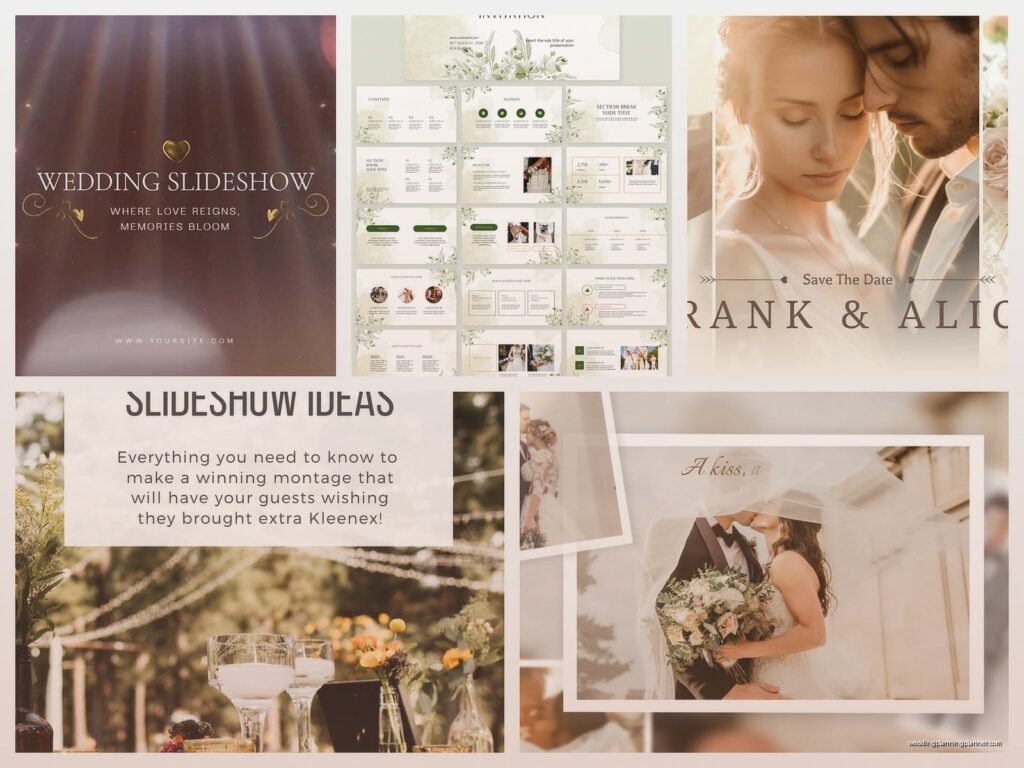
Wedding Slideshow Template: Reception Display Downloads
Jun
Why Wedding Slideshow Templates Are Actually Worth Your Time
Okay so wedding slideshows at receptions are one of those things that seem super easy until you’re actually trying to pull one together and then suddenly it’s 2am and you’re crying over photo resolution issues. I learned this the hard way back in spring 2023 when a bride sent me literally 847 photos three days before her wedding and expected me to “just make something cute” for the cocktail hour display.
The thing about slideshow templates is they’re gonna save you so much headache if you know which ones to actually download and how to customize them without making them look like a PowerPoint from 2003. And trust me, I’ve seen some truly terrible slideshows at weddings where someone clearly just slapped photos into whatever came free with their laptop.
Where To Find Good Templates That Don’t Look Cheap
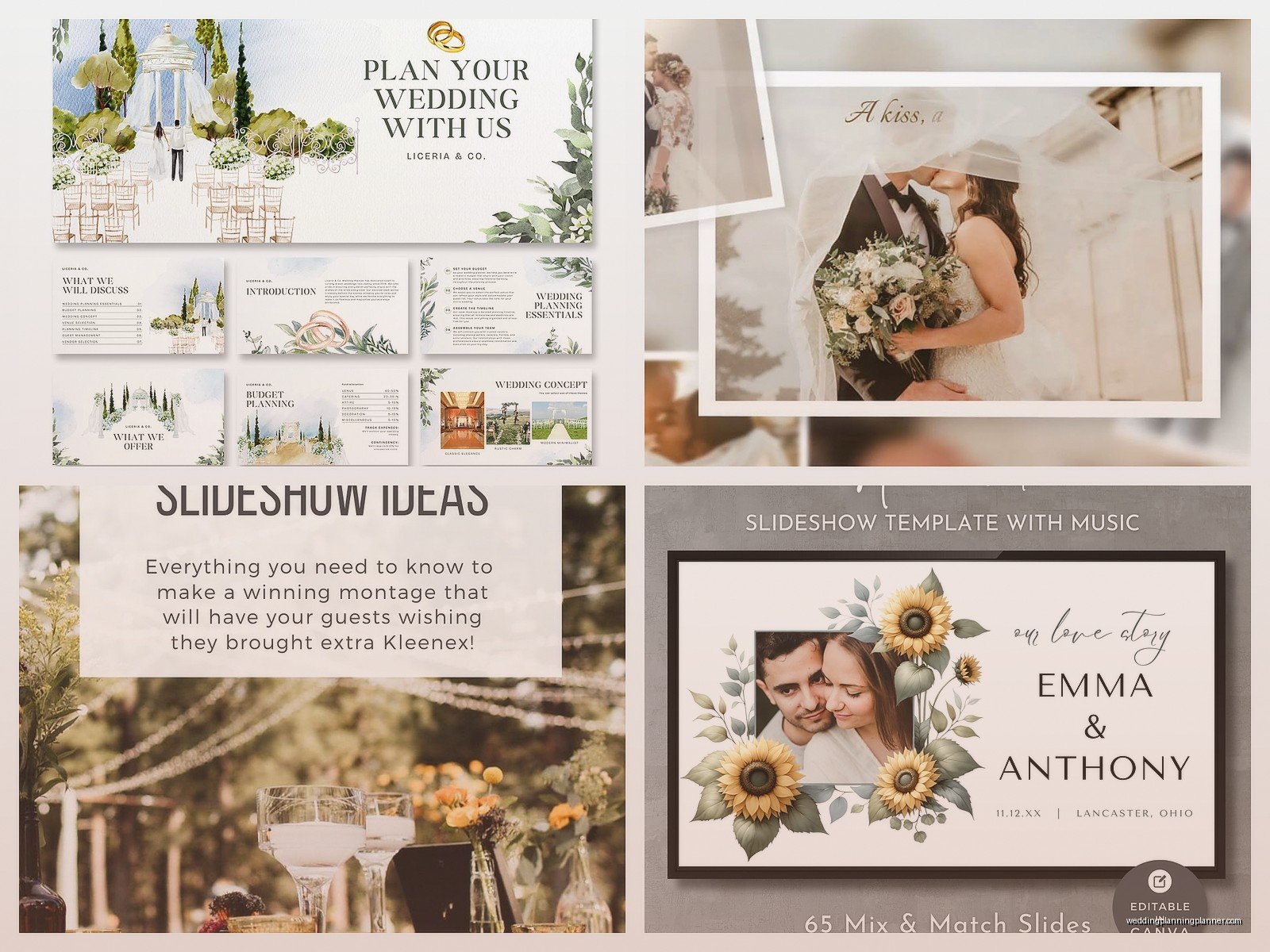
First things first, you need to know where to look because not all template sites are created equal. Canva has become my go-to honestly because their wedding slideshow templates are actually pretty sophisticated now and you can customize everything without needing a degree in graphic design. They’ve got both free and paid options, and the paid ones are usually like $15 which… compared to hiring someone to custom make a slideshow is nothing.
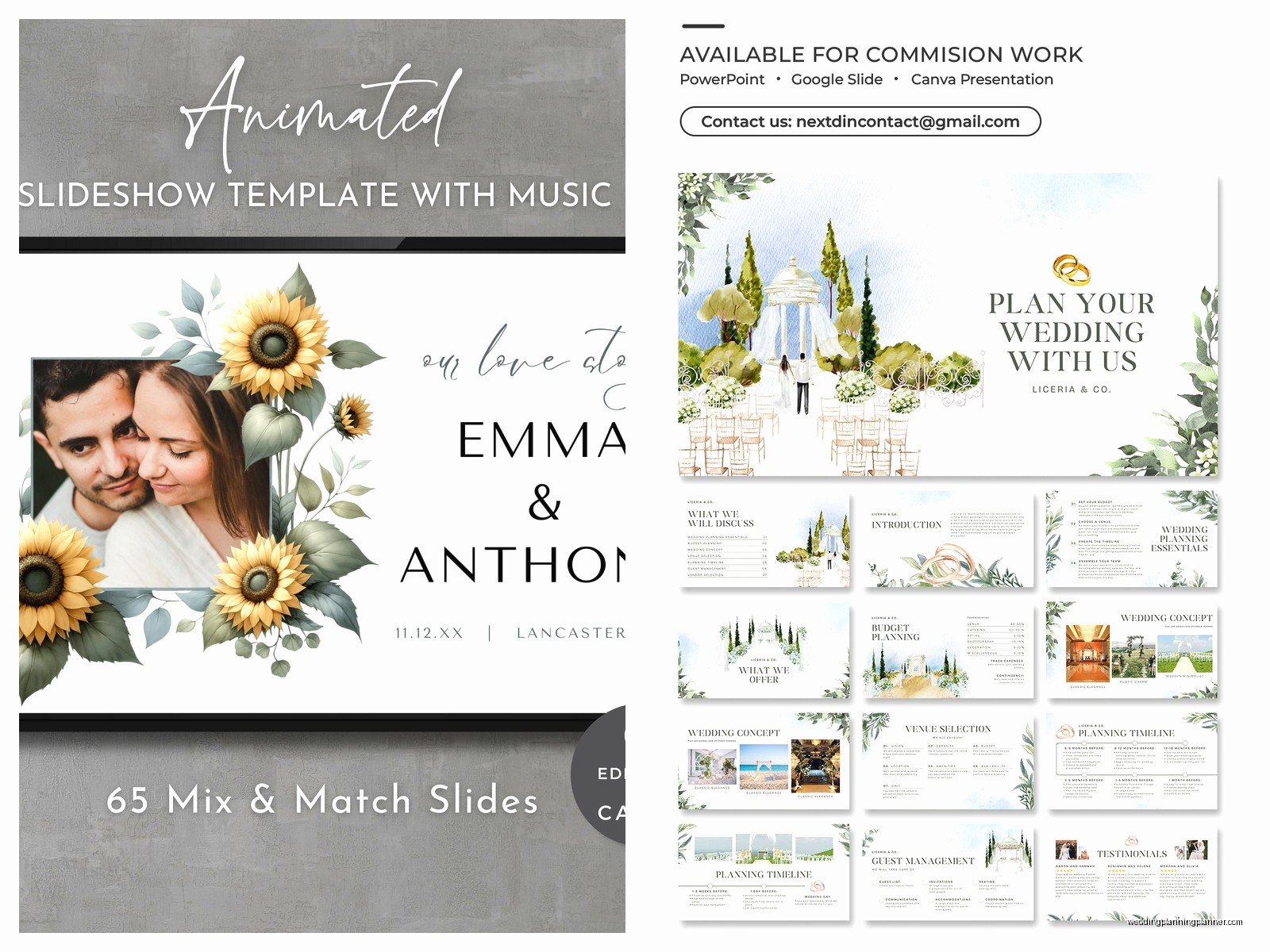
Etsy is another solid option but you gotta be careful here. Some sellers are amazing and give you fully editable templates with clear instructions, and others are basically selling you a PDF that you can’t actually edit. Always read the reviews and make sure it says “editable in PowerPoint” or “editable in Canva” or whatever software you actually have access to.
Adobe Stock has professional templates but they require Adobe Premiere or After Effects which most regular people don’t have, so unless you’re already comfortable with video editing software, maybe skip these. I made that mistake once and bought this gorgeous template only to realize I needed software that costs like $50 a month to even open it.
Free vs Paid Templates
Here’s my honest take after using both for years: free templates are fine for casual backyard weddings or if you’re really on a budget, but they often have limited customization options. You might not be able to change the fonts or the transitions, and sometimes they have watermarks that are super annoying to remove.
Paid templates usually give you way more flexibility. You can adjust timing, switch out background music easily, change color schemes to match the wedding palette, and they come in higher resolution which matters when you’re projecting on a big screen.
What Actually Makes A Good Reception Slideshow
Nobody wants to watch a 45-minute slideshow of someone else’s baby photos, I don’t care how cute the couple was as toddlers. The sweet spot is like 3-5 minutes max, maybe 7 if you’re including both the cocktail hour and reception.
I usually recommend about 40-60 photos total. That gives you enough variety without making guests zone out. And here’s what really works in terms of photo selection:
- Baby photos of both the bride and groom (but like 3-4 each max)
- Childhood and teen years (another 5-7 photos per person)
- College or young adult years
- The couple meeting and early relationship photos
- Engagement photos and recent pictures
- Photos with family and friends who are at the wedding
What really annoys me is when couples include photos of like their third-grade soccer team where you can barely see them in the back row. If guests have to squint to figure out which person is the bride or groom, it doesn’t belong in the slideshow.
Technical Stuff You Actually Need To Know
Alright so this is where people mess up constantly. You can have the most beautiful template in the world but if your technical setup is wrong, it’s gonna look terrible on the big screen.
Resolution and Photo Quality
Your photos need to be high resolution. I’m talking at least 1920×1080 pixels (that’s 1080p HD). If you’re pulling photos from Instagram or Facebook, they’re probably too compressed and will look pixelated when projected. You need the original files.
This means you might have to reach out to family members and friends and ask them to send you the actual photo files, not screenshots or photos they texted you. I know it’s kinda annoying but it makes such a huge difference.
Aspect Ratio Matters
Most projectors and TVs display in 16:9 ratio (widescreen). Make sure your template matches this or you’ll end up with black bars on the sides or top and bottom. Some templates are in 4:3 which is the old school square-ish format and it looks weird on modern screens.
File Format For Playback
This is important so pay attention: you need to export your slideshow as an MP4 video file, not keep it as a PowerPoint or Keynote file. Here’s why – venues have different equipment and different software installed. An MP4 will play on basically anything. A PowerPoint file might not have the right fonts installed, transitions might not work, or the venue’s ancient laptop might not even have PowerPoint.
When you export to MP4, everything is “baked in” and will play exactly how you designed it. Most template software has an export or save as video option. Use it.
Music Selection That Won’t Clear The Room
Okay so music is weirdly controversial for slideshows. Some couples want like three different songs edited together, others want one meaningful song, and some people (bless them) think it’s a good idea to use the Chicken Dance remix their friend made.
My cat literally jumped on my keyboard while I was editing a slideshow once and somehow changed all the music to this weird techno track and I didn’t notice until the couple watched the preview. We all just stared at each other for a second and then died laughing but like… always double check your audio before the wedding day.
For music, you want something that:
- Matches the vibe of the wedding (romantic, fun, emotional, whatever)
- Isn’t too slow or guests will get bored
- Isn’t too loud or jarring
- Is the right length or can be edited to fit your slideshow duration
Popular choices are acoustic covers of popular songs, instrumental versions, or classic love songs. Just make sure you have the legal right to use the music if you’re gonna post the slideshow online later. Most template sites offer royalty-free music options which solves this problem.
Customizing Templates Without Ruining Them
So you’ve downloaded a template and now you need to make it actually work for your specific wedding. Here’s what you should customize and what you should probably leave alone.
Things You Should Change
Obviously swap in your actual photos. But also pay attention to the order – most templates have a suggested flow that goes chronological which usually works well. You can change the text overlays to include the couple’s names, wedding date, meaningful quotes, or little captions that add context to photos.
Colors should match the wedding palette. If it’s a navy and blush wedding, don’t leave the template in teal and orange. Most good templates let you adjust colors easily. Fonts can be changed too but…
Things You Should Probably Not Change
The transitions and animations are usually designed to work together in a specific way. If you start messing with timing and transition styles, you can make the whole thing look choppy or disjointed. Unless you really know what you’re doing with video editing, stick with the default transitions.
The layout and composition of each slide is usually pretty well thought out. If you start moving text boxes and photo frames around, you might accidentally create something that looks unbalanced or crowded.
Testing Before The Wedding Day
I cannot stress this enough – you gotta test your slideshow before the actual wedding day. And I don’t mean just watching it on your laptop. You need to test it on the actual equipment it’ll be played on, or at least equipment similar to what the venue has.
Bring your slideshow file on multiple devices: a USB drive, your laptop, maybe even email it to yourself or upload to Google Drive as backup. I’ve seen USB drives fail, laptops not connect to projectors, all sorts of disasters that could’ve been avoided with backups.
If possible, do a tech rehearsal at the venue. Connect to their projector or TV, make sure the audio works, check that the resolution looks good on the big screen. This is especially important if the venue is providing the equipment because their setup might be different than what you expected.
Common Technical Problems
The audio not playing is super common. Usually this happens because the venue’s projector doesn’t have speakers or the audio cable isn’t connected. Make sure you know where sound will come from – the projector, external speakers, the venue’s sound system – and test it.
The slideshow looking stretched or squished means your aspect ratio doesn’t match the display. You might need to adjust settings on the projector or TV, or re-export your video in the correct ratio.
Photos looking blurry means they weren’t high enough resolution to begin with. Unfortunately there’s not much you can do about this except replace them with better quality photos. You can’t really “enhance” a low-resolution photo like they do on TV crime shows.
Timing and When To Play It
Most couples play their slideshow during cocktail hour on a loop. This works well because guests are mingling and can watch it casually without feeling like they have to sit and stare at a screen. Some venues have multiple screens so you can play it in different areas.
Playing it during dinner is another option but honestly people are usually more focused on eating and talking, so it might not get as much attention. Plus if it’s too loud it can interfere with conversation.
Some couples do a one-time showing where they announce it and everyone gathers to watch. This can be nice for a more intimate wedding where you really want everyone to see it together, but for larger weddings it’s kinda hard to get everyone’s attention and… people might be in the bathroom or at the bar or whatever.
What To Do With The Slideshow After The Wedding
You’ve put all this work into creating this slideshow, so you might as well get more use out of it. A lot of couples post it on social media, send it to family members who couldn’t attend, or include it in their wedding video package.
Just remember if you used copyrighted music, platforms like Instagram and Facebook might mute or remove your video. You can either accept this, swap the music for something royalty-free, or keep it private and just share with specific people.
Some couples have the slideshow playing at anniversary parties or other celebrations years later which is actually really sweet. Make sure you save the file somewhere safe – cloud storage, external hard drive, whatever – so you don’t lose it when you eventually get a new computer.
Real Talk About DIY vs Hiring Someone
Look, I’m all for DIY projects and saving money where you can. Wedding slideshow templates make it totally possible to create something professional-looking without hiring a videographer. But you need to be realistic about your time and skill level.
If you’re comfortable with basic computer stuff, can follow instructions, and have the time to dedicate to this (we’re talking several hours minimum), then go for it. Templates make it way easier than starting from scratch.
But if you’re already overwhelmed with wedding planning, or technology stresses you out, or you’re short on time, it might be worth paying someone like $150-300 to do it for you. That summer 2021 bride with the 847 photos? Yeah, she ended up hiring me to sort through everything and create the slideshow because she realized she didn’t have time and honestly it was worth it for her sanity.
There’s no shame in outsourcing this. It’s one less thing to worry about and you know it’ll be done right. But if you do want to DIY it, templates are absolutely the way to go rather than trying to figure everything out from scratch or using basic slideshow makers that come with your computer.
